Literacy & Language

Create Word Search Puzzles to Sell on Etsy & Amazon KDP

Adjustable grids from 5×5 to 30×30 with diagonal and reverse direction controls — build the perfect difficulty for every audience.

Word search puzzles are one of the top-performing printable formats on Etsy and Amazon KDP — and this generator lets you create professional word search worksheets to sell in under 3 minutes. Adjust grid sizes from 5x5 to 30x30, toggle diagonal and reverse word directions, and choose from 3,000+ themed images across 104 collections to build puzzles buyers actually want. Each worksheet generates a color-coded answer key automatically. The built-in 11-language support means you can create word search books in German, French, Spanish, and more — each with locale-correct filler letters — multiplying your addressable market without extra effort. Every puzzle exports as a 300 DPI print-ready PDF with full commercial license included. Whether you sell themed bundles on Etsy, compile puzzle books for KDP, or list on your own store, this tool replaces hours of manual puzzle creation. Free to try with all features — no signup, no credit card. Downloads include a watermark; purchase a license to remove it.

No signup required. Create worksheets instantly.

No signup required11 languages supportedInstant PDF export
Grades K-3

Picture-Powered Word Search!

Find hidden words with image clues in themed puzzles
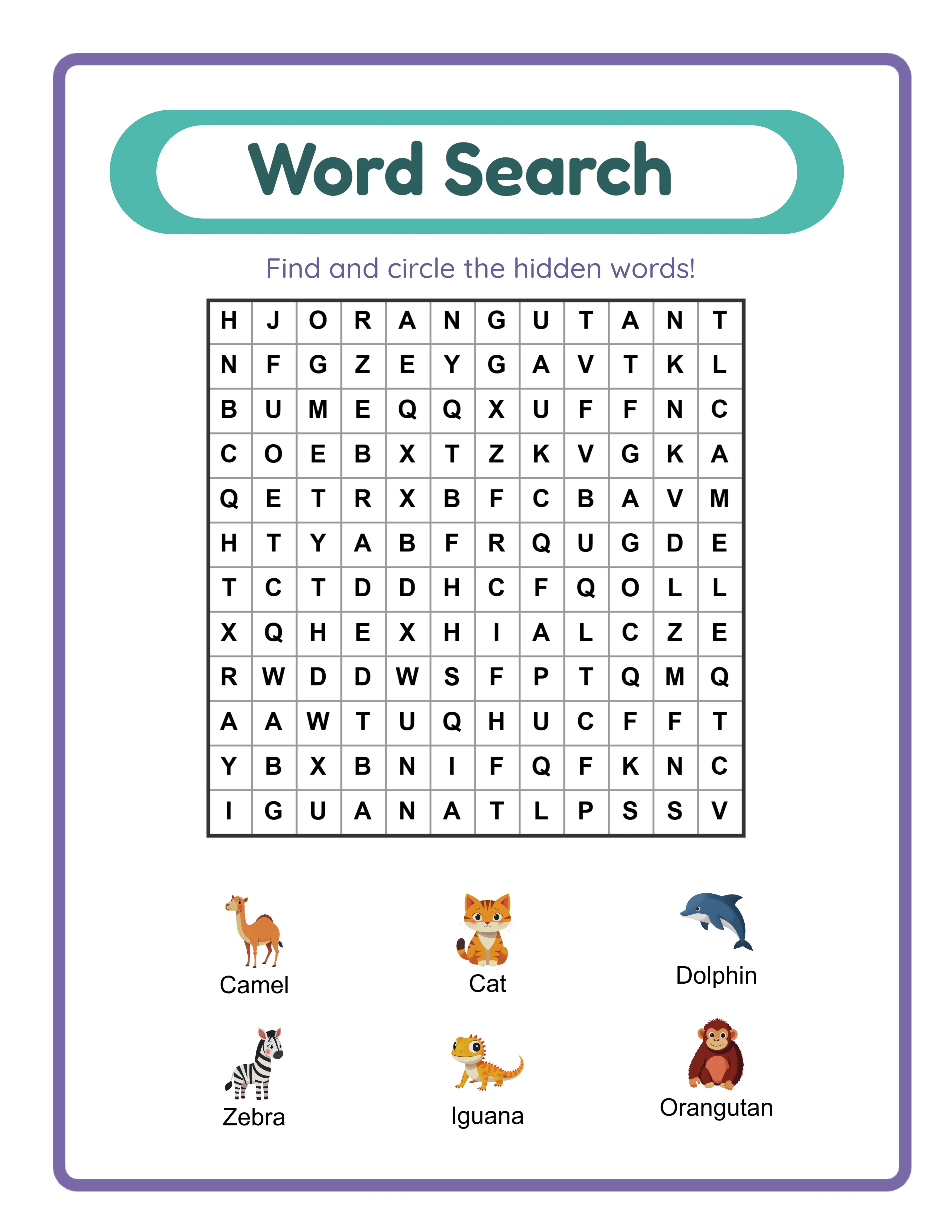
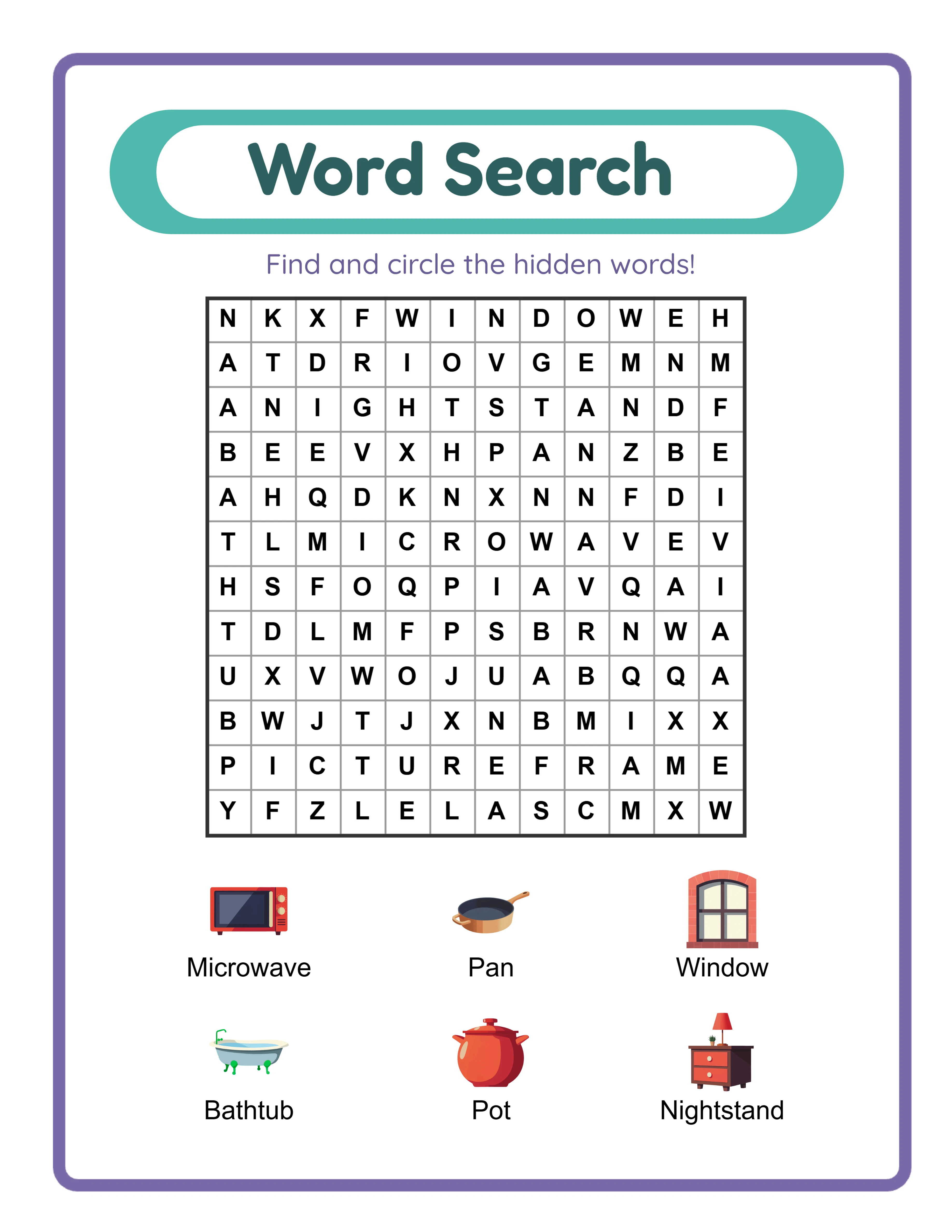
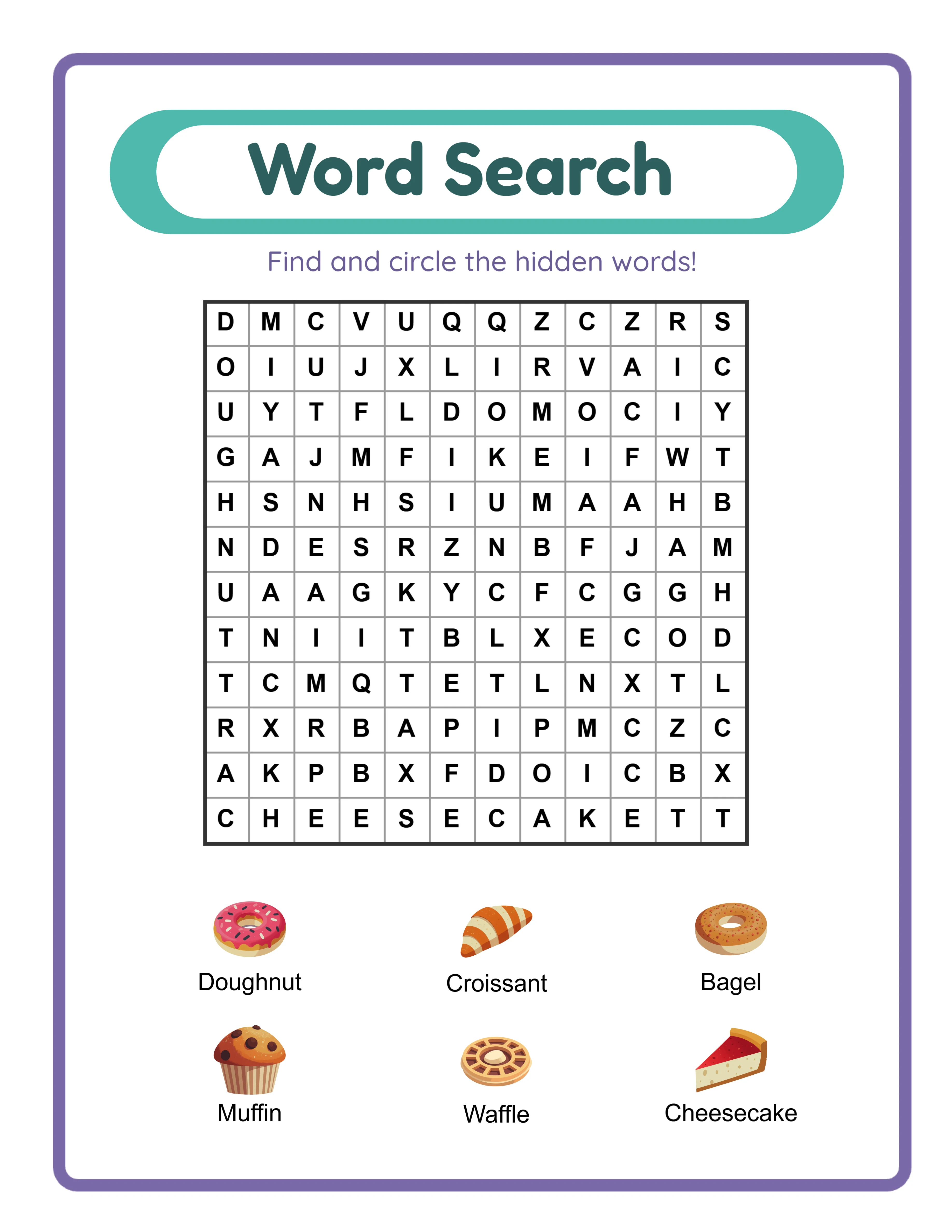
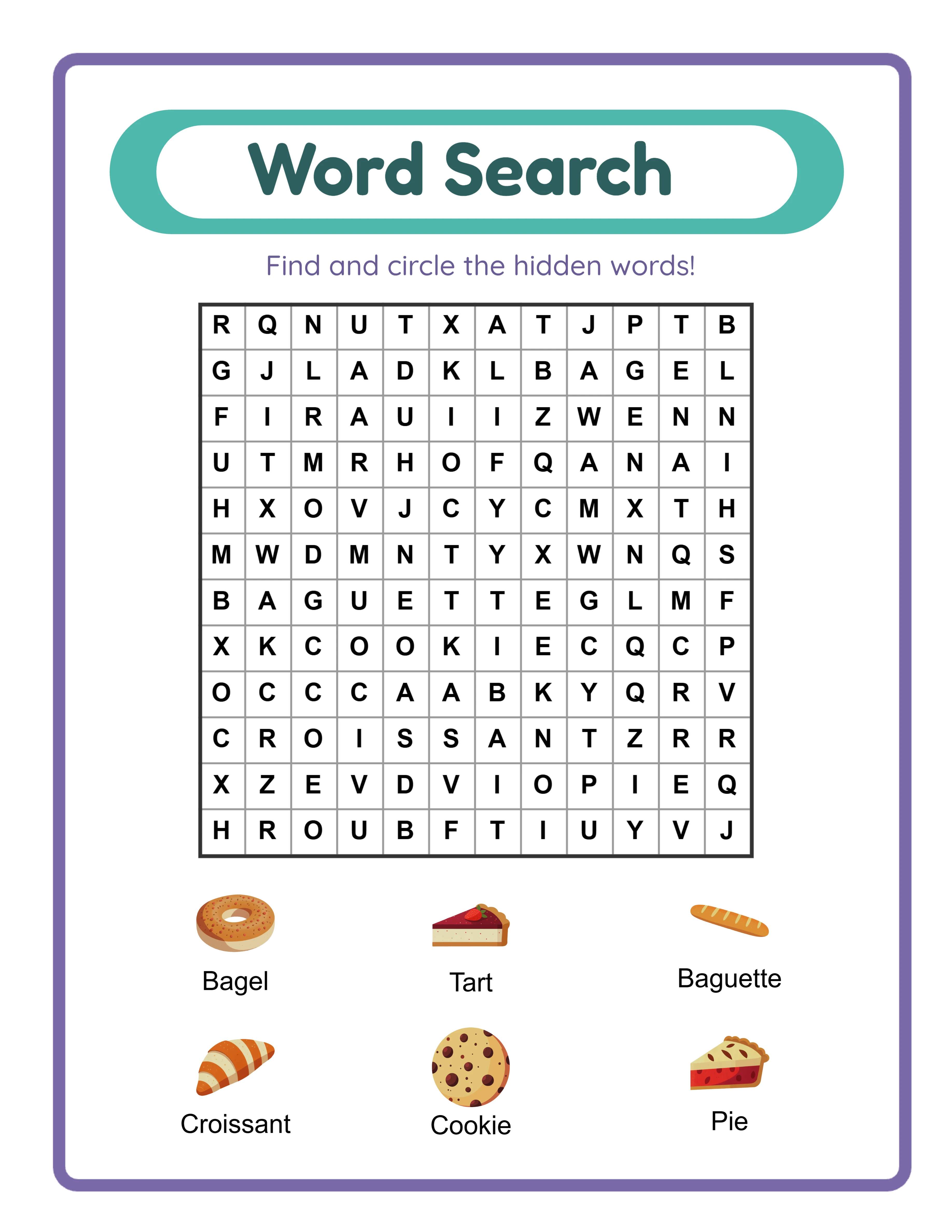
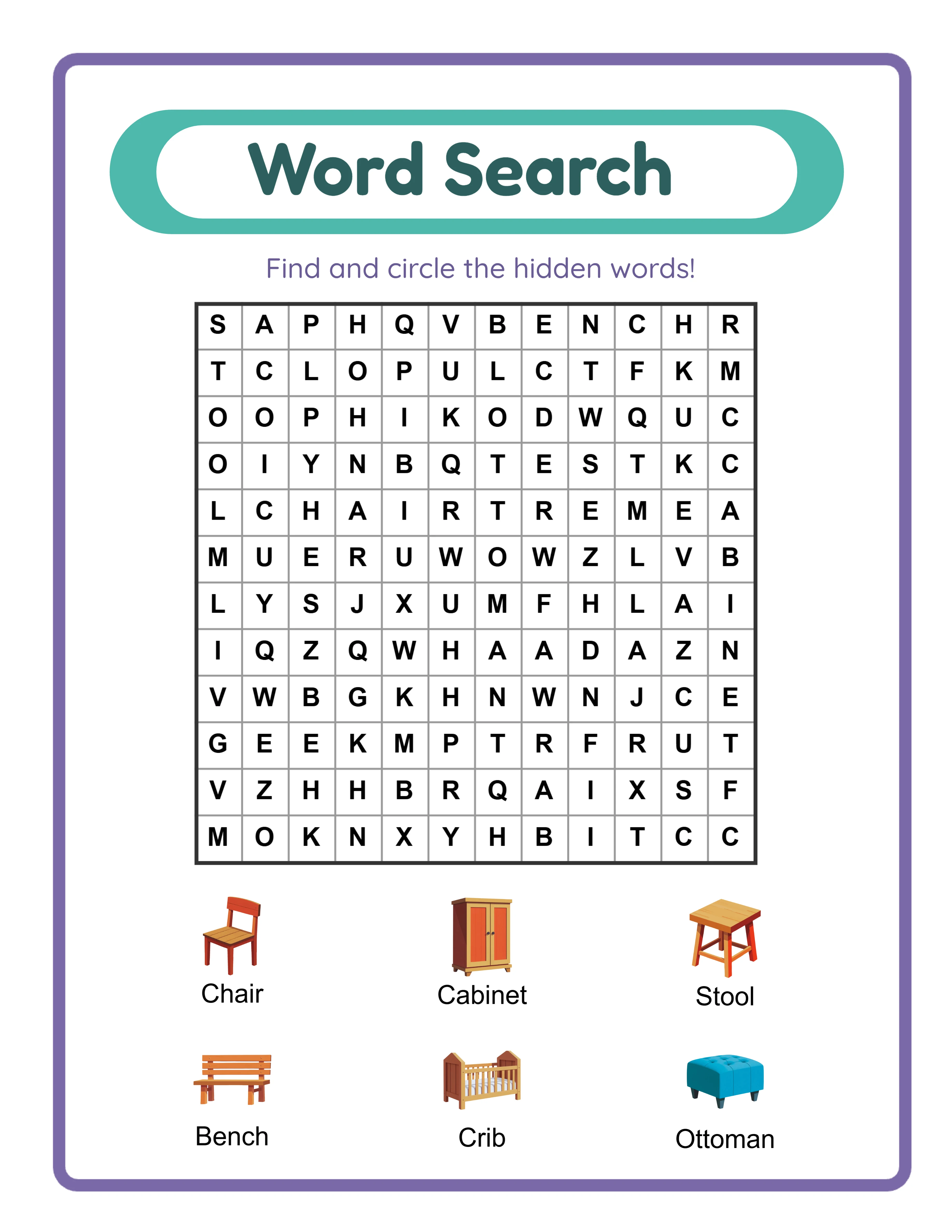
Word search puzzle with picture clues
Word search — themed image vocabulary
Word search — advanced grid puzzle
Image CluesAnswer KeysPrint-ReadyFree Trial with Watermark

How to Generate Word Search Puzzles in Under 3 Minutes

1

Set Your Page Layout

Open the Page Setup panel and pick a page size: Letter Portrait, Letter Landscape, A4 Portrait, A4 Landscape, or any custom dimension you need. Choose a background color, select a decorative background theme from the image library and adjust its opacity to keep the grid readable. Add a matching border frame with independent opacity control. These layout choices give your word search worksheets a polished, branded appearance before you add a single word.
2

Choose Your Content Source

Open the Content panel and select one of three sources. Image Library mode lets you browse 104 themes and select images — each image name becomes a hidden word in the grid. Use the Random Theme button to auto-select a surprise theme for quick variety. Manual Edit Mode lets you select images from the library then edit their display names before generating, perfect for simplified vocabulary or phonics-focused words. Custom Word List mode skips images entirely and lets you type up to 8 words directly, ideal for weekly spelling lists, subject-specific terms, or foreign language practice.
3

Configure Grid Size and Word Directions

Set the grid dimensions by adjusting rows and columns independently from 5 to 30 (default 12×12). Small grids like 5×5 or 6×6 work well for beginners; large grids like 20×20 or 30×30 create serious challenges. Then toggle diagonal words on or off and reverse (backwards) words on or off. With both enabled, words can be placed in eight directions — horizontal, vertical, diagonal, and their reverses. Disabling diagonals limits placement to horizontal and vertical only, creating easier puzzles for younger or less experienced solvers.
4

Set Display Mode and Add Custom Touches

Choose from three word/image display modes: Show Words and Images (default), Show Only Images, or Show Only Words. Each mode controls what appears alongside the grid as clues. Use the Text Tools panel to add a worksheet title, name and date fields, instructions, or any custom text. Choose from seven fonts including Lexend Deca, Baloo 2, Fredoka, and Quicksand. Adjust font size, color, and outline for maximum readability. Use the full Fabric.js canvas to drag, resize, and reposition every element.
5

Generate the Color-Coded Answer Key and Download

Switch to the Answer Key tab and click Generate Answer Key to create a solved version where each hidden word is highlighted in one of six cycling colors — pink, blue, green, gold, coral, and lavender — making every word visually distinct. Toggle grayscale export for ink-friendly versions. Then open the Download menu and export both the worksheet and its answer key as high-resolution JPEG or print-ready PDF. Every export renders at 400+ DPI so your word search worksheets look crisp whether printed at home, uploaded to Etsy, or included in an Amazon KDP puzzle book.
Search Levels

Word Searches for Every Skill

From easy grids to challenging puzzles

Seeker
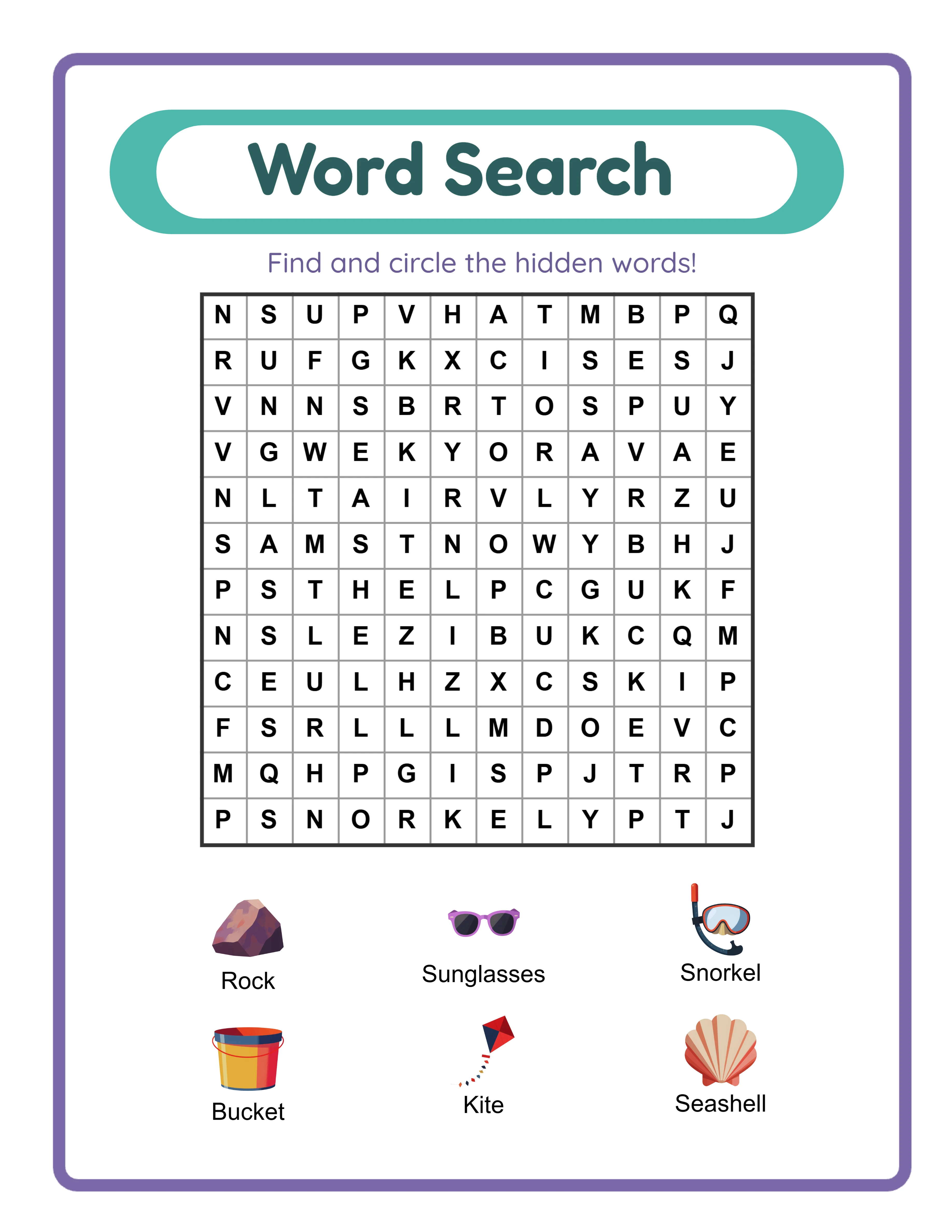
Easy word search — small grid

Small grids with simple themed words

Hunter
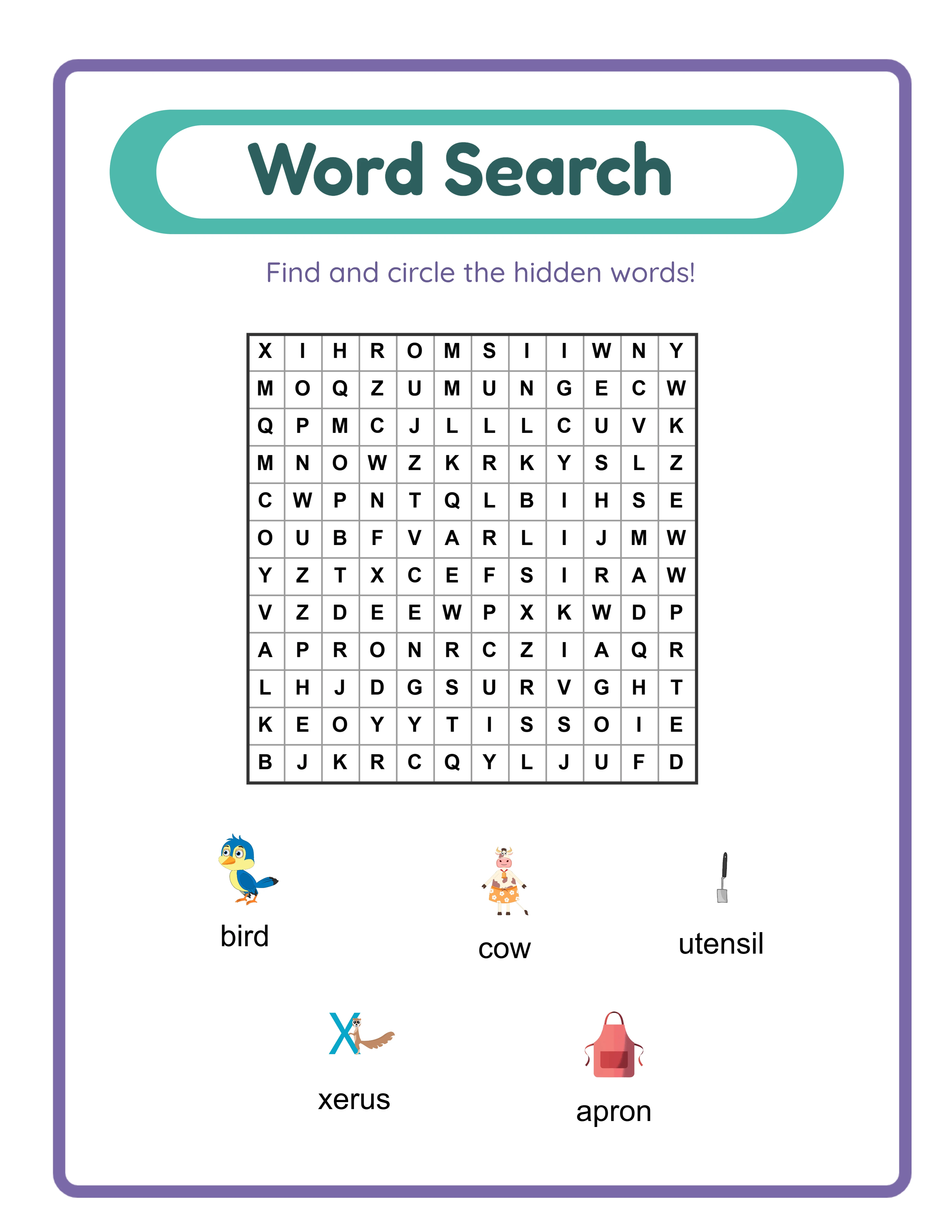
Medium word search — themed puzzle

Themed puzzles with diagonal words

Master
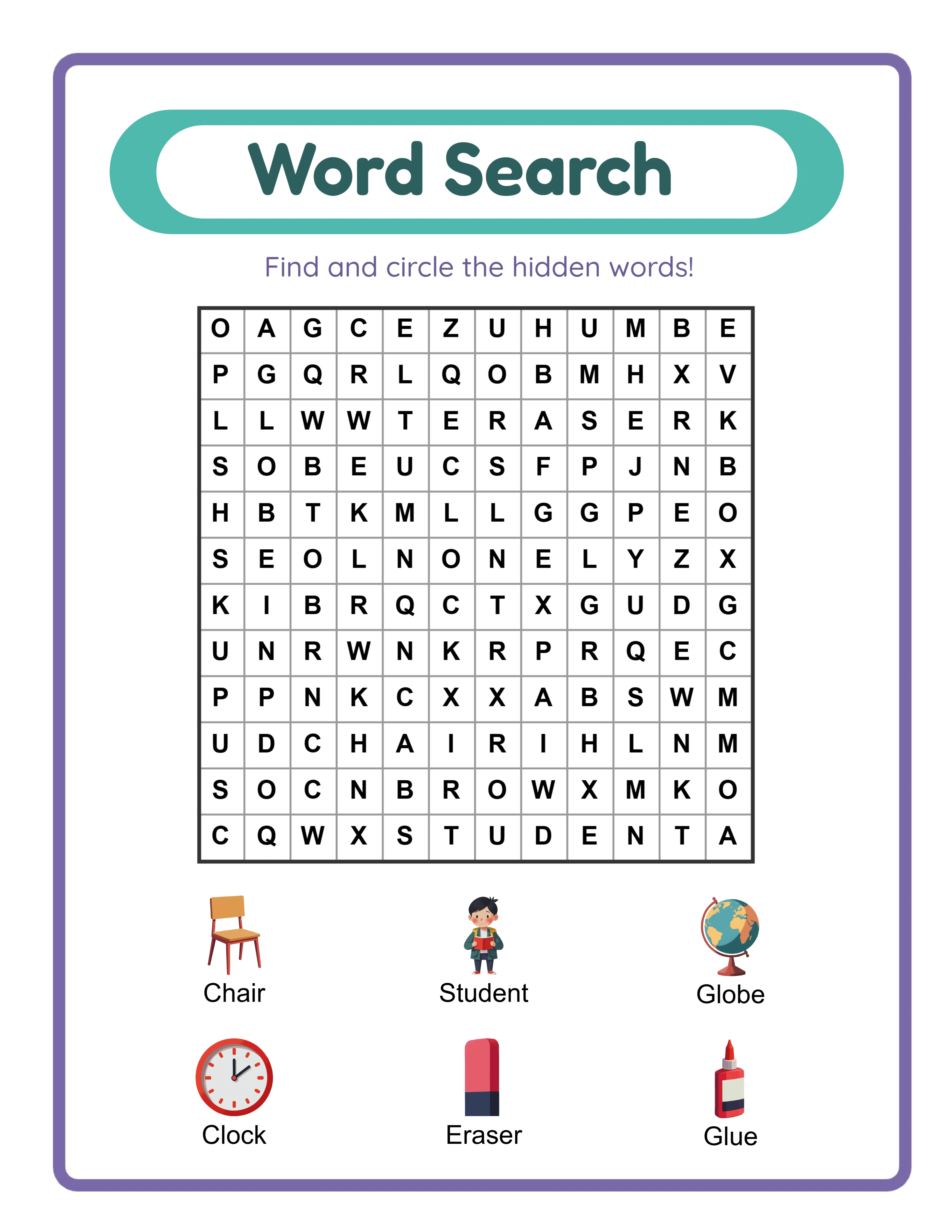
Hard word search — large grid

Large grids with hidden words in all directions

Finding words sharpens vocabulary and focus

Why Word Search Puzzles Are Top Sellers on Etsy & KDP

Hidden-Word Grid Puzzle with Image Clues

Each puzzle embeds hidden words inside a grid of random filler letters. Solvers scan rows, columns, and diagonals to find them — the classic word search format that engages visual scanning, pattern recognition, and vocabulary recall simultaneously. When using Image Library or Manual Edit mode, images appear alongside the grid as visual clues, bridging picture recognition and word identification. Custom Word List mode creates pure text-based word searches without images, expanding the format to any subject or vocabulary set.

Customizable Grid Size from 5×5 to 30×30

Adjust rows and columns independently from 5 to 30, creating grids as compact as 5×5 (25 cells) or as expansive as 30×30 (900 cells). Small grids make quick, approachable puzzles ideal for the early-learner niche or warm-up activities. Large grids create dense, challenging searches that keep experienced solvers engaged for longer. The default 12×12 grid balances difficulty and page space for most audiences. This range lets you create progressive difficulty bundles — from tiny starter grids to massive expert-level challenges — all from the same tool.

Word Direction Controls: Diagonal and Reverse Toggles

Two independent toggles control where words can be placed in the grid. Enable diagonal words to allow placement along both diagonals in addition to horizontal and vertical. Enable reverse words to allow backwards placement in every enabled direction. With both on, words can appear in eight possible directions; with both off, only standard left-to-right horizontal and top-to-bottom vertical placements are used. These controls create a massive difficulty range from simple two-direction grids to complex eight-direction puzzles, giving you precise control over challenge level.

Three Content Sources: Image Library, Manual Edit, and Custom Word List

The Image Library source draws words from themed image collections — select animals, vehicles, or food images and the hidden word is the image name. Manual Edit Mode adds a customization layer: select images from the library, then edit their display names before generating, perfect for simplified spellings or alternate vocabulary. Custom Word List mode skips images entirely and lets you type up to 8 words directly, enabling word search worksheets for any subject, spelling test, or vocabulary list without needing matching illustrations.

Locale-Aware Alphabet Filler with Language-Specific Characters

Grid filler characters automatically match the selected language's alphabet and character frequency. German grids include ä, ö, ü, and ß at weighted frequencies matching natural German text. French grids include à, â, é, è, ê, ë, î, ï, ô, ù, û, and ç. Swedish grids include å, ä, and ö. Every supported locale gets authentic filler characters, making puzzles linguistically genuine rather than obviously English-generated. This feature is unique to Word Search — it affects not just the hidden words but the entire grid background.

Color-Coded Answer Key with 6 Highlight Colors

The answer key highlights each found word in one of six cycling colors: pink, blue, green, gold, coral, and lavender. Each word gets a distinct color for instant visual identification — professional answer keys add perceived value to your listings. The color-coded format is visually engaging and polished — a clear step above simple circle-the-word answer keys. Toggle grayscale export when you need ink-friendly versions for black-and-white printing.

Print-Ready PDF and JPEG Export at High DPI

Download worksheets and answer keys as high-resolution JPEG images or print-ready PDF documents. The export engine renders at a 6x multiplier, producing output above 400 DPI on standard page sizes. Letter Portrait, Letter Landscape, A4 Portrait, A4 Landscape, and custom sizes are all supported. Toggle grayscale export for ink-friendly versions ideal for clear printing or black-and-white puzzle books. Every export is production-ready for Etsy listings, Amazon KDP interiors, and Gumroad product files.

Full Canvas Editing with Text and Image Tools

The built-in Fabric.js canvas lets you drag, resize, rotate, and reposition every element on the page — text, puzzle grids, images, borders, and backgrounds. Add custom text with seven fonts, insert decorative elements, and use layer controls for precise stacking order. Alignment tools snap elements into position, and lock/unlock protects finished elements while you edit others. Unlimited undo and redo let you experiment freely, giving you the layout flexibility of a graphic design tool inside a word search generator.

Word Hunt!

Find, Circle, Learn!
Featured word search — colorful themed puzzle
Print Instantly!Image CluesWith Answer Keys

Build a Word Search Puzzle Business on Etsy & KDP

Themed Word Search Bundles on Etsy

Etsy (etsy.com)
Create sets of 10–20 word search worksheets grouped by theme and difficulty — farm animals in a small 8×8 grid with no diagonals, ocean creatures in a 15×15 grid with diagonals enabled, dinosaurs in a 20×20 grid with reverse words turned on — and list them as instant-download bundles on Etsy. Include color-coded answer keys as bonus files. The visual grid format with image clues stands out from plain word lists in Etsy search results. Price individual theme packs at $3–$5 and multi-theme progressive-difficulty bundles at $12–$18.

Word Search Puzzle Books on Amazon KDP

Amazon KDP (kdp.amazon.com)
Compile 50–100 word search puzzles into a printed puzzle book formatted for Amazon KDP. Use progressive grid sizes as the difficulty curve: start with 6×6 horizontal-only grids, advance through 12×12 grids with diagonals, and finish with 25×25 grids with reverse words enabled. Group chapters by theme (animals, food, vehicles, nature) for browsable variety. Add a title page, difficulty guide, and answer key section with color-coded highlights at the back. Word search puzzle books sell consistently year-round with minimal advertising.

Tiered Difficulty Bundles for Higher Price Points

Etsy / Gumroad / Your Own Store
Build leveled word search practice sets using grid size and direction controls as differentiation axes: Level 1 (8×8, horizontal only, 4 words), Level 2 (12×12, horizontal and vertical, 6 words), Level 3 (16×16, diagonals enabled, 8 words), and Level 4 (20×20, diagonals and reverse, 8 words). Package each level with color-coded answer keys and a progress tracking sheet. Buyers pay premium prices for tiered difficulty bundles they can use immediately across multiple skill levels.

Multilingual Word Search Products with Full Access

Etsy / Amazon KDP / Gumroad (multilingual)
Full Access unlocks all 11 languages, and because Word Search is language-sensitive, both the hidden words and the grid filler letters change by language. "Dog" in English becomes "Hund" in a grid filled with German characters including ä, ö, ü; "chien" in French appears in a grid with é, è, ç, à. Each language version is a genuinely different product with different words, different filler characters, and a different solving experience. Create identical theme sets in multiple languages and list each as a separate Etsy product or KDP book — eleven revenue streams from one workflow.

Pinterest Lead Funnel for Word Search Products

Pinterest / Email List / Etsy / Gumroad
Use Custom Word List mode to create free sample word search worksheets for any vocabulary niche — spelling words, science terms, seasonal vocabulary, or foreign language practice. Type up to 8 words directly without needing matching images. Post eye-catching solved puzzles on Pinterest linking to your Etsy or Gumroad store. Offer a free sample PDF to build your email list, then upsell full themed bundles to repeat buyers. The color-coded answer key adds perceived value, and the classic word search format drives consistent engagement across all demographics.

Professional Word Search Puzzles

Beautifully designed grids with themed vocabulary
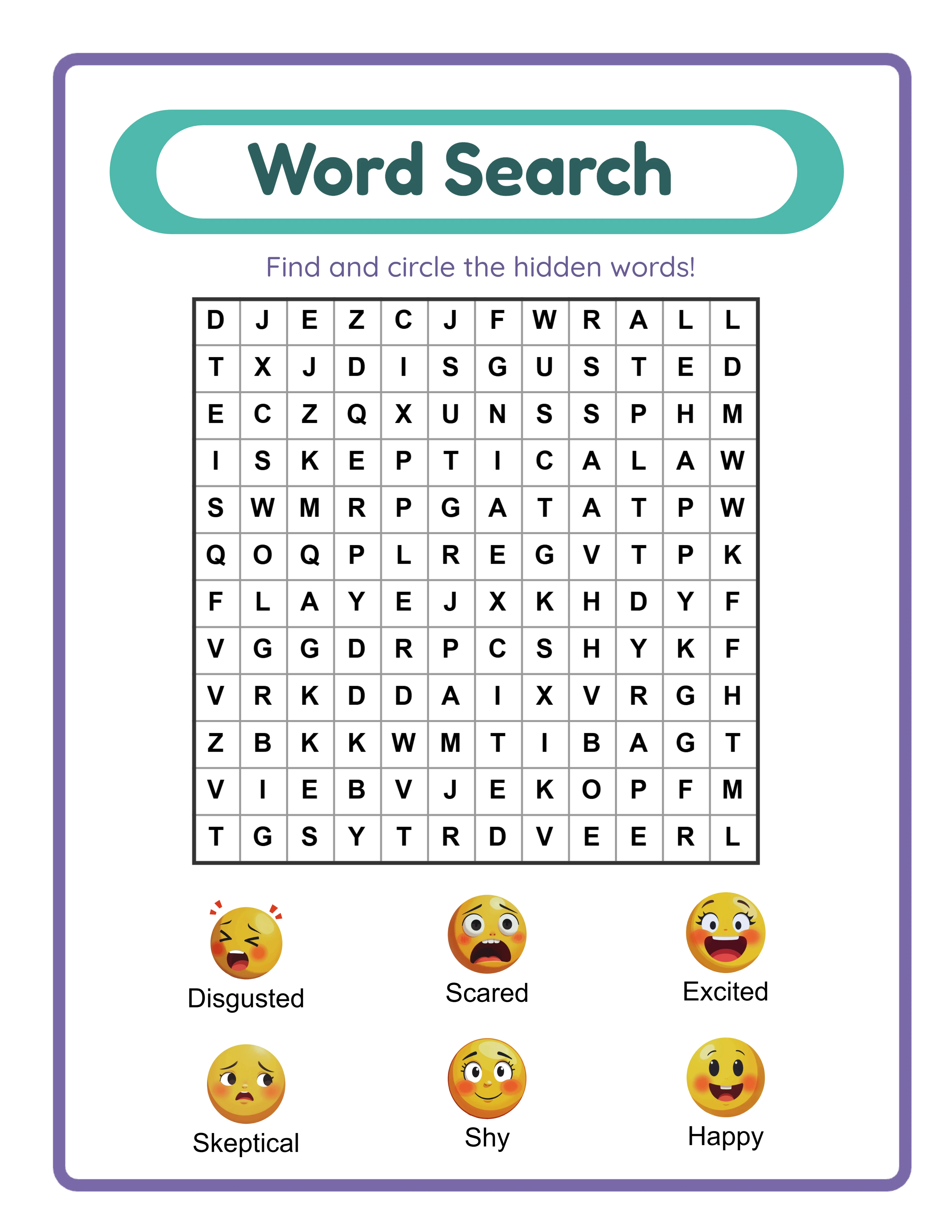
Professional word search worksheet
Puzzle
Word search — themed variation
Puzzle
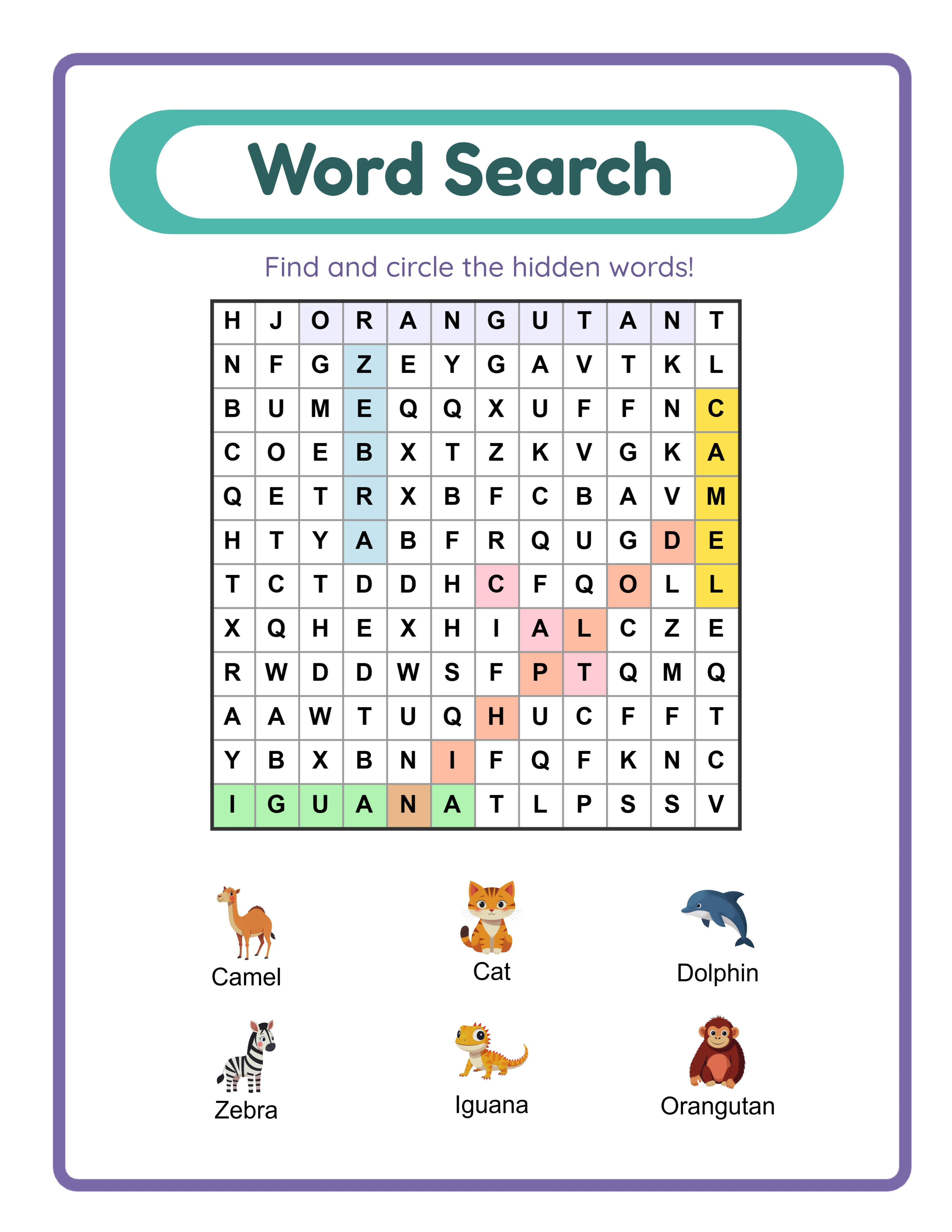
Word search answer key
Answer Key
Print-ReadyNo Prep RequiredAnswers IncludedMultiple Themes

Who Is This For?

Etsy Sellers

List word search, crossword, and handwriting worksheets that homeschool parents and teachers actively search for. Literacy printables have strong seasonal demand around back-to-school and holiday themes.

Amazon KDP Publishers

Publish word activity books combining multiple puzzle types into cohesive learning packages. Alphabet, vocabulary, and spelling workbooks perform well in the KDP education niche across multiple age groups.

Teachers Pay Teachers Sellers

Create vocabulary-building resources with themed word lists that align with classroom units. TPT teachers look for printable literacy centers and independent practice activities they can use immediately.

Homeschool Educators & Parents

Build custom spelling and vocabulary practice around topics your child loves. Multi-language support lets bilingual families create worksheets in their home language alongside English practice.

Sample Worksheets

Word search worksheet in portrait layout with 12x12 letter grid and themed image clues
Portrait layout — 12×12 grid with themed image clues and word list
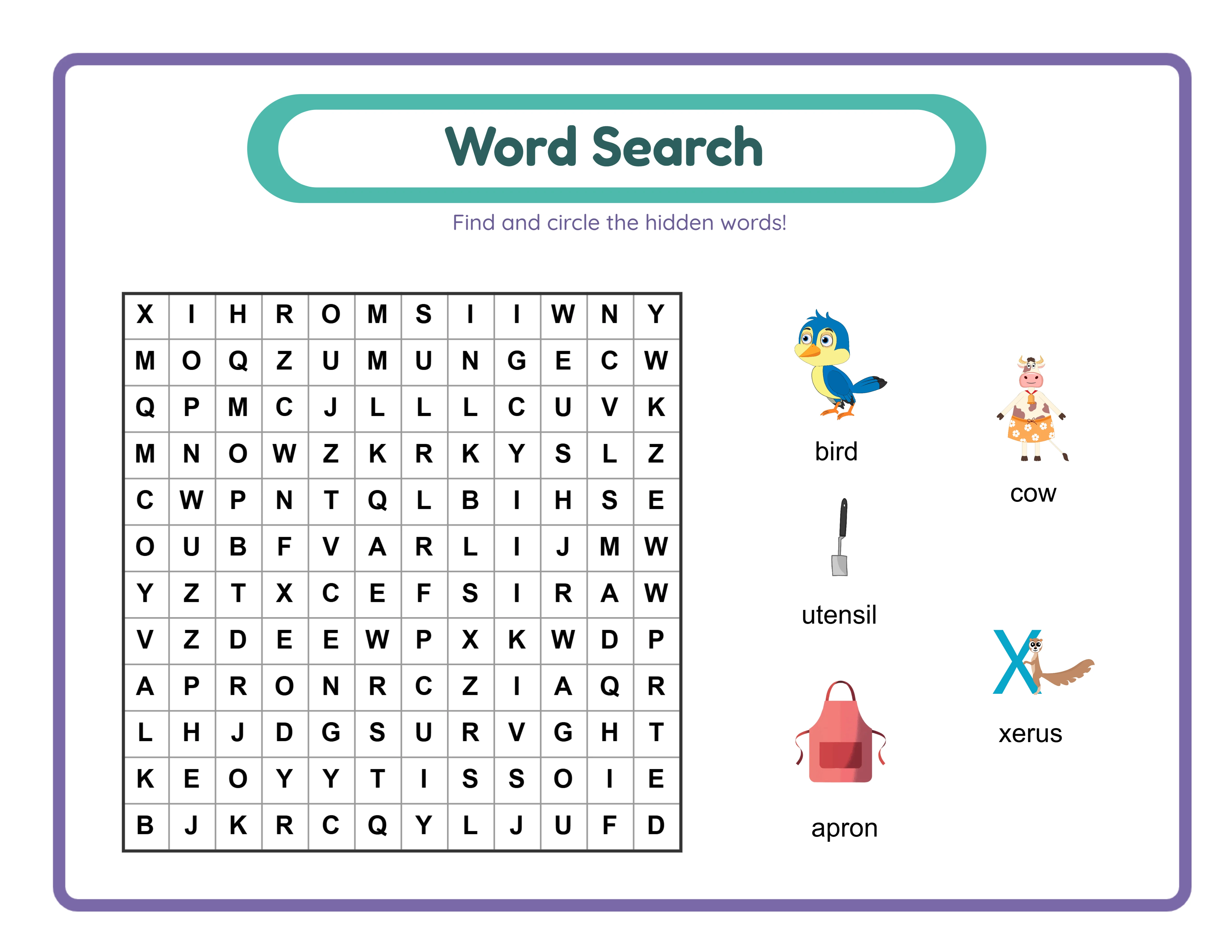
Word search worksheet in landscape layout with larger grid and diagonal words enabled
Landscape layout — wider grid with diagonal and reverse words enabled
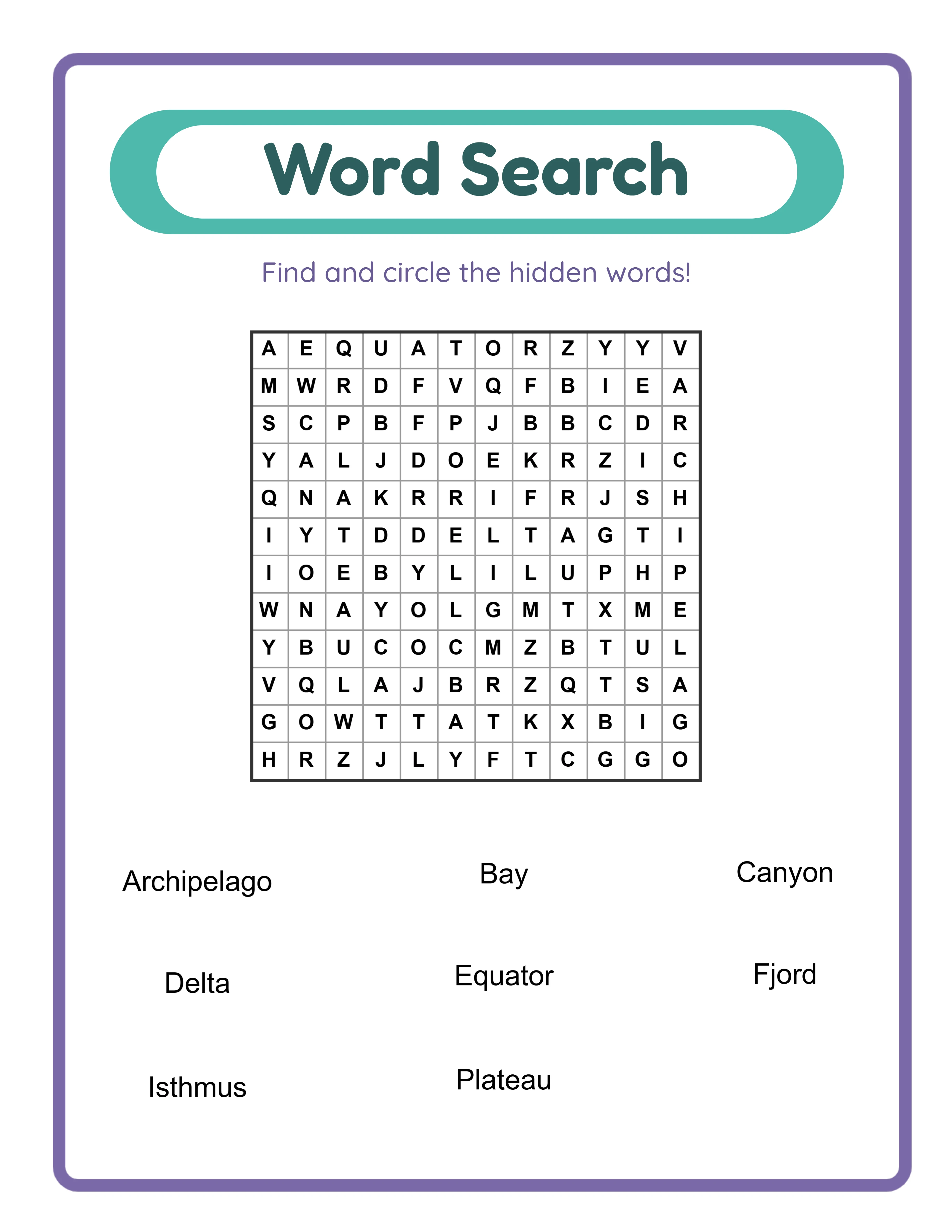
Word search worksheet using custom word list mode without images
Custom Word List mode — text-only word search without image clues

Free version includes a small watermark. Purchase to remove.

Frequently Asked Questions

How does the word search puzzle work?
Hidden words are embedded inside a grid of random filler letters. Solvers scan rows, columns, and optionally diagonals to find each word. When found, they circle or highlight the word in the grid. The grid filler letters are randomized each time you generate, so every puzzle is unique even with the same word list. Up to 8 words can be placed in a single grid.
What grid sizes are available?
You can set rows and columns independently from 5 to 30. The default is 12×12. A 5×5 grid creates a quick, easy puzzle with just 25 cells; a 30×30 grid creates a dense, challenging search with 900 cells. Adjusting grid size is the primary way to control difficulty alongside word direction settings.
What do the diagonal and reverse word direction toggles do?
The diagonal toggle allows words to be placed along both diagonal axes in addition to horizontal and vertical. The reverse toggle allows words to be placed backwards in every enabled direction. With both enabled, words can appear in eight possible directions. With both disabled, words only appear left-to-right horizontally and top-to-bottom vertically. These toggles let you fine-tune difficulty from simple two-direction grids to complex eight-direction puzzles.
What are the three content sources?
Image Library mode uses themed illustrations where each image name becomes a hidden word. Manual Edit Mode lets you select images then customize their display names before generating — perfect for alternate vocabulary or simplified spellings. Custom Word List mode skips images entirely and lets you type up to 8 words directly, enabling word search worksheets for any subject without needing matching illustrations.
What are the three display modes?
Show Words and Images (default) displays both image clues and word labels alongside the grid. Show Only Images displays image clues without text labels, requiring solvers to identify the image and find the word themselves. Show Only Words displays text labels without images, creating a pure text-based word search experience. Each mode controls what appears as clue references beside the grid.
How does the locale-aware alphabet filler work?
When you select a language, the grid filler characters automatically switch to that language's alphabet with weighted frequency distributions. German grids include ä, ö, ü, and ß. French grids include é, è, ç, à, and other accented characters. Swedish grids include å, ä, and ö. This makes puzzles linguistically authentic — the filler letters look natural rather than obviously English-generated.
How does the color-coded answer key work?
The answer key highlights each found word in one of six cycling colors: pink, blue, green, gold, coral, and lavender. Each word gets a distinct color so they are visually distinguishable even when words cross or overlap in the grid. You can toggle grayscale export for ink-friendly answer key versions. The answer key is generated as a separate downloadable file.
What is the maximum number of words per puzzle?
You can place up to 8 words or images in a single word search grid. This limit ensures words fit cleanly in the grid without excessive overlap. For larger word counts, create multiple worksheets and package them as a set — this also increases the perceived value of your product bundles.
Is the Word Search generator language-sensitive?
Yes. Because hidden words are image names in the selected language, changing the language changes the puzzle content entirely. Additionally, the grid filler letters change to match the target language's character set with proper frequency weights. The Commercial tier is English-only; Full Access unlocks all 11 languages, making each language version a distinct product with different words and different filler characters.
Is there a free trial?
Yes. You can access every feature — all three content sources, all display modes, the full image library, adjustable grid sizes, direction controls, color-coded answer keys, and all export formats — without creating an account, entering a credit card, or installing any software. Free trial downloads include a small watermark. A commercial license removes the watermark and grants full selling rights.
Can I sell worksheets made with this tool on Etsy and Amazon KDP?
Yes. With a commercial license, you have full rights to sell your word search worksheets as digital downloads on Etsy, as printed puzzle books on Amazon KDP, as products on Gumroad, or through any other sales channel. The adjustable grid sizes, direction controls, and multilingual capability give you strong differentiation in crowded marketplace categories.
What is the refund policy?
Because the free trial gives you access to every feature, we do not offer refunds on commercial license purchases. You can test every content source, every grid size, every direction setting, every display mode, every export format, and every page size before buying. The free trial is the refund policy — make sure the tool fits your needs before purchasing a license.

Create Word Search Puzzles to Sell on Etsy & Amazon KDP

Adjustable grids from 5×5 to 30×30 with diagonal and reverse direction controls — build the perfect difficulty for every audience.