Math Mastery

More or Less Generator โ€” Sell Early Math Printables on Etsy

Transform number comparison into a visual discovery with picture-based greater-than and less-than worksheets.

Greater than and less than worksheets are a foundational math product that sells year-round on Etsy โ€” parents, homeschool families, and teachers need them at every early grade level. This creator generates professional visual number comparison worksheets with three distinct modes: Image to Image, Image to Number, and the unique Check & Cross Groups format. Toggle between same-image and different-image comparisons, choose illustration-style or standard math symbols, and pick from 3,000+ themed images across 104 collections. Every worksheet exports as a 300 DPI print-ready PDF with automatic answer keys and full commercial license for Etsy, Amazon KDP, or any marketplace. Build comparison activity books for KDP or themed math bundles for Etsy. Free to try with all features โ€” no signup, no credit card. Downloads include a watermark; purchase a license to remove it.
Buy for $49

No signup required. Create worksheets instantly.

No signup required11 languages supportedInstant PDF export
Grades K-2

More, Less, or Equal?

Compare quantities with colorful picture worksheets
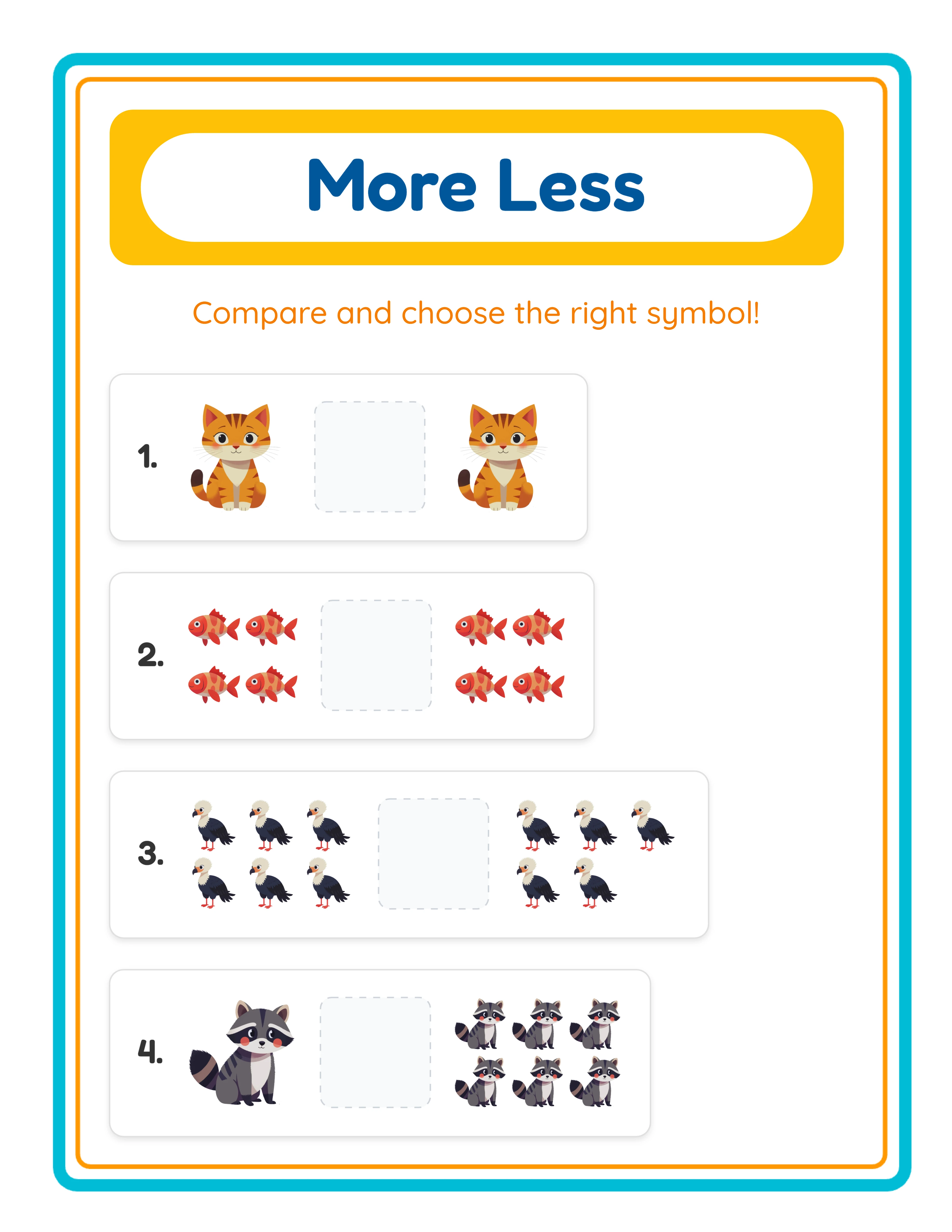
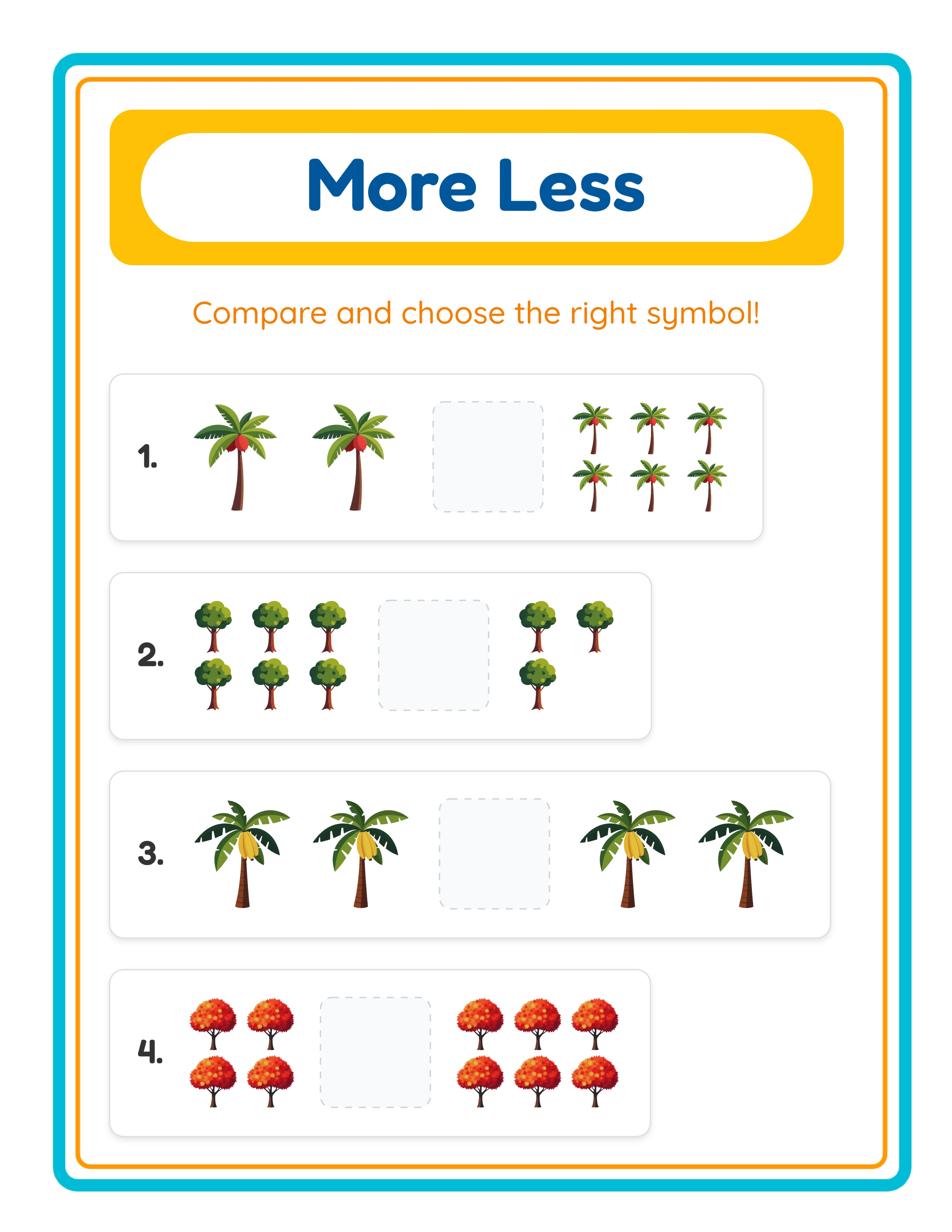
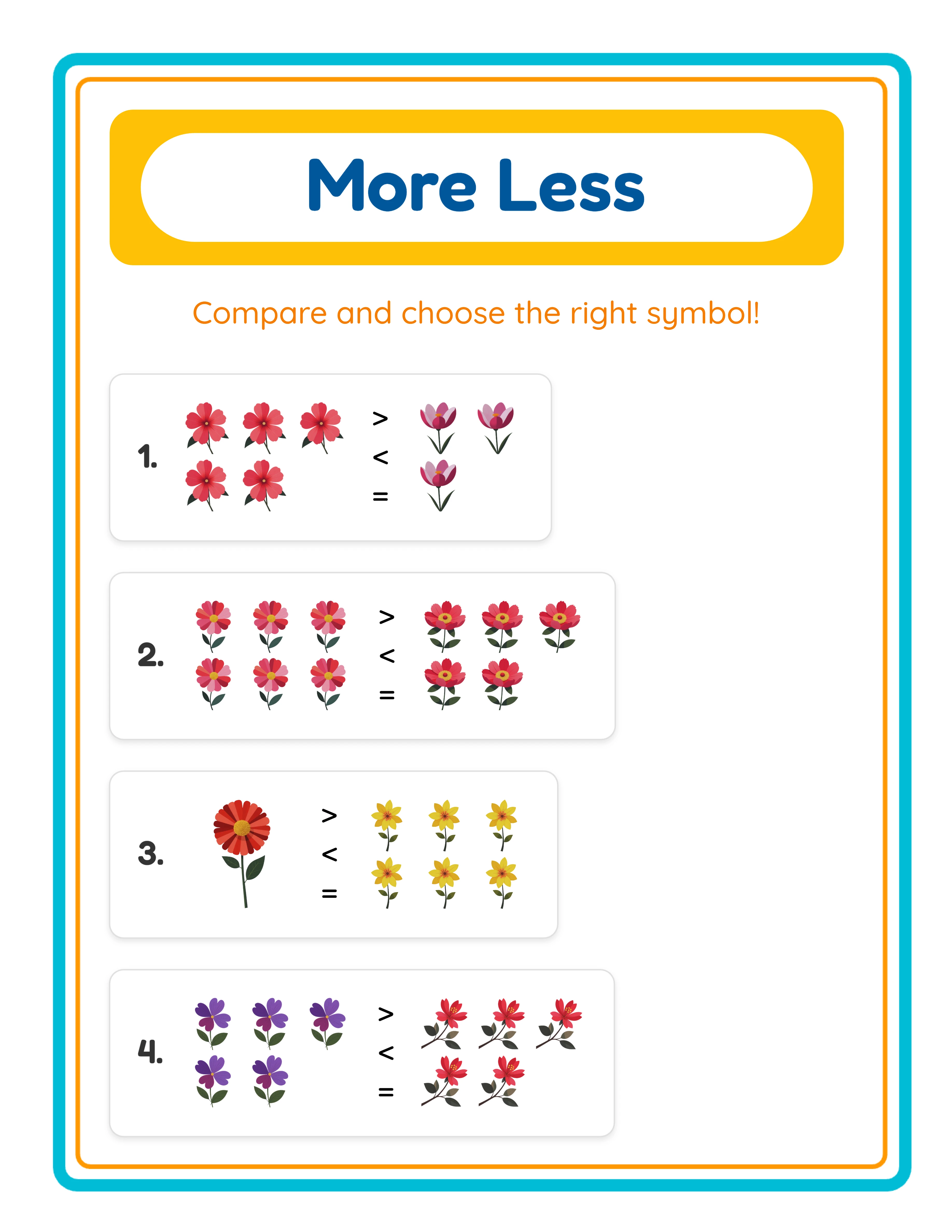
More or less comparison printable worksheet with pictures
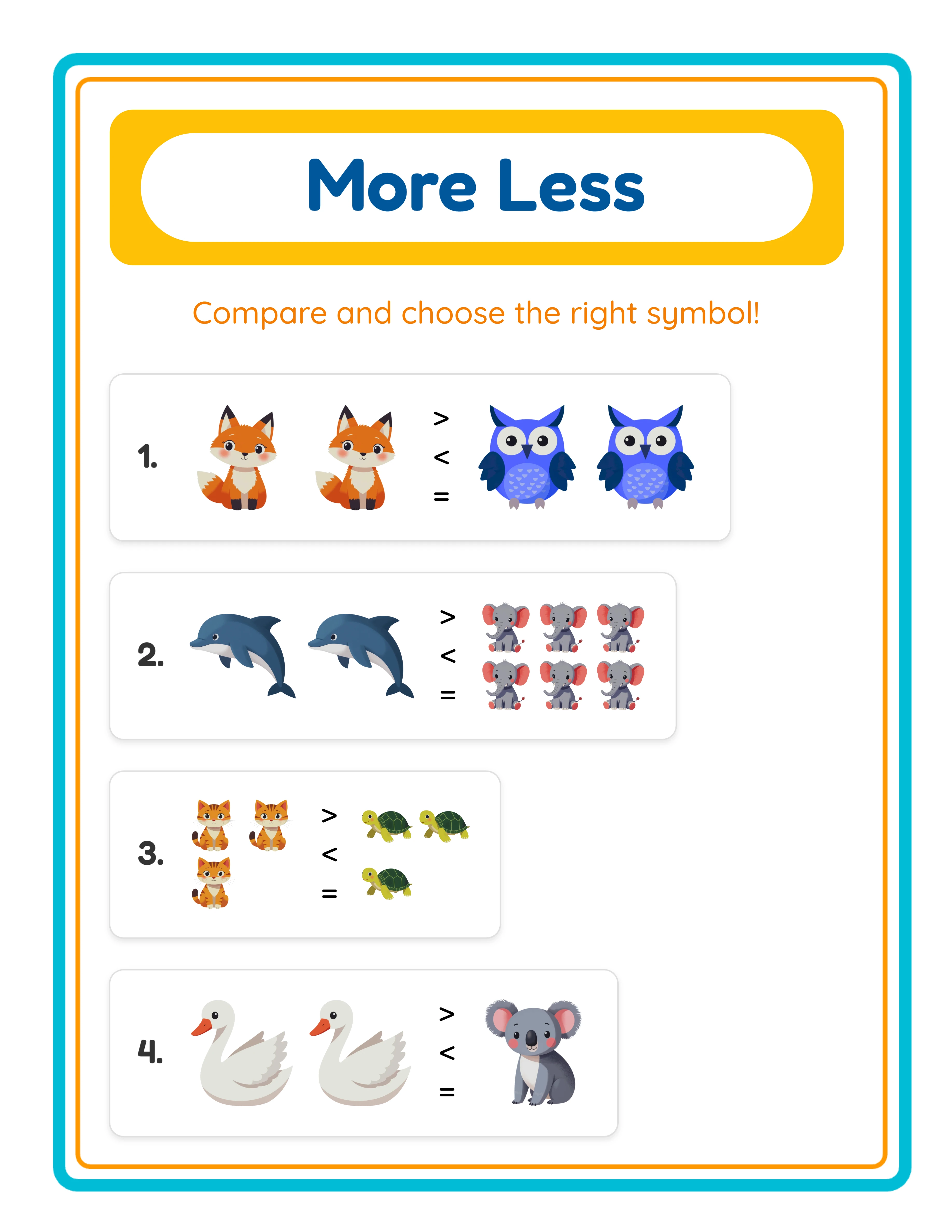
Comparison printable worksheet โ€” themed images
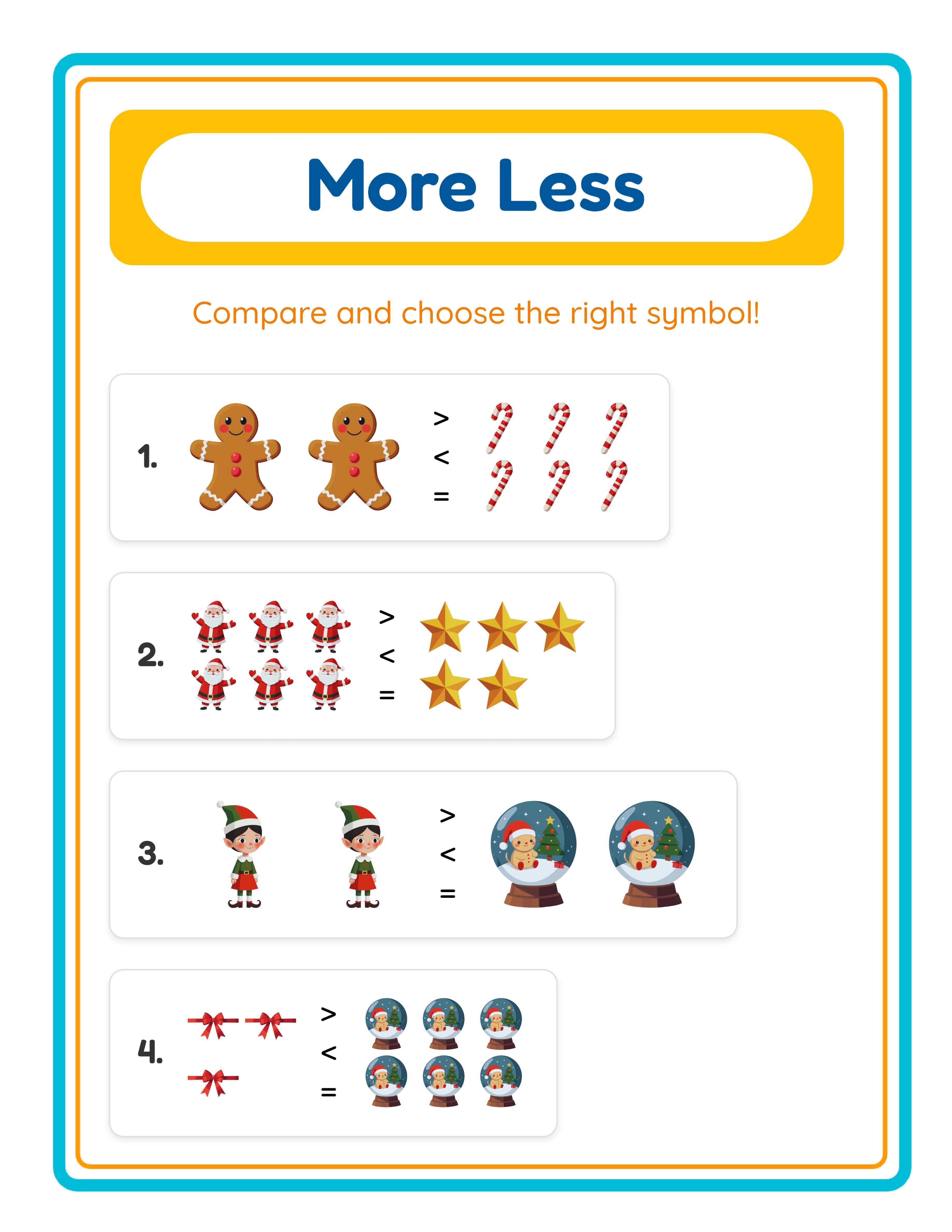
More less printable worksheet โ€” advanced comparison
Compare QuantitiesAnswer KeysPrint-ReadyFree Trial with Watermark

How to Create Comparison Worksheets Step by Step

1

Set Your Page Layout

Open the Page Setup panel and choose a page size: Letter Portrait, Letter Landscape, A4 Portrait, A4 Landscape, Square, or any custom dimension. Select a background color, pick a decorative background theme from the image library, and adjust opacity to keep exercises readable. Add a matching border frame to give your comparison worksheets a polished, professional finish.
2

Choose the Comparison Mode

Open Exercise Configuration and select one of three modes. Image to Image presents two picture groups side by side to count and compare. Image to Number pairs a picture group with a numeral, bridging visual and abstract number sense. Check & Cross Groups fills a box with two different mixed images โ€” solvers check the group with more and cross the group with less. Standard modes support 1โ€“8 exercises per page; Check & Cross supports 1โ€“3 exercises with 8โ€“20 total images per box.
3

Configure Exercise Settings

Set the number range for each group (1โ€“10) to control difficulty. Choose Image Variety โ€” Same Images uses identical items in both groups (5 cats vs 7 cats) while Different Images uses distinct items (5 cats vs 7 dogs). Select Symbol Display mode: Illustration Symbols show graphical greater-than, less-than, and equal signs, while Normal Symbols use standard text characters. Optionally enable Show Symbols for Circling so solvers circle the correct comparison symbol.
4

Browse the Image Library and Add Text

Open the Image Library panel and explore 104 themes โ€” from animals and food to vehicles and holidays. Use search to find specific images instantly. Select individual images or assign a theme for the entire worksheet. Add a title, name and date fields, or custom instructions using the Text Tools panel. Choose from readable fonts and adjust size, color, and outline for readability.
5

Generate the Answer Key and Download

Switch to the Answer Key tab and click Generate Answer Key to create a completed version with all correct comparison symbols filled in. Toggle Grayscale mode if you want ink-saving black-and-white output. Then open the Download menu and export both the worksheet and answer key as high-resolution JPEG or print-ready PDF. Every export renders at 400+ DPI for crisp results whether printed at home, sent to a commercial printer, or uploaded as a digital product.
Comparison Skills

Master Number Comparisons

Three levels of comparison challenges

Spotter
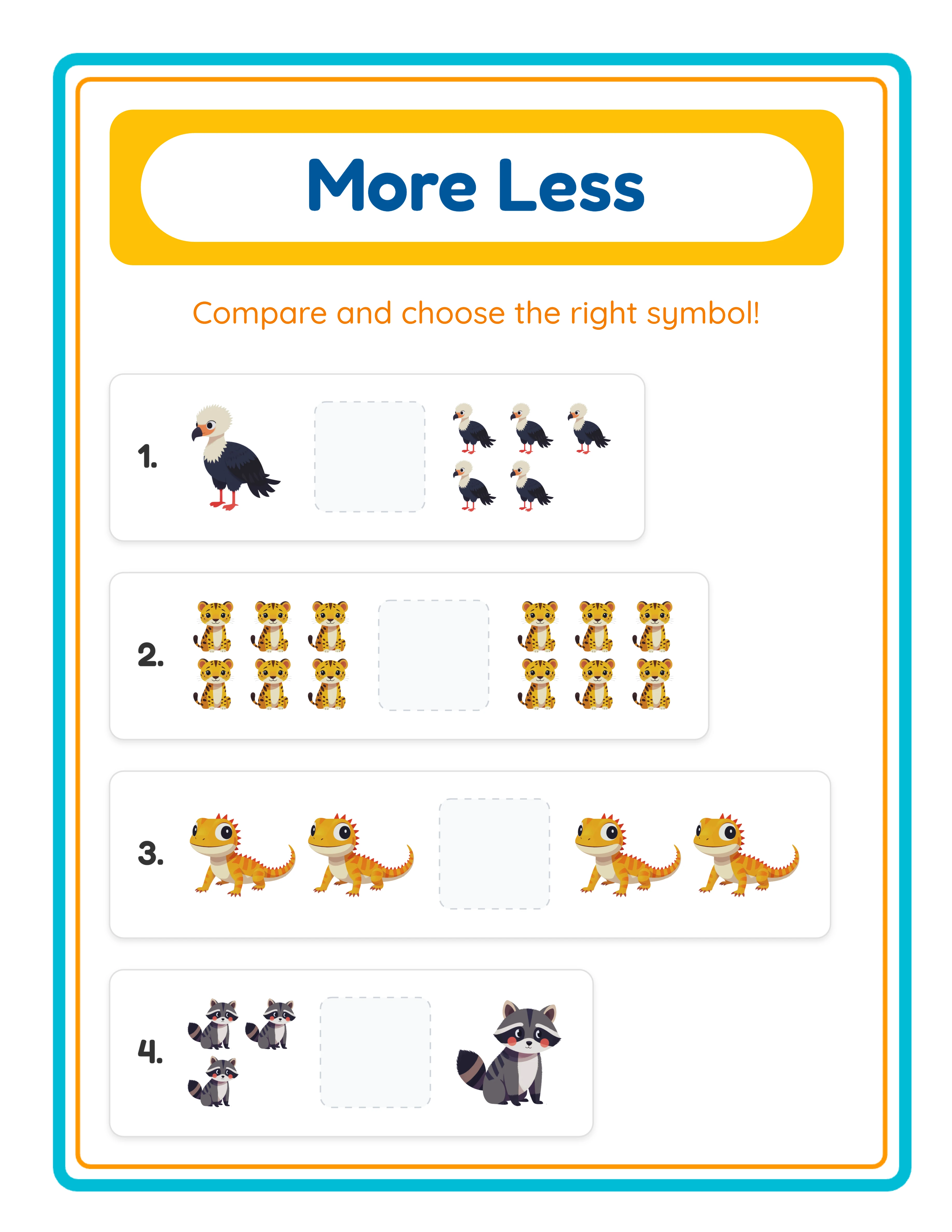
Easy comparison โ€” spot which group has more

Spot which group has more pictures (1-5)

Comparer
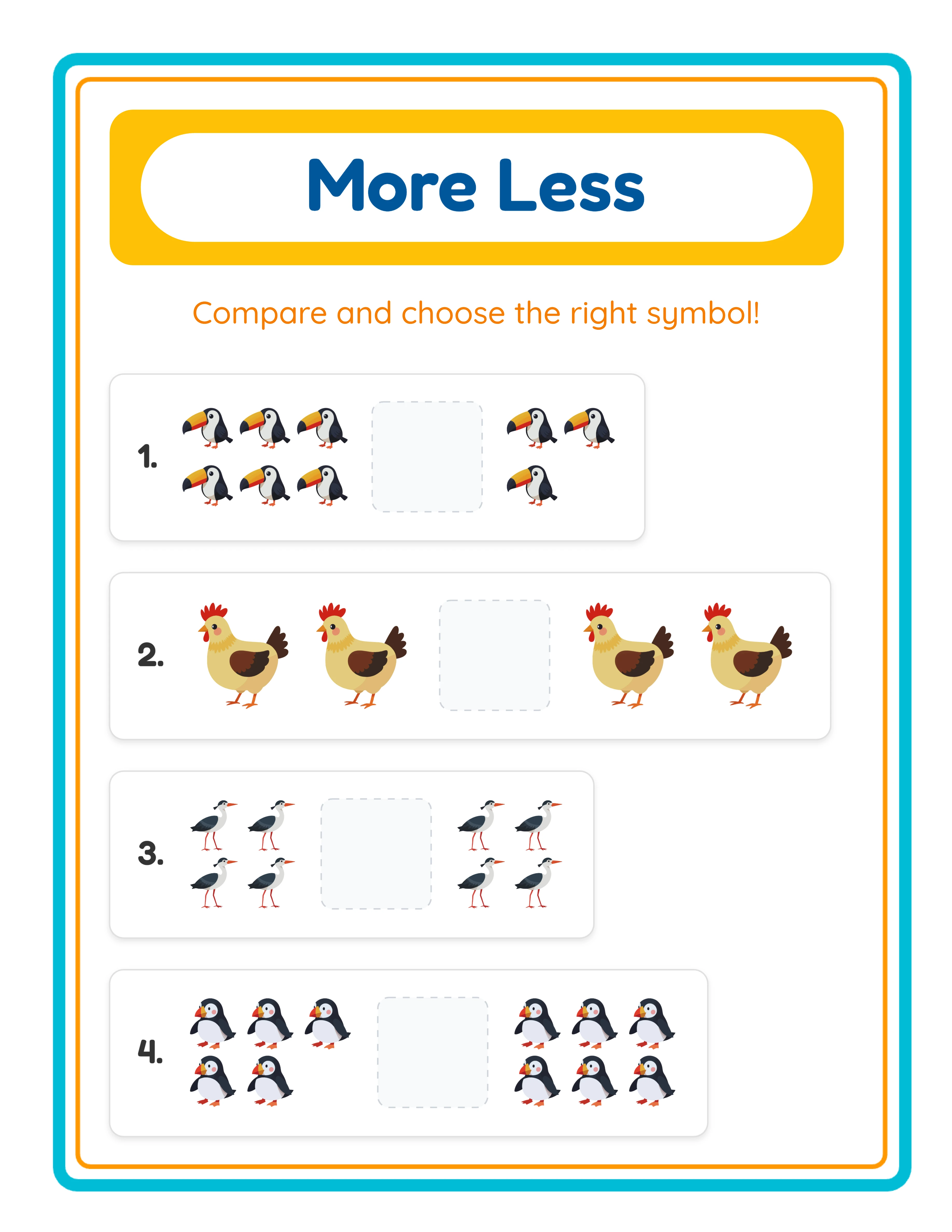
Medium comparison โ€” mixed themed groups

Compare themed groups up to 10

Champion
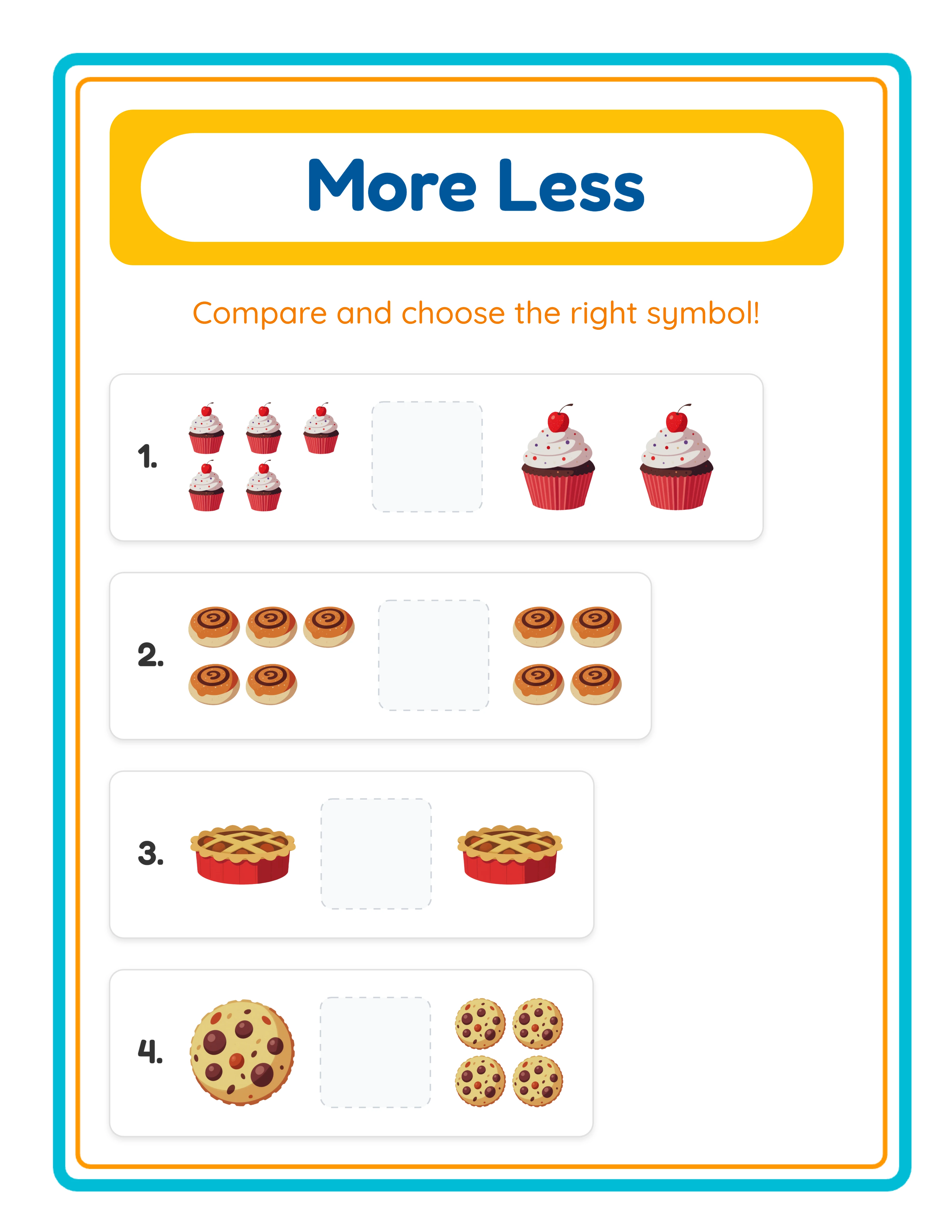
Hard comparison โ€” larger groups

Greater than, less than, and equal challenges

Comparison skills build math foundations

Why Number Comparison Worksheets Sell Year-Round

Three Comparison Exercise Modes

Choose the mode that matches your product tier. Image to Image mode presents two picture groups for pure visual comparison โ€” ideal for introducing greater than and less than. Image to Number mode pairs a picture group with a numeral, bridging concrete counting and abstract number recognition. Check & Cross Groups mode fills a box with mixed images from two categories, challenging solvers to identify and mark the majority and minority groups.

Unique Check & Cross Groups Mode

This mode is unlike anything in a standard worksheet generator. A single box contains 8โ€“20 images from two different categories shuffled together. Solvers must visually sort the groups, count each, then check the group with more and cross the group with less. It develops visual discrimination, counting accuracy, and comparison skills simultaneously. Each worksheet can include up to 3 Check & Cross exercises for focused practice.

Image Variety Control

Toggle between Same Images and Different Images to change the visual complexity of each exercise. Same Images mode uses identical items in both groups (e.g., 5 stars vs 7 stars), keeping the focus purely on quantity. Different Images mode uses distinct items (e.g., 5 cats vs 7 dogs), adding an extra layer of visual processing. This single toggle lets you create two entirely different difficulty levels from the same settings.

Symbol Display Options

Choose between Illustration Symbols โ€” colorful, graphical versions of greater-than, less-than, and equal signs โ€” and Normal Symbols that use standard text characters (>, <, =). Illustration symbols are perfect for beginner-level products where visual cues improve engagement, while normal symbols match conventional math notation for advanced products. You can also enable Show Symbols for Circling, adding comparison symbols that solvers circle as part of the exercise.

104 Visual Themes with 3,100+ Images

Browse a curated library of over 3,100 hand-picked illustrations organized into 104 themes including farm animals, ocean life, vehicles, space, food, sports, dinosaurs, holidays, and more. Every image is high-resolution and designed for clear printing. Because the worksheets are visual-only โ€” no text in the exercises โ€” they work perfectly in any language and any market worldwide.

Automatic Answer Key Generation

Click one button to generate a complete answer key that mirrors your worksheet layout with all correct comparison symbols filled in. The answer key tab displays a live preview so you can verify correctness before downloading. Export the answer key as a separate JPEG or PDF file, making it easy to include in Etsy bundles, KDP appendices, or Gumroad product packages without any manual work.

Print-Ready Export at 400+ DPI with Grayscale Option

Download worksheets and answer keys as high-resolution JPEG images or print-ready PDF documents. The export engine renders at a 6x multiplier, producing output above 400 DPI on standard page sizes. Toggle Grayscale mode to convert colorful worksheets to black-and-white for ink-saving printing. Letter, A4, square, and custom sizes are all supported for maximum flexibility.

Full Canvas Editing with Undo and Redo

The built-in Fabric.js canvas lets you drag, resize, rotate, and reposition every element on the page โ€” text, images, exercise blocks, borders, and backgrounds. Zoom in and out for precision placement, and use unlimited undo and redo to experiment freely. Lock elements in place once positioned, or unlock everything to redesign on the fly. This gives you the layout flexibility of a graphic design tool inside a worksheet generator.

Compare & Discover!

Number Sense Made Visual!
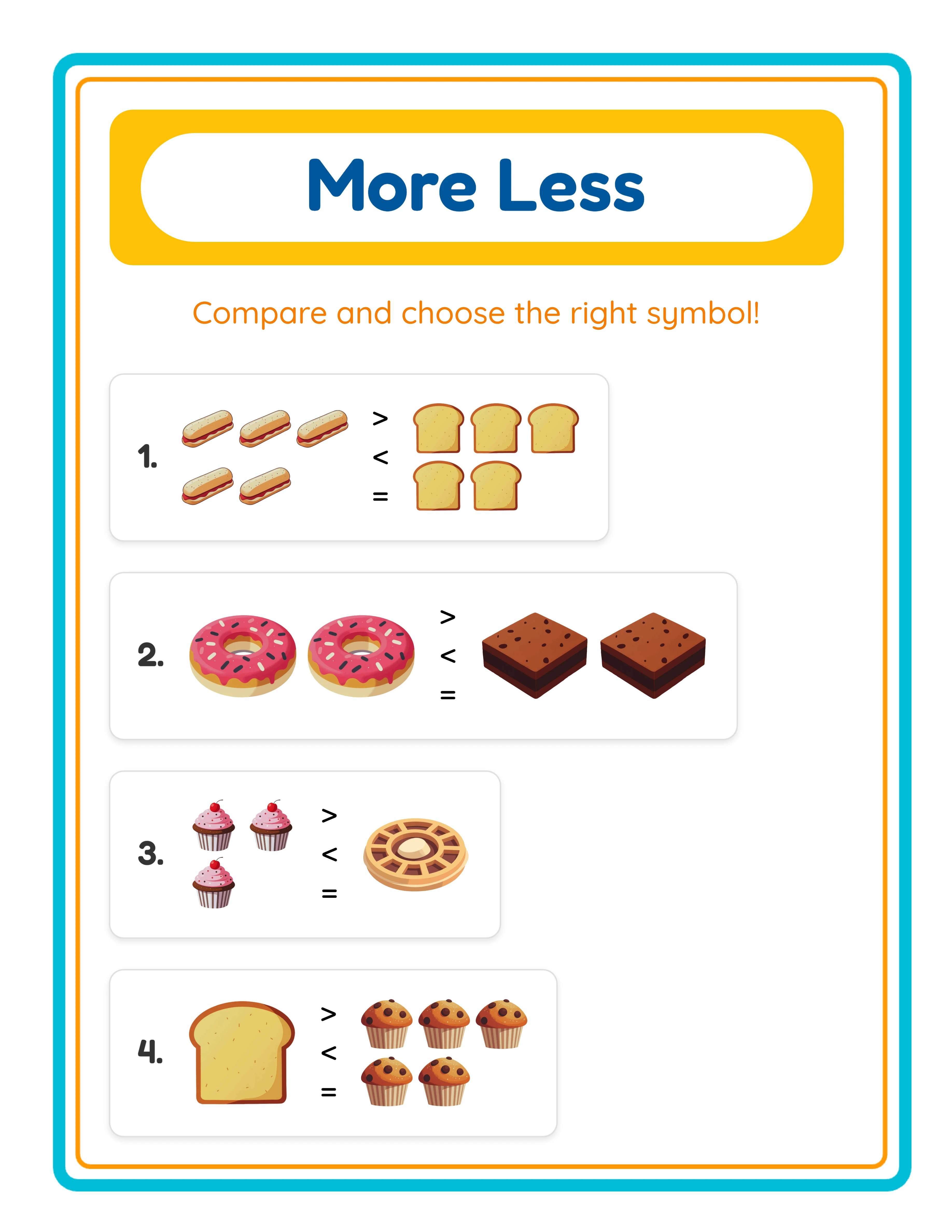
Featured more-less printable worksheet โ€” colorful comparison activity
Print Instantly!Visual ComparisonWith Answer Keys

Sell Math Comparison Books on Etsy & Amazon KDP

Themed Comparison Worksheet Bundles on Etsy

Etsy (etsy.com)
Create sets of 10โ€“20 comparison worksheets grouped by theme โ€” farm animals, dinosaurs, ocean life, holidays โ€” and list them as instant-download bundles on Etsy. Include all three modes (Image to Image, Image to Number, Check & Cross) plus answer keys for a complete learning resource. Themed comparison bundles attract buyers searching for specific topics. Price individual theme packs at $3โ€“$5 and variety mega-bundles at $12โ€“$18. Seasonal themes like Halloween, Christmas, and Valentine's Day comparison packs tend to spike in search volume weeks before each holiday, so schedule your listings early and refresh cover images to capture trending traffic.

Math Comparison Activity Books on Amazon KDP

Amazon KDP (kdp.amazon.com)
Compile 50โ€“100 comparison worksheets into a printed activity book formatted for Amazon KDP. Structure the book with progressive difficulty โ€” start with Same Images in Image to Image mode, advance to Different Images in Image to Number mode, and finish with Check & Cross challenges. Add a title page, instructions section, and answer key at the back. Number comparison activity books for ages 3โ€“7 sell consistently year-round. Consider publishing separate volumes by age group โ€” a preschool edition with small number ranges and a first-grade edition with larger ranges โ€” so each title targets a distinct keyword niche and avoids competing with your own listings.

Tiered Difficulty Bundles for Maximum Product Range

Etsy / Gumroad / Your Own Store
Build leveled comparison practice sets using the three modes as natural difficulty tiers: Level 1 (Image to Image with Same Images), Level 2 (Image to Number with Different Images), and Level 3 (Check & Cross Groups). Package each level with answer keys and a progress tracking sheet. Buyers pay premium prices for tiered resources they can use immediately across multiple ability groups. Selling each tier individually and as a complete bundle maximizes your catalog depth and average order value.

Printable Subscription Content for Your Own Store

Gumroad / Shopify / Payhip
Use the generator to produce fresh weekly comparison worksheet packs and distribute them through your own Shopify, Gumroad, or Payhip store. A subscription model โ€” new themed pack every week โ€” creates recurring revenue and builds a loyal base of repeat buyers. The three exercise modes, two image variety settings, and 104 themes give you enough variety for years of unique content.

Pinterest Lead Funnel for Comparison Worksheets

Pinterest + Your Own Store
Generate custom comparison worksheets tailored to each difficulty tier. Print Image to Image sheets with Same Images for beginners and Check & Cross Groups sheets for advanced levels โ€” all in the same session. The automatic answer key adds perceived value to every listing. Pin sample images on Pinterest linking to your store, and let organic traffic convert into sales. Whether you sell on Etsy, Gumroad, or your own store, the generator replaces hours of manual worksheet creation with a few clicks.

Professional Comparison Worksheets

Clear layouts that make comparing quantities intuitive
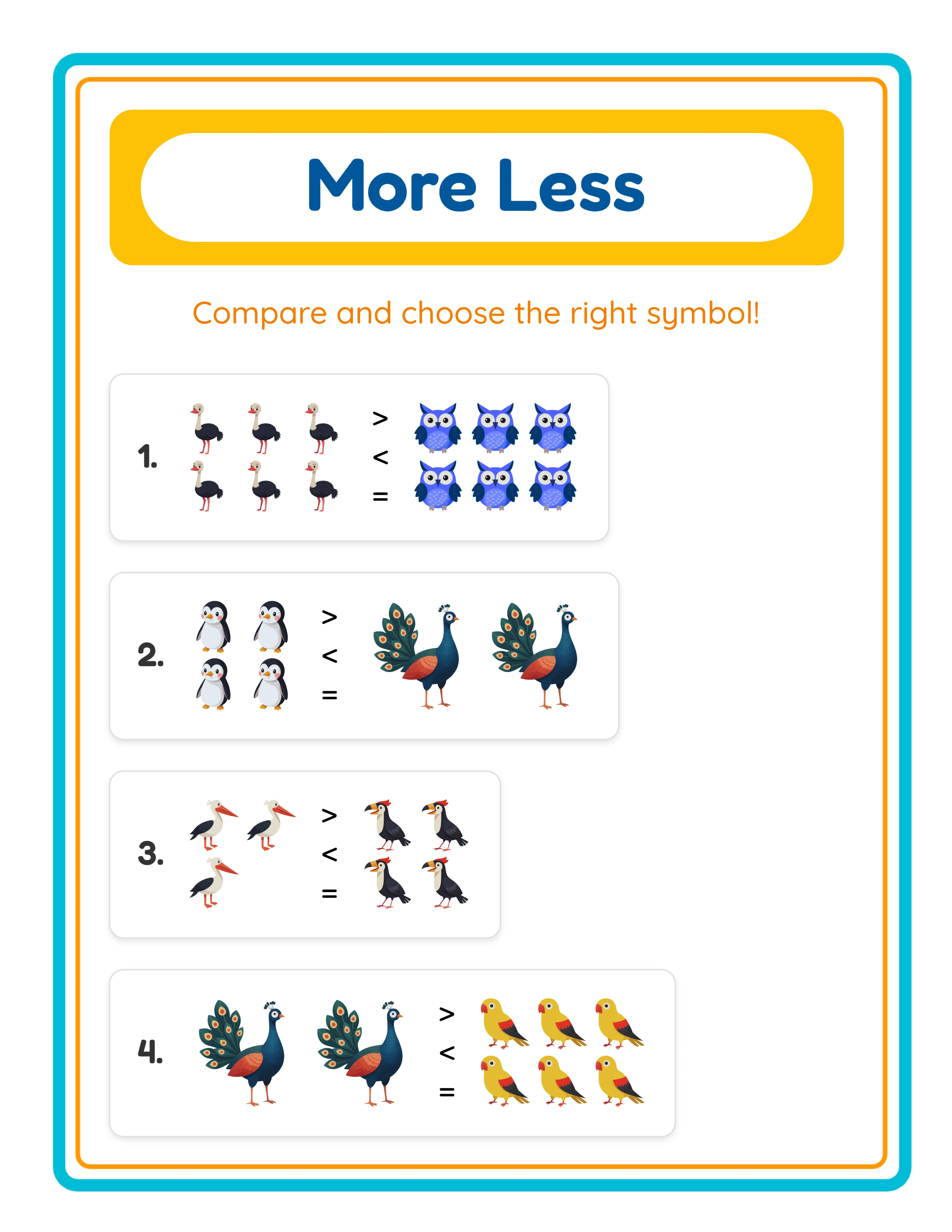
Professional more-less printable worksheet
Worksheet
More-less printable worksheet โ€” another themed variation
Worksheet
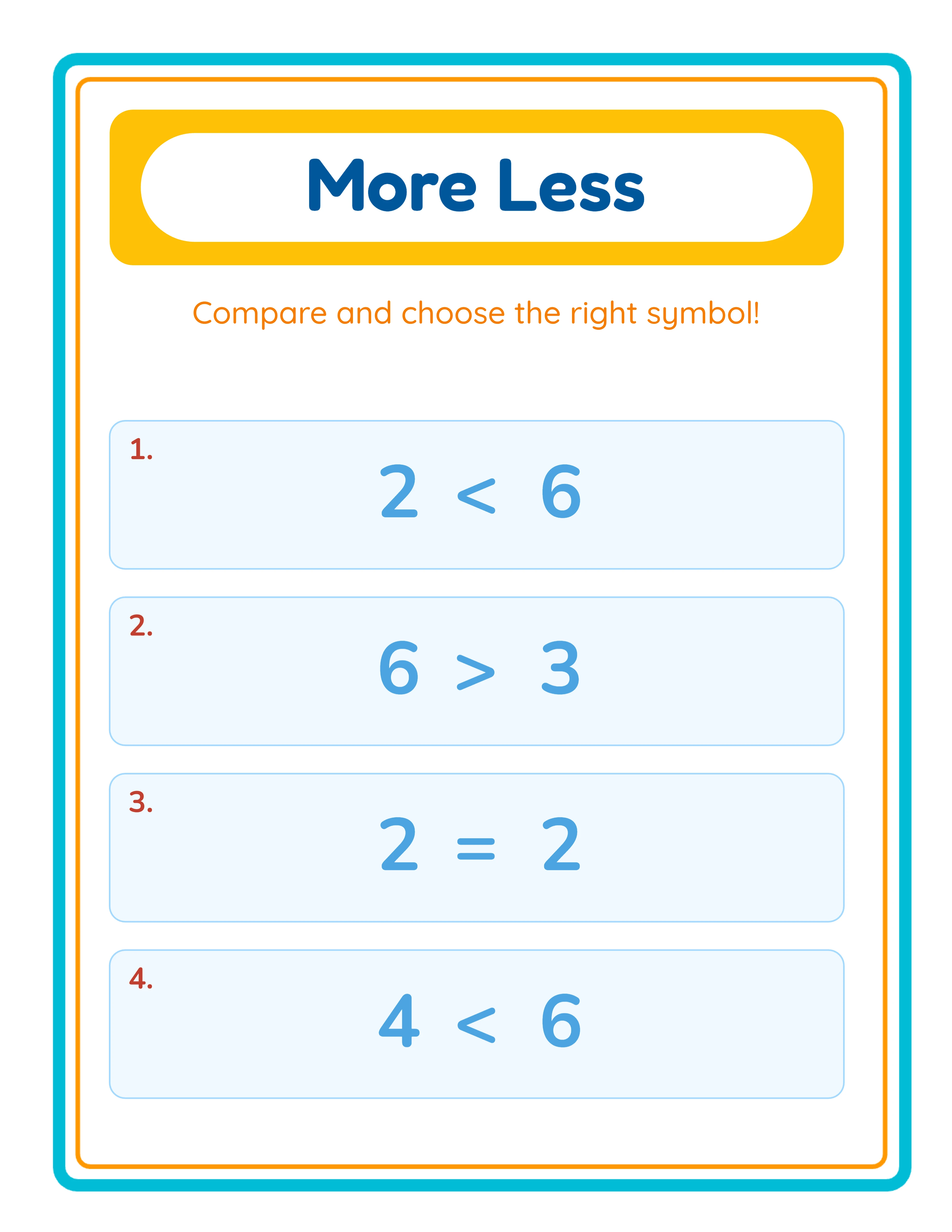
More-less printable answer key
Answer Key
Print-ReadyNo Prep RequiredAnswers Included3 Comparison Types

Who Is This For?

Etsy Sellers

Create themed math worksheet listings that parents search for year-round. Addition, subtraction, and number comparison worksheets are evergreen best-sellers on Etsy, especially when bundled by theme or grade level.

Amazon KDP Publishers

Build complete math activity books with professionally formatted worksheets and answer keys. KDP math workbooks for preschool through second grade consistently rank in education categories with minimal ongoing effort.

Teachers Pay Teachers Sellers

Offer differentiated math resources that teachers can use across ability levels. TPT buyers value worksheets with themed visuals that make repetitive math practice engaging for young learners.

Homeschool Educators & Parents

Generate unlimited practice worksheets tailored to your child's current level. Themed images keep kids motivated through repetitive math drills, and answer keys let parents check work quickly.

Sample Worksheets

Comparison worksheet with Image to Image mode using animal theme
Image to Image mode โ€” count two picture groups and compare quantities
Comparison worksheet with Image to Number mode using food theme
Image to Number mode โ€” pairs picture groups with numerals for bridging skills
Check and Cross Groups worksheet with mixed images for visual sorting
Check & Cross Groups mode โ€” find the majority group in a mixed-image box

Free version includes a small watermark. Purchase to remove.

Frequently Asked Questions

What comparison modes does the More or Less Worksheet Generator offer?
The generator includes three modes: Image to Image (two picture groups to count and compare), Image to Number (one picture group paired with a numeral), and Check & Cross Groups (a box of mixed images where solvers check the majority group and cross the minority group). Each mode targets a different skill level and comparison challenge. Sellers often package all three modes together in a single product listing, giving buyers a complete comparison set that covers visual counting, number-symbol bridging, and advanced sorting in one download.
What is the Check & Cross Groups mode?
Check & Cross Groups is a unique exercise type where a single box contains 8โ€“20 images from two different categories shuffled together. Solvers visually sort the images, count each group, then check the group with more and cross the group with less. You can include up to 3 Check & Cross exercises per worksheet. This mode develops visual discrimination and counting skills simultaneously. Because Check & Cross is rarely found in competing worksheet generators, sellers who feature this mode prominently in their product titles and descriptions can differentiate their listings and capture buyers searching for unique math activities.
What number ranges can I set for comparison exercises?
You can set the minimum and maximum items per group from 1 to 10 for standard comparison modes. For Check & Cross Groups, you can set the total number of images in the box from 8 to 20. These controls let you create easy comparisons for the preschool-age niche or more challenging exercises for the K-2 market. This granular range control enables sellers to build precisely targeted product lines for each age group, such as a toddler pack with ranges of 1โ€“3 and a kindergarten pack with ranges of 4โ€“8, each addressing a distinct buyer segment.
What does the Image Variety setting do?
Image Variety controls whether both sides of a comparison use the same type of image or different types. Same Images mode compares quantities of identical items (e.g., 5 cats vs 7 cats), focusing purely on number sense. Different Images mode uses distinct items (e.g., 5 cats vs 7 dogs), adding visual complexity. This single toggle creates two different difficulty levels from the same settings.
What are the symbol display options?
You can choose between Illustration Symbols (colorful, graphical greater-than, less-than, and equal signs) and Normal Symbols (standard text characters >, <, =). Illustration symbols are ideal for beginner-level products where visual cues boost engagement. You can also enable Show Symbols for Circling, which displays comparison symbols for solvers to circle as part of the exercise.
Are comparison worksheets language-sensitive?
No. More or Less worksheets are visual-only โ€” the comparison content uses images and numbers, not words. This means a worksheet created in one language works in every language. The language setting only changes the app's interface labels, not the worksheet content itself, making your products instantly sellable worldwide. This is a significant advantage for sellers targeting international marketplaces, because a single comparison worksheet PDF can be listed on Etsy stores in multiple countries without any translation or localization effort.
Does the generator create answer keys automatically?
Yes. Click the Generate Answer Key button to create a completed version of your worksheet with all correct comparison symbols filled in. You can preview the answer key on screen and download it as a separate JPEG or PDF file alongside the main worksheet. Including professionally formatted answer keys with every product listing signals quality and completeness to marketplace buyers, who often filter for resources that include solutions when browsing Etsy or Gumroad.
Can I export worksheets in grayscale for ink-saving printing?
Yes. Toggle the Grayscale option in the Download panel to convert your colorful worksheets to black-and-white before exporting. This is perfect for ink-saving output while still delivering high-quality comparison practice. Both JPEG and PDF exports support grayscale mode.
Is there a free trial?
Yes. You can access every feature of the generator โ€” all three comparison modes, the full image library, answer key generation, and all export formats โ€” without creating an account, entering a credit card, or installing any software. Free trial downloads include a small watermark. A commercial license removes the watermark and grants full selling rights.
What does the commercial license include?
The commercial license removes the watermark from all downloads and grants you unlimited rights to sell the worksheets you create โ€” on Etsy, Amazon KDP, Gumroad, your own website, or any other platform. There are no per-sale royalties, no monthly fees, and no limits on how many worksheets you produce or sell.
Can I sell worksheets made with this tool on Etsy and Amazon KDP?
Yes. With a commercial license, you have full rights to sell your comparison worksheets as digital downloads on Etsy, as printed activity books on Amazon KDP, as digital products on Gumroad, or through any other sales channel. Many sellers create themed bundles and activity books that generate consistent revenue. You can also combine comparison worksheets with other math worksheet types โ€” such as addition or subtraction โ€” to build comprehensive math practice bundles that command higher price points and appeal to buyers looking for all-in-one resources.
What is the refund policy?
Because the free trial gives you access to every feature, we do not offer refunds on commercial license purchases. You can test every mode, every theme, every export format, and every page size before buying. The free trial is the refund policy โ€” make sure the tool fits your needs before purchasing a license. We recommend creating several complete worksheets during your free trial, reviewing the print quality and layout options, and confirming the output meets your marketplace listing standards before committing to the commercial license.
Do I need design skills to use this tool?
No design skills are required. The generator handles all comparison layout, image placement, and visual formatting automatically. You choose a theme, set the number range, and the generator produces professional worksheets with the greater-than, less-than, and equal symbols correctly positioned. The canvas editor allows customization, but default output is already print-ready and marketplace-quality. Sellers without design experience can produce polished comparison worksheets immediately.

More or Less Generator โ€” Sell Early Math Printables on Etsy

Transform number comparison into a visual discovery with picture-based greater-than and less-than worksheets.