Visual Learning

Coloring Page Generator — Create & Sell Coloring Books on Etsy & KDP

Free-form canvas coloring page designer — browse 104 themed image collections, add freehand drawings, include layout helpers like name fields and handwriting lines, and toggle grayscale export for ink-friendly coloring pages.

Coloring pages are the single highest-demand printable category on Etsy and one of the top KDP niches — and this generator lets you create professional coloring pages to sell without any drawing skills. Convert themed images into clean outlines ready for coloring, choose from 3,000+ illustrations across 104 collections, and export 300 DPI print-ready PDFs with full commercial license. Build themed coloring books for Amazon KDP or seasonal coloring bundles for Etsy in minutes instead of hours. The 104 theme collections cover animals, holidays, vehicles, food, nature, and dozens more — giving you endless product variety for year-round sales. Every coloring page works worldwide without translation. Free to try with all features — no signup, no credit card. Downloads include a watermark; purchase a license to remove it.
Buy for $49

No signup required. Create worksheets instantly.

No signup required11 languages supportedInstant PDF export
All Ages

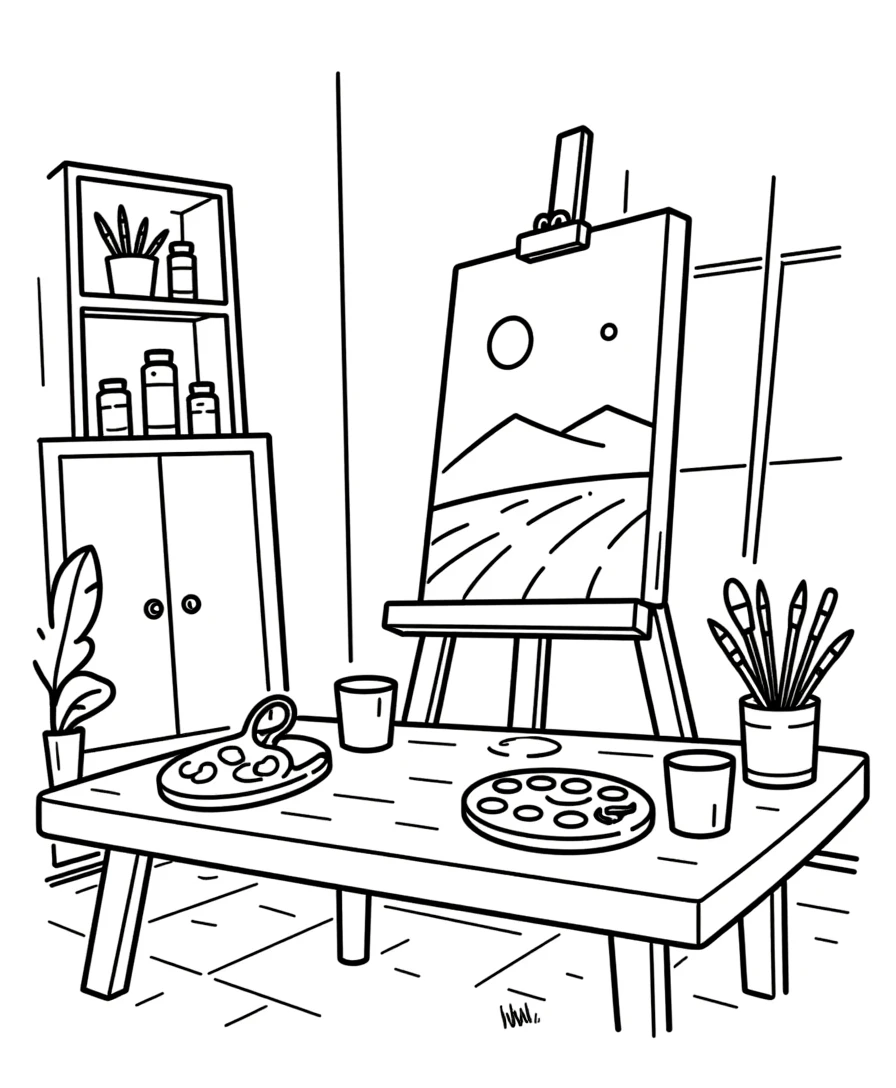
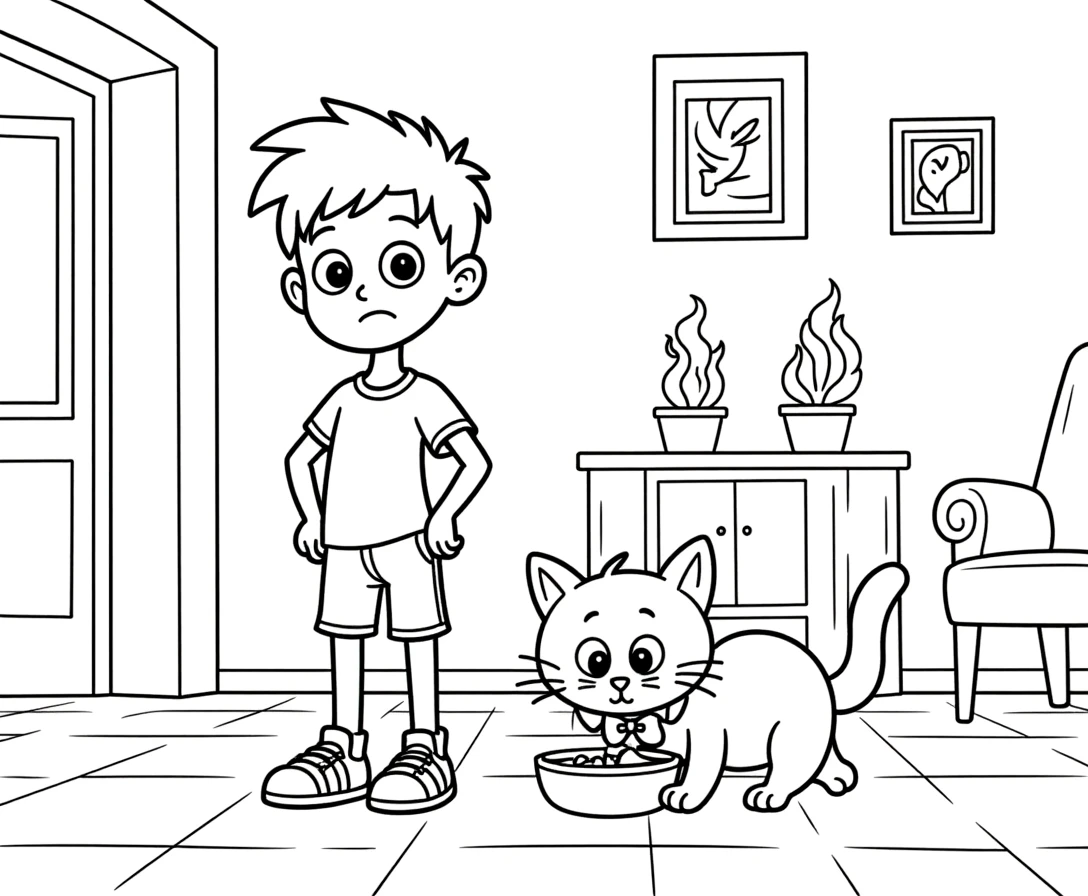
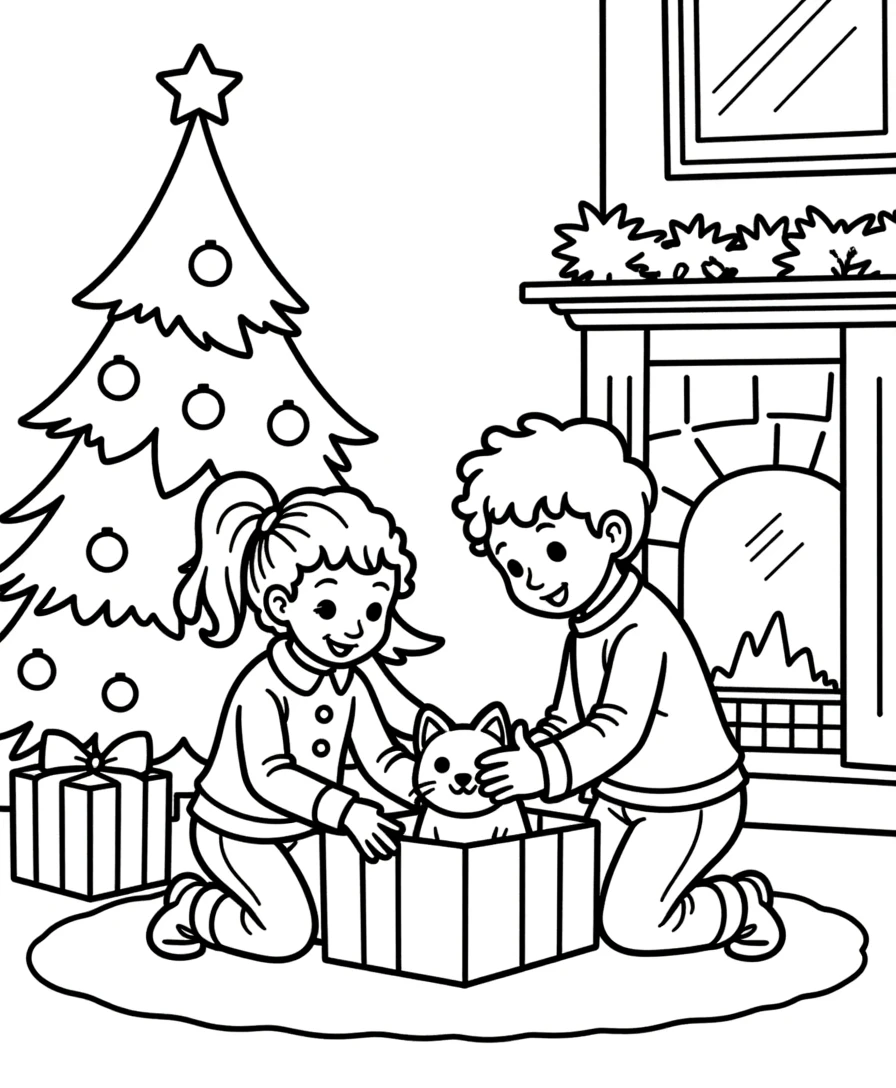
Beautiful Coloring Pages!

Print-ready coloring sheets for creative fun
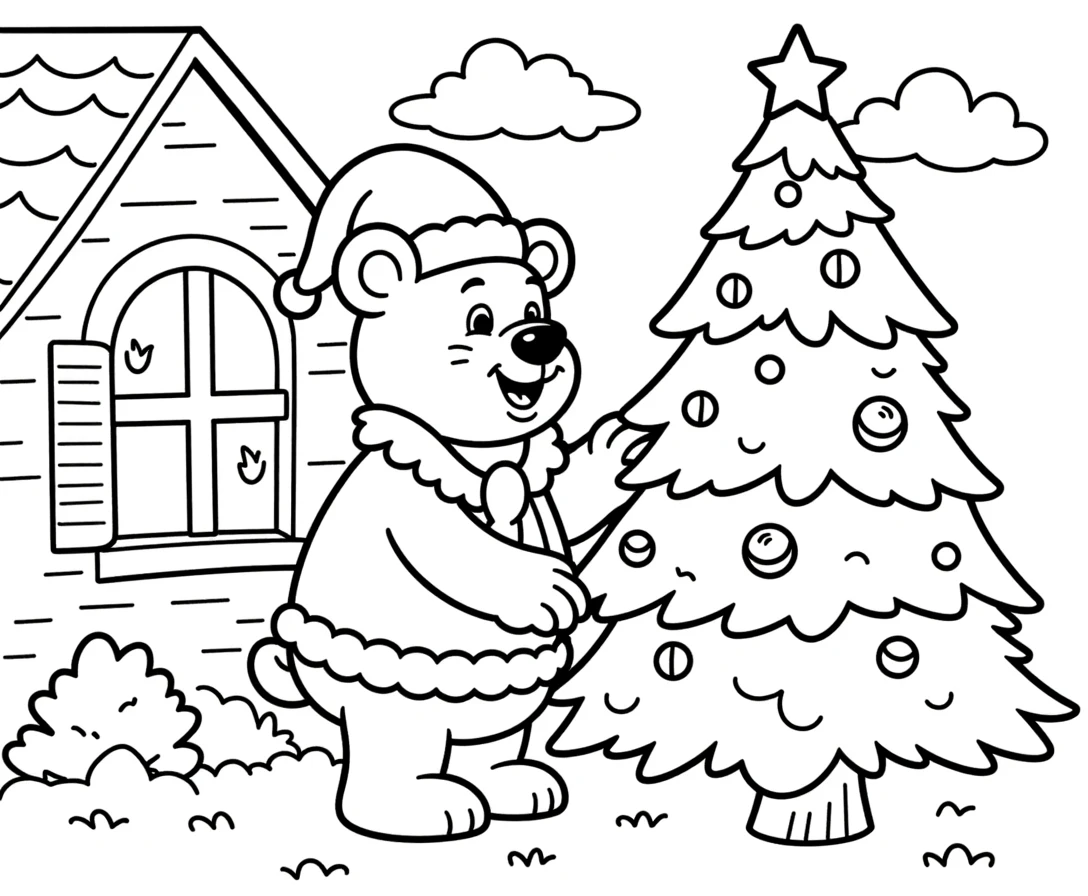
Coloring page — themed holiday illustration
Coloring page — detailed picture
Coloring page — fun scene to color
Cozy ScenesNo PrepPrint-ReadyFree Trial with Watermark

How to Create Coloring Pages in Under 3 Minutes

1

Set Your Page Layout

Open the Page Setup panel and choose a page size: Letter Portrait, Letter Landscape, A4 Portrait, A4 Landscape, Square (1200×1200), or any custom dimension. Pick a page color using the color picker — white is the default for clean coloring pages. Select a decorative border theme from the border library to frame your page. These layout choices establish the foundation of your coloring worksheet before you add any content.
2

Browse the Image Library and Add Images

Open the Image Library panel and browse 104 themed collections with 3,100+ colorful illustrations — animals, food, vehicles, nature, holidays, and dozens more. Use the theme dropdown to filter by category or type in the search box to find specific images. Click any image to place it directly on your canvas. You can also upload custom PNG, JPG, or GIF images using the upload button. Every image you add becomes a fully movable, resizable canvas object.
3

Arrange, Resize, and Layer Images on the Canvas

Drag images anywhere on the free-form canvas — no grid snapping, no template restrictions. Resize by dragging corner handles, rotate to any angle, and use layer controls to manage stacking order. Lock finished elements to prevent accidental moves while you continue editing. The canvas supports up to 20 undo/redo states (Ctrl+Z / Ctrl+Y) so you can experiment freely. Zoom from 25% to 300% for precision placement of small details.
4

Add Text, Layout Helpers, and Freehand Drawings

Use the Text Tools panel to add titles, instructions, or labels with fonts including Lexend Deca, Baloo 2, Nunito, Quicksand, Fredoka, Arial, and Verdana. Adjust font size, color, and text outline width (0–10 with 0.5-step granularity) for maximum readability. Click the Layout Helpers to add a name field ("Name: ____") or handwriting practice lines with a single click. Switch to the Drawing Tool to sketch freehand illustrations directly on the canvas — pick a brush color and adjust the brush size from 1 to 50 pixels.
5

Toggle Grayscale and Download

Open the Download panel and toggle the grayscale option to convert your colorful composition into ink-friendly coloring pages — perfect for print worksheets and coloring books. Export as a high-resolution JPEG or print-ready PDF at 300 DPI. Files are named coloring_page.jpeg or coloring_page.pdf for easy organization. Every export is production-ready for Etsy listings, Amazon KDP interiors, and Gumroad product files — no post-processing needed.
Detail Levels

Coloring for Every Age

From simple outlines to detailed scenes
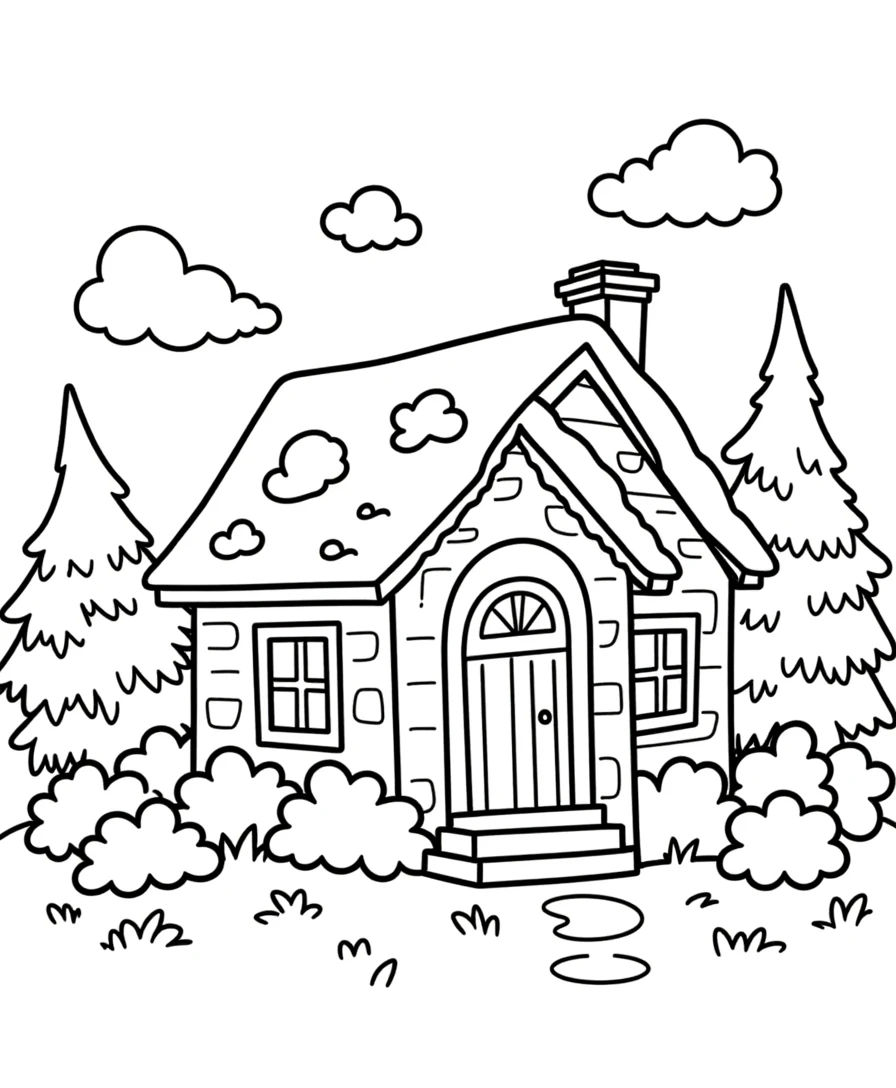
Simple
Simple coloring page — bold outlines

Bold outlines perfect for young artists
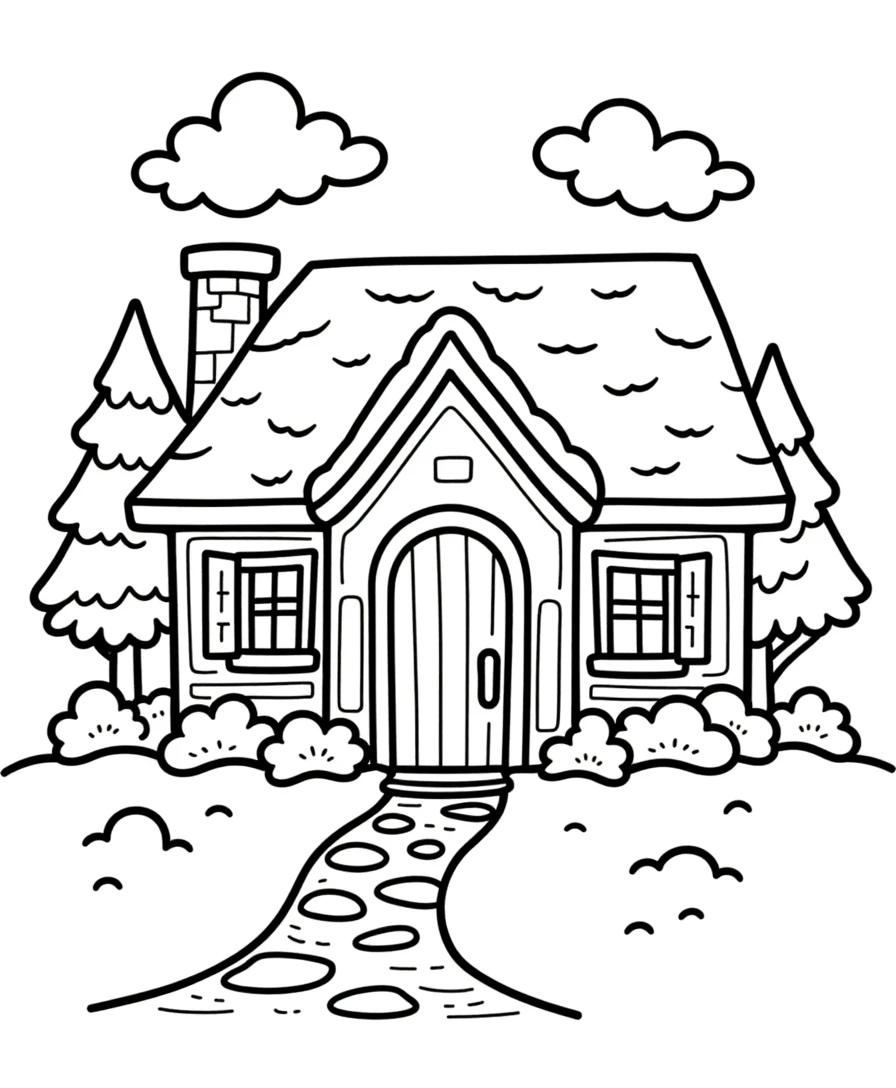
Detailed
Detailed coloring page — medium complexity

Themed scenes with moderate detail

Intricate
Intricate coloring page — complex scene

Complex landscapes for older colorists

Coloring builds focus and creativity

Why Coloring Pages Are the Top-Performing Printable Niche

Free-Form Canvas Coloring Page Designer

Unlike grid-based worksheet generators, the Coloring Page Generator gives you a completely open canvas where every element is placed exactly where you want it. There are no templates, no slots, no predetermined layouts — just a blank page and your creative vision. Drag images anywhere, overlap them, rotate them, resize them freely. This free-form approach means every coloring page you create is unique and impossible to replicate with template-based tools. For sellers, this translates to original products that stand out in crowded marketplace categories.

Freehand Drawing Tool with Adjustable Brush Color and Size

Switch to Drawing mode and sketch directly on the canvas with the freehand brush. Choose any brush color using the color picker (default #333333) and adjust the brush size from 1 to 50 pixels using the slider. Draw custom borders, add decorative doodles, create original illustrations, or sketch connector lines between images. The drawing tool uses Fabric.js freehand rendering for smooth, responsive strokes. Combined with the image library, freehand drawing lets you create coloring pages that blend curated illustrations with your own original artwork.

Layout Helpers: Name Field and Handwriting Lines

Two one-click layout helpers transform coloring pages into ready-to-use printable activities. The Name Field button adds a formatted "Name: ____________________" text block positioned at the top of the page. The Handwriting Lines button adds a group of three evenly spaced lines (solid, dashed, solid) near the bottom of the page for handwriting practice. Together, these helpers make your coloring worksheets print-ready without manual text formatting. Sellers can highlight these features as built-in differentiation from generic coloring pages.

Grayscale Export Toggle for Ink-Friendly Coloring Pages

The Image Library contains 3,100+ colorful illustrations — but coloring pages need to be printed in black and white so users can add their own colors. The grayscale export toggle solves this by converting your entire composition to grayscale at export time. Design with full-color images for easy visual identification, then flip the toggle to produce ink-friendly coloring worksheets. This workflow is essential for Amazon KDP coloring books where interior pages must be grayscale, and for bulk printing where color ink is expensive or unavailable.

Image Library with 104 Themed Collections and 3,100+ Illustrations

Browse 104 themed image collections covering animals, food, vehicles, nature, professions, holidays, sports, seasons, and dozens more. Each theme provides a coordinated set of colorful illustrations that work together on a coloring page. Use the theme dropdown to filter by category or search for specific images by keyword. Click any image to add it to your canvas instantly. The Commercial tier includes 10 colorful themes for getting started; Full Access unlocks all 104 themes for maximum creative variety. Upload custom images alongside library content for completely original compositions.

Decorative Border Themes from the Border Library

Frame your coloring pages with decorative border themes loaded from the built-in border library. Borders add visual polish and define the printable area of each page. Select a border from the Page Setup panel to apply it instantly. Borders are separate from page content — they frame the canvas without interfering with your images, text, or drawings. Decorative borders increase the perceived quality of coloring pages for marketplace listings and give each page a finished, professional appearance.

Print-Ready PDF and JPEG Export at 300 DPI

Download coloring pages as high-resolution JPEG images or print-ready PDF documents rendered at 300 DPI using a 6x multiplier for crisp output. Page sizes include Letter Portrait (612×792), Letter Landscape (792×612), A4 Portrait (595×842), A4 Landscape (842×595), Square (1200×1200), and fully custom dimensions. Toggle grayscale for ink-friendly versions. Every export is production-ready for Etsy digital downloads, Amazon KDP book interiors, and Gumroad product files.

Full Canvas Editing with Text Tools and Layering Controls

The Fabric.js canvas provides complete control over every element on your coloring page. Drag, resize, rotate, and reposition images, text, and drawings freely. Layer controls manage stacking order — bring elements forward or send them back. Lock finished elements while you edit others. Add custom text with seven font options, adjustable size and color, and text outline width from 0 to 10 with 0.5-step granularity for bold, readable titles. Zoom from 25% to 300% for precision work. Undo and redo up to 20 history states with Ctrl+Z and Ctrl+Y. Clear All includes a confirmation dialog to prevent accidental deletion.

Color Your World!

Creativity Unleashed!

Featured coloring page — beautiful themed illustration
Print Instantly!Cozy ScenesNo Prep Needed

Sell Coloring Books on Etsy & Amazon KDP

Themed Coloring Page Bundles on Etsy

Etsy (etsy.com)
Create themed coloring page packs using the 104 image collections — farm animals, ocean creatures, dinosaurs, jungle wildlife, holiday celebrations, and dozens more. Each theme provides enough illustrations for 10–20 unique coloring pages. Toggle grayscale export for print-ready output, add decorative borders for a polished look, and include pages with handwriting lines for added educational value. Package themes as individual bundles at $3–$5 each, or combine multiple themes into mega packs at $12–$18. The free-form canvas ensures every page is original and impossible to recreate with template-based generators.

Coloring Books on Amazon KDP

Amazon KDP (kdp.amazon.com)
Compile 60–100 coloring pages into a printed coloring book formatted for Amazon KDP. The grayscale export toggle produces ink-friendly pages ready for black-and-white book interiors. Structure your book by theme: Chapter 1 covers farm animals, Chapter 2 ocean life, Chapter 3 vehicles, and so on. Use the freehand drawing tool to add custom title pages and section dividers. The free-form canvas lets you control image density per page — single large images for younger audiences, multiple smaller images for older colorists. Coloring books have year-round demand with seasonal spikes around holidays.

Niche Coloring Activity Sheets on Gumroad

Gumroad (gumroad.com)
Build ready-to-use coloring worksheets with the built-in layout helpers. Add a name field and include handwriting practice lines at the bottom for integrated literacy practice. Buyers value worksheets that do more than just coloring — the name field and handwriting lines make your product a multi-skill activity sheet that adds perceived value. Create theme-specific sets tied to popular niches: weather, seasons, community helpers, food groups, and habitats. The visual-only output works regardless of language or reading level.

Custom Coloring Pages with Freehand Drawing

Etsy / Amazon KDP / Gumroad
Combine library illustrations with your own freehand drawings to create coloring pages that no other generator can produce. Sketch custom borders, add decorative elements between images, draw connecting scenes that tie multiple images together, or create entirely original illustrations on the canvas. The adjustable brush size (1–50px) handles everything from fine detail work to bold outlines. This hybrid approach — curated library images plus original freehand art — produces coloring pages with genuine creative value that command premium prices in marketplace listings.

Seasonal and Holiday Coloring Collections

Etsy / Amazon KDP / Gumroad (seasonal)
The 104 themed image collections cover every seasonal and holiday occasion — Christmas, Halloween, Easter, Valentine's Day, back-to-school, summer vacation, winter holidays, and more. Create time-limited coloring page collections that align with peak shopping periods. Release Halloween coloring bundles in September, Christmas collections in October, and Valentine's Day packs in January. Seasonal products command higher prices during their peak windows and create natural reasons for repeat purchases from the same customer base.

Professional Coloring Pages

Beautiful illustrations ready to print and color
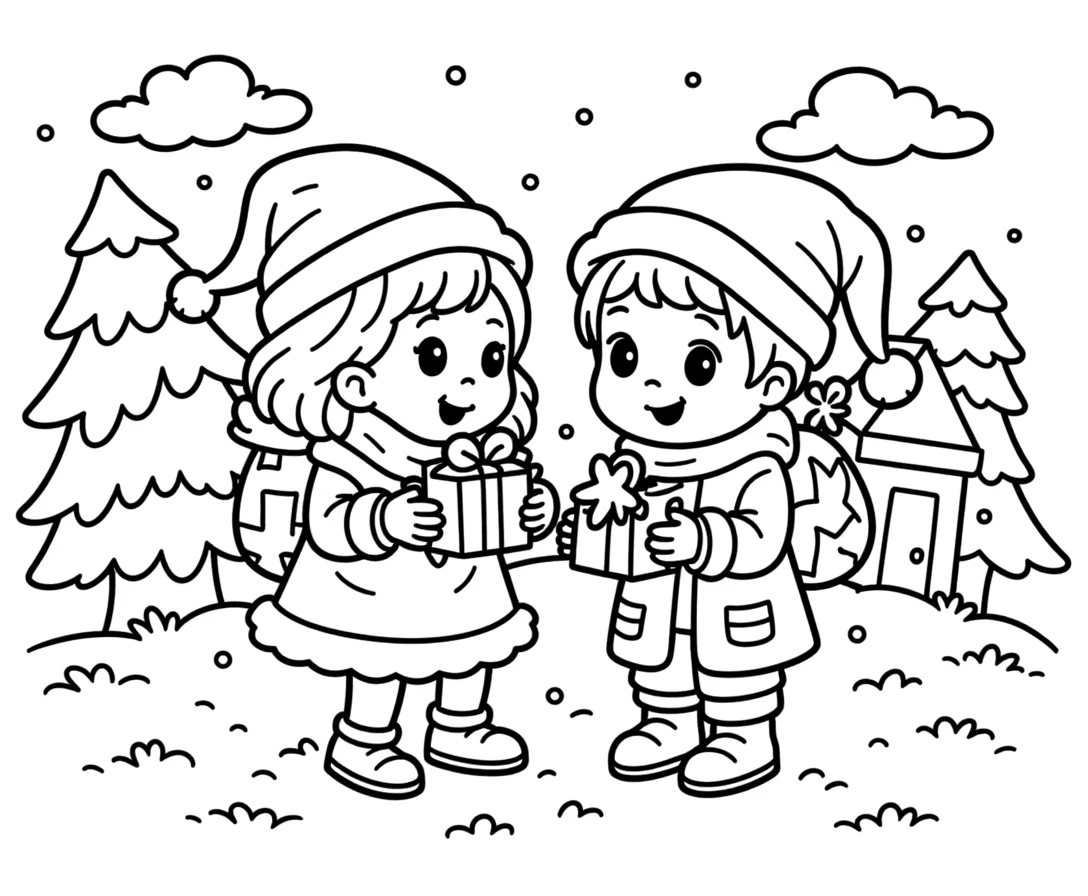
Professional coloring page — landscape
Landscape
Coloring page — themed scene
Scene
Coloring page — portrait style
Portrait
Print-ReadyNo Prep RequiredMultiple ThemesVariety Included

Who Is This For?

Etsy Sellers

Coloring pages and drawing activities are among the highest-volume printable categories on Etsy. Themed collections for holidays, animals, and seasons generate repeat purchases from satisfied customers.

Amazon KDP Publishers

Coloring books remain one of the most profitable KDP categories with low competition in niche themes. Create targeted coloring books around specific interests like dinosaurs, ocean animals, or vehicles.

Teachers Pay Teachers Sellers

Visual activities serve as engaging rewards, early finisher tasks, and fine motor practice. Teachers value coloring and drawing worksheets that connect to curriculum themes and seasonal topics.

Homeschool Educators & Parents

Use coloring and drawing activities as creative breaks between academic subjects. Themed visual worksheets help develop fine motor skills while keeping young children engaged and focused.

Sample Worksheets

Animal theme coloring page with colorful illustrations arranged on free-form canvas
Animal theme coloring page — colorful illustrations arranged freely on the canvas
Coloring page with handwriting lines and name field for print-ready use
Print-ready coloring page — name field and handwriting practice lines included
Grayscale coloring page with decorative border ready for ink-friendly printing
Grayscale export — ink-friendly coloring page with decorative border theme

Free version includes a small watermark. Purchase to remove.

Frequently Asked Questions

How does the free-form canvas differ from grid-based generators?
The Coloring Page Generator uses a completely open canvas with no grids, templates, or slots. You place images anywhere on the page by clicking them in the library, then drag, resize, rotate, and layer them freely. This is fundamentally different from grid-based tools that lock images into fixed positions. The free-form approach gives you full creative control over every page layout, making each coloring page unique and original.
How does the freehand drawing tool work?
Toggle the Drawing Tool button to switch from Select mode to Drawing mode. Pick a brush color using the color picker and adjust the brush size from 1 to 50 pixels using the slider. Draw directly on the canvas with your mouse or stylus — strokes are rendered as smooth Fabric.js paths. Toggle back to Select mode to move and edit your drawings like any other canvas object. Combine freehand drawing with library images for hybrid coloring pages.
What are the layout helpers and how do I use them?
Two one-click buttons in the Layout Helpers panel. The Name Field button adds a formatted "Name: ____________________" text block near the top of the page. The Handwriting Lines button adds a group of three evenly spaced lines (solid, dashed, solid) near the bottom of the page for handwriting practice. Both helpers create standard canvas objects you can reposition, resize, or delete like any other element.
How does the grayscale export toggle work?
The grayscale toggle in the Download panel converts your entire coloring page to grayscale at export time. Your canvas remains in full color for easy visual editing — grayscale is only applied to the exported file. This lets you design with colorful images for identification and then produce ink-friendly output for printing. Essential for Amazon KDP coloring book interiors and bulk printing where color ink is unavailable or expensive.
How do I browse and add images from the library?
Open the Image Library panel, select a theme from the dropdown, or type a search term in the search box. Images appear in a grid — click any image to add it directly to your canvas. The image appears as a movable, resizable canvas object that you can drag, rotate, and layer with other elements. The library contains 3,100+ colorful illustrations across 104 themed collections. You can also upload custom PNG, JPG, or GIF images.
Can I upload my own images?
Yes. The Image Library panel includes a custom upload button that accepts PNG, JPG, and GIF files. Uploaded images are added to the canvas just like library images — fully movable, resizable, and rotatable. Combine your own artwork with library illustrations for completely original coloring pages. Custom images are particularly useful for brand-specific coloring pages or subject matter not covered by the built-in themes.
How do the decorative border themes work?
In the Page Setup panel, select a border theme from the border library. The border frames your canvas and adds visual polish to the finished coloring page. Borders are applied as canvas elements that you can see in the editor. They define the visual boundary of the page without interfering with your images, text, or drawings. Different border themes suit different audiences — playful borders for children's coloring pages, elegant borders for adult coloring books.
Why is there no answer key for coloring pages?
Coloring pages are creative activities with no single correct answer — the entire purpose is for users to add their own colors. Unlike math worksheets or letter tracing exercises, there is no right or wrong way to color a page. This makes coloring pages ideal low-preparation products for sellers because you export only the coloring page itself, with no additional answer key file to create.
Is there a free trial?
Yes. You can access every feature — the free-form canvas, all drawing tools, the image library, layout helpers, border themes, grayscale export, and all download formats — without creating an account, entering a credit card, or installing any software. Free trial downloads include a small watermark. A commercial license removes the watermark and grants full selling rights.
Is the Coloring Page Generator language-sensitive?
No. The Coloring Page Generator is a purely visual app — output consists only of images, drawings, and any text you manually add. Changing the language only affects the UI labels in the generator interface and the image library content labels, not the coloring page output. The Commercial tier includes 10 colorful themes; Full Access unlocks all 104 themes and all 11 UI languages for the interface.
Can I sell coloring pages made with this tool on Etsy and Amazon KDP?
Yes. With a commercial license, you have full rights to sell your coloring pages as digital downloads on Etsy, as printed coloring books on Amazon KDP, as products on Gumroad, or through any other sales channel. The free-form canvas, freehand drawing tool, and 104 themed image collections give you the creative tools to produce original, sellable coloring page products.
What is the refund policy?
Because the free trial gives you access to every feature, we do not offer refunds on commercial license purchases. You can test the free-form canvas, every drawing tool, the full image library, layout helpers, border themes, grayscale export, and all download formats before buying. The free trial is the refund policy — make sure the tool fits your needs before purchasing a license.

Coloring Page Generator — Create & Sell Coloring Books on Etsy & KDP

Free-form canvas coloring page designer — browse 104 themed image collections, add freehand drawings, include layout helpers like name fields and handwriting lines, and toggle grayscale export for ink-friendly coloring pages.