Puzzles & Logic

Odd One Out Generator — Sell Logic Puzzle Printables on Etsy

Two generation modes — Identical and Similar — with per-exercise difficulty override, 5–10 configurable exercises, auto-generated answer keys with red circle markers, and visual-only puzzles that work across all 11 languages without translation.

Odd one out puzzles are a universally appealing format that sells well on Etsy and in Amazon KDP activity books — solvers spot the different item in each row, building critical thinking and visual discrimination skills. This maker creates professional find-the-different worksheets with two generation modes: Identical mode for spot-the-difference challenges and Similar mode for cross-theme discrimination puzzles. Configure 5-10 exercises per page and mix difficulty levels within a single worksheet. Choose from 3,000+ themed illustrations across 104 collections and export 300 DPI print-ready PDFs with automatic answer keys that circle the odd item in red. Every worksheet includes full commercial license for Etsy, Amazon KDP, or any marketplace. The purely visual format works worldwide without translation. Free to try with all features — no signup, no credit card. Downloads include a watermark; purchase a license to remove it.
Buy for $49

No signup required. Create worksheets instantly.

No signup required11 languages supportedInstant PDF export
Pre-K to 2nd

Find the Odd One Out!

Spot which picture does not belong in the group
Odd one out printable worksheet — spot the different one
Odd one out — themed categories
Odd one out — advanced challenge
Critical ThinkingAnswer KeysPrint-ReadyFree Trial with Watermark

How to Create Odd One Out Puzzles Step by Step

1

Set Your Page Layout

Open the Page Setup panel and choose a page size: Letter Portrait, Letter Landscape, A4 Portrait, A4 Landscape, Square (1200×1200), or any custom dimension. Pick a page color using the color picker as a fallback background. Select a background theme and adjust its opacity (0–1 in 0.05 steps), then choose a border theme with its own independent opacity control. These layout choices frame your odd one out worksheet before you configure any exercises.
2

Configure Your Exercises

Open the Exercise Configuration panel and set the exercise count from 5 to 10 (default 6). Select a global generation mode: Identical mode uses three clones of the same image plus one different image from the same theme, while Similar mode draws three images from Theme A and one image from Theme B. Override the mode per exercise using dropdown selectors on each row — mix Identical and Similar exercises on a single worksheet for progressive difficulty. Toggle the "Include Name/Date Fields" checkbox to add name and date lines, and toggle "Include Exercise Numbers" to display numerals on the left side of each exercise card.
3

Select Themes and Images

Open the Image Library panel and choose Theme A from the dropdown — this provides the three common images in Similar mode. Choose Theme B for the odd item in Similar mode (e.g., Theme A = animals, Theme B = food). Browse 104 themed collections with 3,100+ colorful illustrations, or search by keyword. In Identical mode, only one theme is needed since both the common and odd images come from the same collection. You can also upload custom PNG, JPG, or GIF images to use alongside library content.
4

Generate the Odd One Out Worksheet

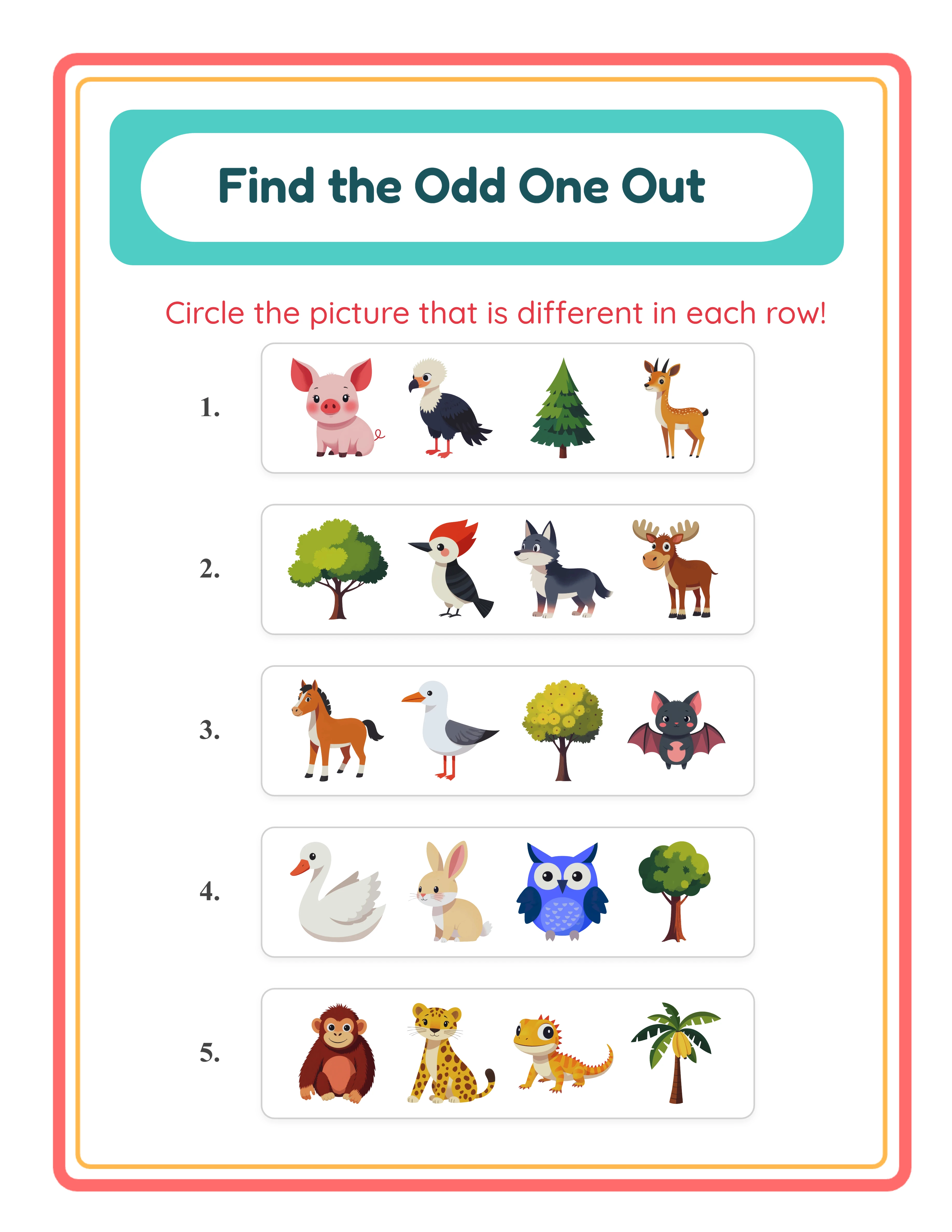
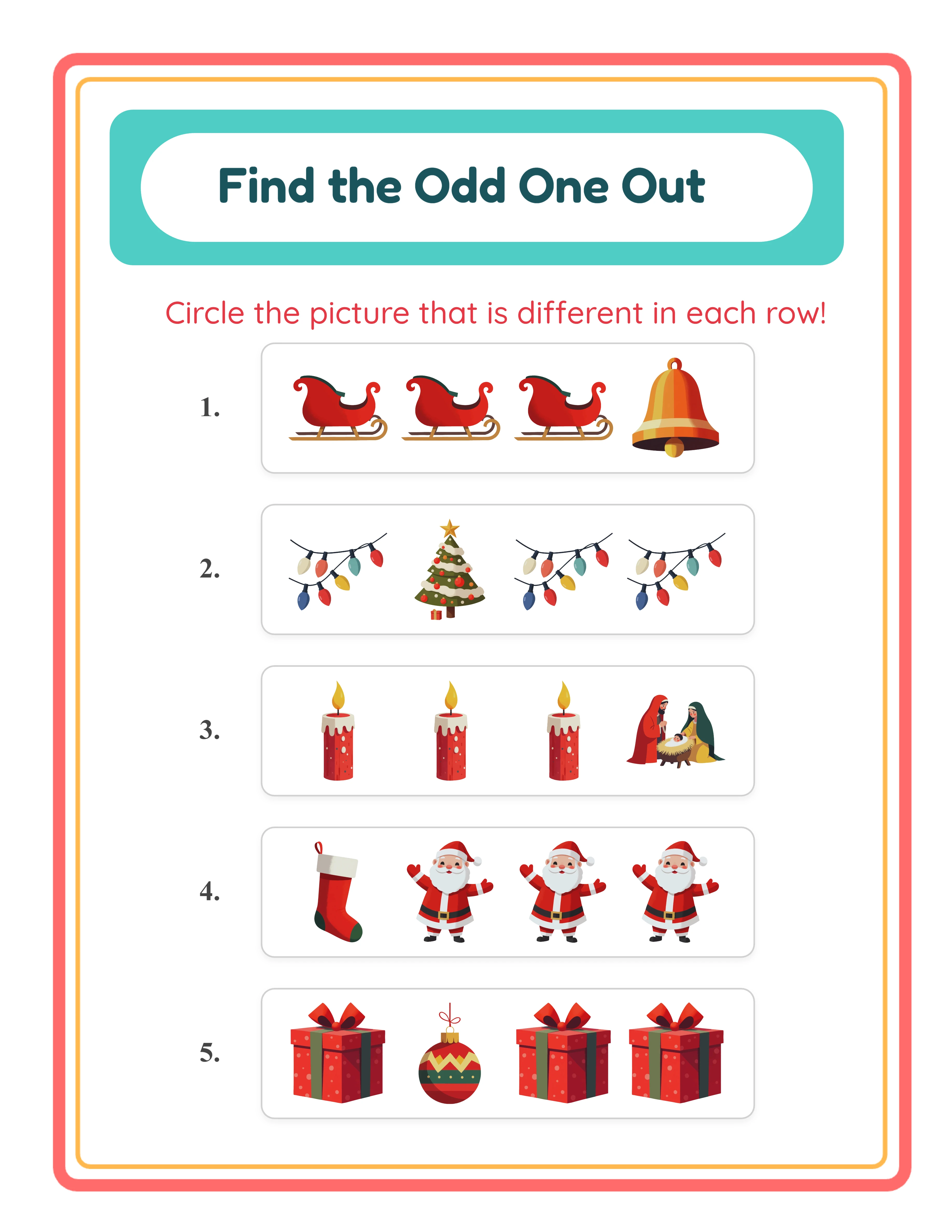
Click Generate to create the exercise cards. Each card displays four images in a horizontal row — three common items and one odd item with its position randomly shuffled. The app arranges cards in 1–2 columns depending on page orientation and exercise count (2 columns for landscape or portrait with 7+ exercises). A styled "Find the Odd One Out" header appears at the top with a coral outer border (#FF6B6B, 8px stroke), amber inner border (#FFB84D, 3px stroke), and turquoise background (#4ECDC4) — with the title in dark teal Fredoka (#1A535C) and instructions in red Quicksand (#E63946).
5

Generate the Answer Key and Download

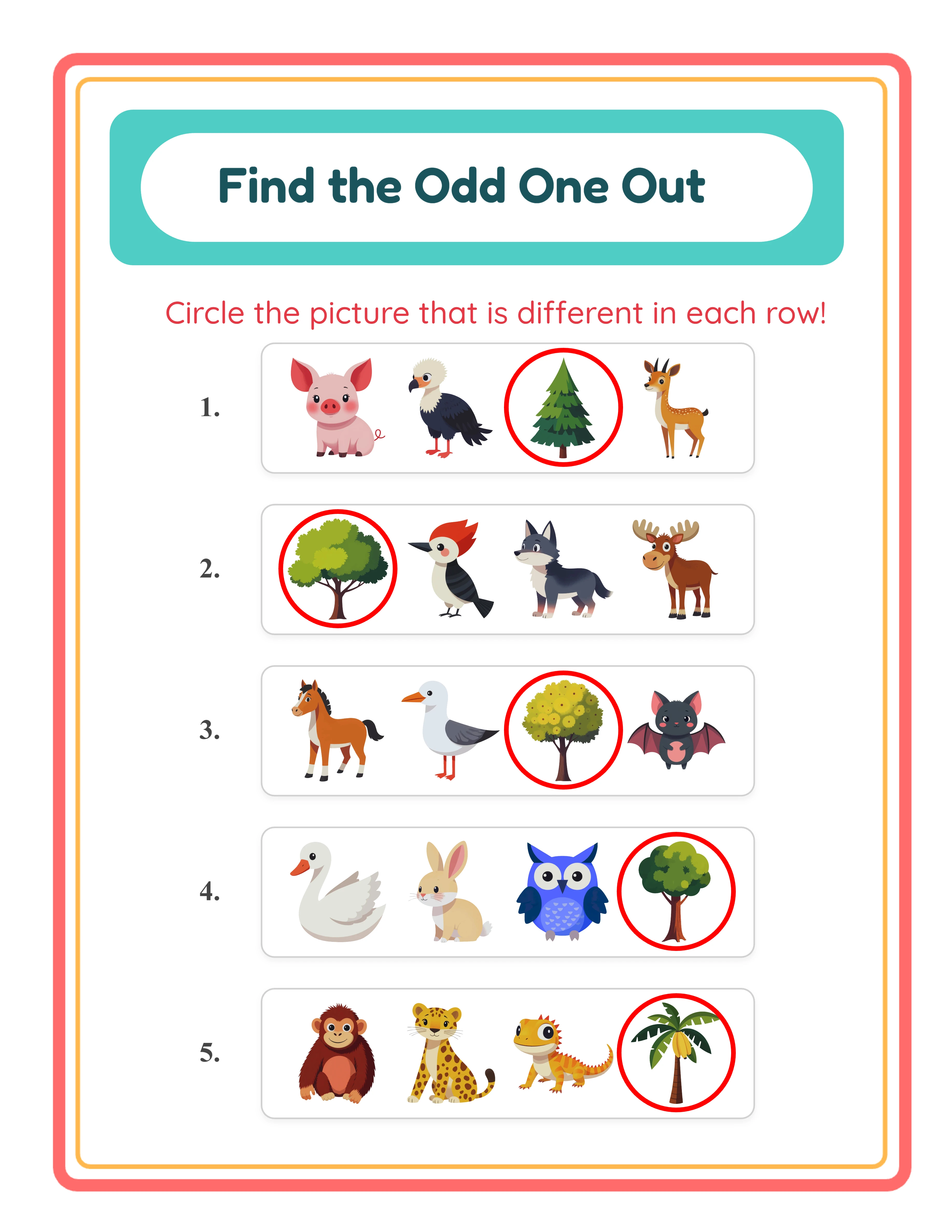
Switch to the Answer Key tab to see the auto-generated answer key with a red circle drawn around the odd item in each exercise row. The circle's stroke width scales with image size (max of imageSize × 0.04 or 3px) for consistent visibility across page sizes. Download both versions using the four dedicated buttons: Worksheet JPEG, Answer Key JPEG, Worksheet PDF, and Answer Key PDF at 300 DPI. Toggle grayscale for ink-friendly versions. Every export is production-ready for Etsy listings, Amazon KDP interiors, and Gumroad product files.
Thinking Levels

Challenges for Every Thinker

From obvious differences to subtle distinctions
Spotter
Easy odd one out — obvious differences

One item clearly different from the rest
Thinker
Medium odd one out — themed groups

Themed groups with category reasoning
Genius
Hard odd one out — subtle differences

Subtle distinctions requiring deep thinking

Finding the odd one out builds classification skills

Why Odd One Out Puzzles Sell on Etsy & KDP

Find the Odd One Out Puzzles with Two Generation Modes

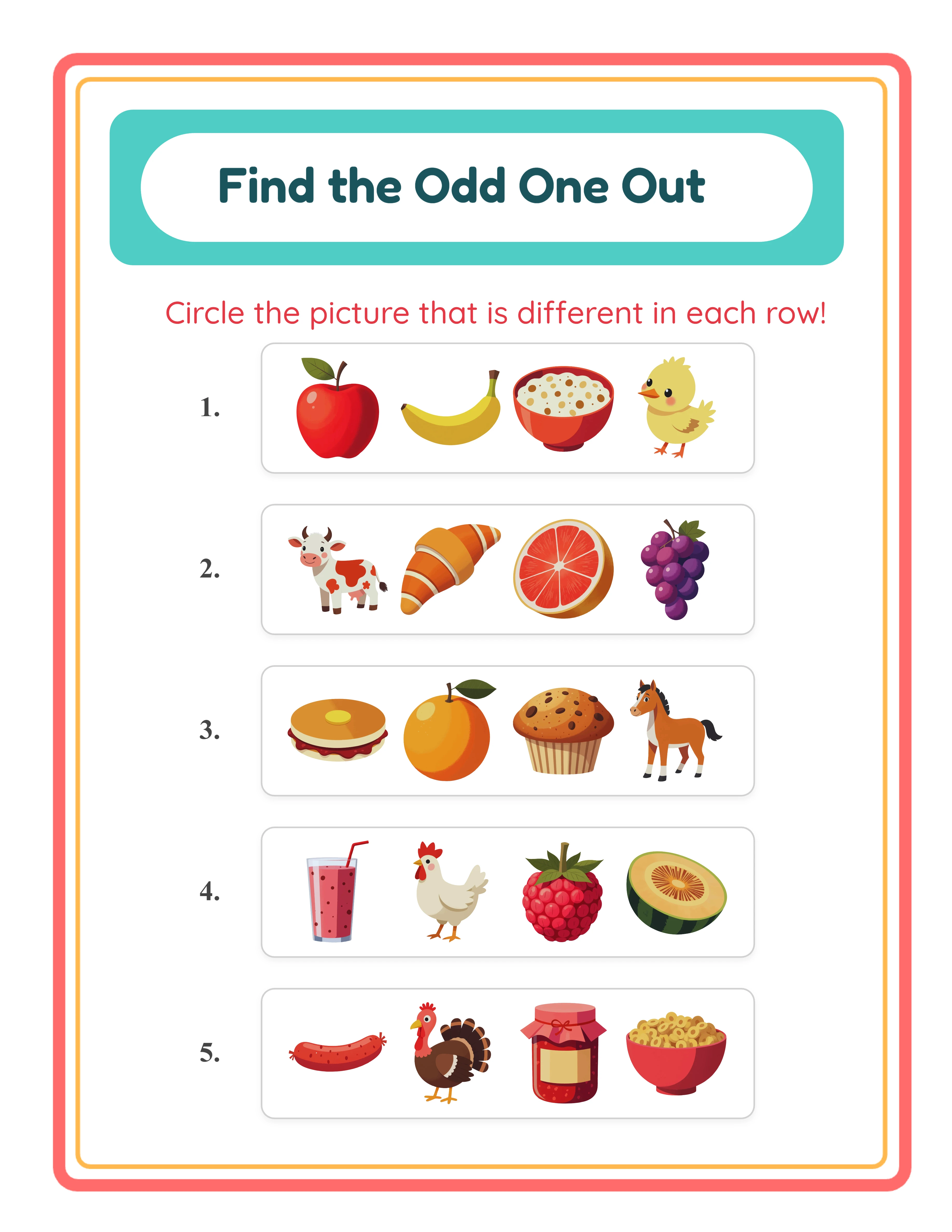
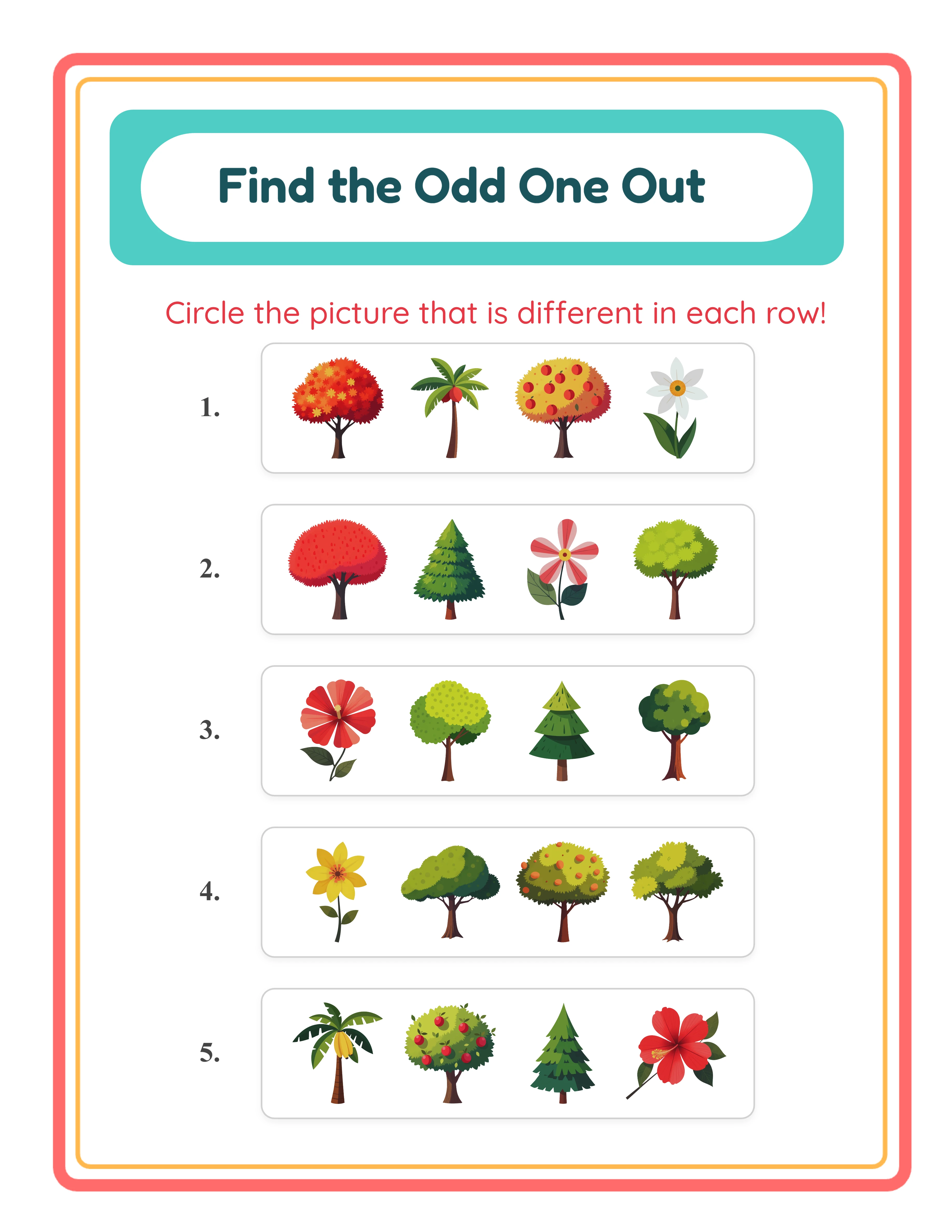
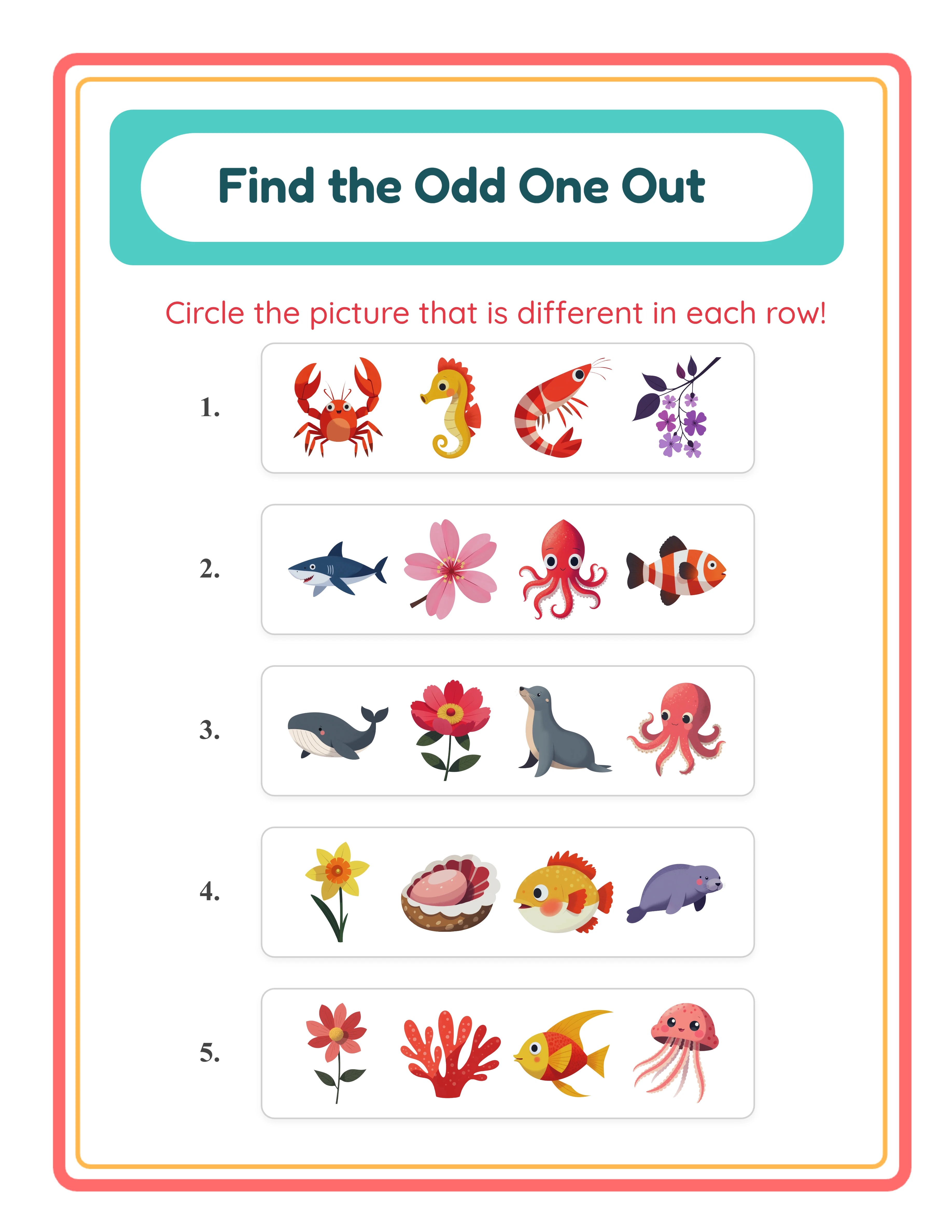
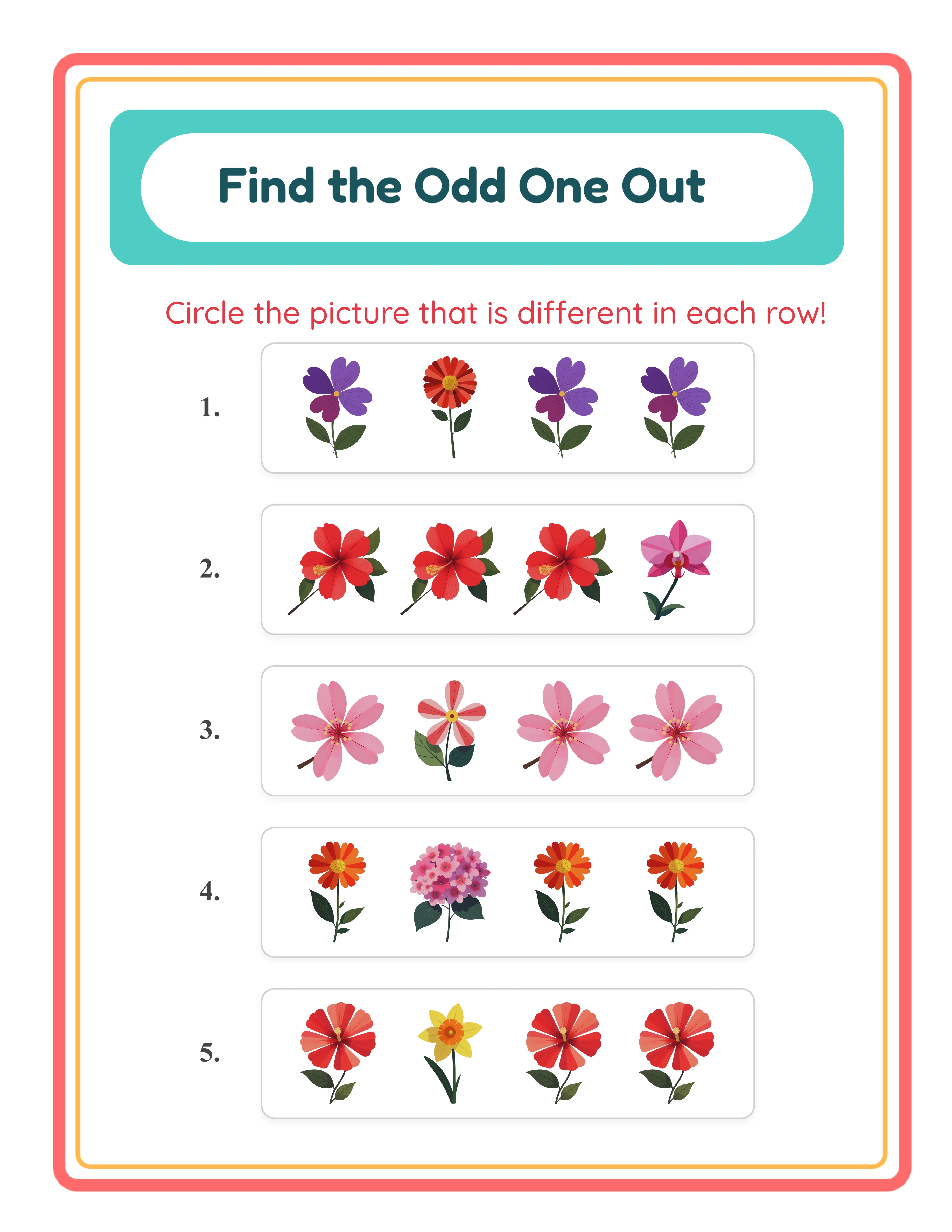
Every exercise displays four images in a horizontal card — three common items and one odd item — and solvers circle the one that doesn't belong. The generator offers two distinct modes. Identical mode places three clones of the exact same image alongside one different image from the same theme, creating a straightforward spot-the-difference challenge. Similar mode draws three images from Theme A (e.g., animals) and one image from Theme B (e.g., food), requiring solvers to identify the thematic outlier rather than a visual duplicate. Each mode produces a fundamentally different cognitive challenge from the same image library.

Per-Exercise Mode Override for Mixed-Difficulty Worksheets

Each exercise row includes its own mode dropdown selector, letting you override the global mode on a per-exercise basis. Start with easy Identical exercises at the top and transition to harder Similar exercises toward the bottom — or alternate modes throughout for varied challenge. A "Clear Selections" button resets all per-exercise overrides back to the global setting. This granular control lets sellers create progressive-difficulty worksheets that serve multiple skill levels on a single page, increasing the perceived value of each printable.

Configurable Exercise Count from 5 to 10 Per Worksheet

Set the number of exercises from 5 to 10 using the Exercise Configuration panel, with the default set to 6. Fewer exercises create worksheets with larger image cards and more spacing — ideal for beginner-level products or worksheets intended for fine motor practice where circling needs room. More exercises increase content density and challenge. The layout automatically adapts: portrait pages with 7 or more exercises switch to a 2-column layout, and landscape pages always use 2 columns for optimal spacing.

Two-Theme System with Theme A (Common) and Theme B (Odd)

Similar mode uses a two-theme system that makes cross-category discrimination puzzles effortless to create. Select Theme A from the dropdown for the three common images in each exercise, then select Theme B for the single odd item. Pair animals with food, vehicles with nature, professions with sports — any combination from the 104 available themes. This system guarantees that the odd item is always thematically distinct, creating clear and well-structured puzzles without manual image selection for each exercise.

Auto-Generated Answer Key with Red Circle Markers

Every odd one out worksheet automatically generates a companion answer key on a separate canvas tab. The answer key reproduces the exact worksheet layout and draws a red circle outline around the odd item in each exercise row. The circle's stroke width scales dynamically with image size — calculated as the maximum of imageSize × 0.04 or 3 pixels — ensuring consistent visibility across all page sizes and exercise counts. No manual marking, no separate file creation — the answer key stays in sync with the worksheet automatically.

Image Library with 104 Themed Collections and 3,100+ Illustrations

Browse 104 themed image collections covering animals, food, vehicles, nature, professions, holidays, sports, seasons, and dozens more. Each theme provides a coordinated set of colorful illustrations that work together in odd one out exercises. Filter by theme using the dropdown or search for specific images by keyword. Images load with lazy loading (20 at a time) for smooth browsing. The Commercial tier includes 10 colorful themes for getting started; Full Access unlocks all 104 themes for maximum variety across both generation modes.

Print-Ready PDF and JPEG Export at 300 DPI with Grayscale Toggle

Download odd one out worksheets and answer keys as high-resolution JPEG images or print-ready PDF documents rendered at 300 DPI (6× multiplier). Four dedicated download buttons export Worksheet JPEG, Answer Key JPEG, Worksheet PDF, and Answer Key PDF separately. Page sizes include Letter Portrait, Letter Landscape, A4 Portrait, A4 Landscape, Square (1200×1200), and fully custom dimensions. Toggle grayscale for ink-friendly versions that save toner. Every export is production-ready for digital downloads, printed workbooks, and bulk printing.

Full Canvas Editing with Text Tools, Name/Date Fields, and Exercise Numbers

The Fabric.js canvas provides complete control over every element on your worksheet. Drag, resize, rotate, and reposition images, text, and generated content freely. Layer controls manage stacking order, and lock finished elements while editing others. Add custom text with seven font options (Lexend Deca, Baloo 2, Nunito, Quicksand, Fredoka, Arial, Verdana), adjustable size and color, and text outline width from 0 to 10 with 0.5-step granularity. Toggle name and date fields for polished formatting, and exercise numbers (25px width, 15px gap) for easy reference during review. Zoom from 25% to 300% for detail work. Undo and redo up to 20 history states with Ctrl+Z and Ctrl+Y.

Spot the Difference!

Think & Eliminate!
Featured odd one out — colorful critical thinking activity
Print Instantly!Multiple ThemesWith Answer Keys

Sell Visual Puzzle Activity Books on Etsy & KDP

Themed Odd One Out Puzzle Bundles on Etsy

Etsy (etsy.com)
Create themed visual discrimination bundles using the two-theme system — animals vs. food, vehicles vs. nature, holidays vs. sports, and dozens more cross-theme combinations. Each theme pairing produces enough unique exercises for multiple worksheets with both Identical and Similar modes. Package 10–20 odd one out worksheets per bundle with answer keys included, and sell at $3–$7 per set. The visual-only format means every bundle works for any language market without modification, expanding your customer base globally.

Visual Discrimination Workbooks on Amazon KDP

Amazon KDP (kdp.amazon.com)
Compile 40–80 odd one out worksheets into a printed workbook formatted for Amazon KDP. Structure your book with progressive difficulty: early chapters use Identical mode (spot the non-clone), middle chapters use Similar mode with obvious theme contrasts, and advanced chapters use Similar mode with subtler distinctions. Use the per-exercise mode override to create mixed-difficulty pages that challenge solvers to switch between visual strategies. Include answer keys at the back using the auto-generated red-circle answer key. The grayscale toggle produces ink-friendly pages for black-and-white book interiors.

Niche Store Critical Thinking Products on Gumroad

Gumroad (gumroad.com)
Build ready-to-use odd one out worksheets with name and date fields, exercise numbers, and printed answer keys. Buyers browsing Gumroad for critical thinking activities value worksheets that arrive polished — the name field adds a professional touch, exercise numbers make referencing easy, and the red-circle answer key adds perceived value. Create themed sets: animal classification challenges, food group discrimination, community helper identification, and seasonal awareness puzzles. Each set includes worksheets and answer keys in both PDF and JPEG formats.

Seasonal and Holiday Puzzle Collections

Etsy / Amazon KDP / Gumroad (seasonal)
The 104 themed image collections cover every seasonal and holiday occasion — Christmas, Halloween, Easter, Valentine's Day, back-to-school, summer vacation, and more. Create time-limited odd one out collections that align with peak shopping periods. Release Halloween puzzle bundles in September, Christmas collections in October, and Valentine's Day packs in January. Mix Identical and Similar modes within each seasonal set for variety and perceived value. Seasonal products command higher prices during their peak windows and create natural reasons for repeat purchases.

Global Market Appeal with Visual-Only Puzzles

Etsy / Amazon KDP (global market)
Because odd one out worksheets are entirely visual — no text appears on the puzzle itself — every worksheet works in any language without modification. The auto-generated header translates into all 11 supported languages, but the puzzle content requires zero localization. This makes odd one out worksheets uniquely efficient for sellers targeting international markets. Create one set of worksheets and list it in multiple language-specific Etsy shops or Amazon KDP marketplaces. The same product serves English, German, French, Spanish, and every other market simultaneously.

Professional Thinking Worksheets

Engaging classification and reasoning activities
Professional odd one out printable worksheet
Challenge
Odd one out — themed variation
Challenge
Odd one out printable answer key
Answer Key
Print-ReadyNo Prep RequiredAnswers IncludedMultiple Categories

Who Is This For?

Etsy Sellers

Puzzle worksheets like sudoku, mazes, and logic challenges attract both parents and teachers. These printables have strong gift-giving potential and work well as themed activity packs for parties and events.

Amazon KDP Publishers

Puzzle books are a proven KDP category with dedicated buyer audiences. Picture sudoku, maze books, and mixed puzzle collections for children fill a gap between adult puzzle books and basic worksheets.

Teachers Pay Teachers Sellers

Logic puzzles and brain teasers serve as enrichment activities, early finisher tasks, and substitute plans. TPT teachers search for themed puzzle packs that align with their current classroom units.

Homeschool Educators & Parents

Puzzles develop logical thinking, spatial reasoning, and problem-solving skills through engaging play. Multiple difficulty levels ensure appropriate challenge as your child develops cognitive abilities.

Sample Worksheets

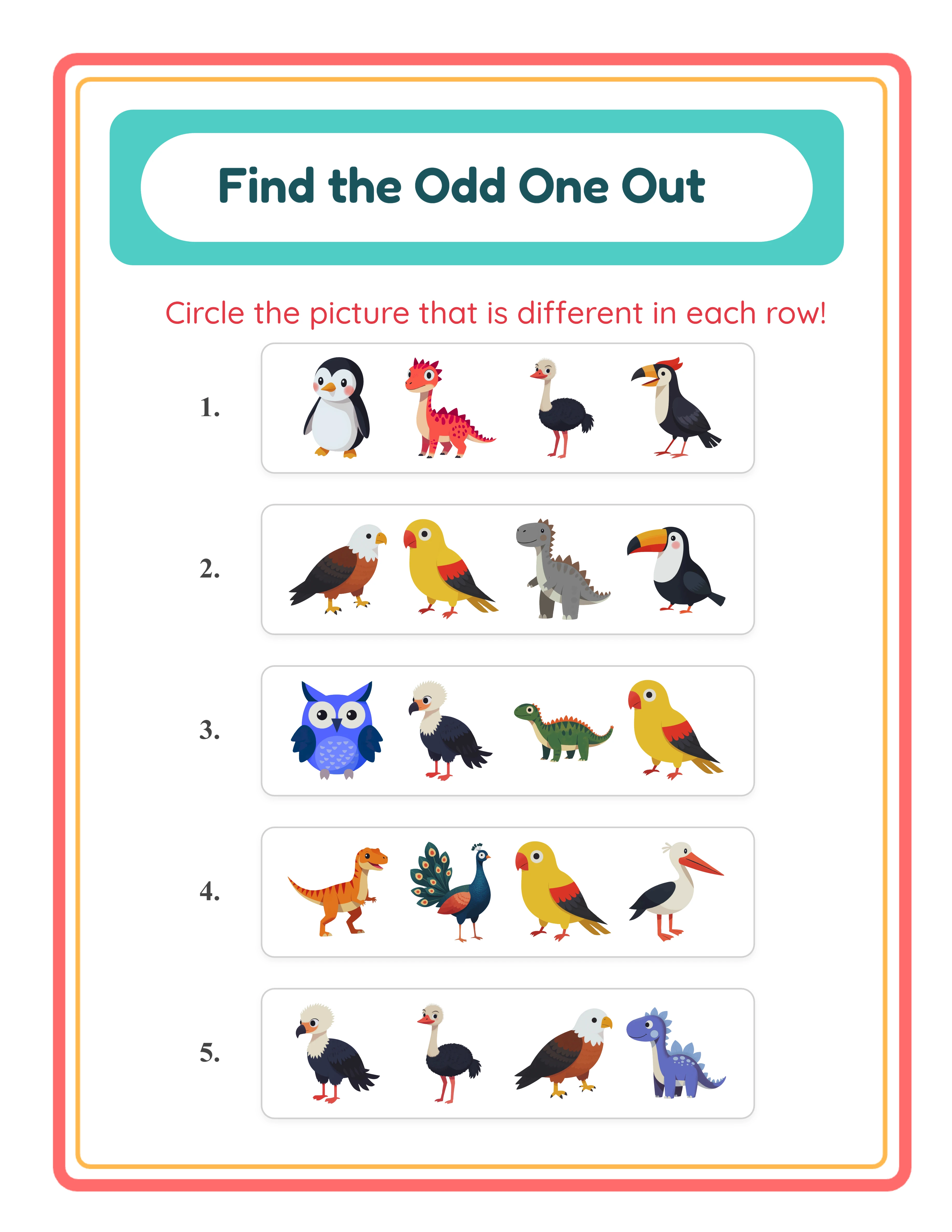
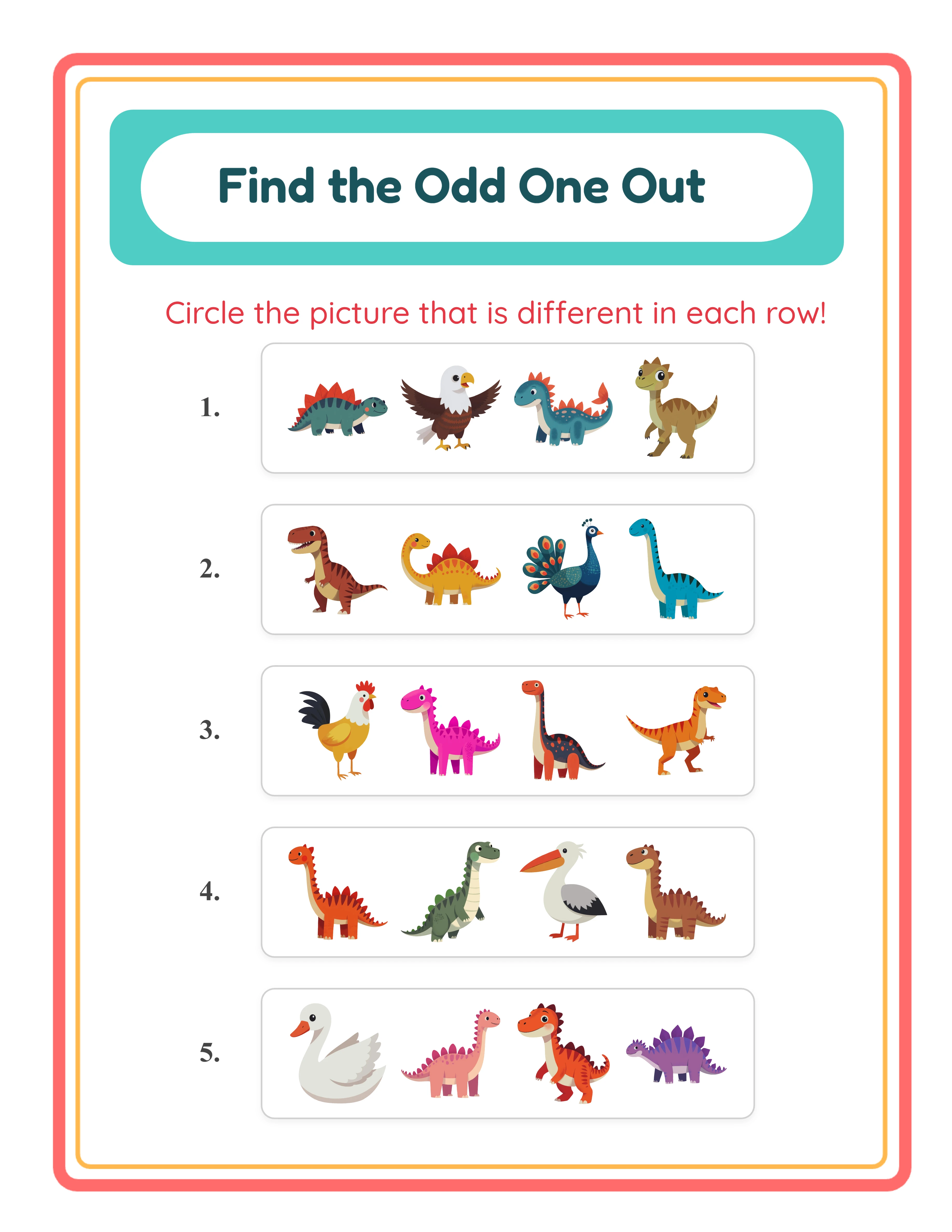
Similar mode odd one out worksheet with three animals and one food item per row
Similar mode — three images from Theme A and one odd item from Theme B
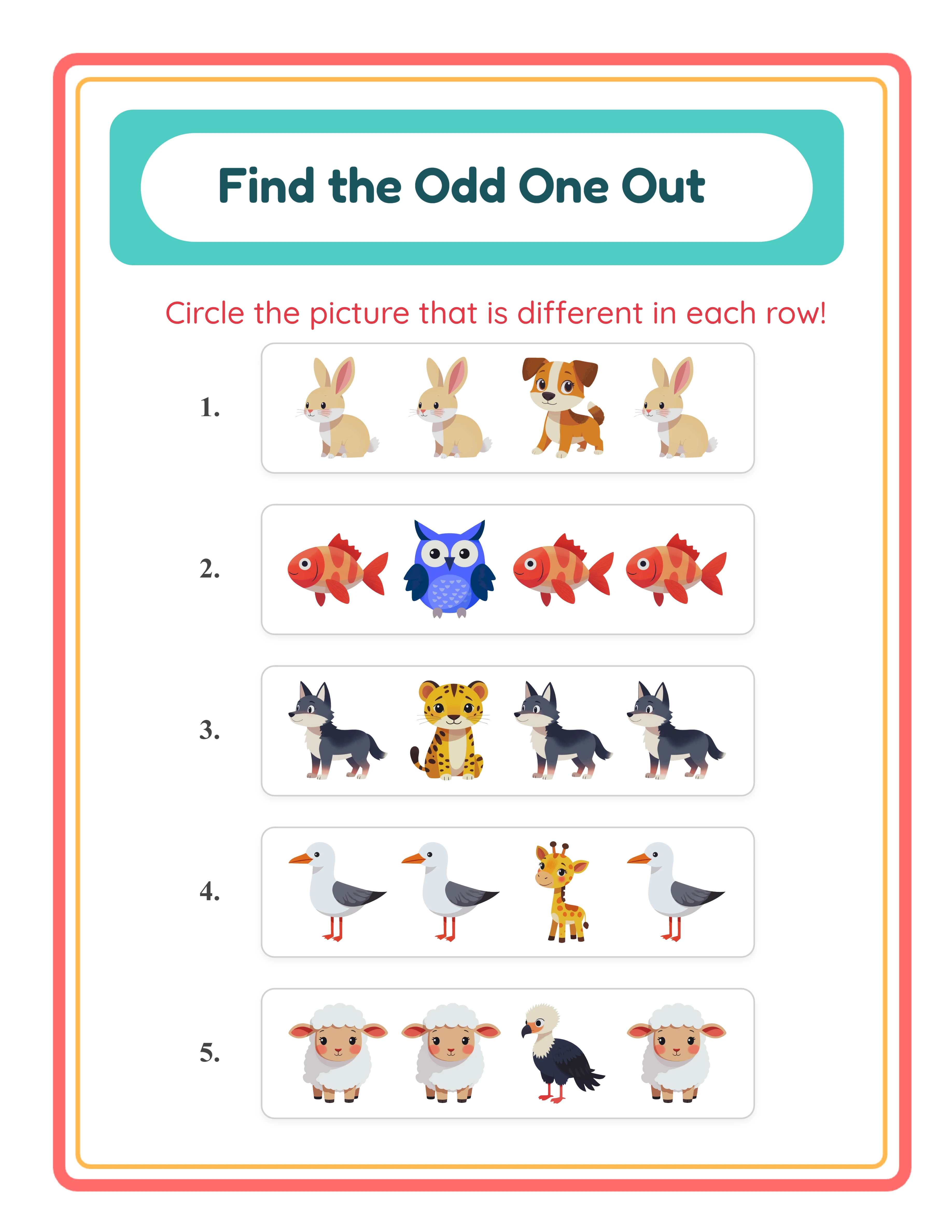
Identical mode odd one out worksheet with three identical images and one different image per row
Identical mode — three clones of the same image and one different image
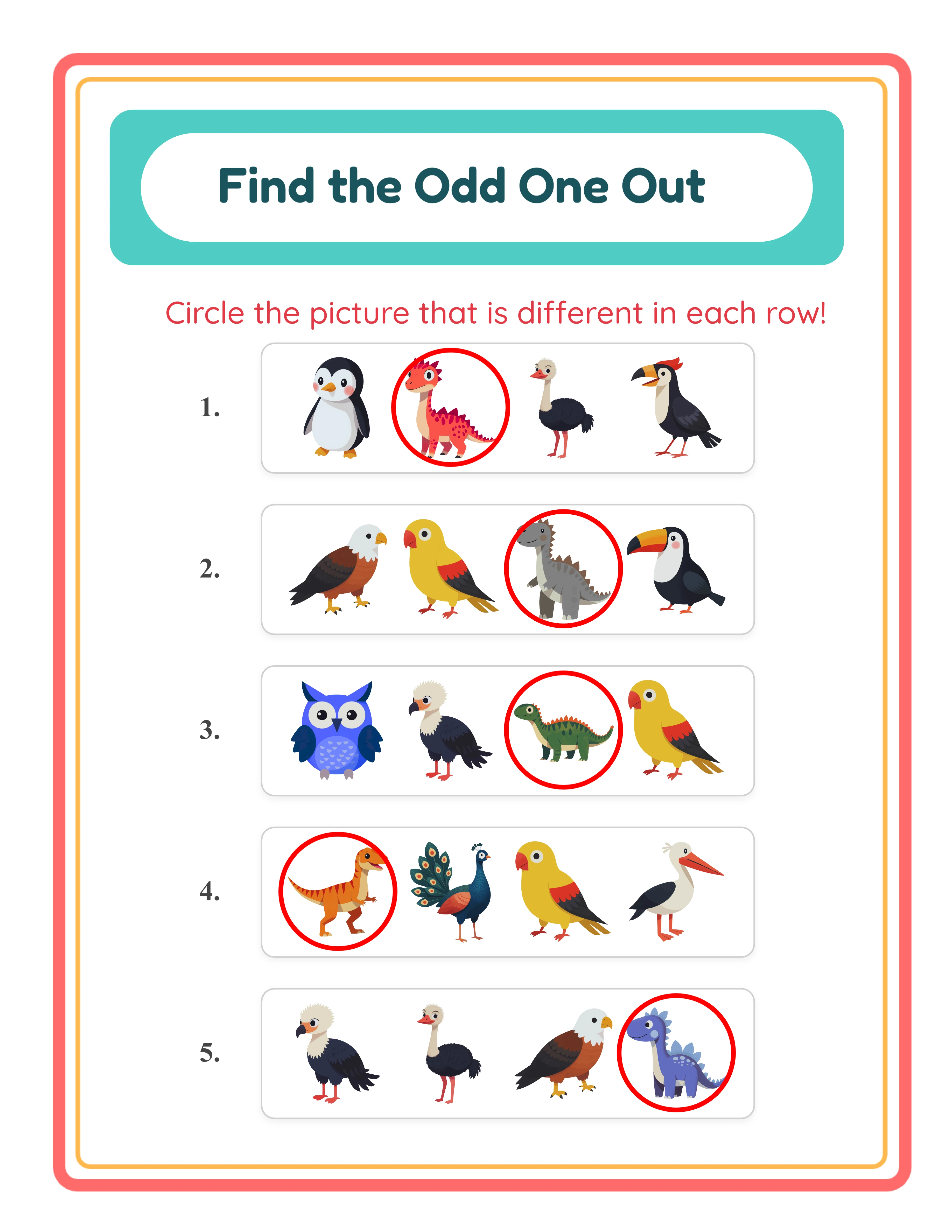
Odd one out answer key with red circles drawn around the odd item in each exercise row
Auto-generated answer key — red circles mark the odd item in each row

Free version includes a small watermark. Purchase to remove.

Frequently Asked Questions

How does the odd one out mechanic work?
Each exercise displays four images in a horizontal card — three common items and one odd item. Solvers look at the row, identify which image doesn't belong, and circle it. The odd item's position is randomly shuffled within the row, so it can appear in any of the four slots. Exercises are arranged vertically on the page, with the layout switching to 2 columns when using landscape orientation or portrait with 7 or more exercises.
What is the difference between Identical and Similar modes?
Identical mode places three clones of the exact same image alongside one different image from the same theme — solvers spot the non-duplicate. Similar mode draws three images from Theme A (e.g., animals) and one image from Theme B (e.g., food) — solvers identify the thematic outlier. Identical mode is easier because solvers compare visual duplicates. Similar mode is harder because all four images are different and the distinction is categorical rather than visual.
How does the per-exercise mode override work?
Each exercise row includes its own mode dropdown that lets you override the global mode setting. Set the global mode to Similar, then switch individual exercises to Identical — or vice versa. This creates mixed-difficulty worksheets where some exercises are easier (Identical) and others are harder (Similar) on the same page. A "Clear Selections" button resets all per-exercise overrides back to the global setting.
How many exercises can I include on one worksheet?
The exercise count is configurable from 5 to 10, with the default set to 6. Each exercise always contains exactly 4 images (3 common + 1 odd). Fewer exercises create larger image cards with more spacing; more exercises increase content density. The layout automatically adapts — portrait pages with 7+ exercises and all landscape pages use a 2-column layout for optimal spacing.
How does the two-theme system work in Similar mode?
In Similar mode, you select two themes from the dropdown menus. Theme A provides the three common images for each exercise (e.g., animals), and Theme B provides the single odd item (e.g., food). This guarantees the odd item is always thematically distinct. Choose from any combination of the 104 available themes. In Identical mode, only one theme is needed since both the common clones and the odd image come from the same collection.
How does the auto-generated answer key with red circles work?
The generator uses a dual-canvas system with a Worksheet tab and an Answer Key tab. The worksheet shows the exercise cards without any markings — solvers circle the odd item themselves. The answer key reproduces the identical layout and draws a red circle outline around the odd item in each row. The circle's stroke width scales dynamically with image size (the larger of imageSize × 0.04 or 3 pixels). Both versions export separately using four dedicated download buttons.
Can I add name and date fields to odd one out worksheets?
Yes. Toggle the "Include Name/Date Fields" checkbox in the Exercise Configuration panel to add name and date lines. These fields position responsively based on the page layout. Name and date fields give worksheets a polished, professional look that buyers expect from premium printable products.
How do exercise numbers work?
Toggle the "Include Exercise Numbers" checkbox in the Exercise Configuration panel to display numerals on the left side of each exercise card. Numbers use a 25px width with a 15px gap from the card content. Exercise numbers add a professional touch and make it easy to reference specific exercises in product descriptions.
Is there a free trial?
Yes. You can access every feature — both generation modes, per-exercise overrides, configurable exercise counts, the auto-generated answer key, the full image library, background and border themes, name/date fields, exercise numbers, and all download formats — without creating an account, entering a credit card, or installing any software. Free trial downloads include a small watermark. A commercial license removes the watermark and grants full selling rights.
Are odd one out worksheets language-sensitive?
No. Unlike apps that display words on the worksheet, odd one out puzzles are entirely visual — no text appears on the puzzle content itself. The auto-generated header ("Find the Odd One Out") translates into all 11 supported languages, but the actual exercises contain only images. This means every worksheet works in any language without modification, making odd one out puzzles ideal for global marketplace sales.
Can I sell odd one out worksheets made with this tool on Etsy and Amazon KDP?
Yes. With a commercial license, you have full rights to sell your odd one out worksheets as digital downloads on Etsy, as printed workbooks on Amazon KDP, as products on Gumroad, or through any other sales channel. The two generation modes, per-exercise overrides, and 104 themed image collections give you the creative tools to produce original, sellable visual discrimination products.
What is the refund policy?
Because the free trial gives you access to every feature, we do not offer refunds on commercial license purchases. You can test both generation modes, the per-exercise override system, the auto-generated answer key, the full image library, background and border themes, name/date fields, exercise numbers, and all download formats before buying. The free trial is the refund policy — make sure the tool fits your needs before purchasing a license.

Odd One Out Generator — Sell Logic Puzzle Printables on Etsy

Two generation modes — Identical and Similar — with per-exercise difficulty override, 5–10 configurable exercises, auto-generated answer keys with red circle markers, and visual-only puzzles that work across all 11 languages without translation.