Matching & Sorting

Shadow Match Generator — Sell Visual Puzzle Printables on Etsy

Two matching modes in one generator — Shadow Match creates auto-generated black silhouettes from any image, Make It Whole splits images into halves — both with Fisher-Yates derangement ensuring no trivial matches, auto-generated answer keys, and 104 themed image collections.

Shadow matching worksheets are a visually striking format that catches buyer attention on Etsy — solvers match colorful images to their silhouettes, building visual discrimination skills preschool parents actively search for. This maker creates professional shadow matching activities with themed illustrations and automatic answer keys in under 3 minutes. Choose from 3,000+ images across 104 collections, configure the number of matching pairs, and export 300 DPI print-ready PDFs with full commercial license. The silhouette format is purely visual and works worldwide without translation. Shadow matching is an underserved niche in the preschool printable market, giving you low competition and strong demand. Free to try with all features — no signup, no credit card. Downloads include a watermark; purchase a license to remove it.
Buy for $49

No signup required. Create worksheets instantly.

No signup required11 languages supportedInstant PDF export
Pre-K to 1st

Match the Shadow!

Find the matching silhouette for each picture
Shadow match printable worksheet — horizontal layout
Shadow match — vertical layout
Shadow match — themed shadow puzzles
Visual PerceptionAnswer KeysPrint-ReadyFree Trial with Watermark

How to Create Shadow Matching Worksheets Step by Step

1

Set Your Page Layout

Open the Page Setup panel and choose a page size: Letter Portrait, Letter Landscape, A4 Portrait, A4 Landscape, Square (1200×1200), or any custom dimension. Pick a page color using the color picker as a fallback background. Select a background theme and adjust its opacity (0–1 in 0.05 steps), then choose a border theme with its own independent opacity control. These layout choices frame your shadow matching worksheet before you configure any content.
2

Choose Exercise Mode and Configure Options

Open the Exercise Configuration panel and select your mode: Shadow Match or Make It Whole. Shadow Match generates black silhouettes from your selected images using pixel-level processing. Make It Whole splits images into halves — choose horizontal (top/bottom) or vertical (left/right) cut direction using the radio buttons that appear in this mode. Toggle the "Show Labels" checkbox (default ON) to display A/B/C/D and 1/2/3/4 identifiers on the worksheet. Toggle "Include Name/Date Fields" to add name and date lines.
3

Select 4 Images from the Library

Open the Image Library panel and browse 104 themed collections with 3,100+ colorful illustrations — animals, food, vehicles, nature, holidays, and dozens more. Filter by theme using the dropdown or search by keyword with 300ms debounce. Click images to select them — the counter shows your progress toward the required 4 images. A selected images preview confirms your choices before generating. You can also upload custom PNG, JPG, or GIF images using the Upload Custom Images panel.
4

Generate the Shadow Match Worksheet

Click Generate to create the matching worksheet. In Shadow Match mode, the app processes each image at the pixel level — loading it to a canvas, extracting pixel data via getImageData, and converting every pixel with alpha > 10 to pure black (R=0, G=0, B=0, A=255) to produce accurate silhouettes. In Make It Whole mode, images are split along the chosen cut direction. Both modes apply Fisher-Yates derangement to guarantee no item appears in its original position. A styled header appears with an amber background (#FFC107), white pill container, and 3px amber border displaying "Shadow Match" and instructions in the selected language.
5

Generate the Answer Key and Download

Switch to the Answer Key tab to see the auto-generated answer key. In Shadow Match mode, each cell shows the original image alongside its silhouette with a label like "A → 2" indicating the correct match. In Make It Whole mode, each cell shows the complete original image with its match label. Download both versions using four dedicated buttons: Worksheet JPEG, Answer Key JPEG, Worksheet PDF, and Answer Key PDF at 300 DPI. Toggle grayscale for ink-friendly versions. Every export is production-ready for Etsy listings, Amazon KDP interiors, and Gumroad product files.
Observation Levels

Shadow Challenges for Sharp Eyes

Test visual perception at every level
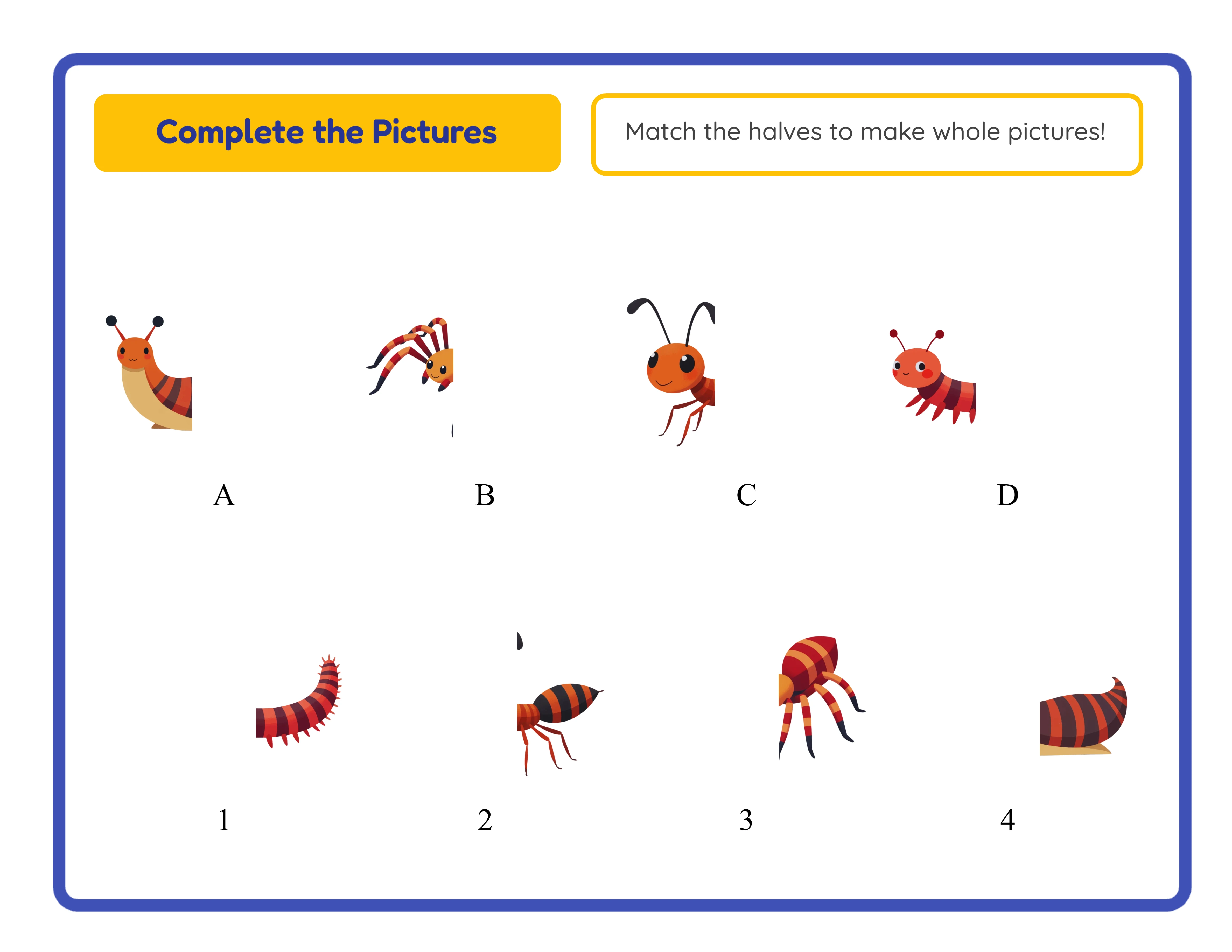
Spotter
Easy shadow match — clear silhouettes

Clear silhouettes with distinct shapes
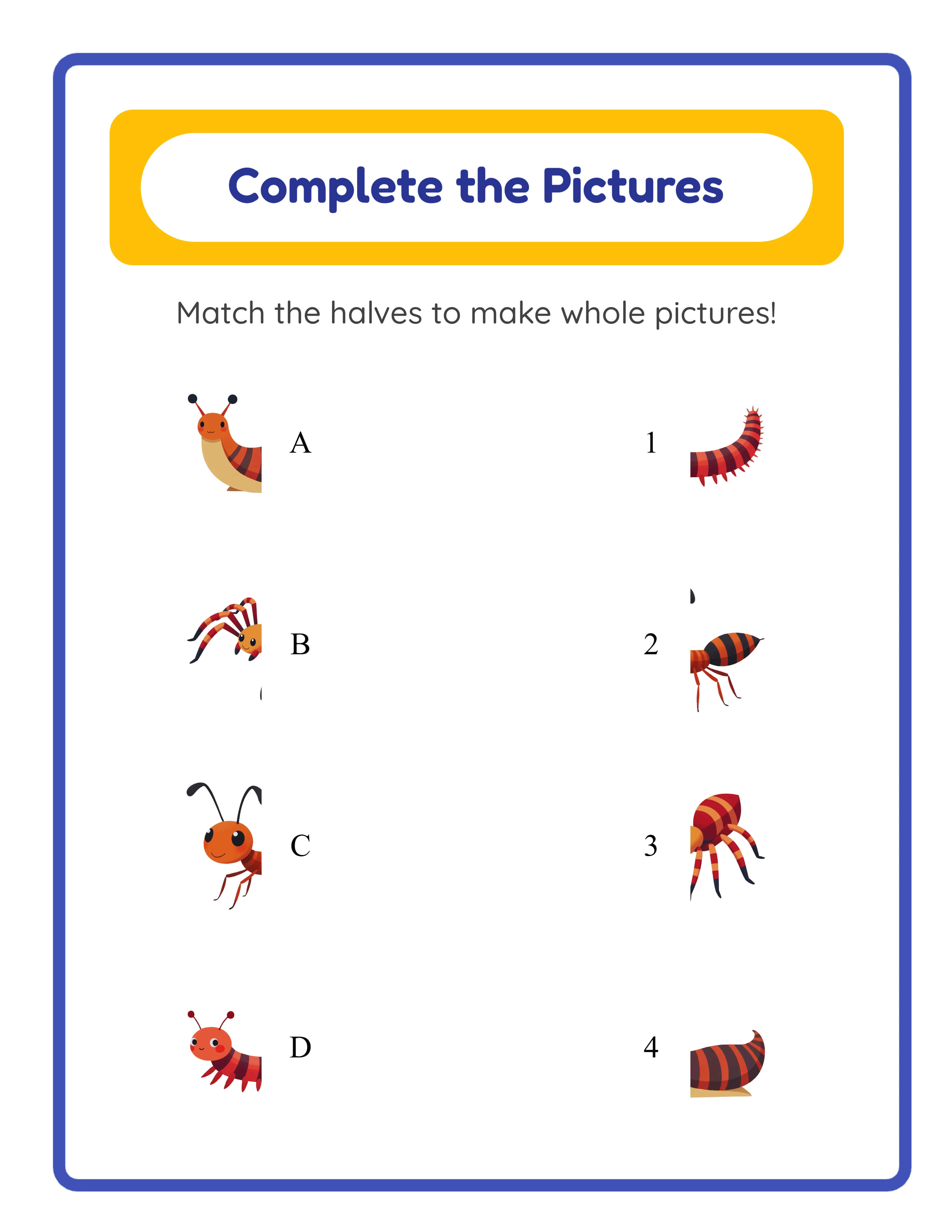
Detective
Medium shadow match — similar shapes

Similar shapes that require careful observation
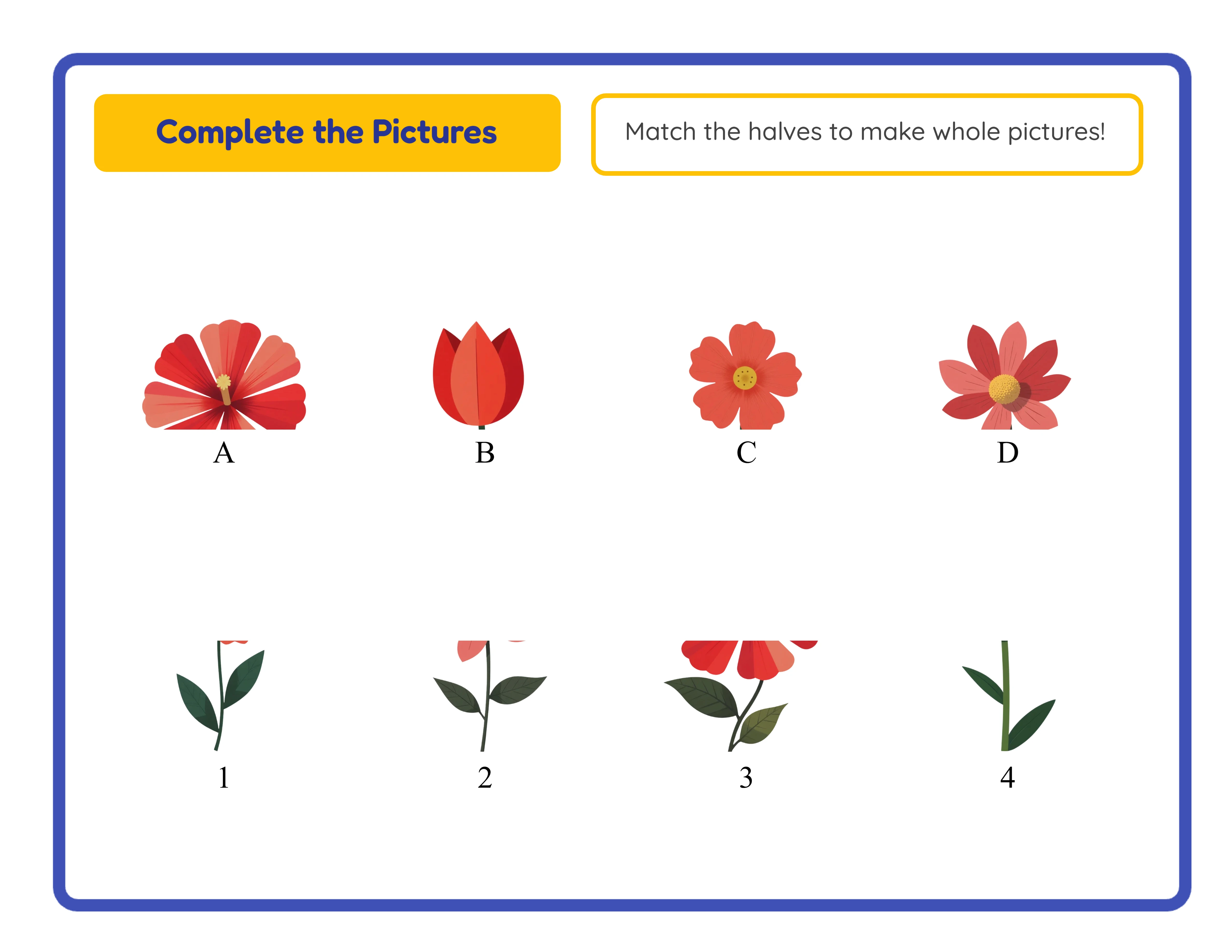
Eagle Eye
Hard shadow match — tricky silhouettes

Tricky silhouettes with subtle differences

Shadow matching sharpens visual skills

Why Shadow Matching Is an Underserved Preschool Niche

Auto-Generated Silhouettes via Pixel-Level Image Processing

Shadow Match mode creates black silhouettes through real pixel-level manipulation — not CSS filters or pre-made assets. The app loads each image onto a canvas, extracts pixel data using getImageData, and converts every pixel with an alpha value greater than 10 to pure black (R=0, G=0, B=0, A=255). This preserves the exact transparency profile of each image, producing accurate silhouette outlines that reflect fine details like animal ears, vehicle shapes, and object contours. CORS handling ensures cross-origin images process correctly, with a fallback to a solid black rectangle if the canvas is tainted.

Two Exercise Modes: Shadow Match and Make It Whole with Cut Direction Options

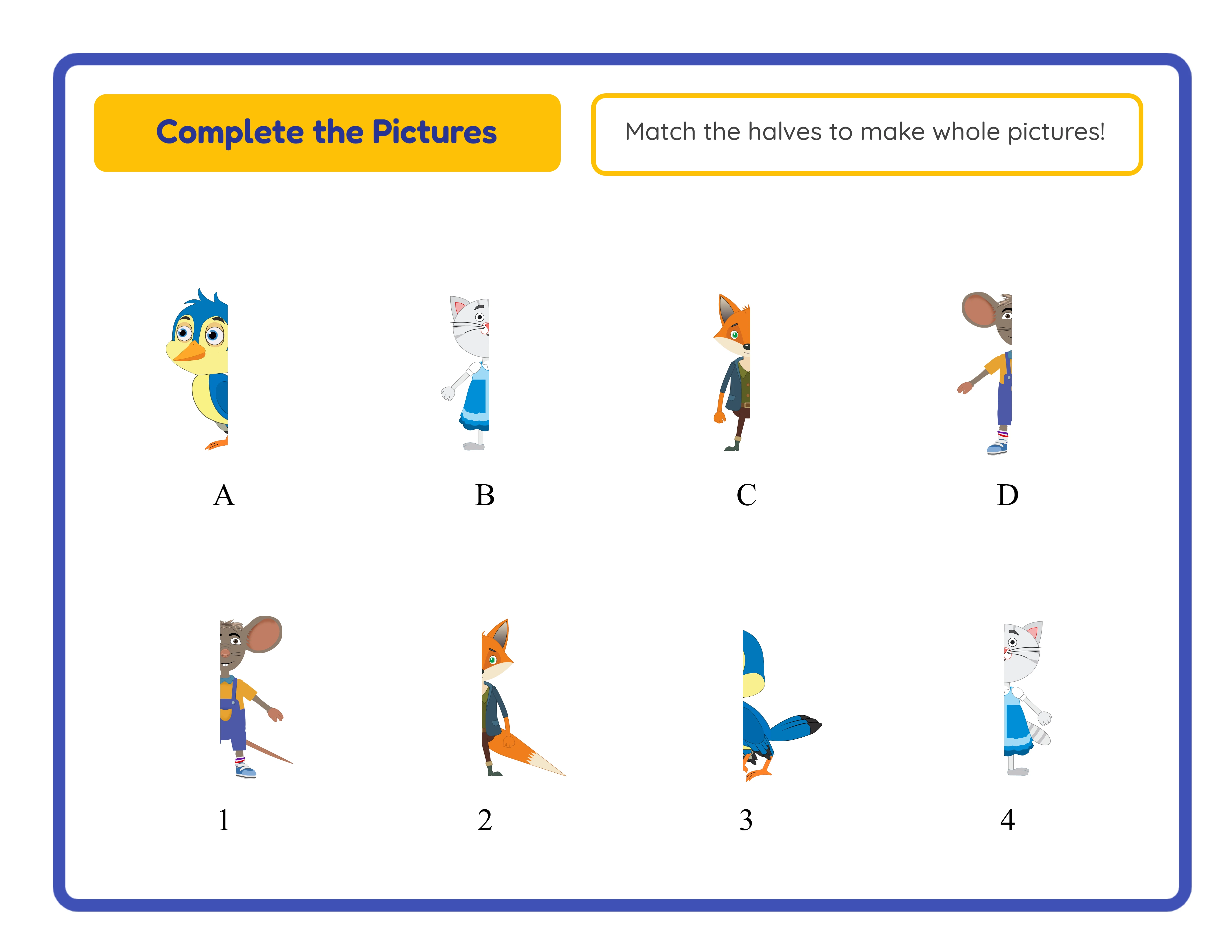
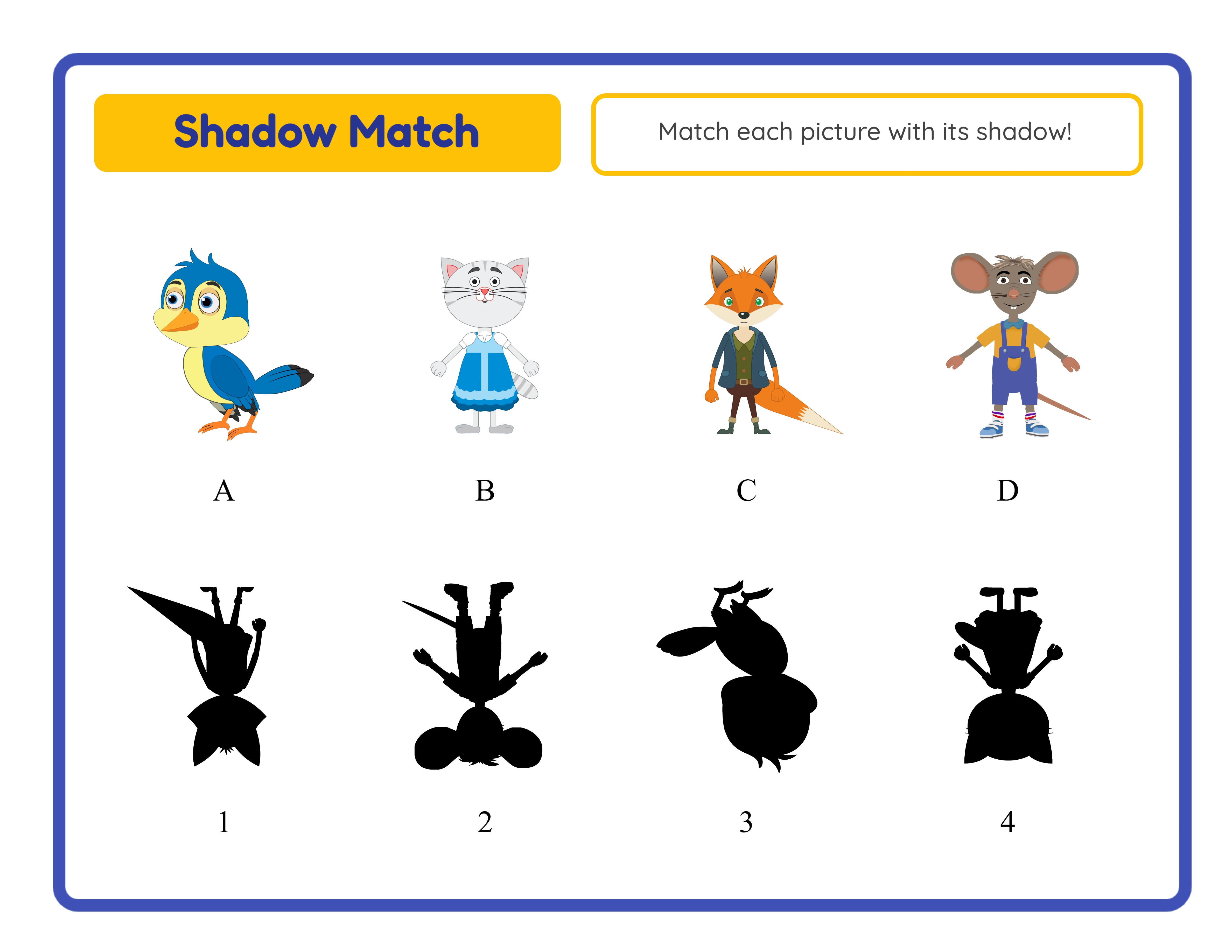
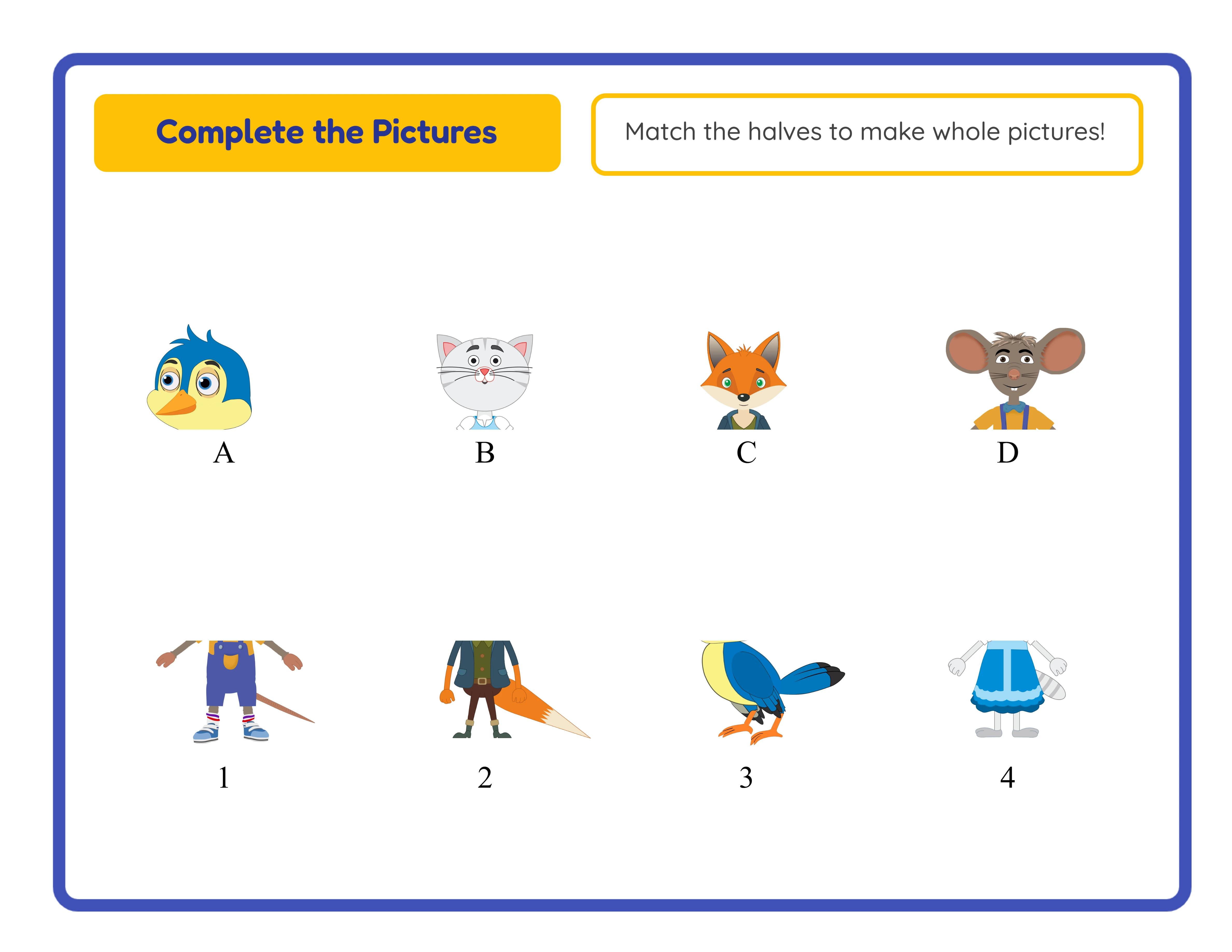
One generator delivers two distinct visual matching activities. Shadow Match mode places 4 colored images in the top row and 4 auto-generated silhouettes in the bottom row — solvers identify each image by its outline shape alone. Make It Whole mode splits 4 images into halves and presents first halves and second halves separately — solvers reconnect the pieces to complete each picture. In Make It Whole mode, choose horizontal cut direction (top/bottom halves) or vertical cut direction (left/right halves). The layout adapts automatically: landscape pages use 2 rows × 4 items, portrait pages use 2 columns × 4 items.

Derangement Algorithm Ensuring No Trivial Matches

Both exercise modes use a Fisher-Yates derangement algorithm that guarantees no item appears in its original position. In Shadow Match mode, no silhouette sits directly below its matching image. In Make It Whole mode, no second half appears adjacent to its matching first half. This eliminates the possibility of guessing correctly by position alone and ensures every worksheet presents a genuine matching challenge. The derangement recalculates on every generation, producing different arrangements from the same image set.

Auto-Generated Answer Key with Letter-to-Number Match Labels

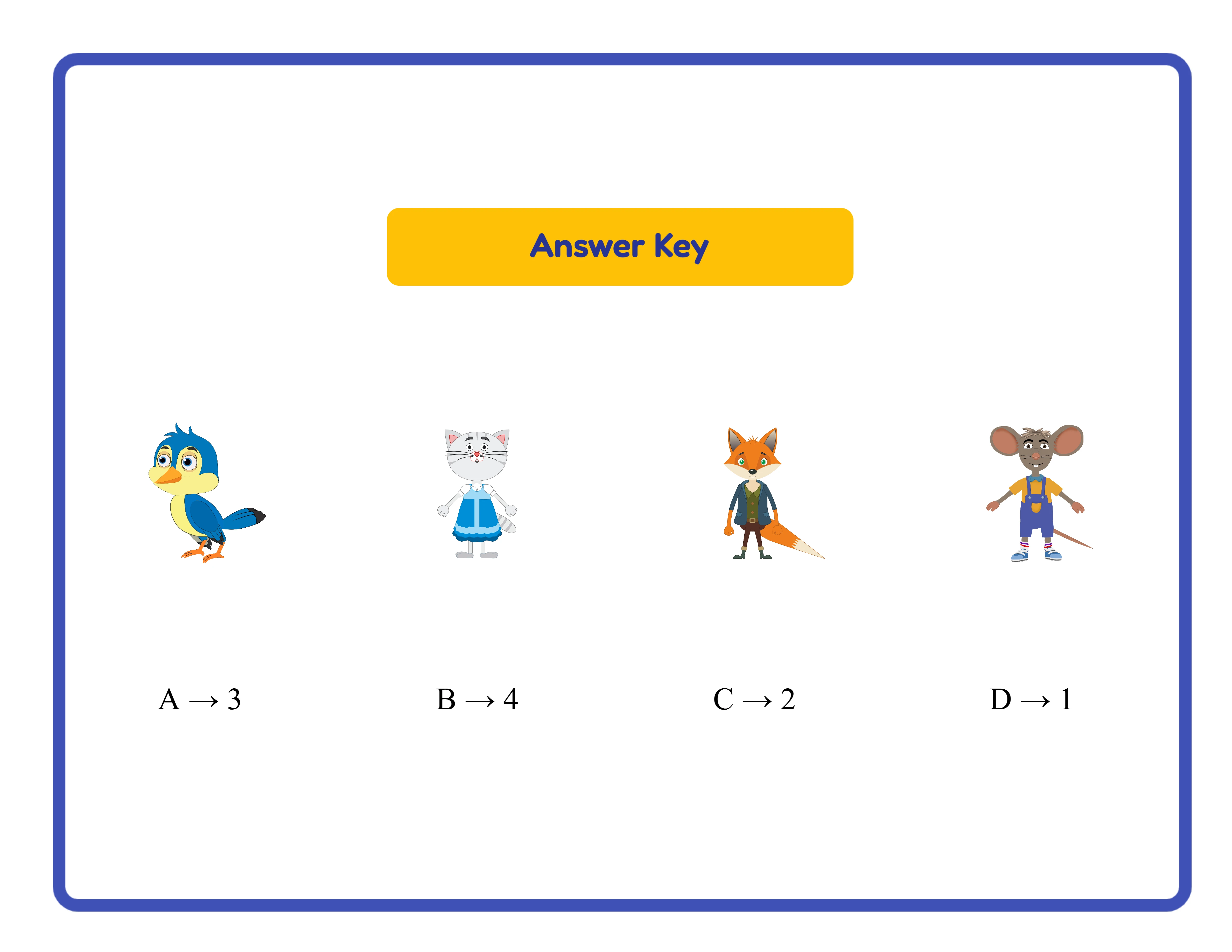
Every shadow match worksheet automatically generates a companion answer key on a separate canvas tab. The answer key uses a grid layout where each cell displays the original image alongside its silhouette or complete image, labeled with the correct match like "A → 2". The grid uses 4 columns with 50px gap before the second row and 15px vertical spacing between elements. No manual answer key creation — the answer key stays synchronized with the worksheet. Download it separately as answer_key.jpeg or answer_key.pdf alongside the puzzle worksheet.

Image Library with 104 Themed Collections and 3,100+ Illustrations

Browse 104 themed image collections covering animals, food, vehicles, nature, professions, holidays, sports, seasons, and dozens more. Each theme provides colorful illustrations that produce distinctive silhouettes with recognizable outlines — animal shapes, vehicle profiles, and object contours that challenge visual perception. Filter by theme using the dropdown or search for specific images by keyword. The Commercial tier includes 10 colorful themes for getting started; Full Access unlocks all 104 themes for maximum creative variety across both exercise modes.

Optional Labels and Name/Date Fields

Toggle the "Show Labels" checkbox (default ON) to display A, B, C, D identifiers on images or first halves and 1, 2, 3, 4 identifiers on silhouettes or second halves. When labels are hidden, the worksheet becomes a pure visual matching challenge without letter-number scaffolding — ideal for advanced activities or puzzle books where written answers aren't needed. The "Include Name/Date Fields" checkbox adds name and date lines at the bottom of the page for a polished, professional layout.

Print-Ready PDF and JPEG Export at 300 DPI with Grayscale Toggle

Download shadow match worksheets and answer keys as high-resolution JPEG images or print-ready PDF documents rendered at 300 DPI (6× multiplier, JPEG quality 1.0). Four dedicated download buttons export worksheet and answer key files separately. Page sizes include Letter Portrait, Letter Landscape, A4 Portrait, A4 Landscape, Square (1200×1200), and fully custom dimensions. PDF orientation is automatically detected. Toggle grayscale for ink-friendly versions. Every export is production-ready for digital downloads, printed workbooks, and bulk printing.

Full Canvas Editing with Text Tools, Alignment, and Layering Controls

The Fabric.js canvas provides complete control over every element on your shadow match worksheet. Drag, resize, rotate, and reposition images, text, and generated content freely. Layer controls manage stacking order — bring elements forward or send them back. Lock finished elements while you edit others. Add custom text with seven font options (Lexend Deca, Baloo 2, Nunito, Quicksand, Fredoka, Arial, Verdana), adjustable size and color, and text outline width from 0 to 10 with 0.5-step granularity. Six alignment options plus center-on-page keep layouts precise. Zoom from 25% to 300% for detail work. Undo and redo with unbounded history using Ctrl+Z and Ctrl+Y.

Shadow Detective!

Find the Match!
Featured shadow match — engaging silhouette puzzle
Print Instantly!Visual SkillsWith Answer Keys

Sell Shadow Matching Bundles on Etsy & Amazon KDP

Themed Shadow Matching Bundles on Etsy

Etsy (etsy.com)
Create themed shadow matching packs using the 104 image collections — animal shadow puzzles, vehicle silhouette matching, food shadow challenges, and dozens more. Each theme provides illustrations with distinctive outlines that make engaging silhouette activities. Package 15–20 shadow match worksheets per theme with answer keys included, and sell at $3–$7 per bundle. Mix both modes within a single bundle: Shadow Match worksheets for silhouette recognition and Make It Whole worksheets for spatial reasoning. The auto-generated silhouettes and answer keys eliminate the most time-consuming parts of production.

Visual Perception Workbooks on Amazon KDP

Amazon KDP (kdp.amazon.com)
Compile 50–80 shadow matching worksheets into a printed workbook formatted for Amazon KDP. Structure your book with alternating chapters: Shadow Match chapters build silhouette recognition skills while Make It Whole chapters develop spatial awareness and part-to-whole reasoning. Include both horizontal and vertical cut directions in the Make It Whole sections for variety. Place answer keys at the back of the book using the auto-generated answer key feature. The grayscale toggle produces ink-friendly pages ready for black-and-white book interiors. Visual perception puzzle books perform well year-round in the activity book category.

Niche Shadow Matching Store on Gumroad

Gumroad (gumroad.com)
Build a focused shadow matching product line with name/date fields and printed answer keys included. Buyers searching for visual discrimination activities value worksheets that arrive print-ready. Create niche-specific sets: animal shadow matching, community helper silhouettes, food shadow puzzles, and seasonal collections. The labels toggle lets you create tiered bundles — labeled versions (with A/B/C/D and 1/2/3/4) for the beginner-level market and label-free versions for advanced puzzle books.

Seasonal Shadow Matching Collections

Etsy / Amazon KDP / Gumroad (seasonal)
The 104 themed image collections cover every seasonal and holiday occasion — Christmas, Halloween, Easter, Valentine's Day, back-to-school, summer vacation, and more. Silhouette activities have special appeal during Halloween when shadow and mystery themes are naturally popular. Create time-limited shadow matching collections that align with peak shopping periods. Include both Shadow Match and Make It Whole worksheets in each seasonal set for maximum value and variety. Seasonal products command higher prices during their peak windows.

Mixed-Mode Puzzle Packs as Premium Bundles

Etsy / Amazon KDP (premium bundles)
Combine both exercise modes into premium mixed-mode puzzle packs that showcase the generator's versatility. Each pack includes Shadow Match worksheets (silhouette recognition), Make It Whole worksheets with horizontal cuts (top/bottom reassembly), and Make It Whole worksheets with vertical cuts (left/right reassembly) — three distinct activity types from one themed image set. This three-in-one approach justifies premium pricing at $7–$12 per bundle. Answer keys for every worksheet are included automatically, adding professional polish that commands higher perceived value.

Professional Shadow Activities

Engaging visual perception worksheets
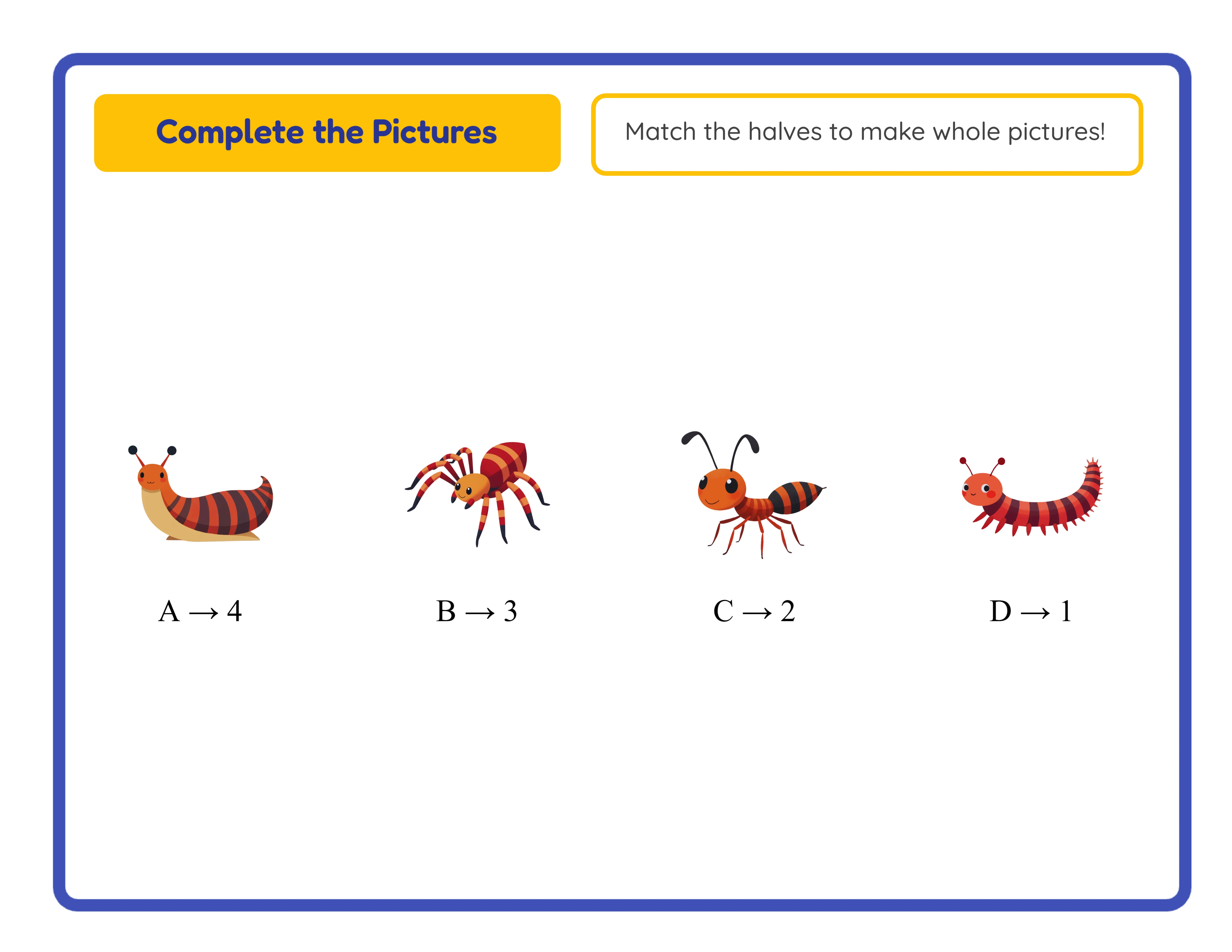
Professional shadow match — horizontal
Horizontal
Shadow match — vertical layout
Vertical
Shadow match printable answer key
Answer Key
Print-ReadyNo Prep RequiredAnswers IncludedVisual Skills

Who Is This For?

Etsy Sellers

Matching and sorting worksheets appeal to parents of toddlers and preschoolers, a demographic that actively buys educational printables. Themed matching sets create natural product bundles for higher order values.

Amazon KDP Publishers

Matching activity books for toddlers and preschoolers are an underserved KDP niche with growing demand. Combine matching, sorting, and memory worksheets into comprehensive visual learning workbooks.

Teachers Pay Teachers Sellers

Matching activities are essential for early childhood classrooms as learning centers and assessment tools. Teachers need themed matching worksheets that progress in difficulty across the school year.

Homeschool Educators & Parents

Matching and sorting activities build critical thinking skills in young children through hands-on practice. Adjustable difficulty levels let you grow with your child from simple pairs to complex categorization.

Sample Worksheets

Shadow match worksheet showing four colored images matched to four black silhouettes with letter and number labels
Shadow Match mode — match images to their auto-generated silhouettes
Make it whole worksheet with split image halves reconnected by matching first and second halves
Make It Whole mode — match split image halves to complete pictures
Shadow match answer key showing original images with silhouettes and correct letter-to-number match labels
Auto-generated answer key — letter-to-number labels show correct matches

Free version includes a small watermark. Purchase to remove.

Frequently Asked Questions

What are the two exercise modes and how do they differ?
The generator offers two distinct modes. Shadow Match mode places 4 colored images in the top row and 4 auto-generated black silhouettes in the bottom row — solvers match each image to its shadow by pairing letters (A–D) with numbers (1–4). Make It Whole mode splits 4 images into halves and presents first halves (A–D) and second halves (1–4) separately — solvers match halves to complete each picture. Shadow Match tests silhouette recognition while Make It Whole develops spatial awareness and part-to-whole reasoning.
How are the silhouettes generated?
Silhouettes are created through real pixel-level image processing, not CSS filters or pre-made shadow assets. The app loads each image onto a canvas, extracts every pixel using getImageData, and converts all pixels with an alpha value greater than 10 to pure black (R=0, G=0, B=0, A=255). This preserves the exact transparency profile of each source image, producing accurate black silhouettes that reflect fine details like ears, tails, handles, and other distinctive outlines.
What are the cut direction options in Make It Whole mode?
Make It Whole mode offers two cut direction options via radio buttons: Horizontal cuts split images into top and bottom halves, while Vertical cuts split images into left and right halves. The cut direction applies to all 4 images on the worksheet. The layout adapts automatically based on page orientation — landscape pages arrange items in 2 rows × 4 items, while portrait pages use 2 columns × 4 items for optimal visual balance.
How does the derangement algorithm work?
Both modes use a Fisher-Yates derangement algorithm that guarantees no item appears in its original position. In Shadow Match mode, no silhouette sits directly below its matching image. In Make It Whole mode, no second half appears adjacent to its matching first half. This ensures every worksheet presents a genuine matching challenge — solvers cannot guess correctly based on position alone. The derangement recalculates on every generation, producing different arrangements from the same images.
Can I toggle the A/B/C/D and 1/2/3/4 labels on and off?
Yes. The "Show Labels" checkbox in the Exercise Configuration panel (default ON) controls whether A, B, C, D labels appear on images or first halves and 1, 2, 3, 4 labels appear on silhouettes or second halves. When labels are ON, solvers write letter-number pairs as answers. When labels are OFF, the worksheet becomes a pure visual matching challenge without alphanumeric scaffolding — useful for puzzle books or advanced activities.
Why are there always exactly 4 problems per worksheet?
The worksheet uses a fixed count of 4 matching problems (SELECT_COUNT = 4). This is not configurable. Four items provide the optimal balance for shadow and split-image matching: enough variety to create a genuine matching challenge with derangement, while keeping each image large enough to study fine details in silhouettes and split halves. The consistent 4-item format also works well for bundled products where every page has predictable content density.
How do the name and date fields work?
Toggle the "Include Name/Date Fields" checkbox in the Exercise Configuration panel to add name and date lines at the bottom of the worksheet. When enabled, the solver can write their name and the date directly on the printed page — adds perceived value and a polished look to your product. When disabled, the worksheet uses the full page area for matching content. This option works with both Shadow Match and Make It Whole modes.
How does the auto-generated answer key work?
The generator uses a dual-canvas system with a Worksheet tab and an Answer Key tab. In Shadow Match mode, the answer key shows a grid where each cell displays the original image alongside its silhouette with a label like "A → 2". In Make It Whole mode, each cell shows the complete original image with its match label. The grid uses 4 columns with consistent spacing. Both versions export separately using four dedicated download buttons: worksheet JPEG, worksheet PDF, answer key JPEG, and answer key PDF.
Is there a free trial?
Yes. You can access every feature — both exercise modes, auto-generated silhouettes, cut direction options, the answer key, the full image library, background and border themes, labels toggle, name/date fields, text tools, and all download formats — without creating an account, entering a credit card, or installing any software. Free trial downloads include a small watermark. A commercial license removes the watermark and grants full selling rights.
Is the Shadow Match Worksheet Generator language-sensitive?
No. Shadow Match is purely visual — the worksheet output contains only images, silhouettes, and split halves with no localized word content. The app interface (menus, buttons, header text) supports all 11 languages, but the generated worksheet works identically regardless of language selection. This makes shadow match worksheets universally sellable across all markets without translation. The Commercial tier includes 10 colorful themes; Full Access unlocks all 104 themes and all 11 UI languages.
Can I sell shadow match worksheets made with this tool on Etsy and Amazon KDP?
Yes. With a commercial license, you have full rights to sell your shadow match worksheets as digital downloads on Etsy, as printed workbooks on Amazon KDP, on your own store, or through any other sales channel. The two exercise modes, auto-generated silhouettes, derangement algorithm, auto answer keys, and 104 themed image collections give you the creative tools to produce original, sellable visual matching products.
What is the refund policy?
Because the free trial gives you access to every feature, we do not offer refunds on commercial license purchases. You can test both exercise modes, auto-generated silhouettes, cut direction options, the answer key, the full image library, background and border themes, labels toggle, name/date fields, text tools, and all download formats before buying. The free trial is the refund policy — make sure the tool fits your needs before purchasing a license.

Shadow Match Generator — Sell Visual Puzzle Printables on Etsy

Two matching modes in one generator — Shadow Match creates auto-generated black silhouettes from any image, Make It Whole splits images into halves — both with Fisher-Yates derangement ensuring no trivial matches, auto-generated answer keys, and 104 themed image collections.