Matching & Sorting

Matching Worksheet Generator — Create & Sell Printables on Etsy

Four matching modes in one generator — Beginning Letter, Image+Word, Image/Word Mixed, and Custom Word — with auto-generated answer keys, configurable pair counts, and a localized "Match Up!" header across 104 themed image collections.

Matching worksheets are a staple of the preschool and kindergarten printable market on Etsy — and this maker lets you create professional draw-a-line matching activities for your printable business in minutes. Choose from four matching modes: Image to Beginning Letter, Image+Word pairs, mixed Image/Word rows, and custom word matching. Configure 4-6 pairs per worksheet and export 300 DPI print-ready PDFs with automatic answer keys that draw connecting lines between correct matches. The 11-language support generates localized word content, so each language is a distinct sellable product. Every worksheet comes with full commercial license for Etsy, Amazon KDP, TPT, or any marketplace — no attribution required. Free to try with all features — no signup, no credit card. Downloads include a watermark; purchase a license to remove it.
Buy for $49

No signup required. Create worksheets instantly.

No signup required11 languages supportedInstant PDF export
Pre-K to 1st

Match Pictures to Words!

Draw lines to connect matching images and vocabulary
Matching printable worksheet — connect pictures to words
Matching — themed image vocabulary
Matching — advanced word-picture connections
Draw LinesAnswer KeysPrint-ReadyFree Trial with Watermark

How to Generate Matching Worksheets Step by Step

1

Set Your Page Layout

Open the Page Setup panel and choose a page size: Letter Portrait, Letter Landscape, A4 Portrait, A4 Landscape, Square (1200×1200), or any custom dimension. Pick a page color using the color picker as a fallback background. Select a background theme and adjust its opacity (0–1 in 0.05 steps), then choose a border theme with its own independent opacity control. These layout choices frame your matching worksheet before you configure any content.
2

Configure Worksheet Settings

Open the Worksheet Configuration panel and select your matching mode: Beginning Letter, Image+Word, Image/Word Mixed, or Custom Word. Set the maximum number of pairs to 4, 5, or 6 (default is 6). Toggle the "Include Name/Date Fields" checkbox to add name and date lines at the bottom of the page. Toggle "Include Item Numbers" (default ON) to add numerals before each pair, and "Show Bullets/Dots" (default ON) to display decorative dots next to items. For Beginning Letter mode, choose between uppercase and lowercase letter display and select a sub-mode: Random Theme & Images, Random from Chosen Theme, or Select Specific Images.
3

Select Images from the Library

Open the Image Library panel and browse 104 themed collections with 3,100+ colorful illustrations — animals, food, vehicles, nature, holidays, and dozens more. Filter by theme using the dropdown or search by keyword. Click images to select them for your worksheet. In Beginning Letter mode with "Select Specific Images," you manually pick exactly 6 images. In Image+Word and Custom Word modes, use the Item Configuration panel to set per-row options. You can also upload custom PNG, JPG, or GIF images to use alongside library content.
4

Generate the Matching Worksheet

Click Generate to create the two-column matching layout. The app arranges your selected images and text into left and right columns with the configured pair count. A styled "Match Up!" header appears at the top with a yellow pill background (#FFD700), coral border frame (#FF7F50), and localized title and instructions rendered in Fredoka and Quicksand fonts. Item numbers and bullet dots appear based on your toggle settings. The worksheet tab shows the solver version with no connecting lines — ready for users to draw their own.
5

Generate the Answer Key and Download

Switch to the Answer Key tab to see the auto-generated answer key with horizontal connecting lines (#555, stroke width 2) drawn between each correct pair. Download both versions using the four dedicated buttons: Worksheet JPEG, Answer Key JPEG, Worksheet PDF, and Answer Key PDF. Files are named worksheet.jpeg, worksheet.pdf, answer_key.jpeg, and answer_key.pdf at 300 DPI. Toggle grayscale for ink-friendly versions. Every export is production-ready for Etsy listings, Amazon KDP interiors, and Gumroad product files.
Match Levels

Matching for Every Learner

From simple image matching to word connections
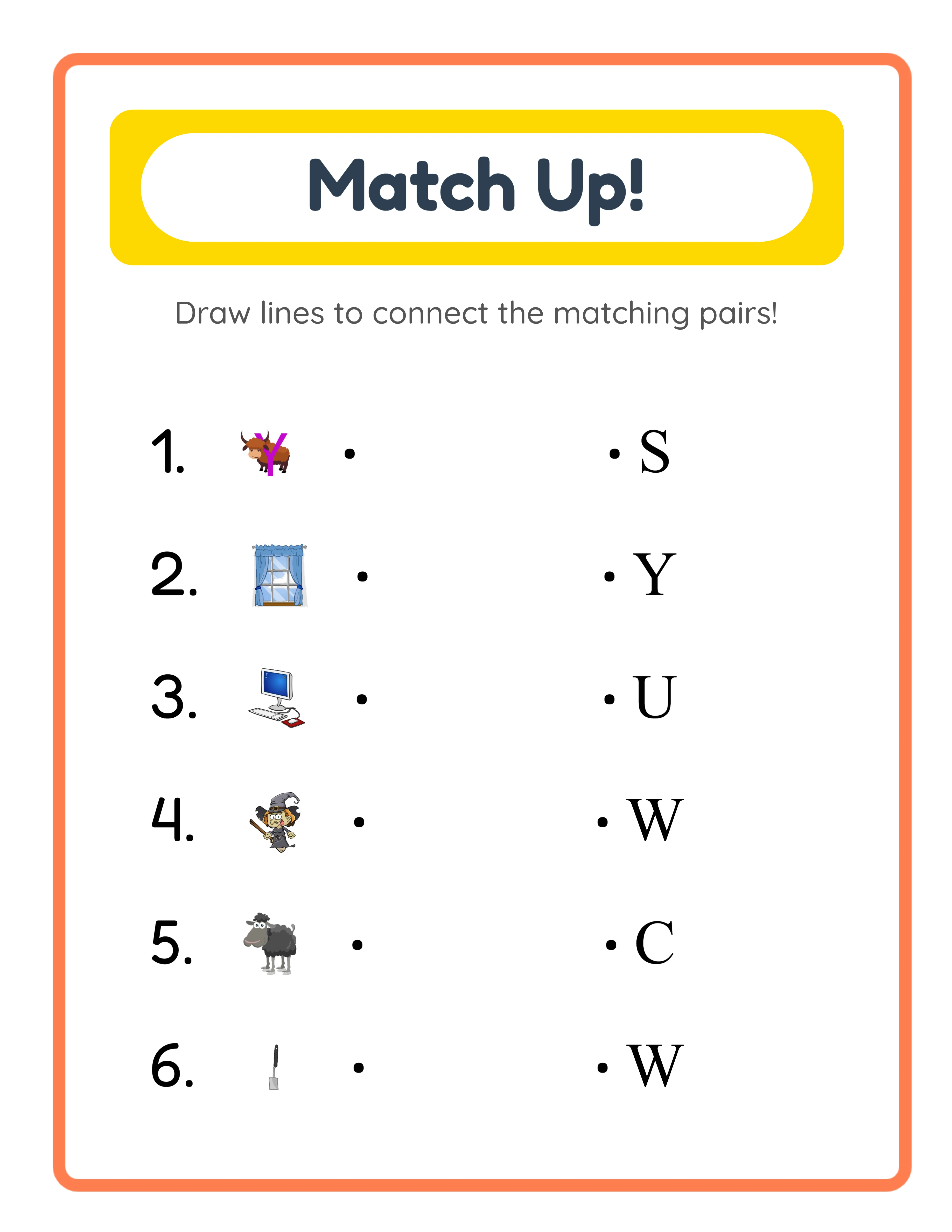
Matcher
Easy matching — simple image pairs

Match identical pictures together

Connector
Medium matching — images to words

Connect images to their word labels

Expert
Advanced matching — custom vocabulary

Match custom vocabulary with themed images

Matching builds vocabulary and visual skills

Why Matching Activities Sell in the Preschool Niche

Four Matching Modes: Beginning Letter, Image+Word, Image/Word Mixed, and Custom Word

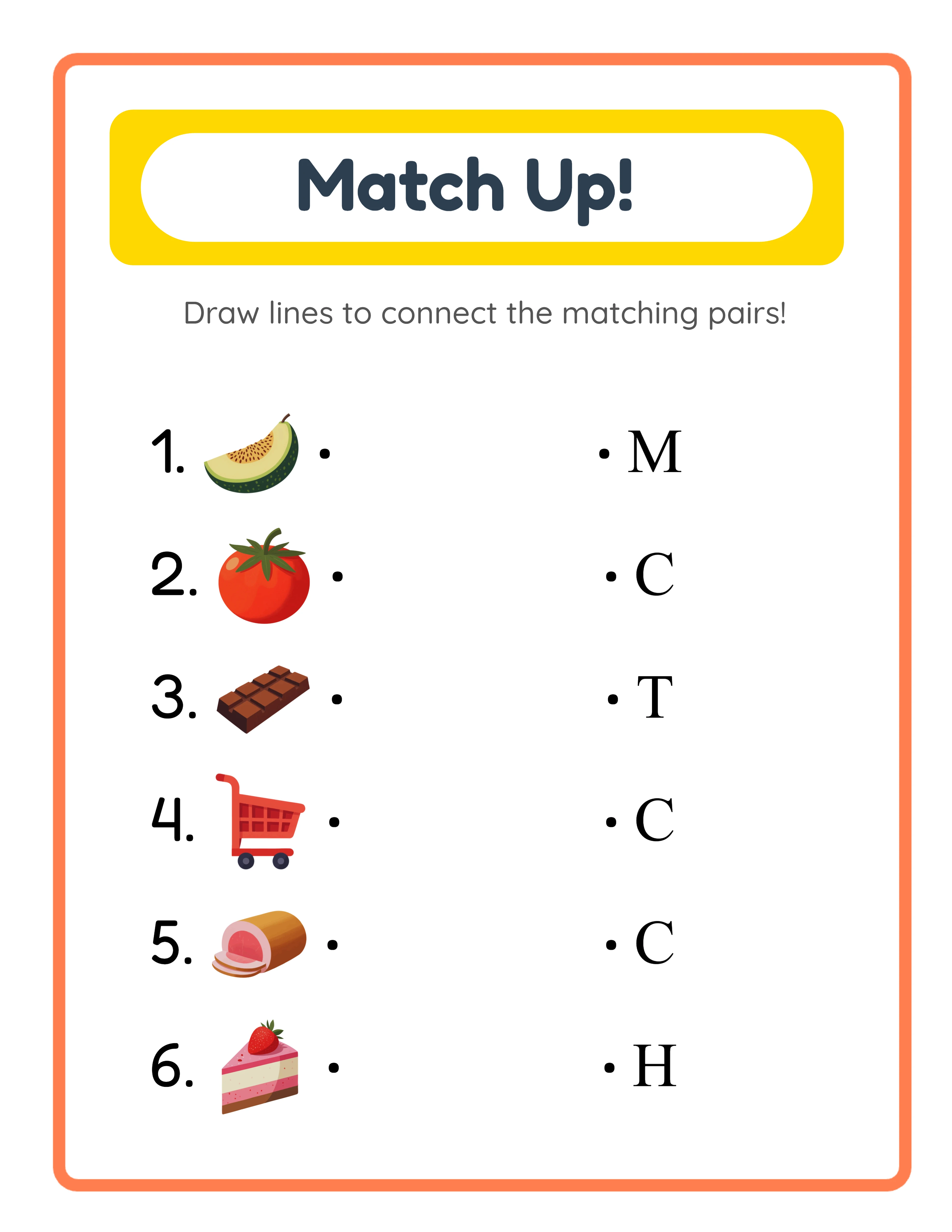
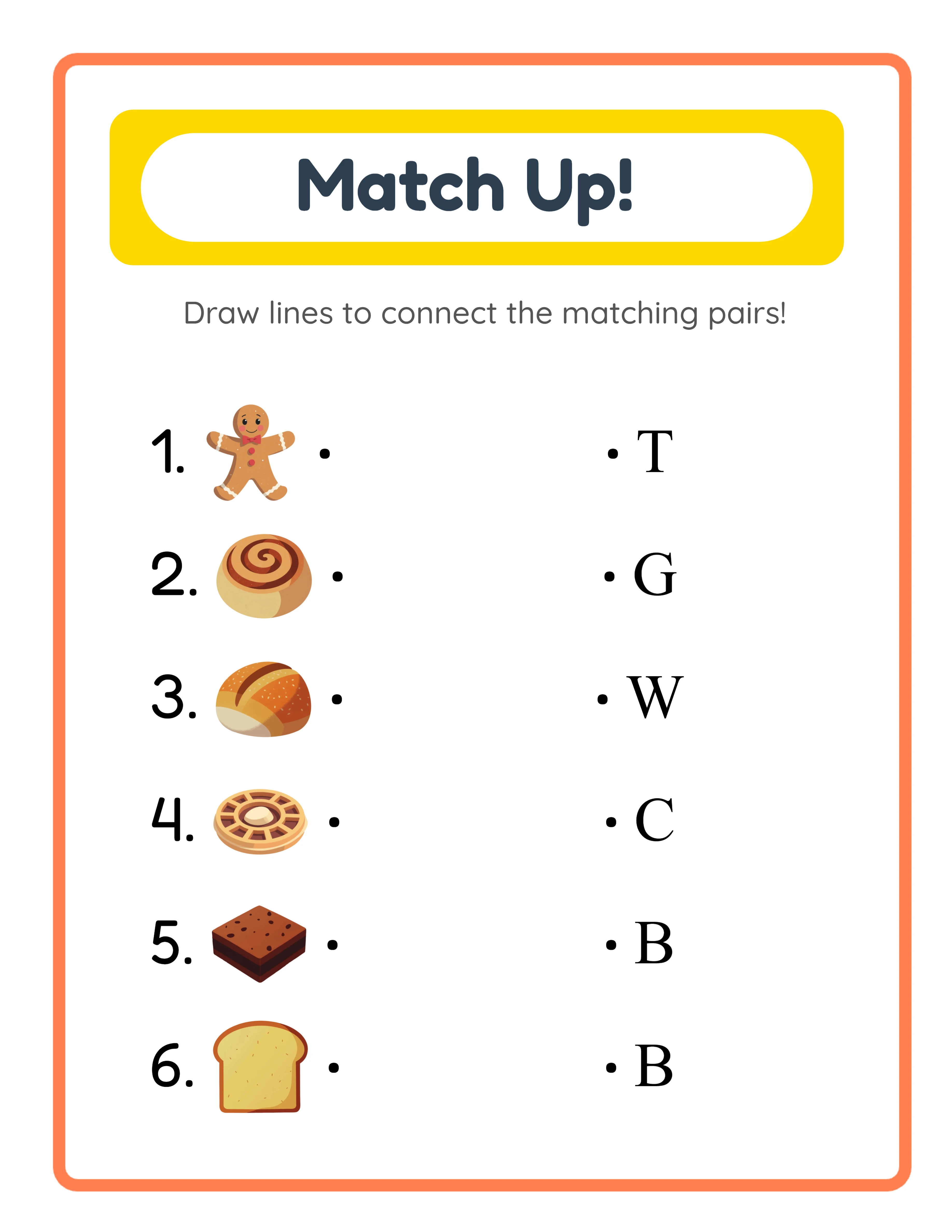
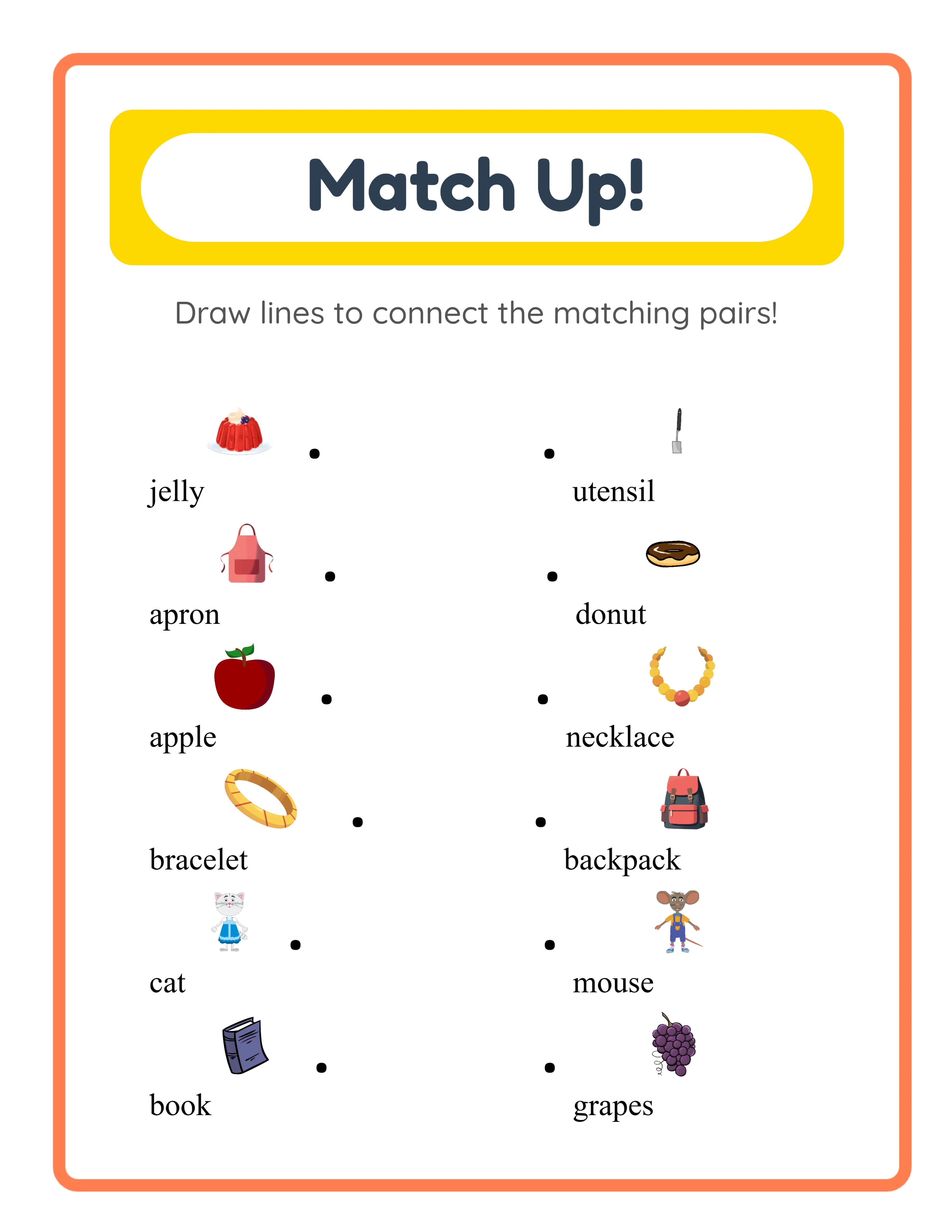
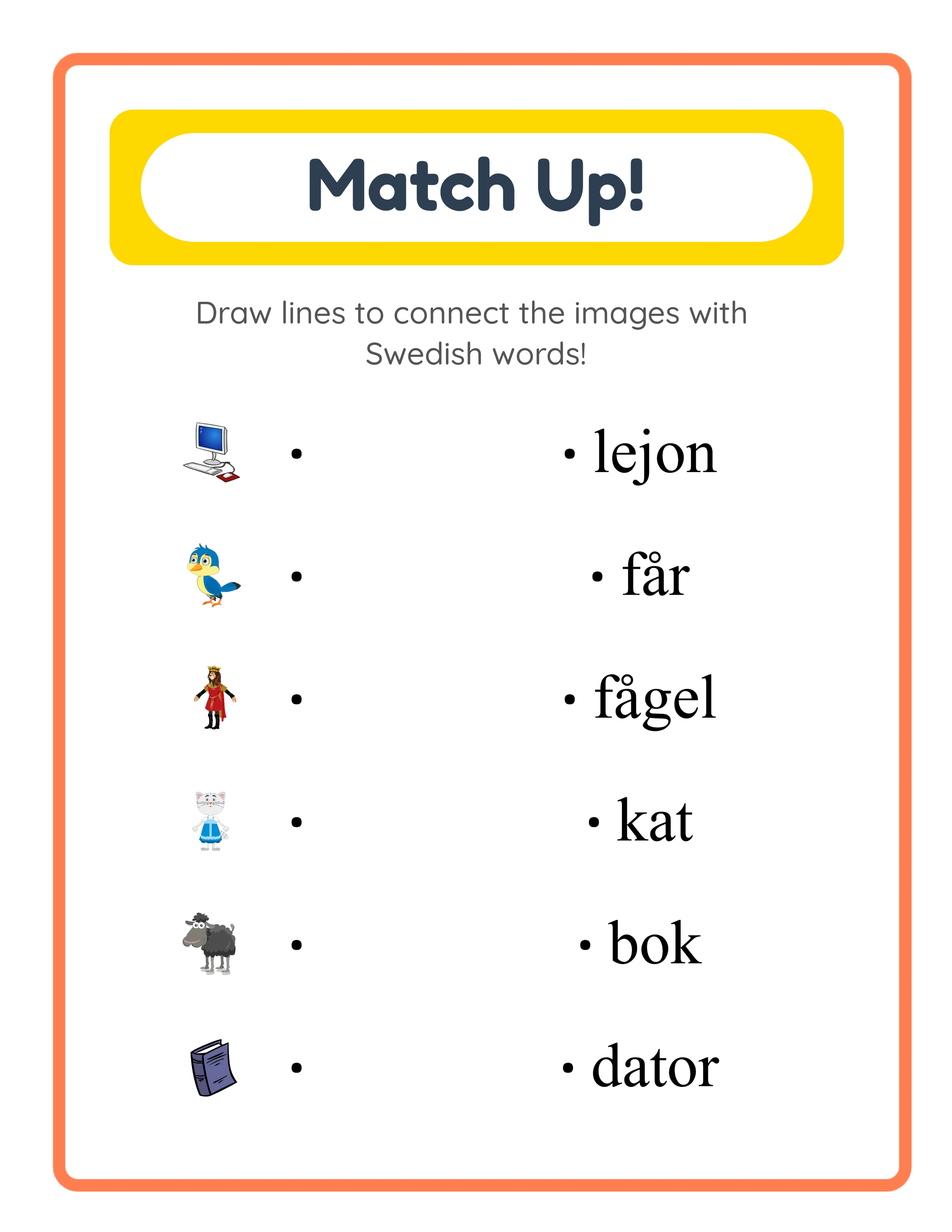
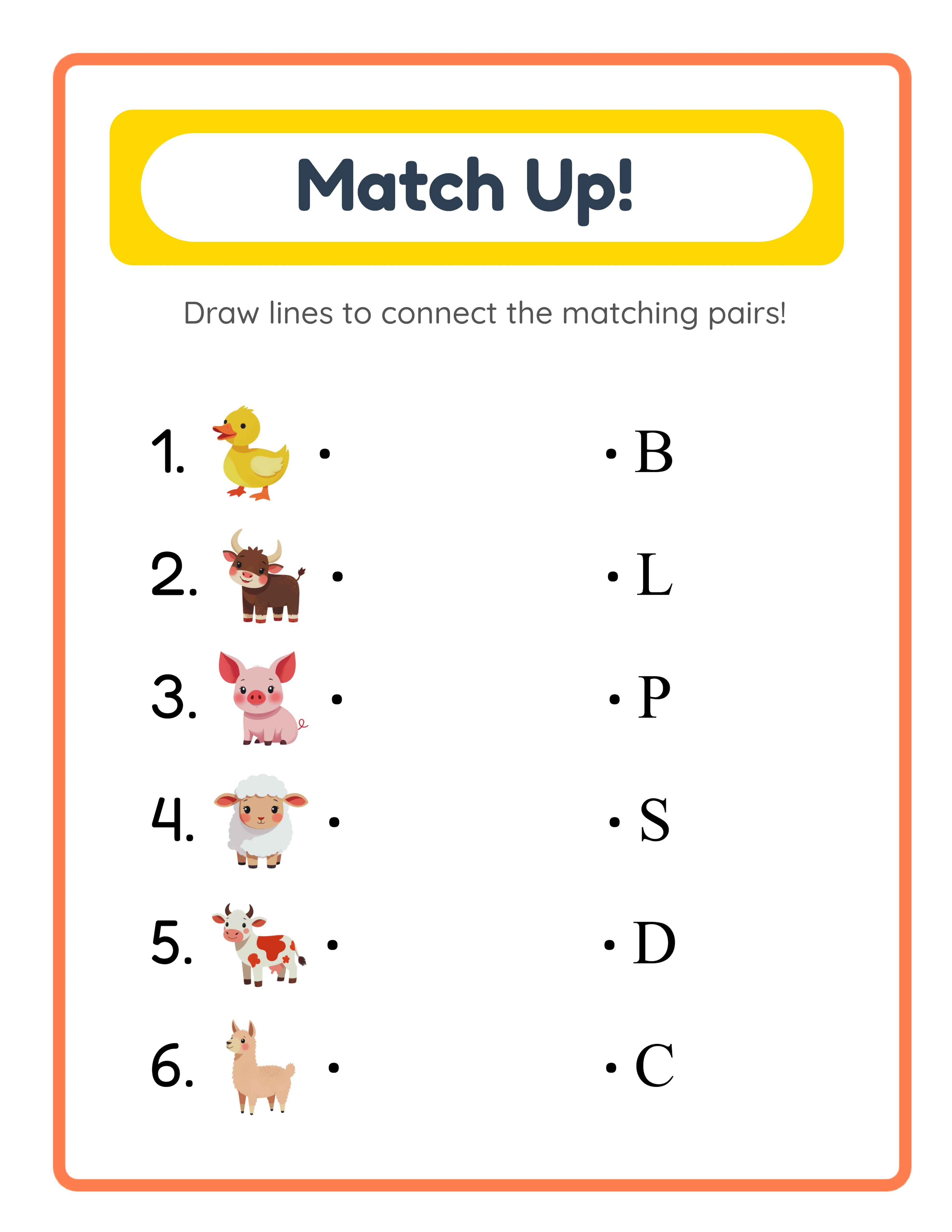
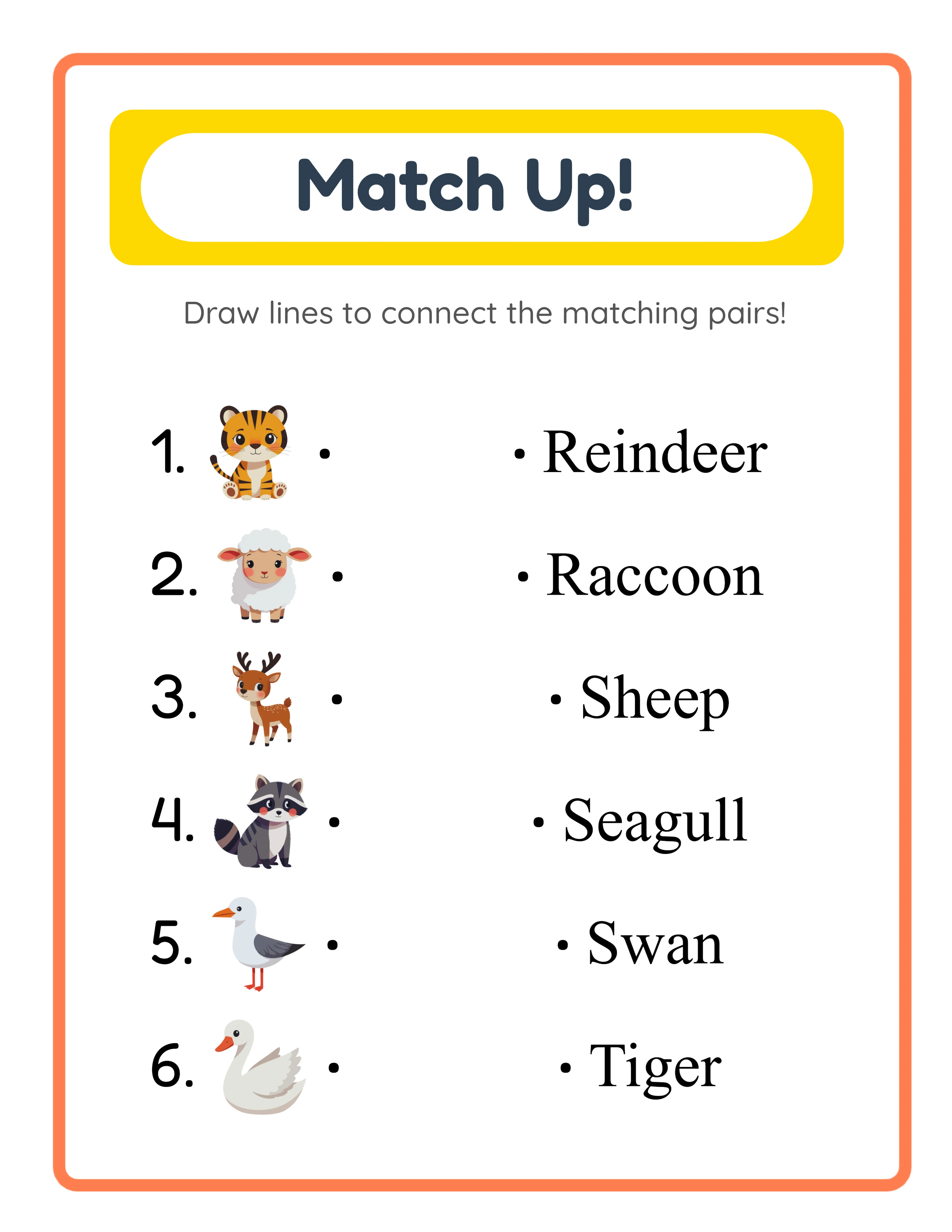
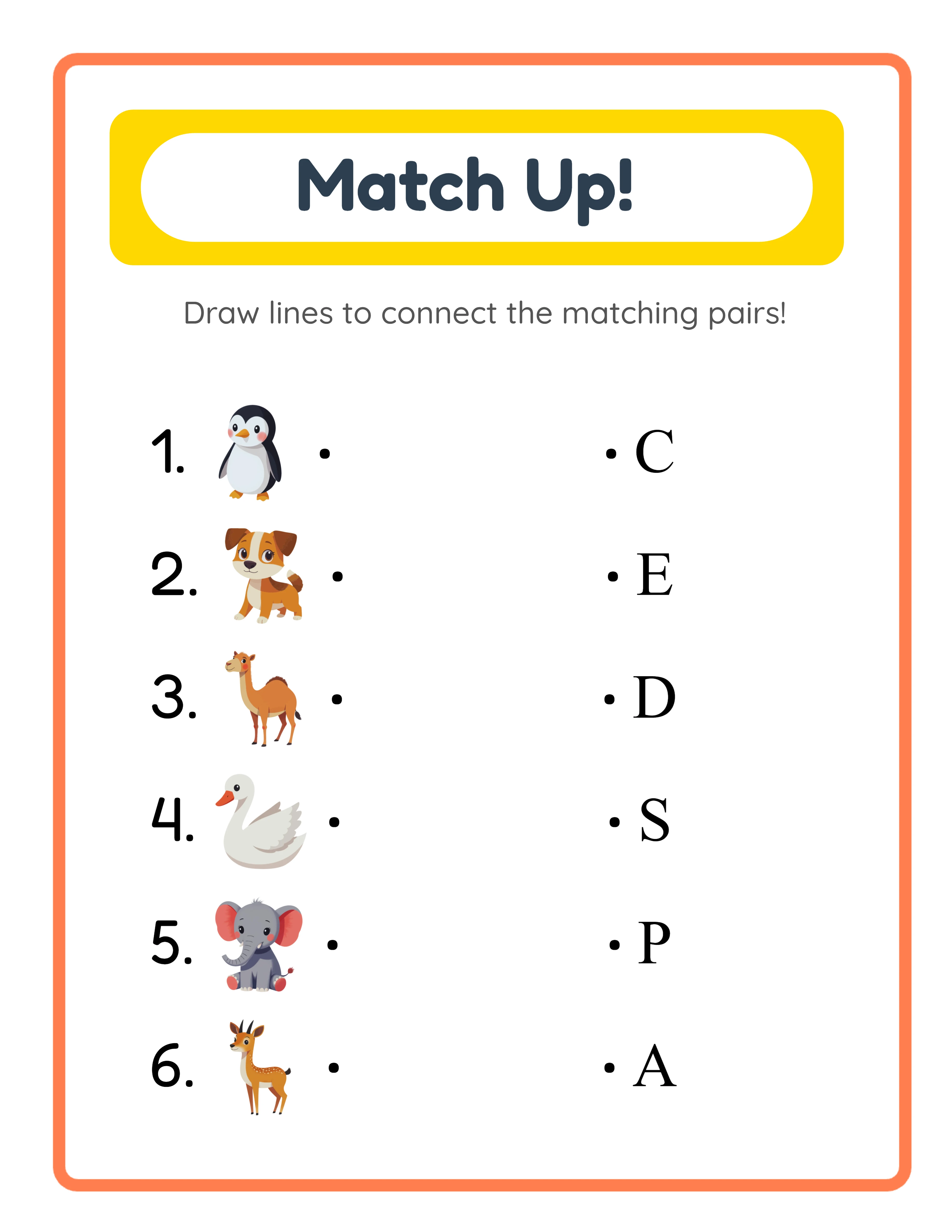
One generator covers four distinct matching activities. Beginning Letter mode (letter) places images on the left and their first letters on the right — with three sub-modes for random themes, random images from a chosen theme, or manual image selection. Image+Word mode (imgname) shows labeled image pairs on both sides for vocabulary reinforcement. Image/Word Mixed mode (imgorfname) uses per-row dropdown selectors so each side can display an image or a word independently, creating varied difficulty within a single worksheet. Custom Word mode (custom) pairs images with your own typed words for spelling practice, vocabulary quizzes, or foreign language exercises. Each mode generates a different cognitive challenge from the same image library.

Auto-Generated Answer Key with Connecting Lines Between Matched Pairs

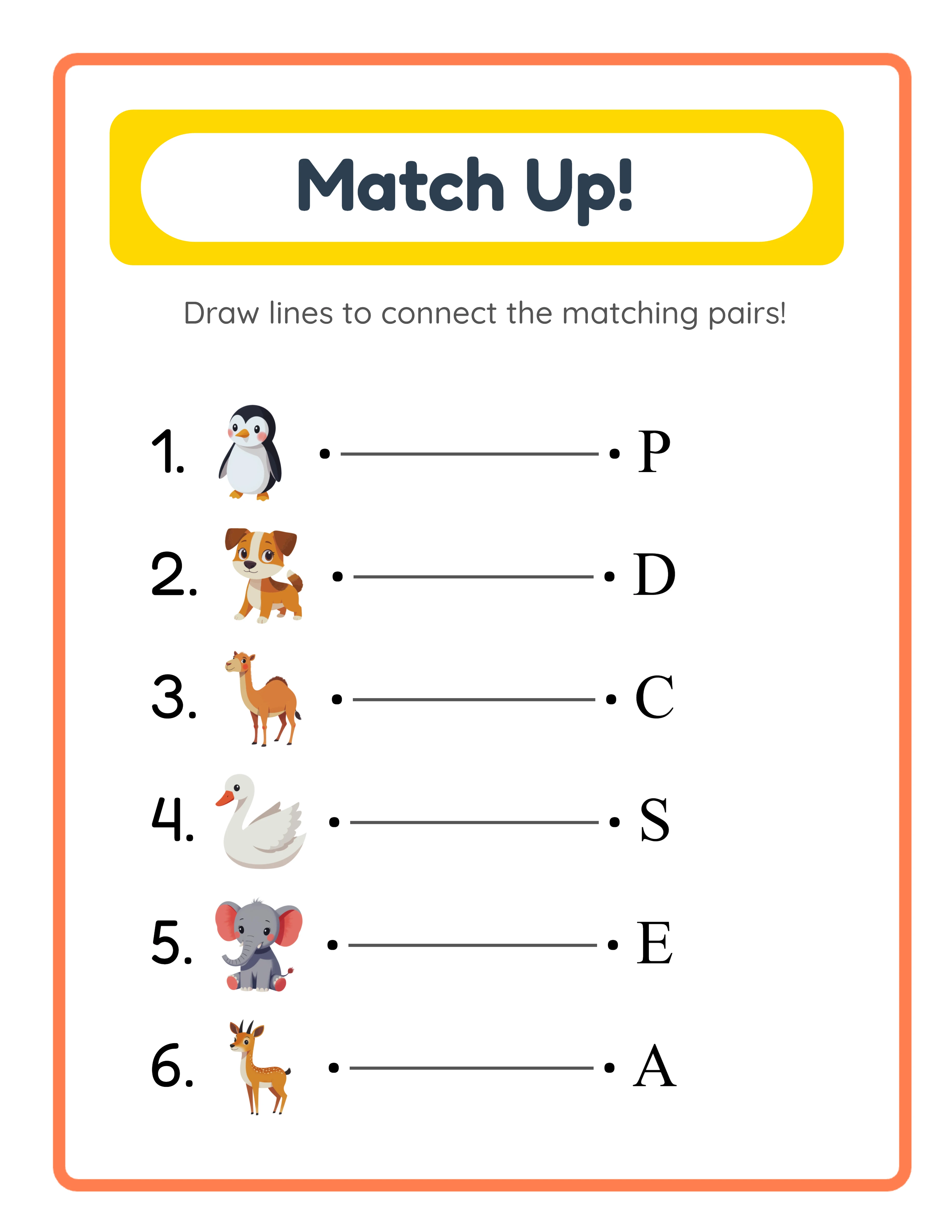
Every matching worksheet automatically generates a companion answer key on a separate canvas tab. The answer key reproduces the exact worksheet layout and adds horizontal connecting lines (#555 color, stroke width 2) drawn between each correct pair. No manual line drawing, no separate file creation — the answer key is always in sync with the worksheet. This dual-canvas approach saves significant production time for sellers creating matching activity bundles where every worksheet needs its own answer key. Download the answer key as answer_key.jpeg or answer_key.pdf alongside the main worksheet.

Configurable Pair Count with 4, 5, or 6 Matching Pairs per Worksheet

Set the number of matching pairs to 4, 5, or 6 using the dropdown in the Worksheet Configuration panel. The default is 6 pairs, which works well for standard worksheets. Reduce to 4 or 5 pairs for beginner-level products that need larger images and more spacing, or for worksheets with longer custom words that require extra room. The pair count applies consistently across all four matching modes, giving you control over worksheet difficulty and visual density without redesigning the layout.

Localized "Match Up!" Header with Title and Instructions in 11 Languages

Every generated worksheet includes a styled header with a yellow pill background (#FFD700), white inner pill, and coral border frame (#FF7F50, 8px stroke). The title "Match Up!" and the description "Draw lines to connect the matching pairs!" are automatically translated into all 11 supported languages: English, German, French, Spanish, Portuguese, Italian, Dutch, Swedish, Danish, Norwegian, and Finnish. The title renders in Fredoka (weight 700) and the description in Quicksand (weight 500). Portrait worksheets display a large centered header; landscape worksheets use a compact centered layout.

Image Library with 104 Themed Collections and 3,100+ Illustrations

Browse 104 themed image collections covering animals, food, vehicles, nature, professions, holidays, sports, seasons, and dozens more. Each theme provides a coordinated set of colorful illustrations that work together in matching activities. Filter by theme using the dropdown or search for specific images by keyword. Click any image to add it to your worksheet. The Commercial tier includes 10 colorful themes for getting started; Full Access unlocks all 104 themes for maximum creative variety across all matching modes.

Item Numbers and Decorative Bullets with Toggle Controls

Two formatting toggles in the Worksheet Configuration panel control the visual structure of each matching column. "Include Item Numbers" (default ON) adds numerals before each pair — numbered items make answer checking straightforward and add perceived value. "Show Bullets/Dots" (default ON) adds decorative bullet dots next to items for visual clarity. Both options can be toggled independently, letting you create clean numbered worksheets, dotted lists, both, or neither depending on your target audience and product style.

Print-Ready PDF and JPEG Export at 300 DPI with Grayscale Toggle

Download matching worksheets and answer keys as high-resolution JPEG images or print-ready PDF documents rendered at 300 DPI. Four dedicated download buttons export worksheet.jpeg, worksheet.pdf, answer_key.jpeg, and answer_key.pdf separately. Page sizes include Letter Portrait (612×792), Letter Landscape (792×612), A4 Portrait (595×842), A4 Landscape (842×595), Square (1200×1200), and fully custom dimensions. Toggle grayscale for ink-friendly versions that save toner. Every export is production-ready for digital downloads, printed workbooks, and bulk printing.

Full Canvas Editing with Text Tools, Alignment, and Layering Controls

The Fabric.js canvas provides complete control over every element on your matching worksheet. Drag, resize, rotate, and reposition images, text, and generated content freely. Layer controls manage stacking order — bring elements forward or send them back. Lock finished elements while you edit others. Add custom text with seven font options (Lexend Deca, Baloo 2, Nunito, Quicksand, Fredoka, Arial, Verdana), adjustable size and color, and text outline width from 0 to 10 with 0.5-step granularity. Six alignment options plus center-on-page keep layouts precise. Zoom from 25% to 300% for detail work. Undo and redo up to 20 history states with Ctrl+Z and Ctrl+Y.

Match It Up!

Connect & Learn!
Featured matching printable worksheet — colorful vocabulary activity
Print Instantly!Themed ImagesWith Answer Keys

Build a Matching Worksheet Business on Etsy & KDP

Themed Matching Worksheet Bundles on Etsy

Etsy (etsy.com)
Create themed matching activity packs using the 104 image collections — animal matching, food matching, vehicle matching, holiday matching, and dozens more. Each theme provides enough illustrations for multiple unique matching worksheets across different modes. Package 10–20 matching worksheets per theme with answer keys included, and sell at $3–$7 per bundle. Mix modes within a single bundle for variety: Beginning Letter worksheets for letter recognition, Image+Word worksheets for vocabulary, and Custom Word worksheets for spelling practice. The auto-generated answer key eliminates the biggest time sink in matching worksheet production.

Early Literacy Workbooks on Amazon KDP

Amazon KDP (kdp.amazon.com)
Compile 40–80 matching worksheets into a printed workbook formatted for Amazon KDP. Beginning Letter mode is ideal for early literacy — solvers match images to their first letters across multiple themes, building phonemic awareness with every page. Structure your book by difficulty: Chapter 1 uses 4 pairs for beginners, Chapter 2 uses 5 pairs, and Chapter 3 uses 6 pairs for advanced levels. Include answer keys at the back of the book using the auto-generated answer key feature. The grayscale toggle produces ink-friendly pages ready for black-and-white book interiors.

Niche Matching Activity Store on Gumroad

Gumroad (gumroad.com)
Build ready-to-use matching center worksheets with name/date fields, item numbers, and printed answer keys. Buyers searching for matching activities value worksheets that arrive print-ready — the name field adds a professional touch, item numbers make answer checking efficient, and the auto-generated answer key adds perceived value to every listing. Create niche-specific sets: community helpers matching, food groups matching, weather vocabulary matching, and habitat animal matching. Each set includes solver worksheets and answer keys in both PDF and JPEG formats.

Vocabulary Matching Worksheets in Multiple Languages

Etsy / Gumroad (multilingual market)
Leverage the language-sensitive Beginning Letter and Image+Word modes to create matching worksheets in 11 languages. The same images produce different matching content when you switch languages — image names, first letters, and header text all update automatically. Create multilingual vocabulary bundles where each language version uses the same themed images but localized words. This is particularly valuable for sellers targeting international markets and repeat buyers who need multiple language versions. Sell language-specific bundles or multilingual mega-packs at premium prices.

Seasonal Matching Activity Collections

Etsy / Amazon KDP / Gumroad (seasonal)
The 104 themed image collections cover every seasonal and holiday occasion — Christmas, Halloween, Easter, Valentine's Day, back-to-school, summer vacation, and more. Create time-limited matching worksheet collections that align with peak shopping periods. Release Halloween matching bundles in September, Christmas collections in October, and Valentine's Day packs in January. Include all four matching modes in each seasonal set for maximum value. Seasonal products command higher prices during their peak windows and create natural reasons for repeat purchases.

Professional Matching Activities

Beautifully designed vocabulary connection worksheets
Professional matching printable worksheet
Match Up
Matching — themed variation
Match Up
Matching printable answer key
Answer Key
Print-ReadyNo Prep RequiredAnswers IncludedMultiple Themes

Who Is This For?

Etsy Sellers

Matching and sorting worksheets appeal to parents of toddlers and preschoolers, a demographic that actively buys educational printables. Themed matching sets create natural product bundles for higher order values.

Amazon KDP Publishers

Matching activity books for toddlers and preschoolers are an underserved KDP niche with growing demand. Combine matching, sorting, and memory worksheets into comprehensive visual learning workbooks.

Teachers Pay Teachers Sellers

Matching activities are essential for early childhood classrooms as learning centers and assessment tools. Teachers need themed matching worksheets that progress in difficulty across the school year.

Homeschool Educators & Parents

Matching and sorting activities build critical thinking skills in young children through hands-on practice. Adjustable difficulty levels let you grow with your child from simple pairs to complex categorization.

Sample Worksheets

Beginning letter matching worksheet with images on the left and first letters on the right
Beginning Letter mode — solvers match images to their first letters
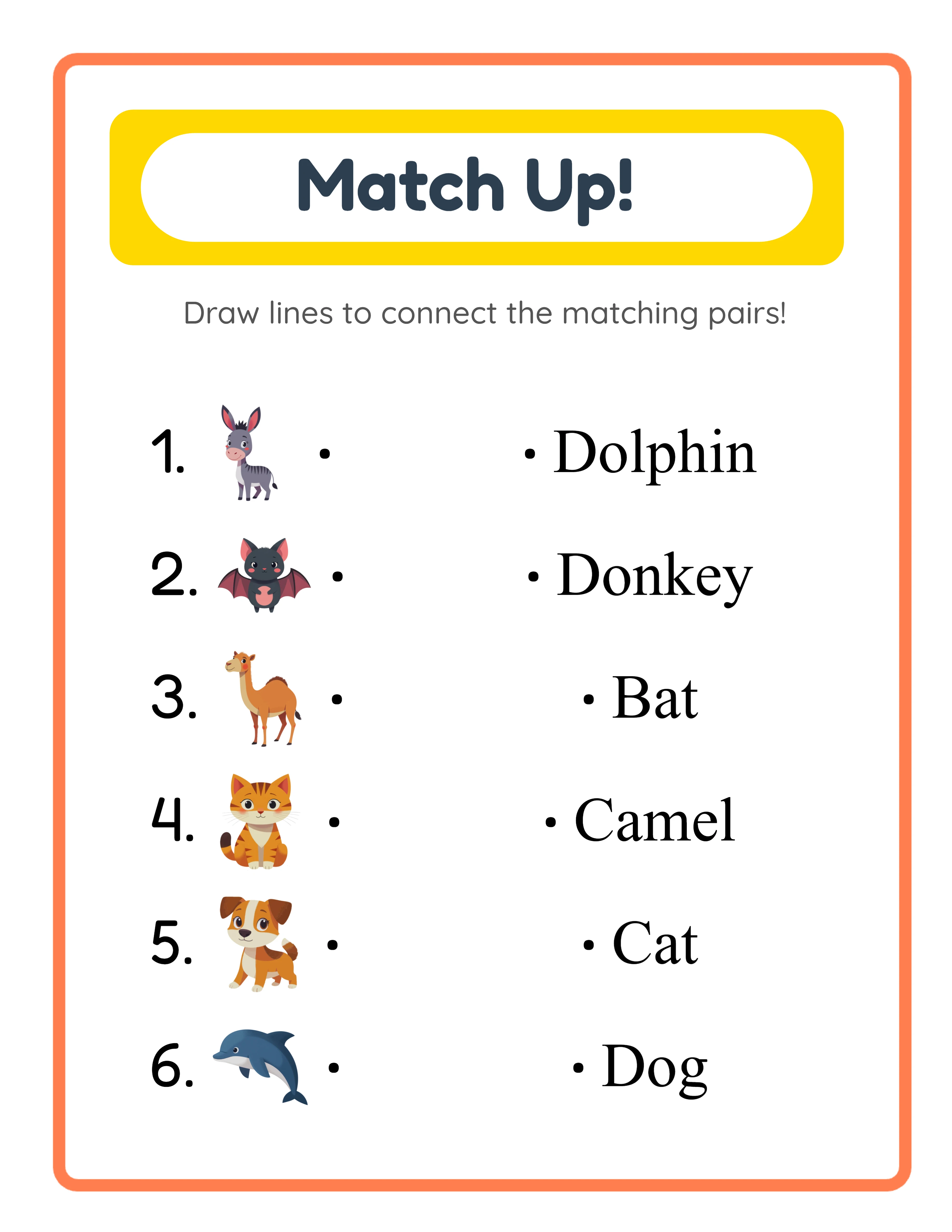
Image and word matching worksheet with labeled pairs on both sides
Image+Word mode — labeled image pairs for vocabulary matching
Matching worksheet answer key with connecting lines drawn between correct pairs
Auto-generated answer key — connecting lines show correct matches

Free version includes a small watermark. Purchase to remove.

Frequently Asked Questions

What are the four matching modes and how do they differ?
The generator offers four distinct modes. Beginning Letter mode places images on the left and their first letters on the right — solvers match each image to the letter it starts with. Image+Word mode shows labeled image pairs on both sides for vocabulary matching. Image/Word Mixed mode uses per-row dropdown selectors so each side can independently display an image or a word, creating varied difficulty within a single worksheet. Custom Word mode pairs images with your own typed words for spelling, vocabulary, or foreign language exercises. Each mode produces a different learning activity from the same image library.
How does the configurable pair count work?
In the Worksheet Configuration panel, select 4, 5, or 6 from the maximum pairs dropdown. The default is 6 pairs. Fewer pairs create worksheets with larger images and more spacing — ideal for beginner-level products or worksheets with longer words. More pairs increase difficulty and content density. The pair count applies consistently across all four matching modes.
How does the auto-generated answer key work?
The generator uses a dual-canvas system with a Worksheet tab and an Answer Key tab. The worksheet shows the two-column layout without connecting lines — solvers draw their own lines to match pairs. The answer key reproduces the identical layout and adds horizontal connecting lines (#555 color, stroke width 2) between each correct pair. Both versions export separately using four dedicated download buttons: worksheet.jpeg, worksheet.pdf, answer_key.jpeg, and answer_key.pdf.
What are the Beginning Letter sub-modes?
Beginning Letter mode offers three sub-modes for image selection. "Random Theme & Images" picks a random theme and 6 random images from it. "Random from Chosen Theme" lets you select a specific theme and then picks random images from that theme. "Select Specific Images" opens the Image Library so you can manually pick exactly 6 images. You can also choose between uppercase and lowercase letter display using the letter type radio buttons.
What is the Item Configuration panel?
The Item Configuration panel appears for Image+Word, Image/Word Mixed, and Custom Word modes. It provides dynamic per-row controls for configuring each matching pair. In Image/Word Mixed mode, dropdown selectors let you choose whether each side of each row displays an image or a word. In Custom Word mode, text fields let you type the matching word for each image. This panel gives you fine-grained control over every individual pair in the worksheet.
How do item numbers and bullet dots work?
Two toggles in the Worksheet Configuration panel control formatting. "Include Item Numbers" (default ON) adds numerals before each pair — useful for structured answer checking and adds perceived value. "Show Bullets/Dots" (default ON) adds decorative bullet dots next to items for visual clarity. Both options are independent: you can have numbers only, dots only, both, or neither depending on your worksheet style and target audience.
How does the localized header work?
Every generated worksheet includes a styled "Match Up!" header with a yellow pill background (#FFD700), white inner pill, and coral border frame (#FF7F50, 8px stroke). The title and description text are automatically translated into the selected language — all 11 languages are supported: English, German, French, Spanish, Portuguese, Italian, Dutch, Swedish, Danish, Norwegian, and Finnish. The title uses Fredoka font (weight 700) and the description uses Quicksand (weight 500).
Is the Matching Worksheet Generator language-sensitive?
Yes. Beginning Letter and Image+Word modes use localized image names from the Image Library, so switching languages changes the words and first letters that appear on the worksheet. For example, a cat image shows "C" in English Beginning Letter mode but "K" in German (Katze) and "C" in French (Chat). The localized "Match Up!" header also changes with the selected language. The Commercial tier includes 10 colorful themes; Full Access unlocks all 104 themes and all 11 languages for localized word content.
Is there a free trial?
Yes. You can access every feature — all four matching modes, configurable pair counts, the auto-generated answer key, the full image library, background and border themes, name/date fields, item numbers, bullet dots, and all download formats — without creating an account, entering a credit card, or installing any software. Free trial downloads include a small watermark. A commercial license removes the watermark and grants full selling rights.
Can I add background themes and border themes to matching worksheets?
Yes. The Page Setup panel includes both a background theme selector with an opacity slider (0–1 in 0.05 steps) and a border theme selector with its own independent opacity slider. Background themes add decorative patterns behind the matching content, while border themes frame the page. Both have separate opacity controls so you can create subtle backgrounds with prominent borders, or any combination that fits your design. These visual elements increase the perceived quality of your matching worksheets for marketplace listings.
Can I sell matching worksheets made with this tool on Etsy and Amazon KDP?
Yes. With a commercial license, you have full rights to sell your matching worksheets as digital downloads on Etsy, as printed workbooks on Amazon KDP, as digital products on Gumroad, or through any other sales channel. The four matching modes, auto-generated answer keys, and 104 themed image collections give you the creative tools to produce original, sellable matching activity products.
What is the refund policy?
Because the free trial gives you access to every feature, we do not offer refunds on commercial license purchases. You can test all four matching modes, the auto-generated answer key, the full image library, background and border themes, name/date fields, item numbers, bullet dots, and all download formats before buying. The free trial is the refund policy — make sure the tool fits your needs before purchasing a license.

Matching Worksheet Generator — Create & Sell Printables on Etsy

Four matching modes in one generator — Beginning Letter, Image+Word, Image/Word Mixed, and Custom Word — with auto-generated answer keys, configurable pair counts, and a localized "Match Up!" header across 104 themed image collections.