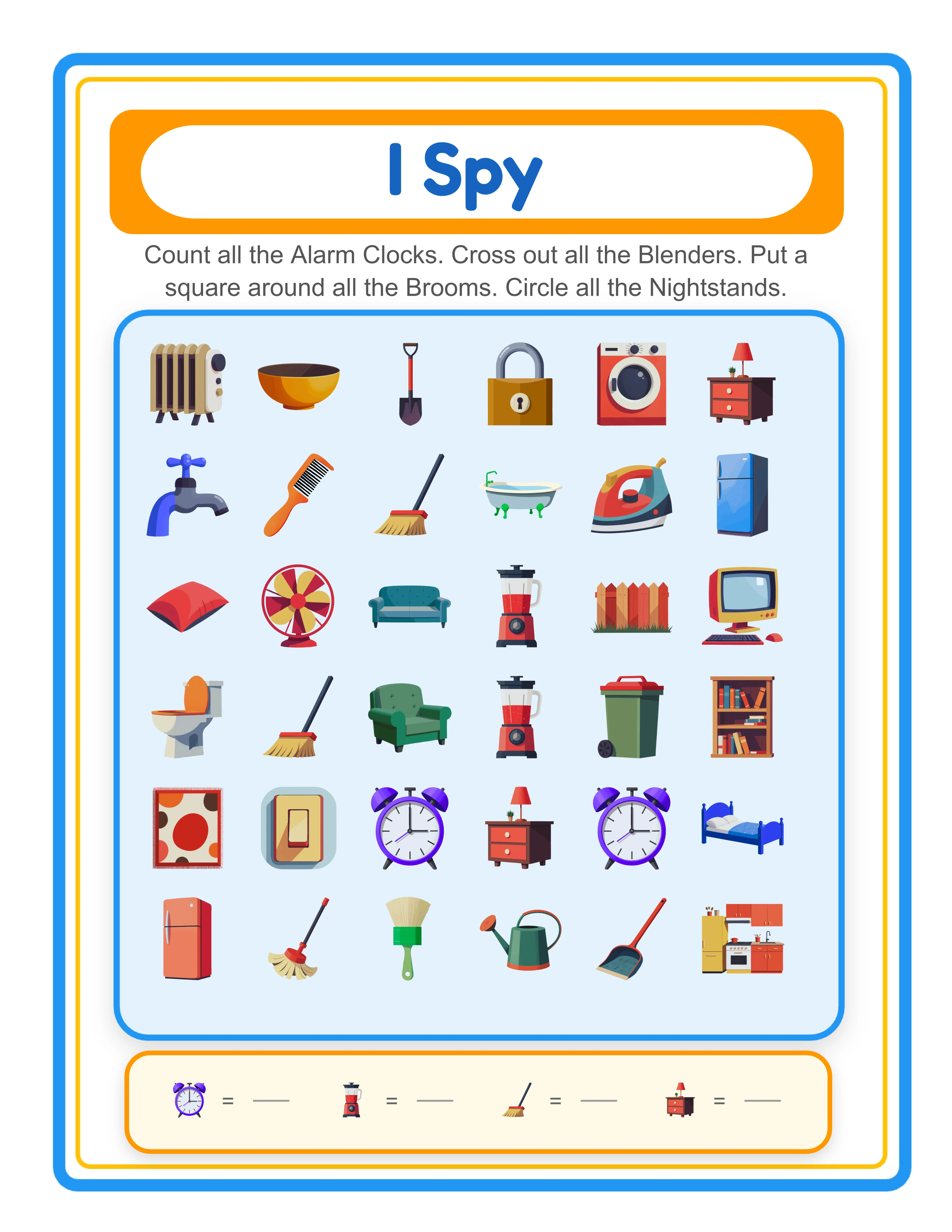
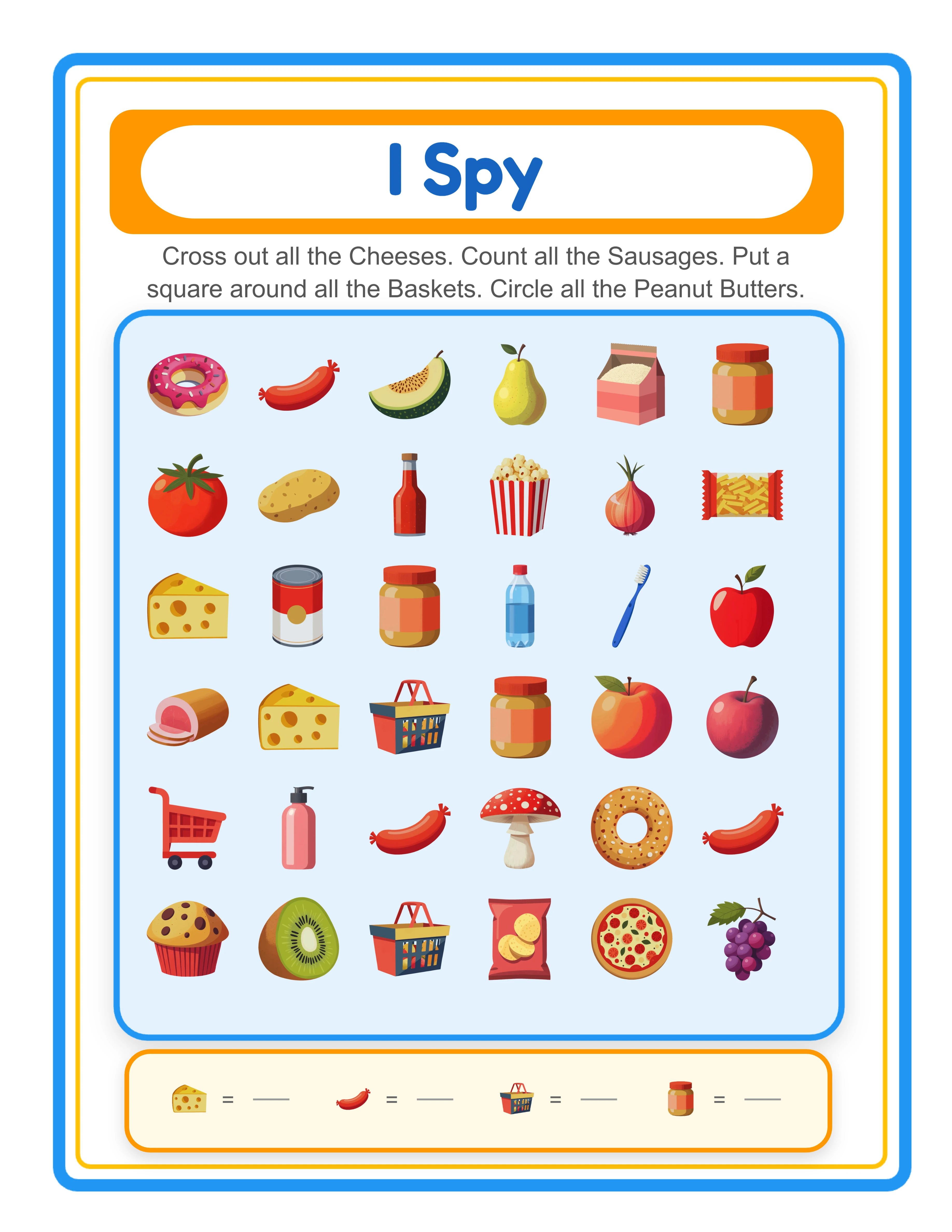
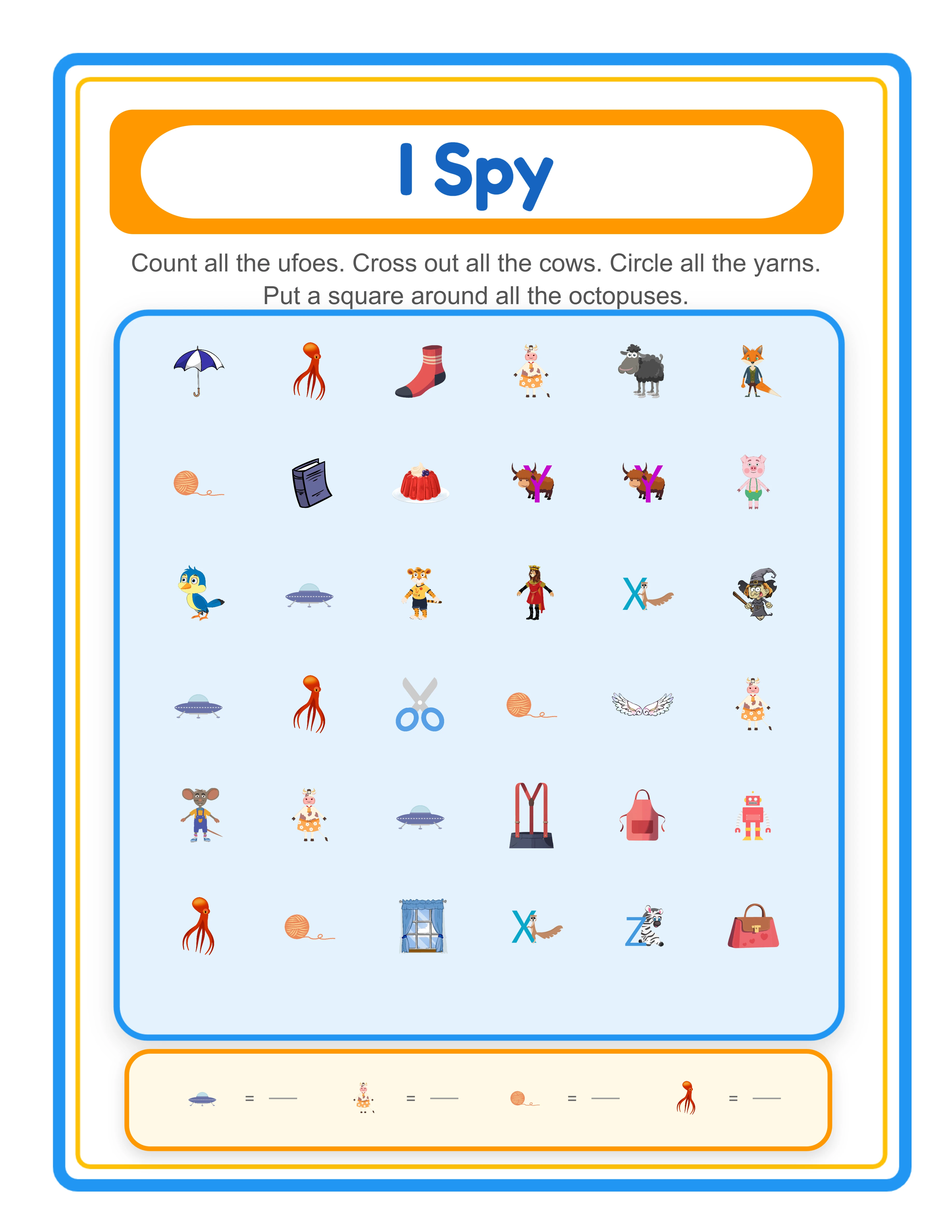
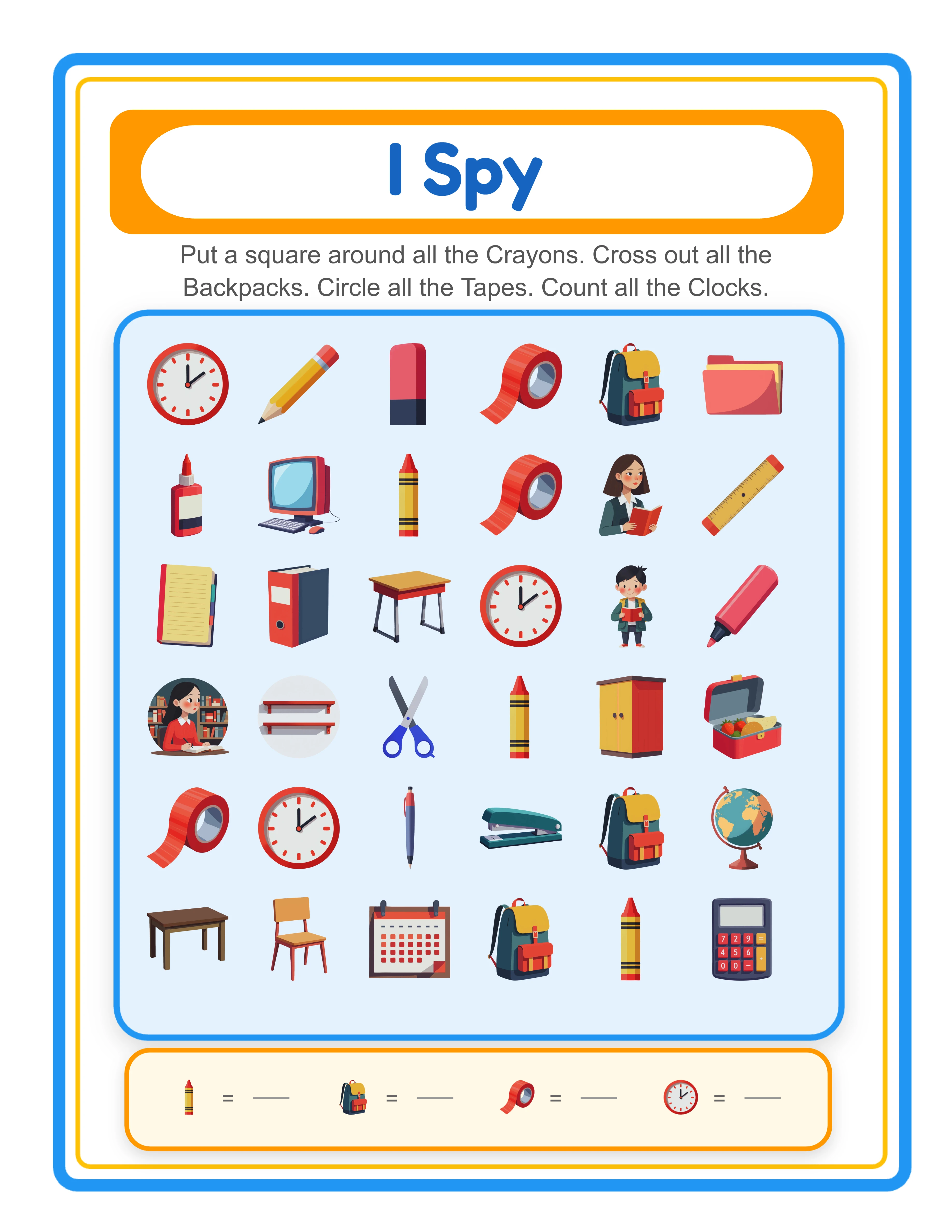
Search & Find

I Spy Worksheet Generator for Find and Count Activities

Two activity modes in one generator — Hidden Object I Spy and Letter Spotting — with four mixable task types (circle, square, cross out, count), locale-specific alphabets with accented letters, localized image name labels in 11 languages, and auto-generated answer keys with visual annotations.

Build professional I Spy and find-and-count worksheets where solvers search a scattered image scene to find, circle, cross out, or count specific objects. Choose between two activity modes: Hidden Object mode scatters images across a configurable grid (5–10 rows × 5–10 columns) and lets you assign up to 4 target objects with individual task types — circle the object, put a square around it, cross it out, or count how many appear. Letter Spotting mode displays a locale-specific alphabet grid with accented letters (German ÄÖÜ, Spanish Ñ, Swedish ÅÄÖ, Danish/Norwegian ÆØÅ) and generates I Spy scenes using images that start with the selected letter. Every worksheet includes an auto-generated header — "I Spy" or "Letter Spotting" — localized in all 11 supported languages with a blue border (#2196F3). The dual-canvas system generates both a worksheet tab and an answer key tab with red circle, square, and cross annotations plus quantity count displays. The Find & Count Generator is language-sensitive: image name labels on the worksheet are rendered in the selected language via the Image Vocabulary system. Full Access unlocks all 104 themes with 3,100+ illustrations and all 11 UI languages for localized labels. Add background themes and border themes with independent opacity controls, and export print-ready PDFs and JPEGs at 300 DPI in Letter, A4, Square (1200×1200), or custom sizes. Whether you sell I Spy activity bundles on Etsy, compile hidden object workbooks for Amazon KDP, or create counting activities for your own store, this generator delivers production-ready worksheets in minutes — free to try with all features — no signup, no credit card. Downloads include a watermark; purchase a license to remove it.

No signup required. Create worksheets instantly.

No signup required11 languages supportedInstant PDF export
Pre-K to 2nd

I Spy — Find & Count!

Search for hidden pictures and count how many you find
I Spy worksheet — find and count hidden objects
I Spy — themed search and count
I Spy — advanced hidden picture challenge
Count & CircleAnswer KeysPrint-ReadyFree Trial with Watermark

How to Create I Spy Worksheets in 5 Steps

1

Set Your Page Layout

Open the Page Setup panel and choose a page size: Default (800×1000), Letter, A4, Square (1200×1200), or any custom dimension. Configure the grid density with rows (5–10) and columns (5–10) — default is 6×6. Pick a page color using the color picker, select a background theme and adjust its opacity, then choose a border theme with its own independent opacity control. These layout choices frame your I Spy worksheet before you add any content.
2

Choose Your Activity Mode

Select between two modes. Hidden Object mode (default) creates classic I Spy scenes — scattered images across a grid where solvers search for specific objects. Letter Spotting mode activates a locale-specific alphabet grid with accented letters and generates scenes using images that begin with the selected letter. The header automatically switches between "I Spy" and "Letter Spotting" (localized in all 11 languages) based on your selection.
3

Select Images and Assign Task Types

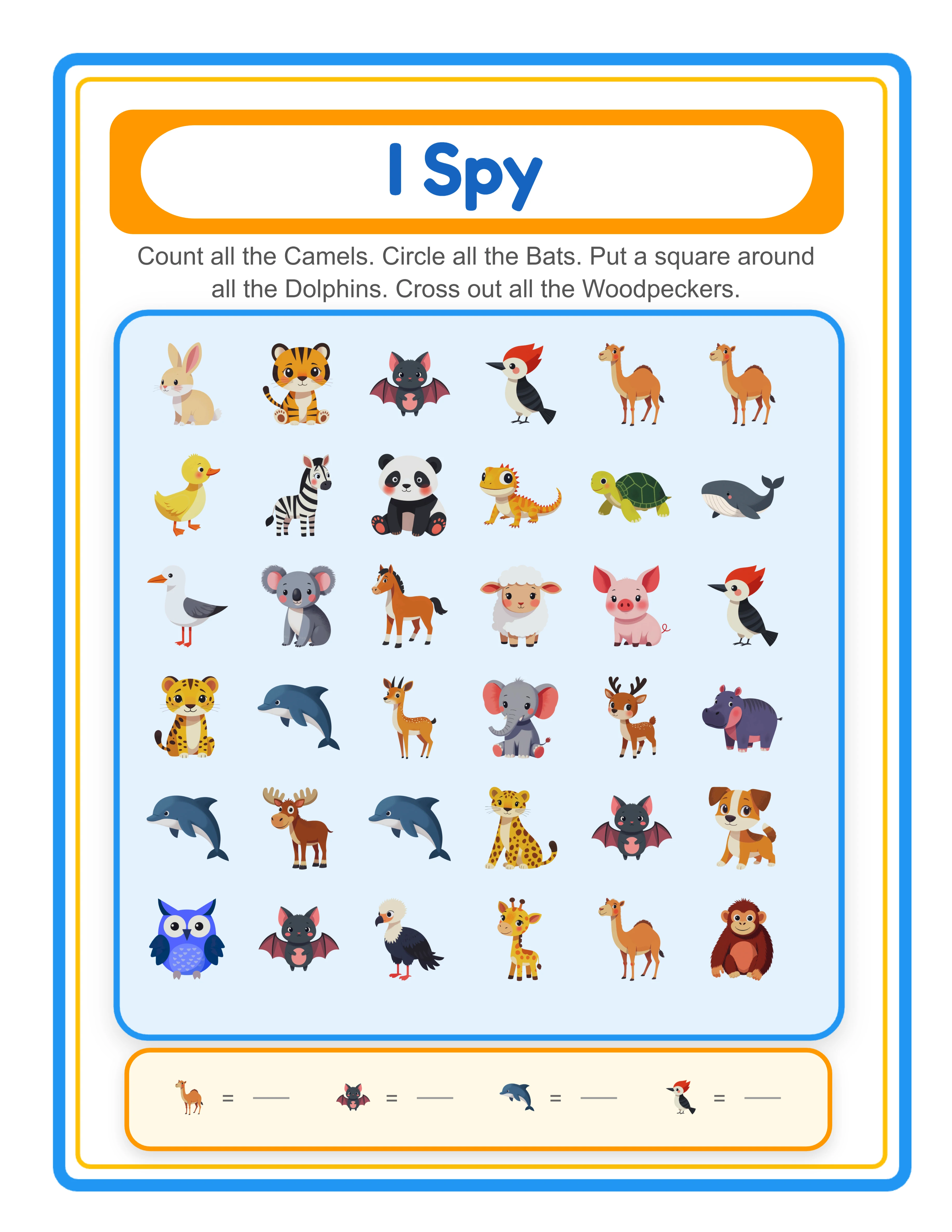
In Hidden Object mode, choose up to 4 target objects from the Image Library's 104 themed collections. For each selected image, assign a task type from the dropdown: circle (draw a circle around it), square (put a square around it), cross (cross it out), or count (count how many appear). The grid fills remaining cells with random distractor images from the theme. In Letter Spotting mode, click a letter from the alphabet grid to automatically populate target images and distractors.
4

Generate the I Spy Worksheet

The app auto-generates on page load with the animals theme, 4 random images, and random task types. Click Generate to rebuild with your custom settings. The scattered image scene fills the grid with target objects distributed randomly (1–5 instances each) among distractor images. A styled header appears at the top with a blue border (#2196F3), yellow inner accent, and localized title and instructions in Fredoka and Quicksand fonts.
5

Generate the Answer Key and Download

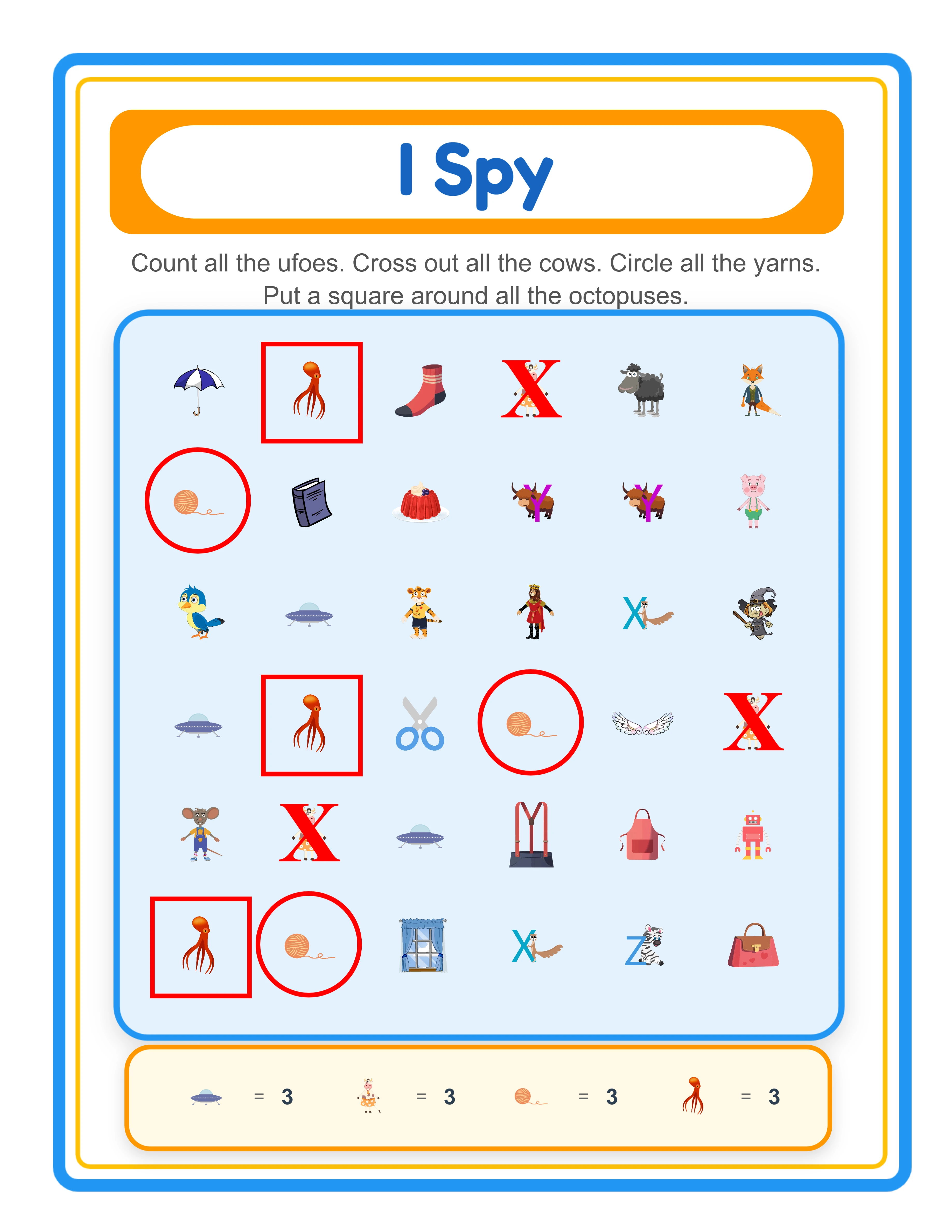
Switch to the Answer Key tab to see auto-generated annotations: red circles around circled objects, red squares around squared objects, red crosses over crossed-out objects, and quantity count displays for counted objects. Download both versions using four dedicated buttons: Worksheet JPEG, Answer Key JPEG, Worksheet PDF, and Answer Key PDF at 300 DPI. Toggle grayscale for ink-friendly versions. Every export is production-ready for Etsy listings, Amazon KDP interiors, and Gumroad product files.
Search Levels

I Spy for Every Detective

From easy counting to challenging hidden objects
Spotter
Easy I Spy — clear pictures to find

Large, clear pictures to count

Searcher
Medium I Spy — themed search

Themed scenes with more to find

Detective
Hard I Spy — tricky hidden pictures

Crowded scenes with tricky hidden objects

Finding and counting builds attention to detail

Key Features of the Find & Count Worksheet Generator

Two Activity Modes: Hidden Object I Spy and Letter Spotting

One generator covers two distinct activity formats. Hidden Object mode creates classic I Spy scenes where solvers search a scattered image grid to find specific objects. Letter Spotting mode activates a locale-specific alphabet grid — English A–Z (26 letters), German A–Z + ÄÖÜ (29 letters), Spanish A–Z + Ñ (27 letters), Swedish/Finnish A–Z + ÅÄÖ (29 letters), Danish/Norwegian A–Z + ÆØÅ (29 letters) — and generates scenes using images that start with the selected letter. The header automatically switches between "I Spy" and "Letter Spotting" (localized in all 11 languages) based on the active mode.

Four Task Types: Circle, Square, Cross Out, and Count — Mixable on One Worksheet

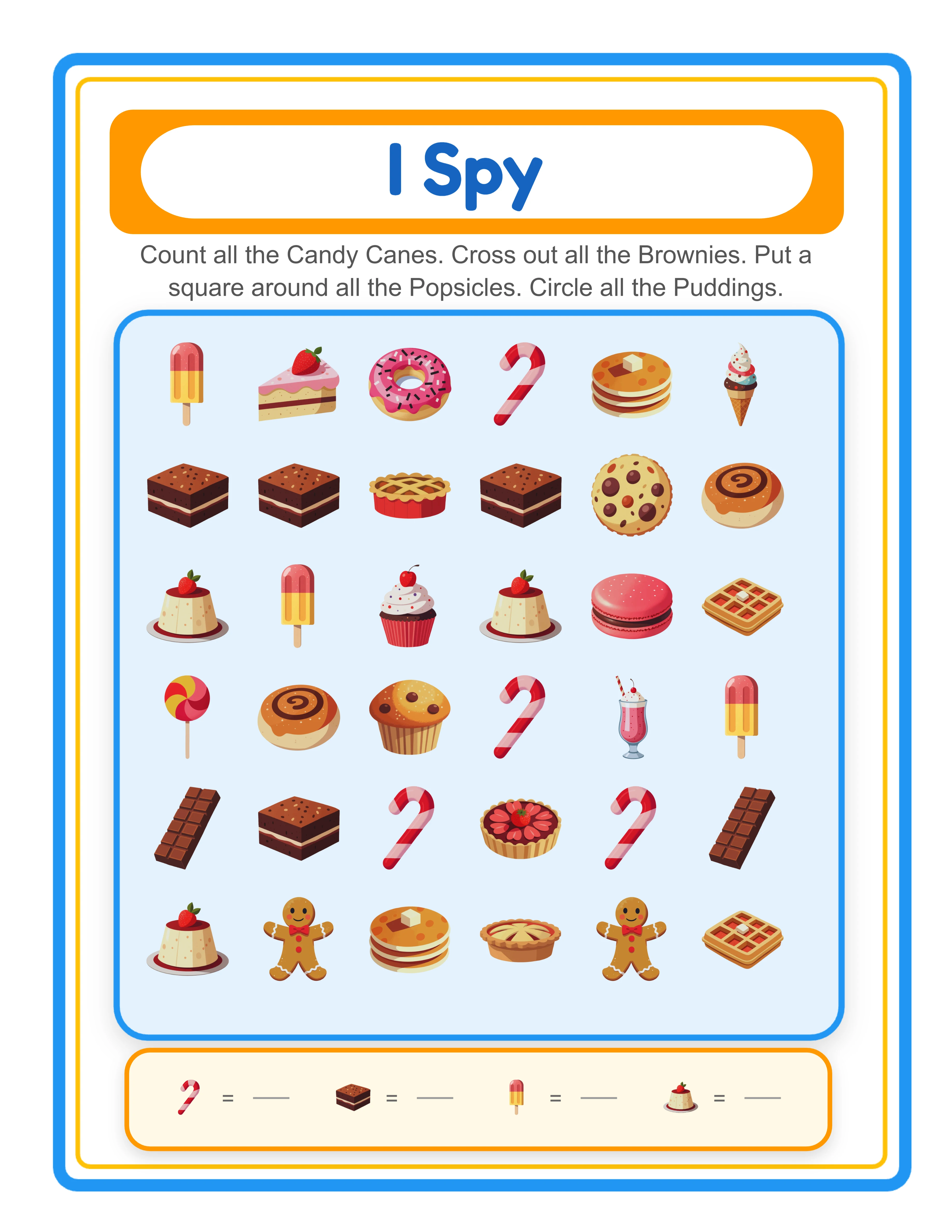
Assign a different task type to each of the up to 4 target objects on a single worksheet. Circle tasks prompt drawing a circle around the object. Square tasks prompt putting a square around it. Cross tasks prompt crossing it out. Count tasks prompt counting how many instances appear and writing the number. Mix all four task types on one worksheet for varied cognitive challenges, or use a single type for focused practice. Each task type generates localized instructions automatically.

Locale-Specific Alphabets with Accented Letters for Letter Spotting

Letter Spotting mode displays an alphabet grid tailored to each language's character set. German includes Ä, Ö, and Ü alongside the standard 26 letters. Spanish adds Ñ. Swedish and Finnish include Å, Ä, and Ö. Danish and Norwegian add Æ, Ø, and Å. The alphabet grid renders in 7 columns and automatically adjusts row count based on the locale's letter count. Select a letter, and the generator creates an I Spy scene using images that begin with that letter in the selected language.

Localized Image Name Labels in 11 Languages via Image Vocabulary

The Find & Count Generator is language-sensitive. Image name labels on the worksheet are rendered in the selected language using the Image Vocabulary system (image-vocabulary.js). Switching from English to German changes "cat" to "Katze," "dog" to "Hund," and first letters update accordingly in Letter Spotting mode. All 11 languages are supported: English, German, French, Spanish, Portuguese, Italian, Dutch, Swedish, Danish, Norwegian, and Finnish. The Commercial tier includes English only; Full Access unlocks all 11 languages for localized labels.

Auto-Generated Answer Key with Visual Annotations and Count Displays

Every I Spy worksheet automatically generates a companion answer key on a separate canvas tab. The answer key reproduces the exact worksheet layout and overlays red visual annotations: circles around circle-task objects, squares around square-task objects, crosses over cross-task objects, and quantity count displays for count-task objects. No manual marking, no separate file creation — the answer key is always in sync with the worksheet. Including answer keys adds perceived value and saves significant production time for sellers creating I Spy bundles where every worksheet needs its own answer key.

Image Library with 104 Themed Collections and 3,100+ Illustrations

Browse 104 themed image collections covering animals, food, vehicles, nature, professions, holidays, sports, seasons, and dozens more. Each theme provides a coordinated set of colorful illustrations that work as both target objects and distractors in I Spy scenes. Filter by theme using the dropdown or search for specific images by keyword. The Commercial tier includes 10 colorful themes (~300 images) for getting started; Full Access unlocks all 104 themes with 3,100+ illustrations for maximum variety.

Print-Ready PDF and JPEG Export at 300 DPI with Grayscale Toggle

Download I Spy worksheets and answer keys as high-resolution JPEG images or print-ready PDF documents rendered at 300 DPI (6× multiplier). Four dedicated download buttons export Worksheet JPEG, Answer Key JPEG, Worksheet PDF, and Answer Key PDF separately. Page sizes include Default (800×1000), Letter, A4, Square (1200×1200), and fully custom dimensions. Toggle grayscale for ink-friendly versions that save toner. Every export is production-ready for digital downloads, printed workbooks, and bulk printing.

Configurable Grid Density with 5–10 Rows and 5–10 Columns

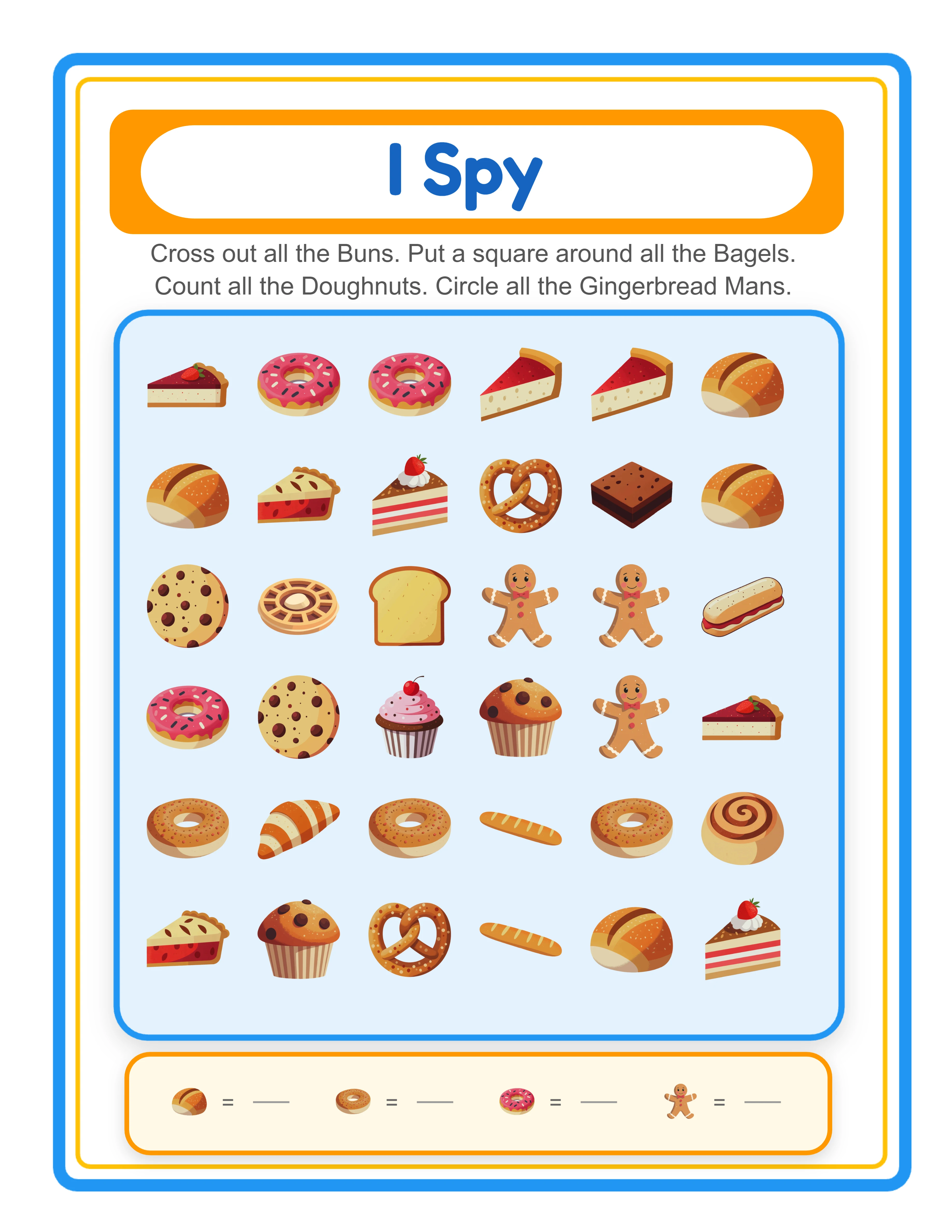
Control the difficulty and visual density of your I Spy worksheets by adjusting the grid dimensions. Set rows from 5 to 10 and columns from 5 to 10 — default is 6×6 (36 cells). A 5×5 grid (25 cells) creates easier worksheets with larger images for beginner-level products. A 10×10 grid (100 cells) creates challenging dense scenes for advanced-level products. Each cell displays one image at a maximum size of 80px, with a 5% size reduction applied in Letter Spotting mode. Target objects are distributed randomly across the grid with 1–5 instances each.

I Spy!

Search, Count, Discover!
Featured I Spy — colorful hidden picture activity
Print Instantly!Themed ScenesWith Answer Keys

How to Sell I Spy Worksheets Online

Themed I Spy Activity Bundles on Etsy

Etsy (etsy.com)
Create themed I Spy worksheet packs using the 104 image collections — animal I Spy, holiday I Spy, food I Spy, vehicle I Spy, and dozens more. Mix all four task types within each bundle for variety: circle worksheets for fine motor practice, count worksheets for numeracy, cross-out worksheets for visual discrimination, and square worksheets for following directions. Package 10–20 I Spy worksheets per theme with answer keys included, and sell at $3–$7 per bundle. The auto-generated answer key eliminates the biggest time sink in I Spy worksheet production.

I Spy Activity Workbooks on Amazon KDP

Amazon KDP (kdp.amazon.com)
Compile 40–80 I Spy worksheets into a printed workbook formatted for Amazon KDP. Structure your book by progressive difficulty: early chapters use 5×5 grids with 2 target objects, middle chapters increase to 7×7 grids with 3 targets, and advanced chapters use 10×10 grids with all 4 targets and mixed task types. Include answer keys at the back of the book using the auto-generated answer key feature. The grayscale toggle produces ink-friendly pages ready for black-and-white book interiors.

I Spy Counting Activity Packs on Gumroad

Gumroad (gumroad.com)
Build ready-to-use I Spy counting worksheets where solvers search, find, and count objects in a scattered scene. Buyers searching for counting activities value worksheets that combine visual search with numeracy practice. The count task type asks users to write how many instances of each object they find — a natural extension of I Spy into math skills. Create themed sets: farm animal counting, community helper counting, ocean creature counting, and seasonal object counting. Each set includes worksheets and answer keys in both PDF and JPEG formats.

Letter Spotting and Phonics Bundles for Alphabet Awareness

Etsy / Gumroad (literacy market)
Leverage Letter Spotting mode to create I Spy worksheets focused on beginning letter recognition. Each worksheet targets a specific letter — solvers find all objects starting with that letter in a scattered image scene. Create a complete A–Z Letter Spotting bundle with 26 worksheets (one per letter) and answer keys. The locale-specific alphabets with accented letters let you create language-specific phonics bundles for German (ÄÖÜ), Spanish (Ñ), and Nordic markets (ÅÄÖ/ÆØÅ) that competitors using English-only tools cannot match.

Multilingual I Spy Collections for Global Markets

Etsy / Gumroad (multilingual market)
Leverage the language-sensitive image name labels to create I Spy worksheets in 11 languages. The same images produce different labeling when you switch languages — image names, Letter Spotting first letters, and header text all update automatically. Create multilingual I Spy bundles where each language version uses the same themed images but localized labels. This is valuable for sellers targeting bilingual markets and repeat buyers who need multiple language versions. Sell language-specific bundles or multilingual mega-packs at premium prices.

Professional I Spy Activities

Beautiful search-and-count worksheets
Professional I Spy worksheet
I Spy
I Spy — themed variation
I Spy
I Spy answer key
Answer Key
Print-ReadyNo Prep RequiredAnswers IncludedMultiple Themes

Who Is This For?

Etsy Sellers

Search-and-find worksheets are perennial best-sellers, especially hidden object pages and themed scavenger hunts. These printables generate strong reviews because children genuinely enjoy completing them.

Amazon KDP Publishers

Hidden object and search activity books have dedicated fan bases on Amazon. Themed search books for specific interests create targeted products that rank well in niche education subcategories.

Teachers Pay Teachers Sellers

Search activities work as vocabulary reinforcement, observation skill builders, and quiet independent work. Teachers value find-and-count and hidden object worksheets tied to seasonal and thematic units.

Homeschool Educators & Parents

Search-and-find activities sharpen observation skills, build vocabulary, and provide screen-free entertainment. Themed treasure hunts and hidden object worksheets turn learning into an exciting game for children.

Sample Worksheets

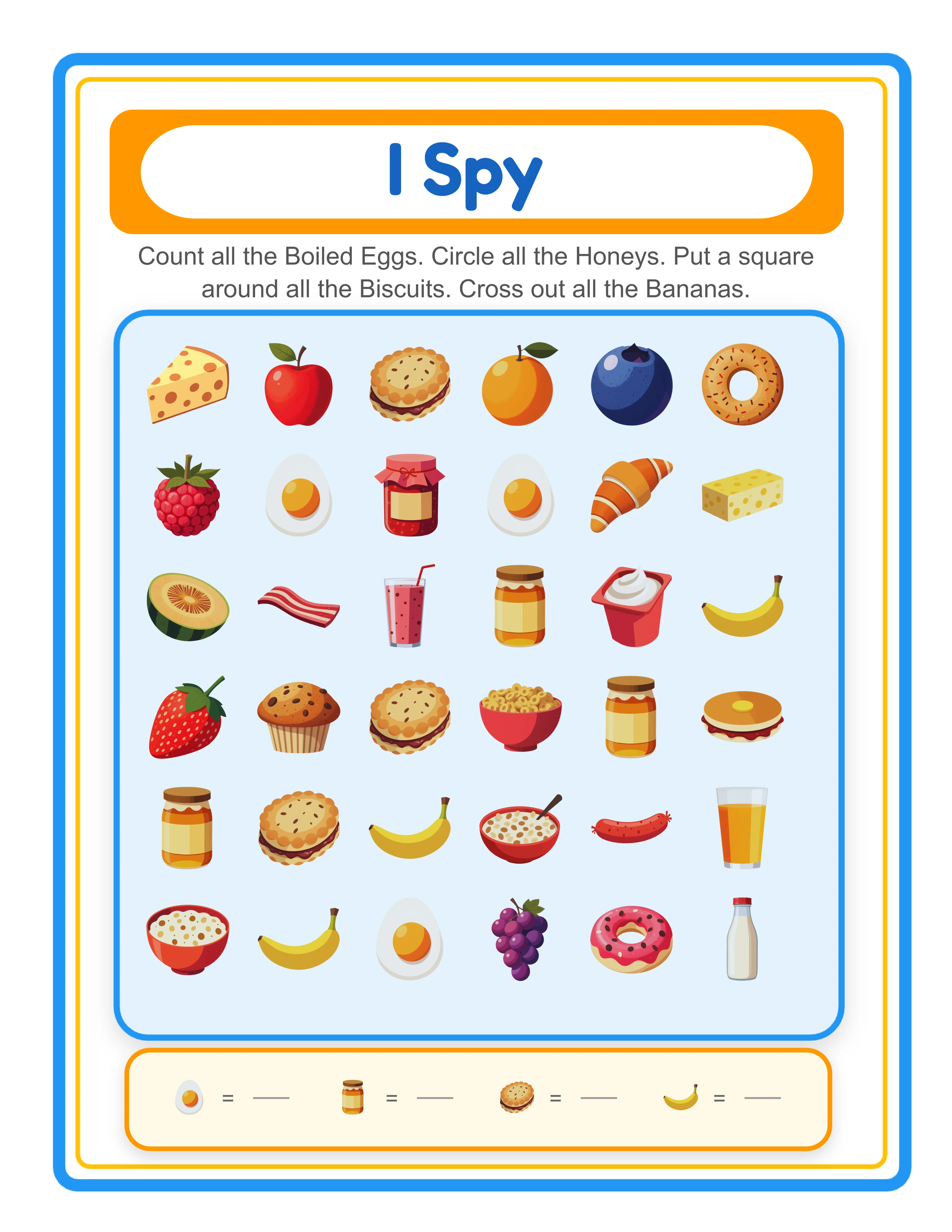
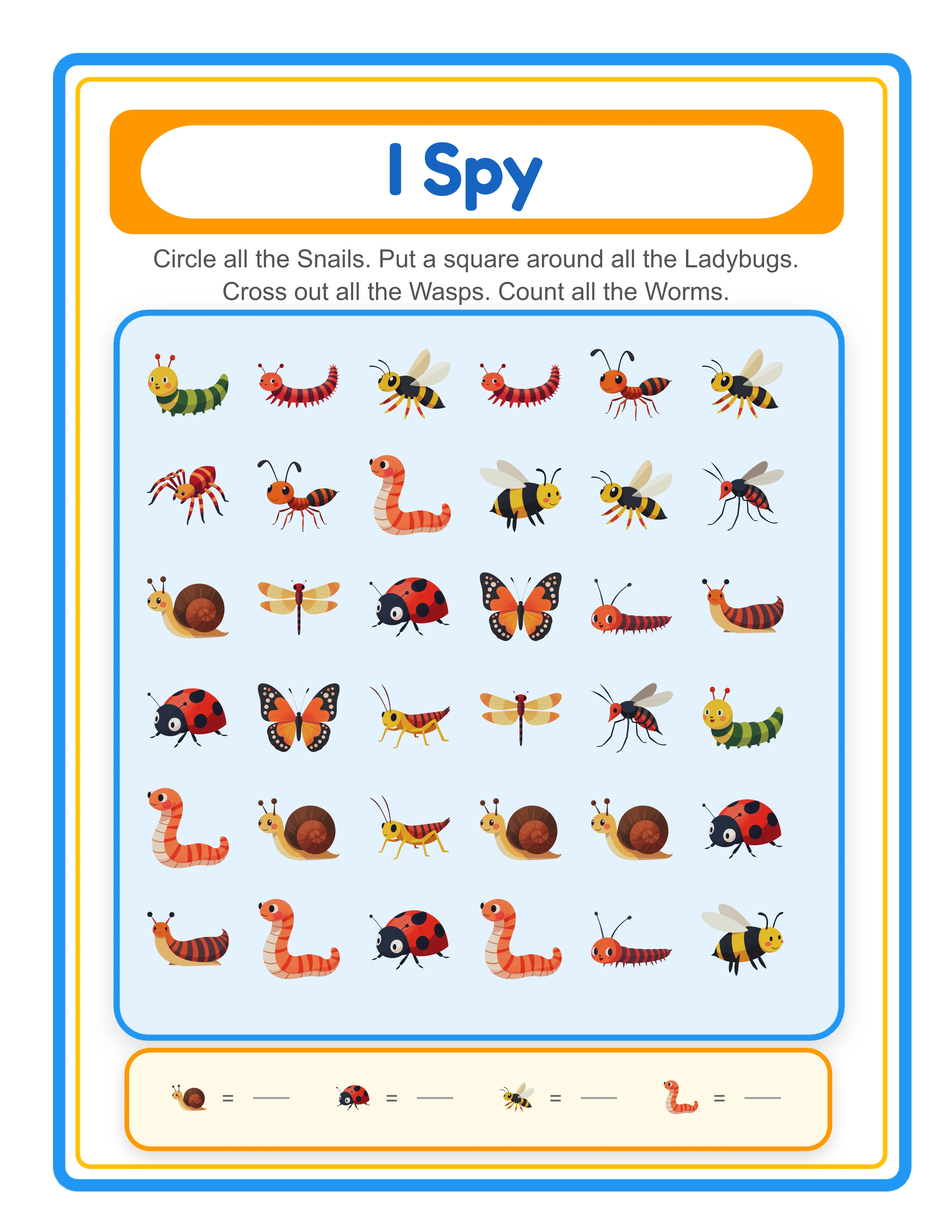
I Spy hidden object worksheet in portrait mode with scattered animal images and task instructions
Hidden Object mode — classic I Spy with circle, square, cross, and count tasks
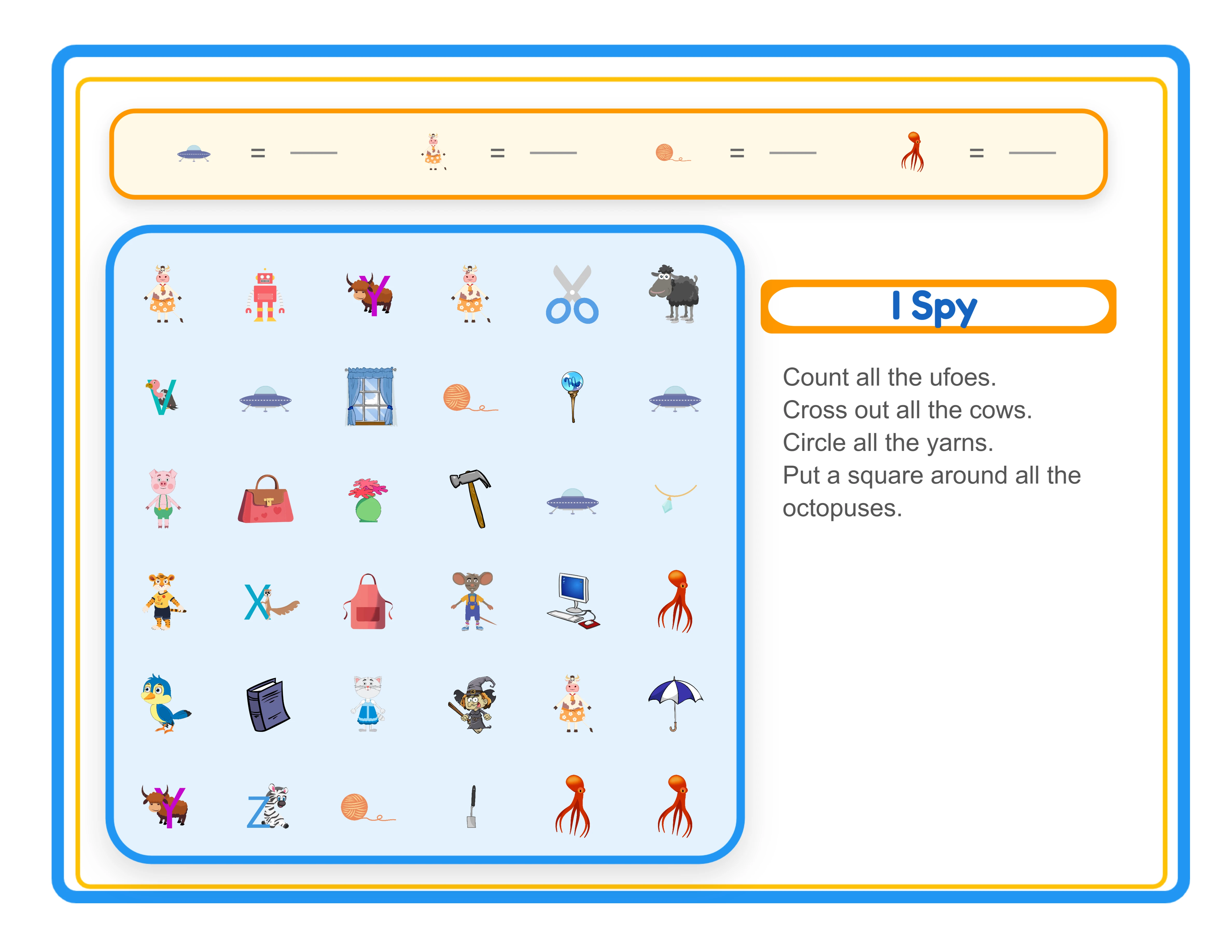
I Spy find-and-count worksheet in landscape mode with wider grid layout
Landscape mode — wider grid layout for more columns and varied visual density
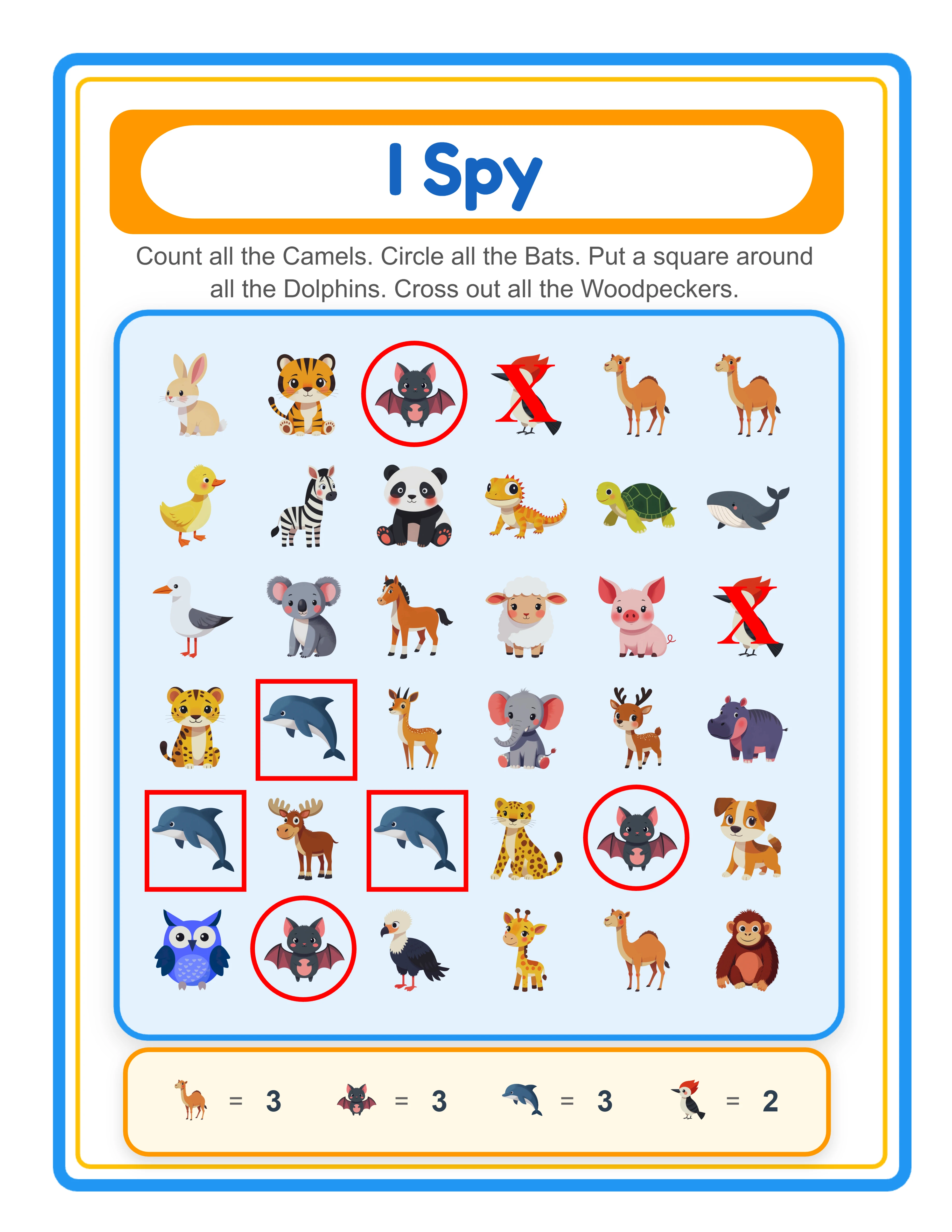
Find-and-count answer key with red circle, square, and cross annotations over correct objects
Auto-generated answer key — red annotations and count displays mark correct answers

Free version includes a small watermark. Purchase to remove.

Frequently Asked Questions

What are the two activity modes and how do they differ?
The generator offers two distinct modes. Hidden Object mode (default) creates classic I Spy scenes — scattered images across a configurable grid where solvers search for up to 4 specific objects and perform assigned tasks (circle, square, cross out, or count). Letter Spotting mode activates a locale-specific alphabet grid and generates I Spy scenes using images that begin with the selected letter. The worksheet header automatically switches between "I Spy" and "Letter Spotting" (localized in all 11 languages) based on the active mode.
What are the four task types and can I mix them on one worksheet?
The four task types are circle (draw a circle around the object), square (put a square around the object), cross (cross out the object), and count (count how many instances appear and write the number). Yes, you can assign a different task type to each of the up to 4 target objects on a single worksheet. For example, one worksheet can prompt circling all cats, crossing out all dogs, counting all birds, and putting a square around all fish.
How does Letter Spotting work with different languages?
Letter Spotting mode displays a locale-specific alphabet grid tailored to each language's character set. English shows A–Z (26 letters), German adds Ä, Ö, and Ü (29 letters), Spanish adds Ñ (27 letters), Swedish and Finnish add Å, Ä, and Ö (29 letters), and Danish and Norwegian add Æ, Ø, and Å (29 letters). The grid renders in 7 columns with automatic row adjustment. When you select a letter, the generator shows images starting with that letter in the selected language and fills remaining cells with distractors.
How do localized image name labels work?
The Find & Count Generator is language-sensitive. Image name labels are rendered in the selected language via the Image Vocabulary system (image-vocabulary.js). For example, a cat image displays "Cat" in English, "Katze" in German, "Chat" in French, and "Gato" in Spanish. In Letter Spotting mode, first letters also change with the language — a cat starts with "C" in English but "K" in German and "G" in Spanish. The Commercial tier supports English only; Full Access unlocks all 11 languages.
How does the configurable grid density work?
In the Page Setup panel, set rows from 5 to 10 and columns from 5 to 10. The default is 6×6 (36 cells). A smaller grid like 5×5 (25 cells) creates easier worksheets with larger images — ideal for beginner-level products. A larger grid like 10×10 (100 cells) creates dense, challenging scenes for advanced-level products. Each cell displays one image at a maximum size of 80px. Target objects appear 1–5 times each, with remaining cells filled by random distractor images from the theme.
Why is there a limit of 4 objects per worksheet?
The generator enforces a maximum of 4 target objects per worksheet to maintain clear, focused I Spy activities. With 4 objects and 4 different task types, a single worksheet can contain 4 distinct search-and-do tasks — enough variety to challenge solvers without overwhelming them. The Hidden Object Questions panel shows a selected count display and provides a Clear Selection button to reset your choices. This limit ensures every worksheet remains visually scannable and commercially effective.
How does the auto-generated answer key work?
The generator uses a dual-canvas system with a Worksheet tab and an Answer Key tab. The worksheet shows the scattered image scene without markings — solvers search and complete the tasks themselves. The answer key reproduces the identical layout and overlays red visual annotations: circles around circle-task objects, squares around square-task objects, crosses over cross-task objects, and quantity count displays for count-task objects. Both versions export separately using four dedicated buttons: Worksheet JPEG, Answer Key JPEG, Worksheet PDF, and Answer Key PDF.
Does the worksheet auto-generate on page load?
Yes. The app automatically generates a complete I Spy worksheet when you open it — using the animals theme, 4 randomly selected images, and randomly assigned task types on a 6×6 grid. This gives you an instant preview of what the tool produces. From there, you can customize the theme, grid dimensions, target objects, task types, and activity mode, then click Generate to rebuild with your settings.
Is there a free trial?
Yes. You can access every feature — both activity modes, all four task types, Letter Spotting with locale-specific alphabets, configurable grid dimensions, the auto-generated answer key, the full image library, background and border themes, and all download formats — without creating an account, entering a credit card, or installing any software. Free trial downloads include a small watermark. A commercial license removes the watermark and grants full selling rights.
Can I add background themes and border themes to I Spy worksheets?
Yes. The Page Setup panel includes both a background theme selector with an opacity slider and a border theme selector with its own independent opacity slider. Background themes add decorative patterns behind the I Spy scene, while border themes frame the page. Both have separate opacity controls so you can create subtle backgrounds with prominent borders, or any combination. The auto-generated header uses a blue border (#2196F3) with a yellow inner accent — independent of the page border theme you select.
Can I sell I Spy worksheets made with this tool on Etsy and Amazon KDP?
Yes. With a commercial license, you have full rights to sell your I Spy and find-and-count worksheets as digital downloads on Etsy, as printed workbooks on Amazon KDP, as products on Gumroad, or through any other sales channel. The two activity modes, four task types, Letter Spotting with locale-specific alphabets, and 104 themed image collections give you the creative tools to produce original, sellable I Spy products.
What is the refund policy?
Because the free trial gives you access to every feature, we do not offer refunds on commercial license purchases. You can test both activity modes, all four task types, Letter Spotting mode, configurable grid dimensions, the auto-generated answer key, the full image library, background and border themes, and all download formats before buying. The free trial is the refund policy — make sure the tool fits your needs before purchasing a license.

I Spy Worksheet Generator for Find and Count Activities

Two activity modes in one generator — Hidden Object I Spy and Letter Spotting — with four mixable task types (circle, square, cross out, count), locale-specific alphabets with accented letters, localized image name labels in 11 languages, and auto-generated answer keys with visual annotations.