Visual Learning

Big & Small Worksheet Generator for Size Comparison Exercises

Five question types — circle the big one, circle the small one, circle the medium, number ascending, number descending — with identical and different image modes for visual size discrimination.

Design professional size comparison worksheets where solvers look at themed images displayed at different sizes and identify which is bigger, smaller, or medium-sized, or number them in order from smallest to largest or largest to smallest. Five distinct question types cover every size discrimination skill: Circle the Big One, Circle the Small One, Circle the Medium One, Number 1–2–3 Small to Big, and Number 1–2–3 Big to Small. Two image modes create fundamentally different exercises: Identical Images shows the same picture at different sizes for pure size perception, while Different Images shows distinct objects for relative size reasoning. Configure 1–10 exercises per page with 2 or 3 images per exercise — two images for simpler comparisons, three for harder ones that include a medium option. Every worksheet is fully visual with zero text on the output, making them universally usable regardless of language or reading level. Content draws from the built-in Image Library with 3,100+ illustrations across 104 themes. An auto-generated answer key highlights correct answers for instant verification. Full Access unlocks all 104 themes and all 11 UI languages for the interface. Export print-ready PDFs and JPEGs at 300 DPI in Letter, A4, or custom sizes. Whether you sell size comparison bundles on Etsy, compile early learning workbooks for Amazon KDP, or create tiered visual activity packs for your own store, the Big & Small Worksheet Generator delivers professional results in minutes — free to try with all features — no signup, no credit card. Downloads include a watermark; purchase a license to remove it.

No signup required. Create worksheets instantly.

No signup required11 languages supportedInstant PDF export
Pre-K to 1st

Sort by Size — Big & Small!

Compare sizes with adorable picture worksheets
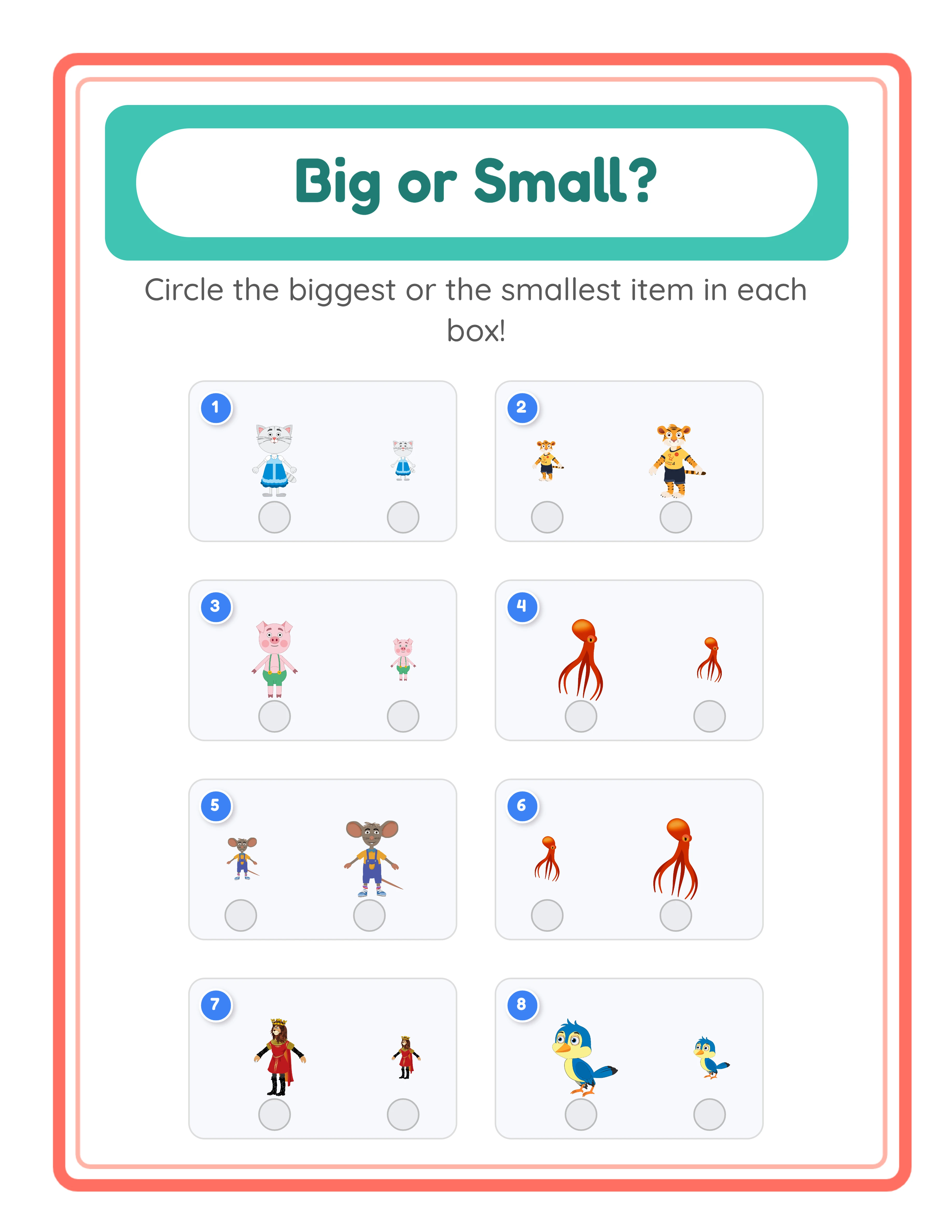
Big and small worksheet — identical images comparison
Big and small — different images comparison
Big and small — number ordering
Size SortingAnswer KeysPrint-ReadyFree Trial with Watermark

How to Create Size Comparison Worksheets in 5 Steps

1

Set Your Page Layout

Open the Page Setup panel and pick a page size: Letter Portrait, Letter Landscape, A4 Portrait, A4 Landscape, Square (1200×1200), or any custom dimension you need. Choose a background color, select a decorative background theme from the image library and adjust its opacity to keep exercises clear. Add a matching border frame with independent opacity control. These layout choices give your size comparison worksheets a polished, branded appearance before you add a single exercise.
2

Choose the Question Type

Select one of five question types from the Content panel. Circle the Big One prompts identifying the largest image. Circle the Small One targets the smallest image. Circle the Medium One challenges finding the middle-sized image (requires 3 images per exercise). Number 1–2–3 Small to Big prompts ordering images from smallest to largest. Number 1–2–3 Big to Small reverses the order from largest to smallest. Each question type targets a different size discrimination skill — identification vs. sequencing.
3

Configure Exercise Count and Image Settings

Set the number of exercises per page from 1 to 10 (default 4). Choose 2 or 3 images per exercise — two images create simpler same-or-different comparisons, while three images add a medium option and enable the Circle the Medium question type. Select Identical Images mode to show the same picture at different sizes for pure size perception, or Different Images mode to show distinct objects for relative size reasoning. Toggle exercise numbers and answer indicator boxes on or off.
4

Select Images and Add Decorative Text

Browse 104 themed image collections with 3,100+ illustrations — animals, food, vehicles, nature, and dozens more — or upload your own custom images. Each theme provides a coordinated set of images that work together visually. Use the Text Tools panel to add a worksheet title, name and date fields, or instructions with fonts including Baloo 2, Fredoka, Lexend Deca, Nunito, and Quicksand. Drag, resize, and reposition every element on the full Fabric.js canvas.
5

Generate the Answer Key and Download

Click Generate Answer Key to create a solved version where correct answers are highlighted and circled for instant visual verification. Toggle grayscale export for ink-friendly black-and-white versions. Then open the Download menu and export both the worksheet and its answer key as a high-resolution JPEG or print-ready PDF at 300 DPI. Every export is production-ready for Etsy listings, Amazon KDP interiors, and Gumroad product files.
Activity Types

3 Ways to Learn Size Comparison

Identical, different, and numbered size activities
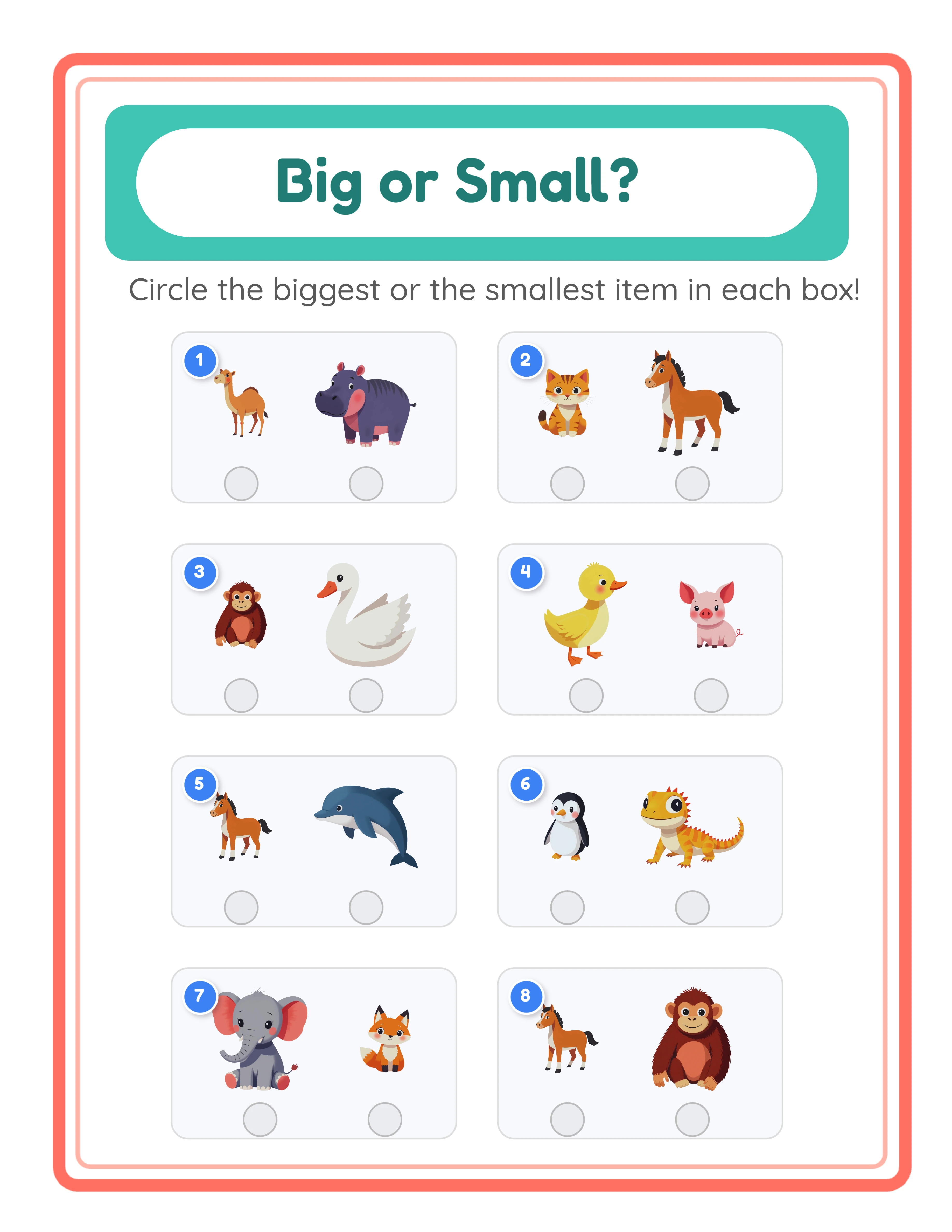
Identical
Identical images — find the big one

Compare identical pictures of different sizes

Different
Different images — compare sizes

Compare different images by size

Numbered
Number ordering — 1-2-3 sizing

Order 3 images from smallest to biggest

Size comparison builds math foundations

Key Features of the Big & Small Worksheet Generator

Five Size Comparison Question Types

Five distinct question types cover every size discrimination skill. Circle the Big One and Circle the Small One target single-item identification — find the largest or smallest image. Circle the Medium One adds complexity by requiring identification of the middle-sized image, skipping both extremes. Number 1–2–3 Small to Big and Number 1–2–3 Big to Small shift from identification to sequencing, requiring ordering all images by size. This range of question types creates a natural difficulty progression from simple identification to multi-step ordering, giving sellers a built-in differentiation axis for leveled product bundles.

Identical vs. Different Image Comparison Modes

Two image modes create fundamentally different exercise types from the same tool. Identical Images mode shows the same picture displayed at different sizes, isolating pure size perception — comparing scale without any confusing variables. Different Images mode shows distinct objects at different sizes, requiring relative size reasoning where unlike items must be compared. The identical mode is ideal for beginner-level products building basic size awareness, while the different mode targets advanced-level products with more abstract comparison skills. Switching between modes doubles your product variety without changing any other settings.

Adjustable Exercise Count and Images Per Exercise

Set 1 to 10 exercises per page for flexible worksheet density. One or two large exercises create focused practice pages; eight to ten exercises create comprehensive assessment sheets. Choose 2 or 3 images per exercise to control difficulty — two images offer straightforward bigger/smaller comparisons, while three images introduce the medium option and enable all five question types including Circle the Medium and the numbering exercises. These two settings together let you create worksheets ranging from simple single-exercise focus pages to dense multi-exercise practice sheets.

Fully Visual Worksheets with Zero Text Output

Every worksheet contains only images and visual indicators — no text appears on the generated output. This makes Big & Small worksheets universally usable regardless of language, reading level, or literacy status. The pre-reading niche, language learners, and the inclusive content niche can all be served with exercises that require zero reading. For sellers, zero-text output means the same worksheet sells worldwide without translation — one product listing serves every market. This is a significant competitive advantage over text-heavy worksheet generators.

Image Library with 104 Themed Collections

Access 3,100+ illustrations across 104 themed collections — animals, food, vehicles, nature, professions, holidays, and dozens more. Each theme provides a coordinated set of images that work together visually in size comparison exercises. The Commercial tier includes 10 colorful themes for getting started; Full Access unlocks all 104 themes for maximum product variety. The themed library creates natural bundling opportunities: farm animals size comparisons, ocean creatures size ordering, dinosaur big-and-small exercises — each theme becomes a distinct product listing.

Auto-Generated Answer Key with Highlighted Answers

The auto-generated answer key highlights and circles the correct answers for every exercise on the worksheet. For circle-type questions, the correct image is visually marked. For numbering questions, the correct order is displayed. The answer key downloads as a separate file alongside the worksheet, giving buyers a complete product package. Including answer keys adds perceived value and justifies higher prices on Etsy and Gumroad — buyers expect verified solutions with every worksheet product.

Print-Ready PDF and JPEG Export at 300 DPI

Download worksheets and answer keys as high-resolution JPEG images or print-ready PDF documents rendered at 300 DPI. Letter Portrait, Letter Landscape, A4 Portrait, A4 Landscape, Square (1200×1200), and custom sizes are all supported. Toggle grayscale export for ink-friendly versions ideal for bulk printing or black-and-white workbooks. Every export is production-ready for Etsy listings, Amazon KDP interiors, and Gumroad product files — no post-processing needed.

Full Canvas Editing with Text and Decoration Tools

The built-in Fabric.js canvas lets you drag, resize, rotate, and reposition every element on the page — text, exercise layouts, images, borders, and backgrounds. Add custom text with fonts including Baloo 2, Fredoka, Lexend Deca, Nunito, and Quicksand. Adjust font size, color, and outline for maximum readability. Layer controls manage stacking order, lock/unlock protects finished elements while you edit others, and alignment tools snap elements into position. Zoom from 25% to 400% for precision placement, with unlimited undo and redo for confident experimentation.

Big or Small?

Size Sorting Made Fun!
Featured big-small worksheet — adorable size comparison
Print Instantly!Cute AnimalsWith Answer Keys

How to Sell Size Comparison Worksheets Online

Size Comparison Bundles on Etsy

Etsy (etsy.com)
Create themed size comparison packs with progressive difficulty: start with 2-image Circle the Big One exercises using identical images, advance to 3-image Circle the Medium exercises with different images, and finish with Number 1–2–3 ordering exercises. Package farm animals, dinosaurs, ocean creatures, and vehicles as separate theme bundles with 10–20 worksheets each. Include auto-generated answer keys as bonus files. The fully visual format with zero text makes every bundle sellable worldwide without translation — list the same product on multiple international Etsy shops. Price individual theme packs at $3–$5 and multi-theme progressive bundles at $12–$18.

Early Learning Workbooks on Amazon KDP

Amazon KDP (kdp.amazon.com)
Compile 60–100 size comparison exercises into a printed workbook formatted for Amazon KDP. Structure the book as a size discrimination progression: Chapter 1 covers 2-image Circle the Big One with identical images, Chapter 2 switches to different images, Chapter 3 introduces Circle the Small One, Chapter 4 adds Circle the Medium with 3 images, and Chapter 5 advances to numbering exercises. The fully visual format means no translation is needed for international KDP marketplaces — publish the same interior in every country. Size comparison workbooks fill a specific early learning niche with consistent year-round demand.

Tiered Visual Activity Packs on Gumroad

Gumroad (gumroad.com)
Build leveled size comparison practice sets using question type as the differentiation axis: Level 1 (Circle the Big One, 2 images, identical mode), Level 2 (Circle the Small One, 2 images, different mode), Level 3 (Circle the Medium, 3 images), and Level 4 (Number 1–2–3 ordering). Each level targets a different cognitive skill — from simple identification to multi-step sequencing. Package each level with themed exercises and answer keys. The zero-text visual format works in any language without modification, making these products valuable for inclusive and multilingual markets.

Multilingual Visual Worksheets for Global Markets

Etsy / Amazon KDP / Gumroad (global)
Because Big & Small worksheets contain zero text on the output, the same product works in every language without modification. Create one set of size comparison exercises and sell it worldwide — no translation needed, no separate language versions to maintain. This is a significant advantage over text-based worksheet generators where every product needs 11 language variants. List identical products on Etsy shops targeting different countries, or publish the same KDP interior across all international Amazon marketplaces. One workflow produces a universally sellable product.

Niche Store on Gumroad for Custom Size Concepts

Gumroad / Your Own Store
Upload custom images to create size comparison worksheets for any subject or concept — compare building sizes, animal sizes, or food portions. The five question types let you match the exercise to the buyer's needs: identification for introductory packs, ordering for advanced packs. Adjust exercises per page and images per exercise to create tiered difficulty levels. Generate custom sets in minutes for niche product lines. The auto-generated answer key adds perceived value, and the visual format appeals to buyers looking for low-text, print-ready products.

Professional Size Activities

Beautifully designed worksheets for early learners

Professional big-small worksheet
Worksheet
Big-small — themed variation
Worksheet
Big-small answer key
Answer Key
Print-ReadyNo Prep RequiredAnswers Included3 Activity Types

Who Is This For?

Etsy Sellers

Coloring pages and drawing activities are among the highest-volume printable categories on Etsy. Themed collections for holidays, animals, and seasons generate repeat purchases from satisfied customers.

Amazon KDP Publishers

Coloring books remain one of the most profitable KDP categories with low competition in niche themes. Create targeted coloring books around specific interests like dinosaurs, ocean animals, or vehicles.

Teachers Pay Teachers Sellers

Visual activities serve as engaging rewards, early finisher tasks, and fine motor practice. Teachers value coloring and drawing worksheets that connect to curriculum themes and seasonal topics.

Homeschool Educators & Parents

Use coloring and drawing activities as creative breaks between academic subjects. Themed visual worksheets help develop fine motor skills while keeping young children engaged and focused.

Sample Worksheets

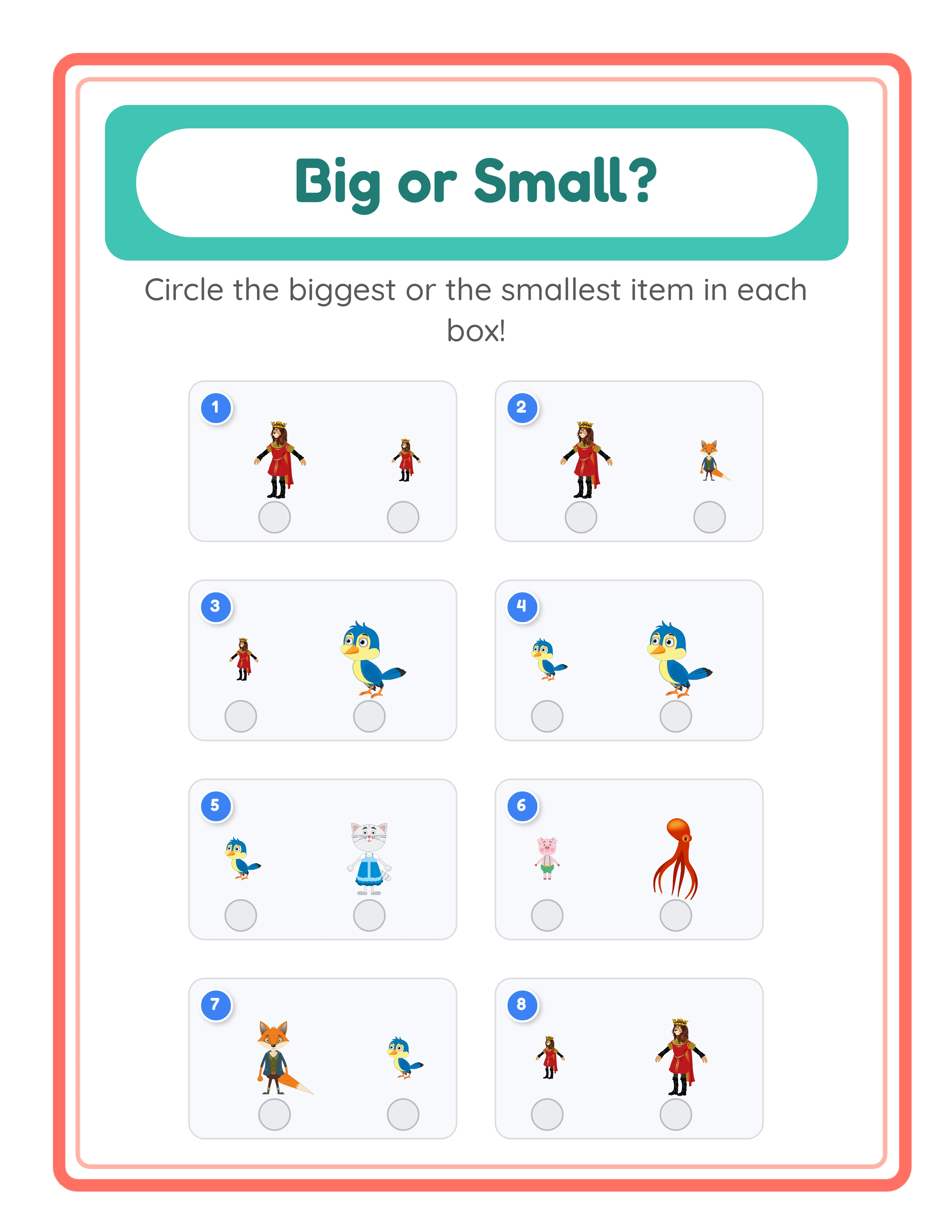
Size comparison worksheet in circle the big one mode with themed animal images at different sizes
Circle the Big One mode — identify the largest image in each exercise
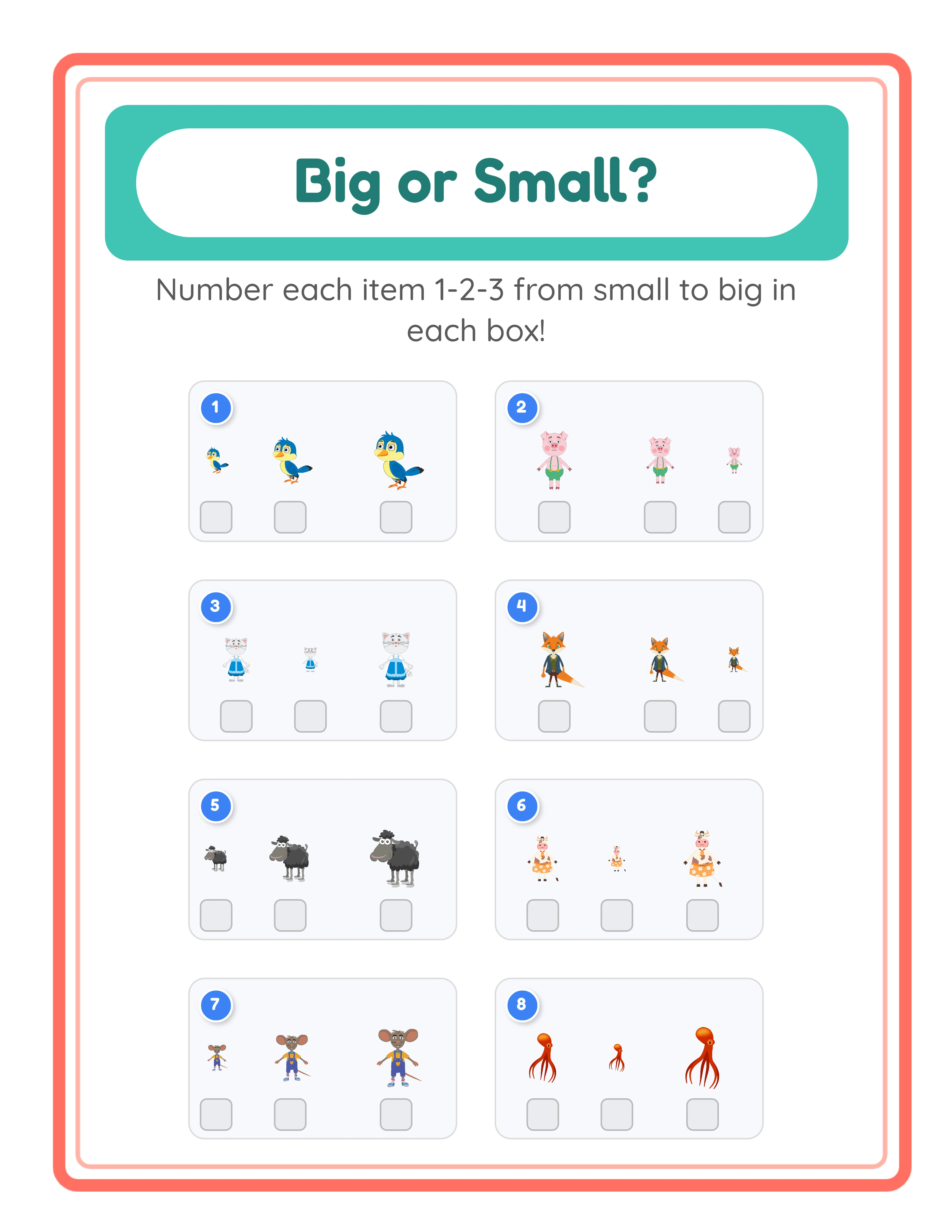
Size comparison worksheet in number ascending mode with three images to order from smallest to largest
Number 1–2–3 Small to Big — order images by size from smallest to largest
Size comparison worksheet using identical images mode with same picture at three different sizes
Identical Images mode — same image at different sizes for pure size perception exercises

Free version includes a small watermark. Purchase to remove.

Frequently Asked Questions

What are the five question types and how do they work?
Circle the Big One prompts identifying the largest image among 2 or 3 options. Circle the Small One targets the smallest image. Circle the Medium One requires identifying the middle-sized image (only available with 3 images per exercise). Number 1–2–3 Small to Big prompts labeling images in ascending size order. Number 1–2–3 Big to Small reverses the order to descending. The circle questions test identification; the numbering questions test sequencing — together they cover the full range of size discrimination skills.
What is the difference between Identical Images and Different Images mode?
Identical Images mode shows the same picture displayed at different sizes — for example, three copies of a cat at small, medium, and large scales. This isolates pure size perception without other variables. Different Images mode shows distinct objects at different sizes — for example, a dog, a cat, and a bird at different scales. This requires relative size reasoning where unlike items must be compared. The two modes create fundamentally different exercises and effectively double your product variety.
What does the 2 or 3 images per exercise setting control?
With 2 images per exercise, solvers make a simple bigger/smaller comparison between two items. With 3 images, a medium option is introduced, enabling the Circle the Medium question type and making numbering exercises more challenging with three items to order instead of two. Three-image exercises are harder because three relative sizes must be distinguished rather than just two. Start with 2 images for beginner-level products and progress to 3 for more advanced packs.
How many exercises can I put on one page?
You can set 1 to 10 exercises per page. The default is 4 exercises. Fewer exercises per page create larger, clearer images ideal for beginner-level products or focused practice. More exercises per page create denser worksheets suitable for advanced packs or review sheets. The optimal count depends on your page size and images per exercise — 4 exercises with 3 images each fills a standard page well, while 8–10 exercises work better with 2 images each.
Why do the worksheets have no text on them?
Big & Small worksheets are fully visual by design. The exercises contain only images and visual indicators like circles or number boxes — no written words appear on the generated output. This makes worksheets universally usable regardless of language or reading level. The pre-reading niche is fully served without any text. The same worksheet sells worldwide without translation. Instructions can be added as custom text using the text tools if needed.
How does the auto-generated answer key work?
The answer key creates a solved version of your worksheet where correct answers are visually highlighted and circled. For Circle questions, the correct image is marked. For Numbering questions, the correct size order is displayed. The answer key downloads as a separate file alongside the worksheet. Including answer keys with every product adds perceived value and is expected by buyers on Etsy, Gumroad, and KDP.
Can I upload my own images instead of using the library?
Yes. The custom image upload feature lets you add any image to your size comparison exercises. Upload photos, illustrations, or graphics relevant to your specific subject or audience. Custom images appear alongside library images on the canvas and work with all five question types and both image modes. This is useful for creating subject-specific worksheets — comparing building sizes, food portions, or any visual concept beyond the built-in theme library.
What page sizes and export formats are available?
Page sizes include Letter Portrait, Letter Landscape, A4 Portrait, A4 Landscape, Square (1200×1200), and fully custom dimensions. Export as high-resolution JPEG or print-ready PDF at 300 DPI. Toggle grayscale export for ink-friendly versions. The Square format is ideal for social media or digital products; Letter and A4 are standard for printable worksheets and workbooks.
Is there a free trial?
Yes. You can access every feature — all five question types, both image modes, the image library, adjustable exercise counts, answer key generation, and all export formats — without creating an account, entering a credit card, or installing any software. Free trial downloads include a small watermark. A commercial license removes the watermark and grants full selling rights.
Is the Big & Small generator language-sensitive?
No. Big & Small is a purely visual app — worksheets contain only images with zero text on the output, so they are identical in every language. Changing the language only affects the UI labels in the generator interface, not the worksheet content. The Commercial tier includes 10 colorful themes; Full Access unlocks all 104 themes and all 11 UI languages for the interface.
Can I sell worksheets made with this tool on Etsy and Amazon KDP?
Yes. With a commercial license, you have full rights to sell your size comparison worksheets as digital downloads on Etsy, as printed workbooks on Amazon KDP, as products on Gumroad, or through any other sales channel. The five question types, two image modes, and fully visual format give you strong differentiation and global sellability in marketplace categories.
What is the refund policy?
Because the free trial gives you access to every feature, we do not offer refunds on commercial license purchases. You can test every question type, every image mode, every exercise configuration, every export format, and every page size before buying. The free trial is the refund policy — make sure the tool fits your needs before purchasing a license.

Big & Small Worksheet Generator for Size Comparison Exercises

Five question types — circle the big one, circle the small one, circle the medium, number ascending, number descending — with identical and different image modes for visual size discrimination.