Matching & Sorting

Picture Bingo Card Generator for Printable Bingo Activities

Generate 1–10 unique bingo cards per batch with configurable grids from 3×3 to 5×5 — image or word fill for both card cells and circular chips, a dedicated call-out sheet for the caller, ZIP batch export of all cards, and 104 themed image collections.

Build professional picture bingo cards where players mark matching images or words on their unique card grids. Configure rows from 3 to 5 and columns from 3 to 5 independently, creating grids from 3×3 (9 cells) up to 5×5 (25 cells) with a default of 4×4 (16 cells). Choose image fill or word fill independently for both card cells and circular chips — chips feature dashed borders and shuffled Fisher-Yates ordering for authentic bingo play. Generate 1–10 unique bingo cards per batch, each with a different random image selection from the pool. A dedicated call-out sheet on a separate tab displays a dynamic word grid for the caller, with columns calculated based on longest word length and uniform font sizing. Hand-pick specific images for custom call-out selection or let the app choose from your theme. The Picture Bingo Card Generator is language-sensitive: word fill uses localized image names from the Image Library, so switching languages changes the words on cards, chips, and the call-out sheet. Full Access unlocks all 104 themes with 3,100+ illustrations and all 11 UI languages for localized word content. Add background themes and border themes with independent opacity controls, include custom text with seven font options, and export print-ready PDFs and JPEGs at 300 DPI in Letter, A4, Square (1200×1200), or custom sizes. Batch export all generated cards as individual JPEGs in a single ZIP file. Whether you sell bingo card bundles on Etsy, compile bingo activity books for Amazon KDP, or list bingo sets on Gumroad, this generator delivers production-ready bingo cards in minutes — free to try with all features — no signup, no credit card. Downloads include a watermark; purchase a license to remove it.

No signup required. Create worksheets instantly.

No signup required11 languages supportedInstant PDF export
All Ages

Picture Bingo Card Generator!

Create custom bingo cards with themed images and words
Bingo card — themed picture bingo
Bingo card — image-based game
Bingo card — classroom activity
Image & Word CardsCallout SheetsPrint-ReadyFree Trial with Watermark

How to Create Picture Bingo Cards in 5 Steps

1

Set Your Page Layout

Open the Page Setup panel and choose a page size: Letter Portrait, Letter Landscape, A4 Portrait, A4 Landscape, Square (1200×1200), or any custom dimension. Pick a page color using the color picker as a fallback background. Select a background theme and adjust its opacity (0–1 in 0.05 steps), then choose a border theme with its own independent opacity control. These layout choices frame your bingo card before you configure any content.
2

Configure Bingo Card Settings

Open the Bingo Card Settings panel and set rows (3–5) and columns (3–5) to define your grid size — the default is 4×4 with 16 cells. Set the number of cards from 1 to 10 to batch-generate multiple unique bingo cards. Choose card cell fill (Image or Word) and chip fill (Image or Word) independently — mix image cards with word chips, word cards with image chips, or match both. Enable the "Use custom selection" checkbox to hand-pick specific images for call-outs rather than using automatic selection.
3

Select Images from the Library

Open the Image Library panel and browse 104 themed collections with 3,100+ colorful illustrations — animals, food, vehicles, nature, holidays, and dozens more. Filter by theme using the dropdown or search by keyword. Click images to select them for your bingo cards. When custom call-out selection is enabled, chosen images appear in the call-out pool with a live counter showing your selection count. You can also upload custom PNG, JPG, or GIF images using the Upload Custom Images panel.
4

Generate the Bingo Cards

Click Generate to create your bingo cards. The app fills your configured grid with images or words from the selected theme, then creates circular chips with dashed borders below the card — chips are shuffled using Fisher-Yates ordering so they never match the card layout directly. If you requested multiple cards, each one draws a different random selection from the image pool, guaranteeing every card in the batch is unique. The first card appears on the canvas immediately; all cards are included in the batch ZIP export.
5

Download Cards and Call-out Sheet

Switch between the Cards + Chips tab and the Call-outs tab to preview both outputs. The call-out sheet displays a dynamic word grid with uniform font sizing and columns calculated based on the longest word length. Download individual cards as JPEG or PDF using the dedicated buttons, or batch export all generated cards as individual JPEGs in a single bingo_cards.zip file. Toggle grayscale for ink-friendly versions. Every export renders at 300 DPI and is production-ready for Etsy listings, Amazon KDP interiors, and Gumroad product files.
Grid Sizes

Bingo for Every Group Size

From simple 3×3 to challenging 5×5 grids
3×3
3x3 bingo card — simple grid

Quick games with 9 picture squares

4×4
4x4 bingo card — word mode

Standard bingo with 16 squares

5×5
5x5 bingo card — full grid

Classic 25-square bingo with free center

Bingo makes learning a celebration

Key Features of the Picture Bingo Card Generator

Configurable Bingo Grid from 3×3 to 5×5 with Independent Row and Column Controls

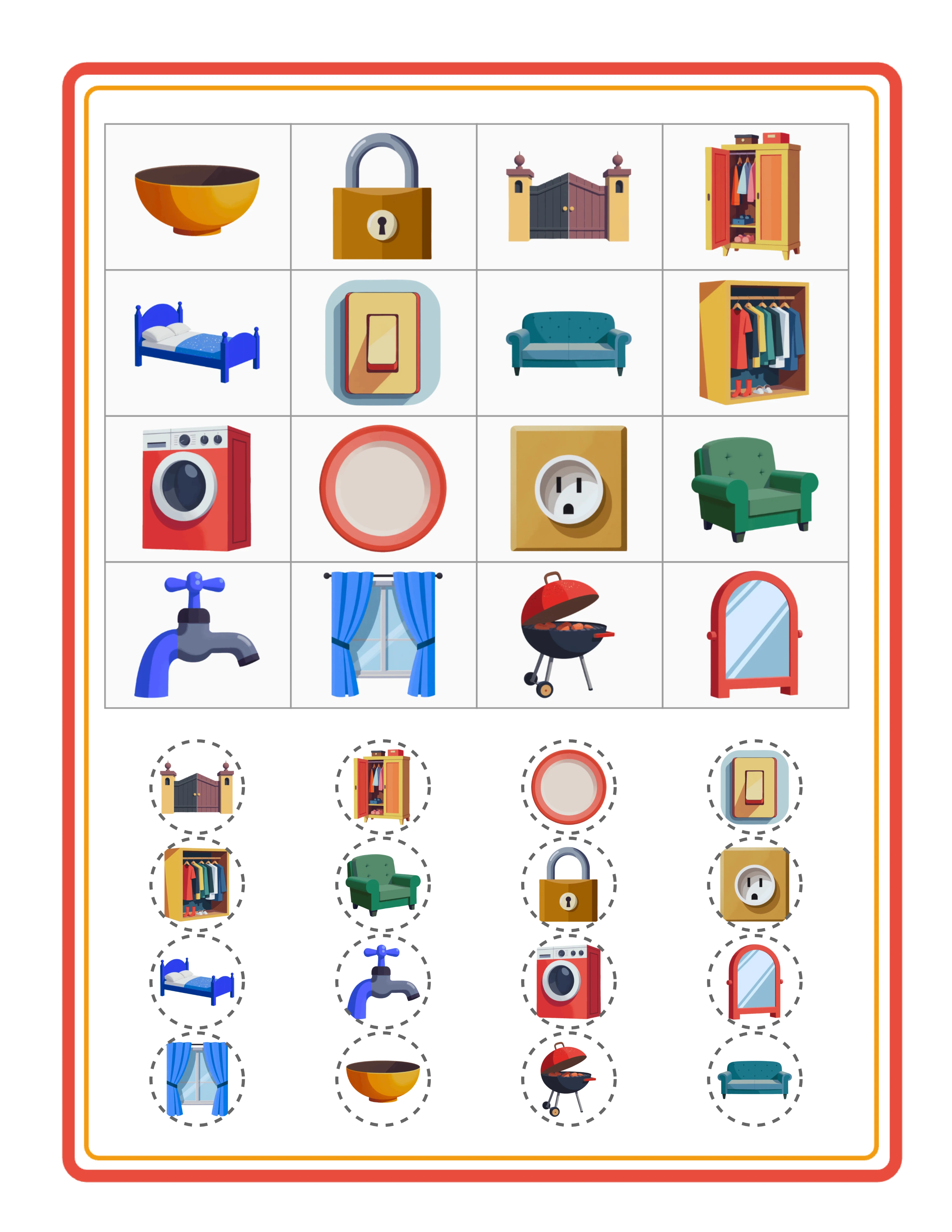
Set rows and columns independently from 3 to 5, creating grids from 3×3 (9 cells) up to 5×5 (25 cells). The default is 4×4 (16 cells), which works well for standard bingo cards. A 3×3 grid suits quick-play bingo rounds with fewer items to track, while a 5×5 grid provides the classic 25-cell bingo experience for longer games. The grid area uses 60% of available canvas height (capped at 500px) for optimal card proportions. Independent row and column controls let you create non-square grids like 3×5 or 5×3 for unique bingo card formats that stand out in marketplace listings.

Batch Generation of 1–10 Unique Bingo Cards per Worksheet

Generate 1 to 10 unique bingo cards in a single batch. Each card draws a different random selection from the image pool, so no two cards in the batch have the same layout. This is essential for bingo: every player needs a different card for the game to work. The first card displays on the worksheet canvas for immediate preview. All generated cards are available for batch export. This batch approach means you can produce a complete set of 10 unique bingo cards in one click rather than generating and saving them one at a time.

ZIP Batch Export for All Generated Cards as Individual JPEG Files

Export all generated bingo cards in a single bingo_cards.zip download. Each card saves as an individual high-resolution JPEG file inside the ZIP archive, named sequentially for easy organization. This batch export eliminates the tedious process of downloading cards one by one — generate 10 unique cards, click one button, and receive a complete bingo card set ready for packaging into your marketplace product. The ZIP export uses JSZip for reliable cross-browser compression and works alongside the standard individual JPEG and PDF download buttons.

Dual Fill Modes: Image or Word for Both Card Cells and Circular Chips

Card cells and chips each have independent fill mode selection — Image or Word. Image fill displays themed illustrations in card cells or as circular chip patterns. Word fill displays localized image names as text. Mix modes for creative variety: image cards with word chips create a visual-to-text matching challenge, while word cards with image chips reverse the dynamic. Circular chips feature dashed borders (#666, strokeDashArray [5,5]) and are shuffled using Fisher-Yates ordering, ensuring they never mirror the card grid layout. This dual fill system produces four distinct bingo card styles from one generator.

Dedicated Call-out Sheet with Dynamic Word Grid for the Caller

Every bingo card set includes a companion call-out sheet on a separate tab. The call-out sheet displays a dynamic grid of all unique words from the image pool — the caller reads these aloud while players mark their cards. Columns are calculated based on the longest word length (2–6 columns) with uniform font sizing across all entries for clean readability. The grid is centered on the page and inherits page borders and background from the worksheet canvas. Enable custom call-out selection to hand-pick specific images for the call-out pool, with a live counter showing your selected count.

Image Library with 104 Themed Collections and 3,100+ Illustrations

Browse 104 themed image collections covering animals, food, vehicles, nature, professions, holidays, sports, seasons, and dozens more. Each theme provides a coordinated set of colorful illustrations that work together in bingo activities — themed bingo cards are among the most popular printable products on Etsy and Gumroad. Filter by theme using the dropdown or search for specific images by keyword. The Commercial tier includes 10 colorful themes for getting started; Full Access unlocks all 104 themes for maximum creative variety across all grid sizes and fill modes.

Print-Ready PDF and JPEG Export at 300 DPI with Grayscale Toggle

Download bingo cards and call-out sheets as high-resolution JPEG images or print-ready PDF documents rendered at 300 DPI (6× multiplier, JPEG quality 1.0). Four dedicated buttons export Worksheet JPEG, Call-out JPEG, Worksheet PDF, and Call-out PDF separately. Page sizes include Letter Portrait, Letter Landscape, A4 Portrait, A4 Landscape, Square (1200×1200), and fully custom dimensions. PDF orientation is automatically detected. Toggle grayscale for ink-friendly versions that save toner. Every export is production-ready for digital downloads, printed game sets, and bulk printing.

Full Canvas Editing with Text Tools, Alignment, and Layering Controls

The Fabric.js canvas provides complete control over every element on your bingo card. Drag, resize, rotate, and reposition images, text, and generated content freely. Layer controls manage stacking order — bring elements forward or send them back. Lock finished elements while you edit others. Add custom text with seven font options (Lexend Deca, Baloo 2, Nunito, Quicksand, Fredoka, Arial, Verdana), adjustable size and color, and text outline width from 0 to 10 with 0.5-step granularity. Six alignment options plus center-on-page keep layouts precise. Zoom from 50% to 200% in 10% increments for detail work. Undo and redo up to 20 history states with Ctrl+Z and Ctrl+Y.

BINGO!

Game Time Learning!
Bingo callout sheet — themed picture calling cards
Print Instantly!Callout SheetsImage & Word Modes

How to Sell Picture Bingo Cards Online

Themed Bingo Card Bundles on Etsy

Etsy (etsy.com)
Create themed bingo card packs using the 104 image collections — animal bingo, food bingo, vehicle bingo, holiday bingo, and dozens more. Each theme provides enough illustrations for unique cards across different grid sizes. Package 10–30 unique bingo cards per theme with call-out sheets included, and sell at $3–$8 per bundle. Use the batch generation feature to create 10 unique cards per set in seconds, then mix grid sizes within a single bundle: 3×3 quick-play cards, 4×4 standard cards, and 5×5 extended-play cards for variety. The ZIP batch export streamlines production for high-volume sellers.

Bingo Activity Books on Amazon KDP

Amazon KDP (kdp.amazon.com)
Compile 40–80 bingo cards into a printed activity book formatted for Amazon KDP. Structure your book by theme chapters: animals, food, vehicles, holidays, and more. Include call-out sheets after each set of cards so the book is self-contained for play. Use the grayscale toggle for ink-friendly interiors that keep printing costs low. Mix grid sizes to provide progressive difficulty — start with 3×3 cards for quick rounds and advance to 5×5 for longer games. Bingo activity books perform well year-round and spike during holiday seasons when families look for group activities.

Niche Bingo Store on Gumroad

Gumroad (gumroad.com)
Build ready-to-play bingo sets with unique player cards and caller sheets. Buyers searching for bingo activities value products that arrive ready to use — print the cards, hand them out, and start playing immediately. Create niche-specific sets: vocabulary bingo using word fill mode, picture recognition bingo using image fill, and mixed-mode bingo for tiered bundles. Include 10 unique cards per set (enough for small groups) with a call-out sheet. The word fill mode with localized image names turns bingo into a vocabulary review activity.

Seasonal and Holiday Bingo Card Collections

Etsy / Amazon KDP / Gumroad (seasonal)
The 104 themed image collections cover every seasonal and holiday occasion — Christmas, Halloween, Easter, Valentine's Day, back-to-school, summer vacation, and more. Bingo is a naturally social game that peaks during holidays when buyers look for group activities. Release Halloween bingo sets in September, Christmas collections in October, and Valentine's Day packs in January. Each seasonal set includes multiple grid sizes, both image and word fill variants, and call-out sheets. Seasonal bingo products command premium prices during their peak windows.

Event Bingo Cards for Party Games and Special Occasions

Etsy (etsy.com / event planners)
Create bingo card sets for parties, baby showers, bridal showers, team building events, and educational workshops. The configurable grid sizes and themed image library make it easy to produce occasion-specific bingo games — baby items bingo for baby showers, food bingo for cooking classes, animal bingo for zoo trips. Batch generate 10 unique cards per event set with a call-out sheet, package as an instant-download PDF bundle, and sell on Etsy where event planners actively search for printable party games. The custom call-out selection feature lets you curate exactly which items appear in the game.

Professional Bingo Materials

Complete sets with cards and callout sheets
Professional bingo card — word mode
Word Card
Bingo callout sheet
Callout
Word callout sheet
Word Callout
Print-ReadyNo Prep RequiredMultiple SizesThemed Sets

Who Is This For?

Etsy Sellers

Matching and sorting worksheets appeal to parents of toddlers and preschoolers, a demographic that actively buys educational printables. Themed matching sets create natural product bundles for higher order values.

Amazon KDP Publishers

Matching activity books for toddlers and preschoolers are an underserved KDP niche with growing demand. Combine matching, sorting, and memory worksheets into comprehensive visual learning workbooks.

Teachers Pay Teachers Sellers

Matching activities are essential for early childhood classrooms as learning centers and assessment tools. Teachers need themed matching worksheets that progress in difficulty across the school year.

Homeschool Educators & Parents

Matching and sorting activities build critical thinking skills in young children through hands-on practice. Adjustable difficulty levels let you grow with your child from simple pairs to complex categorization.

Sample Worksheets

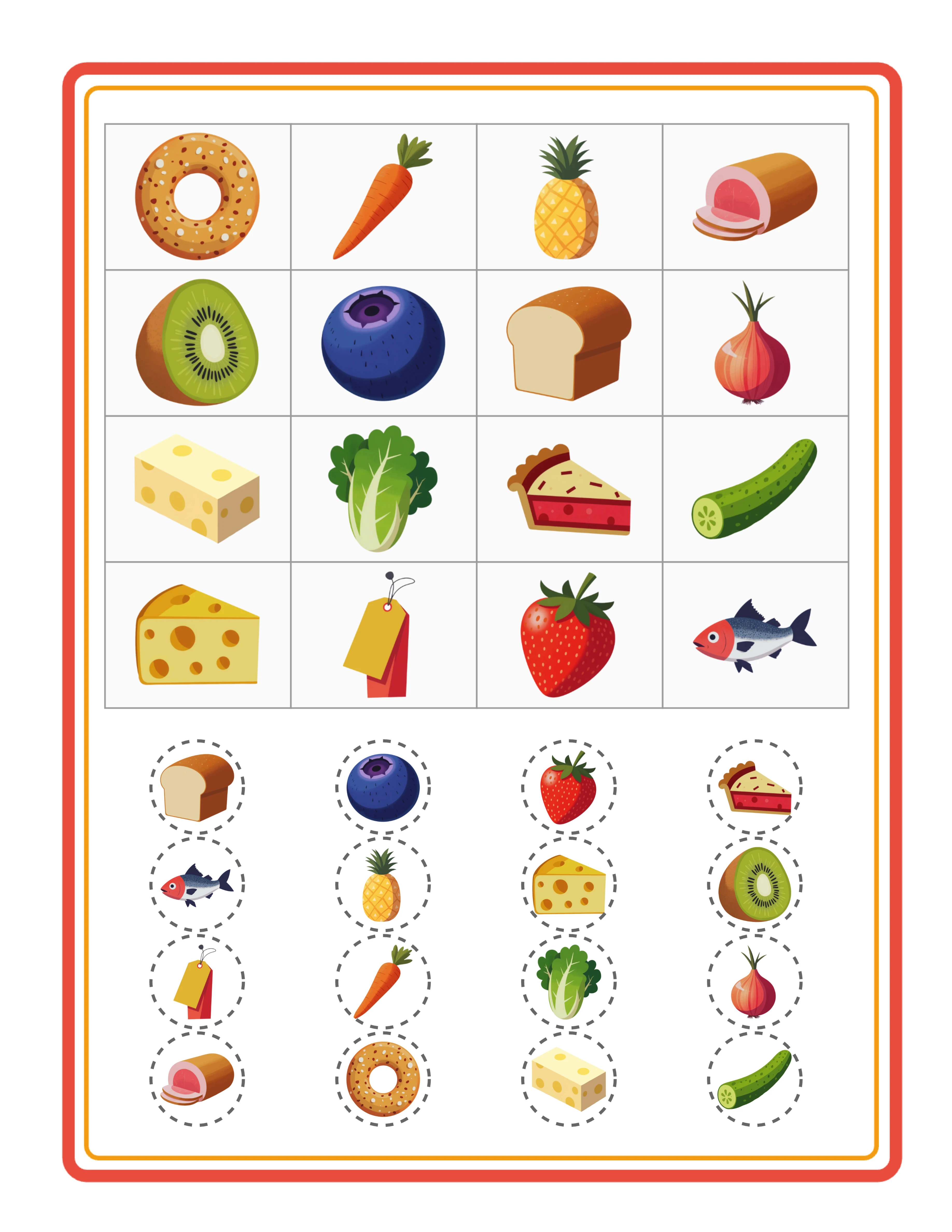
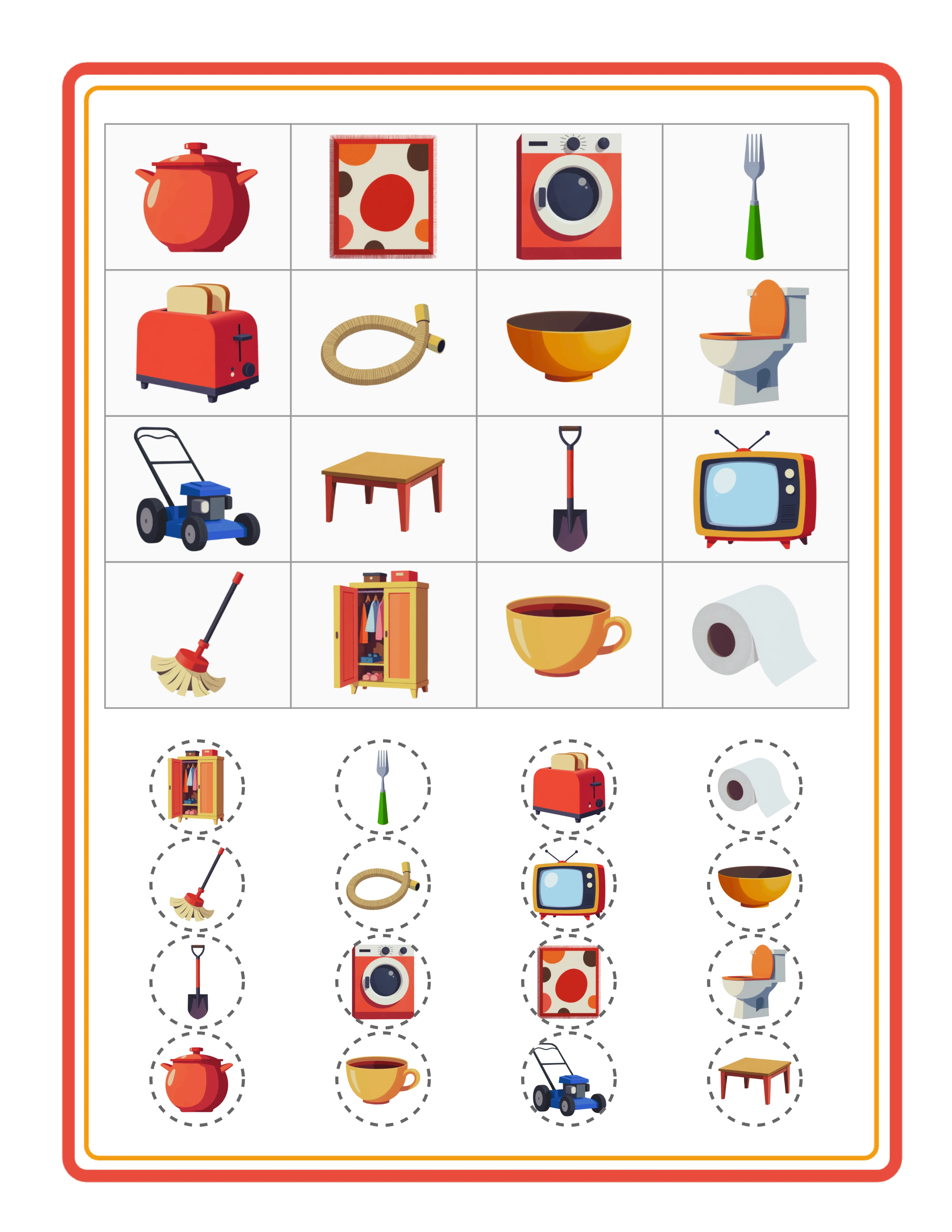
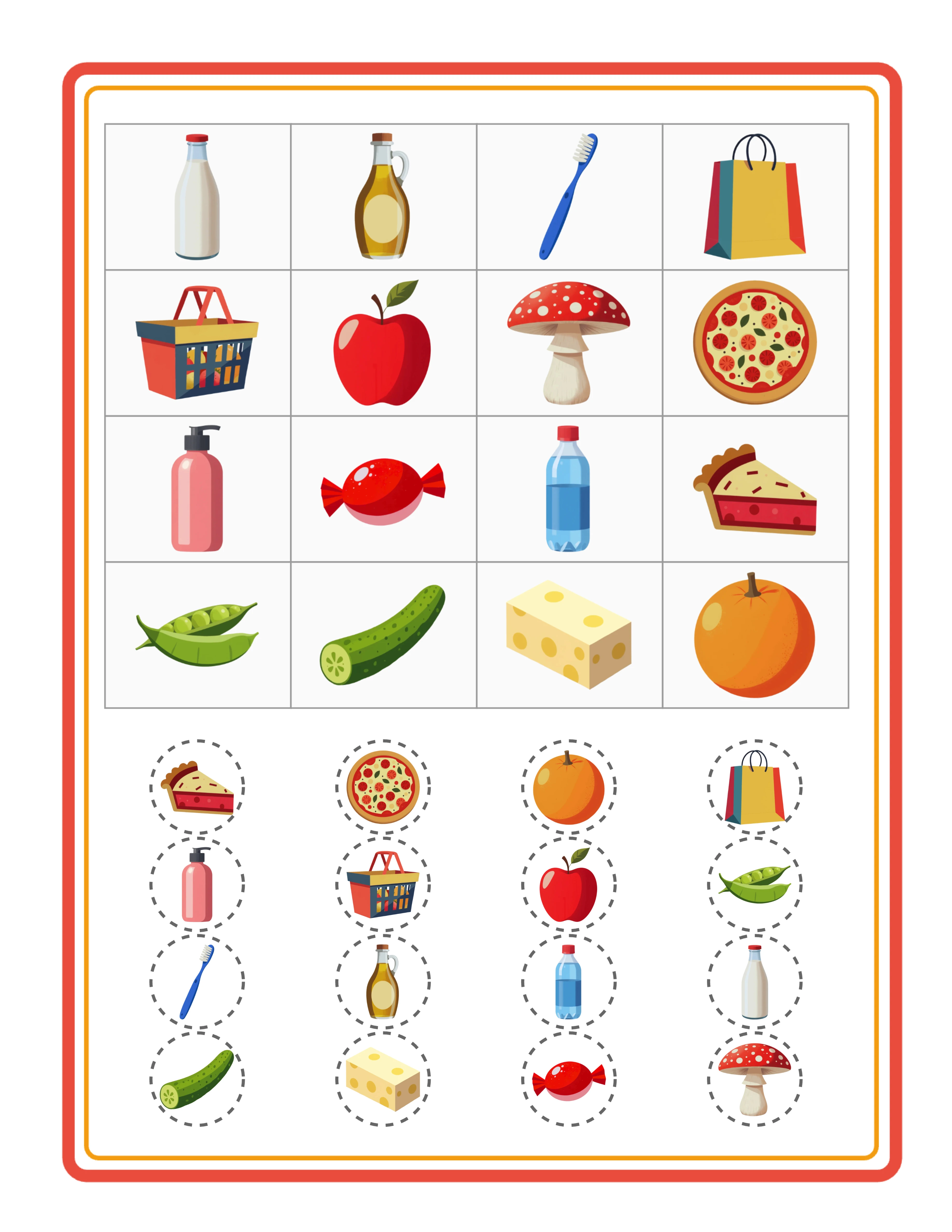
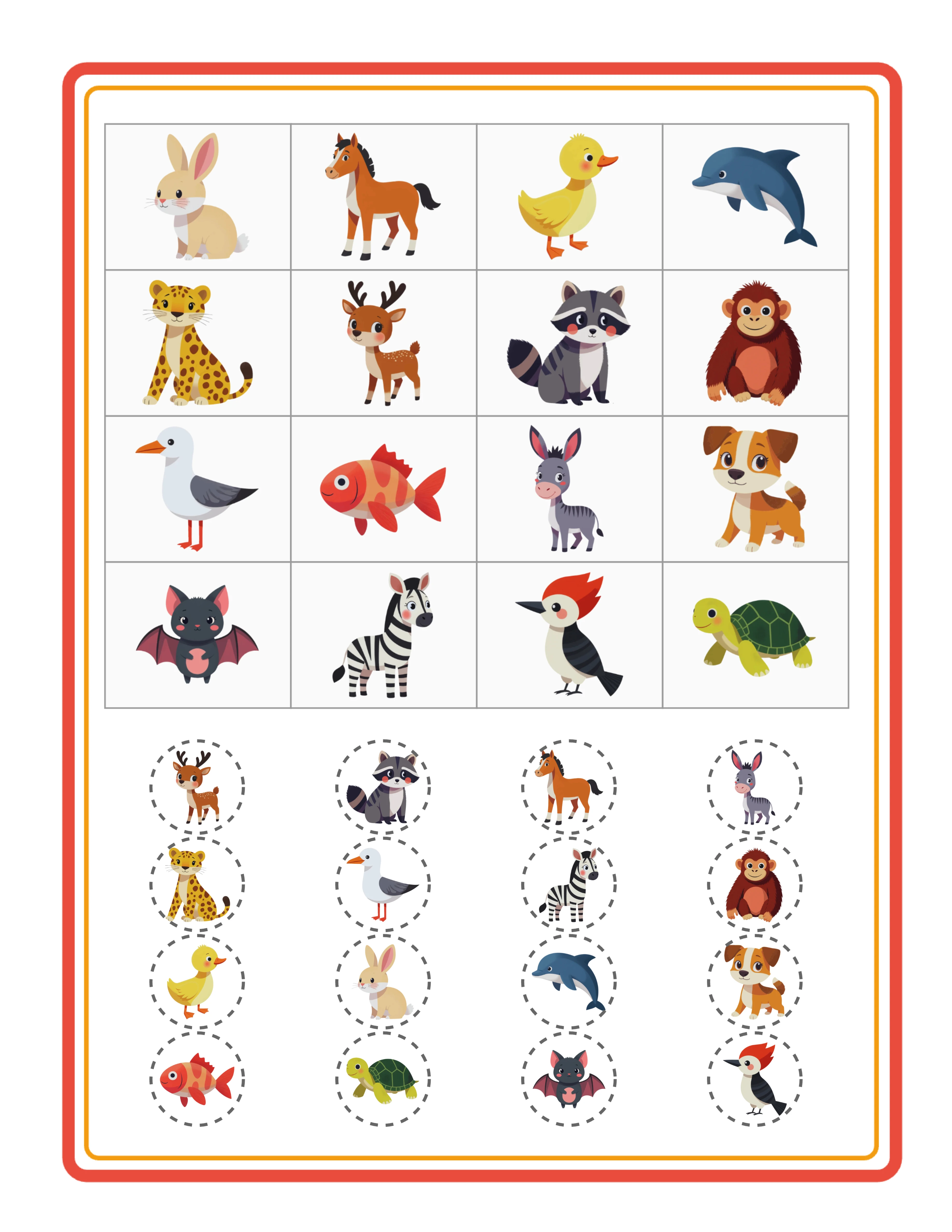
Picture bingo card with image fill showing colorful themed illustrations in grid cells and circular image chips
Image fill mode — colorful illustrations in both card cells and circular chips
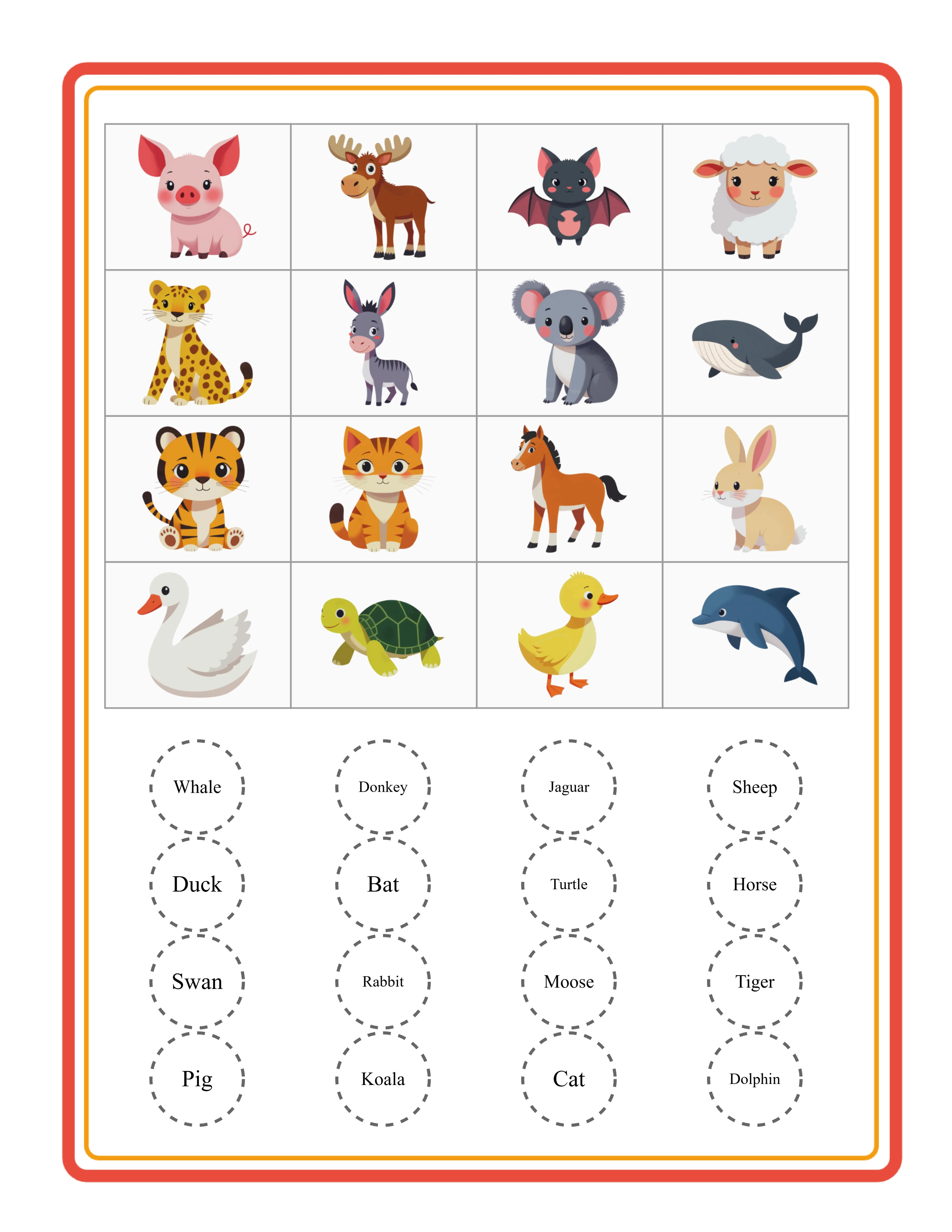
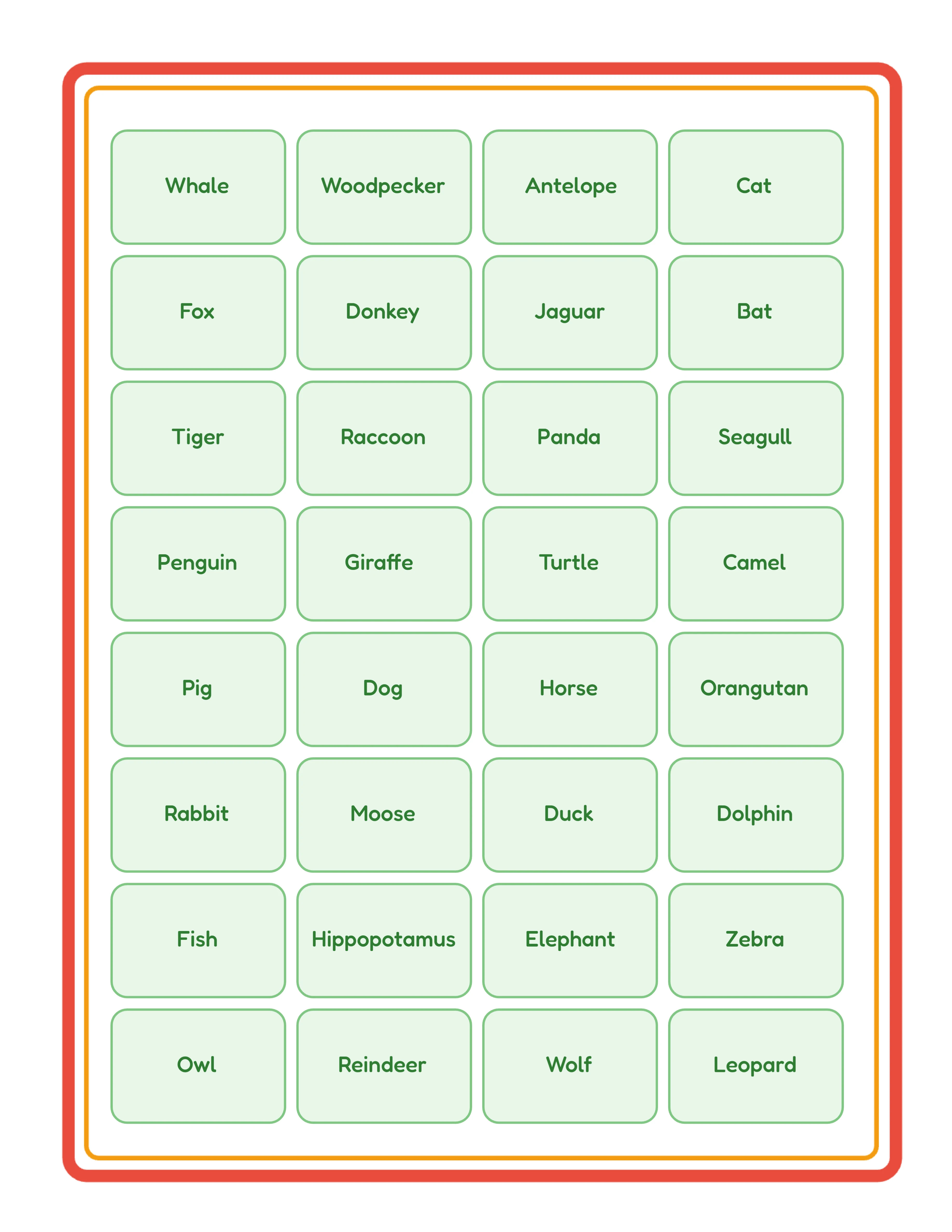
Picture bingo card with word fill showing localized image names in grid cells and word chips
Word fill mode — localized image names for vocabulary-based bingo
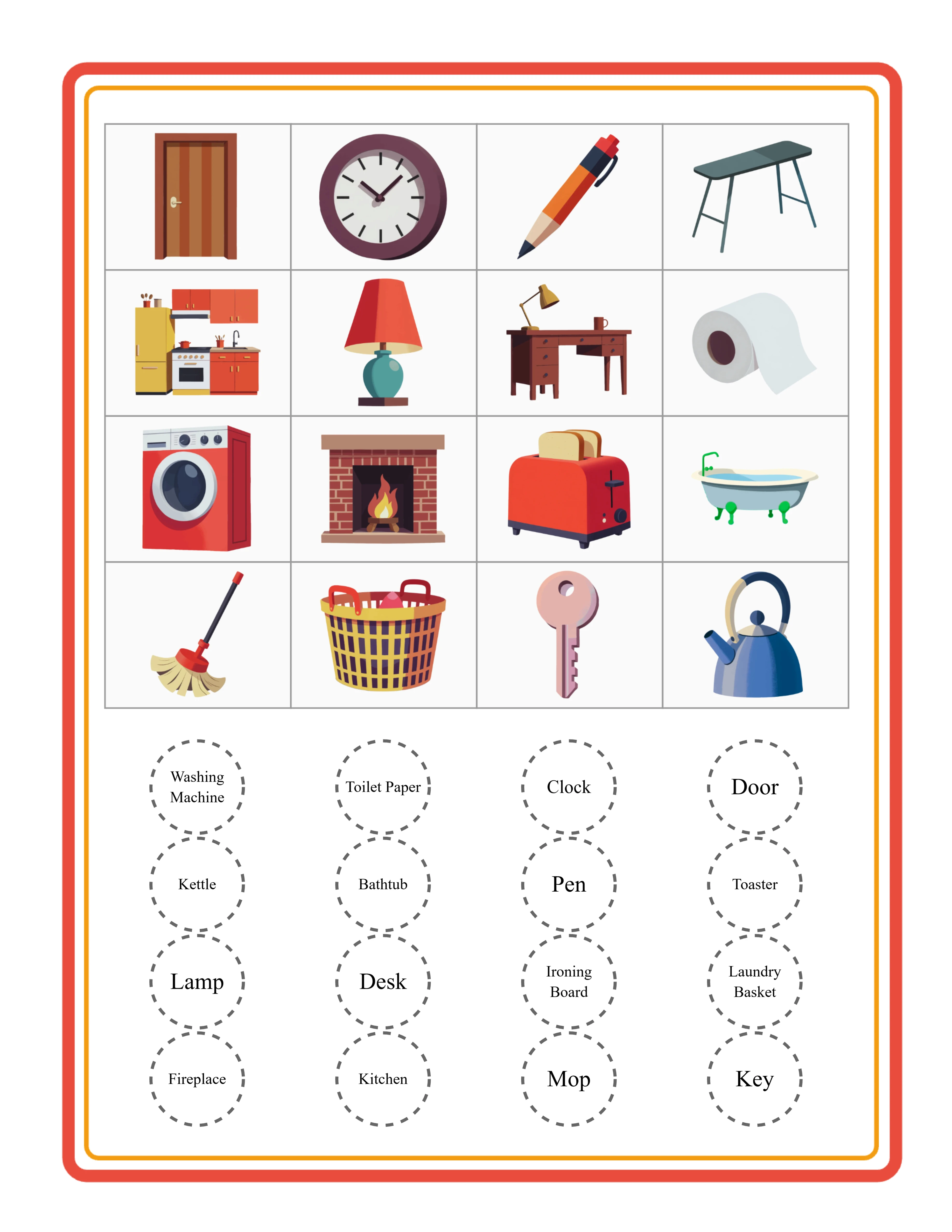
Bingo call-out sheet with dynamic word grid showing all game items for the caller
Call-out sheet — dynamic word grid for the person running the bingo game

Free version includes a small watermark. Purchase to remove.

Frequently Asked Questions

What grid sizes are available for bingo cards?
Rows and columns are independently configurable from 3 to 5, creating grids from 3×3 (9 cells) up to 5×5 (25 cells). The default is 4×4 with 16 cells. You can also create non-square grids like 3×5 (15 cells) or 5×3 (15 cells) for unique bingo card formats. Smaller grids work well for quick-play rounds, while 5×5 grids provide the classic bingo experience with more items to track.
How does batch generation work for multiple bingo cards?
Set the number of cards from 1 to 10 in the Bingo Card Settings panel. Each card draws a different random selection from the image pool, guaranteeing every card in the batch is unique — essential for bingo where every player needs a different card. The first card appears on the canvas immediately for preview. All generated cards are available through the ZIP batch export for download as individual JPEG files.
How does the ZIP batch export work?
After generating multiple bingo cards, click the batch export button to download all cards as individual high-resolution JPEG files packaged in a single bingo_cards.zip archive. Each card is named sequentially inside the ZIP for easy organization. This eliminates the need to download cards one at a time — generate a complete set of 10 unique cards and export them all in one click using JSZip compression.
What is the difference between card cell fill and chip fill?
Card cells and chips each have an independent fill mode: Image or Word. Card cell fill determines what appears in each cell of the bingo grid. Chip fill determines what appears on the circular chips below the card that players use for matching. You can mix modes — image cards with word chips, word cards with image chips, or match both — creating four distinct bingo card styles from one set of images.
What is the call-out sheet and how does it work?
The call-out sheet is a separate page (accessed via the Call-outs tab) that displays a dynamic word grid of all unique items from the image pool. The caller reads these words aloud while players mark their bingo cards. Columns are calculated based on the longest word length (2–6 columns) with uniform font sizing. The grid is centered on the page and inherits page borders and background from the worksheet canvas. This is NOT an answer key — it is a reference sheet for the person running the bingo game.
What is custom call-out selection?
Enable the "Use custom selection" checkbox in the Bingo Card Settings panel to hand-pick which specific images appear in the call-out pool. When enabled, click images in the Image Library to add them to your custom call-out selection — a live counter shows "Selected for custom call-outs: X" as you pick. This gives you precise control over which items appear in the bingo game, useful for curriculum-aligned activities or themed events where you want specific vocabulary.
Is the Picture Bingo Card Generator language-sensitive?
Yes. When using Word fill mode for card cells or chips, the words displayed are localized image names from the Image Library. Switching the language in Worksheet Settings changes the words on cards, chips, and the call-out sheet. For example, a cat image shows "Cat" in English but "Katze" in German and "Chat" in French. The Commercial tier includes 10 colorful themes with English only; Full Access unlocks all 104 themes and all 11 languages for localized word content.
Why is there no answer key for bingo cards?
Bingo cards use a call-out sheet instead of an answer key. In bingo, the caller reads items from the call-out sheet while players mark matching items on their unique cards — there is no single "correct answer" since every player's card has different items in different positions. The call-out sheet serves as the game's reference document, listing all possible items the caller can announce during the game.
Is there a free trial?
Yes. You can access every feature — all grid sizes, batch generation of up to 10 cards, ZIP batch export, both image and word fill modes, the call-out sheet, the full image library, custom call-out selection, background and border themes, text tools, and all download formats — without creating an account, entering a credit card, or installing any software. Free trial downloads include a small watermark. A commercial license removes the watermark and grants full selling rights.
Can I add background themes and border themes to bingo cards?
Yes. The Page Setup panel includes both a background theme selector with an opacity slider (0–1 in 0.05 steps) and a border theme selector with its own independent opacity slider. Background themes add decorative patterns behind the bingo grid, while border themes frame the page. The call-out sheet inherits page borders and background from the main canvas. Both have separate opacity controls so you can create subtle backgrounds with prominent borders, or any combination that fits your design.
Can I sell bingo cards made with this tool on Etsy and Amazon KDP?
Yes. With a commercial license, you have full rights to sell your bingo cards as digital downloads on Etsy, as printed activity books on Amazon KDP, as digital products on Gumroad, or through any other sales channel. The configurable grid sizes, batch generation, ZIP export, dual fill modes, call-out sheets, and 104 themed image collections give you the creative tools to produce original, sellable bingo products at scale.
What is the refund policy?
Because the free trial gives you access to every feature, we do not offer refunds on commercial license purchases. You can test all grid sizes, batch generation, ZIP export, image and word fill modes, the call-out sheet, the full image library, custom call-out selection, background and border themes, text tools, and all download formats before buying. The free trial is the refund policy — make sure the tool fits your needs before purchasing a license.

Picture Bingo Card Generator for Printable Bingo Activities

Generate 1–10 unique bingo cards per batch with configurable grids from 3×3 to 5×5 — image or word fill for both card cells and circular chips, a dedicated call-out sheet for the caller, ZIP batch export of all cards, and 104 themed image collections.