
LessonCraftStudio: The Specialist
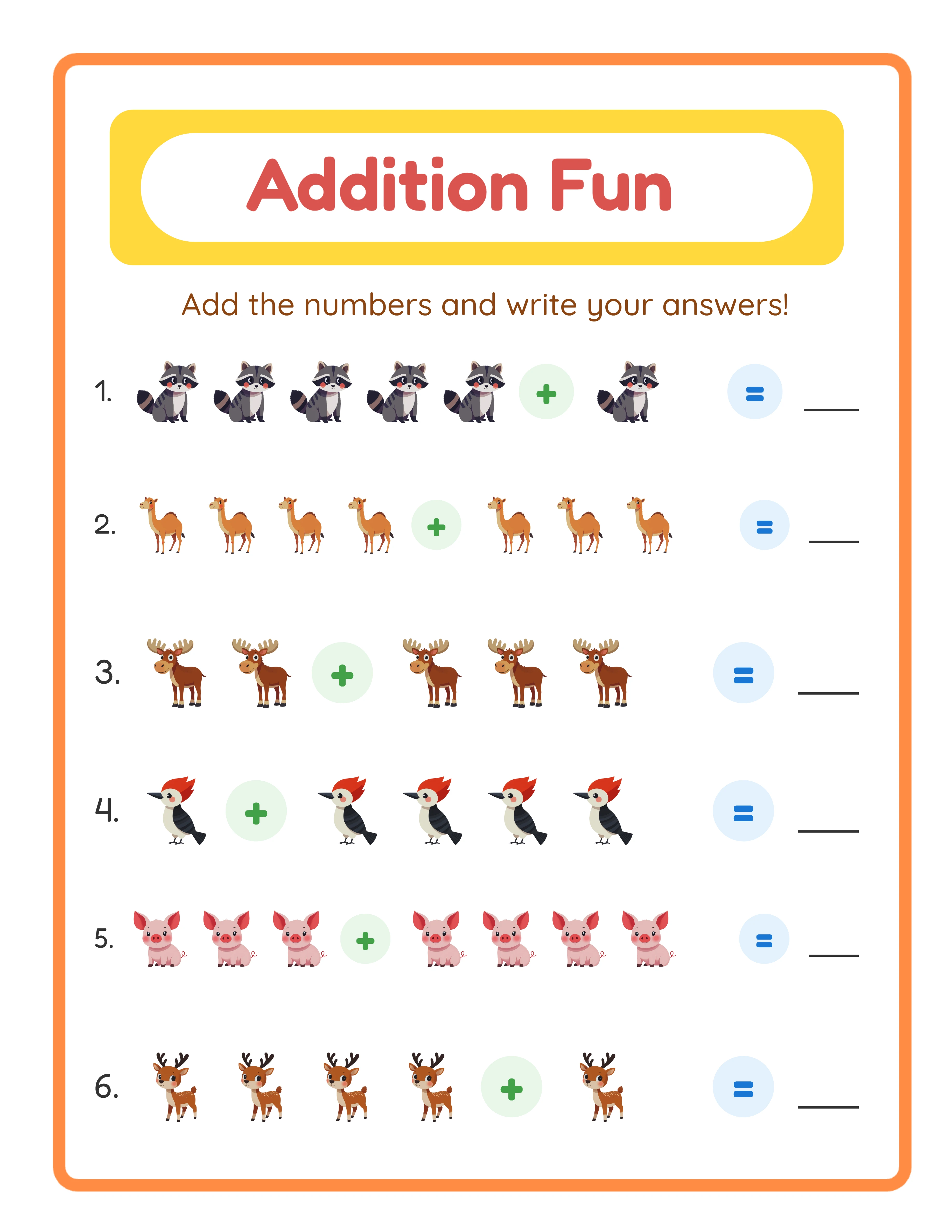
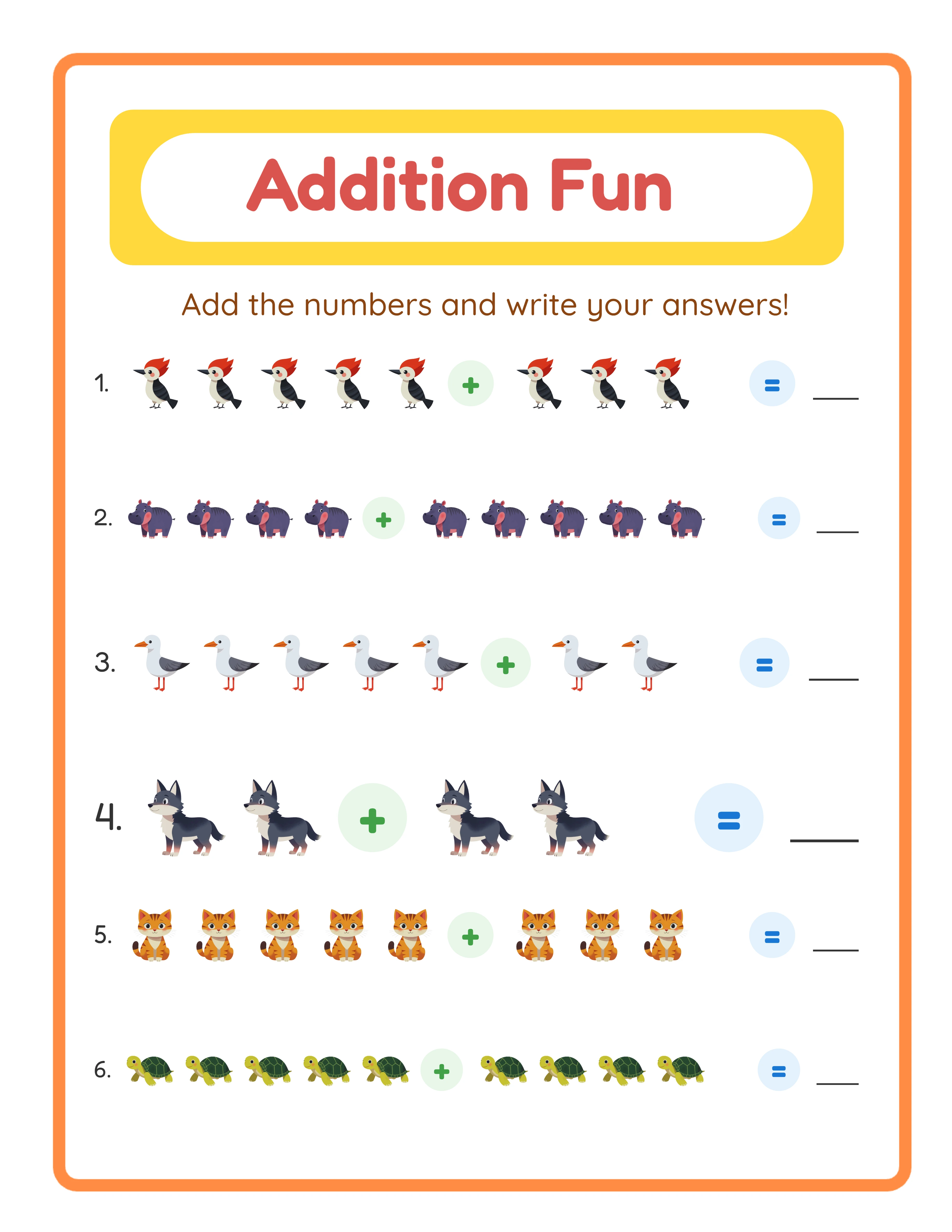
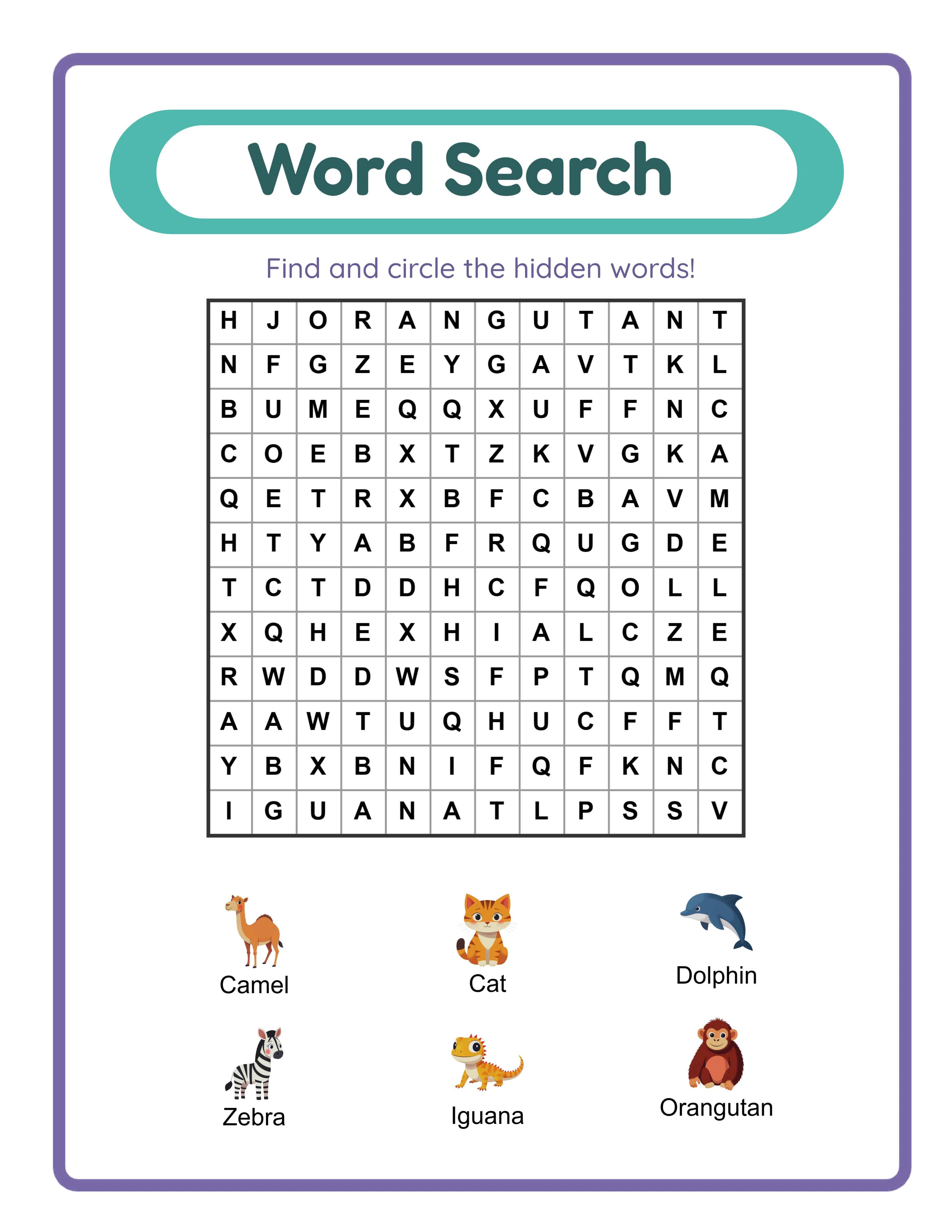
**What it is:** A dedicated activity book and worksheet generator with 33 specialized tools covering math, puzzles, word games, drawing, pattern recognition, and more.
**Key strengths:**
- 33 generators means you can create more activity types than any other single tool
- 3,000+ themed illustrations integrated directly into generators
- 11 languages with native content (not just translated interfaces)
- Post-generation editing: refine individual pages before exporting
- One-time pricing: no subscription fees
- Automatic answer keys for all solvable content types
**Limitations:**
- No niche research tools (you need a separate tool for market analysis)
- No cover creator (use Canva or similar)
- Focused exclusively on activity content (no journals, planners, or low-content interiors)
**Pricing:** Free trial with watermark (unlimited generation). Individual generator: $49 one-time. Category bundle: $149 one-time.
**Best for:** Publishers who specialize in activity books and want the deepest generator range, multilingual capabilities, and themed content with integrated illustrations. Particularly strong for publishers targeting international Amazon marketplaces.
Book Bolt: The All-in-One Platform
**What it is:** A comprehensive KDP publishing platform that combines niche research, interior generation, cover creation, and listing optimization in one subscription.
**Key strengths:**
- Niche research suite: find profitable activity book niches before creating content
- KDP cover creator with properly sized templates
- Listing optimization tools for titles, descriptions, and backend keywords
- Interior generators for activity books, journals, planners, and notebooks
- Large, established community with tutorials and support
- Sales estimator helps predict potential revenue
**Limitations:**
- Fewer activity book generator types than specialized tools
- Limited multilingual support
- No post-generation editing of individual pages
- Subscription pricing accumulates over time ($120-$240/year)
- Activity book generation is one feature among many, not the core focus
**Pricing:** $9.99/month (Newbie) or $19.99/month (Pro). Annual discounts available.
**Best for:** New KDP publishers who need help finding profitable niches and want a single platform for their entire workflow. The research tools alone justify the subscription during your first 6-12 months of publishing.
Self Publishing Titans: The Research Powerhouse
**What it is:** A KDP research and tools platform focused on helping publishers find profitable low-content and medium-content book niches.
**Key strengths:**
- Deep niche research with competition analysis
- BSR (Best Seller Rank) tracking and analysis
- Keyword research tailored for KDP listings
- Some interior generation tools
- Book listing analysis and optimization suggestions
- Active community and educational resources
**Limitations:**
- Activity book generation is not the primary focus
- Fewer generator types than dedicated creation tools
- Limited themed content options
- Less suitable for multilingual publishing
**Pricing:** Various plans available. Check their website for current pricing.
**Best for:** Publishers who prioritize data-driven niche selection over content creation speed. Self Publishing Titans excels at helping you decide what to publish. For the actual content creation, most Titans users pair it with a dedicated generator.
The research-first approach has merit. Publishing the right book in the right niche matters more than publishing quickly in the wrong niche. Many successful publishers use Titans for research and a tool like LCS for content creation.
BookGenie: The Focused Generator
**What it is:** A puzzle and activity book generator focused on producing common puzzle types for KDP publishers.
**Key strengths:**
- Purpose-built for puzzle book creation
- Clean, functional output
- Covers the most popular puzzle types (word search, crossword, sudoku, maze)
- Straightforward interface without unnecessary complexity
**Limitations:**
- Narrower range of generator types than LCS
- Limited or no themed image integration
- Primarily English-focused
- No post-generation editing
- Smaller development team means slower feature additions
**Pricing:** Varies. Has offered both one-time and subscription pricing at different times.
**Best for:** Publishers who need a simple, focused puzzle generator and primarily publish word search, crossword, and sudoku books in English. If you do not need 33 generator types or multilingual support, BookGenie covers the essentials.
BookGenie is a solid tool for its scope. The question is whether that scope matches your publishing ambitions. If you plan to expand into more activity types or international markets, you may outgrow it.
Canva: The Design-First Approach
**What it is:** A general-purpose design platform used by millions for everything from social media graphics to printable products.
**Key strengths:**
- Massive template library for covers, listing images, and marketing materials
- Complete design freedom (any layout, any style)
- Brand kit for consistent visual identity
- Team collaboration features
- Excellent for cover pages, section dividers, and decorative elements
- Photo editing and graphic design in one tool
**Limitations:**
- No automated content generation (every puzzle, problem, and activity is manual)
- No automatic answer key generation
- No difficulty controls or content randomization
- Extremely slow for activity book content (hours vs minutes)
- No built-in word lists or problem generators
- Not designed for bulk content creation
**Pricing:** Free tier available. Canva Pro: $12.99/month.
**Best for:** Creating covers, listing images, and design-heavy products like planners, wall art, and invitations. Canva is a complement to activity book generators, not a replacement. Use a generator for content, Canva for design elements.
The critical mistake many new publishers make is trying to create activity book content in Canva. A 50-page math activity book that takes 10 minutes with a generator takes 8-12 hours in Canva because every problem must be typed, positioned, and verified manually.
The Recommended Toolkit for 2026
No single tool covers everything a serious KDP activity book publisher needs. The most effective approach combines specialized tools:
**Starter toolkit (budget-conscious):**
1. LessonCraftStudio free trial with watermark (content evaluation)
2. Free KDP research methods (Amazon search suggestions, BSR checks)
3. Canva free tier (covers and listing images)
**Growth toolkit (investing in the business):**
1. LessonCraftStudio commercial license (content creation)
2. Book Bolt or Self Publishing Titans (niche research)
3. Canva Pro (covers, listings, marketing)
**Professional toolkit (maximizing output):**
1. LessonCraftStudio full category bundles (all 33 generators)
2. Book Bolt Pro (research + cover creation)
3. Canva Pro (design and marketing assets)
4. A PDF editor (final assembly and quality control)
The key insight is that research tools and content creation tools solve different problems. Spending $20/month on Book Bolt for research while using LCS for content creation gives you the best of both worlds. Trying to use one tool for everything means accepting compromises in either research quality or content quality.
Start with the starter toolkit. Generate sample content, evaluate quality, and validate niches. Upgrade to the growth toolkit once you are generating revenue. Scale to the professional toolkit once activity books are a significant income stream.
How to Evaluate Any Activity Book Tool
When testing a new tool, run through this checklist:
**Output quality test:**
- Generate a 20-page sample and review every page at 100% zoom
- Check for consistent margins, spacing, and alignment across all pages
- Verify answer keys match the content exactly
- Print a few pages and check readability and image quality
**Speed test:**
- Time yourself creating a 50-page activity book from start to export
- Compare this to your current workflow
- Factor in editing time if the tool lacks post-generation editing
**Differentiation test:**
- Can you create themed content that looks different from competitors?
- Can you add illustrations or decorative elements?
- Can you control difficulty levels for different audiences?
**Scalability test:**
- How long does it take to produce 10 different books?
- Can you create content in multiple languages?
- Does quality remain consistent as you increase volume?
**Cost test:**
- Calculate total cost over 2 years (including subscription renewals)
- Divide by estimated number of books produced
- Compare cost per book across tools
Every tool reviewed in this roundup meets basic quality standards for KDP. The differences emerge in speed, customization, multilingual support, and long-term cost. Use the tests above to determine which tool best fits your specific workflow and goals.