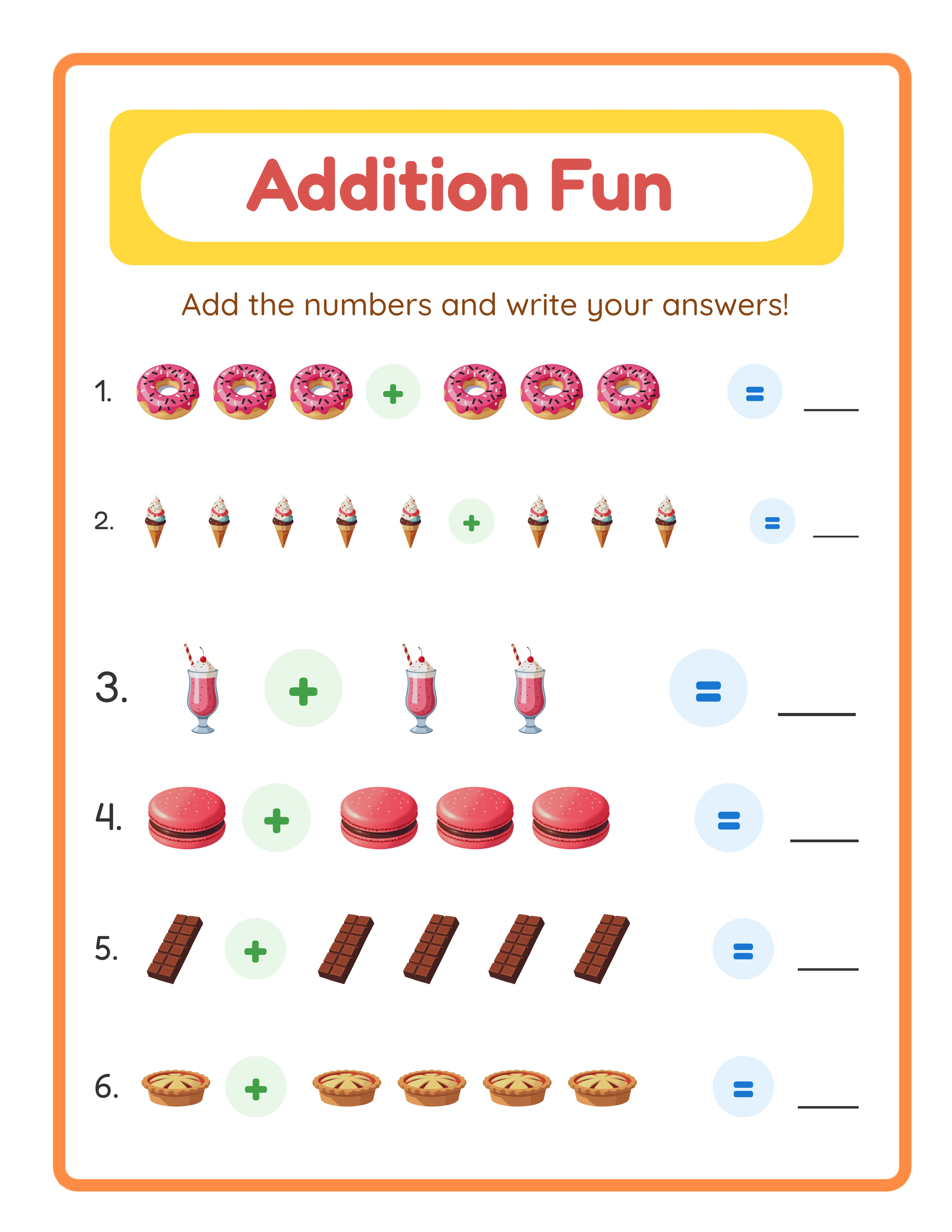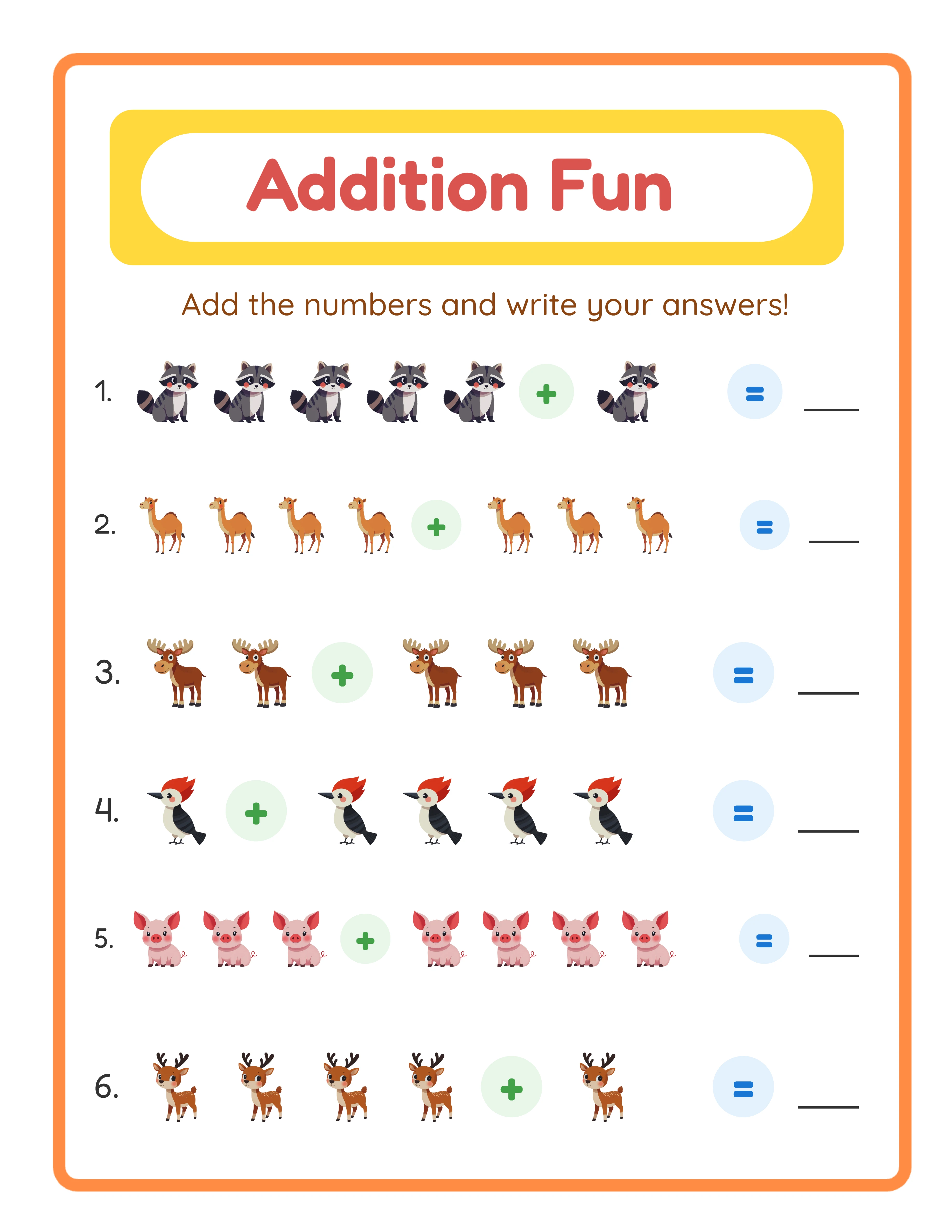
Page Size: US Letter vs A4 and Why You Need Both
The single most common complaint about printable digital downloads is incorrect page size. Buyers print your file and it comes out cropped, scaled, or with uneven margins.
**US Letter (8.5 x 11 inches):** Standard paper size in the United States and Canada. If your primary market is North American, this should be your default.
**A4 (210 x 297 mm / 8.27 x 11.69 inches):** Standard paper size in Europe, Asia, South America, Africa, and Australia. A4 is slightly narrower and taller than US Letter.
**Why this matters:** A US Letter PDF printed on A4 paper will have asymmetric margins — extra space at the top and bottom, slightly cropped on the sides. An A4 PDF printed on US Letter paper will be scaled down to fit, making text and activities smaller than intended.
**The professional solution:** Offer both sizes. Include two PDF files in your digital download — one formatted for US Letter and one for A4. This doubles your potential market with minimal extra effort.
**How to create both sizes efficiently:** Design your content with 0.75-inch margins on all sides. This safe zone ensures content looks correct on both paper sizes without redesigning. Then export two versions with different page dimensions.
**In your listing, state this clearly:** "Includes both US Letter (8.5 x 11) and A4 formats for worldwide printing."
Margins: The Safe Zone That Prevents Cropping
Home printers cannot print to the very edge of paper. Every printer has a non-printable area around the edges. If your content extends into this zone, it gets cut off.
**Minimum safe margins:** 0.5 inches (12.7 mm) on all sides. This accounts for the non-printable area of most home inkjet and laser printers.
**Recommended margins:** 0.75 inches (19 mm) on all sides. This provides a comfortable buffer and looks professional. Content does not feel cramped, and even older printers handle it without issues.
**For activity books and worksheets:** Use 0.75-inch margins. Children need space to hold the page and write without their hand running off the edge. Generous margins also make the page look less cluttered.
**For decorative printables:** If your design includes a decorative border, keep the border at least 0.5 inches from the page edge. The border itself should start at your safe margin, not at the page edge.
**Common mistakes:**
- Designing with zero margins and relying on the buyer to scale the print. They will not.
- Using different margins on different pages within the same PDF. This makes the content jump when printed double-sided.
- Placing page numbers or important content in the bottom 0.5 inches, where many printers cut off.
**Testing:** Print your PDF on your own printer at default settings before listing it. If any content gets cropped, widen your margins.
Font Embedding: Why Your Text Might Print as Boxes
If a buyer opens your PDF and sees empty boxes or garbled text instead of letters, the fonts are not embedded.
**What font embedding means:** When you create a PDF, the software can either embed the actual font data inside the file or reference fonts installed on the computer. If the font is referenced but not embedded, anyone who does not have that font installed sees a substitution — often ugly, sometimes illegible.
**Always embed all fonts.** This is non-negotiable for commercial PDF products. Every font used in your file must be fully embedded so it displays and prints correctly on any device.
**How to embed fonts:**
- Adobe Acrobat: File > Properties > Fonts tab shows embedded status
- Canva: PDF Print downloads automatically embed fonts
- Google Docs: Export as PDF embeds standard fonts
- Word/PowerPoint: Save as PDF with "embed fonts" option checked
- InDesign/Illustrator: Export with font embedding enabled
**Font licensing:** Some fonts prohibit embedding in PDFs. If you use a font that cannot be embedded, you have two options: convert text to outlines (curves) or choose a different font. Commercial printable products should only use fonts with permissive licenses.
**Verification step:** Open your exported PDF on a different computer or in a free PDF reader. If the text looks correct, your fonts are properly embedded. Do this check before listing every new product.
**Outline conversion:** For decorative headings and titles, converting text to vector outlines eliminates all font dependency. The text becomes a shape that renders identically everywhere. Use this for display text but not for body text (outlined body text increases file size significantly).
File Size Optimization for Etsy's 20 MB Limit
Etsy limits individual digital download files to 20 MB. Large activity book PDFs easily exceed this without optimization.
**Strategies for staying under 20 MB:**
**1. Compress images before placing them.** The biggest file size offender is uncompressed images. Run all raster images through an optimizer before embedding them in your PDF. Tools like TinyPNG or ImageOptim reduce file size by 40-70% with negligible quality loss.
**2. Use vector content where possible.** Text, lines, shapes, and simple illustrations stored as vectors take a fraction of the space that raster images require. Worksheet generators that output vector-based PDFs produce dramatically smaller files.
**3. Compress the final PDF.** After creating your PDF, run it through a compression tool. Adobe Acrobat's "Reduce File Size" feature, Smallpdf, or iLovePDF can shrink files by 50-80%. Use the "high quality print" compression preset.
**4. Split large files.** A 200-page activity book can be split into logical sections: Part 1 (pages 1-70), Part 2 (pages 71-140), Part 3 (pages 141-200), plus a separate Answer Key. Label each file clearly.
**5. Offer a single-page-per-sheet layout.** Some sellers provide both a combined PDF and individual page files. Individual pages are tiny (under 1 MB each) and let buyers print only the pages they want.
**What your listing should say:** State the total file size, number of files, and page count. Example: "3 PDF files, 100 pages total, 45 MB combined (split into 3 files under 20 MB each for easy download)."
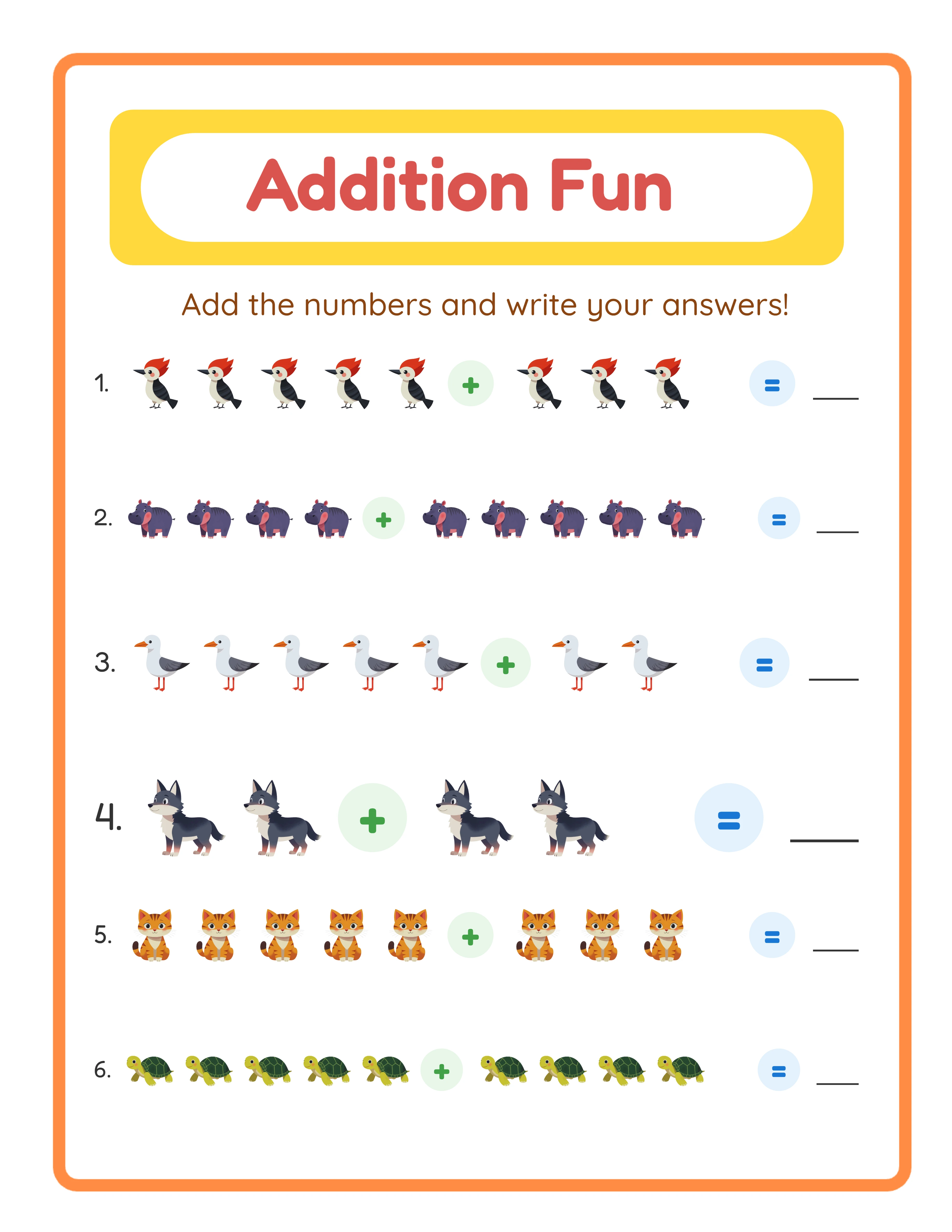
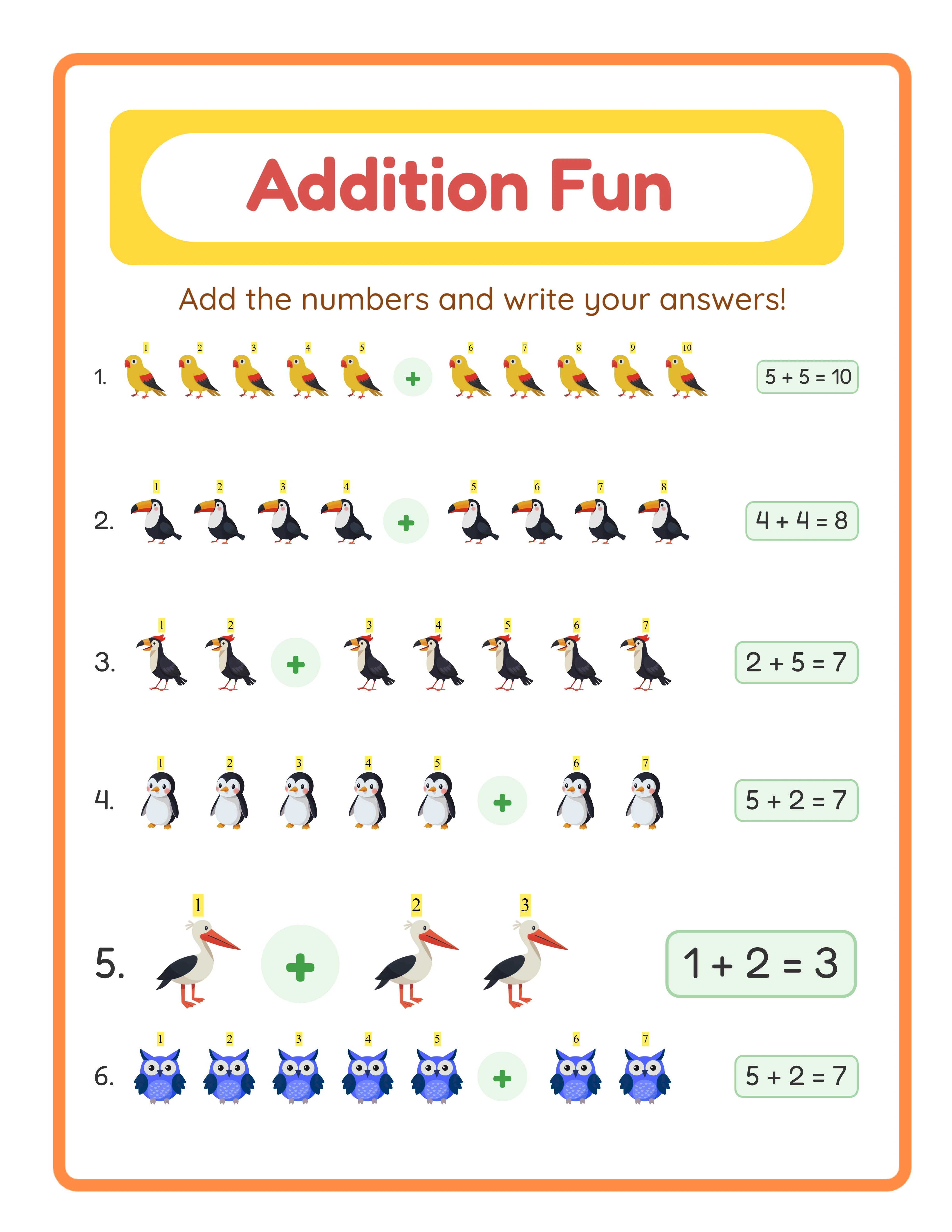
Every Worksheet Includes an Answer Key
Color Settings: RGB vs CMYK for Home Printing
Color mode affects both how your printable looks and how large the file is.
**RGB (Red, Green, Blue):** The color mode used by screens. Home inkjet and laser printers accept RGB files and convert them internally. RGB files are about 25% smaller than CMYK equivalents.
**CMYK (Cyan, Magenta, Yellow, Key/Black):** The color mode used by professional print shops. Colors are defined by ink mixing. CMYK files can look slightly duller on screen but print more accurately on commercial presses.
**For Etsy digital downloads: Use RGB.** Your buyers are printing on home printers that work in RGB. Sending a CMYK file to a home printer can cause unexpected color shifts — colors may appear duller or slightly different from the listing preview.
**For Amazon KDP: Use CMYK for full-color interiors.** KDP recommends CMYK for best color accuracy in their commercial printing process. For black-and-white interiors (most activity books), color mode does not matter.
**Practical advice:**
- Design in RGB for the widest compatibility
- If you need CMYK for KDP, convert at the final export stage rather than designing in CMYK
- Include a note in your Etsy listing: "Colors may vary slightly depending on your printer and paper"
- Avoid neon or highly saturated colors that look vibrant on screen but print muddy
**Black text:** Always use true black (RGB 0,0,0 or CMYK 0,0,0,100), never rich black (a mix of all four CMYK inks). Rich black on text causes registration issues on home printers and makes text look fuzzy.
Print Settings Instructions: What to Include
Your buyers should not need to figure out print settings. Include a one-page instruction sheet in every digital download.
**Essential printing instructions to include:**
1. **Paper size:** "Print on US Letter (8.5 x 11 inch) paper" or "Print on A4 paper" — whichever file they are using
2. **Scaling:** "Set scaling to 'Actual Size' or 100% — do NOT use 'Fit to Page'" (Fit to Page shrinks your content)
3. **Orientation:** "Print in Portrait orientation" (or Landscape if applicable)
4. **Quality:** "Select 'Best' or 'High Quality' print setting for clearest results"
5. **Paper type:** "Standard printer paper works well. For coloring pages, use cardstock for better results with markers"
6. **Double-sided printing:** State whether the file is designed for single-sided or double-sided printing
**Format this instruction page well.** It is the first page of your PDF and sets the buyer's first impression. Use clear formatting, bullet points, and simple language. Include your shop logo for branding.
**Add a troubleshooting section:**
- "Content appears cropped? Check that scaling is set to Actual Size, not Fit to Page"
- "Text looks blurry? Ensure print quality is set to Best or High"
- "Colors look different? Screen colors always vary slightly from printed colors"
**This single page prevents 80% of customer support messages** and earns goodwill that leads to positive reviews.
Quality Checklist Before Listing on Etsy
Run through this checklist for every PDF before publishing your Etsy listing.
**File format:**
- [ ] PDF format (not JPG, PNG, or Word document)
- [ ] PDF version 1.7 or earlier (maximum compatibility)
- [ ] No password protection or editing restrictions
**Page setup:**
- [ ] Correct page size (US Letter and/or A4)
- [ ] Margins at least 0.5 inches on all sides
- [ ] Content centered on page with equal margins
- [ ] Consistent orientation throughout (all portrait or all landscape)
**Content quality:**
- [ ] All fonts embedded (check in PDF properties)
- [ ] Images at 300 DPI minimum
- [ ] No broken images or missing elements
- [ ] Spell check completed on all text
- [ ] Page numbers present and sequential
**File optimization:**
- [ ] File size under 20 MB per file (Etsy limit)
- [ ] Total download size reasonable (under 100 MB)
- [ ] Files clearly named (e.g., "Math-Worksheets-USLetter.pdf")
**Print testing:**
- [ ] Printed on your own printer at default settings
- [ ] No content cropped at edges
- [ ] Text is sharp and readable
- [ ] Images print clearly without pixelation
- [ ] Colors appear as expected
**This checklist takes 10 minutes per product and prevents hours of customer support and review damage.** Make it a non-negotiable part of your listing workflow.