How Page Count Directly Affects Your Bottom Line
Every page you add increases your printing cost. On KDP, printing cost is calculated as a fixed charge plus a per-page charge that varies by ink type and trim size.
**Black and white interior (most activity books):**
- Fixed cost: approximately $0.85
- Per-page cost: approximately $0.012 per page
- 50 pages: $1.45 printing cost
- 100 pages: $2.05 printing cost
- 150 pages: $2.65 printing cost
- 200 pages: $3.25 printing cost
At a $7.99 list price with 60% royalty, your per-sale royalty drops from $3.34 (50 pages) to $1.54 (200 pages). That is a $1.80 difference per sale. Over 500 sales, you leave $900 on the table by adding 150 unnecessary pages.
But there is a catch. A 50-page book at $7.99 might get reviews calling it overpriced. A 200-page book at $7.99 looks like incredible value. The right page count balances production cost against perceived value.
Optimal Page Counts by Activity Book Type
Based on analyzing the top 50 bestsellers in each KDP activity book category, here are the page count sweet spots.
**Coloring books:** 50-80 pages. Each page is a single illustration. Buyers expect one image per page (no back-to-back printing for coloring books because markers bleed through). 50 pages means 50 images, which feels substantial. Beyond 80 pages, you hit diminishing returns on perceived value.
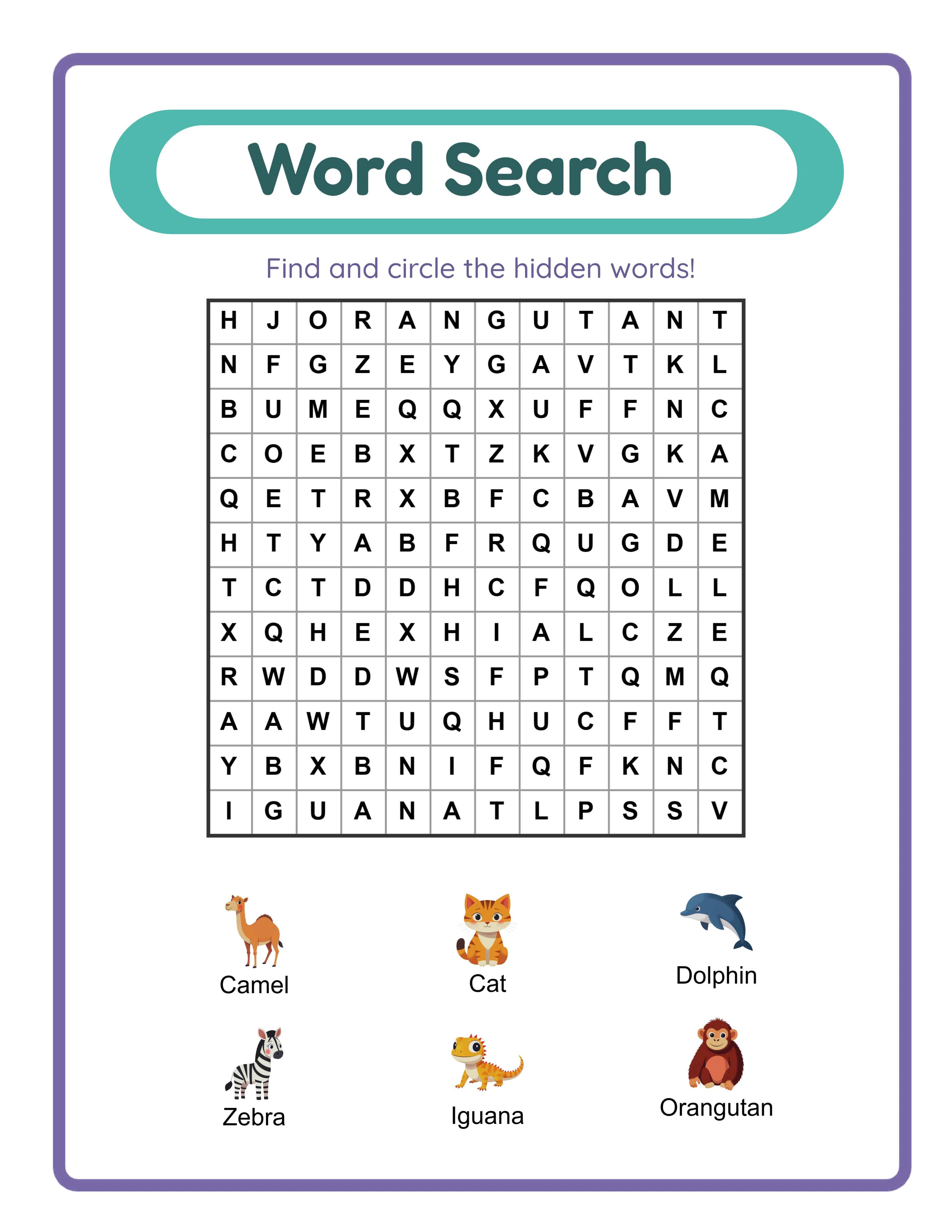
**Word search books:** 80-120 pages. Each puzzle takes one page plus an answer key page. So 80 pages gives you 40 puzzles with answers. The bestselling word search books cluster around 100 pages (50 puzzles).
**Maze books:** 60-100 pages. Mazes are quick to complete, so buyers appreciate higher counts. 80 pages (40 mazes with solutions) is the sweet spot for most maze books.
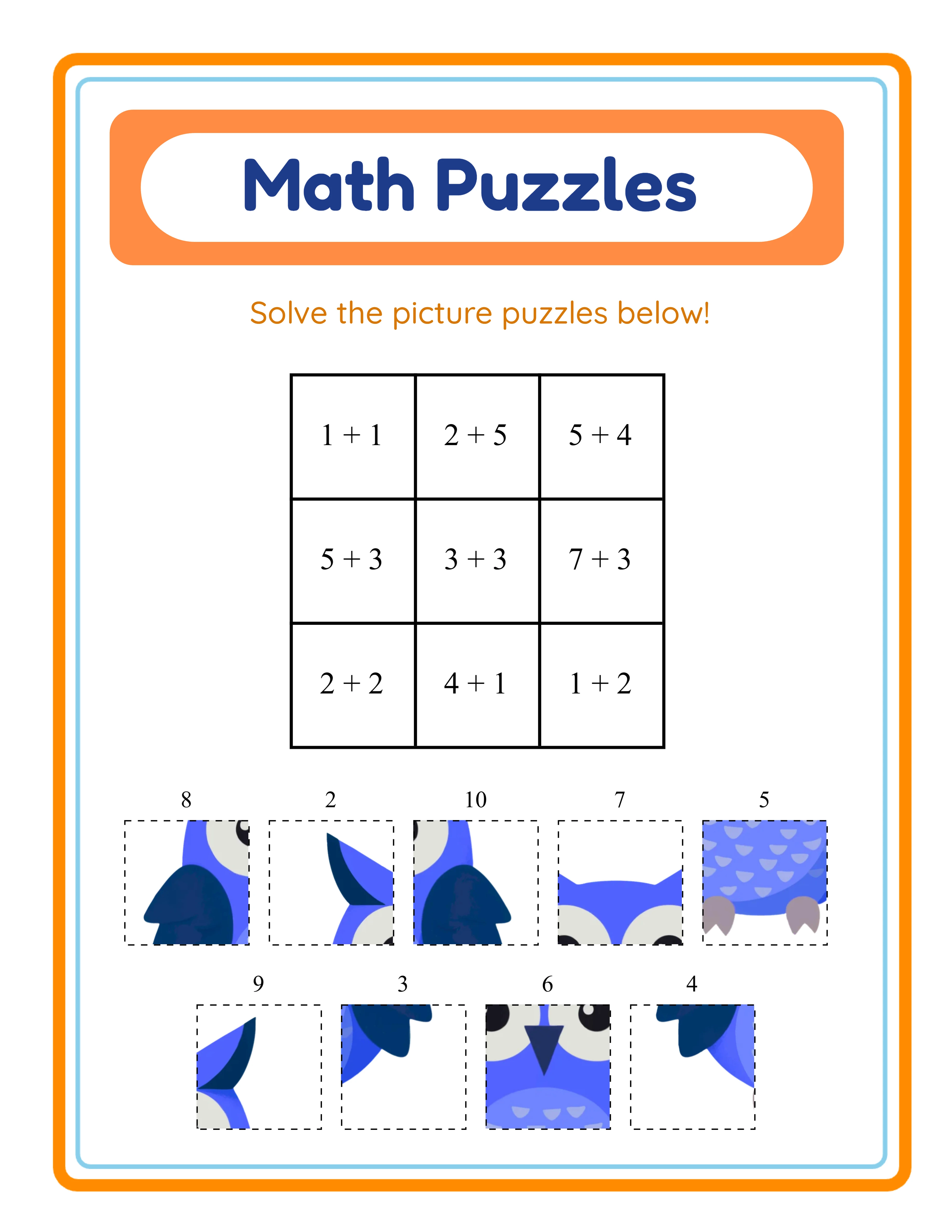
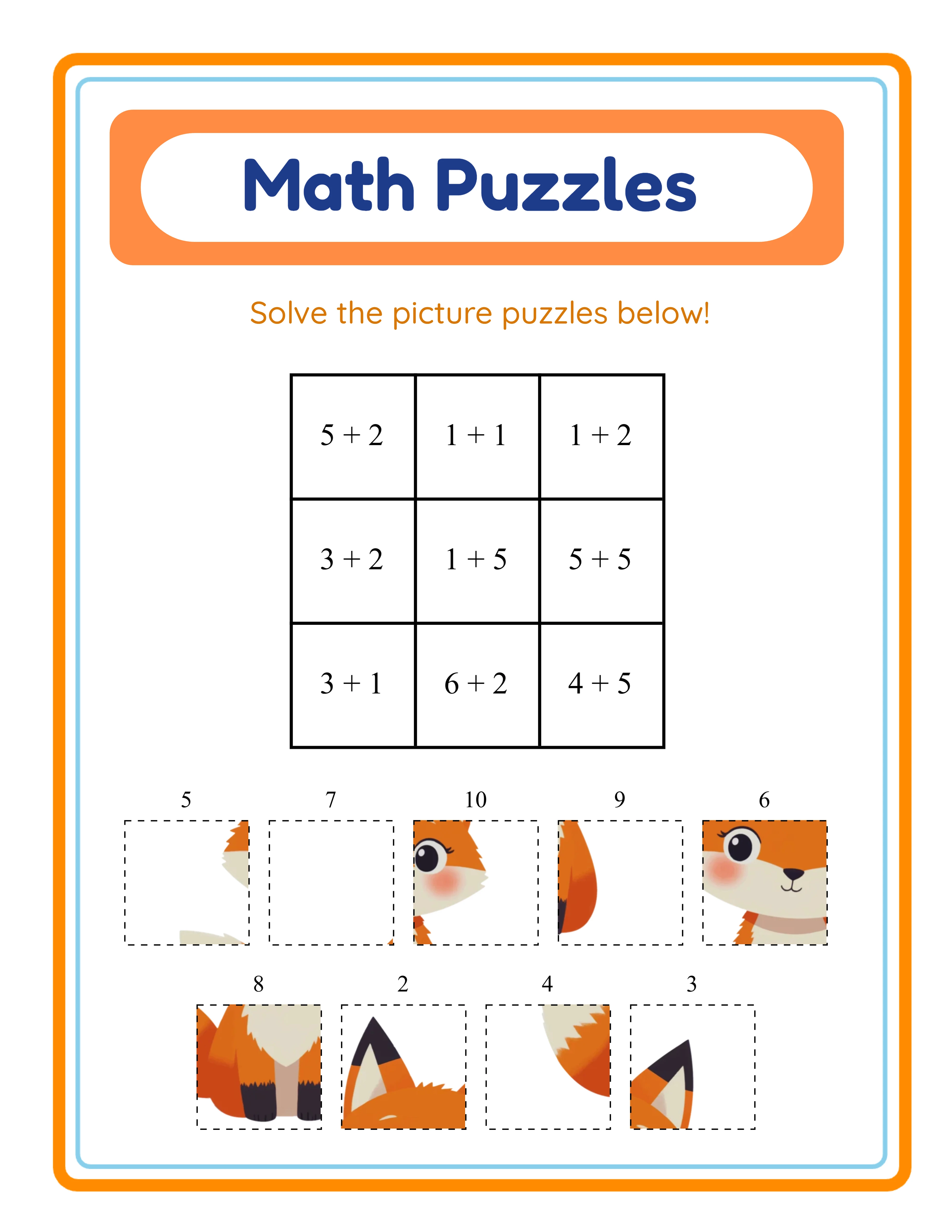
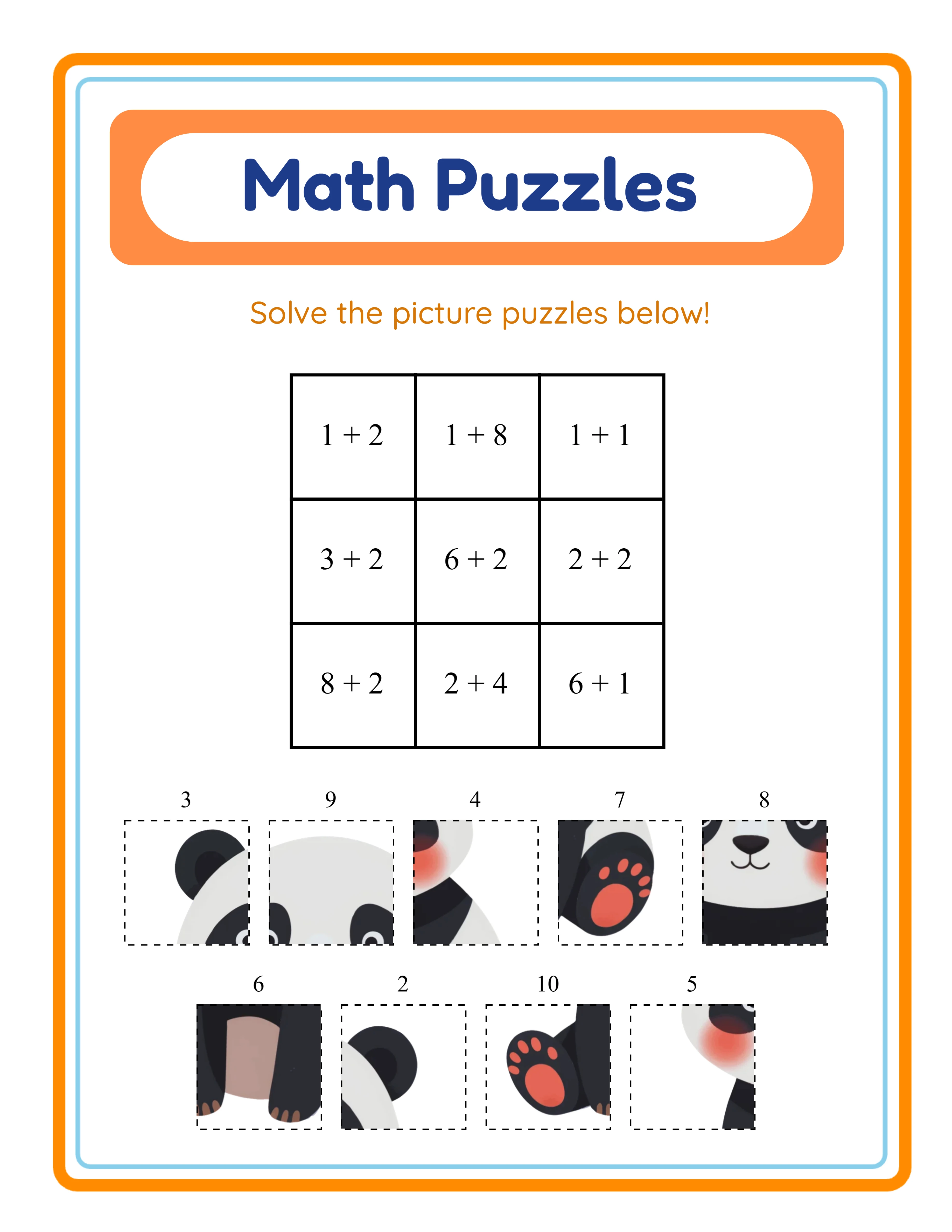
**Math workbooks:** 80-120 pages. Parents and educators expect workbooks to last several weeks of practice. 100 pages with answer keys at the back is the standard that top sellers use.
**Mixed activity books:** 100-150 pages. These books include variety — mazes, puzzles, coloring, writing prompts — so buyers expect more content. 120 pages is the most common count among bestsellers.
**Handwriting practice books:** 80-110 pages. Each letter or word needs a full page for tracing practice. 100 pages covers the alphabet multiple times with increasing difficulty.
The Page Count vs. Price Sweet Spots
Page count and price work together. Here are the combinations that the market has settled on.
**Budget tier ($5.99-$6.99):** 40-60 pages. These are impulse purchases. Keep content focused and production cost low. Works for single-theme coloring books and simple puzzle collections.
**Standard tier ($7.99-$9.99):** 80-120 pages. This is where most activity book sales happen. Buyers feel they are getting solid value without overpaying. Your royalty stays healthy because printing costs are moderate.
**Premium tier ($11.99-$14.99):** 150-200+ pages. These are comprehensive collections — the "ultimate" or "mega" books. Higher page count justifies the premium price. Your per-unit royalty is lower, but the higher price can compensate if conversion rates hold.
**The danger zone:** Books priced at $7.99+ with fewer than 60 pages consistently receive negative reviews about length. And books with 200+ pages priced under $8 leave money on the table. Match your page count to your price tier.
Check your exact royalties at different page counts and price points using a KDP royalty calculator before finalizing either number. A difference of 20 pages can shift your royalty by $0.25-$0.50 per sale.
How to Calculate the Minimum Viable Page Count
Here is a practical method for determining your minimum page count.
**Step 1: Research your competitors.** Search your exact target keyword on Amazon. Open the top 10 results and note their page counts from the product details section. Calculate the average.
**Step 2: Set your floor.** Your minimum page count should be no less than 80% of the competitor average. Going below this threshold triggers negative comparisons and "too short" reviews.
**Step 3: Factor in answer keys.** If your activity book includes answer keys, those pages count toward total page count but do not add perceived value at the same rate. A 100-page book with 30 pages of answer keys is really a 70-page activity book in the buyer's mind. Plan your activity content first, then add answer keys.
**Step 4: Account for front and back matter.** Title page, copyright page, table of contents, and any instructional pages consume 4-8 pages. Factor these into your total but do not count them as content pages during planning.
**Step 5: Apply the KDP minimum.** KDP requires a minimum of 24 pages for paperback books. However, 24 pages is far too thin for any commercially viable activity book. Treat 50 pages as your practical minimum for any activity book type.
The formula: Target page count = (competitor average x 0.9) + answer key pages + front/back matter pages. Round up to the nearest 10.
Every Worksheet Includes an Answer Key
When More Pages Hurt Your Sales
Adding pages is not always beneficial. Here are situations where more pages actually reduce your sales.
**Printing cost exceeds price tolerance.** If your 250-page book needs to be priced at $14.99 to maintain a reasonable royalty, but your niche maxes out at $9.99, those extra pages are killing you. Trim the book to 120 pages and price it competitively.
**Filler content dilutes quality.** Buyers can spot padding. If your word search book has 100 excellent puzzles and 50 mediocre filler puzzles, those 50 pages generate negative reviews that tank your entire listing. Better to have 100 great pages than 150 mixed-quality pages.
**Shipping weight increases returns.** Heavier books cost more to ship for Amazon. While this does not directly affect your royalty, it affects Amazon's willingness to promote your book. Amazon prioritizes products with good margin after shipping costs.
**The spine problem.** Very thick activity books (200+ pages) do not lay flat when open. For activity books where children write, draw, or color, this is a real usability issue. Buyers complain about pages that will not stay open. For lay-flat usability, keep books under 150 pages or use spiral binding (not available on KDP).
**Decision fatigue.** A 300-page mixed activity book can overwhelm younger children. They flip through endlessly without starting. Focused, shorter books often get better engagement and reviews than massive compilations.
Page Count Strategy for Series and Bundles
If you publish a series of activity books, page count strategy becomes a business decision, not just a per-book decision.
**Consistent page counts build trust.** If Volume 1 is 100 pages and Volume 2 is 60 pages, buyers feel cheated. Keep all volumes in a series within the same 20-page range.
**Shorter books in a longer series can outperform one thick book.** Three 80-page books at $6.99 each ($20.97 total revenue) often outperform one 240-page book at $12.99. Buyers purchase the first volume as a low-risk test, then come back for volumes 2 and 3 if their child enjoys it.
**Bundle strategy:** Create individual books at 60-80 pages, then offer a "mega bundle" compilation at 200+ pages with a modest discount. This captures both the budget buyer and the value buyer from the same content.
**Difficulty progressions work well in series.** Easy (80 pages), Medium (80 pages), Hard (80 pages). Parents buy the appropriate difficulty level and upgrade as their child progresses. Each book is focused and appropriately sized.
**Seasonal variations:** Holiday-themed activity books can be shorter (40-60 pages) because they target a specific, time-limited use case. Buyers expect seasonal content to be focused, not comprehensive.
Tools and Templates for Planning Your Page Count
Use these practical tools to finalize your page count decision.
**KDP royalty calculator:** Input your trim size, page count, ink type, and list price. The calculator shows your exact printing cost and royalty. Try different page counts to find where your royalty peaks relative to competitive pricing.
**Competitor analysis spreadsheet:** Create a simple spreadsheet with columns for competitor title, page count, price, rating, and number of reviews. Ten minutes of research reveals the market standard for your niche.
**Content planning template:** Map out every page before you start creating. List each activity with its page number. This prevents the two most common problems: running short and needing filler, or running long and inflating printing cost.
**Test with a proof copy.** Order one copy of your book from KDP at printing cost (usually $3-5). Hold it in your hands. Does it feel substantial enough for your price point? Does it feel bloated? Physical testing catches issues that spreadsheets miss.
**The LCS approach:** Use our worksheet generators to create your content in batches. Generate exactly the number of worksheets you need for your target page count, download them with answer keys included, and compile them into your book. This gives you precise control over page count without manual creation of filler pages.
Remember: the goal is not the most pages. The goal is the right number of pages for your activity type, price point, and buyer expectations.