Which Themes Sell Best (And Which to Avoid)
Not all themes perform equally. Based on Etsy search volume and sales data, here are the tiers:
**Tier 1 — Evergreen bestsellers (sell year-round):**
- Animals (dinosaurs, unicorns, ocean creatures, farm animals)
- Vehicles (trucks, cars, construction equipment)
- Space and planets
- Food and cooking
**Tier 2 — Seasonal spikes (high volume for 6-8 weeks):**
- Halloween (September-October)
- Christmas/Winter (November-December)
- Back to school (July-August)
- Spring/Easter (March-April)
**Tier 3 — Niche but profitable:**
- Sports (soccer, baseball — peaks during season)
- Princesses and castles
- Pirates and treasure
- Garden and nature
**Themes to avoid:** Branded characters (copyright issues), overly generic (flowers, stars), and themes that are too narrow (specific dog breeds, particular car models). Aim for broad appeal within a recognizable category.
Start with 2-3 Tier 1 themes. Each theme becomes a product line — addition worksheets with dinosaurs, subtraction with dinosaurs, a dinosaur math bundle. One theme can support 5-10 separate listings.
How to Integrate Images Without Cluttering the Worksheet
The goal is enhancing the worksheet, not decorating it. Cluttered worksheets frustrate children and waste ink.
**Effective image placement patterns:**
1. **Header image:** One themed image in the top-left or top-right corner, with the worksheet title beside it. This is visible in listing thumbnails.
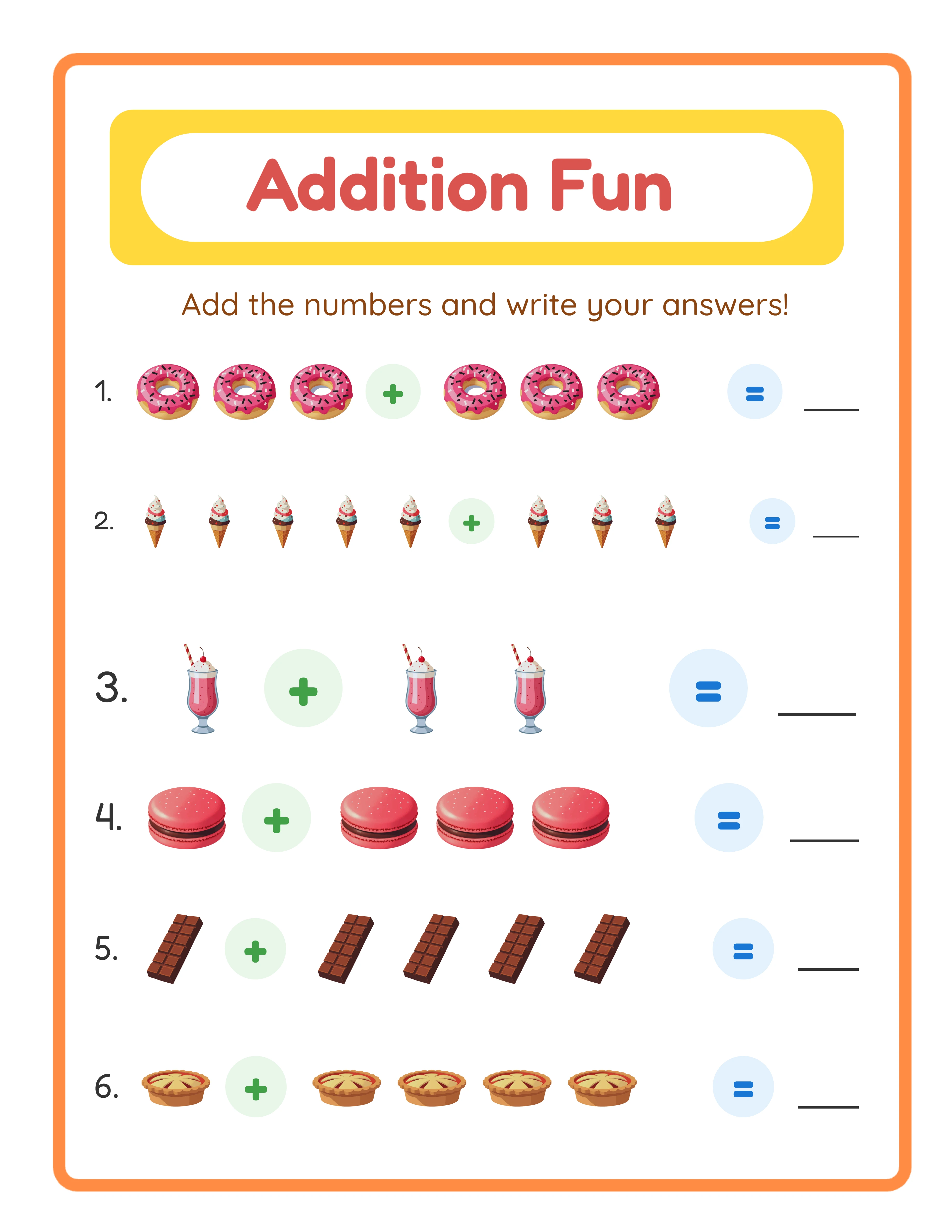
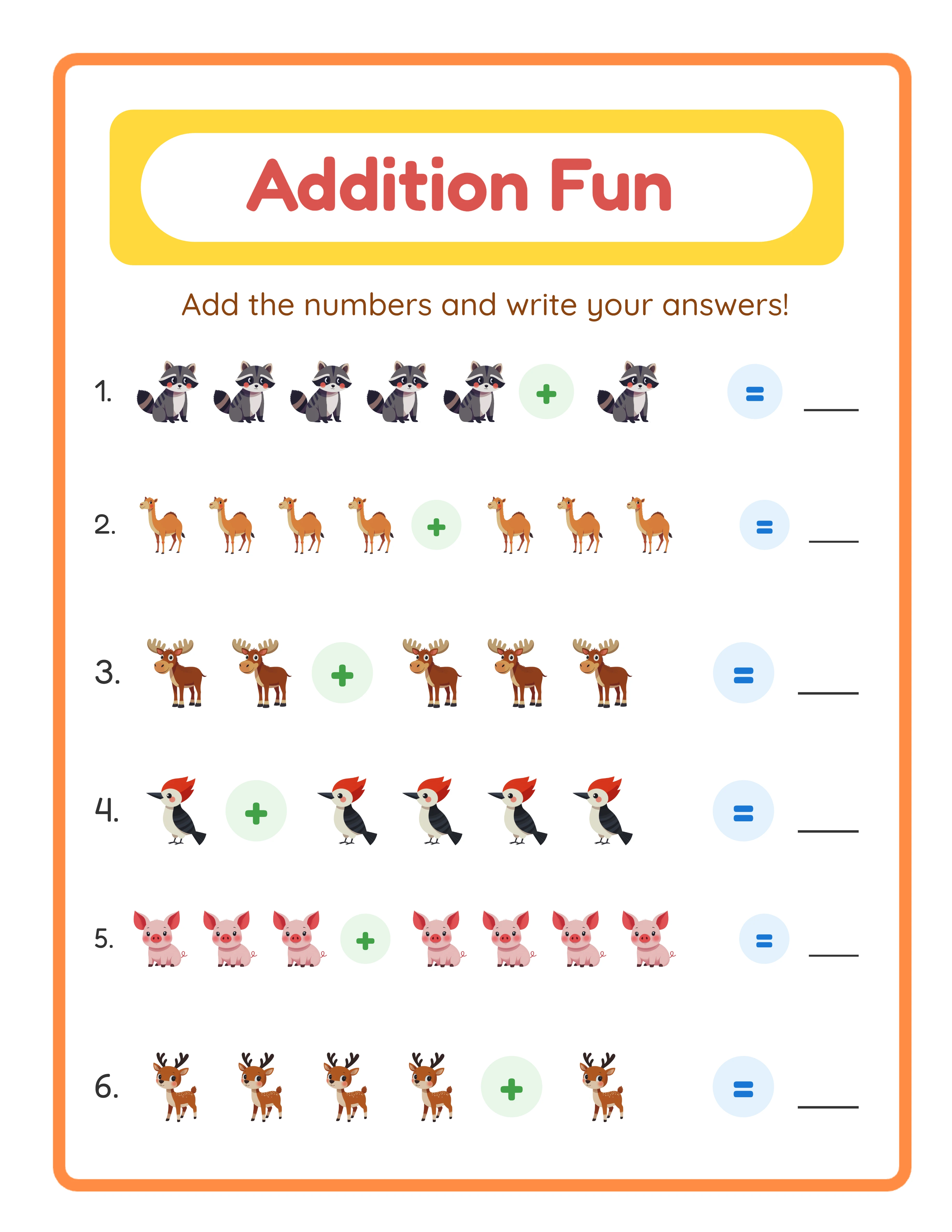
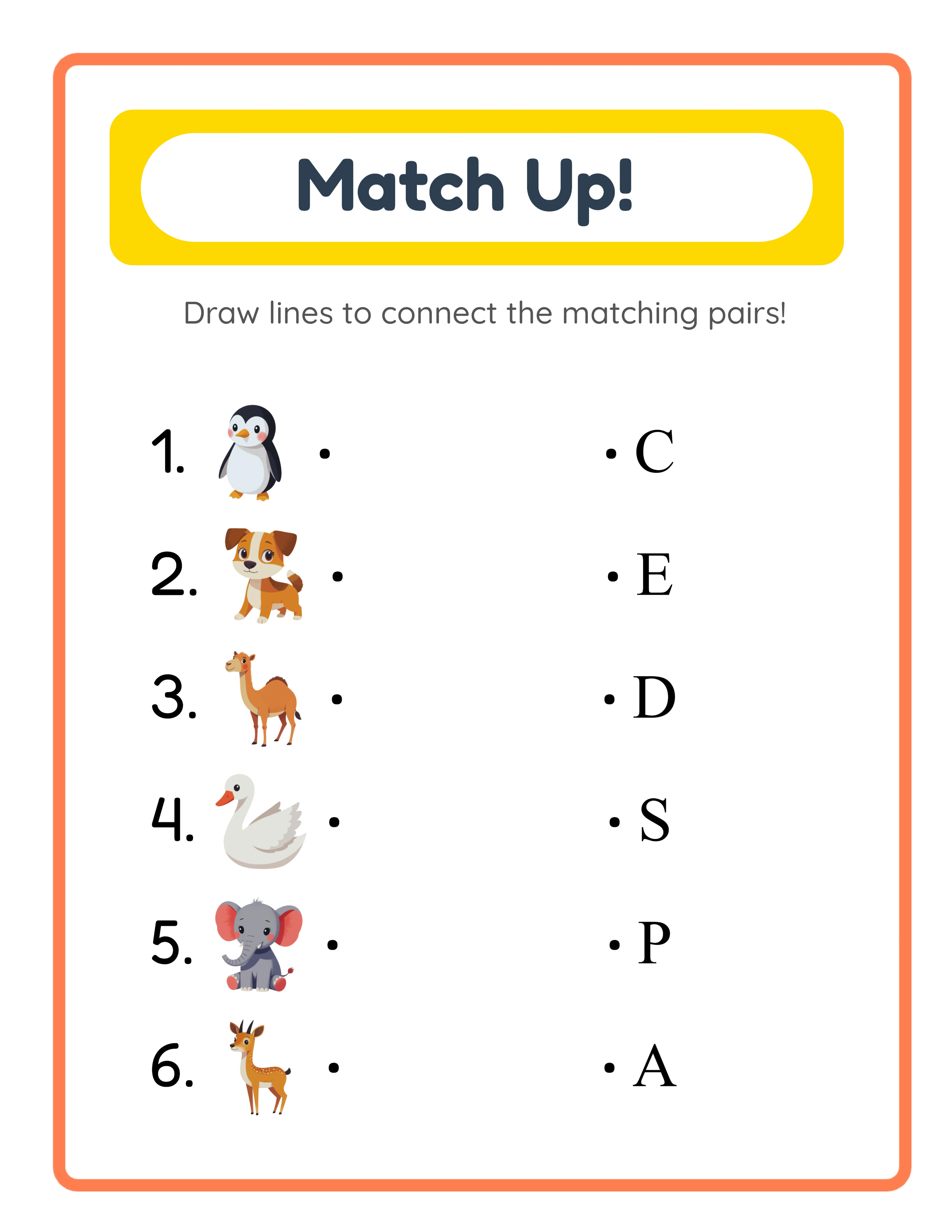
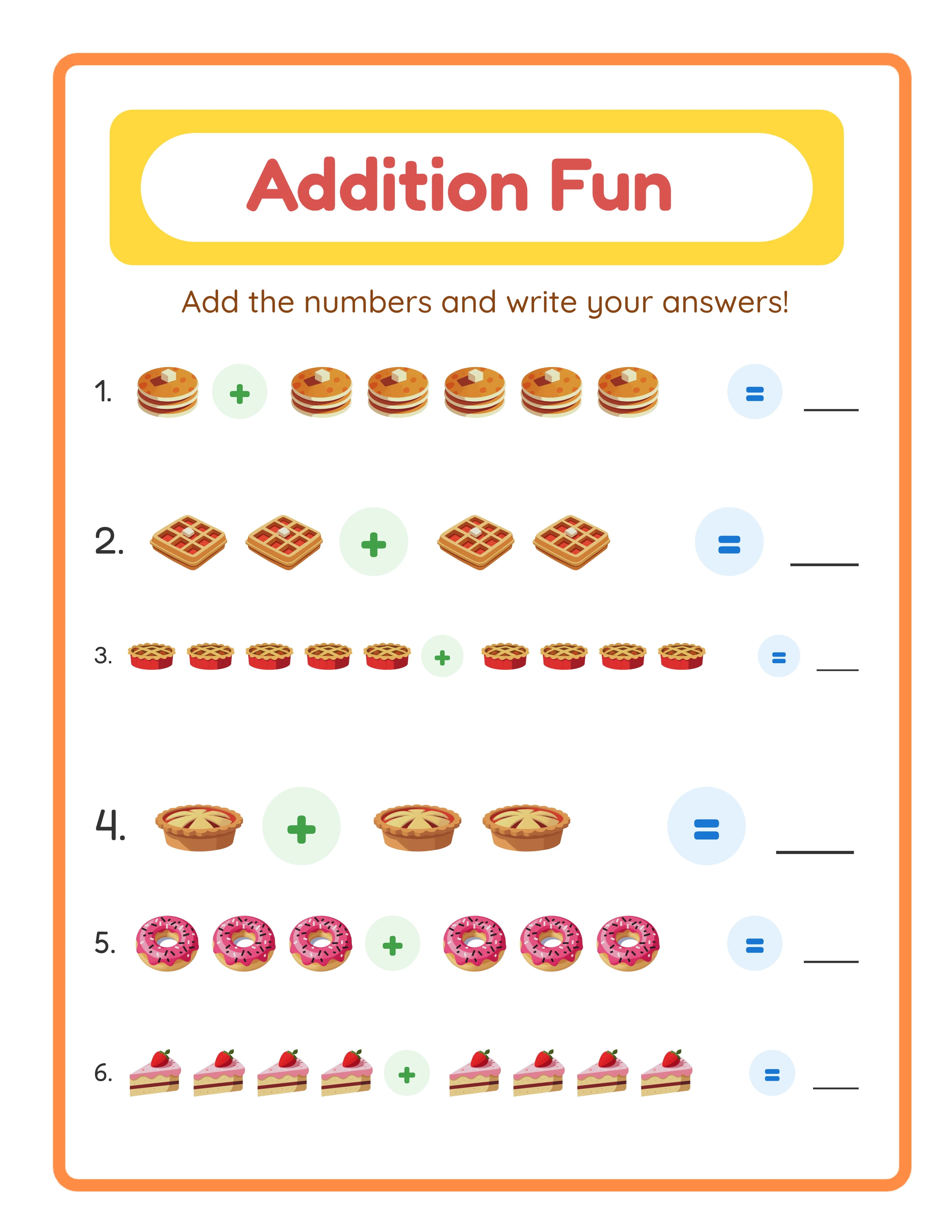
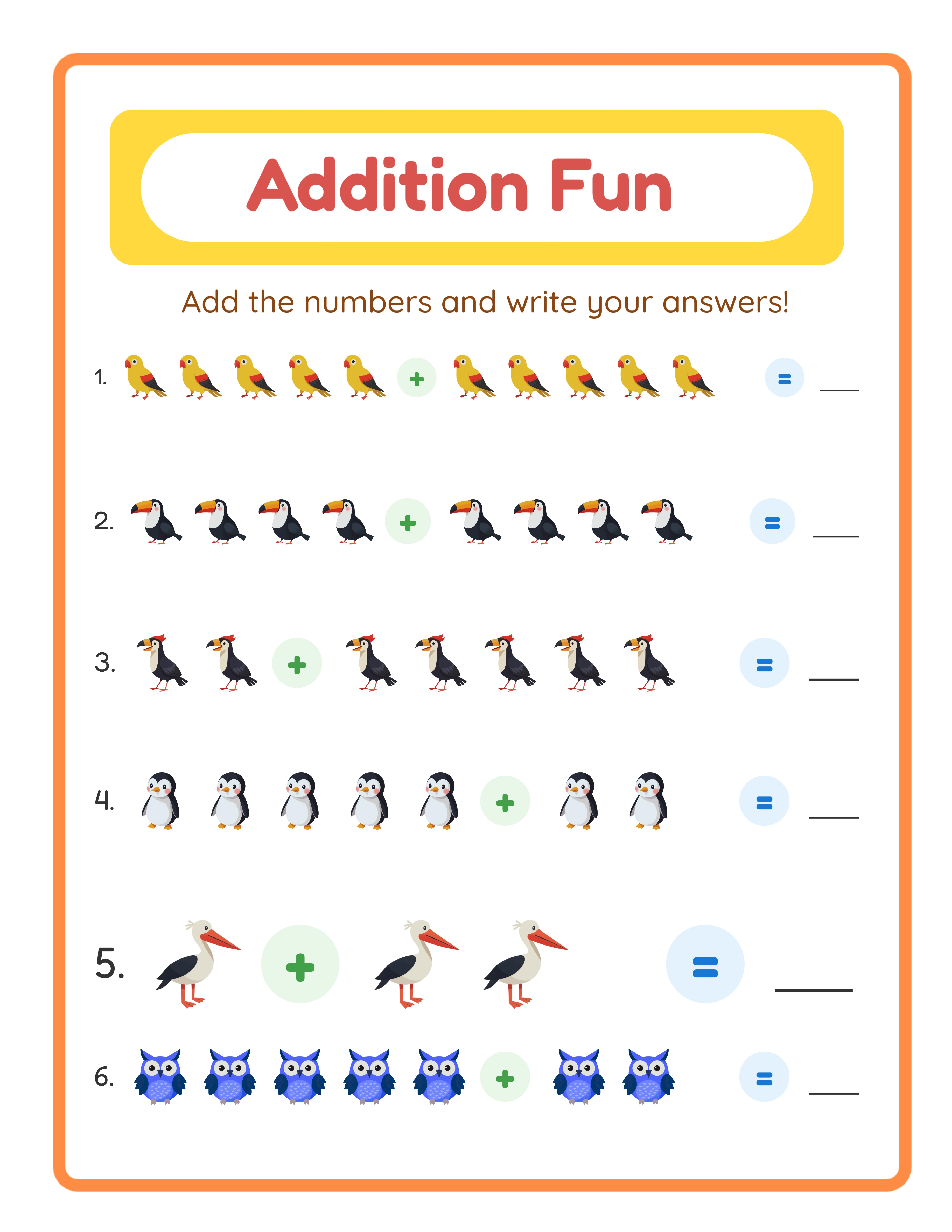
2. **Problem illustrations:** Small images next to each problem that relate to the content. "Count the dinosaurs" with 5 small dinosaur images is more engaging than "5 + 3 = __."
3. **Border accents:** Light themed border elements (paw prints, stars, leaves) that frame the content without competing with it. Keep borders below 0.5 inches wide.
4. **Reward section:** A small coloring image at the bottom of the page as a "finish this worksheet" reward. Parents love this feature.
**Image rules to follow:**
- Maximum 25% of the page should be images; 75% is content and white space
- Never place images where children need to write
- Use consistent image style throughout a bundle (do not mix cartoon and realistic)
- Keep images at 300 DPI for print quality
- Test print in both color and grayscale — images should be recognizable in both
Building Themed Product Lines for Repeat Purchases
The real power of themed images is not individual product sales — it is the product line strategy.
A parent who buys your dinosaur addition worksheets and their child loves them will search for more dinosaur math content. If you have a complete dinosaur math line, you capture that repeat purchase:
- Dinosaur Addition Worksheets (20 pages) — $4.99
- Dinosaur Subtraction Worksheets (20 pages) — $4.99
- Dinosaur Counting Worksheets (15 pages) — $3.99
- Dinosaur Math Bundle (all of the above + bonus) — $9.99
That is four listings from one theme across three activity types. Repeat across 5 themes and you have 20 listings. Add seasonal themes and you reach 30+ listings quickly.
**Cross-selling strategy:** In each listing description, mention your other products in the same theme. "Love dinosaurs? Check out our Dinosaur Subtraction and Dinosaur Counting Worksheets." Etsy shows "More from this shop" automatically, but explicit mentions in descriptions increase cross-selling by 20-30%.
One Generator — Three Product Tiers
Create an entire product line from a single tool
beginner level

intermediate level
advanced level
→Increasing difficulty→
Sourcing Images: Generators vs Clip Art vs Custom
You have three options for themed images, each with trade-offs:
**Option 1: Worksheet Generator with Built-In Images (Fastest)**
LessonCraftStudio includes 100+ themed image sets across all generators. Select a theme, and images are automatically placed alongside worksheet content. No separate image sourcing, no manual placement, no licensing headaches. This is the fastest path from idea to finished product.
**Option 2: Clip Art Bundles (Flexible but Time-Consuming)**
Sites like Creative Fabrica, Design Bundles, and Creative Market sell themed clip art packs for $5-$15. You get 20-50 images per theme with commercial licenses. The trade-off: you must manually place each image in your worksheet template, which adds 20-30 minutes per product.
**Option 3: Custom Illustrations (Premium but Expensive)**
Hire an illustrator on Fiverr ($50-$200 per theme set) for unique images no competitor has. Worth it only after you have validated the theme sells well with clip art first. Never invest in custom art for an unproven niche.
**License warning:** Always verify your image license allows commercial use in products for sale. Personal-use-only images cannot be included in worksheets you sell. This is the most common legal mistake new printable sellers make.
Measuring the Impact: Before and After Themed Images
Here is what sellers typically see when they switch from plain to themed worksheets:
**Listing click-through rate:** Increases 50-100%. Themed thumbnails stand out in search results where most competing listings are plain white worksheets.
**Average selling price:** Increases from $2-$3 per bundle to $5-$8 per bundle. Themed images justify premium pricing because they add perceived value and production effort.
**Conversion rate:** Increases 30-50%. Buyers who click on a themed listing are already attracted to the visual style, making them more likely to purchase.
**Review quality:** Themed worksheets get more positive reviews mentioning "my child loved the [theme]" and "so cute." These reviews attract future buyers.
**Revenue per listing:** Combining higher click-through, higher price, and higher conversion, total revenue per listing typically increases 3-5x after adding themed images.
The investment to make this switch is minimal. If you use a generator with built-in themes, the switch is instant — just select a theme when generating. If you use clip art, budget $10-$30 for your first 3-5 theme packs. Either way, the ROI is measurable within the first week of relisting.