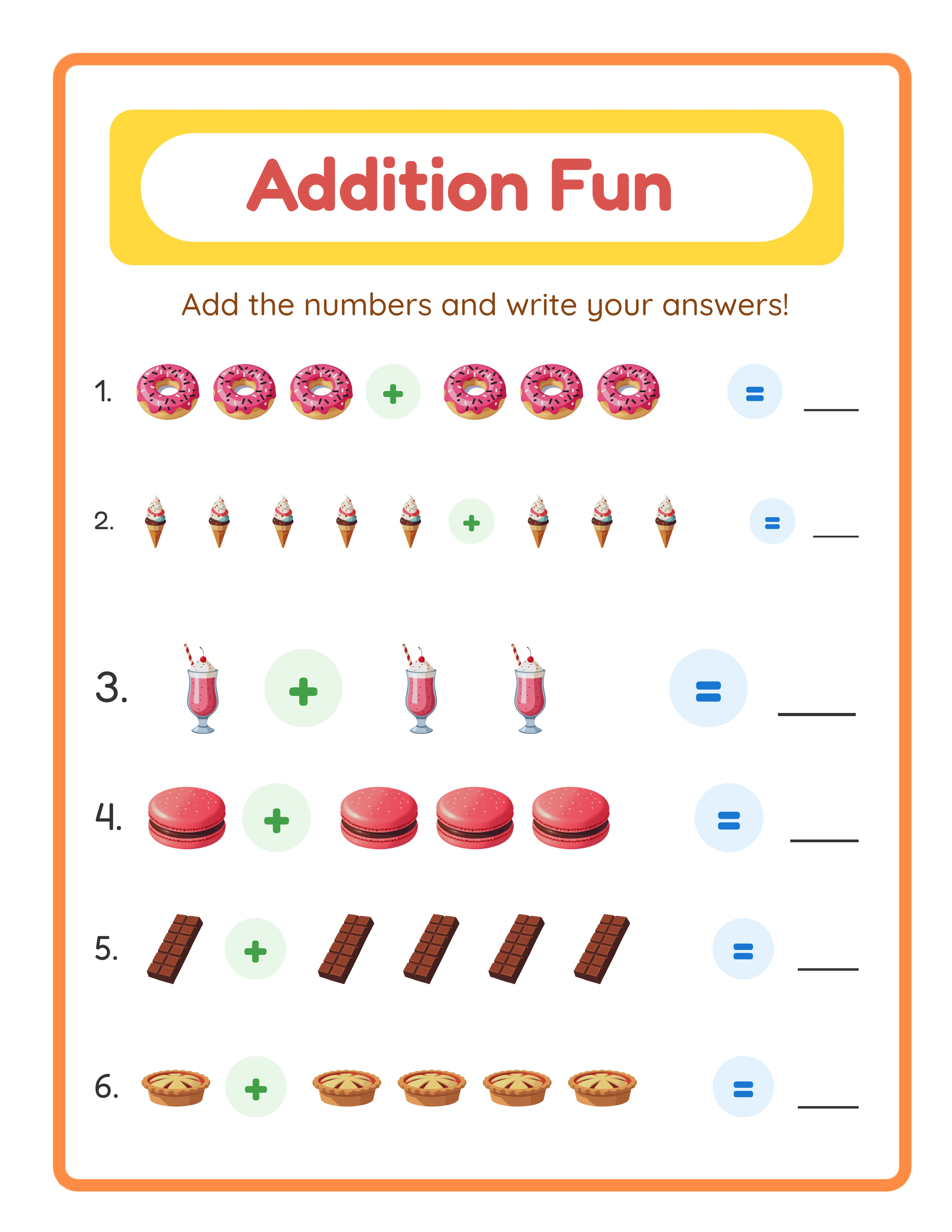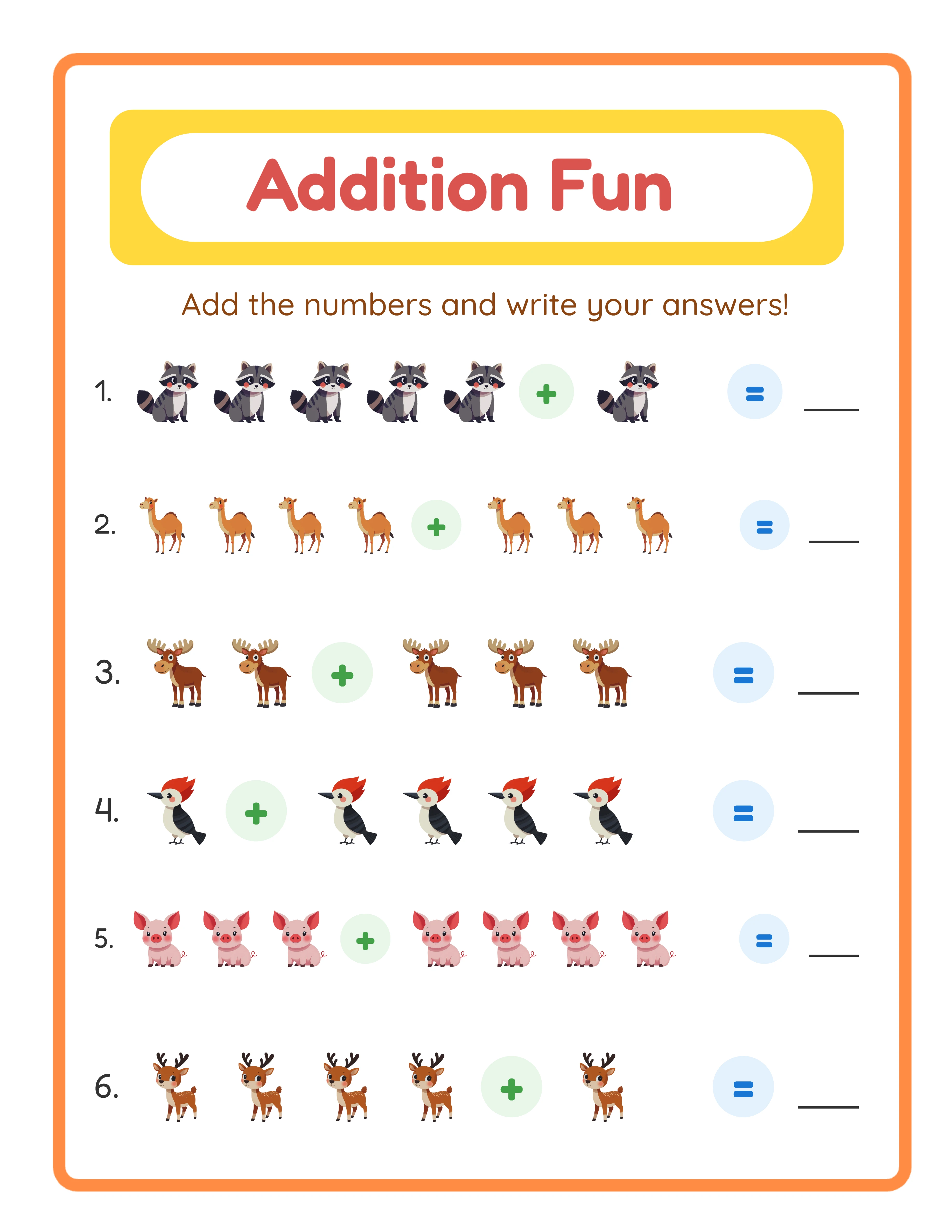
Why Watermarked Samples Convert Better Than Photos Alone
Listing photos show what your product looks like. Samples show what your product does. That distinction is critical for printable products.
**The trust gap:** Digital product buyers cannot examine the product before purchasing. Mockup photos are marketing material — buyers know this. They show the product in the best possible light but do not prove the product works as described.
**What samples prove:**
- The worksheet actually prints correctly at home
- The content difficulty matches what is described
- The layout works on the buyer's specific paper size
- The quality justifies the price
- The answer keys are accurate and included
**The psychological shift:** When a buyer downloads and prints a free trial sample, they shift from evaluating a product to experiencing it. They see the worksheet on their table, hand it to their child, and watch the child complete it. The purchase decision becomes "do I want more of this?" rather than "is this worth the risk?"
**Refund reduction:** Buyers who sample before purchasing almost never request refunds. They already know exactly what the paid product contains because they have used a representative sample. The refund rate for sellers using sample strategies is typically 50-70% lower than sellers without samples.
What Makes an Effective Watermarked Sample
Not all samples are created equal. An effective sample must balance showing quality with protecting your paid content.
**Sample size:** Include 3-5 pages from a larger product. This is enough for the buyer to evaluate quality and usefulness without getting enough content to skip the purchase. For a 100-page worksheet bundle, 5 sample pages is generous and compelling.
**Content selection:** Choose your best pages for the sample. Include variety — if your product has easy, medium, and hard levels, include one of each. The sample should represent the full product accurately. Never bait with your best pages if the rest of the product is lower quality.
**Watermark design:** The watermark should be visible enough to prevent commercial use but light enough that the buyer can actually complete the worksheet. A diagonal text watermark at 15-20% opacity saying "SAMPLE - LessonCraftStudio.com" works well. The buyer can still write answers and test the activity.
**Include an answer key sample.** If your product includes answer keys, include a sample answer key page. This proves the feature exists and demonstrates the format.
**Full resolution.** Your sample should be at the same resolution (300 DPI) and format (PDF) as the paid product. A low-quality sample suggests a low-quality product. The watermark is your protection, not reduced quality.
**Branding.** Include your shop name or website URL in the watermark. This turns every printed sample into a marketing piece. If the buyer shares the sample with someone, that person sees your brand.
How to Create Watermarked Samples Efficiently
Creating samples should take minutes, not hours. Here is the efficient workflow.
**Method 1: Generate with built-in watermarks**
LessonCraftStudio's generators offer a free trial mode that produces worksheets with watermarks automatically. Generate your sample pages, download them, and they are ready to distribute. The watermark is professionally placed and consistent.
**Method 2: Add watermarks to existing PDFs**
If you already have your product PDF, extract 3-5 representative pages and add a watermark overlay. Adobe Acrobat's watermark feature handles this in under a minute. Free alternatives like PDFsam or PDF24 also support watermark addition.
**Method 3: Canva watermark overlay**
Open your worksheet page in Canva, add a text element with your watermark text, set opacity to 15-20%, rotate it diagonally, and export. Repeat for each sample page.
**Batch workflow for multiple products:**
1. Generate all sample pages across all products
2. Apply watermark to all pages in one batch operation
3. Compile sample pages into individual PDFs per product
4. Upload to your distribution channel
For sellers creating multiple products per week, this batch approach adds less than 15 minutes to your total workflow.
**File naming:** Name your sample files clearly: "SAMPLE-Addition-Worksheets-K-2.pdf." The word "SAMPLE" in the filename prevents confusion between sample and paid files in your own file management.
Where to Distribute Your Free Trial Samples
Get your samples in front of potential buyers through multiple channels.
**In your Etsy listing:** Mention the availability of free trial samples in your listing description. You can include a link to where buyers can download samples, or offer to send samples via Etsy message upon request. Note: Etsy does not allow free digital download listings alongside paid ones for the same product, so host samples externally.
**On your own website:** Create a dedicated samples page where visitors can download watermarked samples for any of your products. This captures email addresses (if you require signup) and drives traffic to your Etsy shop when buyers want the full version.
**On social media:** Share sample pages on Pinterest, Instagram, and Facebook. Parents and educators save and share free trial resources constantly. Each shared sample is organic marketing that costs you nothing.
**In Facebook groups:** Educational and homeschool Facebook groups welcome free trial resources. Share your watermarked samples with a note about where to purchase the full version. This is not spam if the sample genuinely provides value.
**Via email marketing:** Build an email list by offering sample packs as a lead magnet. Collect email addresses in exchange for a multi-product sample pack. Follow up with product announcements and seasonal promotions.
**In your Etsy shop announcement:** Pin a note to the top of your shop about sample availability. Repeat customers and shop browsers see this immediately.
Every Worksheet Includes an Answer Key
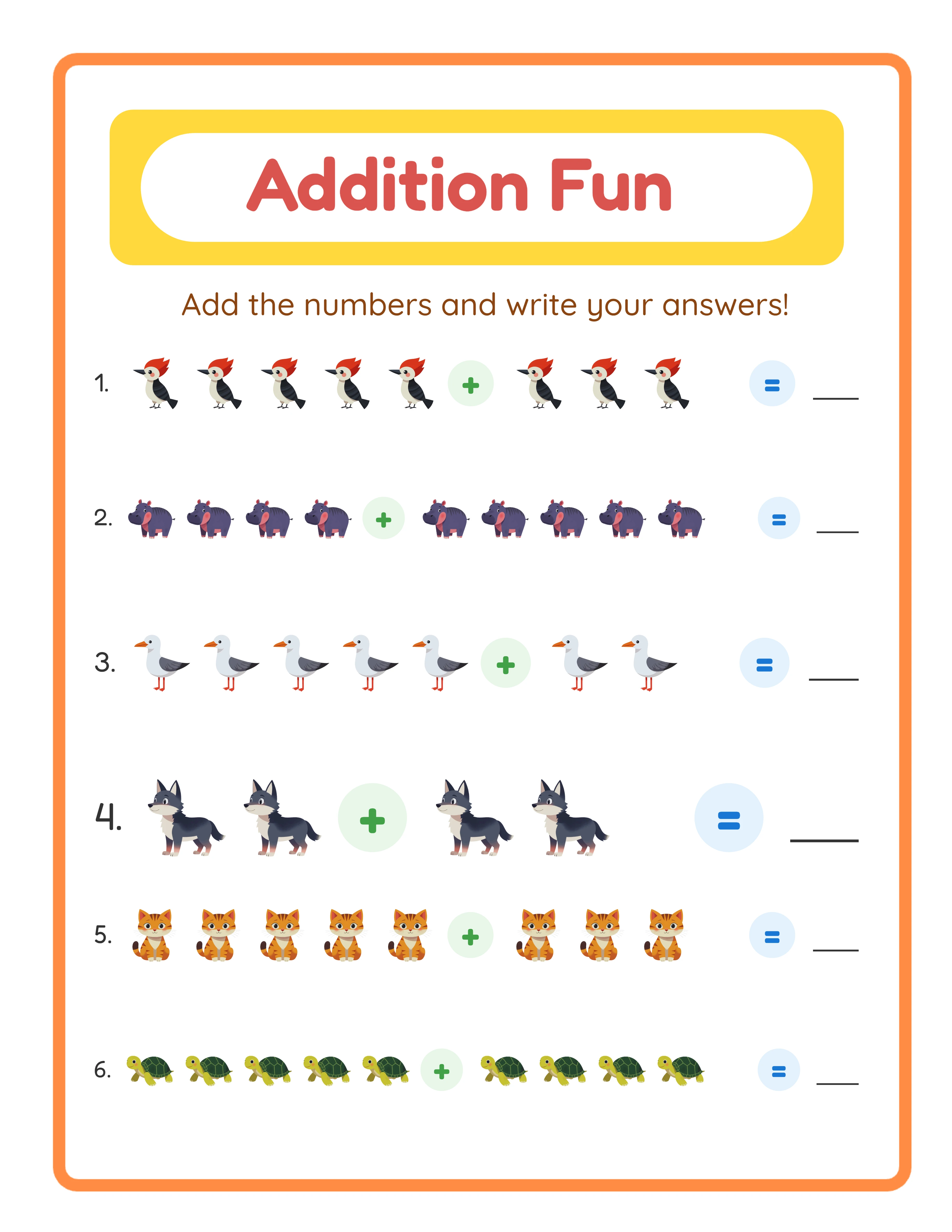
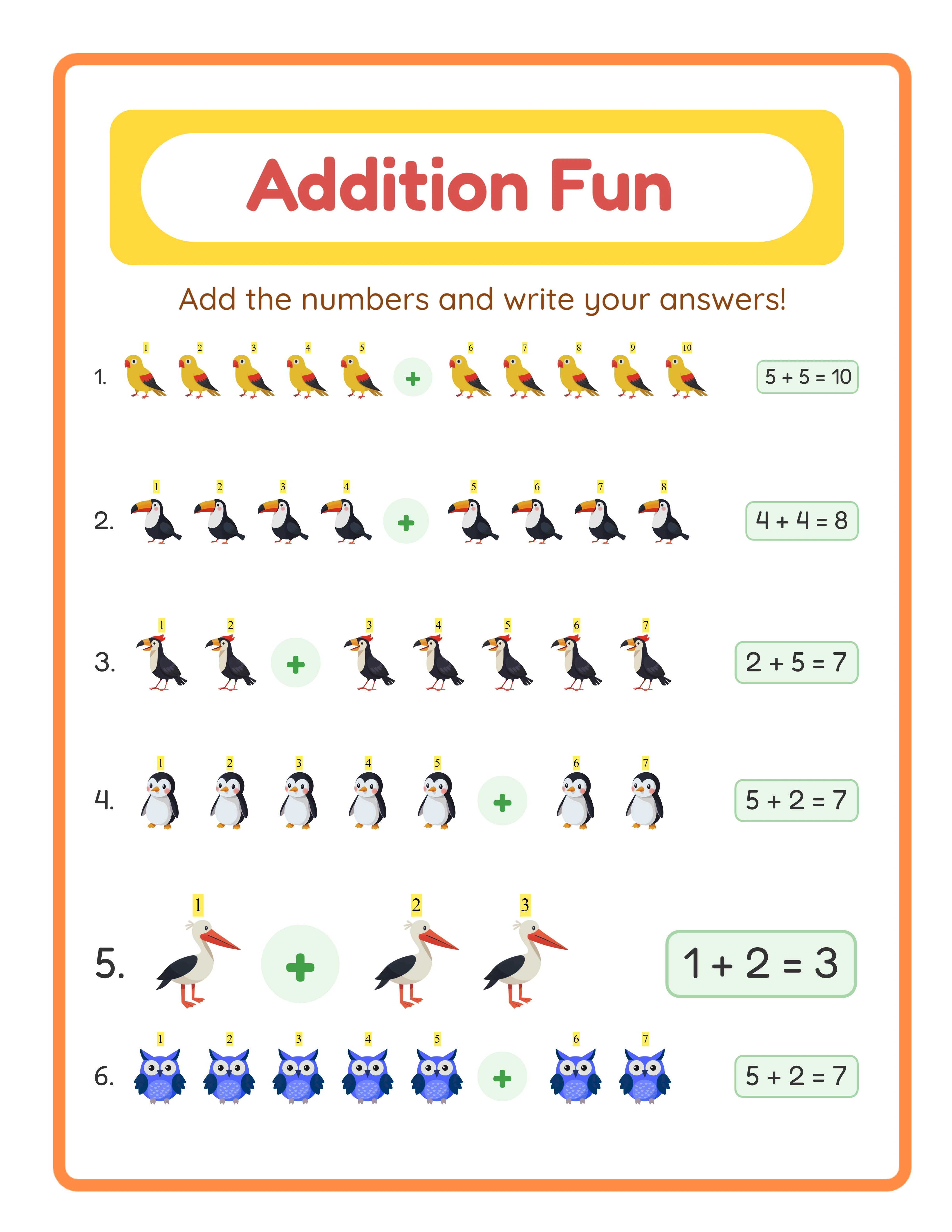
Watermark Best Practices: Visible but Usable
The watermark must thread the needle between protection and usability.
**Opacity:** 15-20% opacity for text watermarks. Below 15%, the watermark is too easy to remove digitally. Above 25%, it interferes with the buyer's ability to use the sample.
**Placement:** Diagonal across the center of the page. This covers the most content area while being the hardest to crop out. Watermarks in corners or edges can be cropped, defeating their purpose.
**Text content:** Include your brand name and the word "SAMPLE" or "FREE TRIAL." Example: "SAMPLE - LessonCraftStudio.com" or "FREE TRIAL - Not for Resale." This identifies the source and communicates the limitation.
**Consistency:** Use the same watermark design across all your samples. This builds brand recognition and looks professional. Inconsistent watermarks across products look amateurish.
**What NOT to do with watermarks:**
- Do not cover the entire page with dense repeating text (makes the sample unusable)
- Do not use colored watermarks that interfere with the content
- Do not place the watermark only on blank areas (it needs to cover the content to prevent removal)
- Do not use easily removable watermarks (single small logo in one corner)
- Do not watermark with your personal information (use business branding only)
**Legal note:** Your watermark should not make claims about copyright that you cannot enforce. Simply identifying the file as a sample with your business name is sufficient.
Measuring the Impact of Your Sample Strategy
Track these metrics to quantify how samples affect your business.
**Conversion rate comparison:** Compare the conversion rate of listings that reference samples versus listings that do not. Track this over 30-60 days for reliable data.
**Refund rate:** Monitor your refund rate before and after implementing samples. A significant drop confirms that samples reduce buyer's remorse and expectation mismatches.
**Sample download to purchase ratio:** If you host samples on your website with tracking, measure how many sample downloaders eventually purchase. A 5-15% conversion rate from sample download to purchase is typical.
**Customer feedback:** Note how many positive reviews mention "glad I could try first" or "the sample showed me exactly what I was getting." This qualitative data validates the strategy.
**Email list growth:** If you gate samples behind email signup, track how your list grows and what percentage of subscribers become buyers.
**Time investment vs. return:** Calculate the time spent creating and distributing samples against the additional revenue generated. For most sellers, the return on time invested is substantial — 15 minutes of sample creation can drive dozens of additional sales over the product's lifetime.
Review these metrics quarterly and adjust your sample strategy based on what the data shows. Some product types benefit more from samples than others.
Common Mistakes with Printable Samples
Avoid these errors that undermine your sample strategy.
**Mistake 1: Giving away too much.** A 20-page sample from a 50-page product gives buyers half the content for free. Keep samples at 5-10% of the total product. Enough to demonstrate quality, not enough to replace the purchase.
**Mistake 2: Using low-quality samples.** If your sample pages are lower resolution or have less polished formatting than the paid product, you are actively discouraging purchases. Samples must represent your best work.
**Mistake 3: No clear path from sample to purchase.** Every sample PDF should include a page with a direct link to purchase the full version. Without this, buyers enjoy the sample and forget where it came from. Make purchasing effortless.
**Mistake 4: Not mentioning samples in your listings.** If buyers do not know samples exist, they cannot use them. Prominently mention sample availability in your Etsy description, listing photos, and shop announcement.
**Mistake 5: Creating samples for every product.** Start with your top 5-10 products. Creating samples for 200 listings is a massive time investment with diminishing returns. Focus on products that are already getting traffic but have lower-than-expected conversion rates.
**Mistake 6: Forgetting to include a call to action.** The last page of your sample PDF should say: "Enjoyed this sample? Get the full [X]-page version at [link]." Without a CTA, the sample is marketing that goes nowhere.
**Mistake 7: Not updating samples when products change.** If you improve your main product, update the sample too. Outdated samples that do not match the current product create confusion.