Step 1: Define Your Color Palette (15 Minutes)
Choose 3-5 colors that will appear in all your listing images, cover pages, and shop graphics. This is the fastest way to create visual consistency.
**How to choose colors:**
- Pick one dominant color (60% of visual space) — this is your brand color
- Pick one accent color (30%) — complements the dominant color
- Pick one highlight color (10%) — for buttons, badges, and emphasis
- Add white and one dark neutral for text and backgrounds
**Colors that work for printable shops:**
- Soft teal + coral + cream (modern, appealing to parents)
- Navy + gold + white (premium, professional feel)
- Mint green + warm gray + blush pink (calming, approachable)
**Colors to avoid:** Neon colors (look unprofessional), all pastels (fade in thumbnails), dark-dominant palettes (feel heavy for children's products).
Write down your exact hex codes and save them. In Canva, create a "Brand Kit" with these colors so you can access them instantly. Every listing image, cover page, and shop banner should use only these colors.
Step 2: Create Listing Image Templates (30 Minutes)
Design one listing image template in Canva and duplicate it for every product. This ensures visual consistency while minimizing per-product design time.
**Your template needs:**
- A colored background or frame using your brand palette
- A consistent placement area for worksheet screenshots (same position, same size)
- Your shop name or logo in the same corner of every image
- A text area for the product title (same font, same position, same size)
- A badge or banner for key info ("50 Pages," "With Answer Keys," "Ages 4-6")
**Create these template variations:**
1. Single product template (for individual worksheets)
2. Bundle template (showing 3-5 worksheets fanned out)
3. "What's Included" template (checklist layout)
4. Close-up template (detailed view of one worksheet page)
With four templates, you can produce all listing images for any product in under 5 minutes — just swap the worksheet screenshots and update the text. Compare this to designing each listing image from scratch (15-20 minutes each).
The consistency pays off in search results. When a buyer sees your distinctive color frame on three different search result pages, they start recognizing your brand even before clicking.
Step 3: Establish Naming Conventions
Consistent product naming makes your shop look organized and helps with Etsy SEO.
**Naming formula:** [Theme] [Activity Type] [Detail] | [Quantity] | [Age Range] | [Format]
Examples:
- "Dinosaur Addition Worksheets | 50 Pages | Ages 4-6 | Printable PDF"
- "Ocean Animal Coloring Pages | 30 Designs | Ages 3-8 | Instant Download"
- "Farm Math Bundle | 100 Pages | Ages 5-7 | With Answer Keys"
Every listing title follows the same pattern. Buyers scanning your shop can quickly find what they need, and the consistency signals professionalism.
**Also standardize:**
- File names: "ShopName-Dinosaur-Addition-50pk.pdf" (not "final_export_v3.pdf")
- Description structure: Same sections in the same order for every listing
- Tag strategy: 5 product-specific tags + 8 recurring brand tags across all listings
- Pricing tiers: Standard prices for standard products ($4.99 for 20-page packs, $9.99 for 50-page bundles)
Consistency in naming makes your shop feel like a catalog that buyers can browse confidently, not a garage sale of random files.
One Generator — Three Product Tiers
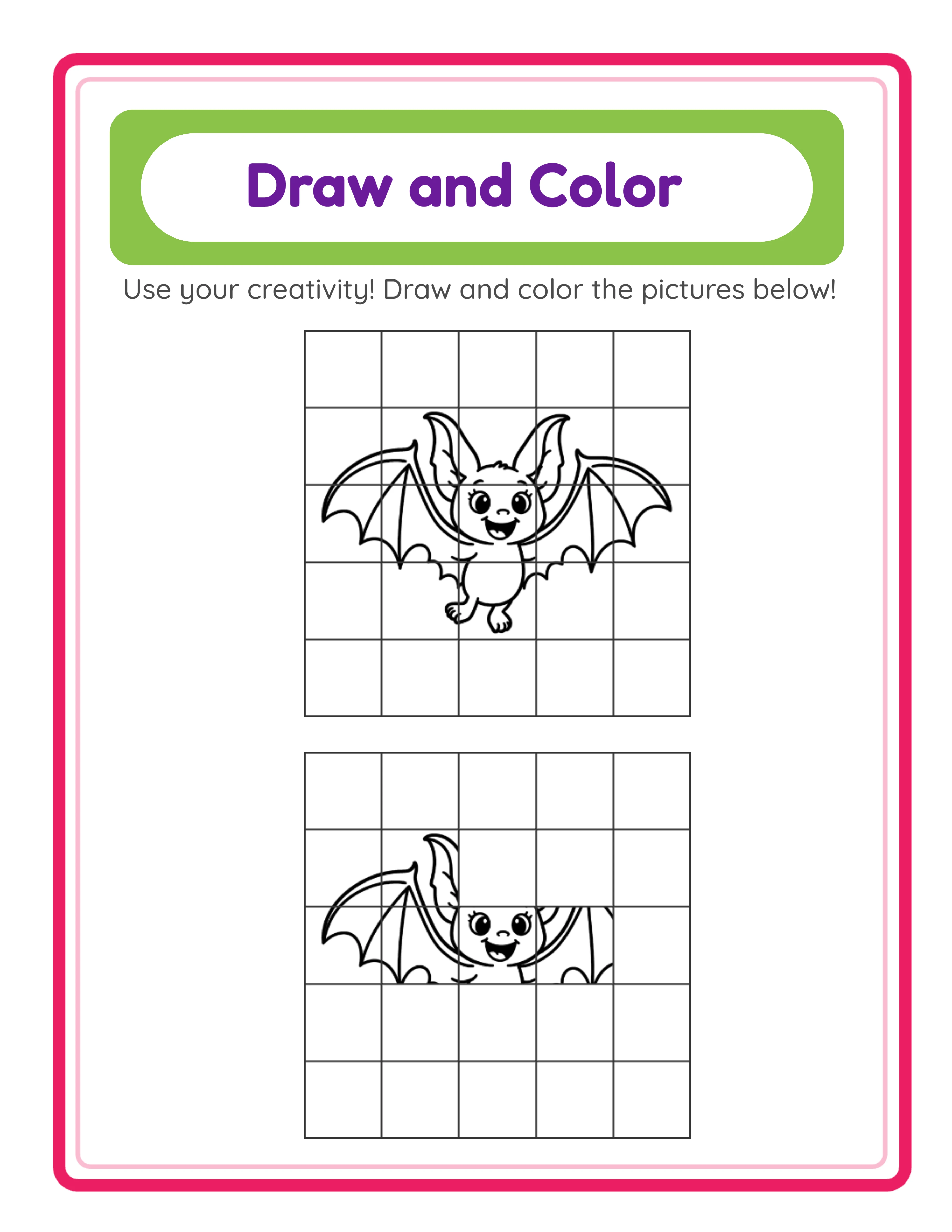
Create an entire product line from a single tool
beginner level
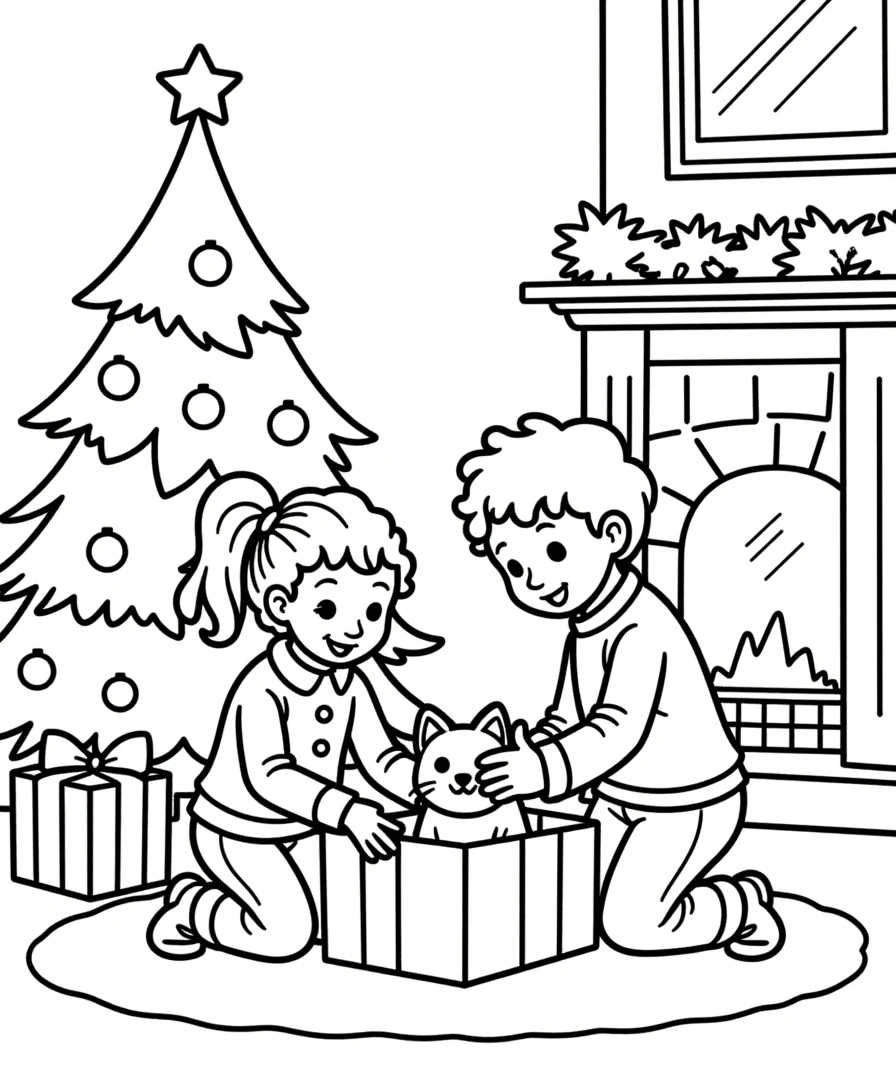
intermediate level
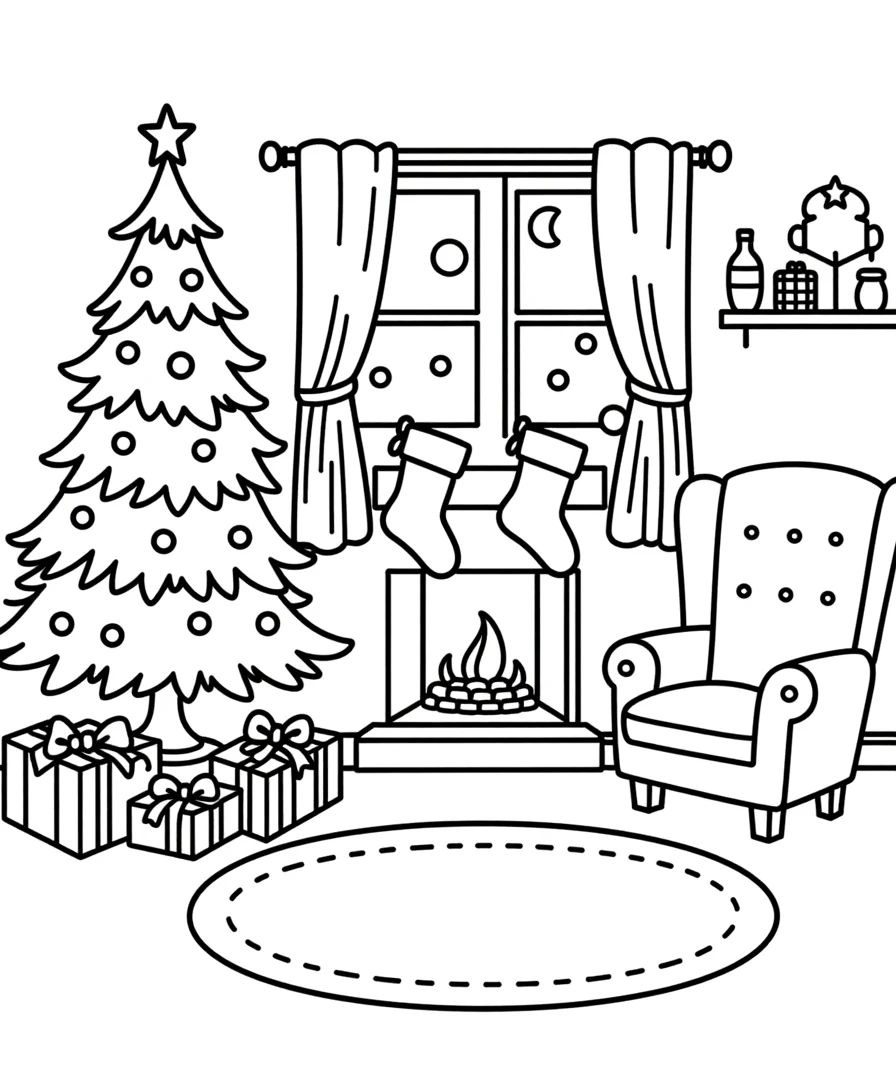
advanced level

→Increasing difficulty→
Step 4: Design Cover Pages That Reinforce Your Brand
Every bundle should start with a cover page that looks like it belongs to your brand.
**Cover page template elements:**
- Your brand colors as the background and accent colors
- Your shop name or logo centered at the top
- Product title in your brand font
- 3-4 small preview images of worksheet pages inside
- Page count and age range
- A simple tagline or description
Create one cover page template and duplicate it for every product. Change only the product-specific details (title, previews, page count). This takes 2-3 minutes per product.
**Why cover pages matter for branding:**
- They appear in listing preview photos — buyers see your brand identity
- Parents who print the bundle see your brand name first
- Repeat buyers recognize your brand style when browsing
- They create a professional first impression that sets expectations for the content quality
Branded cover pages also reduce support requests. When parents can see exactly what is inside the bundle from the cover, they are less likely to download and request a refund because the product was not what they expected.
Step 5: Maintain Brand Consistency as You Scale
Building a brand is easy. Maintaining it while producing 10+ new products per week is the challenge. Here are systems that keep your brand consistent:
**Brand checklist (use for every new listing):**
- [ ] Listing images use brand color palette
- [ ] Listing images use standard template
- [ ] Title follows naming convention
- [ ] Description follows standard structure
- [ ] Cover page uses brand template
- [ ] File names follow standard format
- [ ] Pricing follows standard tiers
**Organize your templates:**
- Create a "Brand Assets" folder in Canva with all templates
- Save your color hex codes in a text file on your desktop
- Keep a master spreadsheet of your naming convention rules
**Common mistakes that break brand consistency:**
- Using a different font "just for this one listing" (never do this)
- Changing your color palette because you saw a competitor's colors (resist this)
- Skipping the cover page to save time (always include it)
- Inconsistent pricing between similar products (standardize now)
Brand consistency compounds over time. After 50+ listings with a unified look, your shop becomes recognizable. Buyers who had a positive experience with one product buy again because they trust your brand. This is how printable shops move from $500/month to $5,000/month — not through more listings alone, but through brand loyalty that generates repeat purchases and word-of-mouth referrals.