PDF Settings That Prevent Printing Problems
Your worksheets must be delivered as PDF files — never JPEG or PNG for multi-page products. Here are the exact settings:
**Page size:** US Letter (8.5 x 11 inches) for North American buyers, A4 (210 x 297 mm) for international markets. The safest approach is to offer both sizes in one listing — it doubles your target market with minimal extra work.
**Margins:** Set 0.5-inch margins on all sides. This ensures content prints correctly on any home printer, including those that cannot print borderless. Never place critical content within 0.25 inches of any edge.
**Resolution:** 300 DPI minimum for all images. Lower resolution looks fine on screen but prints blurry. If you use a worksheet generator, outputs are already at print resolution.
**Color mode:** RGB for digital viewing, but design with CMYK-safe colors. Avoid neon greens and electric blues — they shift dramatically when printed. Stick to medium-saturation colors that look good both on screen and on paper.
**File size:** Keep individual PDFs under 20 MB and bundles under 100 MB. Etsy allows files up to 20 MB per upload slot with 5 slots per listing.
Organizing Multi-Page Bundles for Buyers
Bundle organization directly affects your review score. Here is the structure professional sellers use:
1. **Cover page:** Title, age range, page count, and a preview of 3-4 worksheets
2. **Terms of use page:** One paragraph covering personal/commercial use rights
3. **How to print page:** Brief instructions (paper size, orientation, color vs B&W)
4. **Worksheets grouped by difficulty:** Easy first, then medium, then hard
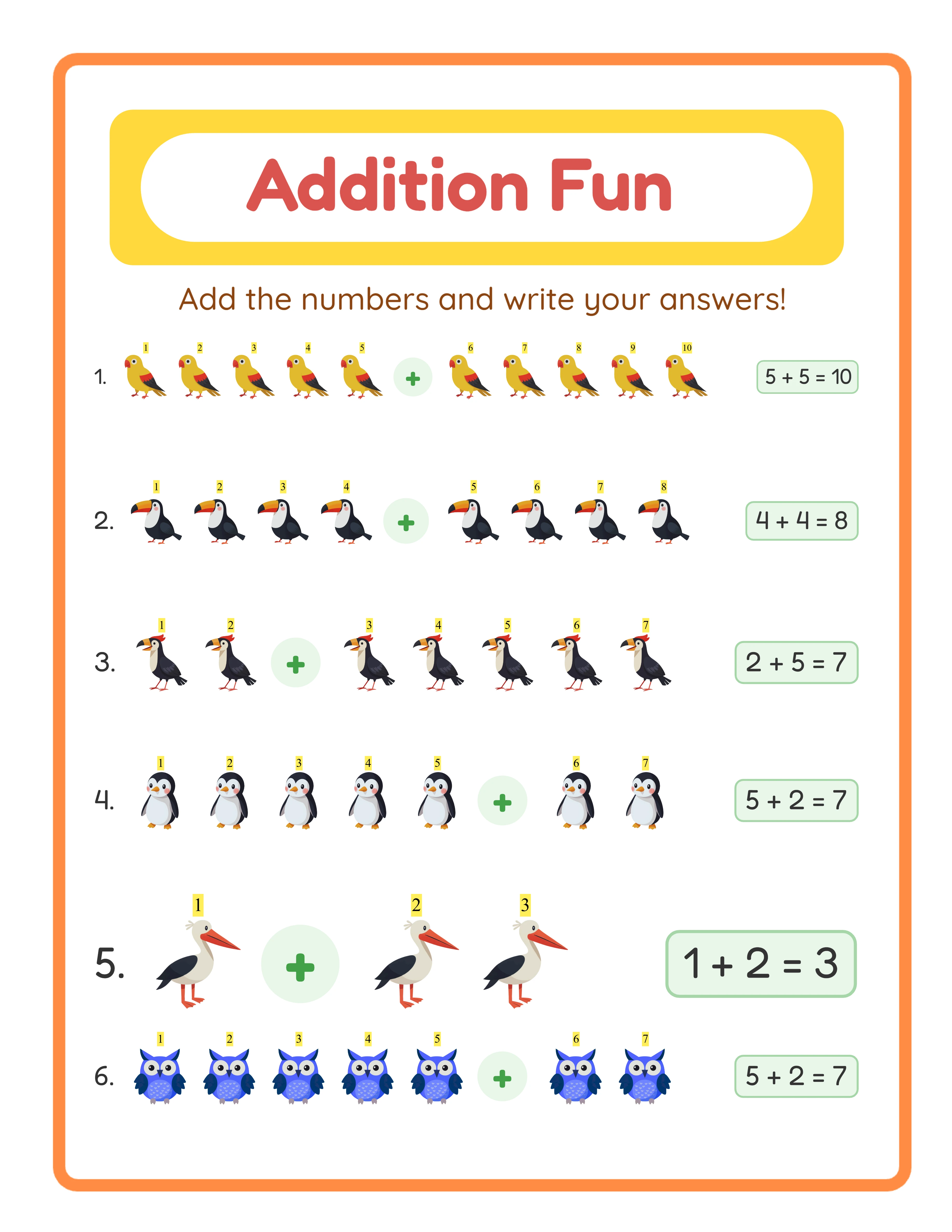
5. **Answer keys at the end:** Clearly labeled "Answer Key" with matching worksheet numbers
Number every worksheet page (e.g., "Worksheet 1 of 50"). This helps parents track their child's progress and makes your product feel organized.
File naming matters too. Name your PDF something descriptive: "Animal-Addition-Worksheets-50-Pack-Ages-5-7.pdf" not "final_v3_export.pdf." Buyers see the filename when they download, and a professional name builds trust.
Creating Listing Photos That Convert
Etsy gives you 10 image slots. Use at least 7 of them:
**Image 1 (thumbnail):** This is the most important image — it appears in search results. Show 3-4 worksheet pages fanned out at an angle, with large text stating the page count and theme. Dimensions: 2700 x 2025 pixels (4:3 ratio) or square.
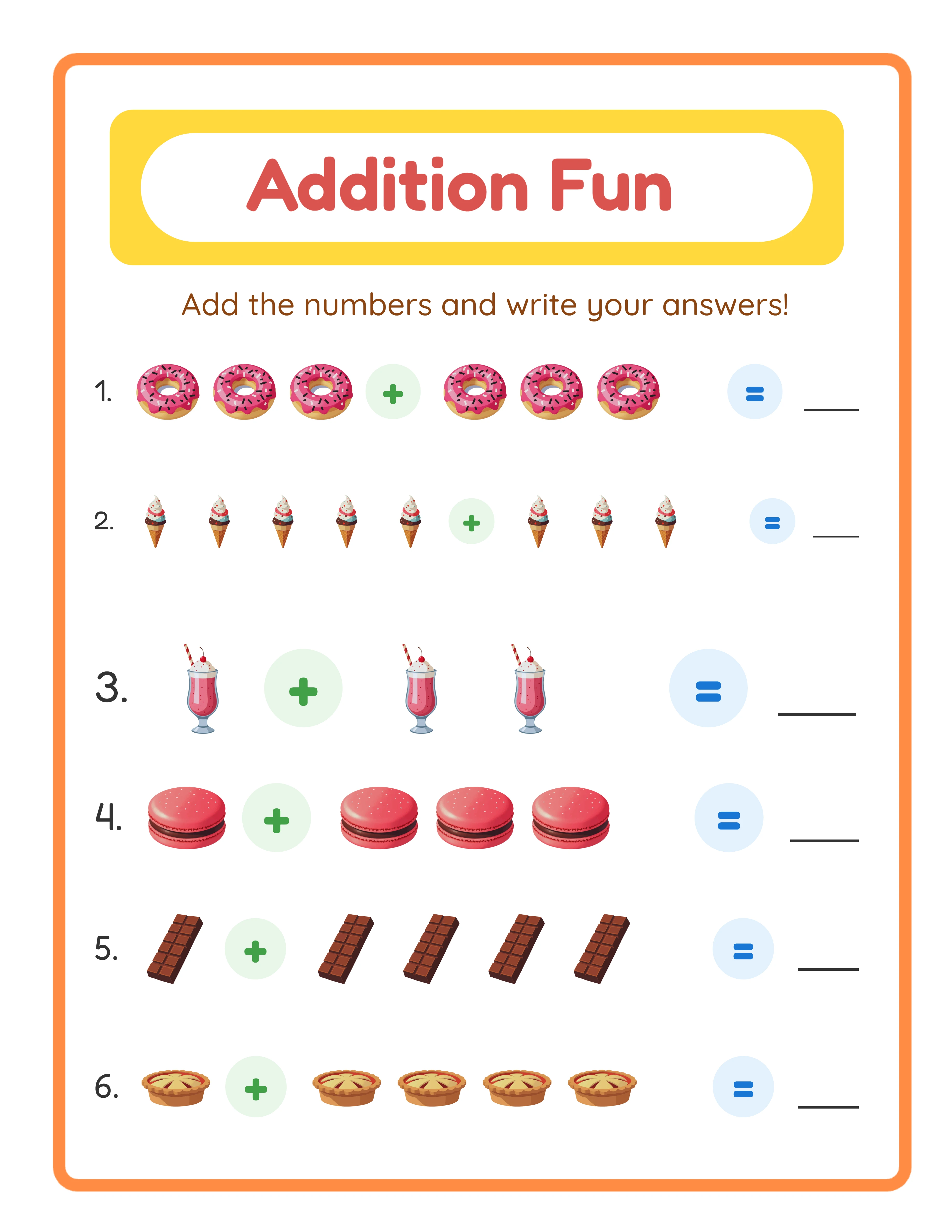
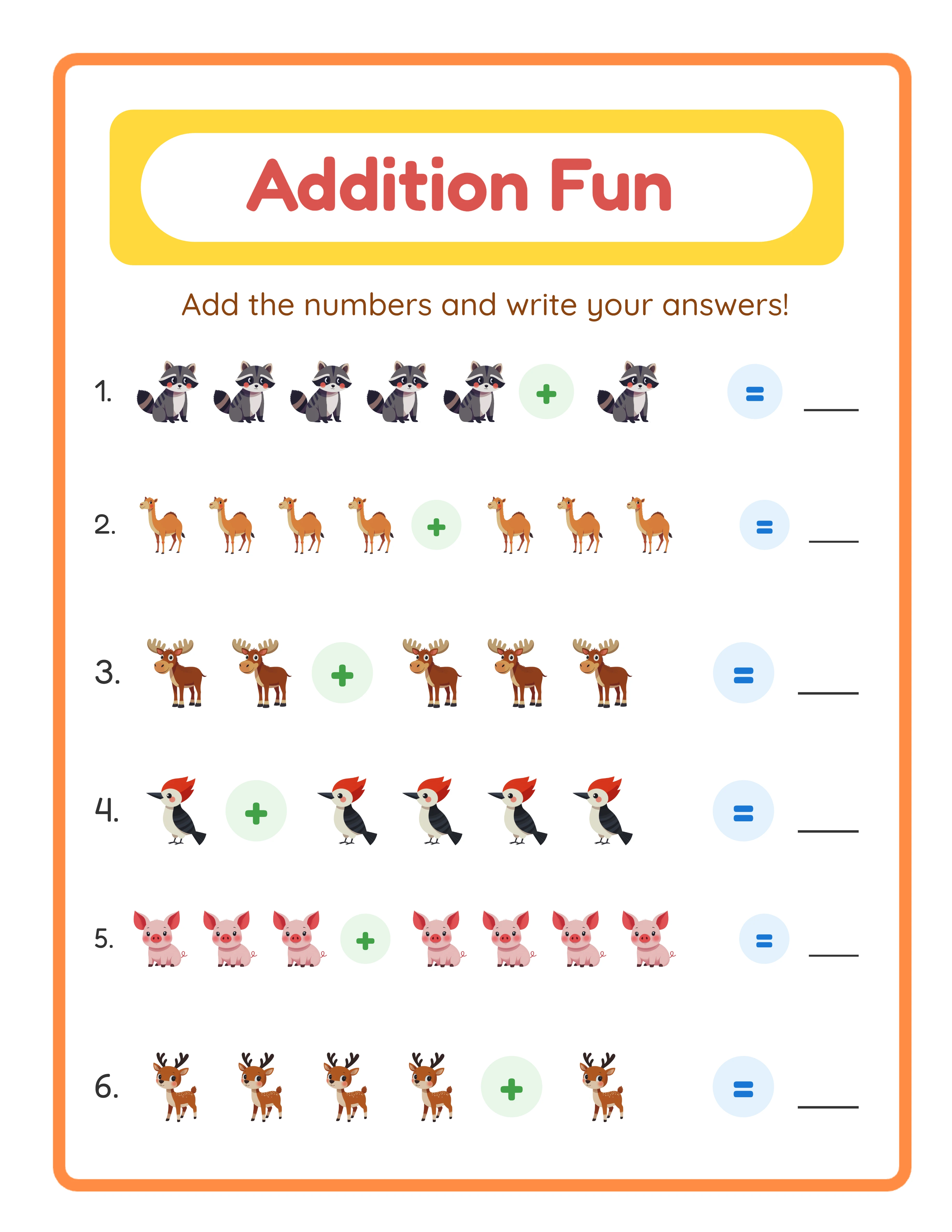
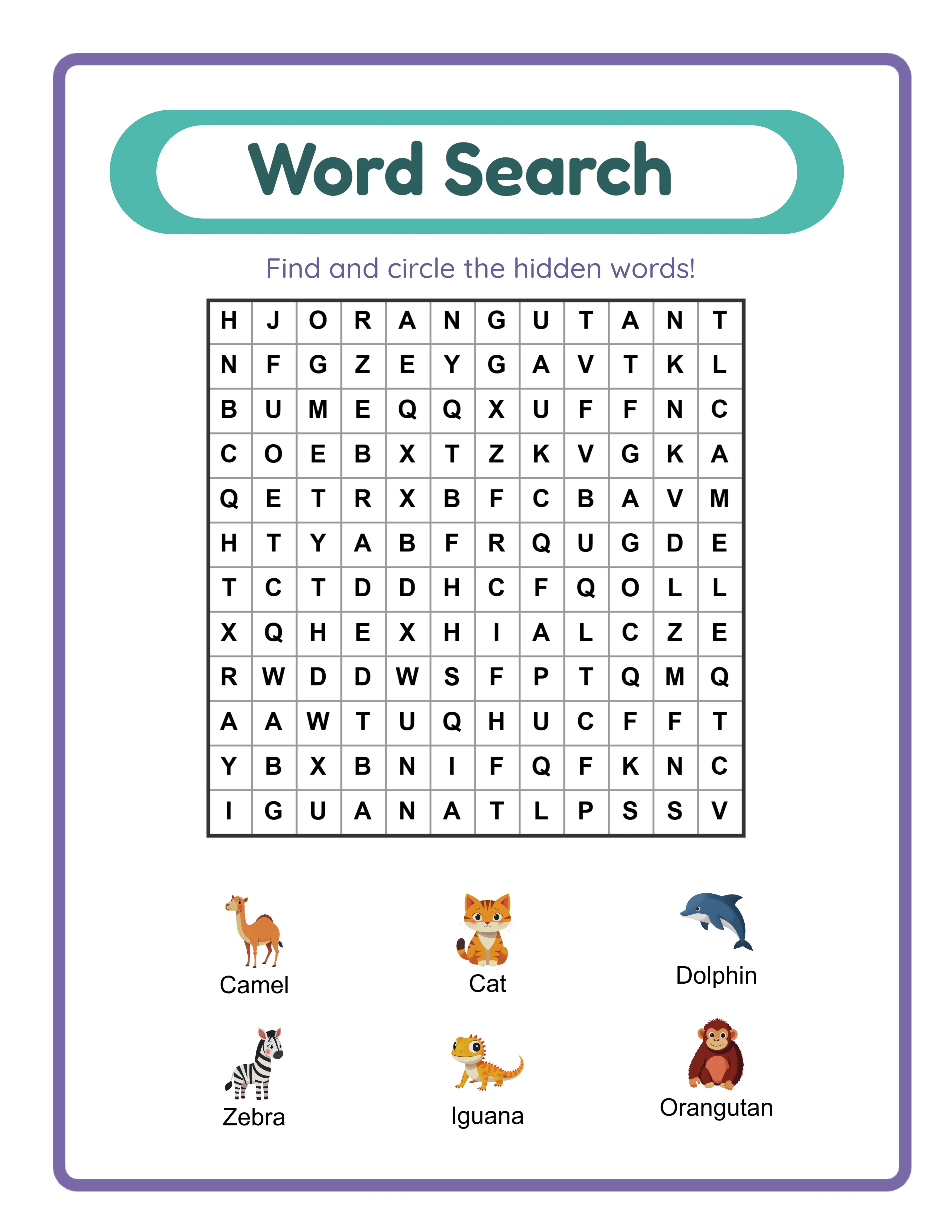
**Images 2-3:** Individual worksheet close-ups showing the actual content quality. One easy worksheet, one challenging worksheet.
**Image 4:** The answer key. Showing an answer key in your listing photos increases conversion by 15-20% because it signals completeness.
**Image 5:** A "What's Included" graphic listing every item in the bundle with checkmarks.
**Images 6-7:** Mockup photos — worksheets printed on paper, on a desk, or being used. Canva and Creative Fabrica both offer free printable mockup templates.
Avoid these common mistakes: screenshots with visible browser tabs, low-resolution images, dark or shadowy photos, and cluttered layouts with too much text. Clean, bright, and focused wins every time.
Every Worksheet Includes an Answer Key

Writing the Listing Description for Maximum Clarity
Your description must answer every question a buyer might have:
**Paragraph 1 (what it is):** "This bundle includes 50 printable animal-themed addition worksheets with answer keys, designed for ages 5-7. Instant PDF download — print at home and start practicing today."
**Paragraph 2 (what is included):** Bullet list every component — 15 easy worksheets, 20 medium, 15 hard, 50 answer keys, cover page, printing instructions. Be specific about page count.
**Paragraph 3 (printing details):** "Prints on standard US Letter (8.5 x 11) and A4 paper. Works with any home printer — color or black and white. 300 DPI resolution for crisp printing."
**Paragraph 4 (terms):** "For personal and classroom use. Commercial license available separately for resale rights."
Include the keyword phrase "printable worksheet" at least 2-3 times naturally in the description. Etsy indexes description text for search, but keyword stuffing triggers penalties. Write for humans first, search engines second.
File Delivery and Quality Assurance Checklist
Before publishing any listing, run through this checklist:
- [ ] Open the PDF on a phone — does it display correctly on small screens?
- [ ] Print one worksheet on your own printer — are margins correct?
- [ ] Check every answer key matches its worksheet — one wrong answer means a refund
- [ ] Verify page numbering is sequential with no gaps
- [ ] Confirm file size is under 20 MB per upload slot
- [ ] Test the download link after publishing (buy your own listing on a test account)
The print test is critical. Many sellers skip this step and discover issues only through negative reviews. Print at least 3 pages — one from the beginning, middle, and end of the bundle.
For sellers who use a worksheet generator, most of these checks are handled automatically. Answer keys are generated to match each worksheet, formatting is standardized, and output resolution is print-ready. Your main job is verifying the compilation and listing setup.