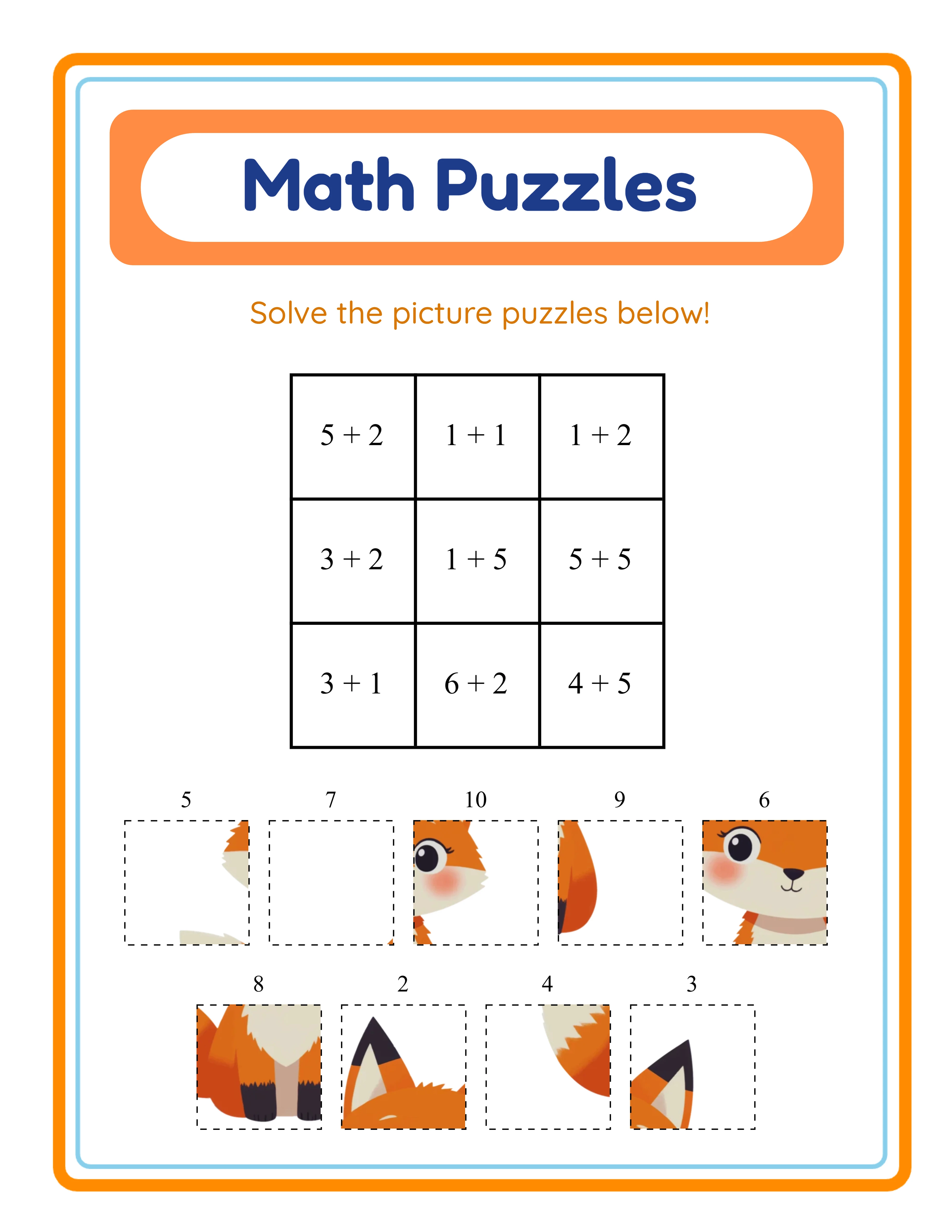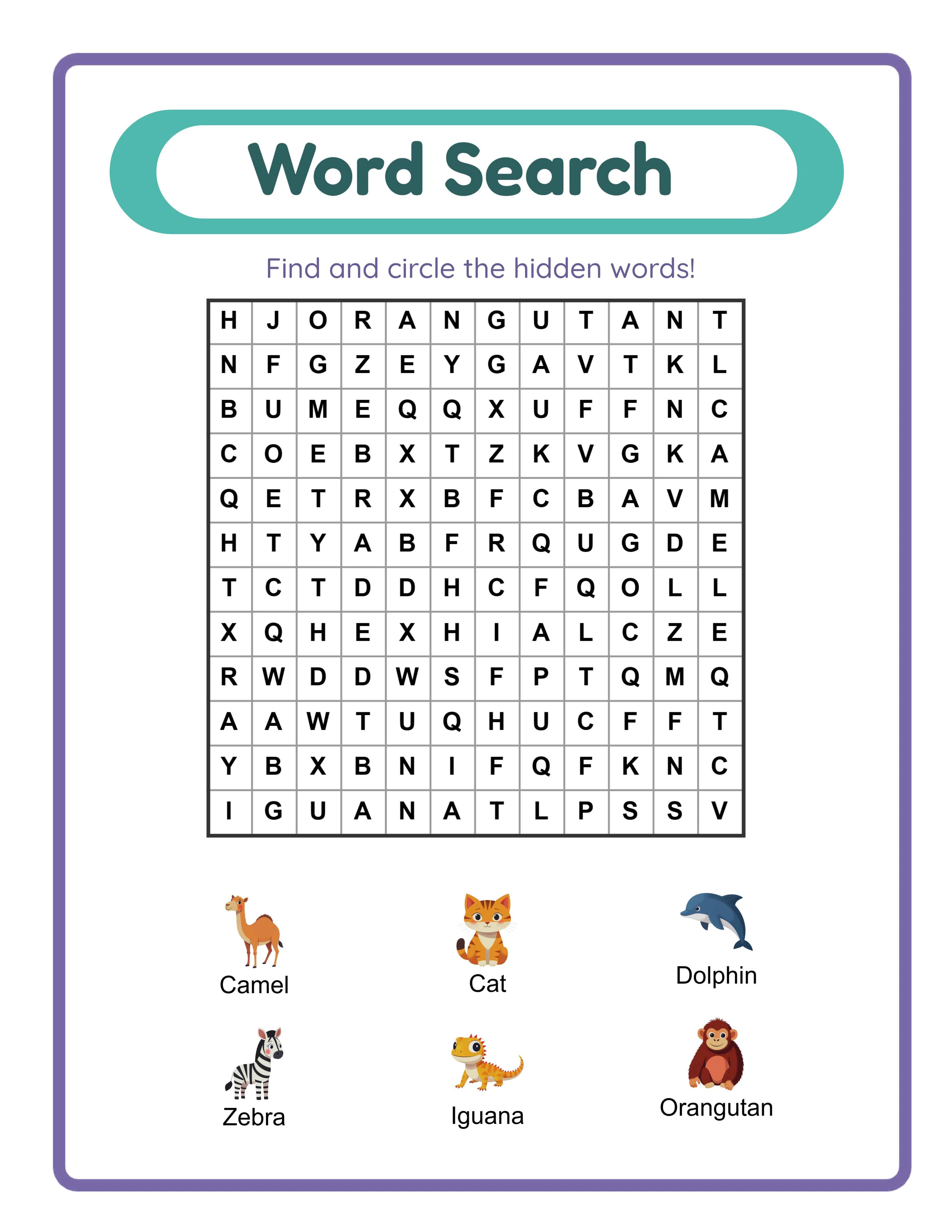
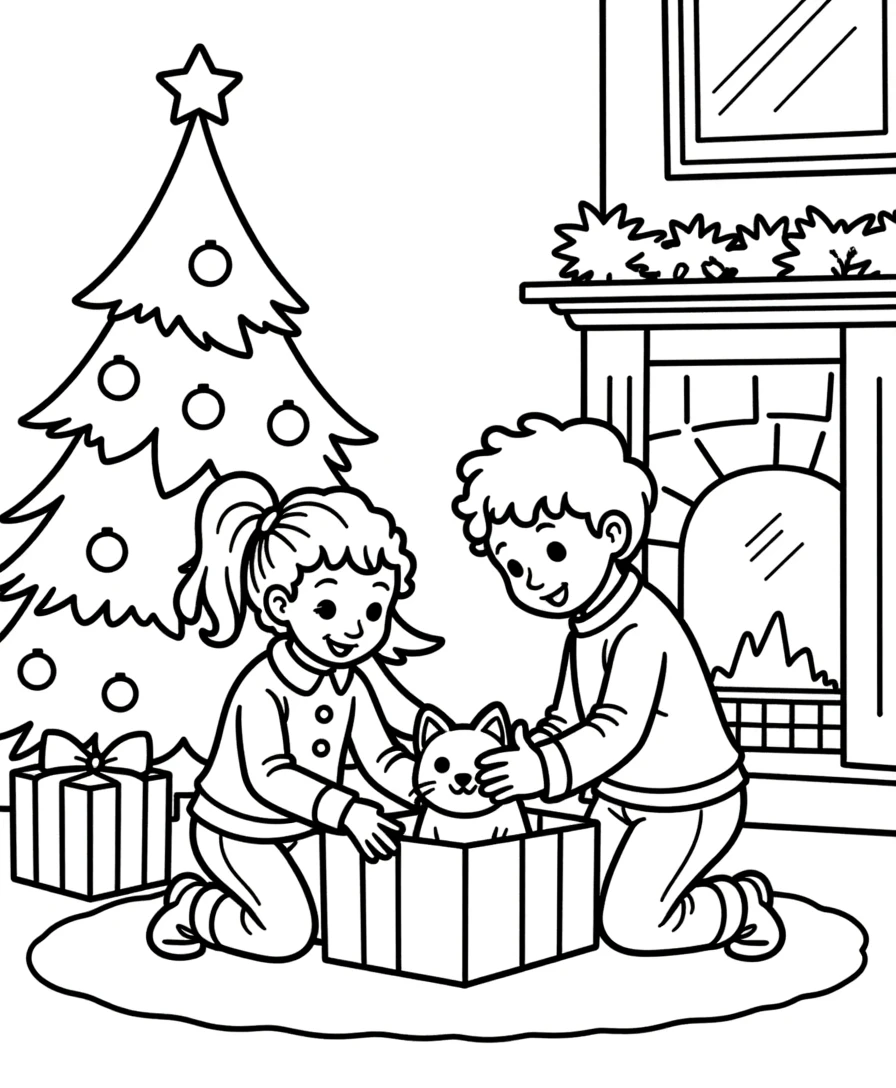
Choosing the Right Trim Size
KDP supports dozens of trim sizes, but activity books perform best in a handful of standard dimensions:
**8.5 x 11 inches (Letter)** — The most popular size for children's activity books. Provides maximum workspace for puzzles, coloring, and writing activities. Matches standard US paper size for easy at-home printing by buyers.
**8.5 x 8.5 inches (Square)** — Popular for coloring books and simpler activity books targeting younger children. The square format feels more premium and stands out in search results.
**6 x 9 inches** — Standard for puzzle books targeting adults (crosswords, word searches, sudoku). More portable than letter size. Lower printing costs due to smaller page area.
**8 x 10 inches** — A versatile middle ground. Large enough for detailed activities but slightly more compact than letter. Common for general-purpose activity books.
**How to choose:** Consider your target audience and activity type. Children's worksheets with writing space need 8.5 x 11. Adult puzzle books work better at 6 x 9. Coloring books suit 8.5 x 8.5 or 8.5 x 11. Use the KDP Size Calculator to see exact dimensions with margins for your chosen trim size.
Margin Specifications for Activity Books
KDP requires minimum margins that vary by page count and trim size. For activity books, use these specifications:
**Outside margins (top, bottom, outside edge):**
- Minimum: 0.25 inches for all trim sizes
- Recommended for activity books: 0.5 inches to keep content away from the cut line
**Inside margin (gutter — the binding edge):**
The gutter must be wider to account for the binding. KDP specifies minimum gutter based on page count:
- 24-150 pages: 0.375 inches minimum
- 151-300 pages: 0.5 inches minimum
- 301-500 pages: 0.625 inches minimum
- 501-700 pages: 0.75 inches minimum
- 701+ pages: 0.875 inches minimum
**Recommended gutters for activity books:** Add 0.125 inches to KDP's minimum. Activity books need extra gutter because children press pages flat to write, and tight gutters make the binding-edge content difficult to access.
**Safe zone:** Keep all critical content (puzzle grids, writing lines, numbered items) at least 0.5 inches from any edge. Decorative elements like borders can extend closer to the margins.
**The KDP Size Calculator** computes exact margin requirements for any trim size and page count combination, eliminating guesswork.
How It Looks as a KDP Book
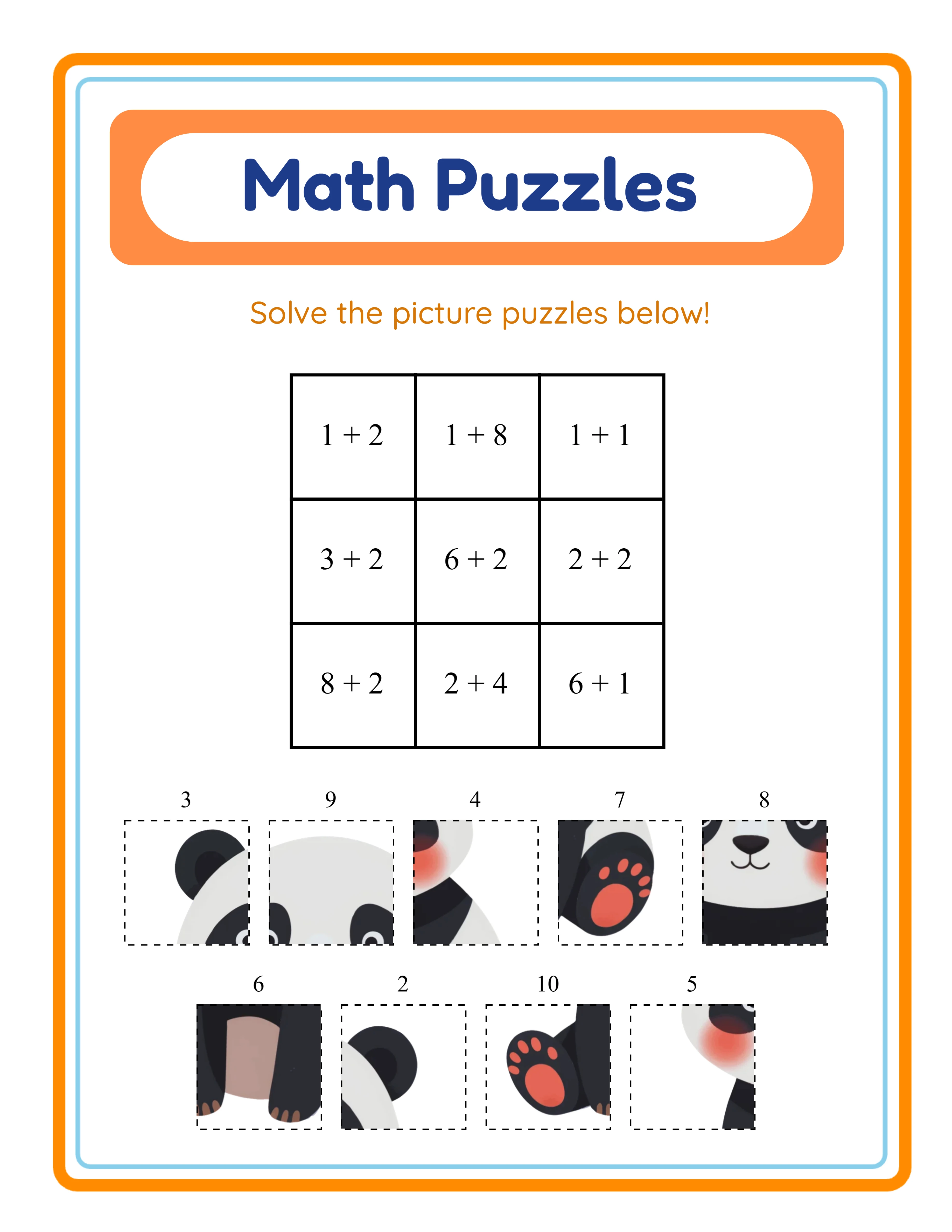
Amazon KDP
Bleed vs. No-Bleed Interiors
Bleed determines whether your content extends to the very edge of the page after trimming:
**No-bleed (most activity books):** Content has a white border around every page. This is the standard for worksheet-style activity books, puzzle books, and any book where content is contained within margins. Document size equals trim size exactly.
**Bleed (coloring books, full-page art):** Content extends past the trim line so there's no white border after cutting. Required for full-page illustrations, coloring pages, and any design that goes edge-to-edge.
**Bleed specifications:**
- Top bleed: 0.125 inches
- Bottom bleed: 0.125 inches
- Outside edge bleed: 0.125 inches
- Inside edge (gutter): No bleed — the binding edge is never trimmed
**Document size with bleed:** Your document dimensions must include the bleed area. For an 8.5 x 11 inch book with bleed:
- Page width: 8.5 + 0.125 (outside) = 8.625 inches
- Page height: 11 + 0.125 (top) + 0.125 (bottom) = 11.25 inches
**Which to choose for activity books:** Most activity books use no-bleed interiors. The content (puzzles, worksheets, writing exercises) naturally has margins. Choose bleed only if your pages have full-page background colors or edge-to-edge artwork.
Font Selection and Text Formatting
Fonts directly affect readability, print quality, and KDP acceptance:
**Embed all fonts.** KDP requires every font used in your PDF to be embedded. Missing font embeddings cause rejections. When exporting to PDF, always select "embed all fonts" in your export settings.
**Recommended fonts for activity books:**
- **Instructions and body text:** Arial, Helvetica, Open Sans, or Roboto at 11-14pt. Clean sans-serif fonts are most readable for activity instructions.
- **Titles and headings:** Bold weights of your body font, or decorative fonts at 18-24pt. Ensure decorative fonts are fully legible.
- **Worksheet content (numbers, letters):** Use fonts designed for educational content. Large, clear letterforms with consistent stroke width. 14-18pt minimum for children's worksheets.
- **Answer keys:** Same font as worksheet content, but can be reduced to 9-11pt.
**Minimum text size:** KDP technically accepts any size, but for print readability:
- Body text: 10pt minimum (12pt recommended)
- Children's content: 14pt minimum
- Fine print: 8pt minimum
**Line spacing:** Use 1.2-1.5x line spacing for body text. Worksheet content with writing lines needs at least 0.4 inches between lines for children to write comfortably.
**Color considerations:** Use true black (CMYK: 0,0,0,100 or RGB: 0,0,0) for text. Avoid rich black (mixed CMYK values) for small text as it can appear blurry in print due to registration variation.
Page Numbering and Front Matter
Professional activity books include proper front matter and page numbering:
**Front matter structure:**
1. **Title page** (page 1, right-hand page) — Book title, subtitle, optional branding
2. **Copyright page** (page 2, left-hand page) — Copyright notice, ISBN if applicable, printing information
3. **Table of contents** (optional, page 3) — Useful for books with distinct sections
4. **Instructions page** (optional) — How to use the book
5. **Activity pages begin** — First activity should start on a right-hand page (odd number)
**Page numbering guidelines:**
- Start numbering on the first activity page, not the title page
- Place numbers at the bottom center or bottom outside corner
- Use 8-9pt font size for page numbers
- Do not number the title page, copyright page, or table of contents
- Answer key section can use its own numbering (e.g., "Answers - Page 1")
**KDP page count requirements:**
- Minimum: 24 pages (including front matter)
- Maximum: 828 pages
- Must be an even number (KDP adds a blank page if odd)
**Answer key placement:** Place answer keys at the back of the book, after all activity pages. Include a clear "Answer Key" section divider page. Reference the answer key on the first activity page so buyers know where to find it.
**Pro tip:** KDP counts every physical page, including blanks. If your activity works best on right-hand pages only, add intentional blank pages with a small "This page intentionally left blank" note or a decorative border.
33 Generators
3,000+ Images
11 Languages
300 DPI Export
PDF Export Settings for KDP
Your PDF export settings determine whether KDP accepts or rejects your manuscript:
**Required PDF specifications:**
- Format: PDF/X-1a:2001 or PDF/X-3:2002 (preferred), or standard PDF with fonts embedded
- Resolution: 300 DPI minimum for all images
- Color space: CMYK for color interiors, Grayscale for black-and-white
- Font embedding: All fonts must be embedded (no linked or system fonts)
- Transparency: Fully flattened (no transparent objects)
- Layers: Flattened (no layers in the PDF)
**Image resolution guidelines:**
- Line art (puzzles, mazes, grids): 300-600 DPI
- Photographs: 300 DPI minimum
- Illustrations: 300 DPI minimum
- Text rendered as images: 600 DPI for crisp edges
**Common rejection causes:**
- Images below 300 DPI (the most common issue)
- Fonts not embedded
- Incorrect trim size (document size doesn't match selected KDP trim)
- Content extending into bleed area on no-bleed books
- RGB color space when CMYK is required for color printing
**File size:** KDP accepts PDFs up to 650 MB, but aim to keep files under 200 MB for faster upload and processing. Compress images before placing them if your file is too large.
**Final check before upload:** Open your PDF at 100% zoom and inspect every page. Verify margins, check image quality, confirm page order, and ensure the total page count is even.
Formatting Worksheet Generator Output for KDP
If you're using worksheet generators to create KDP activity book interiors, here's how to bridge the gap between generator output and KDP-ready manuscripts:
**Step 1: Generate worksheets at the correct page size.** Set your generator to output at your target KDP trim size. If the generator uses US Letter (8.5 x 11), you can publish at that trim size directly.
**Step 2: Compile pages in order.** Arrange your generated worksheets in a logical sequence: start with easier activities and progress to harder ones. Group by theme or type within the book.
**Step 3: Add front matter.** Create a title page, copyright page, and optional table of contents. These can be simple text pages — no design skills needed.
**Step 4: Place answer keys at the end.** Generators produce answer keys automatically. Compile them in the same order as the activity pages.
**Step 5: Verify page count.** Ensure your total page count (front matter + activities + answer keys) is an even number and meets the 24-page minimum. Add blank pages if needed.
**Step 6: Export with correct settings.** Use the PDF specifications from the previous section. Verify 300 DPI, embedded fonts, and correct trim dimensions.
**Step 7: Run the KDP previewer.** Before uploading, download Amazon's KDP Print Previewer tool. It shows exactly how your book will look in print, including spine and cover alignment.
The entire process from generator output to KDP-ready manuscript takes about 30-60 minutes once you've done it twice. The KDP Size Calculator provides exact dimensions for any trim size and page count.