.webp)
Step 1: Choose Your Niche and Plan Content (20 Minutes)
Start with Amazon's own search bar. Type "activity book for" and note the autocomplete suggestions — these are real searches. Popular evergreen niches include:
- Animals (dinosaurs, unicorns, ocean animals)
- Vehicles (trucks, construction, trains)
- Seasons (summer activities, winter fun)
- Age groups (toddler activities, kindergarten prep)
Check competition by counting reviews. A niche is viable when the top 10 results have a mix of high-review (1,000+) and low-review (under 100) books. All high reviews means you cannot break in; all low reviews means low demand.
Plan your book structure:
- **50-80 pages** is the sweet spot (enough value, manageable production)
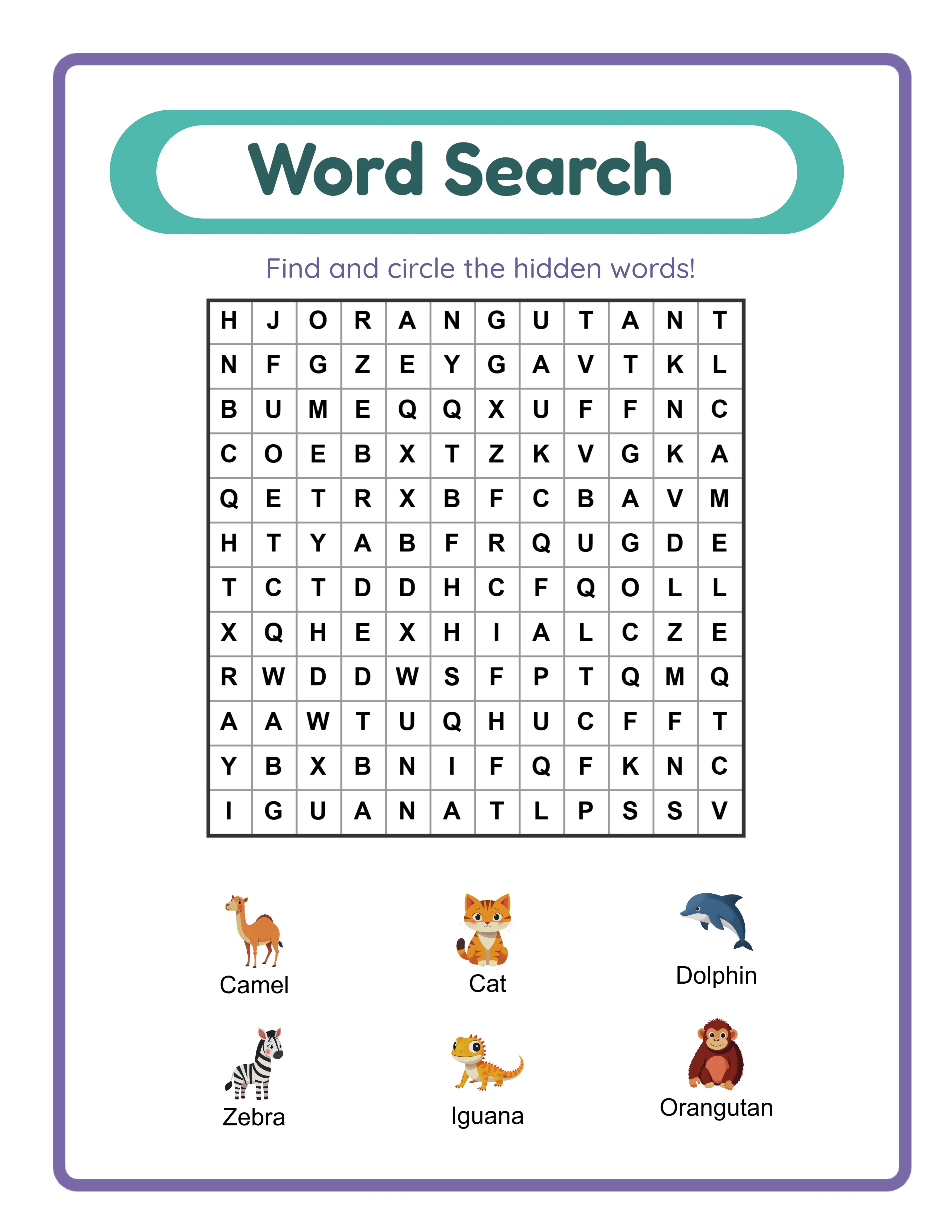
- **Mix activity types:** worksheets, coloring pages, mazes, puzzles, matching
- **Progressive difficulty:** start easy, end challenging
- **Age range:** target a 2-year span (ages 4-6 or 6-8)
Write down your table of contents before generating any content. This prevents gaps and ensures variety.
Step 2: Generate and Format the Interior (45 Minutes)
This is where a worksheet generator saves you days of work. Using LessonCraftStudio's tools, generate your activity pages by type:
- 15 math worksheets (addition or counting, themed to your niche)
- 10 coloring pages (themed images)
- 10 maze or puzzle pages
- 10 matching or sorting activities
- 5 drawing prompts
- Answer keys for all applicable pages
That is 50+ activity pages produced in about 20 minutes of generation time.
**Critical KDP formatting requirements:**
- **Trim size:** 8.5 x 11 inches (most popular for activity books)
- **Bleed:** No bleed for activity books (content stays within margins)
- **Margins:** Minimum 0.375 inches on all sides, 0.5 inches recommended
- **File format:** PDF, single file, all pages in order
- **Color:** Full color interior (costs more per copy but activity books require it)
- **Resolution:** 300 DPI minimum for all images
Compile all pages into one PDF in this order: title page, table of contents, activity pages (grouped by type or mixed), answer keys. Number every page.
Step 3: Design the Cover (30 Minutes)
KDP provides a cover calculator tool. Enter your page count and trim size to get exact cover dimensions including spine width.
For a 50-page, 8.5 x 11 inch color book, your cover PDF will be approximately 17.375 x 11.25 inches (front + spine + back).
**Cover design tips for activity books:**
- Show 3-4 sample activity pages on the front cover
- Include the age range prominently ("Ages 4-6")
- Use bright, saturated colors — activity books compete visually on Amazon
- Put your main keyword in the subtitle on the cover
- Back cover: brief description, 3-4 bullet points of what is inside, barcode area
You can design covers in Canva (use custom dimensions matching KDP's calculator output), Photoshop, or GIMP. Canva is the fastest option for beginners.
Export the cover as a PDF with 300 DPI resolution. KDP will reject covers with visible pixelation or text too close to the trim edge.
One Generator — Three Product Tiers
Create an entire product line from a single tool
beginner level
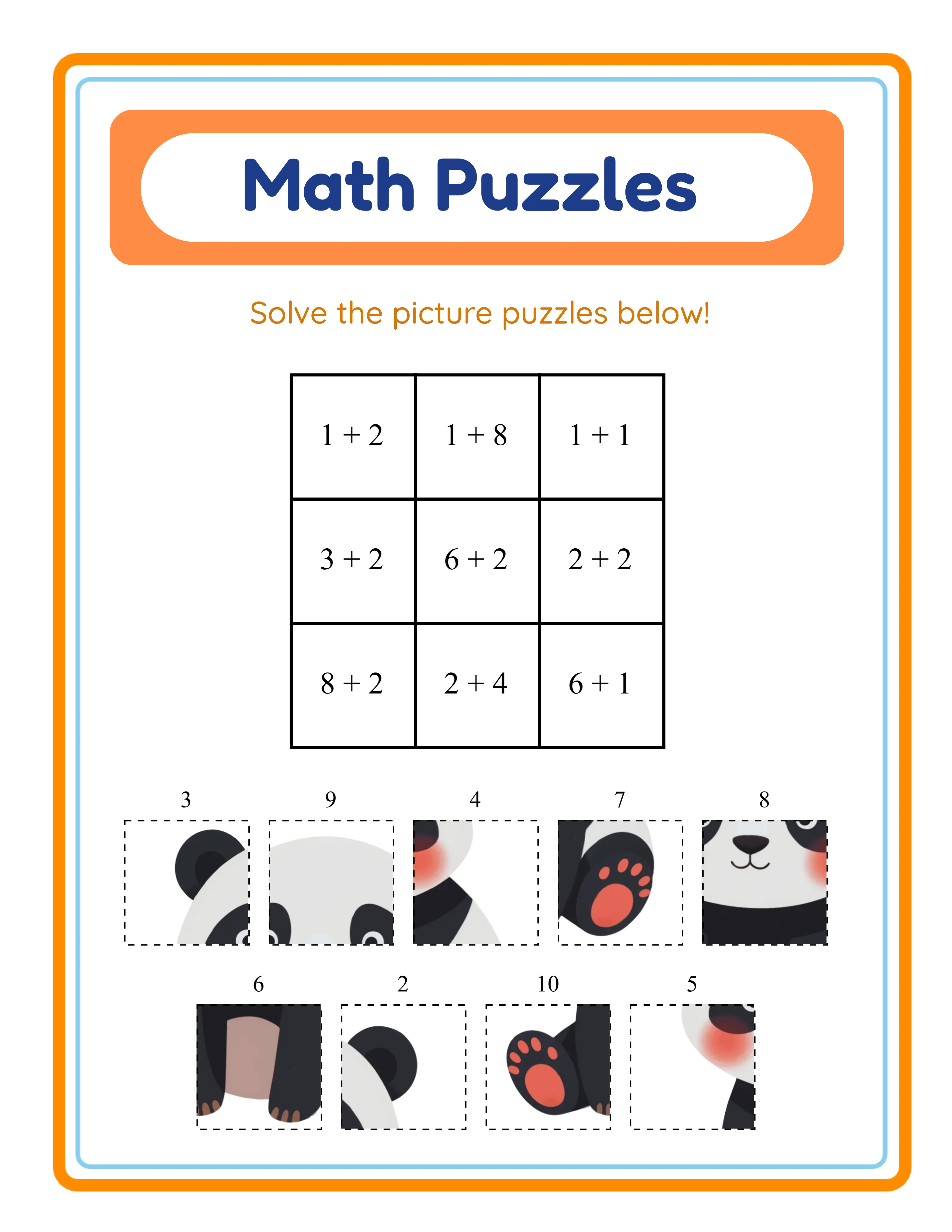
intermediate level
.webp)
advanced level
.webp)
→Increasing difficulty→
Step 4: Upload to KDP and Configure Settings (20 Minutes)
Log into kdp.amazon.com and click "Create New Title" → "Paperback."
**Book details page:**
- Title: Your main keyword phrase (e.g., "Dinosaur Activity Book for Kids Ages 4-6")
- Subtitle: Secondary keywords (e.g., "Coloring, Mazes, Math Worksheets, and Puzzles")
- Author: Your name or pen name
- Description: 200-300 words with relevant keywords, bullet points for content list
- Keywords: 7 keyword boxes, each up to 50 characters
- Categories: Choose 2 that best match (Children's Activity Books, specific subject)
**Content page:**
- Upload interior PDF
- Upload cover PDF
- Select "No bleed" for activity books
- Paper type: White
- KDP runs an automated review — fix any flagged issues
**Pricing page:**
- Set list price between $6.99 and $9.99 for a 50-page color activity book
- At $7.99, your royalty is approximately $1.50-$2.50 per copy (60% royalty rate minus printing costs)
- Enable all available marketplaces (US, UK, EU, Japan, Australia)
Click publish. KDP review takes 24-72 hours. Your book will be live on Amazon within 3 days.
Step 5: Optimize and Scale After Launch
Your first book is live, but the work is not done. The real money comes from volume and optimization.
**Week 1-2 after launch:**
- Order an author copy ($3-4) to verify print quality
- Take photos of the physical book for your Amazon listing (A+ Content)
- Share the listing link on Pinterest and social media
- Run a KDP promotional price ($0.99) for the first week to generate initial sales and reviews
**Scaling strategy:**
- Create 2-3 variations of your first book (different themes, same format)
- Each new book takes 45-60 minutes once you have the workflow
- Target 10 books in your first month, 20-30 within 3 months
- Cross-link books in each book's back matter ("Also by this author")
**Revenue expectations:**
- 1-5 books: $20-$100/month
- 10-20 books: $200-$800/month
- 30-50 books: $500-$3,000/month
These are realistic ranges based on activity book niches with moderate competition. Seasonal titles (Christmas, Halloween) spike dramatically during their window — a well-timed seasonal book can earn 5-10x its normal monthly revenue.
The compound effect is powerful. Each book is a permanent listing that earns royalties indefinitely. Twenty books at $30/month each is $600/month in genuinely passive income.
.webp)