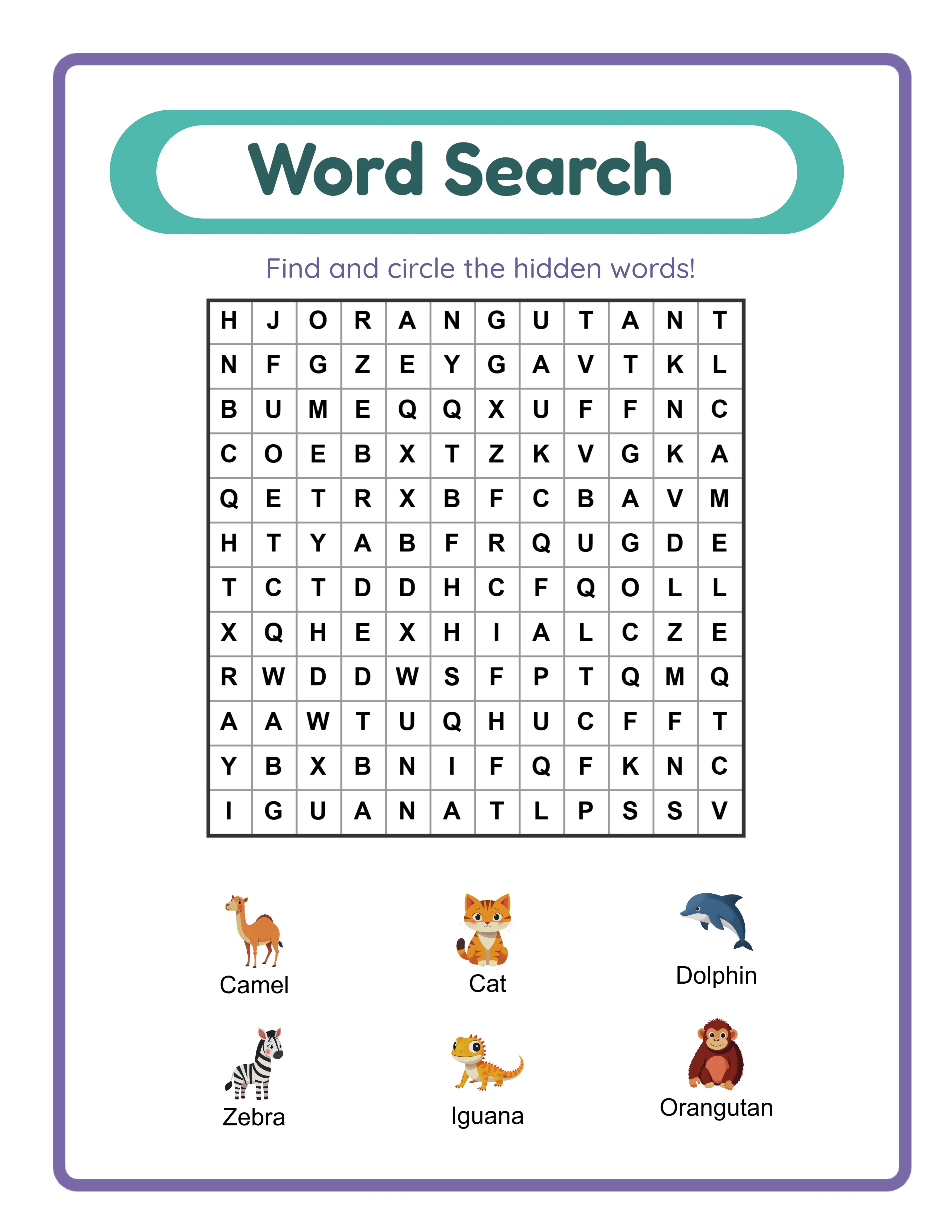
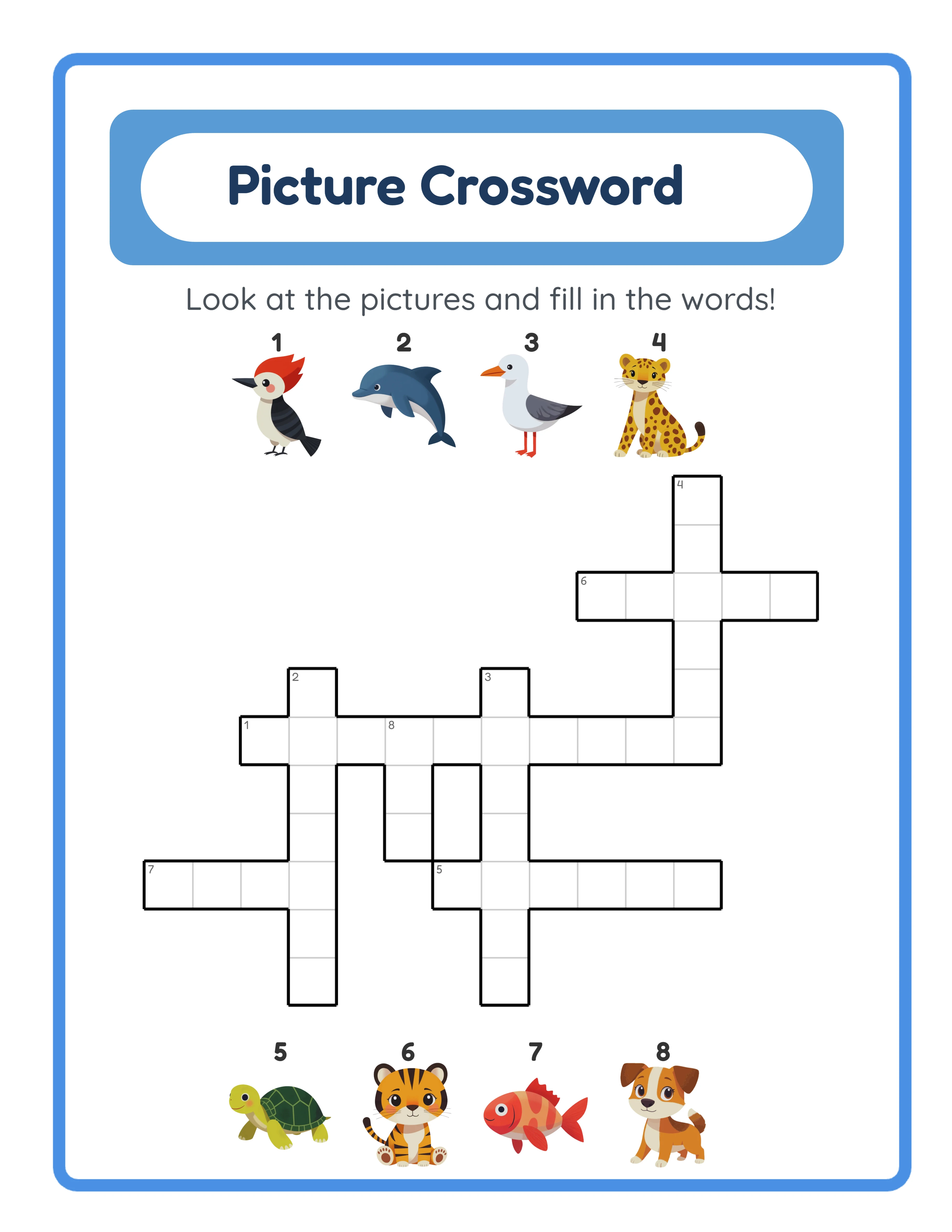
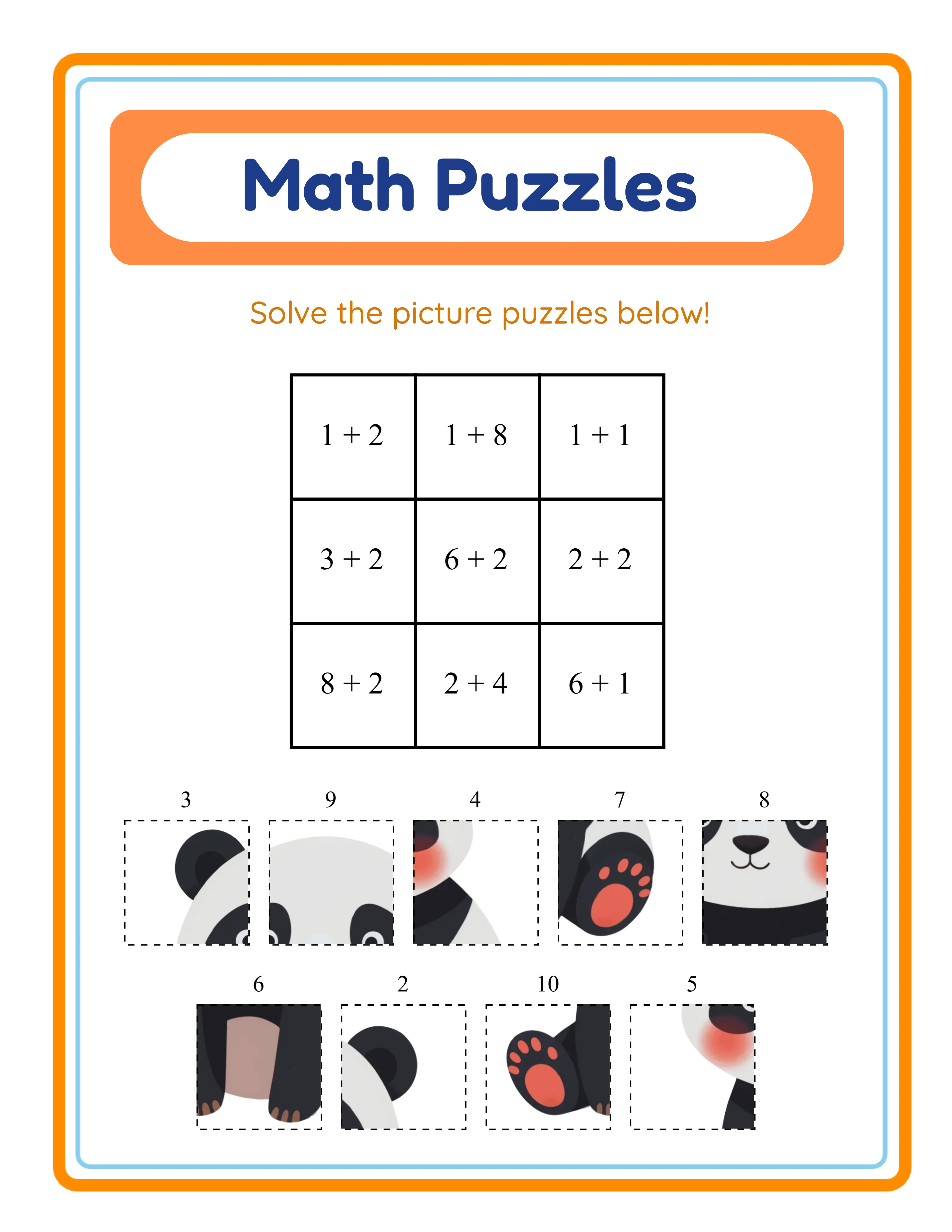
Choosing the Right Trim Size
Trim size is the finished size of your book after printing. For activity books, three sizes work best:
**8.5" x 11" (US Letter) — Recommended for most activity books:**
- Matches standard printer paper, so pages can be photocopied
- Enough space for complex puzzles and detailed worksheets
- Most popular size for children's activity books on Amazon
- Printing cost: slightly higher but justified by market expectations
**8.5" x 8.5" (Square) — For younger children:**
- Feels more like a "picture book" format
- Good for coloring books and simple matching activities
- Lower printing cost than 8.5x11
**6" x 9" (Standard book) — For word-based puzzles:**
- Works for word search, crossword, and sudoku books
- Lowest printing cost
- Less suitable for worksheets that need writing space
For most worksheet and puzzle activity books, choose 8.5" x 11". It's what buyers expect and what teachers can photocopy.
Margin and Bleed Settings
Margins prevent content from being cut off during printing. KDP has minimum requirements:
**For books WITHOUT bleed (most activity books):**
- Outside margin: 0.25" minimum
- Inside (gutter) margin: varies by page count:
- 24-150 pages: 0.375"
- 151-400 pages: 0.5"
- 401-600 pages: 0.625"
- Top/bottom margin: 0.25" minimum
**For books WITH bleed (images extending to edge):**
- Add 0.125" bleed on all three outer edges (not the gutter)
- Use bleed only if your design intentionally extends to the page edge
**Recommendation for activity books:** No bleed, with 0.5" margins on all sides. This gives comfortable writing space and ensures no content gets cut off. Keep all important content at least 0.5" from any edge.
Set your document size to exactly 8.5" x 11" with these margins before creating any content.
How It Looks as a KDP Book
Amazon KDP
Interior File Requirements
**File format:** PDF (required)
**Resolution:** 300 DPI for images (lower resolutions print blurry). For B&W interiors, 300 DPI is also recommended.
**Color space:**
- B&W interior: Use grayscale color space. All images must be true grayscale, not RGB black.
- Color interior: Use RGB color space (KDP converts to CMYK internally).
**File size limit:** 650 MB maximum. For activity books with many images, this can be a concern. Compress images before assembling the PDF.
**Font embedding:** All fonts must be embedded in the PDF. This prevents font substitution that could change your layout.
**Page count:**
- Minimum: 24 pages
- Maximum: 828 pages
- Must be an even number (add a blank page if needed)
- Include front matter (title page, copyright page) and back matter (answer keys)
**Recommended page count for activity books:**
- Budget/entry level: 50-70 pages at $5.99-$6.99
- Standard: 80-120 pages at $7.99-$9.99
- Premium: 120-160 pages at $9.99-$12.99
Cover Design Specifications
Your cover is a single PDF or JPEG wrapping front, spine, and back:
**Dimensions:** Use KDP's Cover Calculator (in your KDP dashboard) for exact dimensions based on your page count and trim size.
**Spine width:** Calculated by page count. For a 100-page 8.5x11 book: approximately 0.23" spine width.
**Resolution:** 300 DPI minimum.
**Cover content best practices for activity books:**
- Front: Show 2-3 sample puzzle/worksheet pages from inside the book
- Include age range: "Ages 4-8" prominently displayed
- Include page count: "100+ Activities Inside"
- Include "With Answer Keys" if applicable
- Spine: Book title + author name
- Back: Brief description, 3-4 sample page thumbnails, barcode area (leave blank — KDP adds it)
**File format:** PDF preferred (maintains vector quality). JPEG at 300 DPI also accepted.
33 Generators
3,000+ Images
11 Languages
300 DPI Export
Common Formatting Mistakes to Avoid
**1. Wrong page count (odd number):** KDP requires even page counts. Always add a blank page at the end if your content creates an odd number.
**2. Content in the gutter:** Text or images too close to the inner edge get lost in the binding. Keep at least 0.375" clear on the inside edge.
**3. Low-resolution images:** 72 DPI web images print blurry. Always use 300 DPI for print-quality output. Check image resolution BEFORE assembling your PDF.
**4. RGB black instead of true black:** For B&W interiors, use true grayscale. RGB "black" (0,0,0 in RGB) may print with a slight color tint.
**5. Missing fonts:** If fonts aren't embedded, KDP substitutes them, potentially breaking your layout. Always embed fonts when exporting to PDF.
**6. File too large:** Compress images before assembly. A 100-page B&W activity book should be under 50 MB. Color books should be under 200 MB.
.webp)