Why Amazon KDP Is the Ideal Platform for Activity Book Publishers
Amazon KDP offers a unique combination of advantages that no other platform matches for activity book sellers.
First, reach. Amazon is the default starting point for book buyers worldwide. When a parent searches for "kids activity book" or a seller looks for "math puzzle book for grade 2," they search Amazon first. Your activity book competes in a marketplace with hundreds of millions of active customers across the US, UK, Germany, France, Spain, Italy, and other markets.
Second, print-on-demand eliminates financial risk. Traditional book publishing requires ordering hundreds or thousands of copies upfront. KDP prints each book after a customer orders it. You pay nothing until a sale happens, and your only investment is the time spent creating the interior and cover.
Third, physical products carry higher perceived value than digital downloads. A printed activity book listed at $6.99 on Amazon feels like a better deal to buyers than a $6.99 PDF on Etsy, even when the content is identical. Physical products also make better gifts, which drives seasonal sales during holidays and birthdays.
Compared to Etsy, KDP gives you access to a much larger customer base but less control over pricing presentation and customer relationships. The ideal approach for many printable sellers is to sell digital downloads on Etsy and physical activity books on Amazon KDP simultaneously, maximizing revenue from the same content.
Understanding Amazon KDP for Activity Book Sellers
Setting up a KDP account is straightforward: visit kdp.amazon.com, sign in with your Amazon account or create a new one, and complete the tax interview. KDP is available to publishers worldwide, though tax requirements vary by country.
KDP offers two royalty options for paperback books: 60% and 40%. The 60% royalty rate applies when your book is sold through Amazon's own store at a price within the allowed range. The 40% rate applies to expanded distribution, which makes your book available through bookstores, libraries, and other retailers. Most activity book publishers use the 60% rate exclusively, as Amazon's own marketplace generates the vast majority of sales.
Your royalty calculation is: (List Price x Royalty Rate) – Printing Cost = Your Profit. For example, a 100-page activity book with black-and-white interior at a $7.99 list price: ($7.99 x 0.60) – $2.15 printing cost = $2.64 profit per sale. Color interiors cost more to print, which reduces your margin — an important consideration for activity books with illustrations.
KDP supports paperback and hardcover formats. Paperback is the standard choice for activity books due to lower printing costs and the price sensitivity of the category. Hardcover works for premium compilations or gift-oriented titles. KDP Select is primarily for Kindle ebooks and is not relevant for printed activity books.
One KDP account can publish unlimited titles across all Amazon marketplaces. A single interior file can be published on Amazon.com, Amazon.co.uk, Amazon.de, and other regional stores, giving you global distribution from a single upload.
KDP Interior Formatting Requirements for Activity Books
Amazon KDP has strict technical requirements for interior files. Meeting these specifications is non-negotiable — KDP will reject your upload if the formatting does not comply.
The most popular trim size for activity books is 8.5 x 11 inches (US Letter). This is the standard size for educational worksheets and puzzle books, and it gives users a full page of workspace. Other viable options include 8 x 10 inches for a slightly smaller format and 6 x 9 inches for pocket puzzle books. Choose one size and maintain consistency across your catalog for brand cohesion.
Bleed settings matter for activity books. If your content extends to the page edge (images, borders, background colors), you need bleed — an extra 0.125 inches on each side that gets trimmed during printing. If your content has white margins on all sides, you can use no-bleed formatting, which simplifies layout. Most worksheet-style activity books use no-bleed.
Margin requirements depend on page count. For books under 150 pages, the inside margin (gutter) must be at least 0.375 inches, and outside margins must be at least 0.25 inches. These minimums ensure content is not lost in the binding. Apply these margins consistently to every page.
The interior file must be a single PDF with all pages in sequence. Page count must be between 24 and 828 pages for paperback. Include a title page, a copyright page, and optionally a table of contents before your activity pages begin. Ensure every page has consistent formatting — inconsistent margins or shifted content pages look unprofessional in print.
Worksheet generators produce PDF output that can be assembled into KDP-ready interiors. Generate your activity pages, then compile them into a single PDF with front matter using any PDF tool.
Creating a KDP Cover That Sells Activity Books
Your cover is the single most important factor in whether a shopper clicks on your book in Amazon search results. Activity book covers must communicate three things instantly: what the book contains, what age range it targets, and how many pages it includes.
KDP covers consist of three elements: front cover, spine, and back cover, all combined in a single PDF file. KDP provides a cover template calculator that generates the exact dimensions based on your page count and trim size. Download this template for every book — spine width changes with page count.
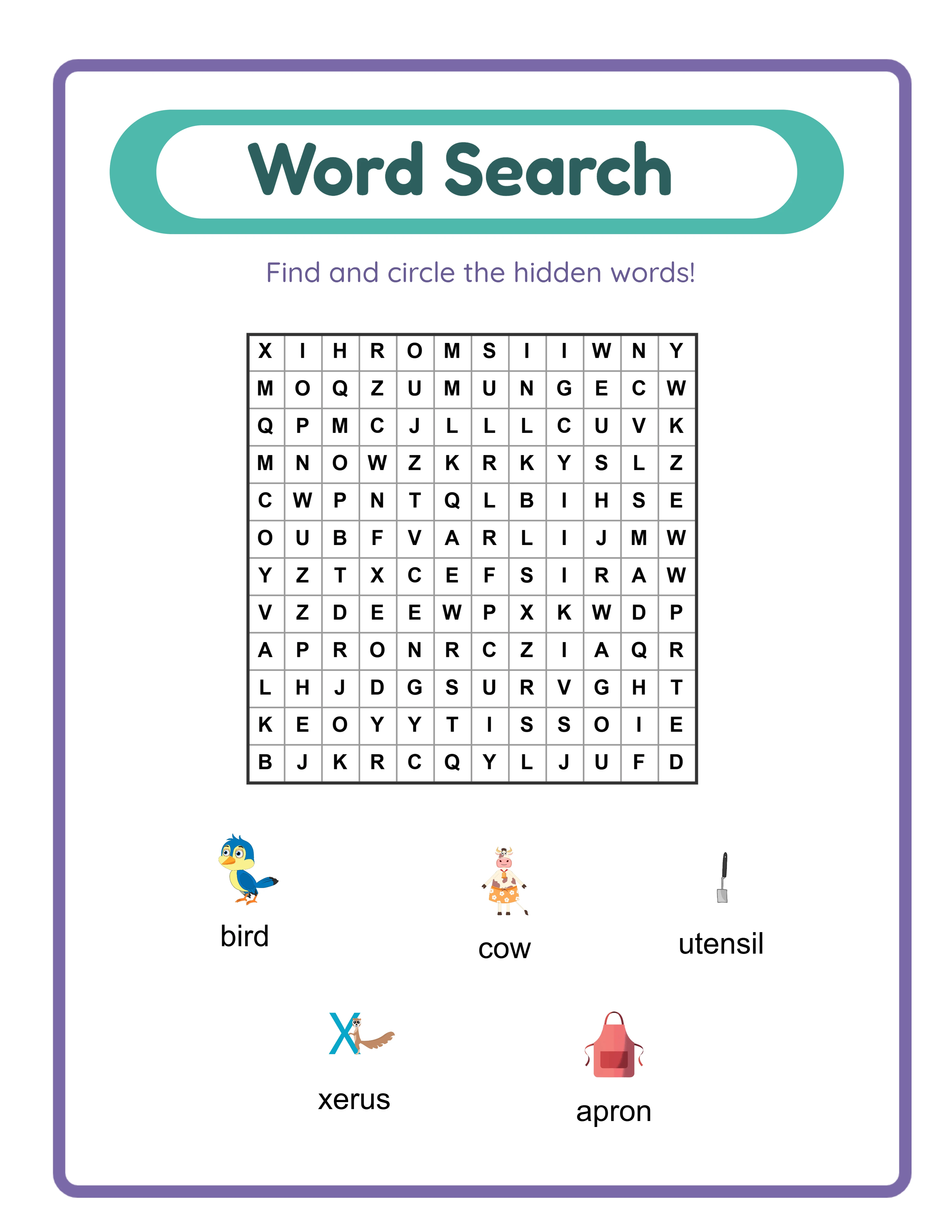
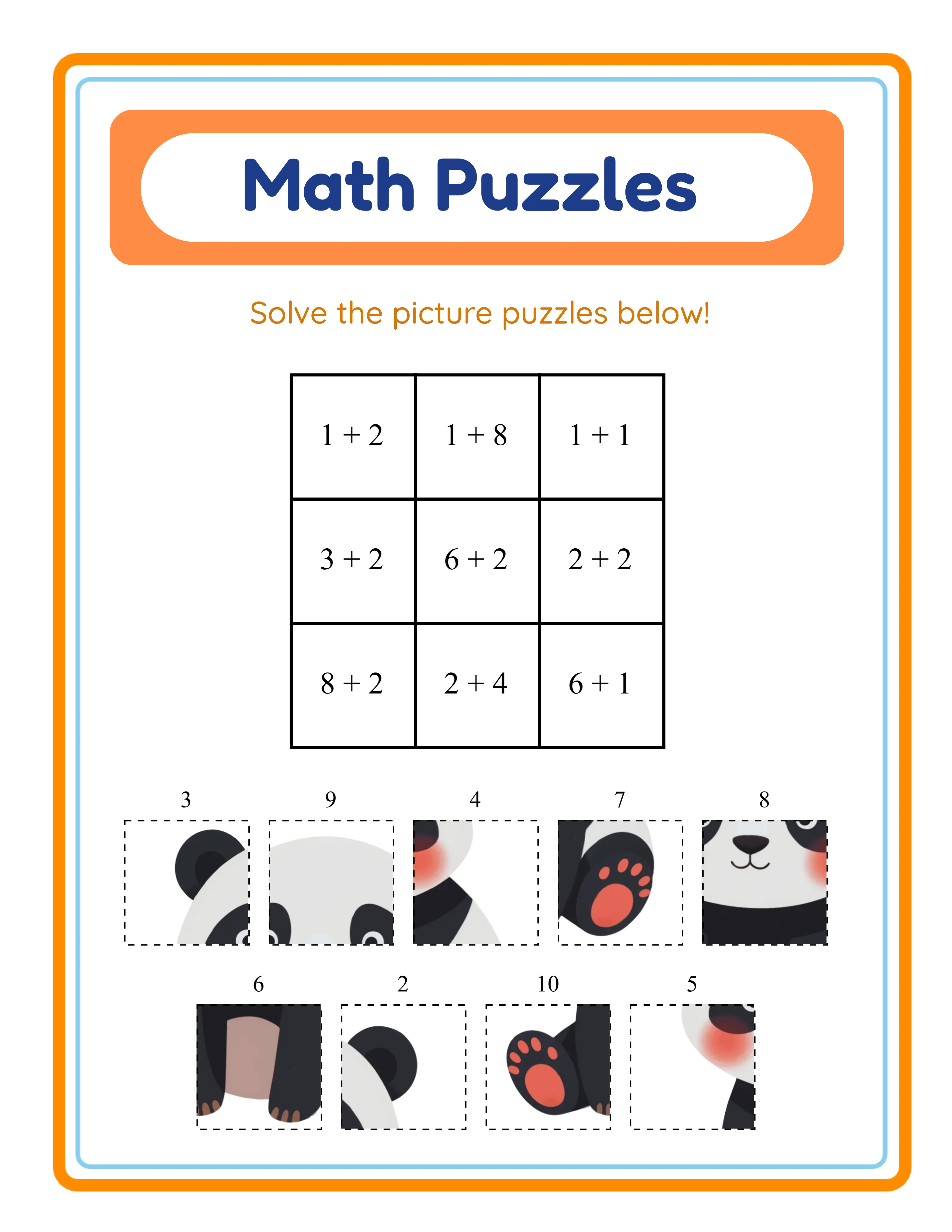
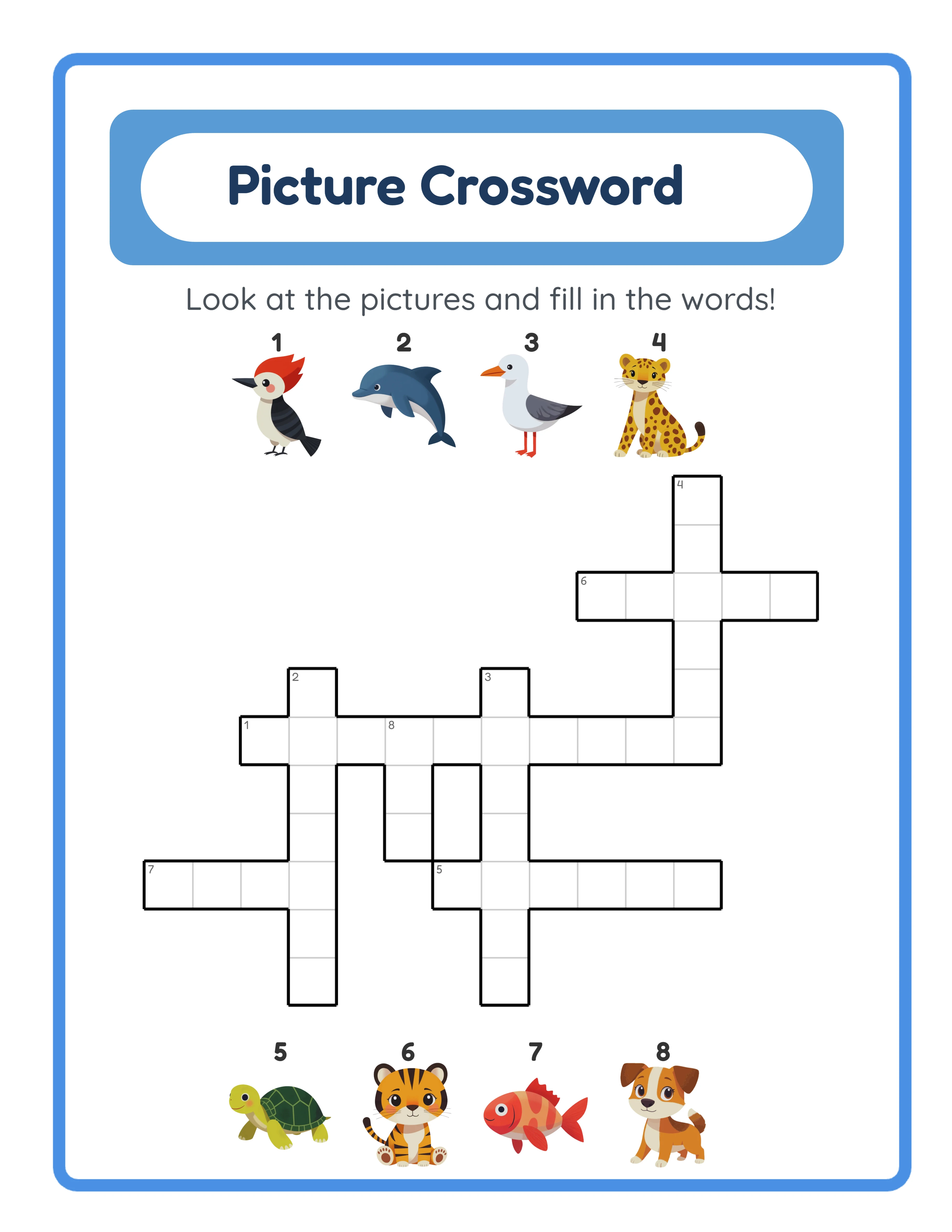
For the front cover, use a clear hierarchy: book title at the top in large, readable font; age range prominently displayed ("Ages 4–8" or "Kindergarten – 2nd Grade"); page count as a selling point ("100+ Activities Inside"); and 2–3 preview images showing actual pages from the book. Bright, saturated colors perform best in Amazon's search thumbnail grid. Avoid cluttered designs — remember that most shoppers first see your cover as a tiny thumbnail.
The spine must include the book title and optionally your publisher name. For activity books with 100+ pages, the spine is wide enough for readable text. For thinner books, keep spine text minimal.
The back cover should include a brief description of what is inside, a few bullet points highlighting key features (number of activities, topics covered, skill levels), a barcode area (KDP places this automatically), and optionally a preview of one interior page. Keep the back cover design clean and professional.
KDP requires covers at 300 DPI minimum. Use RGB color mode for digital display and ensure text is legible at thumbnail size. Test your cover by shrinking it to 1 inch wide on your screen — if you cannot read the title, increase the font size.
KDP Keyword Research for Activity Book Niches
Amazon gives you seven backend keyword slots, each up to 50 characters. These keywords, combined with your title and subtitle, determine which searches surface your book. Effective keyword research separates books that sell from books that sit unseen.
Start with Amazon's own search bar. Type the beginning of a phrase like "activity book for" and note the autocomplete suggestions. These suggestions reflect actual buyer search patterns. "Activity book for kids ages 4–8," "activity book for toddlers," "activity book for road trips" — each suggestion is a validated keyword phrase.
Your book title is the strongest ranking signal. Include your primary keyword naturally: "Math Puzzle Activity Book for Kids Ages 6–10" directly targets multiple search queries. The subtitle provides additional keyword space: "100 Pages of Addition, Subtraction, and Logic Puzzles with Answer Keys."
For backend keywords, use phrases that are NOT already in your title or subtitle. Do not repeat words — Amazon combines all keyword sources. If your title says "math puzzle activity book," your backend keywords should include phrases like "number games for children," "educational workbook," "store practice sheets," "homeschool math exercises," "brain teasers for kids," and "screen-less activities."
Analyze competing books in your target niche. Look at the top 10 results for your primary search term. Note their titles, subtitles, and the categories they appear in. Read their descriptions for keyword ideas. Check their Best Seller Rank (BSR) — a BSR under 100,000 in Books indicates meaningful sales volume.
Avoid trademark terms, competitor brand names, and misleading keywords in your backend fields. Amazon penalizes books that use manipulative keyword strategies, and the consequences can include suppression from search results.
Pricing Your Activity Books on Amazon KDP
KDP pricing requires balancing three factors: competitiveness in your category, printing cost recovery, and meaningful royalty per sale. Get this wrong and you either price yourself out of the market or earn pennies per book.
Printing costs depend on page count, interior type (black-and-white vs color), and trim size. For a standard 8.5 x 11 inch black-and-white interior: the base cost is approximately $0.85 plus $0.012 per page. A 100-page activity book costs roughly $2.05 to print. A 200-page book costs about $3.25. Color interiors add significantly more per page.
At the 60% royalty rate, your profit formula is: (List Price x 0.60) – Printing Cost. For that 100-page book at $6.99: ($6.99 x 0.60) – $2.05 = $2.14 profit. At $7.99: ($7.99 x 0.60) – $2.05 = $2.74 profit. At $9.99: ($9.99 x 0.60) – $2.05 = $3.94 profit.
The competitive sweet spot for KDP activity books falls between $5.99 and $9.99 for standard page counts (50–150 pages). Books under $5.99 often yield negligible royalties after printing costs. Books over $9.99 face conversion resistance in a category where buyers expect affordable pricing.
Research your specific category before setting prices. Search Amazon for your target keywords and note the prices of the top-selling books (sorted by "Best Sellers"). Position your price within the competitive range. If top sellers price at $6.99–$8.99, pricing at $7.99 places you competitively.
Higher page counts justify higher prices. A "Giant Activity Book: 200 Pages of Puzzles" at $9.99 feels like a better value than a 50-page book at the same price. Use worksheet generators to create high page counts efficiently, then price according to the value your page count represents.
Building a KDP Activity Book Catalog for Consistent Sales
Single titles on Amazon can sell, but consistent income requires a catalog. Amazon's algorithm rewards publishers with multiple related titles through "also bought" recommendations, series linking, and author page visibility.
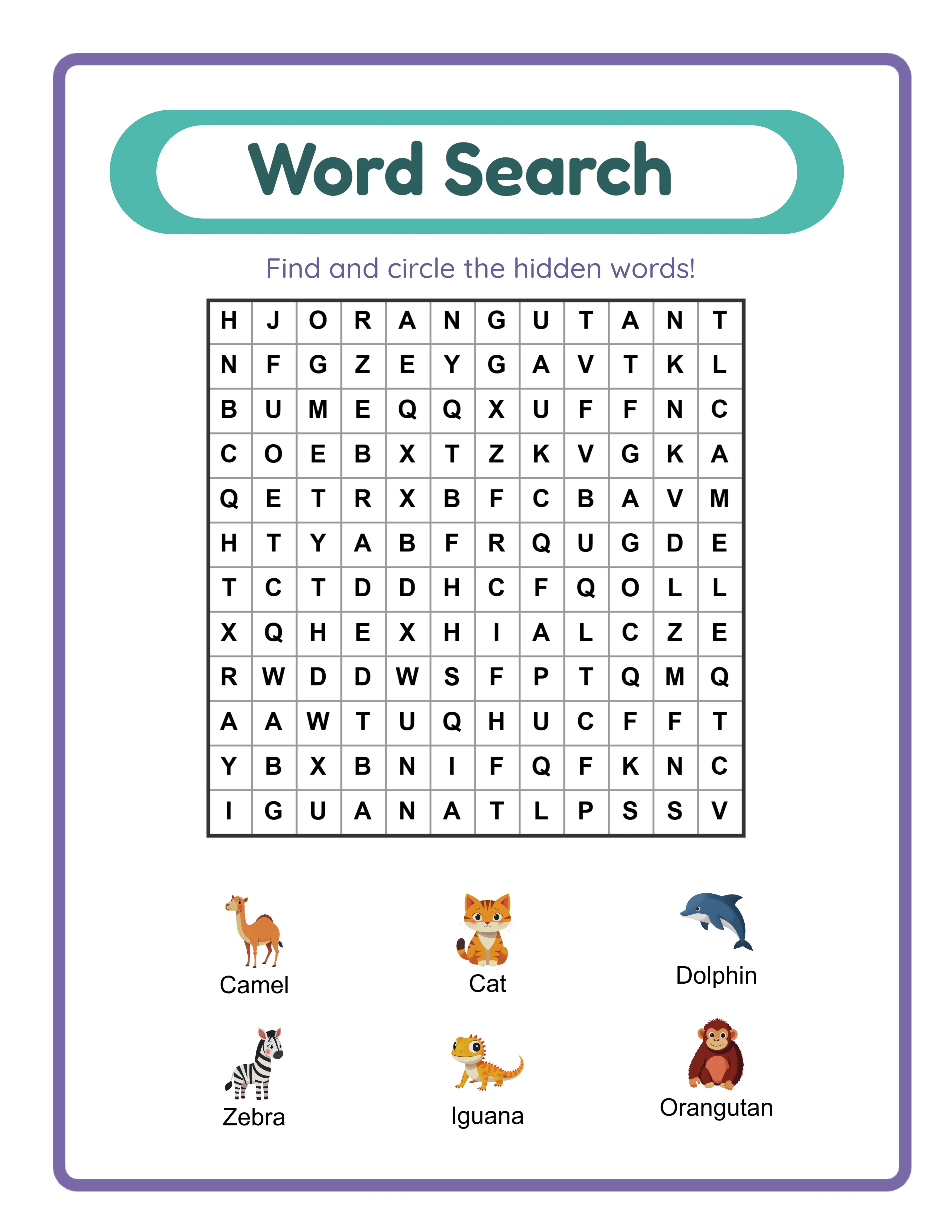
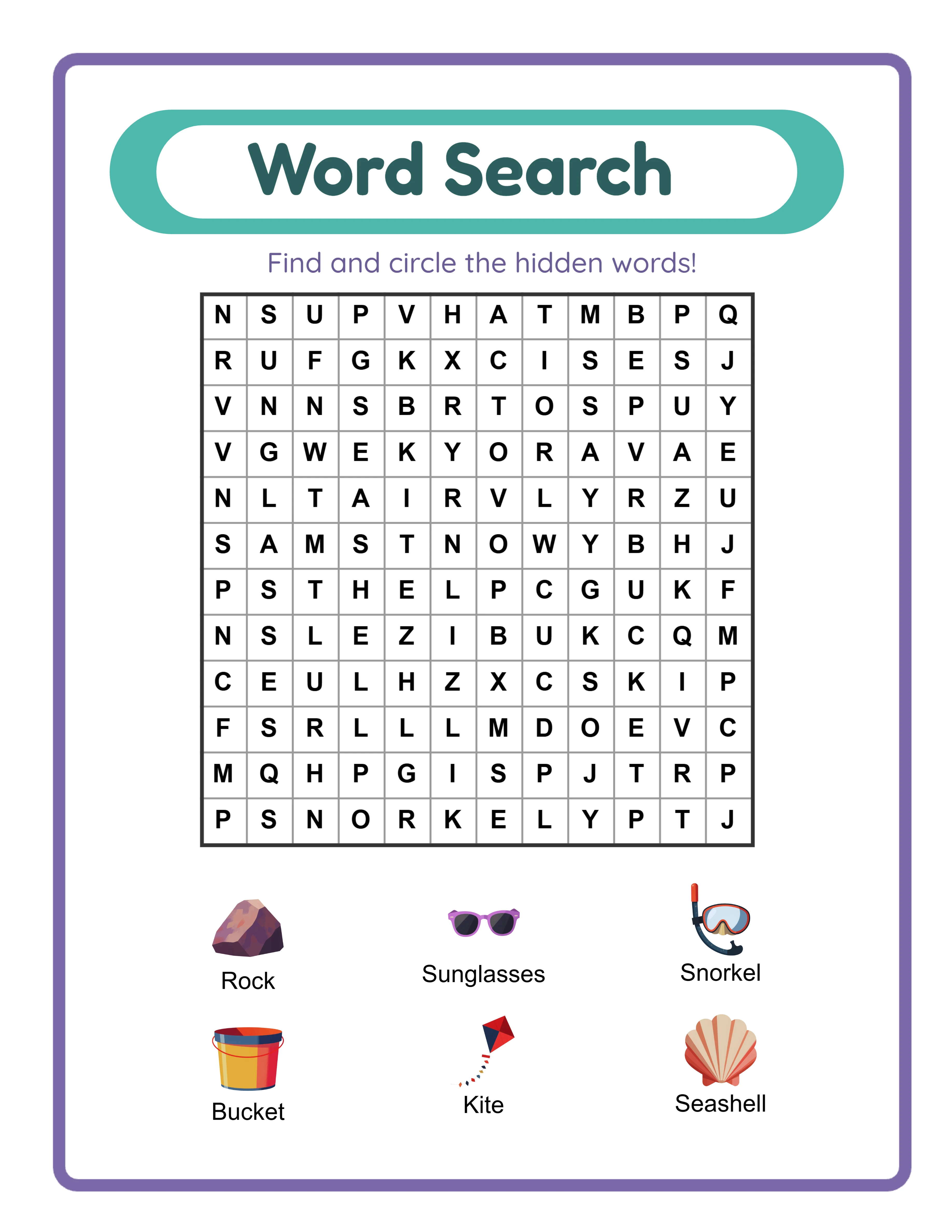
The series strategy is the most effective catalog approach for activity books. Publish Volume 1, Volume 2, and Volume 3 of the same activity type. A buyer who enjoys "Word Search Puzzles for Kids Vol. 1" is a natural customer for Volumes 2 and 3. Amazon surfaces these volumes in the "Customers also bought" section, creating a self-reinforcing sales loop.
Age-group expansion is the second growth lever. Start with one age range (for example, ages 4–8), then create versions targeting ages 3–5, ages 6–10, and ages 8–12. Each age group represents a distinct buyer segment searching with different keywords. The same core content, adjusted for difficulty, becomes multiple books.
Seasonal titles deserve dedicated attention. Halloween activity books, Christmas puzzle collections, summer vacation workbooks, and back-to-school preparation books all have predictable demand windows. Publish seasonal titles at least 6–8 weeks before peak demand to build reviews and ranking momentum before the buying surge.
Variety across activity types strengthens your catalog. If your first book is Sudoku puzzles, expand to word searches, math puzzles, crosswords, and mixed activity books. Each type targets different buyer searches while your author page displays a growing professional catalog.
Track your KDP reports to identify what works. The Sales Dashboard shows units sold and royalties earned per title. The Best Seller Rank history (available through third-party tools) reveals trends. Double down on categories and formats that sell consistently rather than spreading effort across underperforming niches.
Amazon KDP Categories and Age Range Selection
Choosing the right browse categories is one of the most impactful decisions you make when publishing on KDP. Categories determine which bestseller lists your book can rank on and which browse pages surface your title.
KDP allows you to select up to three browse categories during the publishing process. For activity books, the most relevant top-level categories include: Children's Activity Books, Children's Puzzle Books, Children's Education & Reference, and Teen & Young Adult Activity Books. Within these, subcategories narrow the focus: Word Games, Math Games, Coloring, Mazes, Crosswords, and more.
BISAC codes (Book Industry Standards and Communications) are the classification system KDP uses. You select BISAC categories during setup. The most relevant codes for activity books include JNF001000 (Activity Books), JNF021020 (Games & Activities – Puzzles), and JNF035000 (Mathematics). Selecting accurate BISAC codes improves your visibility in category-specific browsing.
Age range settings directly affect discoverability. Amazon shows age ranges in search results and uses them to filter results when buyers specify an age group. Set your age range accurately — a book designed for ages 4–8 should not be listed as ages 2–12 to capture more searches. Inaccurate age ranges lead to negative reviews from buyers who receive content mismatched to their child's level.
A strategic approach: publish the same activity content at different difficulty levels in separate books, each targeting a specific age range. An "Easy Word Search for Ages 4–6" and an "Advanced Word Search for Ages 8–12" can share similar themes but serve different category placements, effectively doubling your catalog's category coverage.
After publishing, you can request additional category placements by contacting KDP support. Some publishers successfully place their activity books in up to 10 categories through this process, dramatically increasing browse visibility.
Marketing Your KDP Activity Books Beyond Amazon
While Amazon's internal search drives the majority of KDP sales, external marketing efforts can accelerate your growth and tier your books from competitors who rely solely on Amazon's algorithm.
Amazon Author Central is your first marketing asset. Create an Author Central profile with a professional bio, author photo, and links to your other books. Author Central also gives you access to A+ Content (formerly Enhanced Brand Content) for your book descriptions. A+ Content allows formatted text, images, and comparison tables in your book's description area, which significantly improves conversion rates.
Amazon Ads (formerly AMS) is the platform's pay-per-click advertising system. Sponsored Products ads place your book at the top of search results and on competitor book pages. Start with a small daily budget of $5–$10, target keywords specific to your activity book niche, and monitor your Advertising Cost of Sales (ACoS). An ACoS below 30% is generally profitable for activity books in the $6.99–$9.99 range.
Pinterest is the most effective social media channel for activity book marketing. Create pins showing interior page previews, age-range callouts, and the book cover. Link directly to your Amazon listing. Activity book pins have strong save rates because parents and sellers bookmark them for future reference.
Building an email list gives you a direct channel to announce new titles. Offer a printable sample page (created with the free trial with watermark version of your generator) in exchange for email signups. When you publish a new book, email your list on launch day to generate initial sales velocity that improves your Amazon ranking.
Social media groups focused on homeschooling, teaching resources, and parenting are natural audiences. Share genuinely helpful content, not just sales links. A post showing how to use your activity book in a daily routine or store setting generates more engagement and sales than a direct product pitch.
Scaling from Single Titles to a KDP Activity Book Business
The transition from publishing individual books to running a KDP business happens when you systematize your process and think in terms of catalog strategy rather than individual titles.
Expand into new niches methodically. Your KDP reports show which categories and keywords drive sales. If your Sudoku books sell consistently, the logical expansion is into crosswords, word searches, and logic puzzles — adjacent niches that attract similar buyers. If your preschool math books perform well, expand into kindergarten and first grade. Data should guide your expansion, not assumptions.
Multi-language books represent a significant growth opportunity on KDP. Amazon operates marketplaces in the US, UK, Germany, France, Spain, Italy, Japan, and other countries. A German-language activity book published on Amazon.de faces dramatically less competition than its English equivalent on Amazon.com. Worksheet generators that support multiple languages allow you to create international editions efficiently.
Seasonal planning at scale means maintaining a publishing calendar. Map out the entire year with planned publication dates for seasonal titles: New Year resolution workbooks (January), Valentine's Day activities (February), summer learning books (May–June), back-to-school titles (July–August), Halloween books (September), and Christmas activity collections (October–November). Publish each title 6–8 weeks before peak demand.
Combining KDP with Etsy creates a dual-channel business. Sell the digital download version on Etsy and the printed book version on Amazon. The same worksheet content serves both platforms, and each channel reaches buyers the other does not. An Etsy customer who prefers instant digital downloads and an Amazon customer who wants a physical book are different people buying the same content.
Analyze your KDP business quarterly. Review total royalties, units sold per title, advertising costs, and return rates. Identify your top 20% of titles that generate 80% of revenue. Create more titles similar to your top performers and consider discontinuing or revising titles that consistently underperform after 6 months.
.webp)
.webp)
.webp)