What Makes a Worksheet Professional for Printable Sellers
Buyers evaluate worksheets in seconds. Before reading a single word of your listing description, they judge the thumbnail. That judgment is based on visual signals of professionalism — or the lack of them.
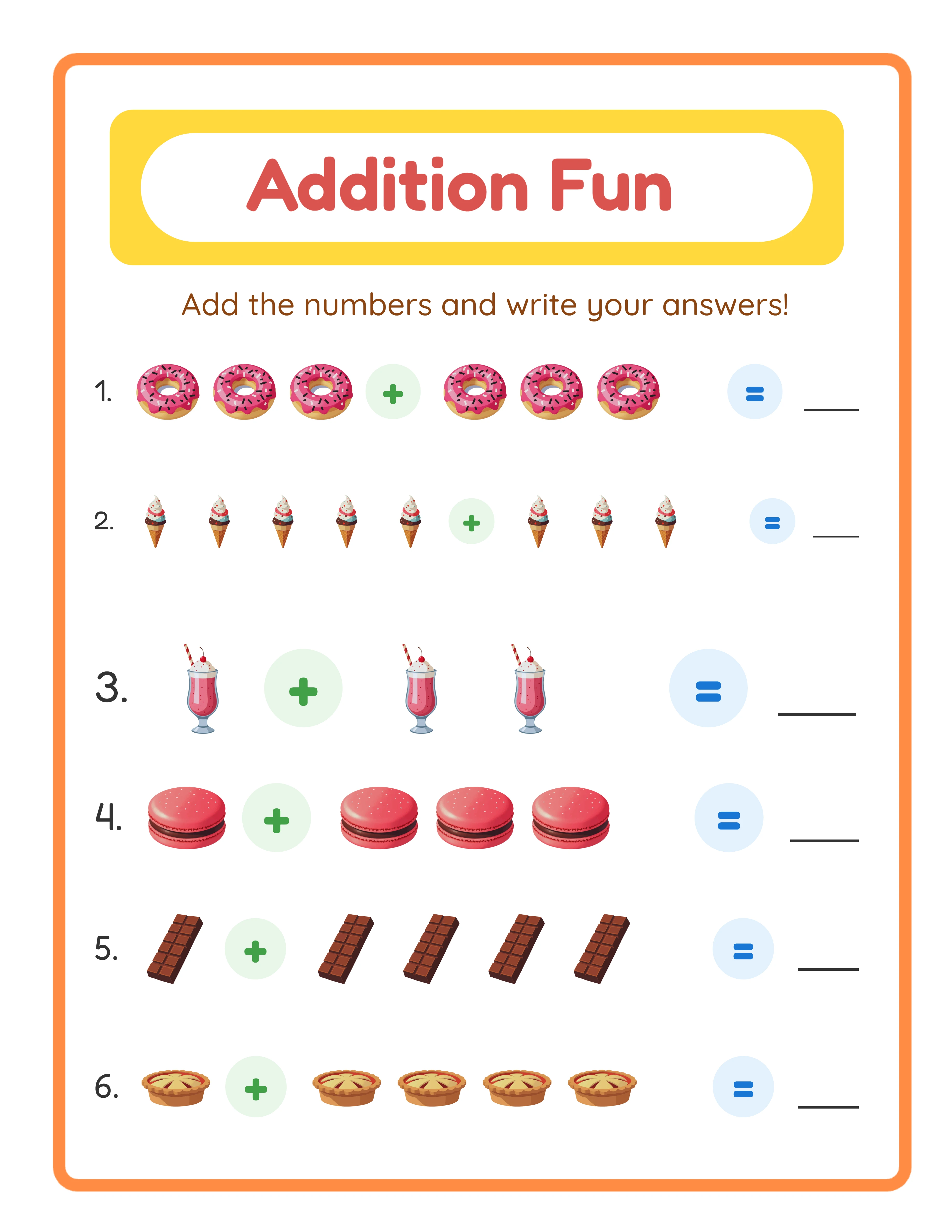
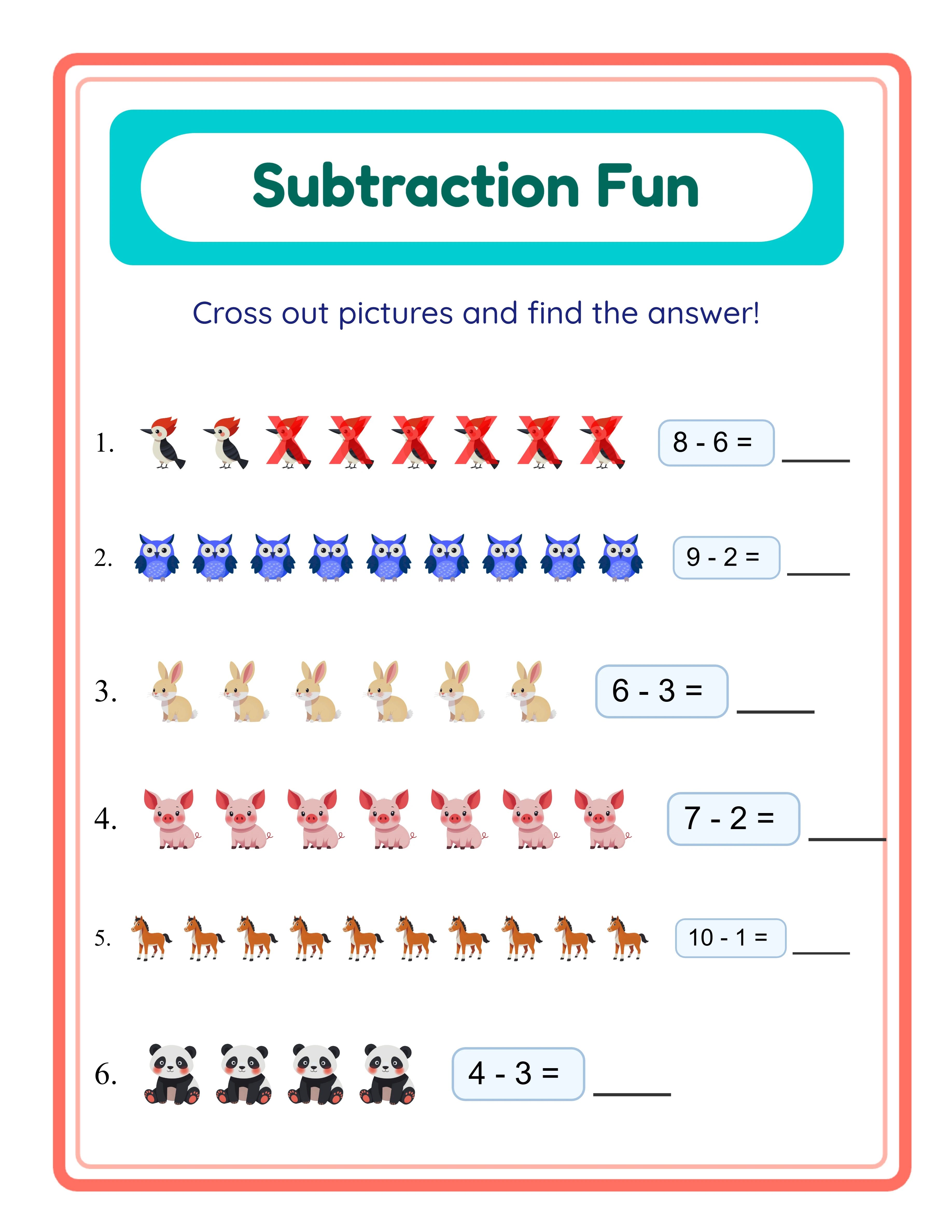
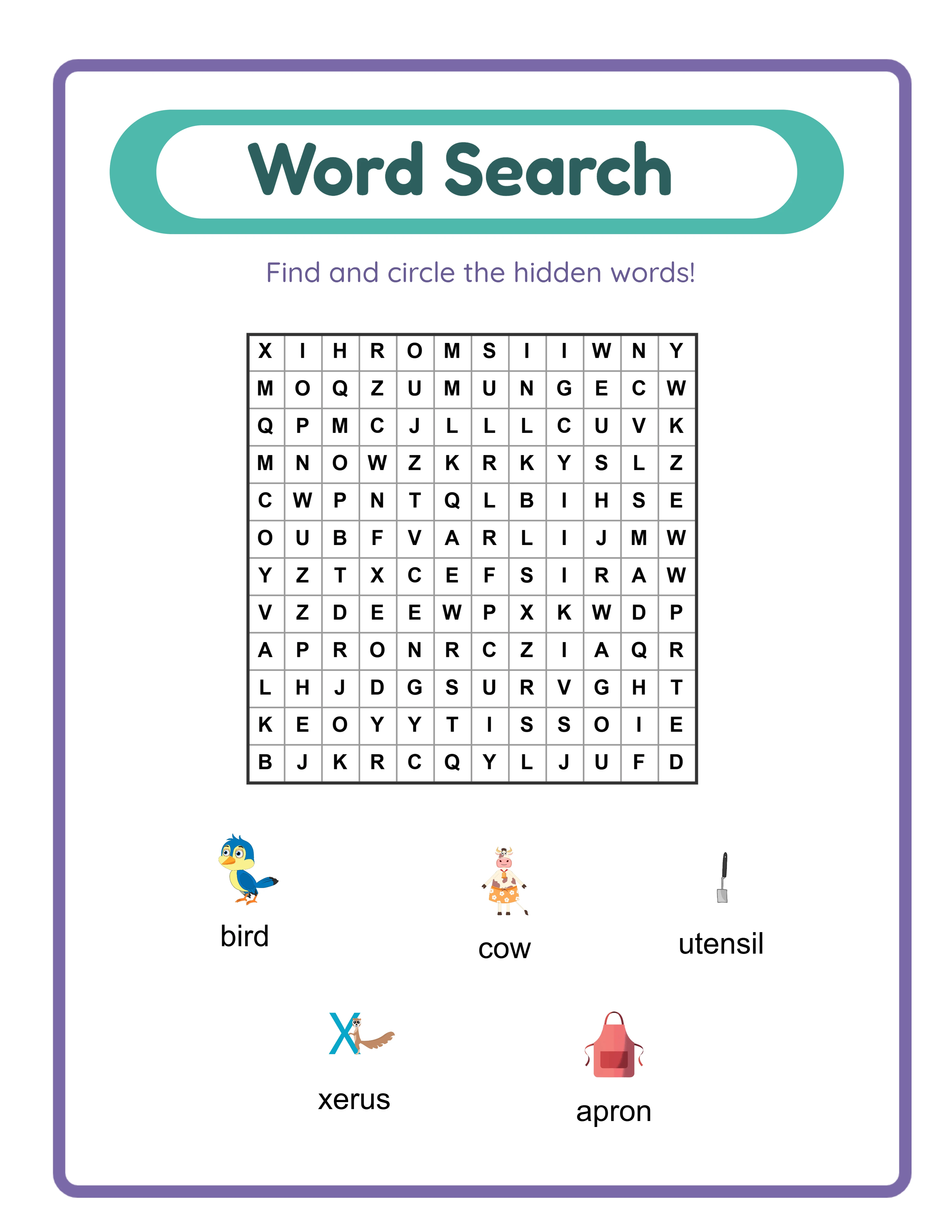
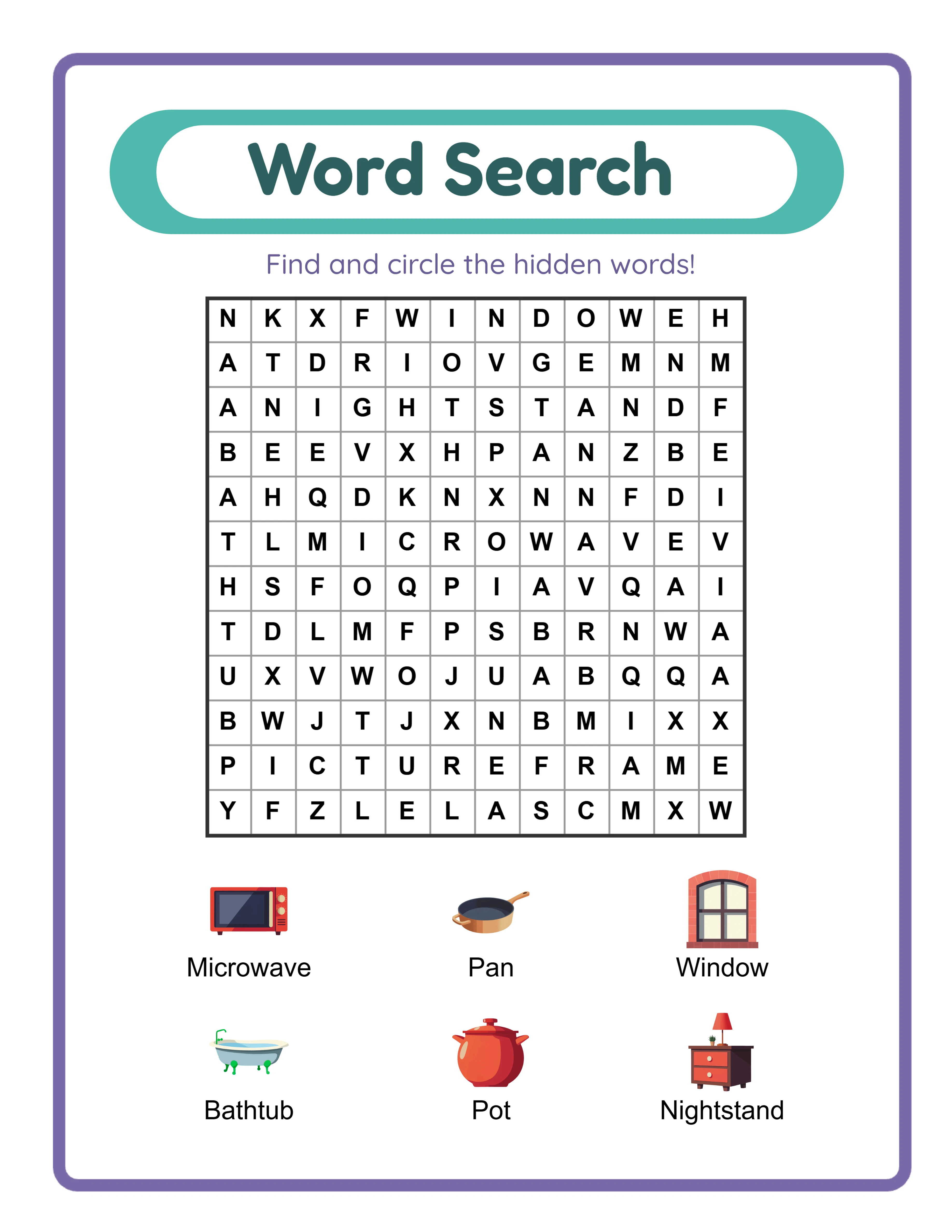
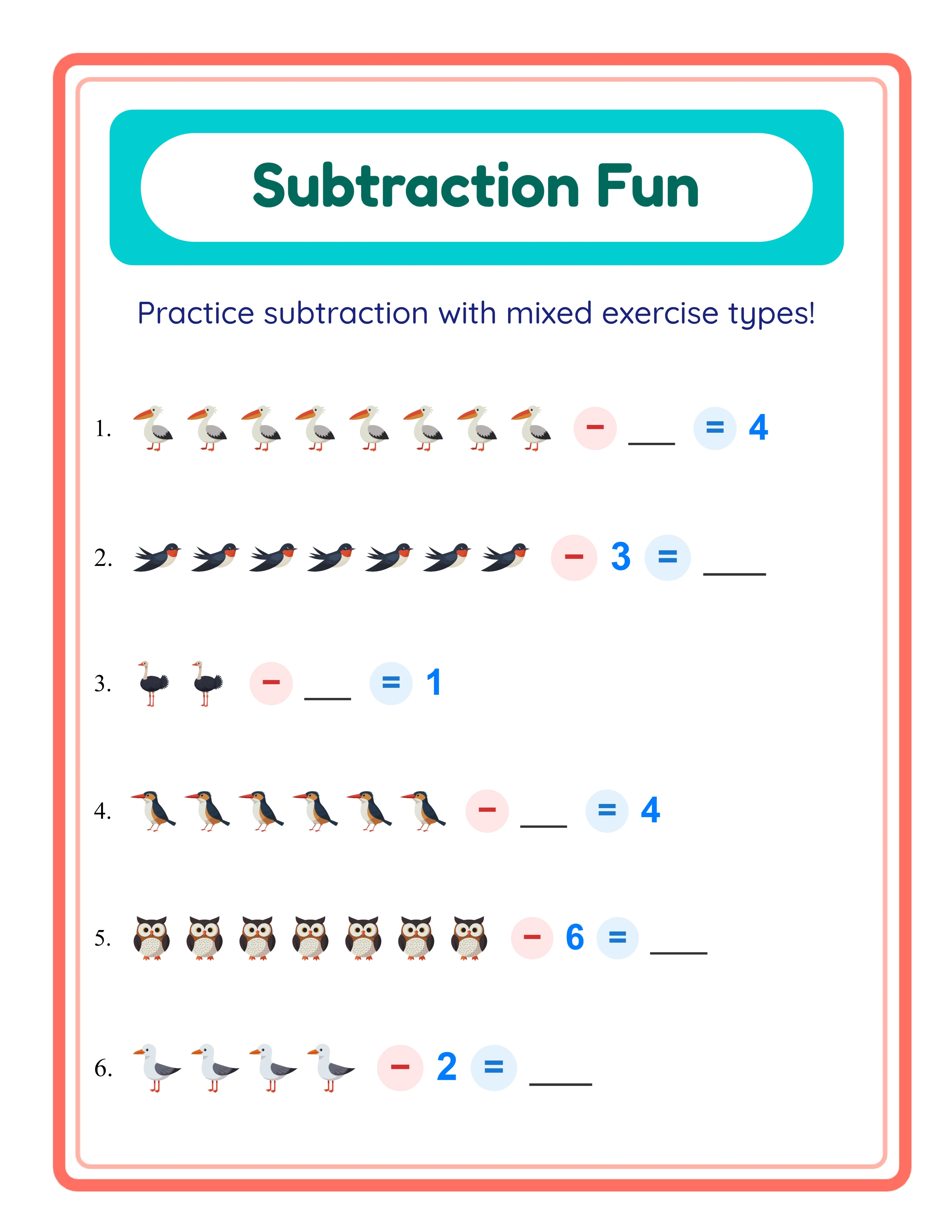
A professional worksheet has consistent margins that prevent content from being cut off during printing. The spacing between elements is uniform, not haphazard. Fonts are clean and readable at the target age level — large and simple for the preschool-age market, standard and clear for older children. Images are crisp, appropriately sized, and positioned with intention rather than scattered randomly.
Answer keys are a non-negotiable quality marker. Buyers and parents expect them. A worksheet without an answer key looks incomplete and unprofessional. The answer key should match the worksheet layout exactly, with answers clearly indicated so a parent or buyer can check work in seconds.
Consistency across a product line matters as much as individual quality. When a buyer opens your bundle and every page has the same layout structure, the same header style, the same professional feel — that coherence signals quality. When every page looks like it was designed separately with different fonts and layouts, it signals a rushed, amateur product.
Understanding Buyer Expectations for Printable Worksheets
Different buyer segments evaluate worksheets through different lenses. Understanding these perspectives is essential for creating products that sell.
Institutional buyers need worksheets that align with content standards and are ready to use immediately. They want clear instructions at the top, age-appropriate difficulty, and answer keys for quick grading. They value bundles that cover a full week or unit of instruction. Buyers are experienced buyers who can spot quality instantly.
Homeschool parents look for engaging, visually appealing worksheets that keep their children interested. They often buy across multiple subjects and age levels. They value themed content that makes learning feel less like schoolwork — dinosaur math problems, ocean animal word searches, space-themed coloring pages. Homeschool parents are willing to pay premium prices for comprehensive bundles.
Parents supplementing school buy worksheets for specific skill gaps. Their searches are targeted: "subtraction with regrouping practice" or "sight words worksheets kindergarten." They need clear difficulty labels and age recommendations. They are less price-sensitive than casual browsers because they have a specific problem to solve.
Tutoring centers and daycare providers buy in volume. They want printable-friendly formats, variety within a skill area, and the ability to use different worksheets for different users working at different levels. Commercial licenses matter to this segment because they print multiple copies for multiple users.
Choosing the Right Worksheet Type to Create and Sell
Not all worksheet types sell equally well, and the best type for you depends on your target market and the platforms where you sell.
Math worksheets are the highest-volume category. Addition, subtraction, multiplication, and number recognition worksheets have consistent year-round demand. They are straightforward to create, easy to bundle by difficulty level, and appeal to every buyer segment. The tradeoff is higher competition — you need strong visual quality and smart bundling to stand out.
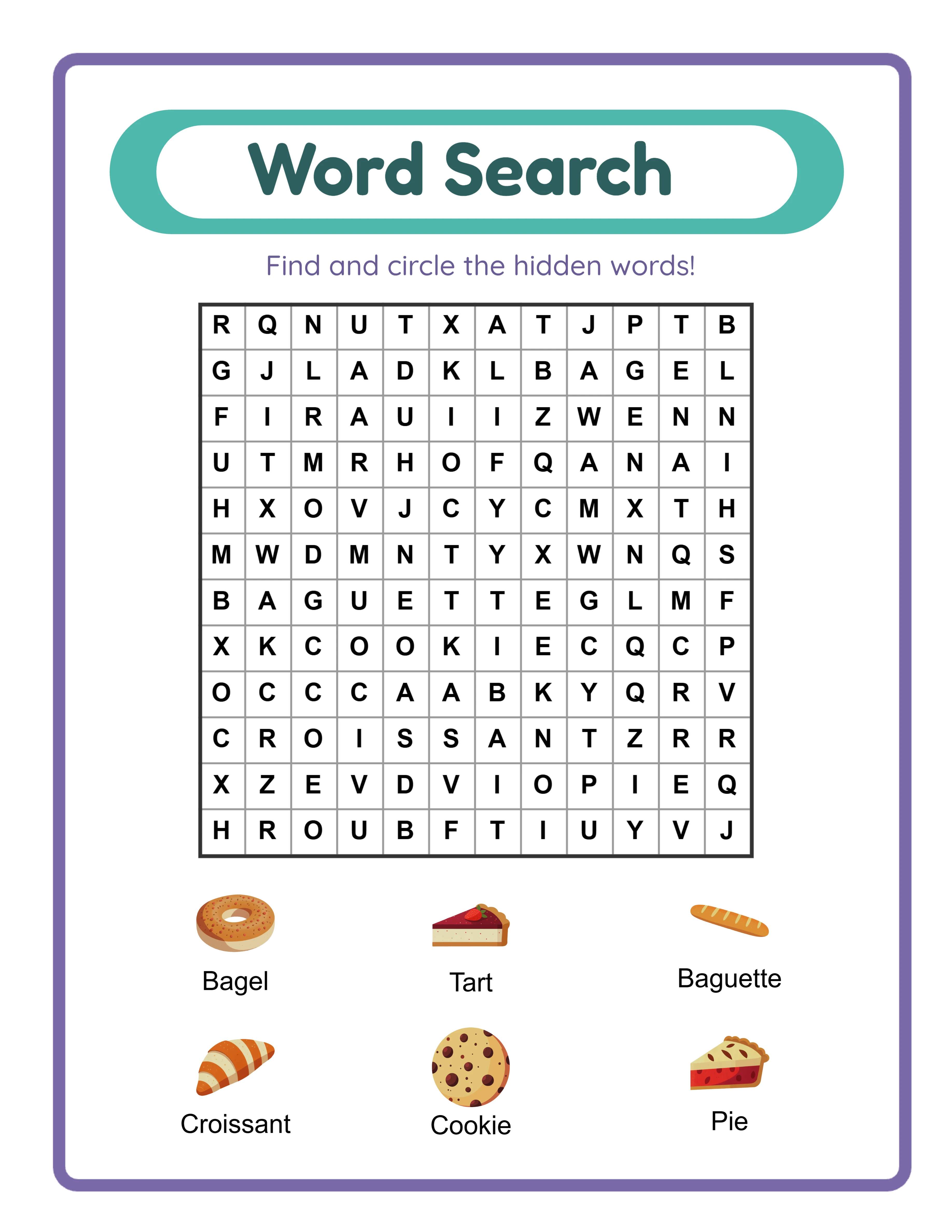
Word search and crossword puzzles are universally appealing. They cross age boundaries, work for both educational and recreational use, and have strong search volume on Etsy and Amazon. Puzzle worksheets also lend themselves to themed bundles (holiday word searches, seasonal crosswords) that capitalize on predictable demand spikes.
Coloring pages are among the top-selling printable categories on Etsy. They require minimal text, making them accessible to international buyers. The quality bar is visual — buyers judge coloring pages entirely on how appealing the illustrations look. Themed coloring pages (animals, vehicles, seasons) sell consistently.
Matching and sorting worksheets are ideal for preschool and kindergarten markets. They are visual-only, which means they work in any language without modification. This gives you instant access to international buyers on every platform.
Pattern recognition and sequencing worksheets serve a niche but loyal market. Parents and buyers seeking cognitive development activities search specifically for these products. Less competition means your products rank faster in search results.
The strategic approach: start with the type that matches your target market, then expand into adjacent categories. A math-focused shop naturally expands into number patterns and counting activities. A literacy shop naturally expands into word searches and crosswords.
How Worksheet Generators Eliminate Design Barriers for Sellers
The traditional approach to creating printable worksheets involves graphic design software, manual layout work, clip art licensing, and hours of formatting. For sellers without design backgrounds, this barrier is often what prevents them from ever launching.
Worksheet generators remove this barrier entirely. A generator handles the layout engine, the math logic, the answer key generation, the image placement, and the print formatting automatically. You make the creative decisions — difficulty level, theme, image set, page size, number of problems — and the generator handles the technical execution.
This is not a compromise on quality. Generator output meets or exceeds what most sellers produce manually, because the layouts are algorithmically optimized for print. Margins are calculated for standard printers. Spacing adapts to content density. Answer keys are generated with mathematical certainty rather than manual checking.
LessonCraftStudio offers 33 specialized generators across six categories. Each generator includes configurable difficulty levels, over 100 themed image sets, multiple page sizes (US Letter, A4, and more), and automatic answer key generation. The generators support 11 languages, enabling multilingual product creation without translation work.
The practical impact on productivity is significant. A seller creating worksheets manually in design software might produce 3–5 finished pages per hour. With a generator, the same seller can produce 30–50 pages per hour at equal or higher quality. That speed advantage is what enables the kind of large catalog building that drives consistent marketplace sales.
Every generator offers a free trial with watermark, so you can evaluate the output quality and workflow before purchasing a commercial license.
Step-by-Step Worksheet Creation Process for Sellers
Here is the concrete workflow for creating a sellable worksheet product, using the Addition generator as an example. This same process applies to any generator with minor variations.
Step 1: Define your product concept. Before opening the generator, decide what you are creating: "Kindergarten Addition Worksheets with Animal Theme, Easy Difficulty, 10 Pages with Answer Keys." Having a clear concept prevents aimless experimentation.
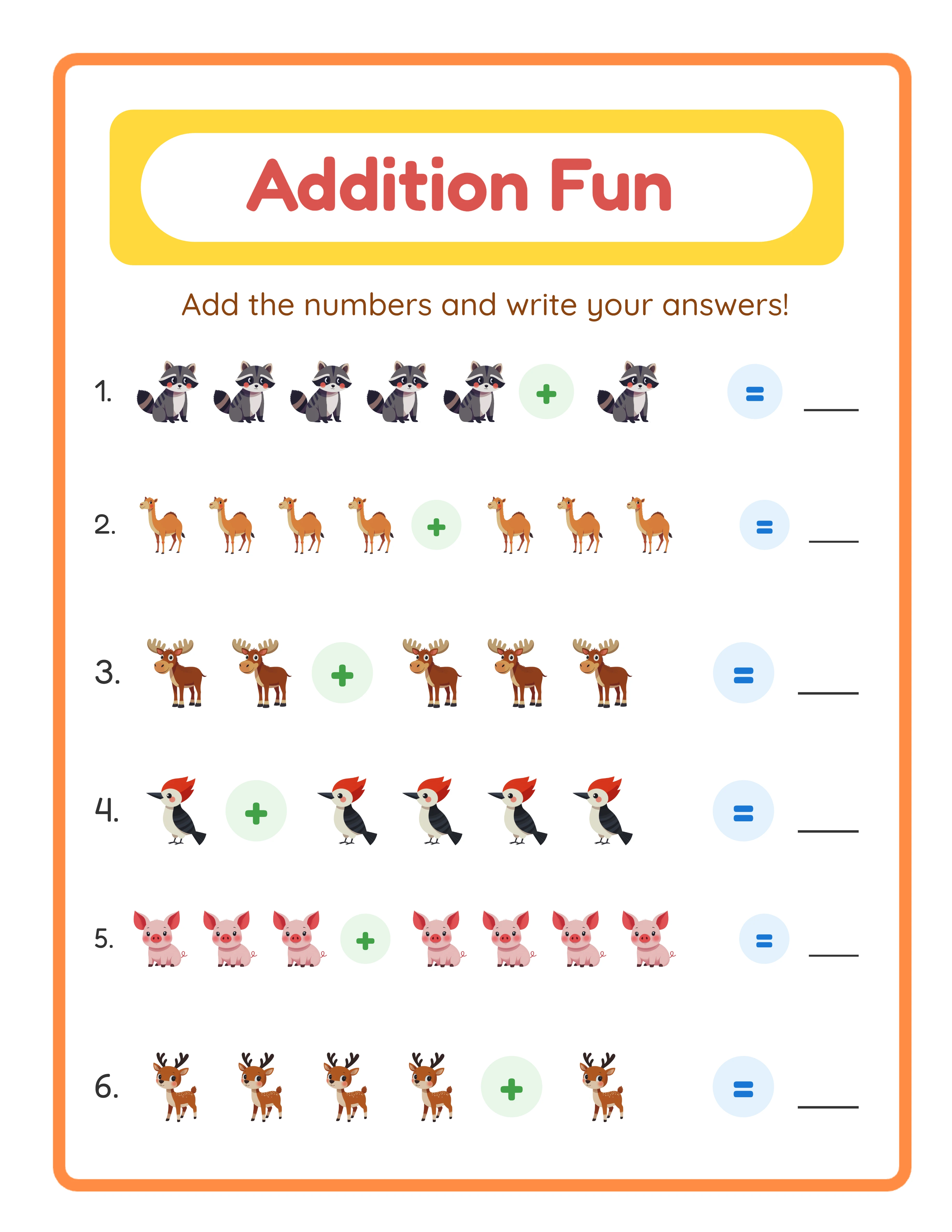
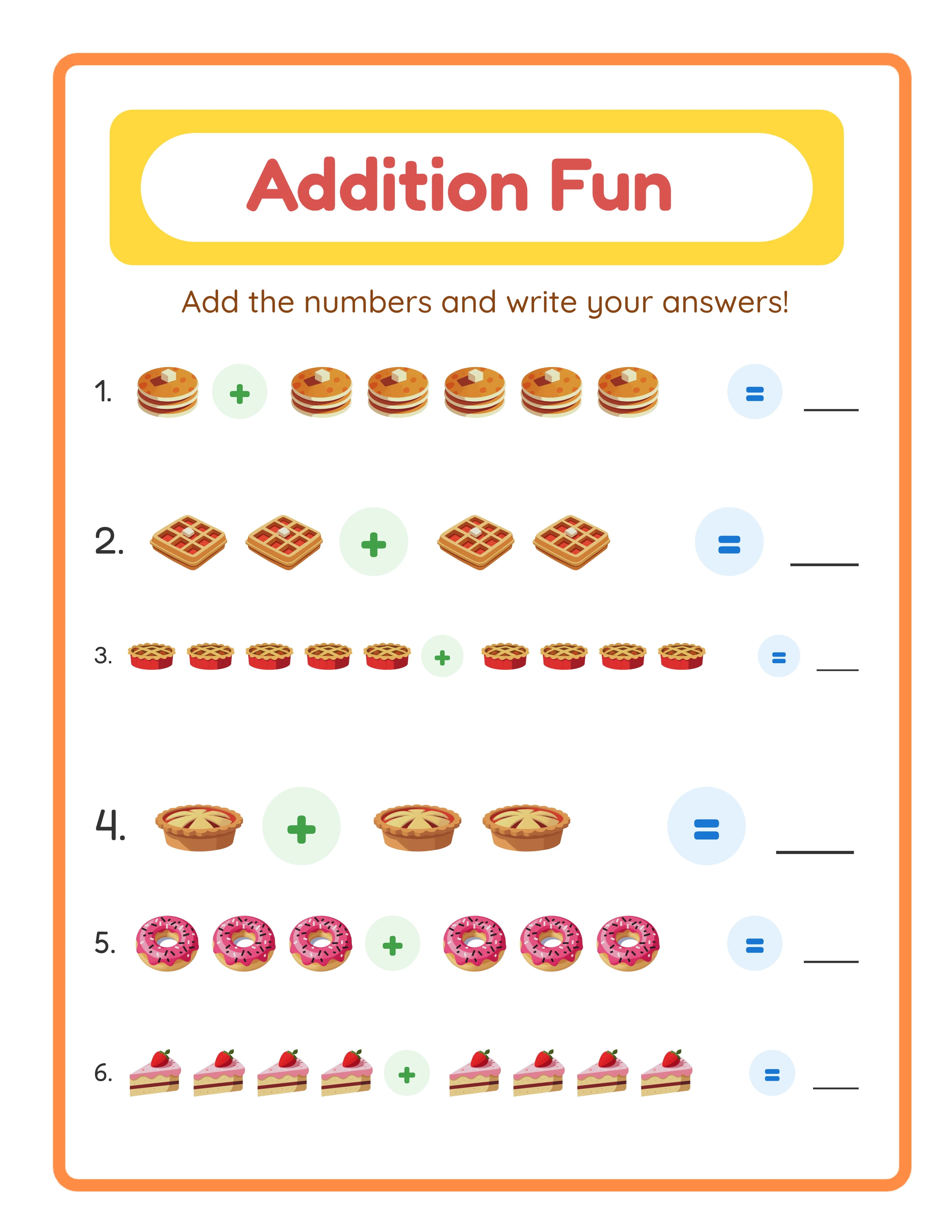
Step 2: Open the generator and configure your settings. Select the difficulty level (single-digit addition for kindergarten), choose the animal image set, set the page size to US Letter, and enable answer key generation. Select how many problems appear per page.
Step 3: Generate your first page. Review the output carefully. Check that the layout is clean, images are properly positioned, the difficulty matches your target age group, and the answer key is correct. This review step is critical — it takes 30 seconds and prevents quality issues in your final product.
Step 4: Generate variations. Create 9 more pages with the same settings. Each generation produces a unique arrangement of problems and images, so every page in your bundle is different while maintaining a consistent look and difficulty level.
Step 5: Download all files. Save both PDF and JPEG versions. PDF is standard for Etsy and Gumroad listings. JPEG is needed for Amazon KDP interior pages and for creating listing thumbnails.
Step 6: Assemble your bundle. Combine the individual pages into a single PDF bundle. Add a cover page with the bundle title, age range, and contents list. Include the answer keys at the end.
Step 7: Create your listing assets. Use one of your generated worksheets as the basis for your thumbnail image. A clean, well-cropped screenshot of an actual worksheet page outperforms generic mockups.
Quality Standards That Differentiate Sellable Worksheets
Meeting minimum quality standards is what gets your worksheet listed. Exceeding them is what gets it purchased. Here are the standards that separate sellable worksheets from the ones that collect digital dust.
Print margins must account for standard home printers. Most inkjet printers cannot print to the edge of the paper. A worksheet with content too close to the margins will have elements cut off when printed. Professional worksheets include at least 0.5-inch margins on all sides, and critical content stays within a 0.75-inch safe zone.
Resolution matters for print quality. Worksheets should be created at 300 DPI minimum. Images that look fine on screen can appear blurry or pixelated when printed at lower resolutions. All LessonCraftStudio generators output at print-appropriate resolution by default.
Font selection affects both readability and perceived quality. For preschool and kindergarten worksheets, use large, simple fonts (24–36pt). For first grade and above, standard educational fonts (16–20pt) work well. Avoid decorative fonts for instructional content — save them for titles and headers only.
Difficulty calibration is a quality dimension that many sellers overlook. A worksheet labeled "kindergarten addition" should contain only single-digit problems with sums up to 10. A worksheet labeled "second grade" should include two-digit numbers and possibly regrouping. Mislabeled difficulty is one of the most common reasons for negative reviews on educational marketplaces.
Age-appropriateness extends beyond difficulty. The images, themes, and visual complexity should match the target age group. The preschool-age market need large, simple images with clear outlines. Older users can handle more detailed illustrations and denser page layouts.
Answer key accuracy is absolute. A single incorrect answer in your answer key can generate a negative review that tanks your listing. Worksheet generators produce mathematically verified answer keys, eliminating this risk entirely.
Creating Worksheet Bundles That Maximize Sales Revenue
Individual worksheets sell. Bundles sell better. This is consistently true across every platform and every worksheet category. Understanding why — and how to structure bundles effectively — is one of the most impactful skills a printable seller can develop.
Bundles sell better because they offer perceived value. A single worksheet at $1.99 feels expensive for one page. The same worksheet as part of a 10-page bundle at $4.99 feels like a bargain at $0.50 per page. The buyer gets more, you earn more per transaction, and both sides feel good about the exchange.
Thematic bundles group worksheets around a single theme. "Ocean Animals Math Bundle" or "Farm Theme Coloring Collection" appeal to buyers who want comprehensive coverage of a topic their child or users are interested in. Thematic bundles work especially well for seasonal products.
Difficulty progression bundles arrange worksheets from easy to hard within a single skill. "Addition Practice — Beginner to Advanced" serves buyers who need materials for an entire unit. These bundles command higher prices because they replace multiple individual purchases.
Variety bundles combine different worksheet types around a single subject or age group. "Complete Kindergarten Math Pack" might include addition, subtraction, counting, number recognition, and pattern worksheets. Variety bundles are the highest-priced individual products in most shops because they serve as a one-stop solution.
Cross-sell bundles combine your top-performing products from different categories. If your animal coloring pages and animal math worksheets both sell well individually, an "Ultimate Animal Learning Bundle" combining both at a discount can capture buyers who would have purchased only one.
Bundle pricing follows a consistent principle: the per-page price decreases as the bundle size increases, but the total transaction value increases. A 5-page bundle at $3.99 ($0.80/page), a 15-page bundle at $7.99 ($0.53/page), and a 30-page mega bundle at $12.99 ($0.43/page) gives buyers clear incentive to choose the larger option.
Using Themed Images to Create Unique Worksheet Products
Themed images are the single most effective way to tier your worksheets from competitors. Two addition worksheets with identical math problems feel like completely different products when one features dinosaur images and the other features ocean animals.
LessonCraftStudio generators include over 100 themed image sets spanning categories like animals, vehicles, food, nature, seasons, holidays, and more. Each image set contains multiple individual images, giving you variety within a theme and preventing repetitive-looking bundles.
Seasonal themes create predictable revenue opportunities. Back-to-school themes sell in August and September. Halloween images drive October sales. Christmas and winter holiday themes peak in November and December. Valentine's Day, Easter, and summer themes each have their windows. Sellers who prepare seasonal products in advance capture demand that arrives on schedule every year.
Niche themes help you reach specific buyer segments. Dinosaur-themed worksheets appeal to a dedicated audience of parents whose children are in a dinosaur phase. Space-themed products attract science-minded families. Farm and garden themes appeal to rural and homeschool communities. The more specific your theme, the less direct competition you face.
Themed bundles command premium pricing. A generic "10 Addition Worksheets" bundle competes on price alone. A "Dinosaur Addition Adventure — 10 Themed Math Worksheets" bundle competes on uniqueness and emotional appeal. Parents buy the dinosaur bundle because their child loves dinosaurs, not because they compared per-page pricing across fifteen listings.
A practical strategy: create your core worksheet content with 3–5 different themes. This multiplies your product catalog without multiplying your effort. The same 10-page addition bundle becomes 5 different products (animals, dinosaurs, ocean, vehicles, food), each targeting a different search query and a different buyer emotion.
Answer Keys and Buyer-Friendly Features That Sell
Answer keys are not optional. They are a core product feature that directly affects whether buyers and parents purchase your worksheets. A listing that mentions "answer keys included" converts significantly better than one that does not.
Automatic answer key generation is one of the most valuable features of worksheet generators. Every math problem, every word search solution, every matching pair — the generator produces verified answer keys that match the worksheet exactly. This eliminates the most time-consuming and error-prone step of manual worksheet creation.
Beyond answer keys, several buyer-friendly features increase the perceived value and usability of your worksheets.
Instruction headers tell the user (or parent) exactly what to do. "Solve each addition problem" or "Find and circle all the hidden words" at the top of each page eliminates confusion and makes the worksheet truly ready to use without additional explanation.
Difficulty labels help buyers select appropriate worksheets for different users. Marking pages as "Easy," "Medium," or "Hard" — or specifying the skill level like "Sums to 10" or "Sums to 20" — makes your product more useful in tiered product bundles settings.
Name and date lines are a small detail that signals professionalism. Buyers expect them. Parents appreciate them. A simple line at the top for the user's name and the date makes the worksheet feel ready-to-sell.
Page numbers in bundles help buyers and parents navigate larger products. When a parent says "do pages 5 through 8 today," page numbers make that instruction simple.
These features individually seem minor. Together, they create the impression of a thoughtfully designed, professionally produced educational resource. That impression is what justifies premium pricing and generates the positive reviews that drive future sales.
Testing and Refining Your Worksheets Before Listing
The fastest way to earn a negative review is to list a worksheet you have never printed, never solved, and never shown to another person. Testing takes minutes and prevents problems that take months to recover from.
The print test is non-negotiable. Print every worksheet on a standard home printer before listing. Check that no content is cut off by margins, that images are sharp and clear on paper, and that the overall layout looks as good printed as it does on screen. If you offer both US Letter and A4 sizes, print both.
The solve test catches errors that visual review misses. Sit down and complete your own worksheet. Solve every math problem. Find every word in the word search. Match every pair in the matching activity. Then compare your answers to the answer key. If anything does not match, fix it before listing. Worksheet generators produce verified answer keys, but the solve test also catches issues like problems that are too easy, too hard, or ambiguously worded.
The age-appropriateness review verifies that your difficulty labels are accurate. If you label a worksheet "preschool," show it to a preschool-age child (or a parent of one) and observe whether the difficulty is appropriate. A worksheet that frustrates its target audience generates returns and negative reviews.
The peer review adds a second set of eyes. Show your finished product to a friend, family member, or fellow seller and ask: "Would you buy this?" Their honest reaction reveals issues you have become blind to after staring at your own work.
The listing preview test is often skipped but critically important. After creating your marketplace listing, view it as a buyer would. Does the thumbnail clearly show what the product is? Does the title include relevant search terms? Does the description answer the obvious questions (page count, age range, file format, what is included)? Would you buy this product based on the listing alone?
Testing adds 15–20 minutes to your product creation process. That investment prevents the negative reviews, refund requests, and damaged reputation that can take months to overcome. Professional sellers test every product. Amateur sellers list and hope. The difference shows in their review ratings and their sales numbers.