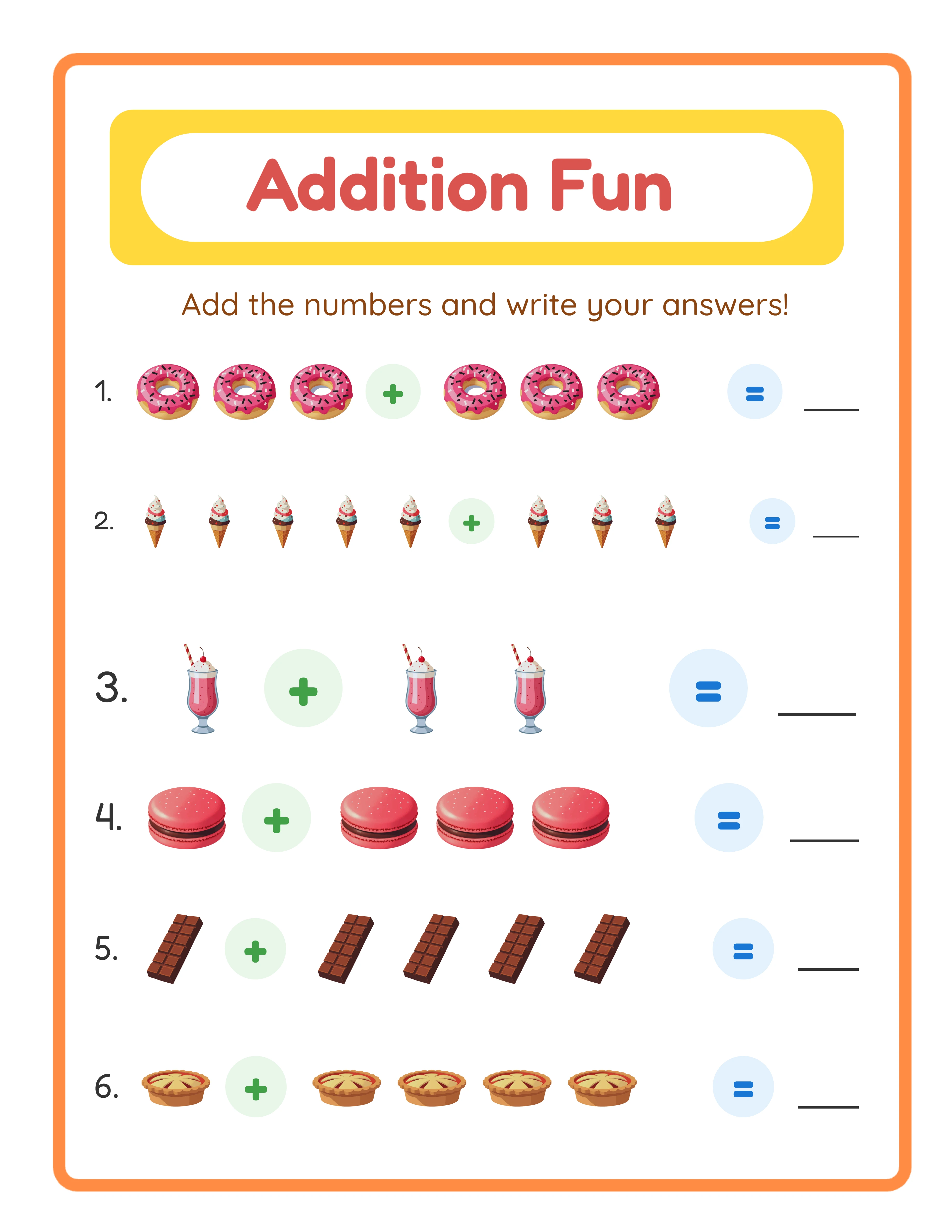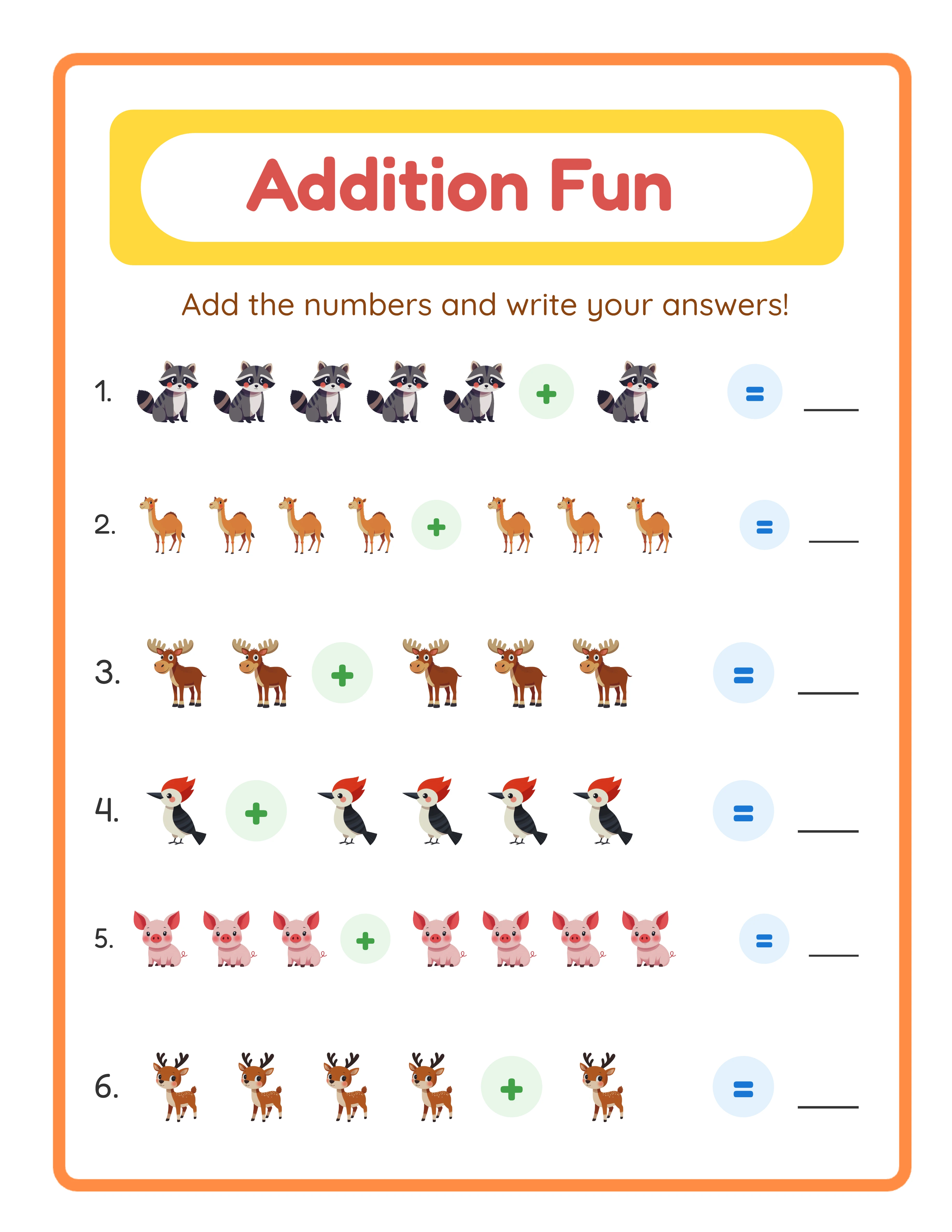
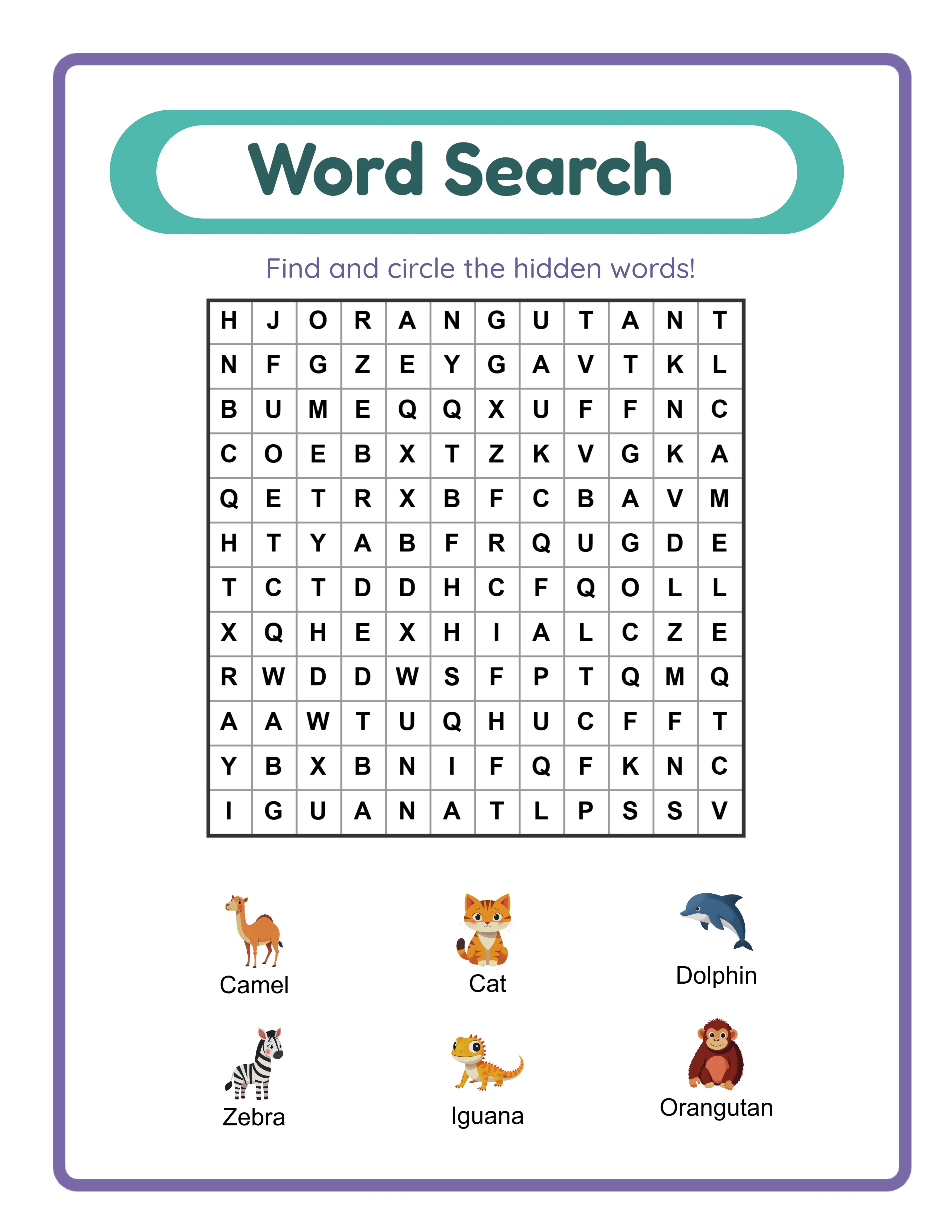
Step 1: Identify Which Listings to Refresh First (15 Minutes)
Not all listings deserve equal attention. Focus on the ones with the highest improvement potential.
**Open Etsy Stats and sort your listings by these criteria:**
**Priority 1 — High views, low sales (conversion problem):**
Listings getting 50+ views per month but under 2% conversion rate. These products are being found in search but not compelling buyers to purchase. The fix is usually better listing photos, description, or pricing.
**Priority 2 — Zero views (visibility problem):**
Listings with under 10 views per month. These are not appearing in search results at all. The fix is keyword optimization — wrong tags, too-competitive keywords, or missing attributes.
**Priority 3 — Previously popular, now declining:**
Listings that used to sell well but have dropped off. The fix is often seasonal keyword updates, refreshed photos, or improved files that reignite the algorithm's interest.
**Skip these:** Listings in very low-demand niches (check if anyone is searching for those terms). No amount of optimization helps if there is no buyer demand.
**Create a refresh list:** Pick your top 10 listings across these categories. You can refresh all 10 in one afternoon — about 15-30 minutes each.
Step 2: Upgrade Listing Photos (10 Minutes Per Listing)
Updated photos have the largest single impact on listing performance. Most sellers' early listing photos are noticeably worse than their current skill level.
**Photo refresh checklist:**
- [ ] Replace flat PDF screenshots with mockup photos showing worksheets on a desk
- [ ] Ensure the thumbnail image has bold, readable text with page count and theme
- [ ] Add an answer key preview photo (if your product includes answer keys)
- [ ] Add a "What's Included" infographic listing all bundle contents
- [ ] Fill at least 7 of the 10 image slots
- [ ] Verify all images are at least 2000 pixels wide
- [ ] Check that the thumbnail is clear at 250-pixel width
**Quick mockup method:** Open Canva, search "worksheet mockup template," place your worksheet screenshot into the template, add text overlays, export. Total time: 5-8 minutes per listing.
**Before/after impact:** Sellers who upgrade listing photos from flat screenshots to mockups consistently report 40-80% increase in click-through rates within one week. Combined with keyword improvements, the total effect can be 2-3x higher visibility.
Step 3: Optimize Keywords and Tags (10 Minutes Per Listing)
Your keyword strategy from 6 months ago is probably outdated. Search trends shift, and your understanding of effective keywords has likely improved.
**Keyword refresh process:**
1. **Check current performance:** In Etsy Stats, look at which search terms are bringing views to this listing. Keep the ones that work; replace the ones that do not.
2. **Research new keywords:** Type your product's main term into Etsy search and note autocomplete suggestions you have not used. Check competitor listings that rank above yours — what tags are they using?
3. **Update title:** Front-load your best keyword. Add "with Answer Keys" if applicable (this phrase increases conversion). Include the age range and page count.
4. **Update all 13 tags:** Replace single-word tags with multi-word phrases. Remove tags that generated zero views. Add seasonal tags if relevant to the current season.
5. **Update description:** Rewrite the first 40 words to include your primary keyword naturally. Add bullet points listing exactly what is included.
**Common keyword mistakes to fix:**
- Tags that repeat title words exactly (use variations instead)
- Single-word tags like "math" or "worksheets" (too competitive, add specifics)
- Missing age/grade level keywords (parents search by age)
- No seasonal keywords during peak seasons
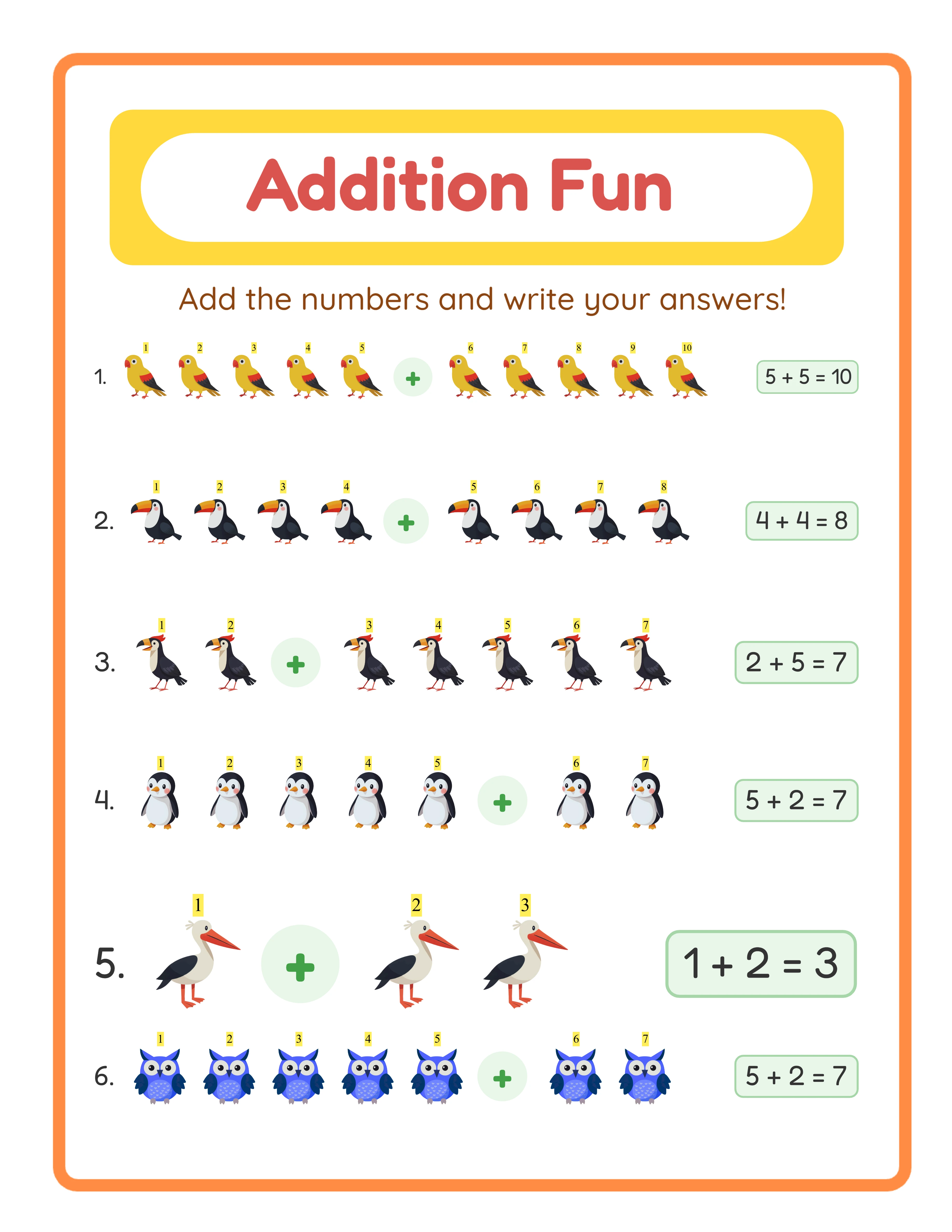
Every Worksheet Includes an Answer Key

Step 4: Improve the Product File Itself (15-30 Minutes)
Sometimes the listing is fine — the product just is not competitive anymore. Upgrading the actual file is the most impactful long-term improvement.
**File upgrade options:**
1. **Add more pages:** If your bundle has 20 worksheets, add 10-15 more using a generator. Bump the page count in your listing title. A "30 Worksheet Bundle" that becomes a "50 Worksheet Bundle" at the same price is a compelling value increase.
2. **Add answer keys:** If your original listing did not include answer keys, generate them now. This alone can double conversion rates. Update your title to say "with Answer Keys."
3. **Add an A4 version:** If you only offered US Letter size, create an A4 version and upload it as an additional file. Mention "US Letter + A4 Included" in your title.
4. **Improve visual quality:** If your original worksheets were plain text, regenerate them with themed images. The themed version replaces the original file — no new listing needed.
5. **Add a cover page:** Create a branded cover page and insert it at the beginning of the PDF. This makes the product feel more professional.
**Etsy allows file updates at any time.** Upload the improved file, and all future (and past) buyers get access to the new version. Previous buyers receive an automatic notification that the file has been updated — this often triggers repeat visits and new reviews.
Step 5: Reprice and Relaunch Strategically
The final step brings everything together for maximum impact.
**Pricing review:**
- Check competitor pricing for similar products with your updated page count
- If you added pages/answer keys, a $2-$3 price increase is justified
- If the listing was overpriced compared to competitors, lower it
- Consider running a temporary 20% sale for 7 days after the refresh to boost initial momentum
**The relaunch trick:**
When you update a listing's photos, tags, or description, Etsy gives it a small algorithm boost — similar to a newly listed product. To maximize this boost:
1. Update all elements (photos, tags, title, description, file) at the same time
2. Do it during peak shopping hours (weekday evenings in your target timezone)
3. Share the refreshed listing on social media and Pinterest the same day
**Expected results timeline:**
- Day 1-3: Slight increase in views as the algorithm tests the updated listing
- Day 4-7: Noticeable view increase (30-50%) as updated keywords take effect
- Week 2-4: Stabilized at new performance level (typically 50-200% higher than before)
- Month 2+: Sustained improvement if the updates genuinely improved the listing
**Batch refresh schedule:**
Refresh 5-10 listings per week alongside your new product creation. Over a month, you refresh 20-40 listings. This systematic approach often generates more revenue growth than creating 20-40 new listings would, because you are improving proven products rather than testing unproven ones.
The best printable sellers spend 30% of their time creating new products and 70% optimizing existing ones. That ratio produces the highest revenue per hour of work.