Where LessonCraftStudio Wins
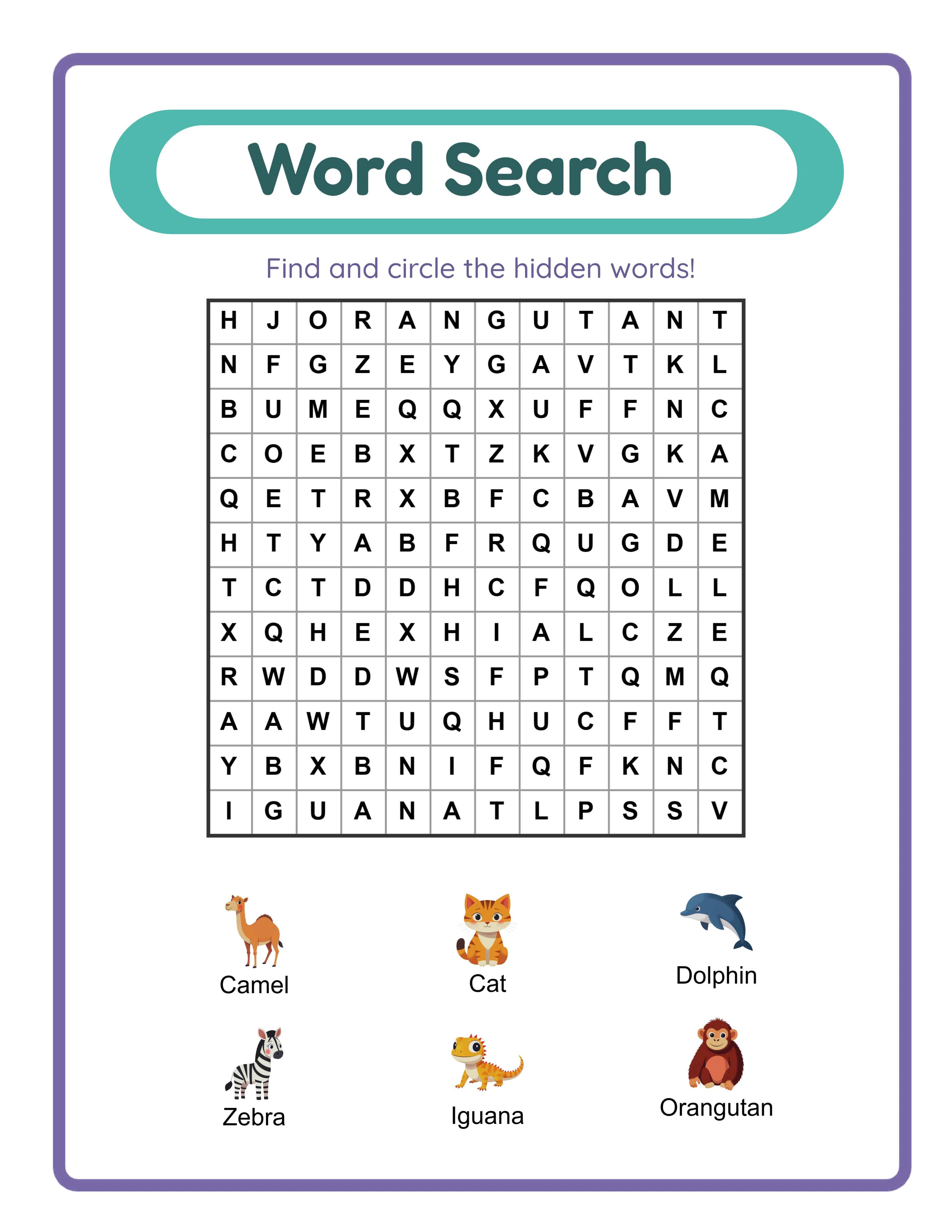
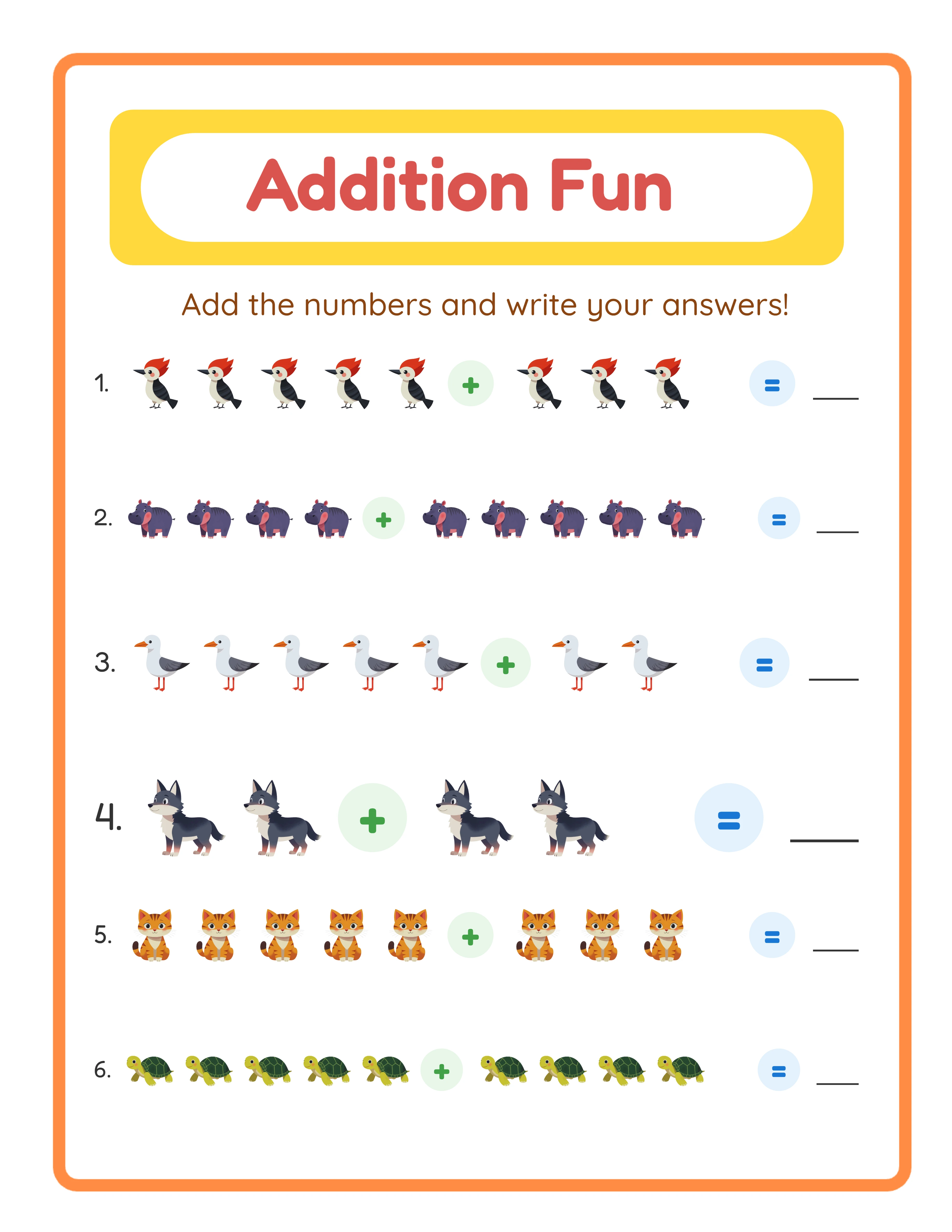
LessonCraftStudio has decisive advantages in areas that Canva simply does not address: **Puzzle and worksheet generation.** This is the fundamental difference. LCS has 33 generators that create algorithmic content — word search grids with hidden words placed in valid positions, crossword puzzles from custom word lists with interlocking letters, sudoku boards with unique solutions at adjustable difficulty, math problems at specific grade levels, and much more. Canva cannot do any of this. If you need a 15×15 word search grid with 20 hidden words and a matching answer key, LCS generates it in seconds. In Canva, you would need to manually place every letter in a grid — which is not practically feasible for most puzzle types. **Automatic answer keys.** Every applicable LCS generator creates answer keys automatically. Word search answer keys highlight the hidden words. Crossword keys show the completed grid. Math worksheet keys show the solutions. Sudoku keys show the filled board. This alone saves hours per product. In Canva, creating an answer key means duplicating your design and manually filling in every answer — a tedious, error-prone process. **Themed image library.** The 3,100+ images across 104 themed collections are designed specifically for educational worksheets. They integrate directly into generators for picture-based math (count the animals), visual vocabulary (match word to image), image-clue crosswords, and more. Canva has a vastly larger stock library, but those images are not categorized for educational use and cannot be automatically placed into puzzle layouts. **Locale-aware puzzle generation.** LCS generates puzzles in 11 languages with correct alphabet handling. A German word search grid includes ä, ö, ü, and ß in the filler letters. A French crossword accepts words with é, è, ê, and ç. This is not just a language toggle — the generation engine understands locale-specific character sets. Canva lets you type in any language, but since it cannot generate puzzles, this point is moot. **One-time pricing.** A $27 generator license or $79 category bundle is a permanent purchase with no recurring fees. Over time, this is significantly cheaper than Canva Pro for sellers who need puzzle generation capabilities.
Where Canva Wins
Canva has its own set of genuine strengths that LessonCraftStudio does not match: **Template library.** Canva offers hundreds of thousands of professionally designed templates for virtually every use case — book covers, social media posts, marketing flyers, worksheet layouts, presentation slides, business cards, and more. If you need a polished design quickly and you are not a graphic designer, Canva templates are an enormous time-saver. LCS has no template library; every output starts from generator parameters. **Cover design.** If you sell on Etsy, KDP, or any marketplace, you need product images and book covers. Canva excels at this. KDP cover templates with correct trim sizes, Etsy listing images optimized for the platform, and Pinterest pins for marketing are all readily available. LCS focuses entirely on interior content and has no cover design capability. **Social media and marketing.** Canva is a complete marketing design tool. Instagram posts, Facebook ads, YouTube thumbnails, email headers, and more — all with templates, brand consistency, and scheduling integrations. If you run a printable business, your marketing materials probably come from Canva. LCS has no marketing or social media features. **Brand kit and consistency.** Canva Pro stores your brand colors, fonts, logos, and templates so every design looks consistent. This is valuable for building a recognizable brand on Etsy or your own website. LCS has no centralized brand management. **Collaboration.** If you work with a team — a VA who creates listings, a designer who does covers, a partner who handles social media — Canva supports real-time collaboration with shared folders and permissions. LCS is a single-user tool. **General-purpose flexibility.** Canva can do almost anything design-related. Need a price tag for a craft fair? A thank-you card insert for shipped orders? A media kit for wholesale inquiries? Canva has a template for it. This broad flexibility makes it a daily-use tool for most online sellers.
Who Should Use LessonCraftStudio
LessonCraftStudio is the right choice if your business revolves around generating puzzle and worksheet content: **You sell puzzle worksheets.** If your Etsy shop or website offers word search bundles, crossword packs, math worksheet sets, sudoku books, or activity page collections, you need a dedicated generator. Canva cannot create this content. LCS can, in 33 different formats. **You need answer keys.** Buyers expect answer keys with worksheet products. LCS generates them automatically for every applicable puzzle type. Building answer keys manually in any design tool is impractical for products with dozens of pages. **You create image-based educational content.** Picture math problems, visual vocabulary worksheets, image matching activities, find-and-count pages, and shadow matching worksheets all require an integrated image library. LCS provides 3,100+ themed images designed for this purpose. **You serve international markets.** If you sell in German, French, Spanish, Portuguese, Italian, Dutch, or Scandinavian markets, LCS is the only tool that generates locale-aware puzzle content. A German-language word search with correct umlauts in filler letters is not something any other tool produces. **You want to avoid subscription fatigue.** At $27 per generator or $79 per category bundle with no recurring costs, LCS fits well into a budget-conscious toolkit alongside other subscriptions you may already have.
Who Should Use Canva
Canva is the right choice for specific parts of the printable business workflow: **You need product covers and listing images.** Every Etsy listing, KDP book, and marketplace product needs eye-catching visuals. Canva templates make this fast, even if you are not a designer. This is probably the most common reason printable sellers use Canva. **You create simple, template-based worksheets.** If your products are tracing sheets, blank handwriting practice pages, simple checklists, or fill-in-the-blank activities that do not require algorithmic generation, Canva templates work fine. These are layout tasks, not generation tasks. **You run social media for your business.** Pinterest pins, Instagram posts, Facebook ads, and YouTube thumbnails drive traffic to your shop. Canva is purpose-built for creating these assets quickly and consistently. **You need brand consistency across products.** If your brand identity matters — consistent colors, fonts, logos, and visual style — Canva Pro's Brand Kit centralizes all of this. Your 50th product listing will look as on-brand as your first. **You collaborate with others.** Canva's team features make it easy to share work with VAs, designers, or business partners without sending files back and forth.
Using Both Together — The Smart Approach
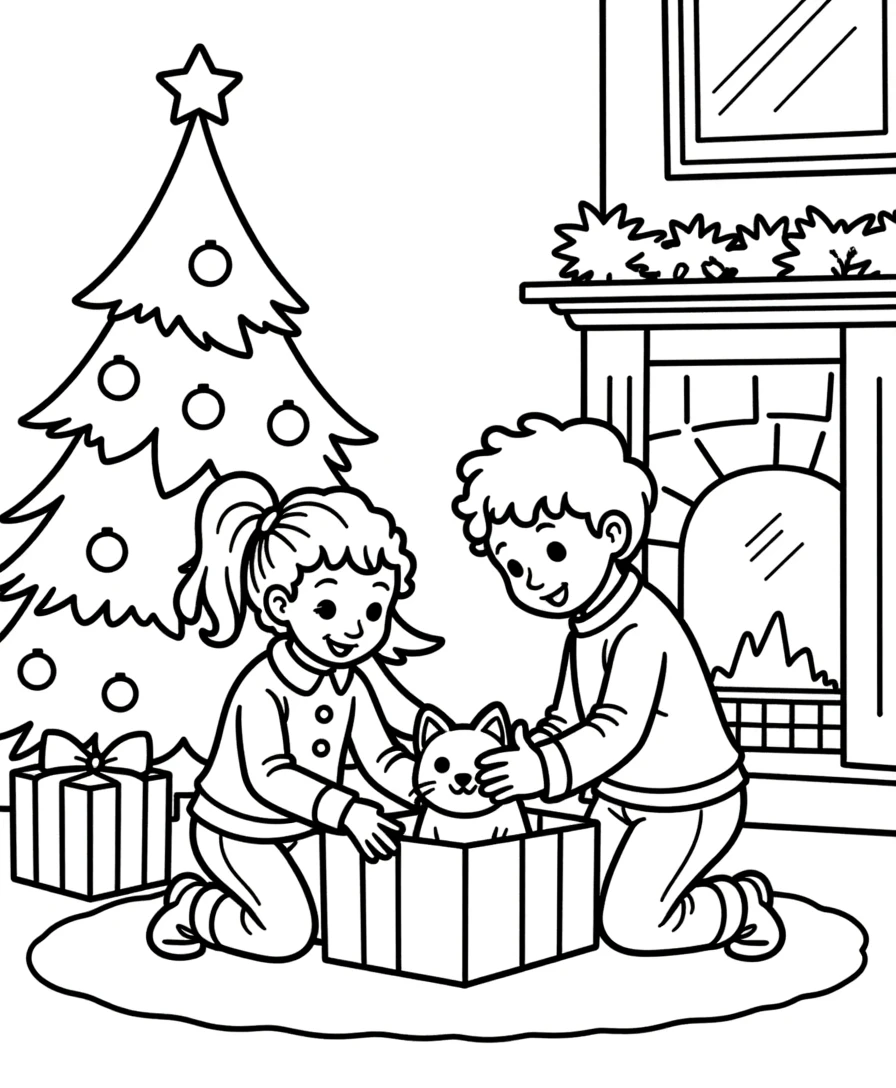
The most effective approach for many printable sellers is using both tools for what each does best. They complement each other naturally because their capabilities barely overlap. **A practical workflow:** 1. **Generate content in LessonCraftStudio.** Create your word searches, crosswords, math worksheets, sudoku puzzles, or any of the 33 available types. Use the canvas editor to adjust fonts, colors, and layout. Export at 400+ DPI as PDF. 2. **Design covers in Canva.** Create product covers for Etsy listings, KDP books, or your website. Use Canva's templates to match marketplace requirements (Etsy listing image dimensions, KDP cover trim sizes). 3. **Create marketing materials in Canva.** Pinterest pins showcasing your worksheet products, Instagram carousel posts with sample pages, email headers for your newsletter — all using your Brand Kit for consistency. 4. **Build simple complementary pages in Canva.** Coloring pages with custom illustrations, title pages, table of contents, and "about the author" pages can all come from Canva templates to round out your product bundles. **What this costs:** - LCS: $27–$79 one-time (depending on how many generators you need) - Canva: Free tier for basic work, or $12.99/month for Pro features - Total year-one cost: As low as $27 (LCS) + $0 (Canva free) = $27 - Or with Canva Pro: $27 + $155.88 = $182.88 for the year This combination gives you dedicated puzzle generation, automatic answer keys, multilingual support, professional cover design, social media marketing tools, and brand consistency — at a fraction of what a single professional design subscription costs.
Common Mistakes Printable Sellers Make with Canva
Canva is excellent at what it does, but some sellers try to force it into roles it was not designed for. These mistakes waste time and produce inferior products: **Trying to build puzzle grids manually.** Some sellers create word search grids in Canva by placing individual text boxes for each letter. This takes 30+ minutes per grid, produces inconsistent spacing, and makes answer keys nearly impossible. A dedicated generator creates the same grid in 3 seconds with a matching answer key. **Using the same templates as everyone else.** Canva's most popular worksheet templates are used by thousands of sellers. If your products look identical to others on Etsy, you have no visual differentiation. Generating unique puzzle content in LCS and then adding branded elements gives you a product that cannot be replicated by template users. **Skipping answer keys because they are too tedious.** Buyers expect answer keys. Sellers who skip them because manual creation in Canva takes too long are leaving money on the table and getting lower reviews. Automatic answer key generation removes this bottleneck entirely. **Paying for Canva Pro just for worksheet creation.** If you only use Canva for creating worksheets (not covers, not marketing, not social media), the Pro subscription may not be necessary. A one-time $27 LCS generator license handles the content creation, and Canva's free tier handles basic design needs. **Ignoring international markets.** If all your products are in English only, you are competing in the most crowded market segment. LCS's 11-language support lets you create localized products for less competitive markets — German, French, Spanish, and others — where fewer sellers compete but demand is real.