Tutorial
1
Choosing Which Products to Localize First
Not every product benefits equally from localization. Start with your highest-potential products to prove the model and generate immediate returns.
Prioritize by these criteria:
1. Proven English demand: Products that already sell well in English are most likely to succeed in other languages. If your animal word search bundle is your top seller, localize it first. Market demand validates that buyers want this specific product -- you just need to make it available in more languages.
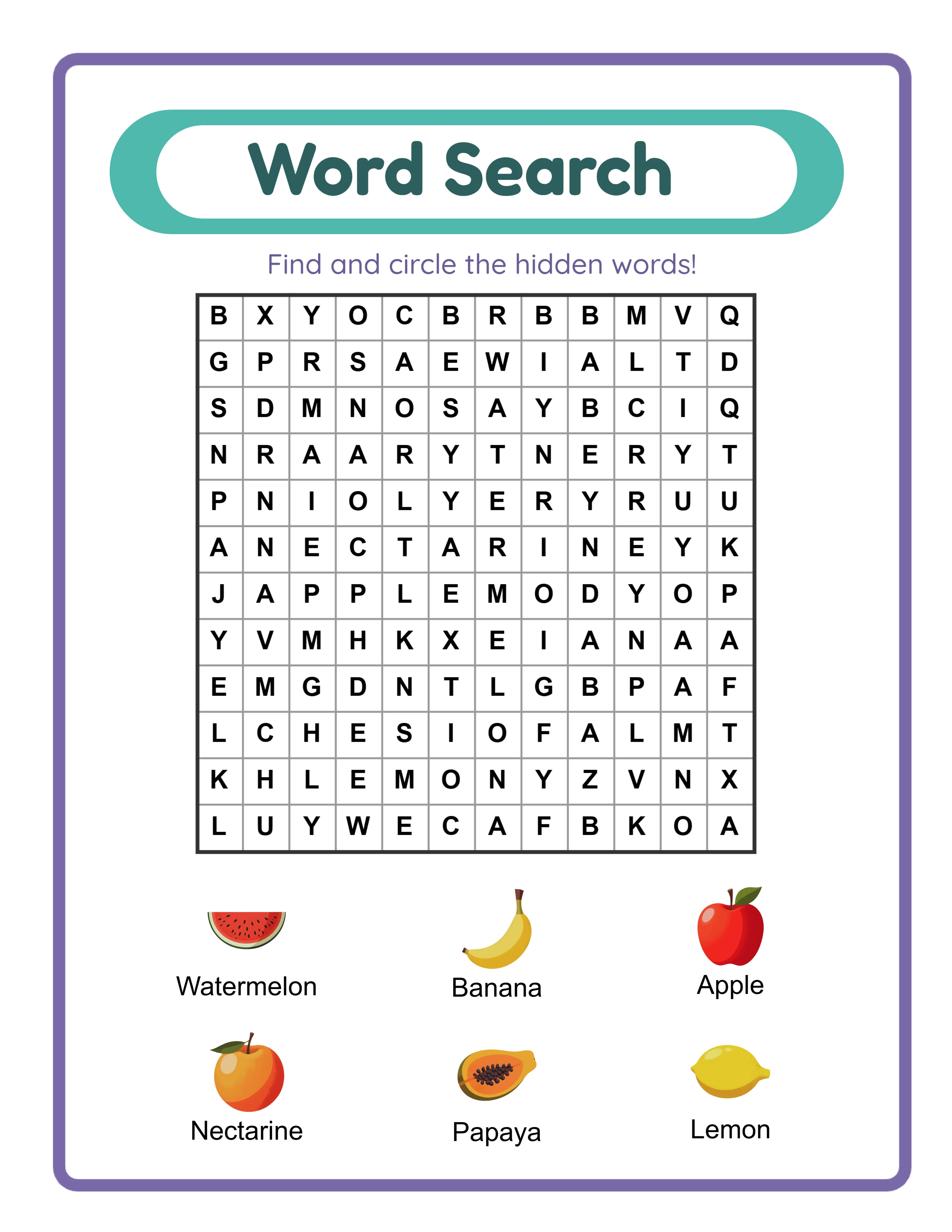
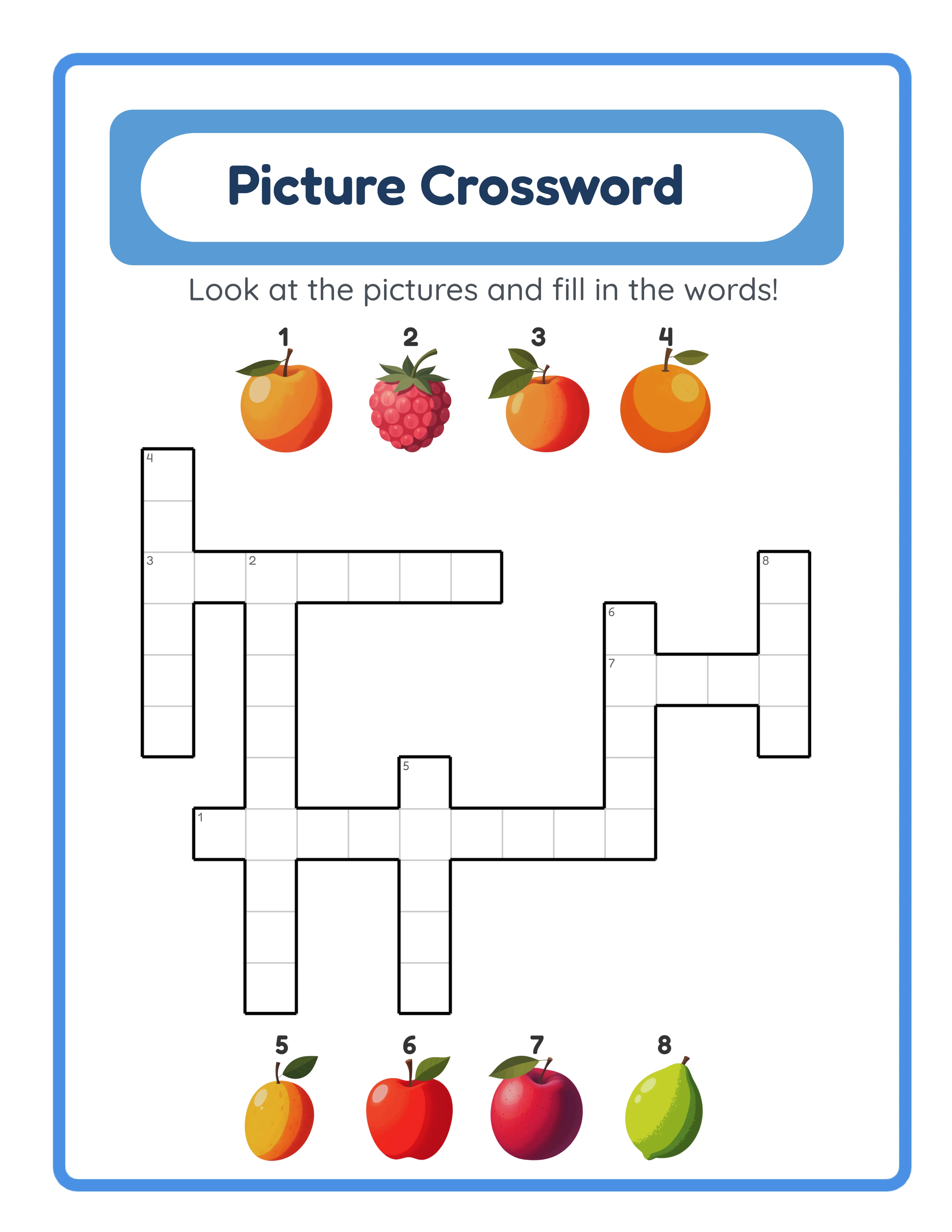
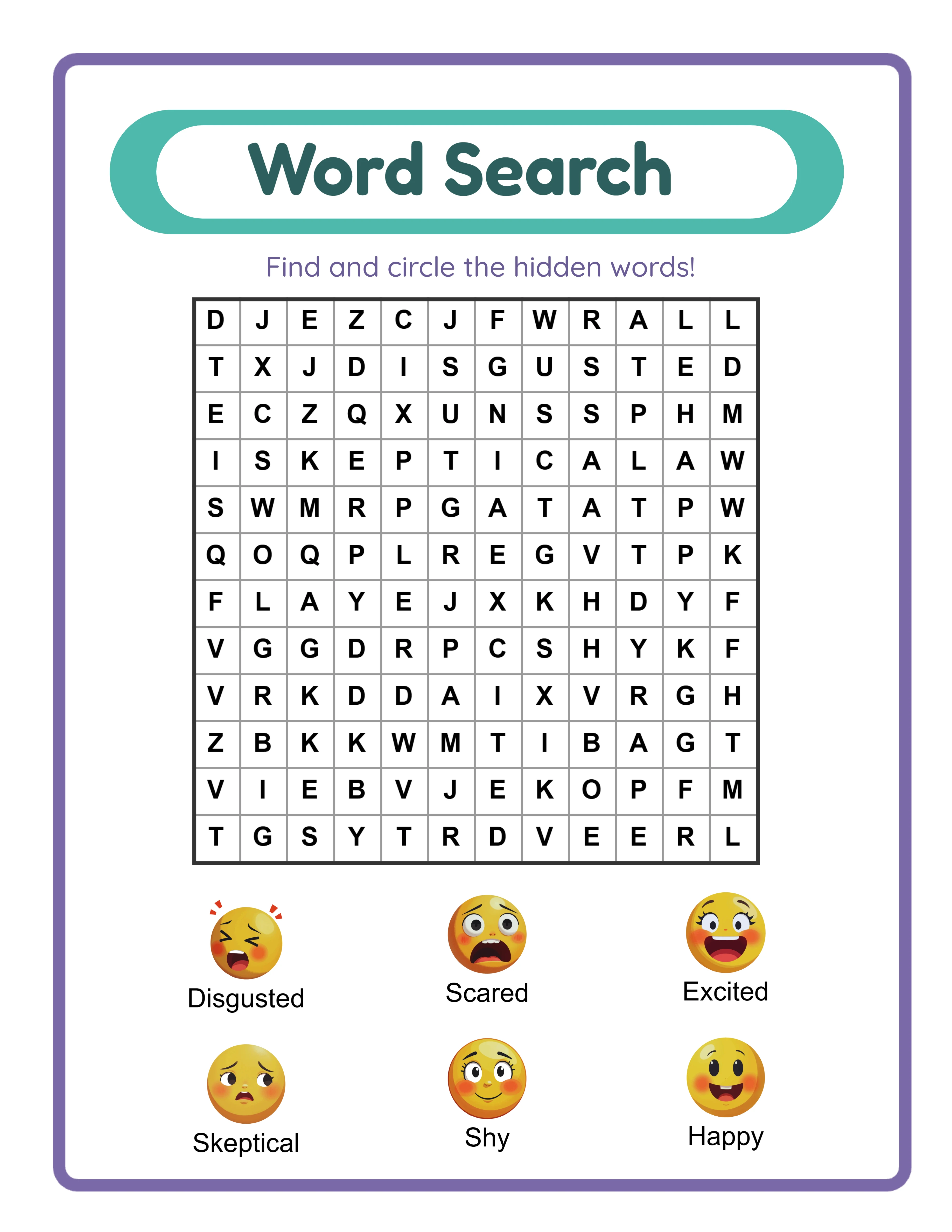
2. Language-dependent content: Products with text, vocabulary, and language-specific elements benefit most from localization. Word searches, crosswords, word scrambles, matching worksheets, and any product featuring words gain new value in each language. In contrast, products with minimal text (like mazes or pattern worksheets) gain less from localization because they already work in any language.
3. Universal themes: Products with themes that resonate across cultures localize better than culture-specific themes. Animals, food, colors, numbers, shapes, vehicles, and nature are universally relevant. Thanksgiving-themed products or US Fourth of July worksheets have limited international appeal.
4. Bundle potential: Localized bundles command premium prices because comprehensive foreign-language worksheet collections are rare. Prioritize products that can form or join a bundle in the target language.
Action step: Sort your existing English products by monthly revenue. Take the top 5 that meet criteria 2 (language-dependent) and criteria 3 (universal themes). These 5 products are your first localization batch.
2
The 11-Language Generation Workflow
Here is the exact step-by-step process for taking one English product and generating it in all 10 additional languages.
Step 1: Open the generator that created your English product. For this example, we will use the word search generator with an animal theme.
Step 2: Confirm your settings match the English product. Grid size, word count, difficulty level, and theme should be identical. This ensures the localized version matches the original in format and quality.
Step 3: Switch the language selector to German (Deutsch). The generator immediately switches all vocabulary, filler letters, and interface text to German.
Step 4: Generate the puzzle. The generator produces a word search with German animal vocabulary (Hund, Katze, Pferd, Schmetterling, Schildkroete) using German filler letters including umlauts. The answer key generates automatically.
Step 5: Preview and export as PDF. Verify the German content looks authentic and complete.
Step 6: Repeat Steps 3-5 for each remaining language:
- French (Francais)
- Spanish (Espanol)
- Portuguese (Portugues)
- Italian (Italiano)
- Dutch (Nederlands)
- Swedish (Svenska)
- Danish (Dansk)
- Norwegian (Norsk)
- Finnish (Suomi)
Step 7: Organize your exported files by language. Create folders: de/, fr/, es/, pt/, it/, nl/, sv/, da/, no/, fi/. Each folder contains the complete product in that language.
Total time for 10 language versions: 30 to 60 minutes for a standard worksheet set, depending on the number of pages. Compare this to the 2-4 hours it took to develop the original English concept. Localization is dramatically more time-efficient than new product creation.
Tip: Generate all languages in a single session while the generator is open and your settings are configured. Switching between languages is instantaneous -- do not close the generator between languages.
3
Quality Checking Your Localized Products
While the generators produce linguistically accurate content, a quick quality check ensures your products meet commercial standards.
Visual consistency check:
- Open the English version and the localized version side by side
- Verify the layout matches: same grid size, same page format, same visual structure
- Check that no text overflows its designated area (some languages use longer words than English)
- Ensure special characters render correctly in the PDF (umlauts, accents, cedillas, tildes)
Content completeness check:
- Verify all pages generated successfully (same page count as English version)
- Check that answer keys correspond to the correct puzzles
- Confirm the theme images or illustrations are present and properly placed
Character set verification:
- German: Look for umlauts (a-umlaut, o-umlaut, u-umlaut) and eszett in vocabulary and filler text
- French: Verify accented characters (e-acute, e-grave, e-circumflex, c-cedilla, a-grave)
- Spanish: Check for n-tilde, inverted question marks, inverted exclamation marks
- Portuguese: Verify a-tilde, c-cedilla, circumflex accents
- Swedish/Danish/Norwegian: Check for a-ring, o-stroke, ae-ligature
- Finnish: Verify a-umlaut and o-umlaut
The generators handle all of these characters automatically, but a quick visual scan of the exported PDF catches any rendering issues before you list the product.
Time investment: 2-3 minutes per language version. This is not a proofreading step (the generator's vocabulary is pre-verified) -- it is a visual quality check to ensure the PDF exported cleanly.
4
Creating Localized Marketplace Listings
The product file is only half the localization equation. Your marketplace listing (title, description, tags, images) needs to be localized to reach buyers in each language.
Listing title formula:
[Product Type in Target Language] + [Theme in Target Language] + [Page Count] + [Format]
Examples:
German: "Wortsuche Tiere -- 50 Ratsel mit Losungen | Arbeitsblatter zum Ausdrucken"
French: "Mots Meles Animaux -- 50 Grilles avec Solutions | Fiches a Imprimer"
Spanish: "Sopa de Letras Animales -- 50 Puzzles con Soluciones | Hojas de Trabajo"
Keyword research process:
1. Open Etsy (or Amazon) in the target country
2. Type your product type in the target language into the search bar
3. Note every autocomplete suggestion -- these are real buyer searches
4. Check the top 10 results for the most common title patterns
5. Compile a keyword list for your listing title and tags
Description localization:
Your description should communicate:
- What the product contains (number of pages, activity types)
- Format details (PDF, print-ready, instant download)
- Age range or difficulty level
- What makes the product useful (answer keys included, themed content)
For each language, create a description template that you can reuse across all products in that language. Update product-specific details (theme, page count) but keep the standard sections consistent.
Tags (Etsy): Use all 13 tags in the target language. Include:
- 3-4 broad terms (the product type in that language)
- 3-4 specific terms (theme + product type combinations)
- 3-4 long-tail phrases (age group + product type + theme)
- 2-3 related terms (synonyms and alternative search patterns)
Listing images:
Add text overlays in the target language on your preview images. At minimum, include the language name on the thumbnail so buyers immediately see it is in their language. A German buyer scrolling search results will click on a thumbnail showing "Auf Deutsch" (In German) much more readily than one requiring them to read the title.
5
Batch Listing Workflow for Maximum Efficiency
Creating listings one at a time across multiple languages is time-consuming. This batch workflow cuts listing creation time by 60%.
Preparation (one-time per language):
1. Research keywords for your product type in the target language
2. Write a reusable description template in that language
3. Create a listing image template with the language identifier
4. Compile a master tag list (30-40 tags) that you can mix and match
Batch listing process:
1. Open all product files for one language (e.g., all 5 German products)
2. Open your German listing template
3. Create Listing 1: Copy the template, insert product-specific details (theme name, page count), select 13 tags from your master list, upload preview images with German text overlay
4. Create Listing 2: Same template, different product details, slightly different tag selection
5. Repeat for all products in German
6. Move to the next language and repeat
Time benchmarks:
- First listing in a new language: 45-60 minutes (includes keyword research and template creation)
- Subsequent listings in the same language: 15-20 minutes each (template reuse)
- Listing 10 products in one language: 3-4 hours total
- Listing 10 products in 5 languages: 15-20 hours total
Batch image creation:
Use Canva or a similar tool to create listing image templates. Create one template per language with the correct language identifier, then duplicate it for each product. Change only the product preview image and title text. This produces professional, consistent listing images in minutes per product.
Scheduling tip: Dedicate specific days to localization work. "Monday = German listings, Tuesday = French listings" is more efficient than switching between languages throughout the week. Language-specific keyword research and description writing benefit from staying in one language context.
6
The Revenue Multiplication Formula
Understanding the revenue multiplication math helps you plan your localization investment and set realistic expectations.
The base formula:
Total Monthly Revenue = English Revenue + (Sum of Language Revenue for each localized language)
Each language version typically generates 20-60% of the English product's revenue, depending on market size and competition.
Revenue multipliers by language (as percentage of English revenue):
- German: 30-50%
- French: 25-40%
- Spanish: 25-50% (higher when including Latin America)
- Portuguese: 20-35%
- Italian: 15-25%
- Dutch: 10-20%
- Swedish: 5-15%
- Danish: 5-10%
- Norwegian: 5-10%
- Finnish: 5-10%
Example calculation:
English product earns $200 per month.
Add German: +$80 (40% of English)
Add French: +$60 (30% of English)
Add Spanish: +$70 (35% of English)
Add Portuguese: +$50 (25% of English)
Add Italian: +$40 (20% of English)
Total from 6 languages: $500 per month (2.5x the English-only revenue)
Add Dutch, Swedish, Danish, Norwegian, Finnish: +$60 combined (30% of English)
Total from all 11 languages: $560 per month (2.8x the English-only revenue)
This 2.5x to 3x multiplier applies to every product you localize. A catalog of 20 English products earning $3,000 per month becomes a multilingual catalog earning $7,500 to $9,000 per month when fully localized.
The compounding effect: Each new English product you create is immediately multipliable across all languages. Once your localization workflow is established, every new product concept automatically becomes 11 products. This compounding creates exponential catalog growth compared to English-only sellers who create products one at a time.
7
Scaling from 5 Products to Full Catalog Localization
After proving the model with your first 5 localized products, scale systematically to maximize returns.
Phase 1 -- Proof of concept (Week 1-2):
Localize your top 5 English products into 2-3 languages (German, French, Spanish). List them on Etsy and/or Amazon KDP. Enable minimal advertising ($2-3 per day per language). Goal: Validate that localized products generate sales.
Phase 2 -- Language expansion (Week 3-6):
Add Portuguese, Italian, and Dutch versions of the same 5 products. List and advertise. You now have 5 products in 6+ languages = 30+ international listings. Goal: Identify which languages produce the best returns.
Phase 3 -- Product expansion (Week 7-12):
Take your next 10 best-selling English products and localize them into your top 3-4 performing languages. You now have 15 products in 4+ languages = 60+ international listings. Goal: Build momentum in top-performing markets.
Phase 4 -- Full catalog localization (Month 4-6):
Localize your entire English catalog into all 11 languages. At 20 English products x 11 languages = 220 total product listings. Not all will perform equally, but the portfolio approach ensures consistent aggregate revenue.
Phase 5 -- Optimization (Ongoing):
Analyze performance data monthly. Identify:
- Which languages produce the highest revenue per listing
- Which product types perform best in which languages
- Which keywords drive the most traffic in each market
- Where advertising spend produces the best ROAS
Double down on top performers. Create new products specifically designed for high-performing international markets. A word search theme that resonates particularly well in German (say, "Weihnachten" Christmas theme) deserves expanded German-specific attention even if the English equivalent is average.
This systematic scaling approach prevents overwhelm while building a genuinely international printable business over 6 months.