Tutorial
1
Choose Language-Appropriate Worksheet Types
Not all worksheet types require the same level of language adaptation, and understanding this distinction is the foundation of efficient multi-language production. Some worksheet types need almost no translation because their content is primarily numerical or visual. Others require complete content overhaul because every element is language-dependent. Starting with the right worksheet types for your language capabilities prevents quality problems and wasted effort.
Math worksheets represent the easiest category for multi-language production. Addition, subtraction, multiplication, and number pattern worksheets contain primarily numbers, with only instructions and labels requiring translation. The mathematical content itself is universal — "3 + 5 = ?" reads the same way in every language. This means you can produce professional German, French, or Spanish math worksheets by translating only a handful of instruction lines, making math the ideal starting point for sellers who are not fluent in their target languages.
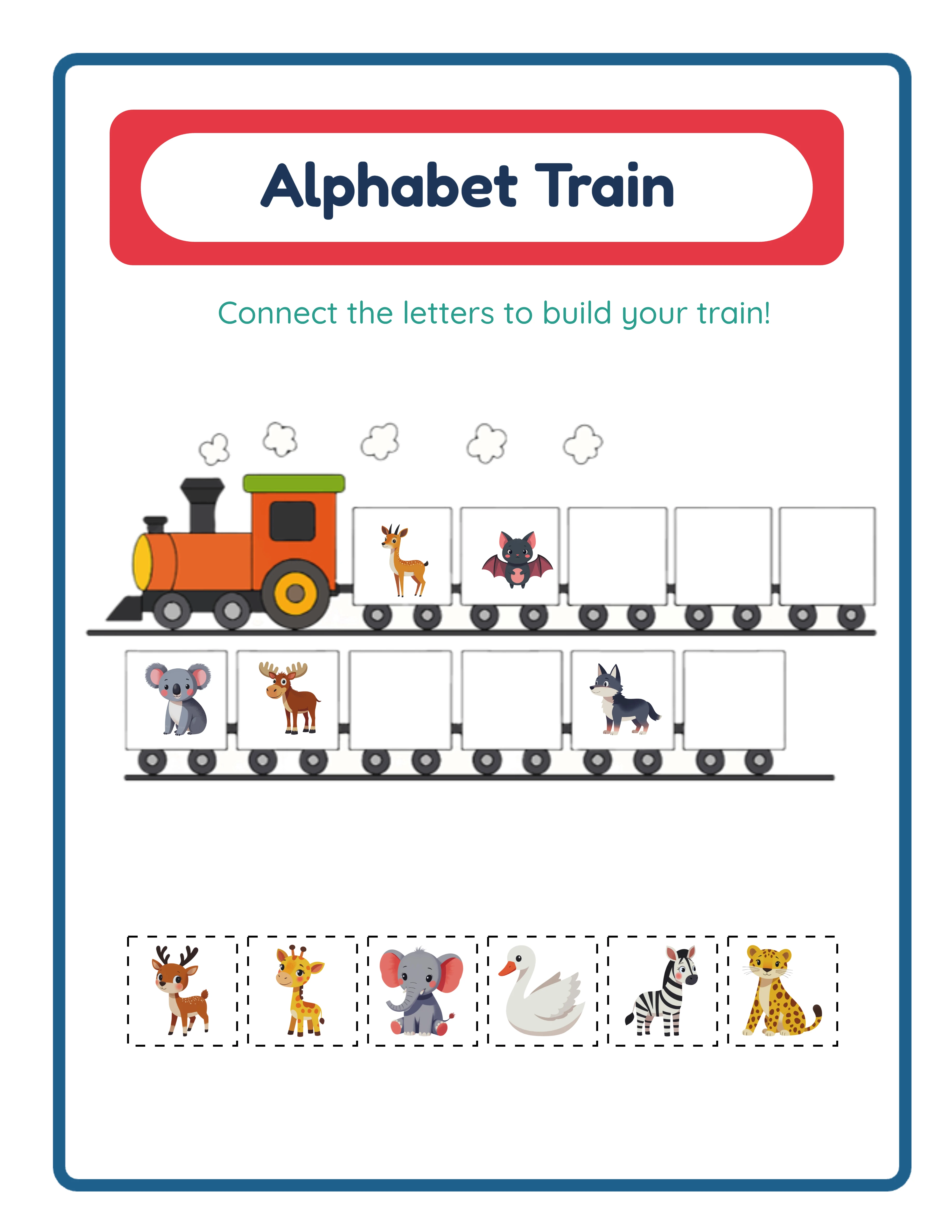
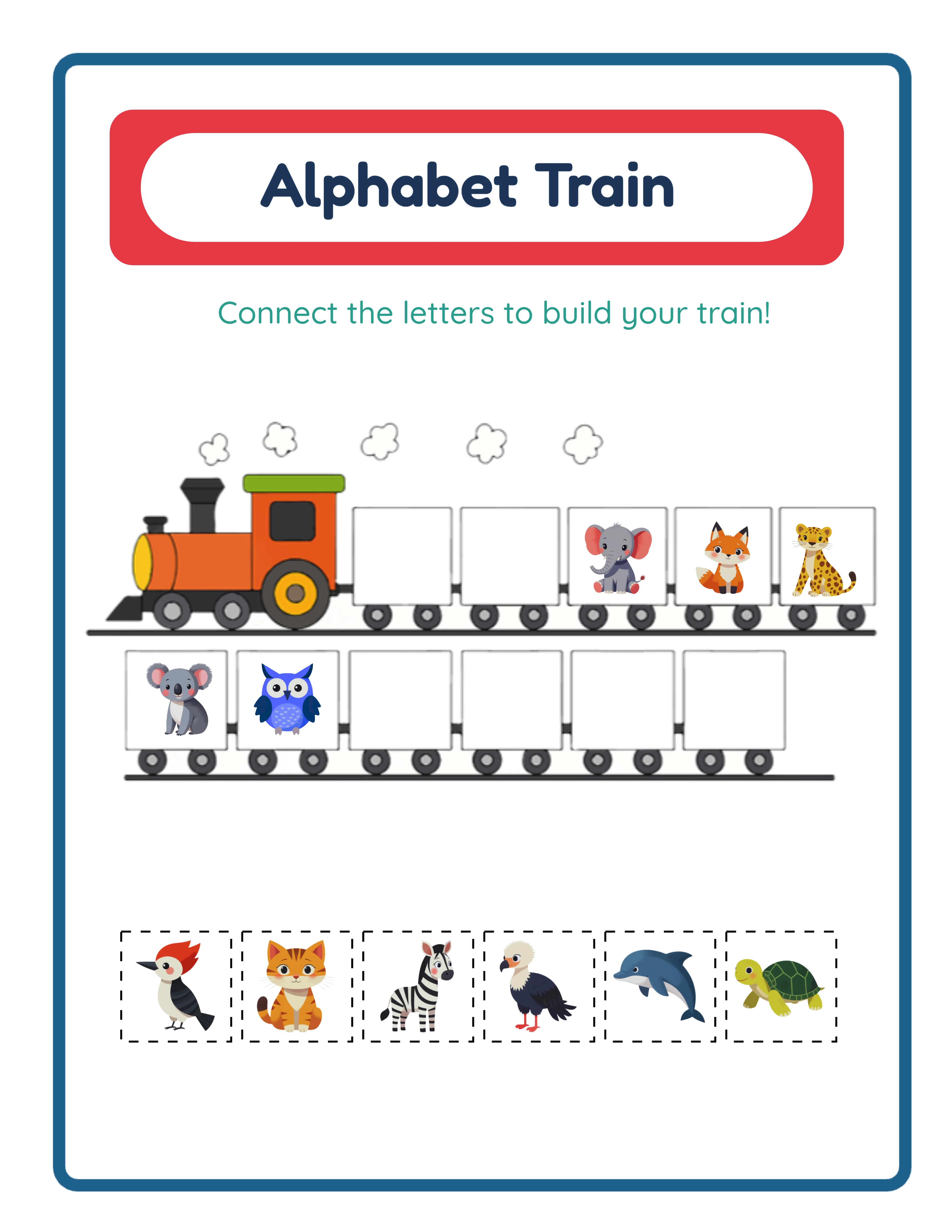
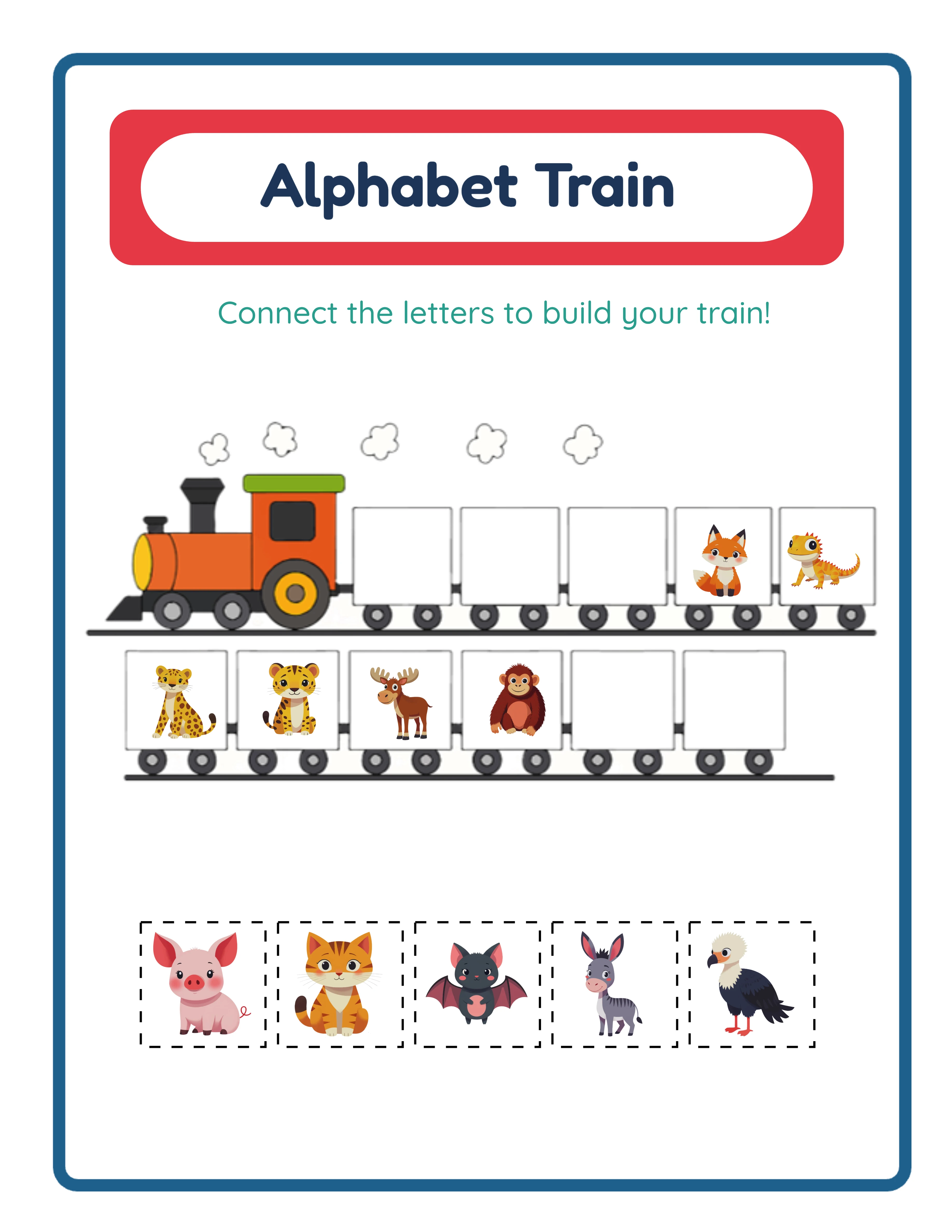
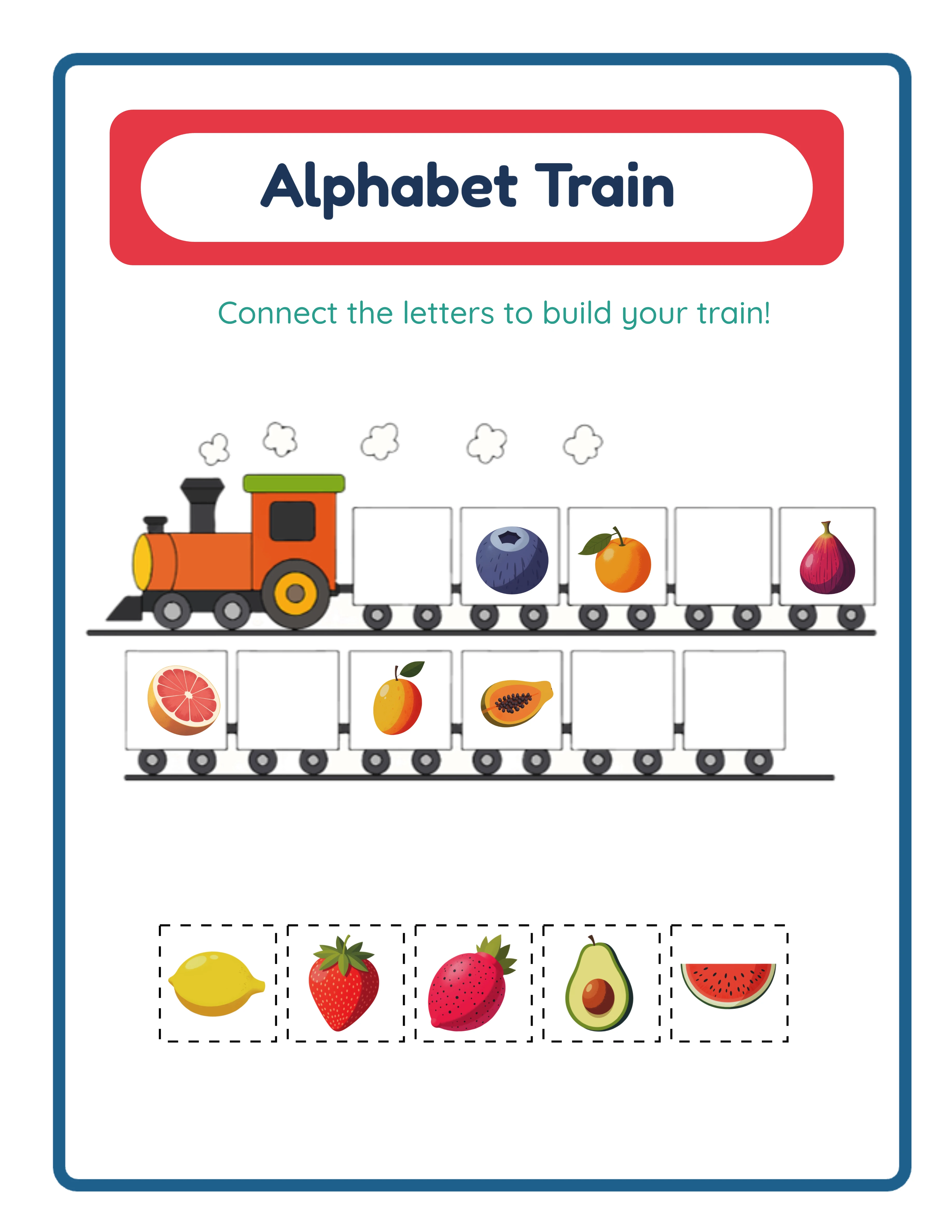
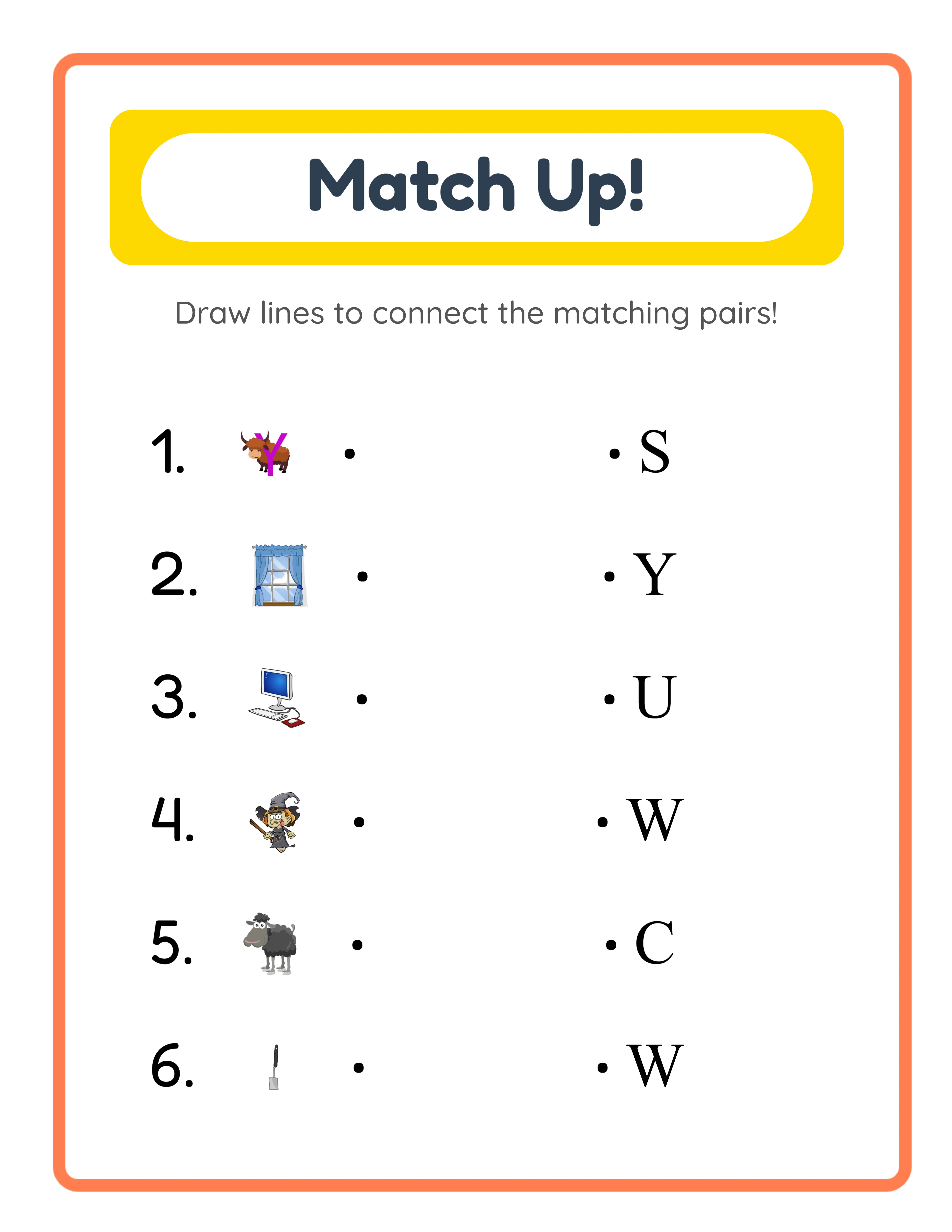
Drawing and coloring worksheets are similarly straightforward. The visual content needs no adaptation, and the text elements are typically limited to titles and brief instructions. A "Draw a cat" prompt becomes "Zeichne eine Katze" in German or "Dessine un chat" in French — short phrases that are easy to verify for accuracy. Pattern recognition and matching worksheets also fall into this low-adaptation category when they use images rather than words as their matching elements.
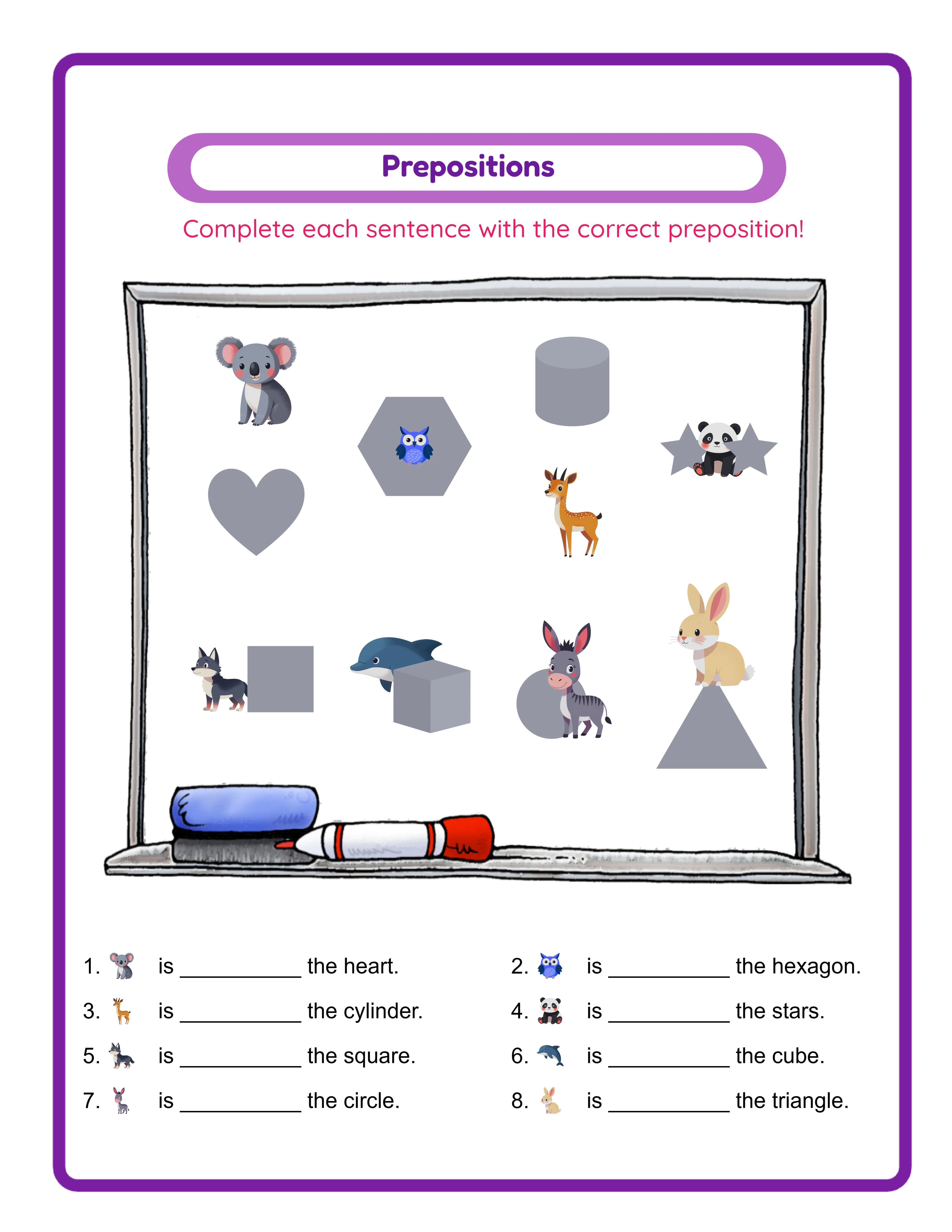
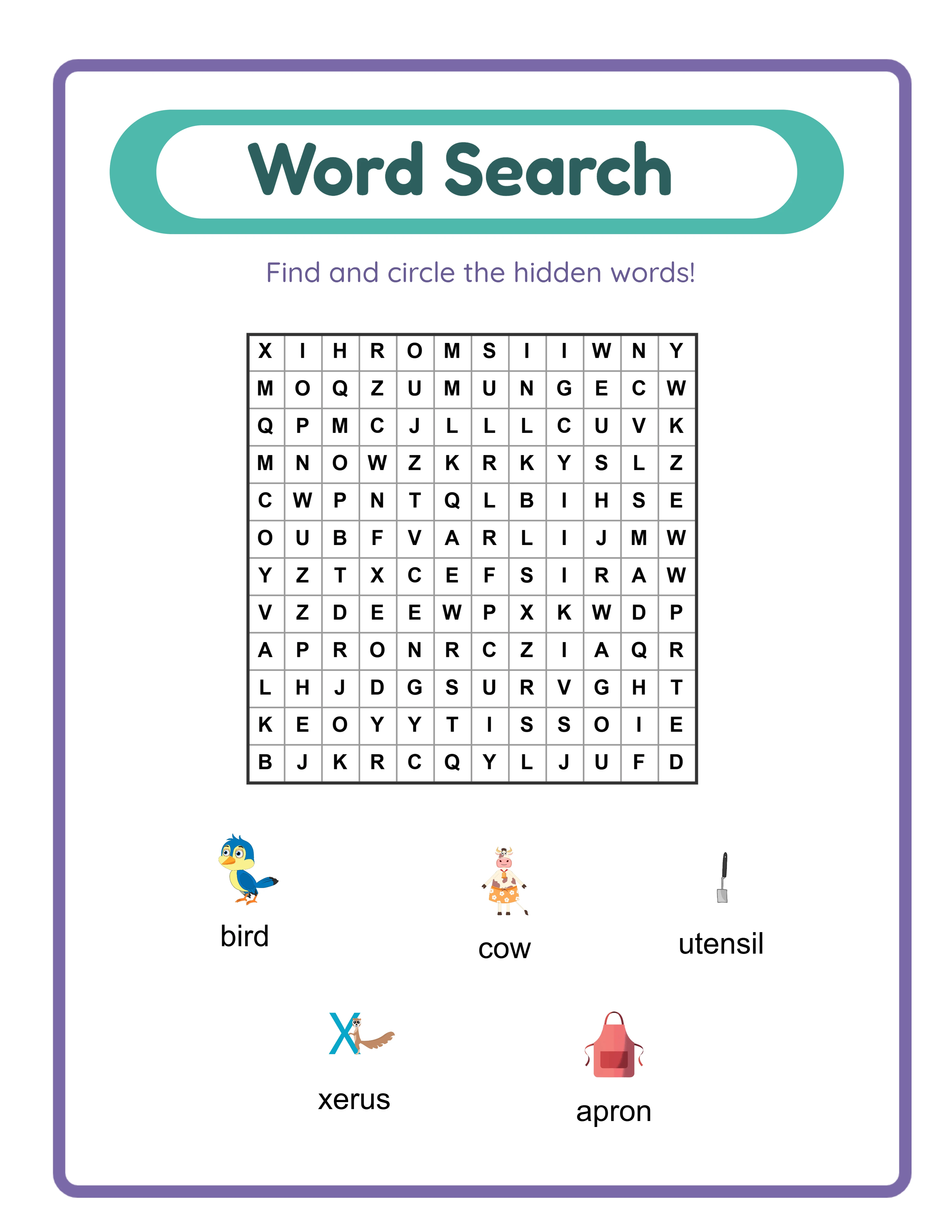
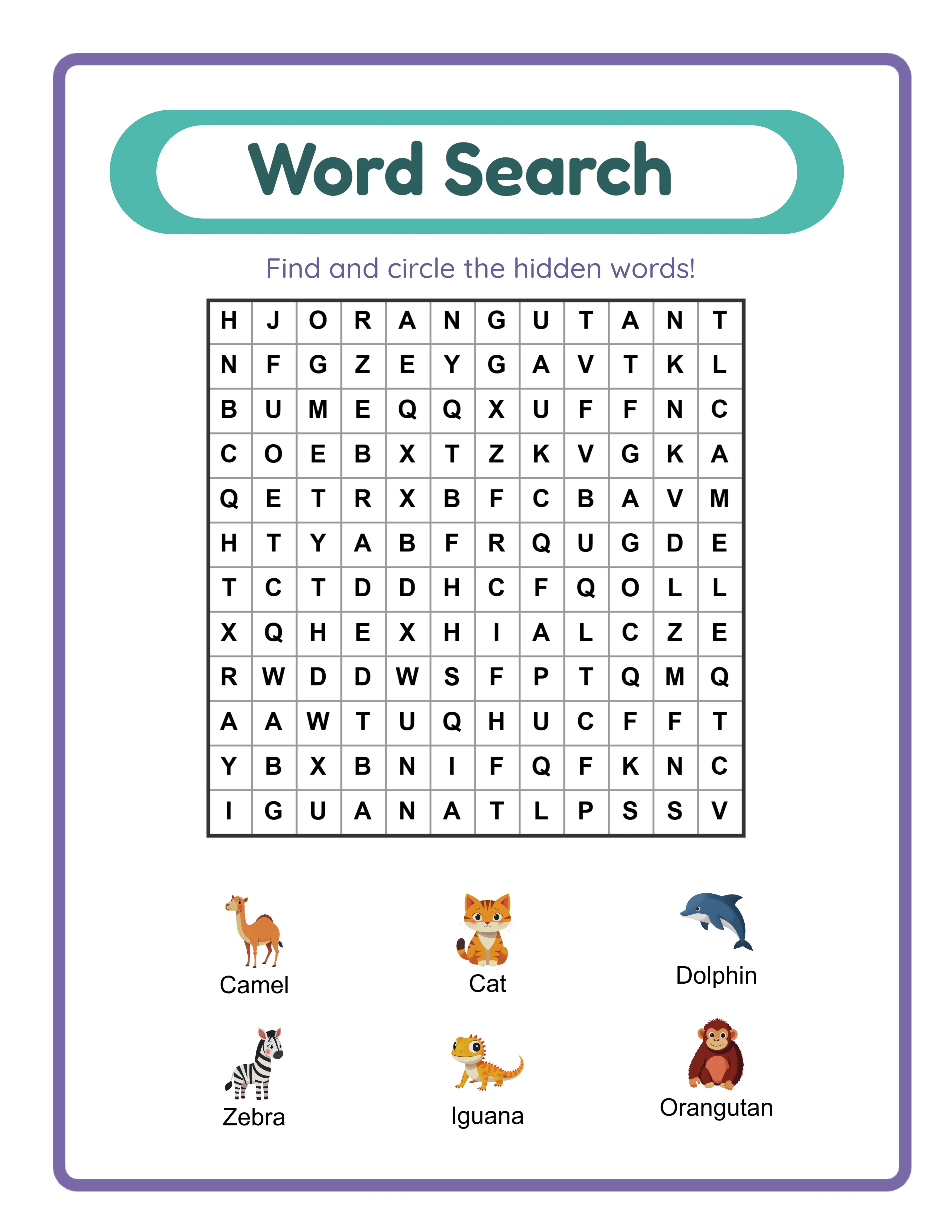
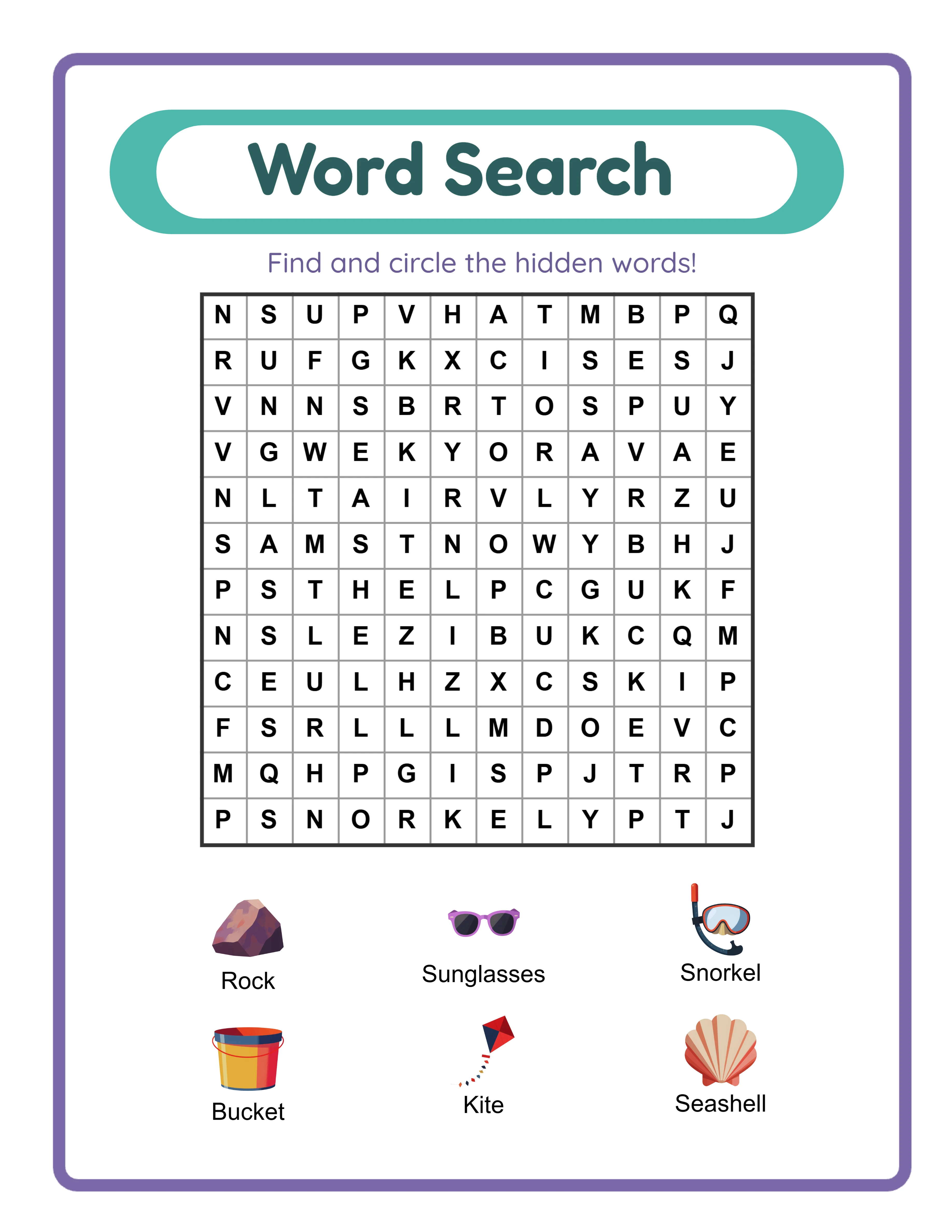
Word-heavy worksheet types — word searches, vocabulary exercises, word guessing games, and reading activities — require substantially more language work. Every word in a word search puzzle must be a real word in the target language, spelled correctly with all required diacritical marks. Vocabulary worksheets need culturally appropriate word choices, not just translations of English vocabulary lists. These worksheet types deliver excellent results when produced with proper tools and quality processes, but they demand more careful production than math or visual worksheets.
For your first multi-language expansion, prioritize worksheet types where you can confidently ensure quality. If you speak conversational German but not French, start with German word-heavy worksheets and French math worksheets. Match your language capabilities to the linguistic demands of each worksheet type, and expand into more language-intensive products as you develop reliable quality assurance processes for each language.
2
Set Up Your Multi-Language Production Workspace
An organized workspace prevents the confusion and errors that plague multi-language production. When you are managing the same worksheet concept across multiple languages, clear file organization and naming conventions save significant time and prevent costly mistakes like uploading an English file to a German listing or overwriting a completed translation with an older version.
Create a folder structure that separates content by language at the top level. Within each language folder, mirror the same category structure you use for English products. This parallel structure means you can instantly see which products exist in which languages and identify gaps in your catalog. For example: your English folder contains "addition," "word-search," and "matching" subfolders, and your German folder contains the same three subfolders with the German versions of each product.
Establish a file naming convention that includes the language code as a standard element. Use ISO language codes (en, de, fr, es, pt, it, nl, sv, da, no, fi) consistently across all files. A file named "addition-animals-de.pdf" is instantly identifiable as the German version of your animals addition worksheet. This convention becomes essential as your catalog grows — with 20 products in 4 languages, you are managing 80 files, and any ambiguity in naming leads to errors.
Create a master tracking spreadsheet that maps every product concept to its language versions and their current status. Include columns for: product name, language, production status (not started, in progress, review needed, complete), listing status (not listed, listed, live), and the marketplace where each version is listed. This single document gives you complete visibility into your multi-language catalog at a glance and helps you prioritize production based on gaps and opportunities.
Set up your design software or worksheet generator with language-specific templates if possible. Templates pre-configured for each language — with the correct fonts, text box sizes adjusted for typical word lengths, and instruction text already translated — eliminate repetitive setup work and reduce the chance of forgetting language-specific formatting requirements. A German template with slightly wider text boxes accommodates longer compound words without requiring manual adjustment for every single worksheet.
3
Handle Language-Specific Characters and Fonts
Character set handling is the most common source of quality problems in multi-language worksheets. Missing or incorrectly rendered diacritical marks immediately signal amateur production to native-speaking buyers. Getting characters right requires understanding what each target language needs and selecting fonts that support those requirements.
German requires umlauts (ä, ö, ü, Ä, Ö, Ü) and the sharp s (ß). These characters are not optional — they change word meanings. "Schon" (already) and "schön" (beautiful) are completely different words. A worksheet that displays "schon" when it means "schön" contains a spelling error that any German-speaking buyer will notice immediately. Every font you use for German worksheets must render all umlauts and ß correctly at every size you use.
French requires multiple accent types: acute (é), grave (è, à, ù), circumflex (ê, î, ô, û, â), diaeresis (ë, ï, ü), and cedilla (ç). French also uses guillemets (" ") rather than quotation marks. Like German, incorrect or missing accents change word meanings and mark the worksheet as poorly produced. The word "résumé" has two acute accents, and dropping either one creates an error.
Spanish needs the tilde over n (ñ), inverted question marks (¿) and exclamation marks (¡), and standard accent marks (á, é, í, ó, ú). The inverted punctuation marks are often forgotten by non-native producers but are required in standard Spanish writing. Worksheets targeting young Spanish-speaking learners must model correct punctuation because these worksheets serve an educational purpose.
Scandinavian languages require additional characters: Swedish uses å, ä, ö; Danish and Norwegian use æ, ø, å; Finnish uses ä and ö. These are distinct letters in their respective alphabets, not variants of a, o, or e. In Swedish, å, ä, and ö appear at the end of the alphabet as separate letters, which matters for any worksheet involving alphabetical ordering.
Font selection is your primary defense against character rendering problems. Choose fonts with comprehensive Unicode support that includes all Latin Extended characters. Google Fonts offers many options with broad language support — Noto Sans and Noto Serif were specifically designed for universal language coverage. Before committing to a font for production, test it by rendering a sample sentence containing every special character required by your target languages. If any character displays incorrectly, appears as a box or question mark, or looks visually inconsistent with the surrounding text, choose a different font. This five-minute test prevents hours of rework later.
4
Adapt Content for Each Language Market
Direct word-for-word translation is the most common mistake in multi-language worksheet production. Translation produces technically correct but unnatural-sounding text that native speakers immediately recognize as machine-generated or poorly adapted. Professional multi-language worksheets require content adaptation — rewriting instructions and content to sound natural in the target language while preserving the educational intent.
Text length variation is a practical challenge that affects layout design. German compound words are often 30% to 50% longer than their English equivalents. "Kindergartenkind" (kindergarten child) is one word in German but three in English. "Grundschulmathematik" (elementary school mathematics) requires significantly more horizontal space than its English translation. If your worksheet template was designed with text boxes sized for English words, German content will overflow or require font size reduction that compromises readability. Design your layouts with the longest target language in mind, or create language-specific templates with adjusted text box dimensions.
Instruction phrasing should match how native speakers naturally give directions. In English, worksheet instructions often use imperative constructions: "Circle the correct answer" or "Draw a line to match." German instructions may use the formal imperative or infinitive constructions. French instructions often use the imperative with different pronoun placement. Translating English imperative instructions word-for-word into other languages frequently produces grammatically correct but awkward-sounding text. Research how educational materials in your target language typically phrase instructions and match that convention.
Cultural context matters for content selection. A worksheet about Thanksgiving themes has no relevance in European markets. A worksheet referencing American currency (quarters, dimes, nickels) needs adaptation for markets using euros or other currencies. Food-themed worksheets should feature foods familiar to the target culture — a German food vocabulary worksheet should include Brezel and Bratwurst alongside universal items. Animals, seasons, and nature themes generally transfer across cultures without problems, making them safe choices for multi-language production.
Number formatting varies by language and region. Many European languages use a comma as the decimal separator and a period or space as the thousands separator — the opposite of English conventions. "1,234.56" in English becomes "1.234,56" or "1 234,56" in German and French. Math worksheets targeting European markets should use the locally correct number formatting to avoid confusing young learners who are still building number literacy.
5
Implement Quality Assurance for Translations
Quality assurance is the step that separates professional multi-language worksheets from amateur ones. Even experienced translators make mistakes, and automated translation tools introduce subtle errors that only native speakers catch reliably. Building a systematic QA process ensures consistent quality across every language version you produce.
Create a language-specific checklist for each target language that covers the most common error categories. For German: verify all umlauts are present and correct, check noun capitalization (all German nouns are capitalized), verify compound word spelling, and confirm formal vs. informal address consistency. For French: verify all accent marks, check gender agreement between articles and nouns, confirm verb conjugation consistency, and verify punctuation spacing (French adds a space before colons, semicolons, question marks, and exclamation marks). For Spanish: verify accent marks on stressed syllables, check inverted punctuation marks, confirm gender agreement, and verify regional neutrality of vocabulary choices.
Use multiple verification passes rather than trying to catch everything in a single review. The first pass checks for character and diacritical mark correctness — scan every word for missing or incorrect special characters. The second pass checks for natural language flow — read the text aloud (or use text-to-speech) to identify phrases that sound translated rather than natural. The third pass checks for educational accuracy — verify that instructions are clear, vocabulary is age-appropriate, and content is culturally relevant.
If you are not a native speaker of your target language, consider building a network of native-speaking reviewers. This does not need to be expensive — language exchange communities, university language departments, and freelance platforms all provide access to native speakers who can review worksheet content. A native speaker review of a single worksheet takes 10 to 15 minutes and costs a fraction of the revenue that worksheet will generate over its marketplace lifetime. Even a single review per product type per language can catch systematic errors that affect your entire production.
Compare your worksheets against professionally published educational materials in the target language. School supply stores, educational publisher websites, and marketplace listings from established sellers in each language market provide reference examples of how professional worksheets look and read in that language. Note how instructions are phrased, how content is formatted, and what vocabulary level is used for different age groups. These references calibrate your quality standard for each language market.
Document errors you discover and create a corrections database organized by language. If you discover that you consistently misspell a particular German word or misplace a French accent, recording that pattern prevents the same error from recurring in future productions. Over time, this corrections database becomes a valuable production resource that progressively eliminates your most common mistakes.
6
Use Tools That Generate Multi-Language Content Automatically
Automated worksheet generation tools transform multi-language production from a translation challenge into a configuration choice. Rather than creating English content and then translating it word by word into each target language, generator tools produce content natively in each language from built-in vocabulary databases and language-specific formatting rules.
LessonCraft Studio generators support 11 languages — English, German, French, Spanish, Portuguese, Italian, Dutch, Swedish, Danish, Norwegian, and Finnish — with correct character handling, vocabulary databases, and formatting conventions for each language. When you generate a word search puzzle in German, the tool pulls from a German vocabulary database with correct umlauts and spelling, arranges the puzzle grid using German word placement rules, and generates instructions in natural German phrasing. The output is not a translation of an English worksheet — it is a natively generated German worksheet. You can try any generator as a free trial with watermark to evaluate the multi-language output quality before purchasing a commercial license.
The practical advantage of automated generation is most dramatic for content-heavy worksheet types. A word search puzzle containing 15 vocabulary words would require looking up, spelling, and verifying 15 words in each target language if produced manually. A generator produces those 15 correctly-spelled, properly-accented words instantly from its vocabulary database. Multiply that across a production batch of 10 word search variations in 4 languages, and automated generation saves hours of manual lookup and verification work per batch.
Automated tools also handle language-specific formatting rules that are easy to overlook in manual production. The generator knows that German nouns should be capitalized, that French requires specific spacing before certain punctuation marks, and that Scandinavian alphabets place additional letters at the end. These formatting details are built into the generation logic, so they apply consistently across every worksheet produced — eliminating the category of errors that comes from forgetting language-specific rules during manual production.
Even with automated generation, review the output before listing. Automated tools handle the heavy lifting of vocabulary selection, character rendering, and formatting rules, but a quick visual review confirms that the specific combination of words, layout, and formatting in each generated worksheet meets your quality standard. This combination of automated production plus human review delivers both the efficiency of tool-based generation and the quality assurance of manual inspection.
7
Create Efficient Batch Production Workflows
Batch production is the key to making multi-language worksheet creation economically viable. Producing one worksheet at a time across multiple languages involves constant context-switching between languages, tools, and marketplace listings — each switch wastes time and introduces error opportunities. Batching your work by production stage rather than by individual product eliminates most of this overhead.
Organize your production into stage-based batches. Stage one: design all layouts and templates for a product batch. Stage two: generate or create content for all products in language one. Stage three: generate or create the same products in language two. Stage four: repeat for each additional language. Stage five: quality review all products. Stage six: prepare all marketplace listings. This stage-based approach means you set up your German language environment once and produce all German versions in sequence, rather than switching between German, French, and Spanish for every individual worksheet.
Define standard batch sizes that balance efficiency with quality. A batch of 5 to 8 worksheet variations per concept per language is large enough to justify the setup time for each language switch but small enough to maintain attention to quality throughout the batch. If you produce word searches, a single batch might include 6 animal-themed word search variations — generate all 6 in English, then all 6 in German, then all 6 in French. The vocabulary theme context stays consistent within each language batch, reducing cognitive load.
Schedule language-specific production blocks in your work calendar. Rather than working in all languages every day, dedicate specific sessions to specific languages. Monday morning might be your German production block, Tuesday afternoon your French block. This approach lets your brain settle into each language context rather than constantly switching. Producers who batch by language report faster production speeds and fewer errors compared to those who switch languages frequently within a single session.
Create production checklists for each batch that include language-specific verification steps. Before closing out a German production batch, run through your German QA checklist: umlauts verified, noun capitalization correct, compound words spelled correctly, text fits within layout boundaries. Complete this checklist before switching to the next language. Catching errors within the language context where they occurred is far more efficient than trying to identify German-specific errors during a mixed-language review session later.
Track production metrics to optimize your batch workflow over time. Record how long each language batch takes, how many errors your QA process catches per batch, and which production stages are bottlenecks. This data reveals optimization opportunities — perhaps your French batches take 40% longer than German because your French QA process is less efficient, indicating where to invest in better reference materials or native speaker review for that language.
8
Adapt Your Listings for International Marketplaces
Creating excellent multi-language worksheets is only half the production challenge. Each language version needs marketplace listings that are optimized for how buyers in that language actually search, browse, and make purchasing decisions. A direct translation of your English listing rarely performs well in other language markets because search behavior, keyword patterns, and buyer expectations differ significantly across languages.
Research keywords in each target language independently rather than translating your English keywords. Use marketplace search suggestion features to discover what real buyers type when looking for educational worksheets in each language. On Etsy, type the beginning of a relevant phrase in your target language and note the auto-complete suggestions — these reflect actual buyer searches. German buyers might search for "Arbeitsblätter Grundschule Mathe" (worksheets elementary school math) rather than a direct translation of your English search terms. Keyword research in each language is essential because search volume and competition vary independently across languages.
Write listing titles that follow the conventions of each marketplace and language. German compound nouns allow you to create descriptive, keyword-rich titles that work differently than English titles. French listings may benefit from different title structures than what works in English. Study the top-performing listings in your target language on each platform and note how successful sellers structure their titles. Mirror those patterns rather than translating your English title structure.
Adapt product descriptions to address the specific concerns and expectations of each language market. European buyers may have different expectations about print formatting (A4 vs. Letter size paper), educational standards alignment, and product scope. Include paper size information relevant to each market — A4 is standard in Europe, while Letter size is standard in North America. Mentioning A4 compatibility in European-market listings removes a common buyer hesitation.
Create language-specific thumbnail images or at minimum add text overlays in the target language. A thumbnail with German text signals to German-speaking buyers that this is a genuine German product, not a hastily translated English one. The visual signal of native-language text on the thumbnail improves click-through rates because buyers can identify the product language before they even read the listing title.
Tag and categorize your listings using the taxonomy of each marketplace in the target language. Different platforms organize educational content differently, and the category structure may not map one-to-one across languages or marketplaces. Place your products in the most specific relevant categories for each platform and language combination. Products correctly categorized in niche subcategories face less competition and receive more targeted buyer traffic than products placed in broad general categories.
.webp)
.webp)





.webp)