.webp)
.webp)
Tutorial
1
Recognize When Your Printable Business Is Ready to Scale
Scaling too early wastes resources on systems you do not need yet. Scaling too late means months of stagnation when you could have been growing. Knowing when your business is ready to scale is the first critical decision in the growth process.
You need a proven product before you can scale production of it. If your first five products have generated consistent sales over at least two to three months, you have evidence that your product quality, pricing, and targeting work. Consistent does not mean spectacular — even 5 to 10 sales per month per product across a handful of products demonstrates market fit. If none of your products have sold consistently, scaling production will only create more products that do not sell. Fix your product-market fit first by improving quality, adjusting pricing, or refining your niche targeting before attempting to scale.
The clearest sign that you are ready to scale is a time bottleneck: you have more product ideas and market opportunities than you have hours to execute. You know which themes, subjects, and product types sell in your niche. You know which platforms generate your sales. You have a backlog of products you want to create but cannot get to because each one takes hours of manual work. This bottleneck is actually good news — it means demand for your type of products exists and you have the knowledge to meet it. What you lack is production capacity, which is exactly what scaling systems provide.
A minimum catalog of 10 to 15 products gives you enough data to identify patterns. Which product types sell best? Which themes generate the most interest? Which price points convert most consistently? These patterns become the blueprint for your scaling strategy. If you scale before having enough products to identify patterns, you risk scaling in the wrong direction — creating more of what does not work rather than more of what does.
Your business should also have at least one reliable revenue channel before you scale. If all your sales come from Etsy, that channel is your proven foundation. Scaling then means both deepening that channel (more products on Etsy) and expanding to new channels (adding Amazon KDP, Gumroad, or Creative Fabrica). If you do not have a single reliable channel yet, focus on establishing one before attempting multi-platform expansion.
Finally, assess your willingness to invest in efficiency tools. Scaling requires tools that reduce per-product creation time — worksheet generators, listing templates, batch processing workflows. The time savings from these tools is what creates the capacity for growth. Without them, scaling simply means working more hours, which is not sustainable scaling but unsustainable grinding.
2
Audit Your Current Workflow for Scaling Bottlenecks
Before building scaling systems, you need to understand exactly where your time goes and which activities actually generate revenue. Most printable sellers discover that a surprising percentage of their work hours go to tasks that could be eliminated, automated, or dramatically compressed.
Track your time for one full week across every business activity. Break your work into categories: product creation (designing, formatting, generating worksheets), listing creation (writing titles, descriptions, tags, uploading files), marketing (social media, email, ads), administrative tasks (responding to messages, processing orders, bookkeeping), and strategic work (market research, planning, competitor analysis). Most sellers discover that product creation and listing management consume 70% to 80% of their time, leaving almost nothing for the strategic work that actually drives growth.
Identify the 20% of your effort that produces 80% of your results. Look at your sales data: which products generate the most revenue? Which platforms produce the most consistent sales? Which product types have the highest conversion rates? This analysis reveals where additional investment of time and resources will produce the highest return. If your math worksheets outsell your coloring pages three to one, scaling your math worksheet production will generate more revenue per hour invested than creating more coloring pages.
Map your product creation process step by step and time each step. A typical manual worksheet creation process might look like this: research the topic and standards (30 minutes), design the layout (45 minutes), create the content (60 minutes), format for print (30 minutes), create answer keys (20 minutes), design the cover page (20 minutes), export and quality check (15 minutes). That is approximately 3.5 hours per product. Now identify which steps can be compressed or eliminated with better tools and processes. Worksheet generators can reduce the creation, formatting, and answer key steps from over two hours to under 20 minutes. That single change triples your production capacity without adding a single working hour.
Identify repetitive tasks that follow the same pattern every time. Listing creation often involves writing similar descriptions, selecting similar tags, and uploading files in the same format. These tasks are candidates for templates and batch processing. If you write unique listing descriptions from scratch for every product, switching to a template system where you customize a proven structure saves 15 to 20 minutes per listing. Across 50 products, that is 12 to 16 hours saved — nearly two full work days reclaimed for higher-value activities.
Look for tasks you can eliminate entirely. Are you spending time on social media platforms that generate zero sales? Are you manually tracking inventory that your selling platform already tracks? Are you creating product variations that never sell? Elimination is the most powerful efficiency gain because it frees time with zero quality tradeoff. You cannot optimize a task more efficiently than not doing it at all.
3
Build Systems for Batch Content Production
Batch production is the single most impactful scaling technique for printable businesses. Instead of creating products one at a time from start to finish, you group similar tasks together and process them in bulk. This reduces context-switching overhead, leverages momentum, and dramatically increases output per hour.
Design a batch creation workflow around your worksheet generators. Rather than creating one addition worksheet pack, generating it, listing it, then moving to a subtraction pack, batch your creation: configure and generate five to ten worksheet packs in one session, then batch your listing creation for all of them, then batch your marketing for the group. Each task type requires a different mental mode — creative mode for content decisions, administrative mode for listing details, marketing mode for promotional content. Staying in one mode for multiple products is far more efficient than switching modes for every product.
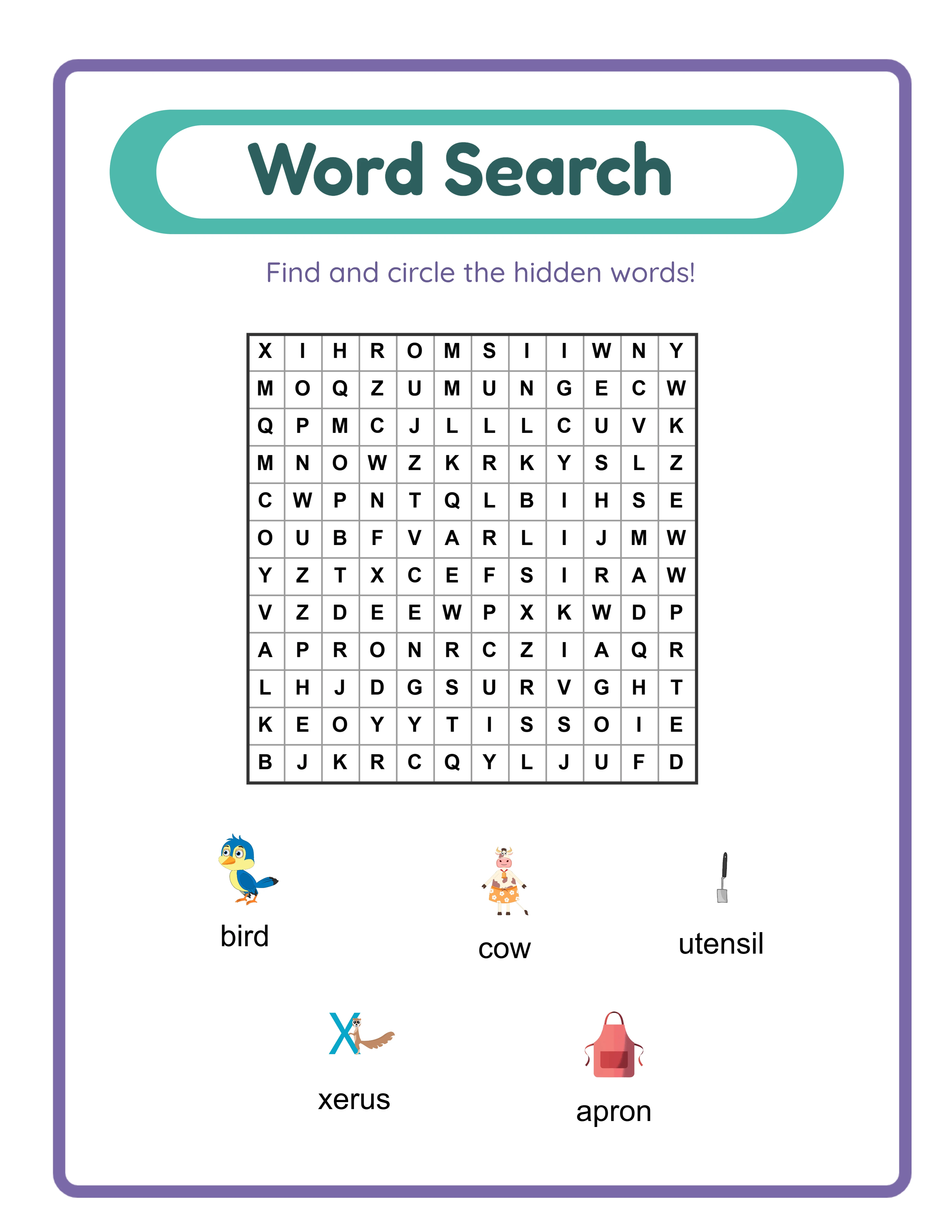
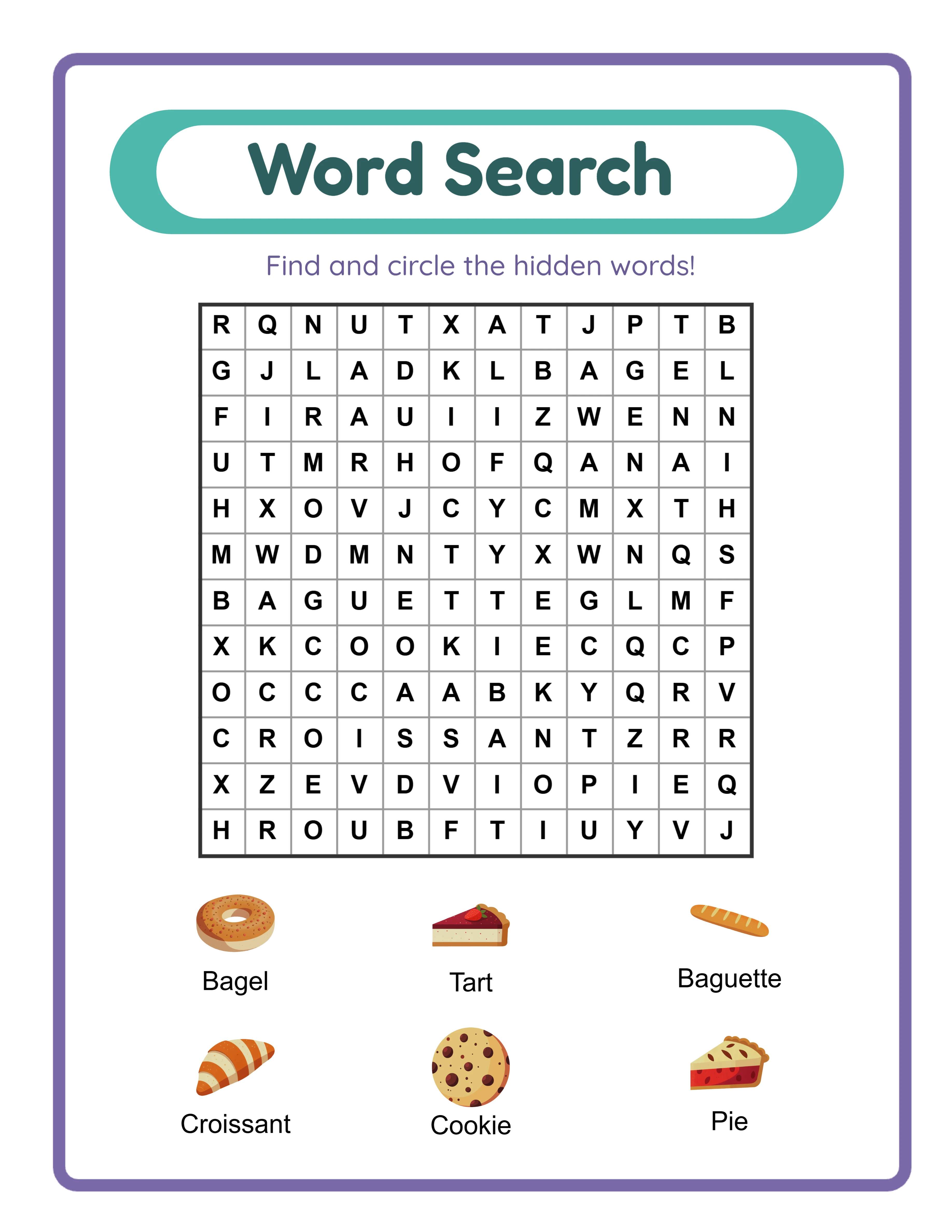
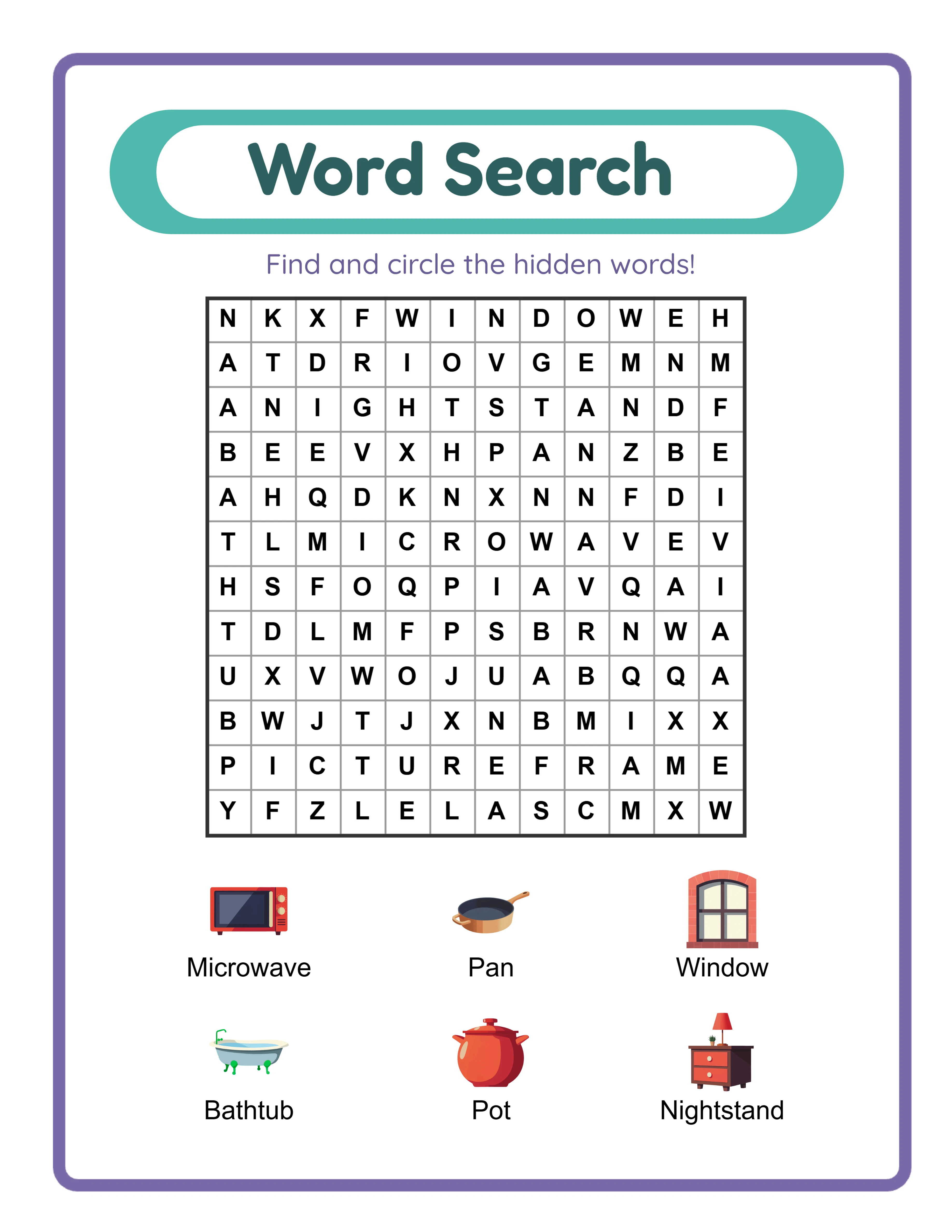
A practical batch production session might work like this. Block two hours for content generation. Open your worksheet generator and create a themed series: animals addition worksheets, animals subtraction worksheets, animals word search, animals matching game, animals coloring pages. The shared theme means you are making similar creative decisions across all five products, and the generator handles the formatting and layout automatically. In two hours of focused batch creation, you can produce five to eight complete worksheet packs that would have taken 15 to 20 hours using manual methods.
Create template systems for every repeatable aspect of your business. Listing description templates with fill-in-the-blank sections for product-specific details. Tag lists organized by product type, theme, and grade level. Pricing guidelines by product category so you do not recalculate pricing for every new listing. Cover page templates that require only swapping the title and theme image. Each template eliminates decision-making time and ensures consistency across your catalog, which strengthens your brand and buyer confidence.
Schedule batch production sessions on a regular cadence. Weekly or biweekly production sessions create a predictable rhythm: one session for generating content, one for creating listings, one for marketing tasks. This cadence transforms product creation from an ad-hoc activity into a systematic pipeline. You always know what stage each product batch is in, and you can estimate your catalog growth rate because your production capacity is measurable and predictable.
Document your batch process as a standard operating procedure. Write down every step: which generator settings to use for each product type, how to organize files, where to save outputs, what naming conventions to follow. This documentation has two benefits: it ensures consistency when you produce large batches (no forgetting steps or varying quality), and it creates a process that could eventually be delegated to an assistant or collaborator if your business grows to that point.
4
Expand to Multiple Selling Platforms Strategically
Multi-platform selling is one of the highest-leverage scaling strategies because it puts the same products in front of entirely different buyer pools. A worksheet pack listed only on Etsy reaches Etsy shoppers. The same pack listed on Etsy, Amazon KDP, Gumroad, and Creative Fabrica reaches buyers on five platforms with no additional creation cost — only the listing effort, which decreases with practice and templates.
Start your expansion with the platform that best matches your product type. If your products target a broad educational audience, Gumroad is a natural second platform after Etsy because it gives you direct buyer relationships with lower fees. If your products target parents and homeschoolers, Amazon KDP reaches a massive parent audience through Amazon search. If you have an email list or social media following, Gumroad lets you sell directly to your audience with lower fees. Choose your second platform based on buyer alignment, not platform popularity.
Adapt your listings rather than creating them from scratch. Your Etsy listing descriptions, images, and pricing research provide the foundation for listings on other platforms. Each platform has different description formats, tag limits, and image requirements, but the core value proposition and product details remain the same. Create a master product document for each product that contains all the information any platform listing might need: full description, bullet points, feature list, specifications, keywords, and image assets. Then adapt from this master document for each platform, saving significant time compared to writing each listing independently.
Manage multi-platform inventory and pricing with a tracking system. A simple spreadsheet works for most printable sellers: one row per product, columns for each platform including the listing URL, price, date listed, and monthly sales. This spreadsheet becomes your command center for multi-platform management, letting you quickly see which products are listed where, which platforms perform best for each product type, and where gaps exist in your platform coverage.
Expand your platform presence gradually rather than listing everything everywhere simultaneously. Start by listing your five top-performing products on your second platform. Monitor performance for one to two months. If those products gain traction, expand by listing your next batch. This gradual approach prevents overwhelm, lets you learn each platform before committing your full catalog, and provides performance data to guide your expansion priorities. If a platform consistently underperforms for your product type after listing 10 to 15 products, deprioritize it and focus on platforms that generate results.
Factor platform-specific fees into your pricing strategy for each marketplace. The same product may need different prices on different platforms to maintain consistent profit margins. Your pricing guide should account for Etsy fees (approximately 10% plus $0.45), Amazon KDP royalty rates (60% at standard pricing), Creative Fabrica revenue share, and Gumroad fees (10% plus processing). Price each product on each platform to hit your target net revenue, not necessarily the same list price everywhere.
5
Scale Your Catalog with Product Line Extensions
Product line extensions are the most efficient way to grow your catalog because each new product leverages the research, design decisions, and market knowledge from your existing products. Instead of starting from scratch with every new idea, you systematically extend what already works into new variations that serve the same buyer base.
Extend by theme first because it requires the least new research. If your animals addition worksheets sell well, create animals subtraction, animals multiplication, animals word search, and animals coloring pages. The theme is proven popular, your image assets already exist, and your buyer audience for animal-themed educational content is established. One proven theme can support 5 to 10 product variations across different worksheet types, each taking a fraction of the time to create compared to researching and validating a new theme from scratch.
Extend by grade level to capture adjacent buyer segments. If your first-grade math worksheets perform well, create kindergarten and second-grade versions. The subject expertise carries over, and buyers who purchase one grade level often need resources for adjacent levels too. Grade-level extensions also set up natural bundle opportunities: a "K through 2 Math Bundle" combining three grade levels into one package at a premium price.
Extend by difficulty level within existing products. Offer easy, medium, and hard versions of your most popular worksheets. This extension serves multiple purposes: it creates more products from the same content framework, it gives buyers a reason to purchase multiple versions, and it enables differentiated bundles (a "Complete Difficulty Set" bundle). The worksheet generators support difficulty configuration, making it straightforward to produce three difficulty variants from a single product concept in minimal additional time.
Extend by format to serve different use cases. Your worksheet content can be reformatted into flashcard sets, activity books, assessment packets, or display materials. Each format serves a slightly different buyer need while leveraging the same subject matter expertise and content research. A set of addition worksheets, addition flashcards, and an addition assessment packet created from the same content framework provides three products for one research investment.
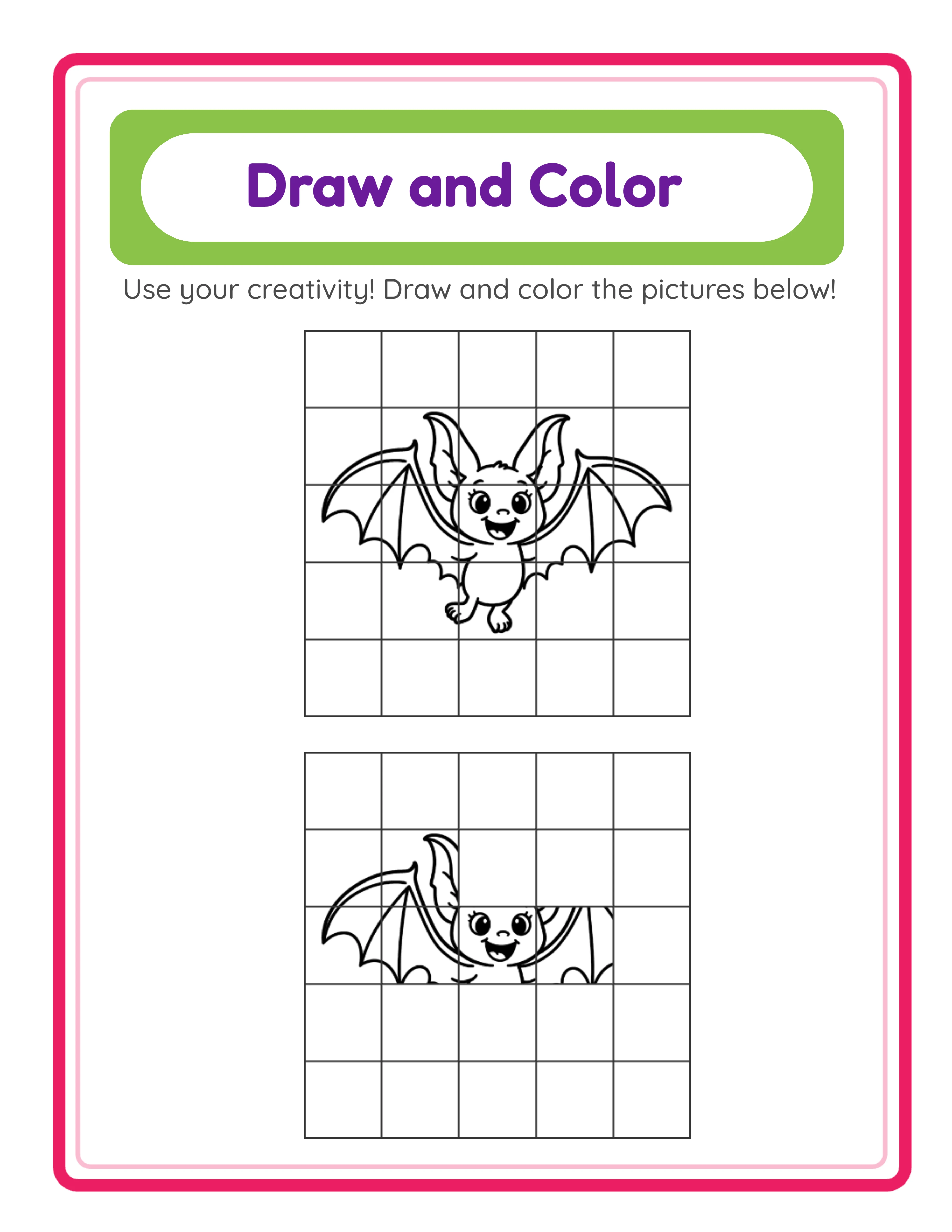
Plan your extensions systematically using a product line matrix. Create a grid with product types (worksheet, word search, matching, coloring) as columns and themes or subjects as rows. Fill in the cells where you have existing products and identify the empty cells as expansion opportunities. Prioritize the cells adjacent to your strongest sellers — these are the extensions most likely to succeed because they share audience and market validation with your proven products. This matrix view transforms catalog growth from random product creation into a deliberate expansion strategy where every new product strengthens your overall catalog.
6
Implement Multi-Language Expansion
Multi-language expansion is one of the most underutilized scaling strategies in the printable business. Most English-language sellers never consider translating their products, which means the non-English markets are dramatically less competitive. The same worksheet that competes with hundreds of English-language alternatives may face only a handful of competitors in German, French, Spanish, or Portuguese.
The worksheet generators support 11 languages: English, German, French, Spanish, Portuguese, Italian, Dutch, Swedish, Danish, Norwegian, and Finnish. This means you can create professionally formatted worksheets with correct language-specific formatting, character support, and educational standards alignment for each of these markets without any translation expertise. The generator handles the language-specific elements automatically.
Prioritize languages based on market size and competition level. German and French markets have large buyer populations across Europe with strong demand for educational printables. Spanish serves both European and Latin American buyers, representing an enormous combined market. Portuguese reaches Brazil, one of the largest economies in the world, plus Portugal. Start with the one or two languages that represent the largest addressable markets for your product type, then expand to additional languages as you establish your multi-language workflow.
Create your multi-language workflow as a batch process. When you produce a new English worksheet pack, immediately create the same product in your priority languages during the same production session. The content decisions are already made — you are applying them across languages, not making new creative decisions. A batch that produces one English product in 20 minutes can produce the same product in three additional languages in another 30 to 40 minutes, quadrupling your catalog output from a single content concept.
List multi-language products on platform marketplaces that serve those language communities. Etsy has strong markets in Germany, France, and other European countries. Amazon has separate marketplaces for Germany, France, Spain, Italy, and other countries. Research where buyers in each language primarily shop for educational printables and list your products on those specific marketplaces or in those language categories.
Multi-language expansion multiplies the value of every product concept in your catalog. A single worksheet theme created in 4 languages across 3 product types produces 12 products from one core concept. If each product generates even modest revenue, the aggregate across languages and types adds up substantially. Sellers who embrace multi-language production often find that their non-English products collectively generate more revenue than their English products alone, simply because competition is so much lower in non-English markets.
7
Automate Repetitive Business Tasks
Automation eliminates the repetitive tasks that consume hours without contributing to product creation, market expansion, or strategic growth. Every hour you spend on tasks that could be automated is an hour not spent on activities that scale your business.
Create listing templates that minimize manual input for each platform. A well-designed listing template for Etsy, for example, contains your standard description structure, your default tag set organized by category, your pricing guidelines, and your shipping and policy sections — all pre-written. When you list a new product, you customize only the product-specific sections (title, specific features, unique tags) rather than writing everything from scratch. This reduces listing time from 30 to 45 minutes to 10 to 15 minutes per product. Across a 20-product batch, that saves 6 to 10 hours.
Build a keyword and tag library organized by product type, theme, grade level, and platform. Instead of researching tags for every new listing, pull from your pre-built library. A "first grade math" tag set, for example, might contain 20 proven tags that you mix and match for each new first-grade math product. A "forest animals" theme tag set adds theme-specific tags to the subject tags. Combining pre-built tag sets gives you optimized tags in seconds rather than researching them for each product individually.
Set up social media scheduling if social platforms drive meaningful traffic to your listings. Batch-create social media posts during a dedicated session — one hour per month creating and scheduling posts is far more efficient than daily ad-hoc posting. Focus on platforms that demonstrably drive traffic and sales for your products rather than trying to maintain a presence everywhere.
Create customer response templates for common questions and interactions. Buyers frequently ask the same questions: "What paper size is this?" "Does it include answer keys?" "Can I use this commercially?" Pre-written responses that you can customize with product-specific details save significant time if you handle customer messages regularly. Templates ensure consistent, professional communication while reducing the time spent on each interaction.
Automate your analytics review with a standardized monthly check-in. Create a checklist or spreadsheet template that captures the key metrics for each platform: revenue, units sold, conversion rate, top-performing products, and underperforming products. Reviewing the same metrics in the same format each month lets you spot trends quickly, identify products that need attention, and make data-driven decisions about where to invest your next production batch. A structured monthly review takes 30 to 60 minutes and replaces hours of ad-hoc analytics checking throughout the month.
Use file organization systems that support batch workflows. Create a folder structure that mirrors your production pipeline: a "drafts" folder for products in progress, a "ready to list" folder for completed products awaiting listing, a "listed" folder organized by platform. Consistent file naming conventions (product-type_theme_grade_language) make it possible to quickly find, sort, and manage hundreds of products without hunting through disorganized folders.
8
Track Growth Metrics and Adjust Your Scaling Strategy
Scaling without measurement is guessing. The metrics you track determine whether you are making informed strategic decisions or repeating whatever feels productive. The right metrics reveal where to double down and where to pivot, making every hour of effort more valuable than the last.
Revenue per product tells you which products justify further investment. Calculate monthly revenue for each product across all platforms. Products in the top 20% by revenue are your proven winners — create more products like them (same type, same themes, same grade levels). Products that have been listed for three months or more with minimal sales signal either a product-market fit problem or a visibility problem. Investigate before creating similar products.
Revenue per platform reveals which channels deserve more attention. If Etsy generates 60% of your revenue from 15 products and Amazon KDP generates 10% from the same 15 products, your next listing batch should prioritize Etsy over Amazon unless you have reason to believe the Amazon products need optimization rather than different products. Platform revenue data prevents the common mistake of spreading effort equally across platforms that perform unequally.
Catalog utilization rate measures what percentage of your products generate meaningful sales. If you have 50 listed products but only 20 produce sales in a given month, your utilization rate is 40%. A low utilization rate suggests you are creating products that do not connect with buyers, which means your scaling strategy needs refinement — better niche targeting, improved listing optimization, or different product types. A high utilization rate (70% or above) indicates strong product-market alignment and signals that adding more products will likely add more revenue.
Production velocity tracks how many products you create and list per week or month. This metric reveals whether your systems are actually scaling your output. If you produced 4 products per month before implementing batch production and now produce 12 per month, your systems have tripled your capacity. If production velocity has not increased despite implementing new tools and processes, something in your workflow is still bottlenecked and needs attention.
Revenue per hour worked is the ultimate scaling metric. Calculate your total monthly revenue divided by total hours spent on the business. If this number increases over time, your scaling efforts are working — you are generating more revenue for each hour invested. If it stays flat or decreases, you are working harder without working smarter, which means your systems need improvement. Successful scaling shows up as a steadily increasing revenue-per-hour trend even as total revenue grows, because your systems multiply the output of each hour rather than requiring more hours for more output.
Review your metrics monthly and adjust your strategy quarterly. Monthly reviews catch emerging trends and immediate problems. Quarterly reviews provide enough data to evaluate whether your overall scaling strategy is working and to make larger directional changes. Do not change strategy based on a single month of data — monthly fluctuations are normal. But three months of consistent underperformance in a product category, platform, or language market is a clear signal to reallocate your effort toward higher-performing areas.


.webp)