How to Sell Printable Worksheets on Shopify

Etsy charges listing fees, transaction fees, and advertising fees that eat into your margins. Amazon KDP controls your pricing and customer data. Shopify gives you the opposite: zero marketplace fees, complete brand ownership, and a direct line to every buyer's inbox. This guide walks you through every step of launching a Shopify store for printable worksheets -- from choosing a plan and setting up digital delivery to driving traffic with SEO, email marketing, and social media. Whether you are migrating from Etsy or starting fresh, Shopify is the platform where printable sellers build real equity in their business.
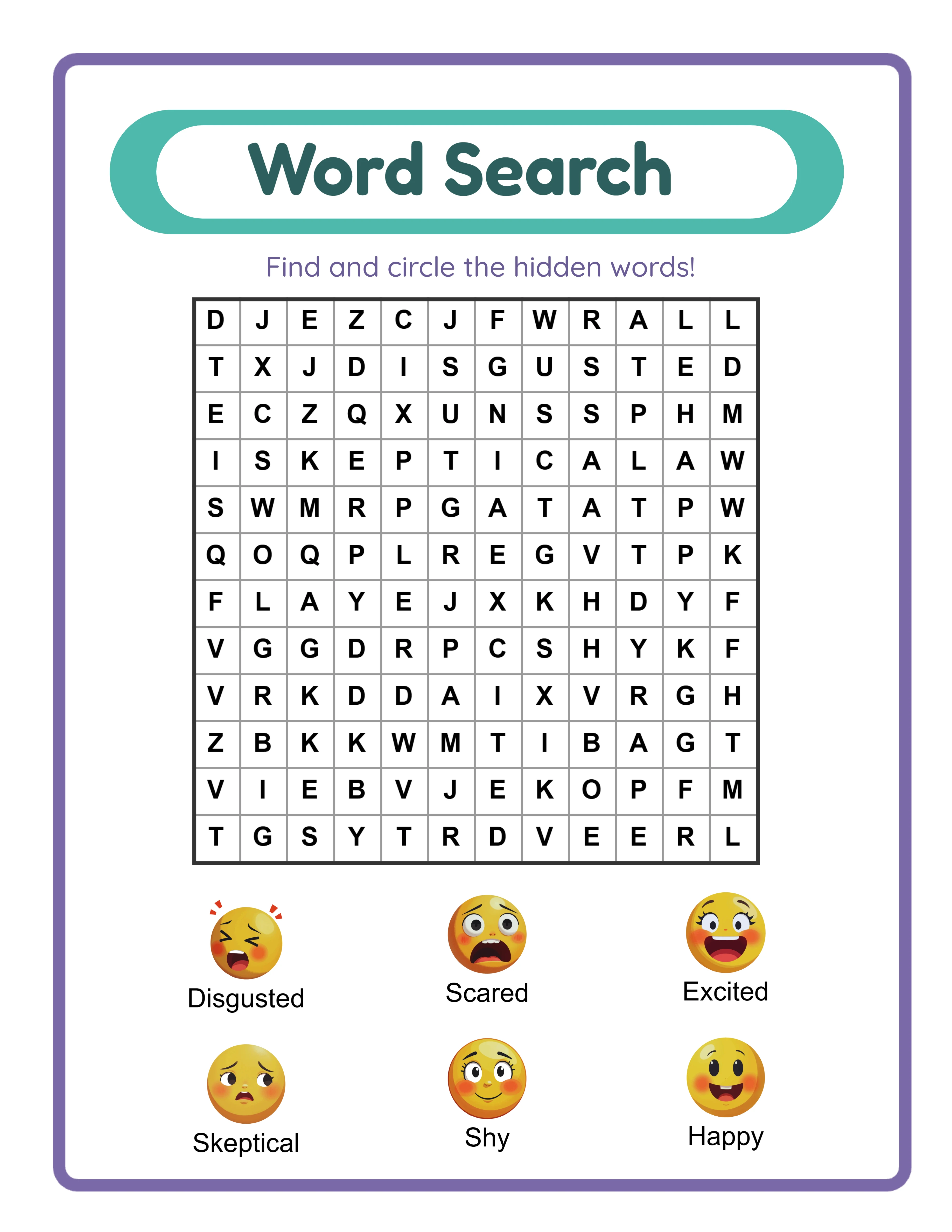
Word search worksheet ready for selling as digital download on Shopify store

Introduction

Selling printable worksheets on Shopify is fundamentally different from selling on marketplaces. On Etsy, you compete for attention inside their ecosystem. On Shopify, you own the ecosystem. You control the branding, the customer experience, the pricing, and -- most importantly -- the customer relationship. Every email address belongs to you. Every repeat purchase comes without a 6.5% transaction fee. The economics are compelling. A printable worksheet bundle that sells for $9.99 on Etsy nets you roughly $8.20 after listing fees, transaction fees, and payment processing. That same bundle on Shopify nets you approximately $9.41 after Shopify's payment processing fee (2.9% + $0.30). At 100 sales per month, that difference is $121 -- enough to cover your Shopify subscription several times over. But the real advantage is not fees. It is ownership. On Shopify, you build an email list of buyers who opted in to hear from you. You run promotions on your schedule. You create bundles at any price point. You A/B test your product pages. You install apps that automate upsells, cross-sells, and abandoned cart recovery. None of this is possible when you are renting space on someone else's marketplace. The LessonCraftStudio generators give you an unfair advantage here. With 33 generators, 104 themed image sets, and 11-language support, you can build a store with hundreds of unique printable products. Each product is generated in minutes, exported as a print-ready PDF, and uploaded to Shopify with instant digital delivery. The free trial with watermark lets you test every generator and plan your product catalog before purchasing a commercial license. This guide covers Shopify plan selection, store setup, digital product delivery, SEO optimization, email marketing integration, and scaling strategies. By the end, you will have a clear roadmap for launching a profitable Shopify printable store.
Try It Free with Watermark

Try any generator free with watermark. No signup required.

Tutorial

1

Choosing the Right Shopify Plan for Digital Products

Shopify offers several pricing tiers. For a printable worksheet business, the Basic plan at $39 per month provides everything you need to start. Here is what matters for digital product sellers. Basic plan includes: Online store, unlimited products, 2 staff accounts, Shopify Payments (2.9% + $0.30 per transaction), discount codes, abandoned cart recovery, and free SSL certificate. This covers 95% of what a printable business requires. Shopify plan ($105/month) adds: Professional reports, up to 5 staff accounts, and lower payment processing rates (2.6% + $0.30). Upgrade when you exceed $5,000 per month in sales -- the lower processing rate saves enough to justify the higher subscription. What you do NOT need: Shopify Plus ($2,000+/month) is for enterprise businesses. The Starter plan ($5/month) only supports selling through social media links, not a full storefront. Stick with Basic or Shopify. During your 3-day free trial, set up your entire store, add products, and configure settings. You will not be charged until the trial ends, and you can cancel if the platform does not fit your workflow. One critical note: Shopify does not natively support digital downloads. You need a digital delivery app, which the next section covers.
2

Setting Up Digital Product Delivery

Since Shopify is primarily built for physical products, you need a digital delivery app to handle automatic file downloads after purchase. Here are the best options for printable worksheet sellers. Shopify Digital Downloads (free): Shopify's own app. Attach up to 5 GB of digital files per product. After purchase, buyers receive a download link via email and on the order confirmation page. Simple, reliable, and no additional cost. This is the best starting point. SendOwl ($9 to $39/month): Advanced features including PDF stamping (watermarks buyer's name on files to discourage sharing), download limits, drip delivery, and detailed analytics. Worth upgrading to once you have consistent sales. Sky Pilot ($15/month): Supports files, videos, and streaming content. Good if you plan to add video tutorials alongside your printable products. For printable worksheets, the free Shopify Digital Downloads app handles everything you need. Install it from the Shopify App Store, then attach PDF files to each product. Buyers automatically receive download links after payment processes. File organization tip: Name your downloadable files clearly. Instead of "worksheet-v3-final.pdf," use "Addition-Worksheets-Farm-Animals-20-Pages.pdf." Buyers see this filename when they download, and a professional name builds trust and reduces support requests. Upload each printable as a separate product. For bundles, create a single product listing and attach multiple PDF files. Shopify Digital Downloads delivers all attached files in a single download link.
3

Creating Your Shopify Storefront

Your store design communicates professionalism and builds buyer confidence. Here is a practical setup for a printable worksheet store. Theme selection: Shopify's free Dawn theme works well for digital product stores. It is fast, mobile-responsive, and customizable without code. For a more polished look, premium themes like Sense ($250 one-time) or Craft ($250 one-time) are specifically designed for digital product showcases. Homepage structure: Lead with a hero banner showing your best-selling printable products. Include a tagline that communicates your value proposition -- something like "Professional Printable Worksheets for Etsy Sellers and KDP Publishers." Below the hero, add a featured collection grid showing 6 to 8 products, a trust section (print quality, instant download, commercial license), and a newsletter signup form. Collection pages: Organize products into collections that match how buyers browse. Recommended collections for a printable worksheet store: - By type: Math worksheets, coloring pages, word search puzzles, matching activities - By theme: Animals, food, vehicles, holidays, nature - By use case: Etsy digital downloads, KDP book interiors, classroom printables - By bundle: Individual worksheets, 10-page bundles, mega bundles Product pages: Each product page needs a descriptive title, 3 to 5 mockup images showing the printable in use, a detailed description listing page count and themes and difficulty level and file format, and a clear "Add to Cart" button. Shopify's product page templates handle this layout automatically. Navigation: Keep your main menu simple. Home, Shop (with dropdown for collections), About, FAQ, Contact. Do not overwhelm visitors with dozens of menu items.
4

Product Photography and Mockups for Digital Products

You cannot photograph a digital file, but you can create compelling mockup images that show buyers exactly what they are purchasing. This is where most printable sellers fail -- they upload flat PDF screenshots that look generic and uninspiring. Mockup strategy for printable worksheets: Flat-lay mockups: Place your printed worksheet on a clean desk with complementary props (pencils, crayons, a coffee mug). Use natural lighting. These images show the physical product quality and help buyers visualize the printed result. Device mockups: Show the PDF displayed on a tablet or laptop screen. This communicates "instant digital download" without requiring words. In-use mockups: Photograph someone actually working on your worksheet. A hand holding a pencil tracing a line on your matching worksheet is more compelling than a flat screenshot. Bundle spreads: For multi-page products, fan out several printed pages on a surface to show the volume of content included. Tools for creating mockups: Canva offers free mockup templates for digital products. Placeit.net provides thousands of printable-specific mockups. Smart Mockups integrates directly with Shopify. Image specifications: Upload images at 2048 x 2048 pixels minimum. Shopify compresses and resizes automatically, but starting with high-resolution images ensures sharp display on all devices. Use JPG for photographs and PNG for screenshots with text. Create at least 4 images per product: a hero mockup, a flat-lay detail shot, a bundle spread (if multi-page), and a close-up showing print quality.
5

Shopify SEO for Printable Product Pages

Unlike Etsy where the marketplace handles much of the discovery, your Shopify store relies on Google organic search for free traffic. SEO is your most valuable long-term investment. Product title optimization: Write titles that match what buyers search for on Google. "Addition Worksheets for Kids -- 20 Printable Pages with Answer Keys" is better than "Math Fun Pack #3." Include the product type, target audience, page count, and key features. Product descriptions: Write 300 to 500 words per product. Include your primary keyword naturally within the first sentence. Describe what is included (page count, themes, difficulty level, file format). Explain who the product is for. Mention print specifications (paper size, resolution). Use bullet points for scannable feature lists. Meta descriptions: Shopify lets you customize the meta description for every product and page. Write unique 155-character descriptions that include your target keyword and a compelling reason to click. "Download 20 printable addition worksheets with themed images and answer keys. Print-ready PDF, A4 and US Letter sizes included." URL structure: Shopify auto-generates URLs from product titles. Edit them to be clean and keyword-rich. Change "/products/math-fun-pack-3-addition-with-answer-keys-2024-edition" to "/products/addition-worksheets-printable." Image alt text: Add descriptive alt text to every product image. "Printable addition worksheet with farm animal themed counting exercises" helps Google understand and index your images. Blog content: Shopify includes a built-in blog. Publish articles targeting long-tail keywords your buyers search for: "how to use printable worksheets for homeschooling," "best printable activities for road trips," "printable worksheet ideas for preschool." Each article links to relevant products in your store.
6

Email Marketing Integration and List Building

Email marketing is the highest-ROI channel for Shopify store owners. Every email subscriber is a potential repeat buyer you can reach for zero additional cost. Email platform options: Shopify Email (included free for up to 10,000 emails per month) handles basic campaigns. For advanced automation, Klaviyo (free up to 250 contacts) integrates deeply with Shopify and provides abandoned cart flows, post-purchase sequences, and segmentation. Mailchimp and ConvertKit are alternatives. List building strategies: Newsletter popup: Display a popup offering 10% off the first order in exchange for an email address. Time it to appear after 30 seconds or when the visitor scrolls 50% down the page. This single tactic can capture 3 to 5% of visitors. Freebie lead magnet: Create a single high-quality worksheet page and offer it as a free trial with watermark download in exchange for an email address. This attracts your exact target audience -- people interested in printable worksheets. Post-purchase follow-up: After every sale, send an automated email sequence: order confirmation (immediate), how-to-print guide (day 1), request for review (day 7), related product recommendation (day 14), and new product announcement (ongoing). Abandoned cart recovery: Shopify's built-in abandoned cart emails recover 5 to 15% of abandoned carts. Enable this immediately -- it is free revenue. Customize the email with a product image and a gentle reminder. Segmentation: As your list grows, segment by purchase history. Buyers who purchased math worksheets get emails about new math products. Buyers who purchased coloring pages get coloring-related emails. Relevant emails convert 3x better than generic blasts.
7

Payment Processing and Tax Compliance

Shopify Payments is the default payment processor and the simplest option for most sellers. Here is what you need to know. Shopify Payments rates: 2.9% + $0.30 per transaction on the Basic plan. This is competitive with PayPal and Stripe. Using a third-party payment gateway adds an additional 2% surcharge, so Shopify Payments is almost always the best choice. Alternative payment methods: Enable Shop Pay, Apple Pay, Google Pay, and PayPal alongside Shopify Payments. More payment options reduce checkout friction. Shop Pay in particular has a 1.72x higher conversion rate than standard checkout according to Shopify's data. Digital product taxes: Tax rules for digital products vary by jurisdiction. In the US, most states do not tax digital downloads, but some do. In the EU, digital products are taxed at the buyer's country rate (VAT). Shopify's automatic tax calculation handles US taxes. For international sales, consider a tax compliance app like TaxJar or Avalara. Currency: If you sell internationally, enable Shopify Markets to display prices in local currencies. A German buyer seeing prices in euros is more likely to purchase than one seeing US dollars. Shopify Markets also handles international duties and tax calculations. Refund policy: For digital products, establish a clear no-refund or limited-refund policy. Since buyers can preview descriptions and sample images before purchasing, and since digital files cannot be "returned," a no-refund policy for digital downloads is standard and enforceable. State this clearly on your product pages and in your store policies.

Platform Tips

Shopify Apps Every Printable Seller Needs

The Shopify App Store has thousands of apps. Here are the essential ones for a printable worksheet business. Shopify Digital Downloads (free): Core digital delivery. Attach files, automate delivery, track download limits. Install this first. Judge.me Product Reviews (free plan): Social proof drives sales. This app automatically emails buyers requesting a review after purchase. Display star ratings on product pages and collection pages. Reviews with photos are especially powerful for printable products. SEO Manager ($20/month) or Plug in SEO (free plan): Identifies SEO issues across your store -- missing meta descriptions, broken links, duplicate content, slow-loading images. Fix these issues to improve Google rankings. PageFly or GemPages (free plans available): Drag-and-drop page builders for creating custom landing pages, collection pages, and promotional pages without touching code. Useful for seasonal campaigns and bundle promotions. ReConvert ($4.99/month): Post-purchase upsell app. After a buyer completes checkout, show them a one-click upsell for a related product at a discounted price. This can increase average order value by 10 to 15%. Canva integration: While not a Shopify app, Canva is essential for creating product mockups, social media graphics, and promotional banners. The free plan covers most needs.

Optimizing Product Pages for Conversion

Traffic means nothing if visitors do not buy. Here are conversion optimization tactics specific to printable product pages. Above-the-fold clarity: Within 3 seconds, a visitor should understand what the product is, what it includes, and how to buy it. Your product title, hero image, price, and "Add to Cart" button must all be visible without scrolling on desktop and mobile. Social proof placement: Display star ratings directly below the product title. Show the number of reviews. If you have customer photos showing your printables in use, feature them prominently. Social proof is the single biggest conversion driver for digital products. Scarcity and urgency: Limited-time discount codes, bundle deals that expire, and seasonal collections create urgency. "Holiday Worksheet Bundle -- 30% off until December 15th" motivates immediate purchase. Do not fabricate scarcity -- real deadlines and genuine discounts build trust. Clear file specifications: List exactly what the buyer receives. "20 PDF pages, 300 DPI print resolution, A4 and US Letter sizes included, answer keys on pages 11-20." Ambiguity kills sales. Buyers who know exactly what they are getting click "Add to Cart" faster. Trust signals: Display your refund policy, secure checkout badges, and accepted payment method icons. For digital products, add a "What you get" section with a file format icon, download instructions, and print recommendations. These reduce purchase anxiety. Mobile optimization: Over 60% of Shopify traffic comes from mobile devices. Test every product page on your phone. Ensure images load fast, text is readable without zooming, and the "Add to Cart" button is thumb-accessible.

Driving Traffic Without Marketplace Discovery

The biggest adjustment when moving from Etsy to Shopify is traffic generation. Etsy provides built-in traffic from marketplace searches. Shopify does not. Here is how to drive traffic to your own store. Pinterest (highest priority): Pinterest is the top referral source for printable product stores. Create pins for every product showing mockup images and clear descriptions. Pin consistently -- 5 to 15 pins per day across relevant boards. Use keywords in pin titles and descriptions. Pinterest traffic is free, high-intent, and compounds over time. Google organic search: SEO takes 3 to 6 months to show results but provides sustainable free traffic. Target long-tail keywords like "printable addition worksheets with answer keys" and "coloring pages for kids printable PDF." Blog content accelerates SEO growth. Instagram: Share product mockups, behind-the-scenes content, and customer features. Use Reels to show your printable creation process. Link to your store in your bio and use the shopping feature to tag products in posts. Facebook groups: Join groups for homeschooling parents, Etsy sellers, and KDP publishers. Provide genuine value by answering questions and sharing tips. When appropriate, mention your products. Do not spam -- build relationships first. Paid advertising: Once you have validated your products with organic sales, invest in Pinterest Ads or Google Shopping Ads. Start with $5 to $10 per day, target your best-selling products, and scale what works. Paid ads are a multiplier, not a starting strategy. Email marketing: Your email list (covered in the previous section) is your most reliable traffic source. New product announcements, seasonal promotions, and exclusive discounts drive repeat visits and purchases.

Monetization Strategies

Revenue Projections for a Shopify Printable Store

Understanding realistic revenue timelines helps you plan your Shopify investment and effort. Months 1 to 3 (launch phase): Expect $100 to $500 per month. You are building your product catalog, optimizing SEO, and establishing your Pinterest presence. Most sales come from direct marketing efforts -- social media posts, group mentions, and initial email subscribers. Months 4 to 6 (growth phase): Expect $500 to $2,000 per month. SEO traffic begins arriving from Google. Pinterest pins gain traction and drive consistent daily visitors. Your email list generates repeat purchases. Product reviews accumulate and boost conversion rates. Months 7 to 12 (scaling phase): Expect $2,000 to $5,000+ per month. With 50 to 100 products, established SEO rankings, a growing email list, and consistent Pinterest traffic, your store generates daily sales with minimal active effort. This is where Shopify's fee advantage over Etsy becomes dramatic. Cost comparison at $3,000 per month revenue: - Etsy: $195 in transaction fees + $39 in listing fees + $90 in payment processing = $324 per month in fees - Shopify: $39 subscription + $117 in payment processing = $156 per month in fees - Monthly savings on Shopify: $168 - Annual savings: $2,016 The savings increase as revenue grows. At $10,000 per month, Shopify saves you over $500 per month compared to Etsy. This is money you reinvest into product development, advertising, or profit.

Pricing Strategies for Shopify Digital Products

On your own Shopify store, you control pricing completely. No marketplace algorithms penalizing high prices. No race-to-the-bottom competition on the same search results page. Individual worksheets: Price single-page or short printable packs at $2.99 to $4.99. These are impulse purchases that convert well from social media traffic and serve as entry points to your store. Themed bundles (10 to 20 pages): Price at $7.99 to $12.99. Bundles are your bread-and-butter products. A "Farm Animals Complete Worksheet Pack" with coloring pages, word searches, matching activities, and math worksheets provides excellent perceived value. Mega bundles (50+ pages): Price at $19.99 to $34.99. These are your highest-margin products. A "Complete Preschool Printable Library -- 100 Pages" at $24.99 with a production cost of $0 is pure profit minus processing fees. Subscription model: Shopify supports recurring subscriptions through apps like Recharge. Offer a monthly subscription for $9.99 per month that delivers a new themed worksheet pack each month. Subscriptions create predictable recurring revenue. Volume discounts: Use Shopify's automatic discount feature to incentivize larger orders. "Buy 2 bundles, get 10% off" or "Spend $25, get free bonus pack" increases average order value without devaluing individual products. Seasonal pricing: Create limited-time bundles for holidays and back-to-school season at premium prices. A "Halloween Activity Bundle -- 50 Pages" at $14.99 available only in October creates urgency and captures seasonal demand.

Scaling Beyond Single Sales with Upsells and Cross-Sells

Shopify's app ecosystem lets you implement revenue multiplication strategies that are impossible on marketplaces. Post-purchase upsells: After checkout, show buyers a one-click offer for a related product at 20% off. A buyer who just purchased "Addition Worksheets" sees "Complete Math Bundle -- 20% off, add with one click." Conversion rates on post-purchase upsells run 5 to 15%, making this effectively free revenue. Product page cross-sells: Display "Frequently Bought Together" and "You May Also Like" sections on every product page. Shopify's built-in recommendations or apps like Frequently Bought Together handle this automatically. These suggestions can increase average order value by 10 to 30%. Bundle discounts: Create automatic discounts that trigger when buyers add multiple items. "Buy any 3 worksheet packs, save 15%" encourages multi-item orders. Shopify's discount engine supports this natively. Email-driven repeat purchases: Your post-purchase email sequence introduces buyers to products they have not yet purchased. A buyer who bought math worksheets receives an email 14 days later featuring your coloring pages and word search puzzles. Email-driven repeat purchases have near-zero acquisition cost. Wholesale pricing: Offer bulk pricing for buyers who want 10+ copies of the same product (e.g., workshop organizers, tutoring centers). Create a separate "Wholesale" collection with higher minimums and lower per-unit prices. This opens a B2B revenue channel alongside your B2C store. Affiliate program: Apps like Refersion or GoAffPro let you create an affiliate program where bloggers and influencers earn a commission for driving sales. You pay only for results -- no upfront cost.

Examples

Complete Shopify Store Blueprint: Printable Worksheet Business

Here is a concrete store setup you can replicate this week. Store name: "PrintSpark Worksheets" (or your brand) Theme: Dawn (free) with customized colors and logo Plan: Shopify Basic ($39/month) Product catalog (launch with 20 products): - 5 individual coloring page sets ($3.99 each): Animals, Food, Vehicles, Nature, Holidays - 5 word search puzzle packs ($4.99 each): Farm, Ocean, Space, Sports, Seasons - 5 math worksheet bundles ($6.99 each): Addition, Subtraction, Counting, More/Less, Patterns - 3 themed mega bundles ($14.99 each): "Complete Animals Pack," "Complete Holidays Pack," "Ultimate Math Collection" - 2 seasonal bundles ($9.99 each): "Back to School Starter Pack," "Holiday Activity Bundle" Generation workflow: 1. Open each LessonCraftStudio generator and select the theme 2. Generate 5 to 10 worksheet pages per product 3. Export as print-ready PDFs 4. Create mockup images using Canva templates 5. Upload products to Shopify with Digital Downloads app Estimated setup time: 2 to 3 days for product generation, 1 day for store setup, 1 day for SEO and email configuration. Month 1 revenue projection: $150 to $400 from Pinterest traffic and direct promotion Month 6 revenue projection: $1,000 to $2,500 with SEO traffic and email marketing Break-even: Month 1 to 2 (subscription cost covered by 4 to 10 sales)

Migration Blueprint: Moving from Etsy to Shopify

If you already sell printables on Etsy, here is how to add Shopify as a second sales channel without disrupting your existing revenue. Week 1 -- Setup: Create your Shopify store and install Digital Downloads. Upload your top 10 best-selling Etsy products first. These have proven demand and optimized descriptions you can adapt. Week 2 -- Optimization: Customize product pages with enhanced mockup images. Write longer, SEO-optimized descriptions (Shopify gives you unlimited description length, unlike Etsy's character limits). Set up collections by type and theme. Week 3 -- Traffic: Set up a Pinterest business account linked to your Shopify store. Create pins for every product. Install a newsletter popup and create your first lead magnet. Start posting to Instagram with product mockups. Week 4 -- Launch: Announce your Shopify store to your existing Etsy buyers via your social media channels. Offer an exclusive launch discount (15% off first order) to drive initial traffic and reviews. Ongoing strategy: Continue selling on Etsy for marketplace traffic while building Shopify for long-term ownership. Add a card insert to every Etsy order with your Shopify store URL and a repeat-customer discount code. Over time, shift your best products to Shopify-exclusive as your direct traffic grows. Dual-channel revenue at month 6: - Etsy: $1,500 per month (existing) - Shopify: $800 per month (growing) - Total: $2,300 per month with declining marketplace dependency By month 12, many sellers report Shopify revenue exceeding Etsy as organic traffic, email marketing, and repeat purchases compound.

Sample Worksheets

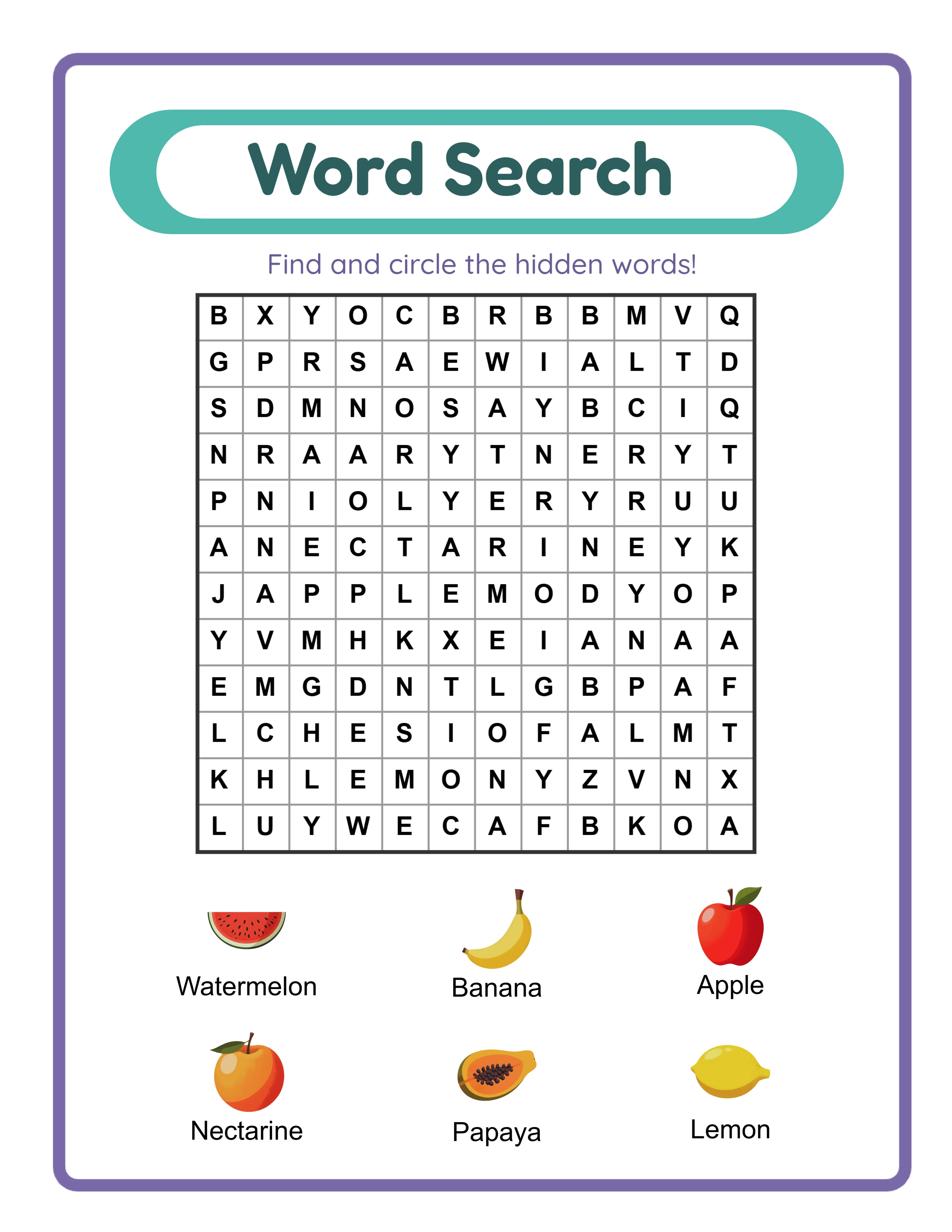
Printable word search worksheet for Shopify digital product listing
Word search worksheet exported as print-ready PDF for Shopify digital delivery
Coloring page printable for Shopify store product catalog
Coloring page with themed illustrations ready for Shopify product listing

Theme Images

Dolphin -- themed educational image
Dolphin
Elephant -- themed educational image
Elephant
Fox -- themed educational image
Fox
Giraffe -- themed educational image
Giraffe
Horse -- themed educational image
Horse

Frequently Asked Questions

How much does it cost to run a Shopify printable store?
The Basic Shopify plan costs $39 per month. Payment processing is 2.9% + $0.30 per transaction. The Digital Downloads app for file delivery is free. Total monthly cost for a store selling $1,000 per month is approximately $68 ($39 subscription + $29 processing). This is significantly less than Etsy's combined fees at the same revenue level.
Can I sell on both Shopify and Etsy at the same time?
Yes. Many printable sellers run both channels simultaneously. Etsy provides marketplace traffic, while Shopify builds your owned audience and brand equity. Over time, you can shift focus toward Shopify as your direct traffic grows. There is no exclusivity requirement on either platform.
How do I deliver digital files automatically on Shopify?
Install the free Shopify Digital Downloads app. Attach your PDF files to each product listing. After a buyer completes checkout, the app automatically sends a download link via email and displays it on the order confirmation page. No manual delivery required.
How long does it take to get traffic to a new Shopify store?
Pinterest can drive traffic within 2 to 4 weeks of consistent pinning. Google SEO traffic typically takes 3 to 6 months to build. Email marketing generates traffic immediately once you have subscribers. Paid advertising drives traffic from day one but requires budget. A multi-channel approach combining Pinterest, SEO, and email is the fastest path to sustainable traffic.
Do I need to handle shipping for digital products?
No. Shopify lets you mark products as digital, which removes shipping calculations from checkout. Buyers purchase and receive instant download links. There is no physical fulfillment, no shipping labels, and no delivery tracking to manage.
Can I offer the printable worksheets in multiple languages on Shopify?
Yes. The LessonCraftStudio generators support 11 languages with native vocabulary. You can create separate products for each language or offer multi-language bundles. Shopify Markets lets you display your store in different languages and currencies for international buyers.
What is the refund policy for commercial licenses?
Every generator offers a free trial with watermark so you can test all features, create sample worksheets, and evaluate output quality before purchasing. Because you can fully evaluate the product before buying, all commercial license sales are final. This is standard practice for digital product tools where the full product can be previewed before purchase.

Ready to Start Creating?

Try any generator free with watermark. No signup required.

Browse All Generators