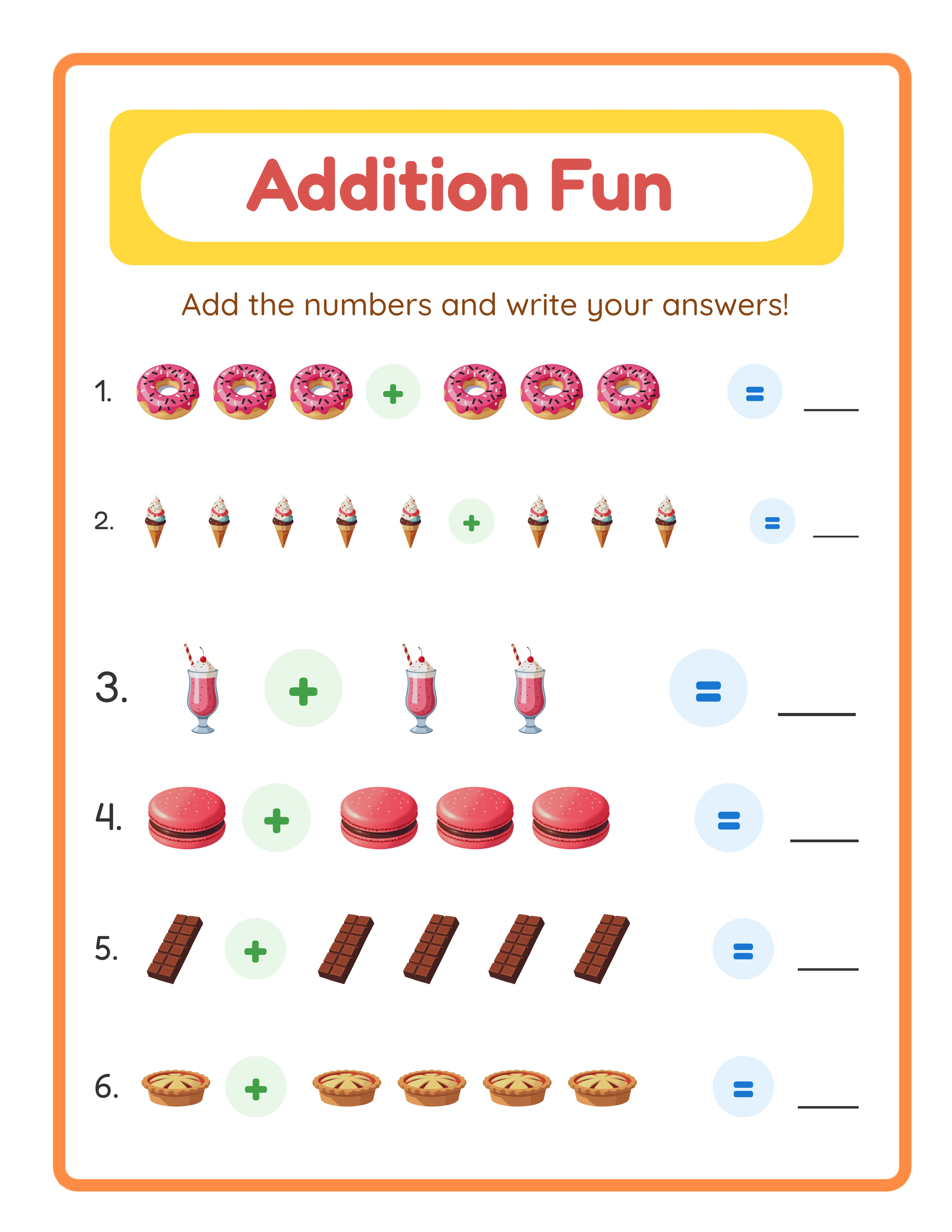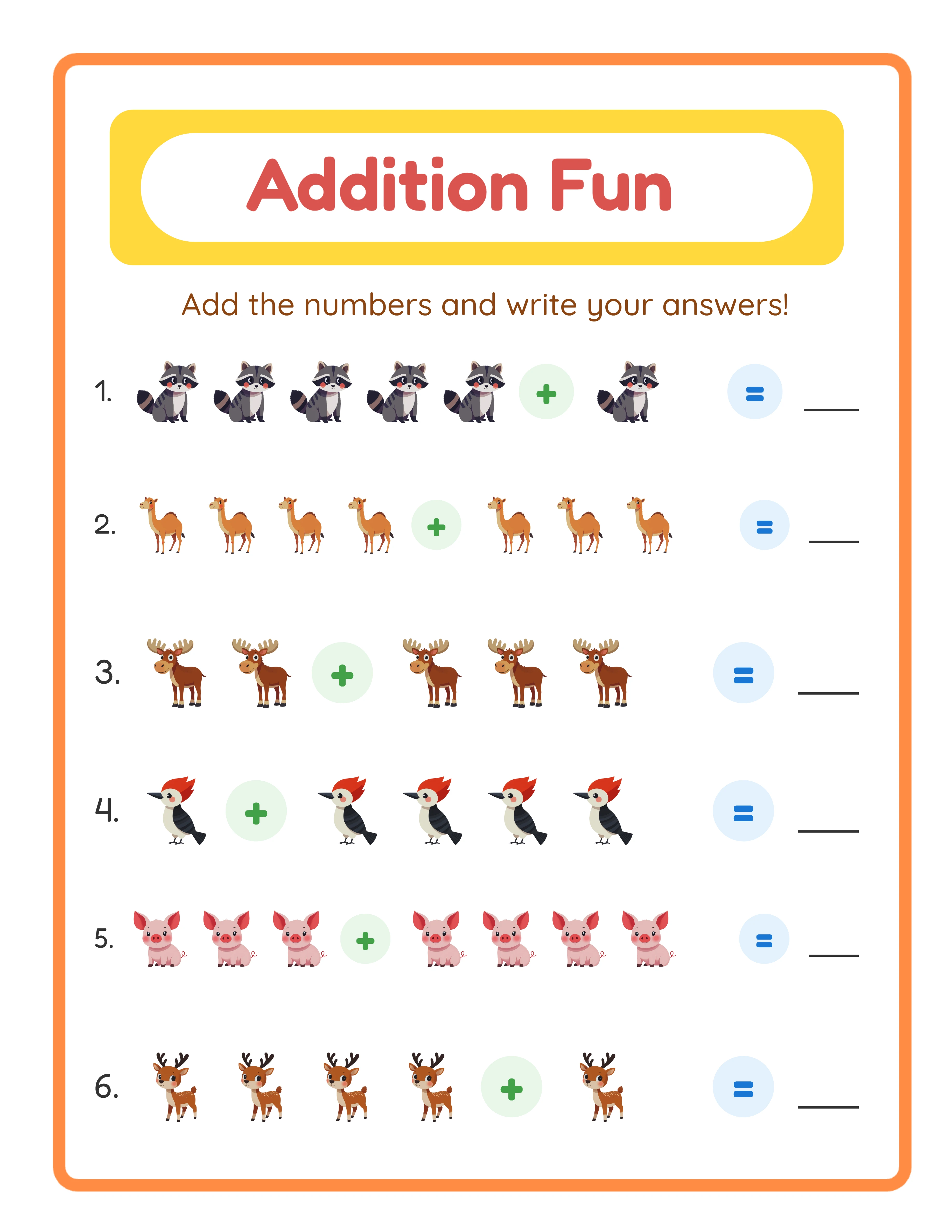
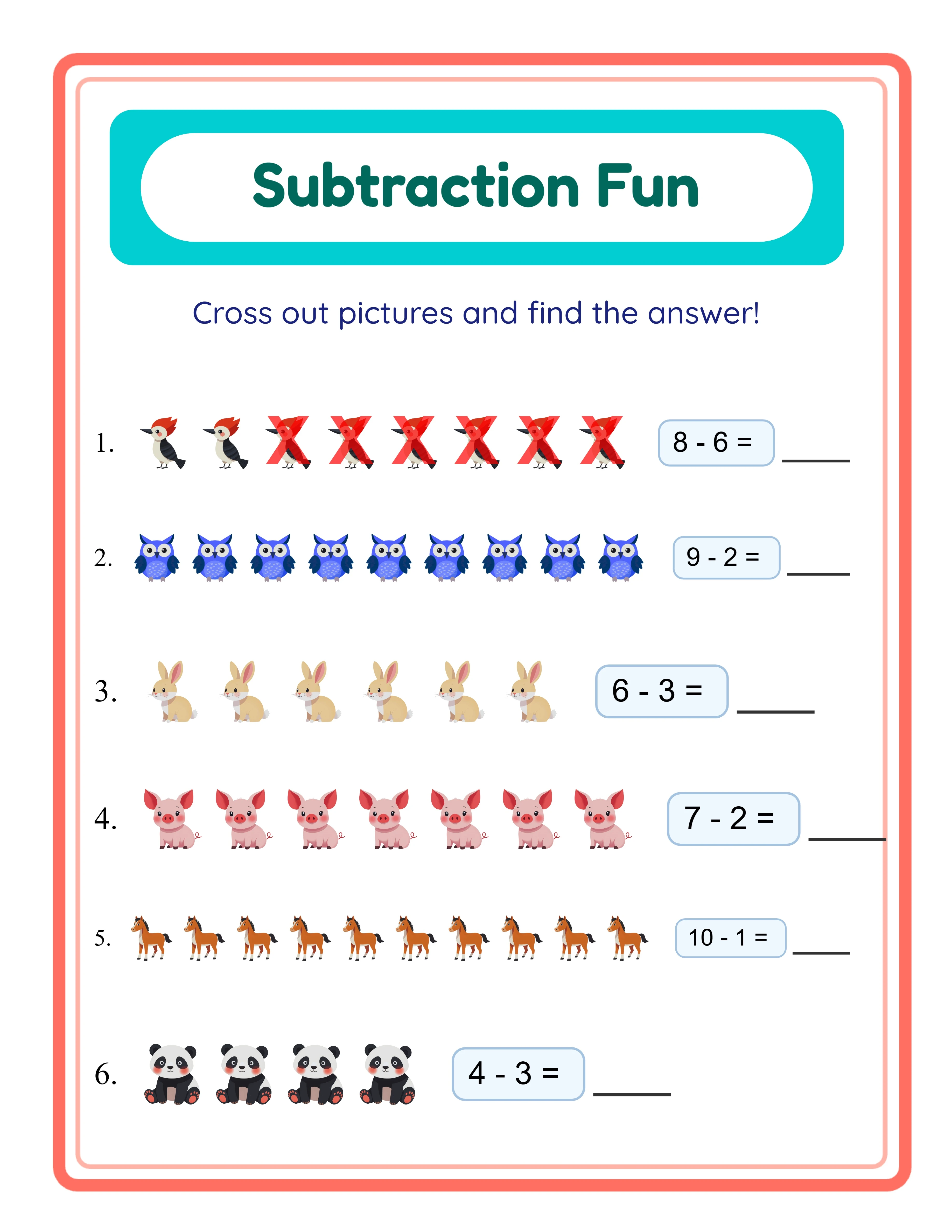
Phase 1: Automating Content Creation
Content creation is where the most time is wasted — and where the biggest automation gains are available.
**Manual approach (typical):** Open a design tool, create each worksheet page individually, format each problem, add images one by one, save each file separately. Time: 15-30 minutes per page.
**Automated approach:** Use worksheet generators that produce complete sets of pages with a few parameter selections. Choose activity type, difficulty, theme, and page count. Generate the entire batch in one operation. Time: 2-5 minutes per batch of 20-50 pages.
**The multiplication effect:** If you create 100-page products, automating creation saves 25-50 hours per product. Over 10 products per month, that is 250-500 hours saved — the equivalent of 6-12 full work weeks.
**What to automate in creation:**
- Worksheet content generation (math problems, word lists, puzzle grids)
- Answer key creation (automated by the same generator)
- Image placement and theming (themed image collections)
- Page formatting and layout (templates)
- File naming and organization (batch rename tools)
**What to keep manual:**
- Theme selection and product strategy (requires market judgment)
- Quality review (quick scan for obvious issues)
- Cover design (first impression matters — invest personal attention)
LessonCraftStudio generators automate the entire content creation phase. Select your parameters, generate, download. The result is a print-ready PDF with answer keys included.
Phase 2: Automating Compilation and Formatting
After creating content, you need to compile it into sellable product files. This phase is ripe for template-based automation.
**Template system for compilation:**
1. **Cover page template:** One master cover design with placeholder text. For each new product, duplicate the template and change the title, theme name, and page count. Time: 3-5 minutes vs. 20-30 minutes for a custom cover each time.
2. **Instruction page template:** A standard printing instruction page that rarely changes between products. Include placeholders for product-specific details (page count, paper size). Time: 1 minute to customize.
3. **PDF compilation template:** A standard page order that every product follows: cover, instruction page, content pages, answer keys, back cover. Follow this order consistently and compilation becomes mechanical.
**PDF automation tools:**
- Adobe Acrobat Actions: Record a sequence of operations (merge, add page numbers, optimize) and replay it on new files
- PDF command-line tools (pdftk, qpdf): Script the merge, split, and optimization operations
- Automator (Mac) or Power Automate (Windows): Create workflows that process PDF files automatically
**File naming automation:**
Use a consistent naming convention: `[Theme]-[Activity]-[Difficulty]-[PageCount]-[PaperSize].pdf`
Examples:
- Animals-Addition-Easy-50pages-USLetter.pdf
- Animals-Addition-Easy-50pages-A4.pdf
Batch rename tools (Bulk Rename Utility on Windows, Renamer on Mac) apply naming conventions to dozens of files in seconds.
**Output organization:** Create a folder structure template that you clone for each new product batch. Pre-made folders for source files, compiled PDFs, listing assets, and uploaded versions prevent the chaos of scattered files.
Phase 3: Automating Listing Creation
Listing is the most tedious phase for most sellers. Templates and tools can cut listing time by 70%.
**Listing description templates:**
Create master description templates for each product type. Use placeholder brackets for variable information:
"[NUMBER] [ACTIVITY TYPE] worksheets with complete answer keys. [THEME] themed, designed for ages [AGE RANGE]. Includes both US Letter and A4 formats.
What is included:
- [X] [ACTIVITY] pages
- [X] answer key pages
- Printing instructions
- [PAPER SIZES]
[STANDARD FEATURES BLOCK]
[STANDARD SPECIFICATIONS BLOCK]
[STANDARD LICENSE BLOCK]"
Filling in brackets takes 3-5 minutes. Writing from scratch takes 20-30 minutes.
**Tag template system:**
Maintain a spreadsheet of tag sets for each product type and theme. When listing a new "Animals Addition Worksheets" product, look up the pre-researched tag set and paste directly into Etsy. Adjust 2-3 tags for the specific product.
**Mockup photo templates:**
Create 5-6 mockup templates in Canva or Photoshop with placeholder areas for worksheet screenshots. For each new product, drop in new screenshots and export. Time: 5-10 minutes per product vs. 30-45 minutes designing from scratch.
**Listing checklists:**
Create a checklist that covers every listing field: title, description, tags, photos, price, variations, digital files, shipping profile (none for digital), categories. Run through the checklist mechanically for each listing to ensure nothing is missed.
Phase 4: Automating Marketing and Promotion
Marketing automation ensures your products get visibility without constant manual effort.
**Social media scheduling:**
Create product announcement posts in batches. Write 10-20 posts in one session, then schedule them across the coming weeks using tools like Later, Buffer, or Tailwind. Each post takes 5 minutes to create when batched vs. 15 minutes when done individually.
**Pinterest automation:**
Pinterest is the top traffic source for many printable sellers. Create pins in batches using Canva's bulk creation feature, then schedule them with Tailwind. One session per week can produce and schedule 20-30 pins.
**Email marketing automation:**
Set up automated email sequences for your subscriber list:
- Welcome sequence: Introduce your shop and offer a free trial sample pack
- New product announcements: Automatically notify subscribers when you list new products
- Seasonal promotions: Schedule seasonal emails 4-6 weeks before peak periods
**Review solicitation:**
Etsy allows sellers to send a thank-you message to buyers. Create a template message that thanks the buyer and gently encourages a review. Send this template (personalized with the product name) after every sale.
**Price optimization:**
Use Etsy's sales and coupons feature to create scheduled promotions. Set up recurring percentage-off sales that run automatically during peak shopping periods.
**Analytics review automation:**
Schedule a weekly 30-minute review of your Etsy stats, Google Analytics (if applicable), and sales data. Use a template spreadsheet to record key metrics. Consistent tracking reveals trends that inform product decisions.
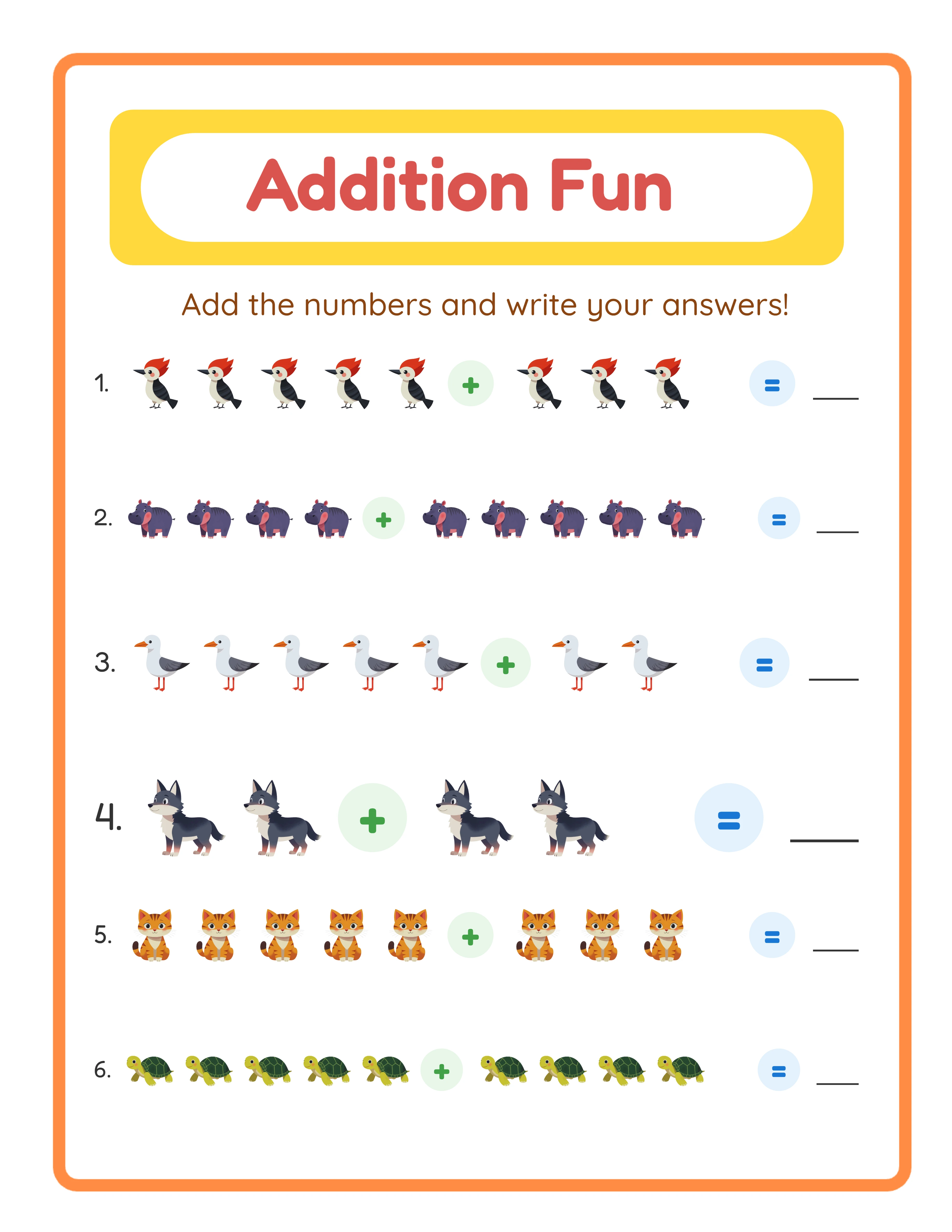
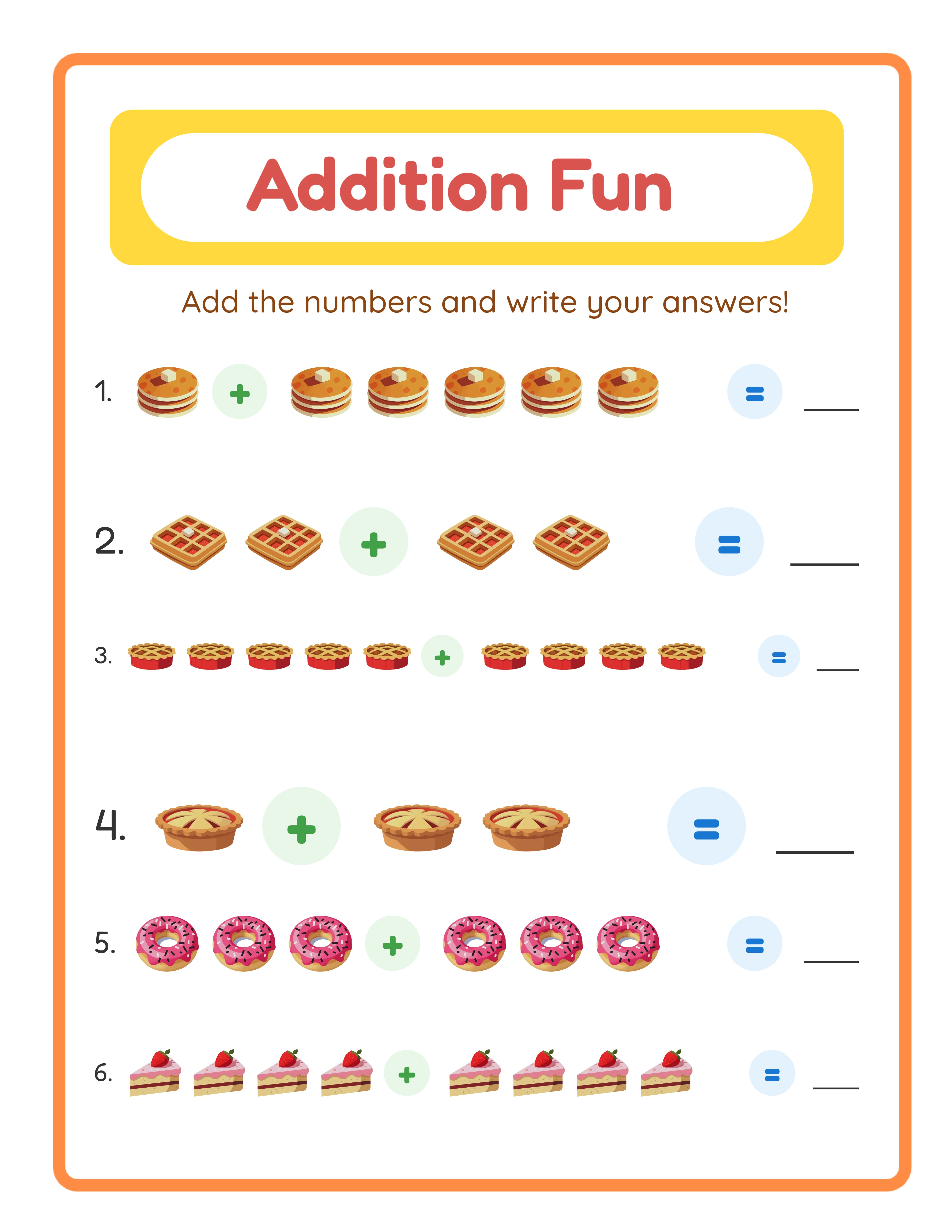
One Generator — Three Product Tiers
Create an entire product line from a single tool
beginner level
intermediate level
advanced level
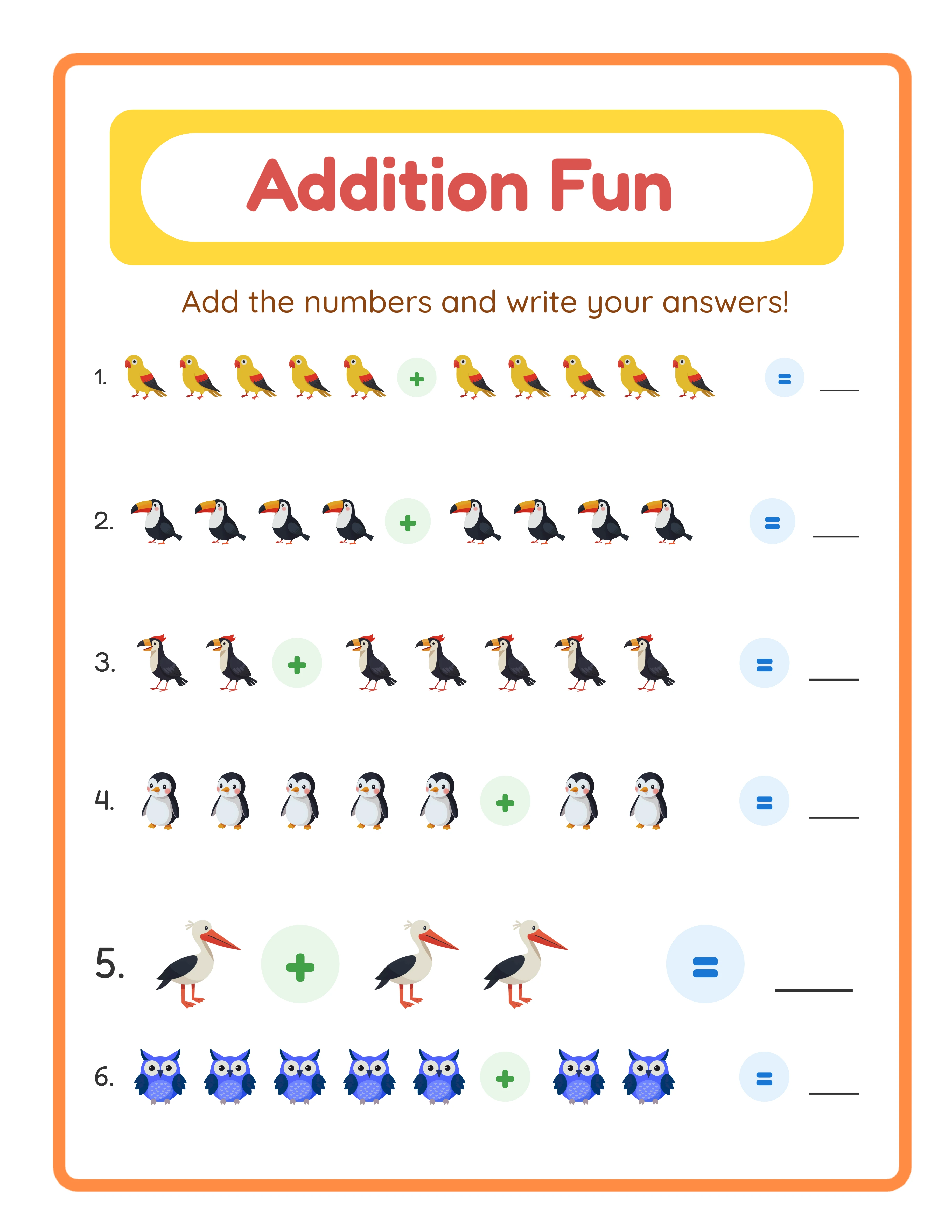
→Increasing difficulty→
Building Your Personal Automation Stack
Every seller's automation stack is different. Here is how to build yours.
**Tier 1: Essential tools (start here)**
- Worksheet generator (LessonCraftStudio) — automates content creation
- PDF merger tool (PDFsam, free) — automates file compilation
- Canva (free or Pro) — template-based mockup and marketing asset creation
- Spreadsheet (Google Sheets, free) — listing templates, tag sets, margin tracker
**Tier 2: Efficiency tools (add when producing 10+ products/week)**
- Batch rename utility — file naming automation
- Social media scheduler (Tailwind, Buffer) — marketing automation
- Email marketing (Mailchimp, free tier) — subscriber communication
- PDF compression tool (Smallpdf) — file optimization
**Tier 3: Scale tools (add when producing 20+ products/week)**
- Adobe Acrobat with Actions — advanced PDF automation
- Canva Pro with brand kit — consistent branding across all assets
- Analytics dashboard — consolidated metrics tracking
- Virtual assistant for listing — delegate the most mechanical tasks
**Cost-benefit analysis:**
Tier 1 is free or nearly free and saves 10-15 hours per week. Tier 2 costs $20-50/month and saves an additional 5-10 hours per week. Tier 3 costs $50-150/month and saves another 5-10 hours per week. Each tier has a clear positive ROI for active sellers.
**Start simple and add tools as needed.** Most sellers over-invest in tools and under-invest in actually creating and listing products. The best automation is the one you actually use consistently.
The Weekly Workflow Template for Automated Production
Here is a tested weekly schedule that maximizes output through batched, automated work.
**Monday: Plan and Research (2 hours)**
- Review last week's sales data and identify trends
- Research 2-3 new product ideas using keyword tools
- Plan the week's production batch (10-15 products)
- Update your production spreadsheet with targets
**Tuesday: Content Generation (3 hours)**
- Generate all worksheet content for the week's batch using LCS generators
- Download all files with answer keys
- Quick quality review of generated content
- Organize files into product folders
**Wednesday: Compilation and Assets (3 hours)**
- Compile PDFs using templates (cover + content + answers)
- Create both US Letter and A4 versions
- Compress all files for Etsy's size limits
- Create mockup photos using Canva templates
**Thursday: Listing (2-3 hours)**
- List 5-7 products using description and tag templates
- Upload files and photos
- Set pricing and categories
- Schedule 2-3 products for delayed publishing
**Friday: Marketing (1-2 hours)**
- Create and schedule social media posts for the week's new products
- Create and schedule Pinterest pins
- Send new product email to subscriber list
- Review and respond to any customer messages
**Weekly output: 10-15 products in 11-13 hours of focused work.** That is roughly 1 hour per product from concept to listed. Without automation, the same output would require 30-40 hours.
Measuring Your Automation ROI
Track these metrics to ensure your automation investments are paying off.
**Time per product:** Measure the total time from product concept to live listing. Track this monthly and aim for consistent improvement. Target: under 1 hour per product for standard worksheet bundles.
**Products per week:** Track your weekly output. Automation should increase this number over time without increasing your working hours.
**Revenue per hour worked:** Divide your weekly revenue by hours worked. This is the ultimate efficiency metric. As automation increases, revenue per hour should rise.
**Error rate:** Track how many products need corrections after listing (wrong files, formatting issues, description errors). Automation with checklists should reduce this to near zero.
**Tool cost vs. time saved:** For each paid tool, calculate: (hours saved per month x your hourly rate) - tool cost = net value. Any tool with a positive net value is justified.
**Baseline vs. current comparison:**
Before automation:
- 3-4 hours per product
- 5-8 products per week
- 15-25 hours of work per week
After full automation:
- 45-60 minutes per product
- 10-15 products per week
- 10-13 hours of work per week
Same or higher output, fewer hours, less tedium. That is the promise of workflow automation, and it is achievable by any seller willing to invest a few hours in setting up systems.
The time you save through automation can be redirected to high-value activities: market research, product strategy, customer relationship building, and expanding to new platforms. Automation handles the production. You handle the strategy.