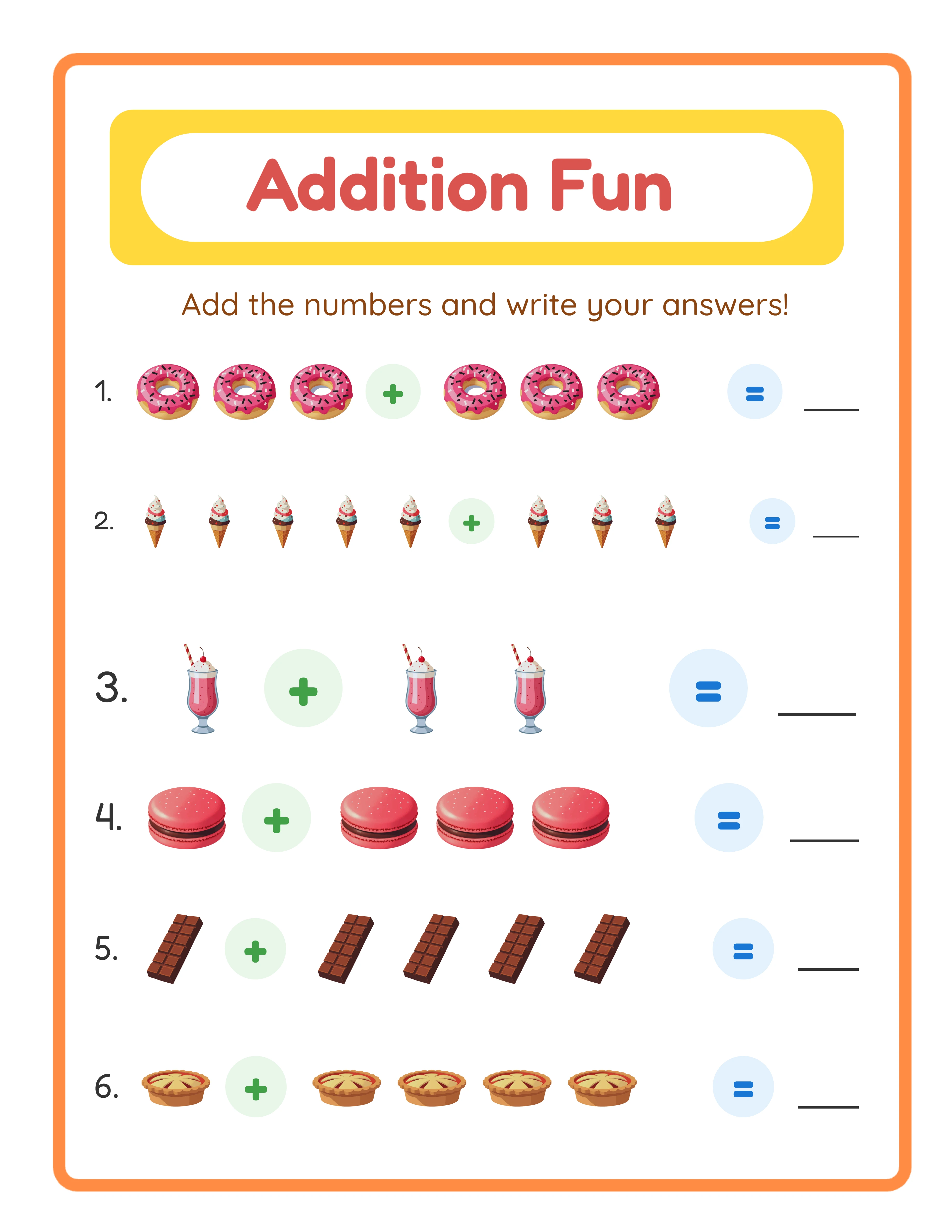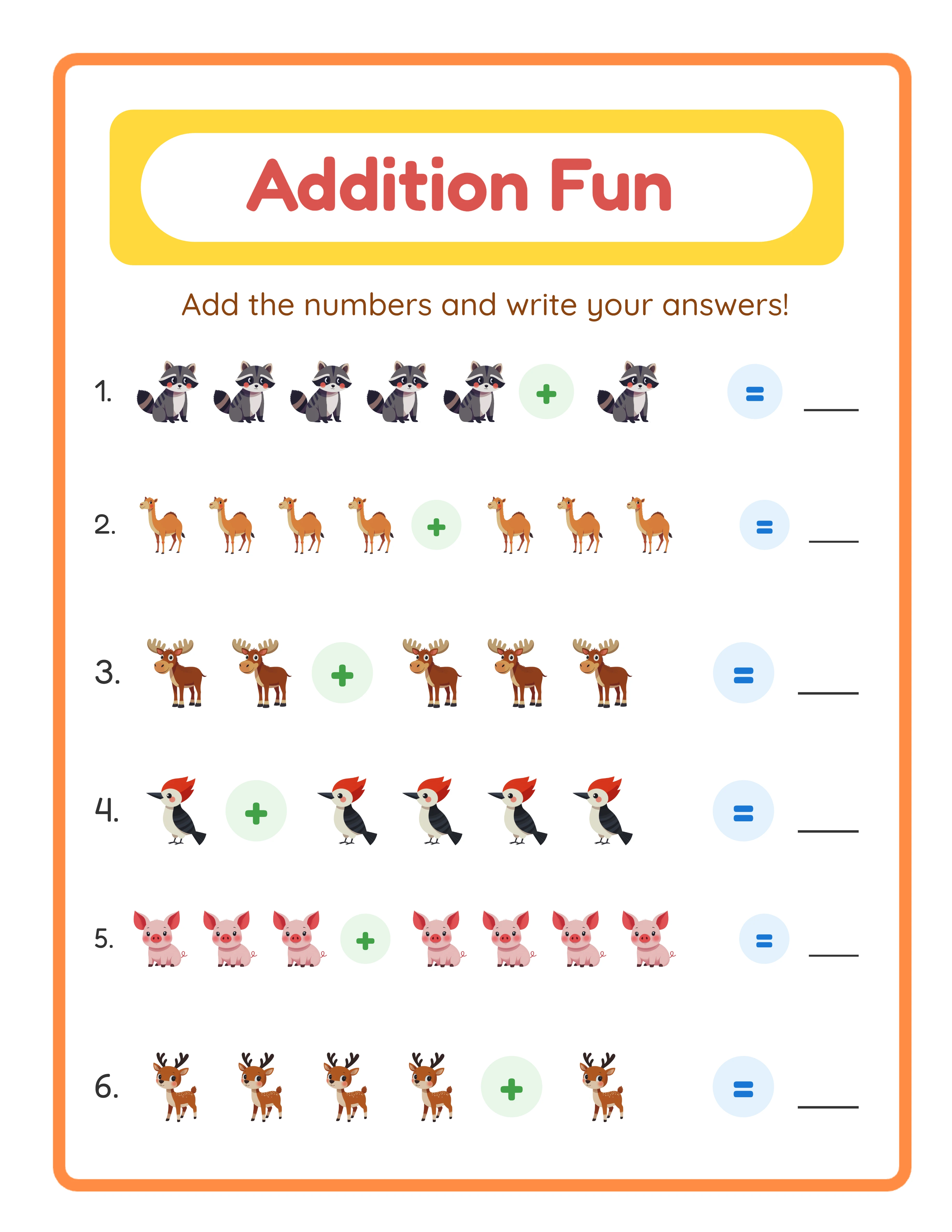
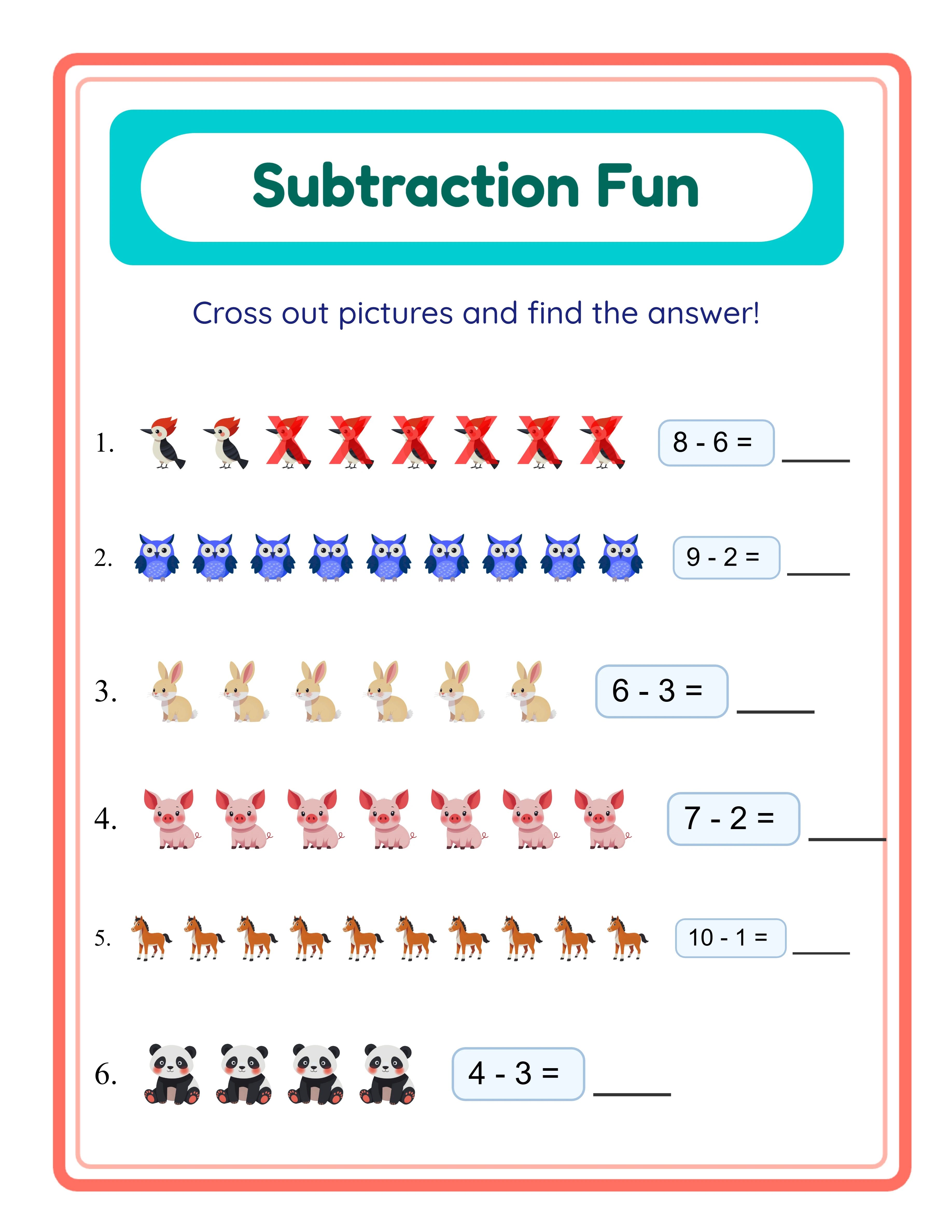
Step 1: Plan Your Entire Batch Before Creating Anything (30 Minutes)
The planning phase is the most important step in batch production. Spend 30 minutes planning and you save 3-4 hours in execution.
**Create a batch plan spreadsheet with these columns:**
- Product name
- Theme
- Difficulty level
- Page count
- Target age range
- Price point
- Target keywords (for listing titles)
Fill in 10-20 products at once. Group them by theme or activity type so you can generate similar products back-to-back.
**Example batch plan (one session):**
- 5 animal-themed addition bundles (ages 4-6, 6-8, 8-10 x easy/medium/hard)
- 5 animal-themed subtraction bundles (same age/difficulty variations)
- 2 animal math mega-bundles (combining addition + subtraction)
That is 12 products from one theme in one session. Each product variation takes 10-15 minutes to generate when you are already in the flow of that theme.
Step 2: Generate All Content in One Session (2-3 Hours)
With your plan ready, open your worksheet generator and produce everything back-to-back. Do not stop to format, organize, or list — just generate.
**The generation workflow:**
1. Set the theme (e.g., animals)
2. Set the first difficulty level
3. Generate the required number of worksheets
4. Download the batch
5. Change difficulty/activity type
6. Repeat
Using LessonCraftStudio's generators, each batch of 20 worksheets with answer keys takes 2-3 minutes to generate and download. A 12-product batch totaling 200+ worksheets takes about 30-45 minutes of active generation time.
**Critical rule:** Do not review individual worksheets during generation. Generate everything first, review later. Stopping to check each worksheet breaks your flow and doubles production time.
Save all files into a single "Batch [Date]" folder with sub-folders for each product. Clear naming now prevents confusion during the listing phase.
**Naming convention:** `[Theme]-[Activity]-[Difficulty]-[AgeRange]/` — for example, `Animals-Addition-Easy-Ages4-6/`
Step 3: Quality Review and Compilation (1 Hour)
Now review everything in one focused session. Open each product folder and check:
- Worksheet content is correct for the stated difficulty
- Answer keys match their worksheets
- Images display properly and match the theme
- Page count matches your plan
- No duplicate worksheets within a bundle
This batch review is faster than reviewing individual products because your eye becomes calibrated — after checking 5 bundles, you spot issues in seconds.
**Compile each product:**
1. Merge worksheet PDFs into one file per product
2. Add cover pages (use a template — same design, change the title and theme)
3. Add answer keys at the end
4. Verify final page count
With templates, compilation takes about 5 minutes per product. For 12 products, that is 60 minutes total.
**Batch tip:** Create your cover page template once with placeholder text. For each new product, duplicate the template and change only the title, theme, and page count. This alone saves 20-30 minutes per batch.
One Generator — Three Product Tiers
Create an entire product line from a single tool
beginner level

intermediate level
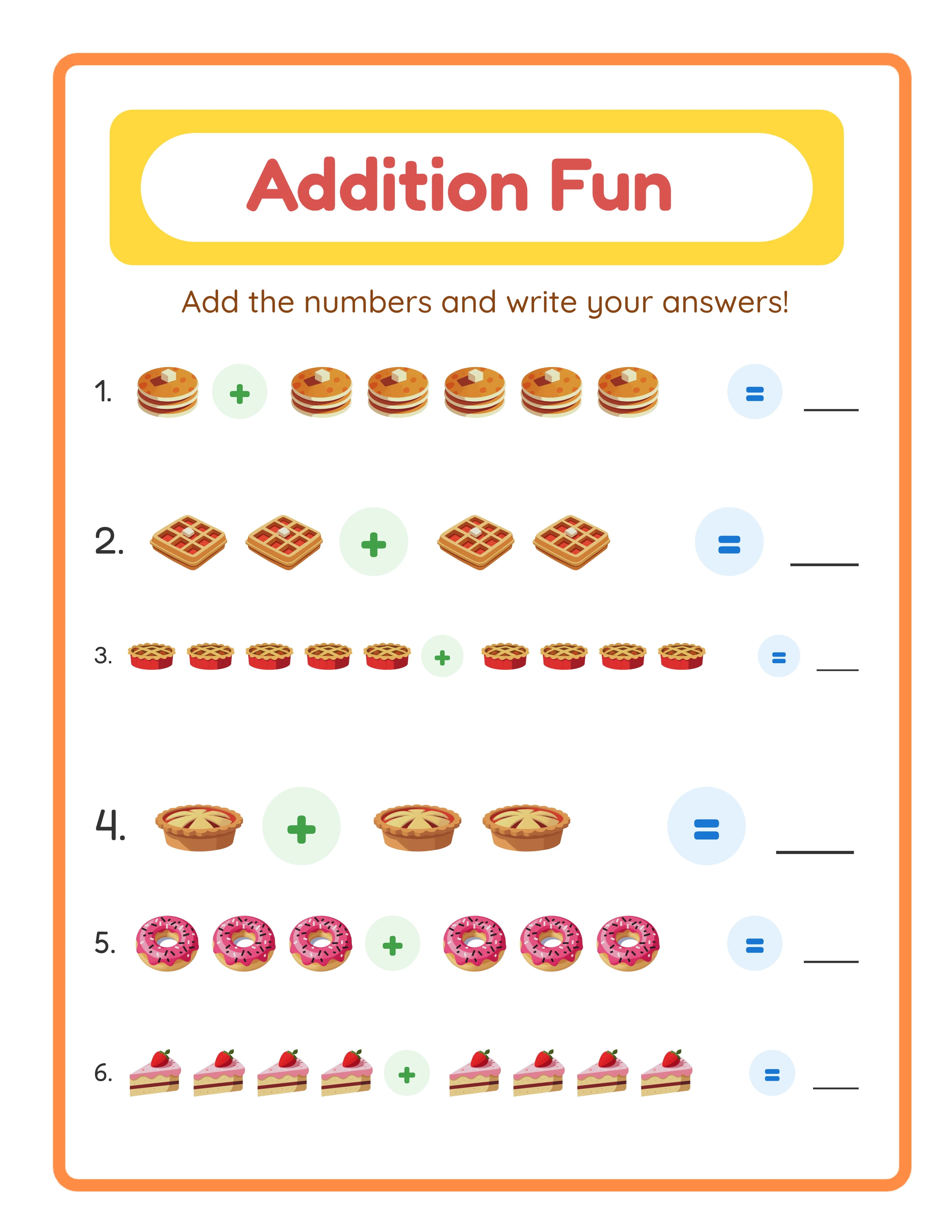
advanced level
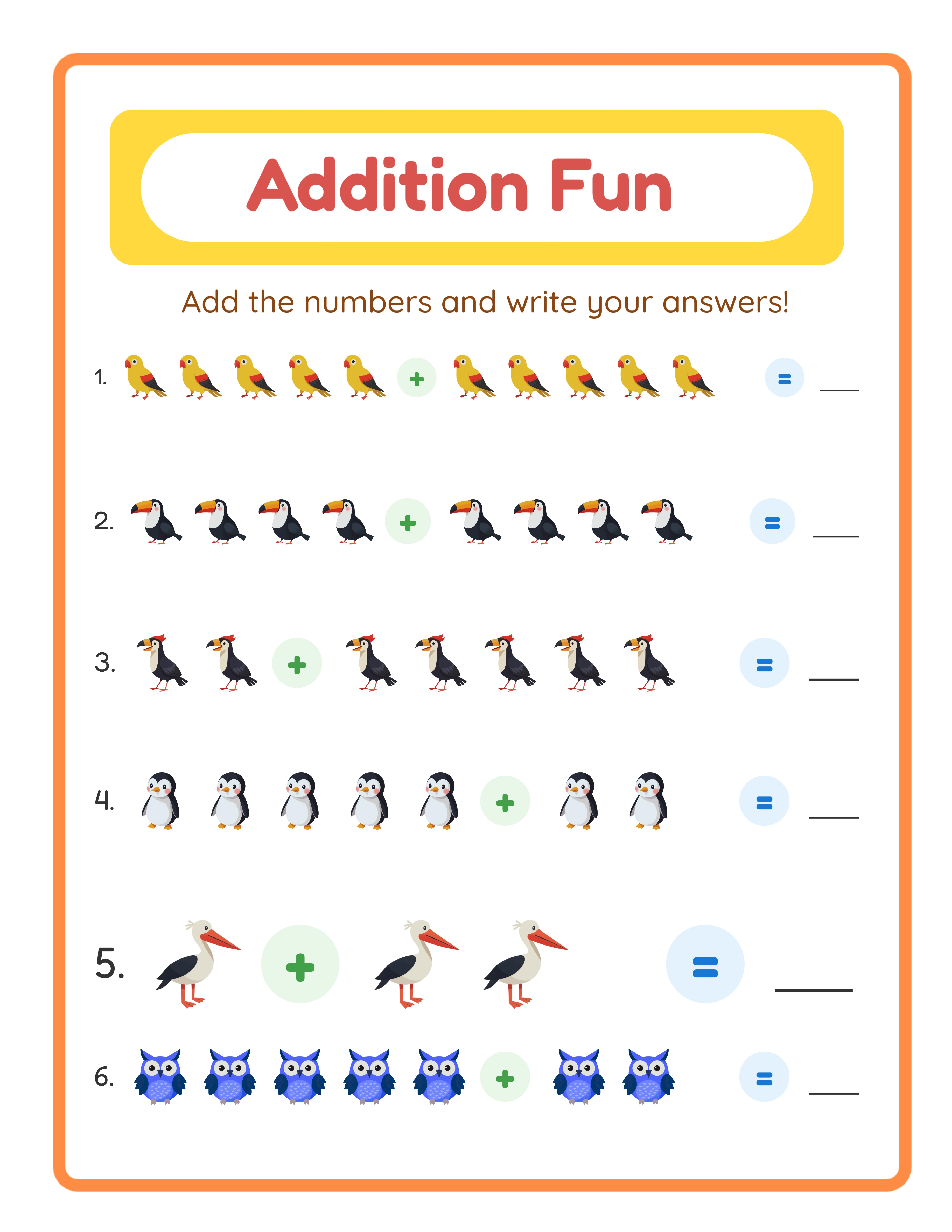
→Increasing difficulty→
Step 4: Create All Listing Assets in Bulk (1 Hour)
Listing assets (photos, descriptions, tags) are the most time-consuming part when done one at a time. Batching cuts this dramatically.
**Listing photos:**
- Create one mockup template in Canva with placeholder text
- Duplicate it for each product, swapping the worksheet screenshots and title
- Export all mockups at once
- Time: 3-5 minutes per product vs. 15-20 minutes individually
**Listing descriptions:**
- Write one master description template with [BRACKETS] for variable content
- Fill in the brackets for each product
- Copy-paste into Etsy
- Time: 2-3 minutes per product vs. 10-15 minutes individually
**Tags and keywords:**
- Prepare a tag sheet in your spreadsheet with 13 tags per product
- Many tags overlap between similar products (e.g., "printable worksheets," "instant download," "homeschool math")
- Copy-paste tag sets during listing
- Time: 1-2 minutes per product vs. 5-10 minutes individually
Total for 12 products: about 60-80 minutes vs. 3-4 hours without batching.
Step 5: List Everything and Schedule Releases
Upload all 12 products to Etsy in one session. With your assets prepared, each listing takes 5-7 minutes to complete.
**Listing strategy:**
- Do not publish all 12 at once. Schedule 2-3 per day over 4-5 days
- Etsy's algorithm favors new listings, so spreading releases maximizes each product's initial visibility
- List during peak hours (9-11 AM and 7-9 PM in your target market's timezone)
**Total time for the complete batch:**
- Planning: 30 minutes
- Generation: 45 minutes
- Review and compilation: 60 minutes
- Listing assets: 60-80 minutes
- Uploading: 60-80 minutes
- **Total: 4-5 hours for 12 products**
Compare that to creating each product individually: 45-60 minutes per product x 12 = 9-12 hours. Batching saves 50-60% of your time.
**Weekly batch schedule for scaling:**
- Monday: Plan batch (30 min) + Generate content (45 min)
- Tuesday: Review, compile, create assets (2 hours)
- Wednesday-Friday: List 2-3 products per day (20 min/day)
Follow this schedule and you add 10-12 products per week to your shop. In one month, you have 40-50 new listings — enough to start generating consistent daily sales.