The Batch Creation System
Creating worksheets one at a time is the single biggest time sink for printable sellers. Batch creation means producing 20-30 worksheets in one focused session instead of making one worksheet per day.
**How batch creation works:**
**Step 1: Theme selection (15 minutes)**
Choose one theme (animals, vehicles, space, food) and one skill (addition, letter recognition, pattern matching). All 20-30 worksheets will share this theme/skill combination.
**Step 2: Batch generate (30-60 minutes)**
Use a worksheet generator to produce all variations. Change difficulty levels, number ranges, specific images, and layouts. 20 worksheets in 30 minutes vs. 20 worksheets across 20 separate sessions.
**Step 3: Batch format (30 minutes)**
Add your branding (header, footer, border) to all worksheets in one session. Apply the same template to each, then export as PDFs.
**Step 4: Batch mockup (45 minutes)**
Create mockup photos for all 20 products in one photography session. Same desk, same props, swap out the printed worksheet. Or use a mockup template and drop in screenshots.
**Step 5: Batch list (60-90 minutes)**
List all products on Etsy in one session. Copy your description template, swap in product-specific details, fill all 13 tags using your keyword list.
**Total time for 20 products:** 3-4 hours
**Time if done individually:** 12-15 hours
Batch creation alone triples your productivity.
Automating Marketing with Pinterest and Email
**Pinterest automation:**
Pinterest drives 30-50% of traffic for most printable shops. Manual pinning is time-consuming and inconsistent. Automation tools solve both problems.
- **Tailwind:** Schedule 30-50 pins per week in one 30-minute session. Tailwind's SmartSchedule posts pins at optimal times. Cost: $15-$25/month. Time saved: 3-5 hours/week.
- **Pin templates:** Create 3-5 Canva pin templates in your brand colors. For each new product, swap the image and text. One template, hundreds of pins.
- **Board strategy:** Create 10-15 boards targeting different keyword themes. Each new product pin goes to 3-5 relevant boards. Tailwind handles the scheduling.
**Email automation:**
- **Welcome sequence:** Set up a 5-email sequence that runs automatically when someone subscribes. Write it once, it works forever.
- **New product announcements:** Template a "New Product" email. When you release new worksheets, drop in the images and links. Send in 10 minutes.
- **Seasonal campaigns:** Pre-schedule seasonal promotional emails for the whole year. Back-to-school in August, Halloween in October, Christmas in November. Set and forget.
**Combined time investment:** 2-3 hours/week for Pinterest and email marketing that previously took 8-10 hours/week. The 5-7 hours saved go directly into product creation.
Bundle Products Sell Better

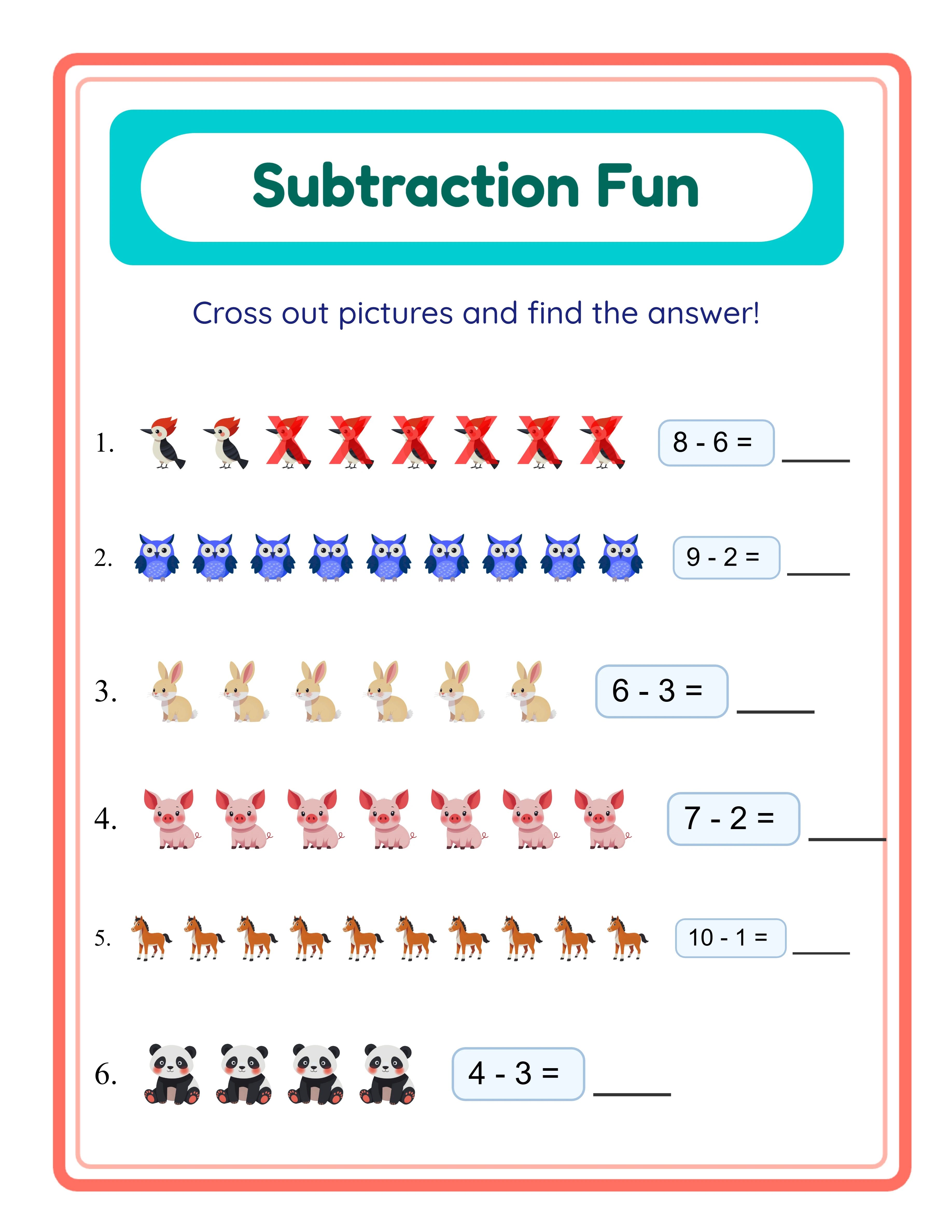
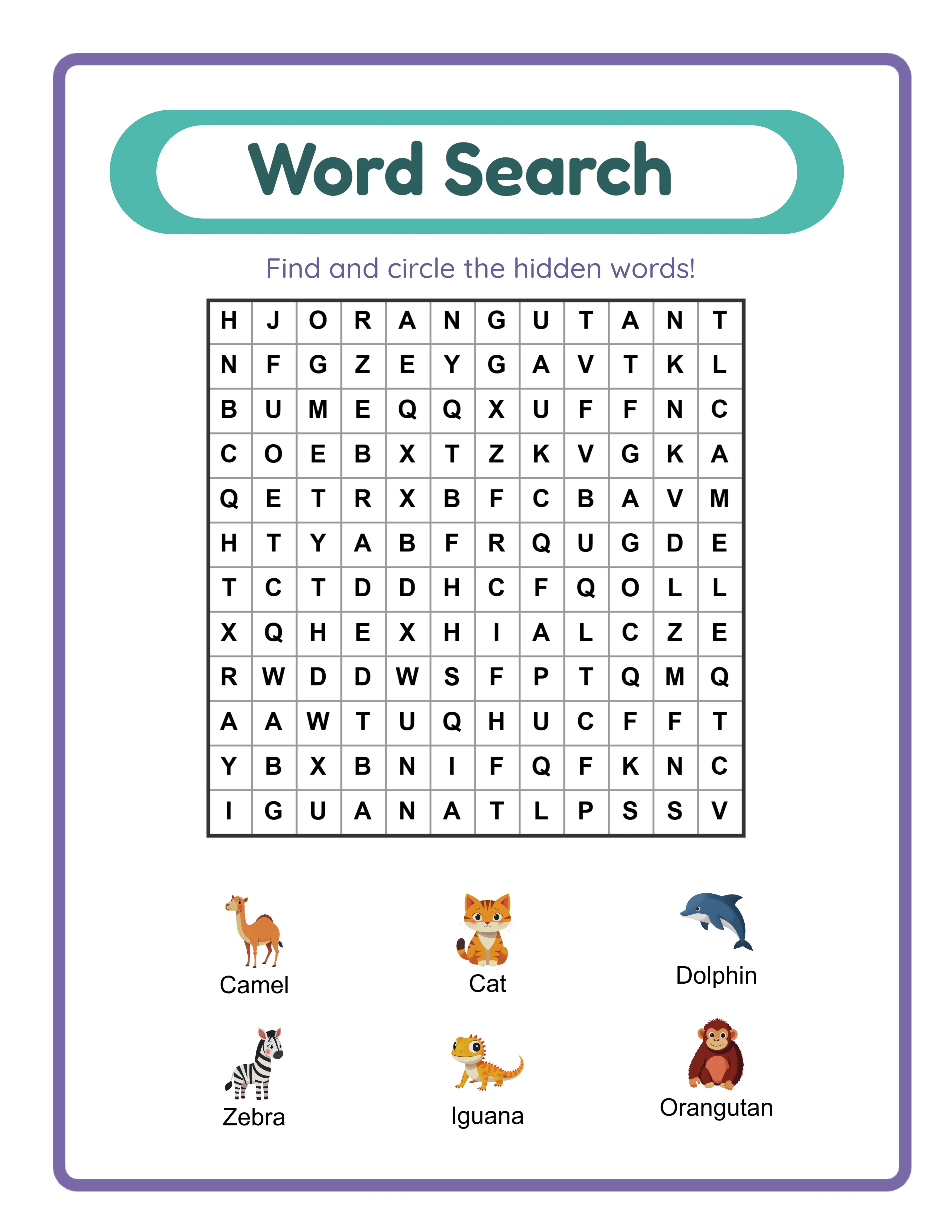
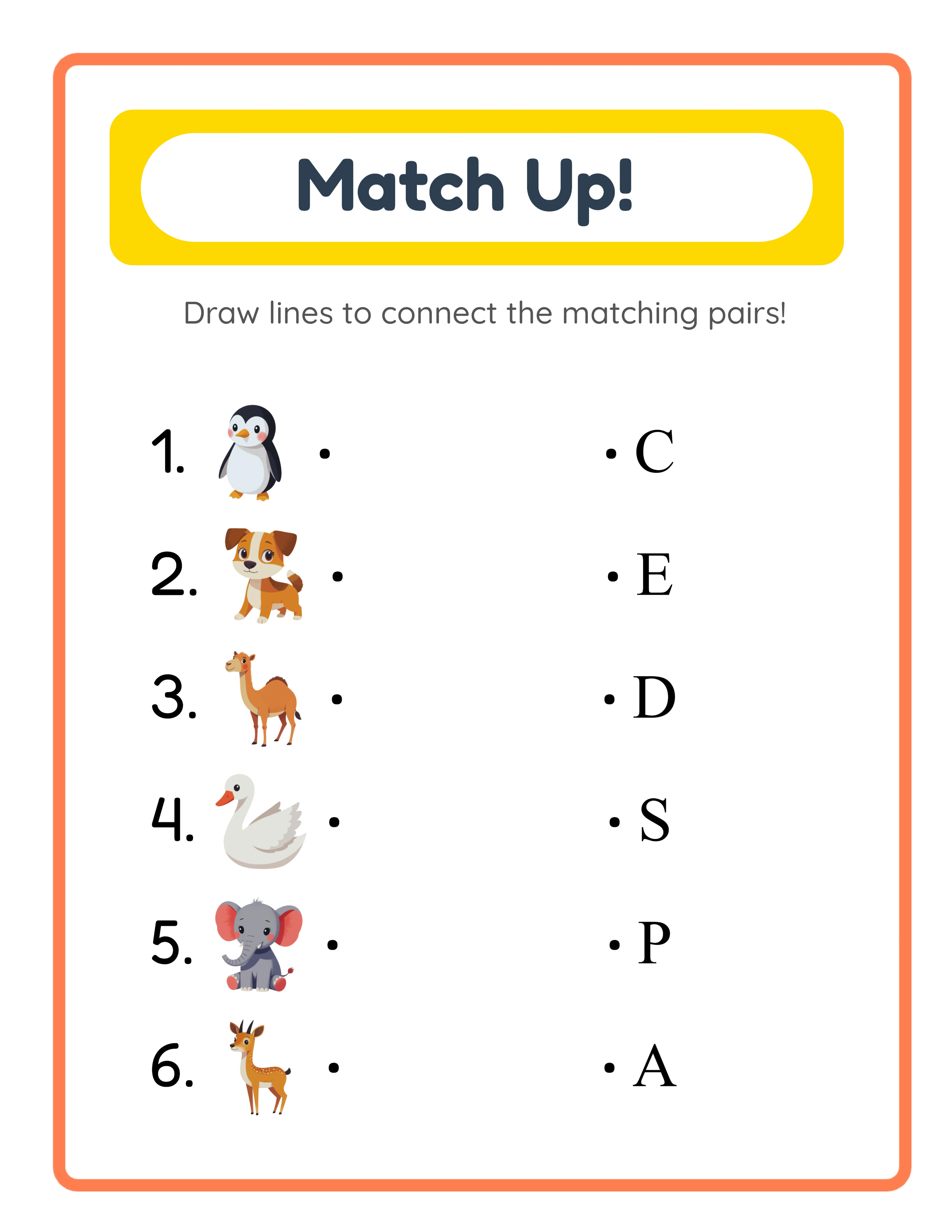

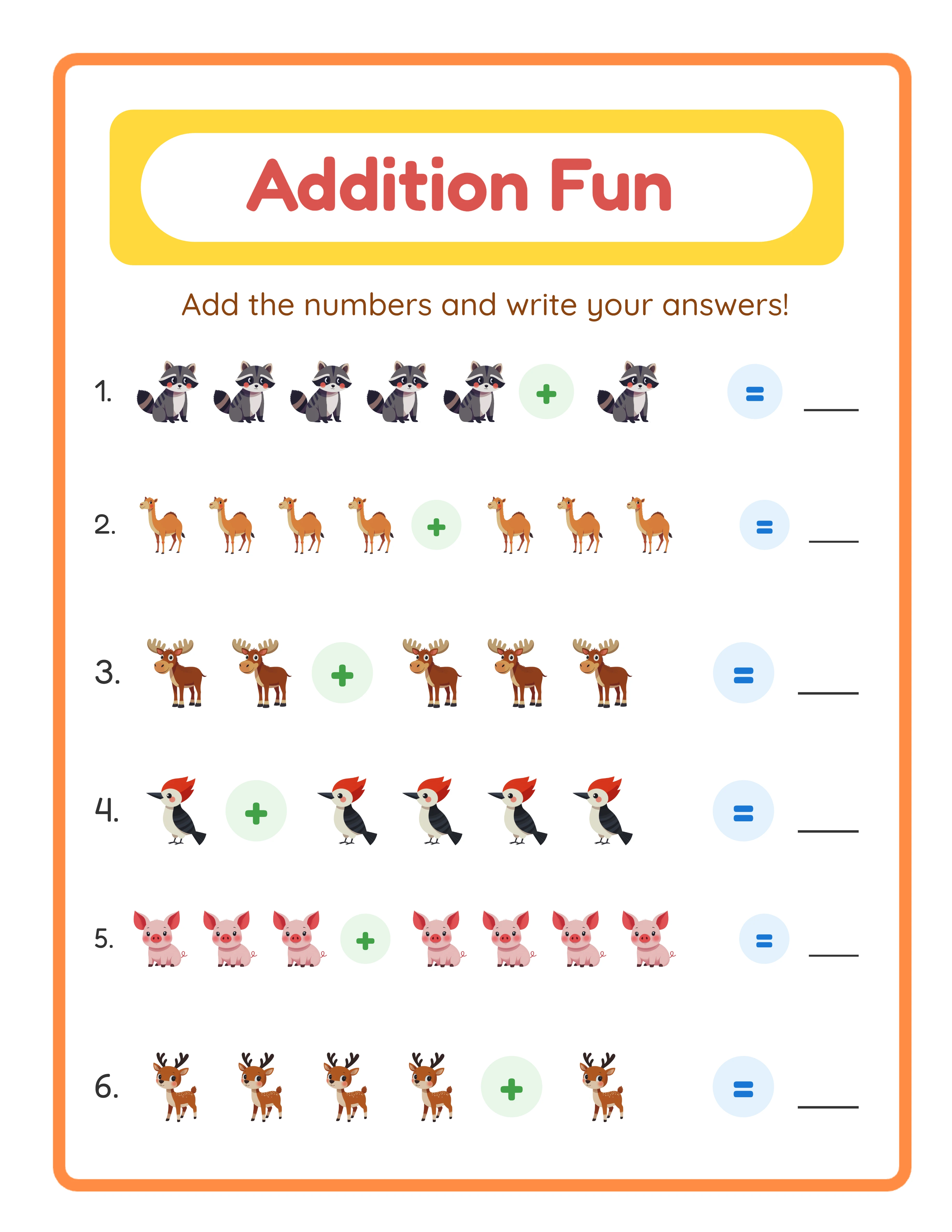
100 Pages
Building a Product Ecosystem (Not Just a Catalog)
A product catalog is a list of unrelated items. A product ecosystem is a web of interconnected products where every sale leads to another sale.
**The ecosystem model:**
**Layer 1: Individual worksheets ($2.99-$4.99)**
These are your search entry points. Low price, easy to buy, each targeting a specific keyword. Volume products.
**Layer 2: Theme bundles ($9.99-$14.99)**
10-20 individual worksheets bundled by theme. "Animal Math Bundle" includes all your animal-themed worksheets. Higher revenue per sale. Buyers who buy one worksheet often come back for the bundle.
**Layer 3: Mega bundles ($19.99-$29.99)**
50-100 worksheets in one package. "Complete Math Activity Collection — 100 Worksheets." Your highest-revenue product. Often purchased by tutors, therapy centers, and schools.
**Layer 4: Seasonal refreshes ($7.99-$12.99)**
Seasonal versions of your best sellers. Same worksheet type, holiday theme overlay. Christmas addition, Halloween coloring, Valentine's word search. These reactivate existing customers.
**How the ecosystem drives scale:**
A buyer purchases one $3.99 worksheet. They like it and buy the $12.99 bundle. Next month, a seasonal bundle email brings them back for $9.99. Total customer value: $26.97 from a customer you acquired with one $3.99 sale.
The ecosystem multiplies revenue per customer without requiring new customer acquisition for every sale.
Tools That Save Hours Every Week
**Product creation tools:**
- Worksheet generators: Produce 10-20 worksheets per hour instead of 1-2 manually
- Canva: Batch-create mockup images using templates
- Adobe Acrobat: Merge individual PDFs into bundles automatically
**Listing management:**
- Etsy's CSV upload: List 50+ products at once using a spreadsheet template
- Vela: Bulk edit Etsy listings (titles, tags, prices) across hundreds of listings
- eRank: Keyword research and listing optimization analytics
**Marketing automation:**
- Tailwind: Pinterest scheduling ($15/month)
- ConvertKit or MailerLite: Email automation (free for first 1,000 subscribers)
- Canva: Pin template and social media graphics
**Financial tracking:**
- Etsy's built-in analytics: Sales and traffic data
- Google Sheets: Track revenue, costs, and ROAS per product
- Craftybase or Quickbooks Self-Employed: Expense tracking for taxes ($5-$15/month)
**Total tool cost:** $30-$60/month for the full automation stack. Time saved: 10-15 hours/week. That's effectively paying yourself $2-$6/hour for automation setup that saves 40-60 hours per month of repetitive work.
33 Generators
3,000+ Images
11 Languages
300 DPI Export
The Scaling Timeline: $500 to $5,000/Month
**$500/month (current state):**
50-100 listings, 20-40 sales/month, mostly individual products. You're doing everything manually — creation, listing, marketing, customer service. Working 15-20 hours/week.
**$1,000-$1,500/month (month 2-3 of scaling):**
Implement batch creation and add 20+ listings per week. Create bundles for every 8-10 individual products. Set up Pinterest automation with Tailwind. Revenue doubles without doubling hours (now 18-22 hours/week).
**$2,000-$3,000/month (month 4-6 of scaling):**
200+ listings with strong bundles. Email list at 500+ subscribers driving repeat purchases. Pinterest generating 40-50% of traffic automatically. Start Etsy Ads on top bundles. Working 15-18 hours/week (less than before due to automation).
**$3,000-$5,000/month (month 7-12 of scaling):**
300+ listings. Product ecosystem with individual, bundle, and mega-bundle tiers. Multi-platform (Etsy + KDP or Gumroad). Email list at 1,000+ subscribers. Seasonal campaigns running on autopilot. Working 12-15 hours/week.
**Key insight:** From $500 to $5,000/month, total weekly hours actually DECREASE from 20 to 12-15 because automation handles the repetitive tasks. Your time shifts from "doing work" to "optimizing systems." That's the difference between a side hustle and a business.