Understanding the Difference: Letter vs A4
**US Letter:** 8.5 x 11 inches (215.9 x 279.4 mm)
- Used in: United States, Canada, Mexico, Philippines
- Wider and shorter than A4
**A4:** 8.27 x 11.69 inches (210 x 297 mm)
- Used in: UK, EU, Australia, South America, Africa, Asia — basically everywhere except North America
- Narrower and taller than Letter
**The exact differences:**
- A4 is 0.23 inches (5.9 mm) narrower than Letter
- A4 is 0.69 inches (17.6 mm) taller than Letter
These differences sound tiny, but they matter when content is placed near page edges. A worksheet designed to fill a Letter page will have its left and right edges cropped on A4 (because A4 is narrower), while the top and bottom will have extra white space (because A4 is taller).
Conversely, an A4 worksheet printed on Letter paper will have extra space on the sides but potentially cut off content at the top or bottom.
**Who buys what:** Approximately 40% of Etsy printable buyers are in the US/Canada (Letter) and 60% are international (A4). Ignoring either group means ignoring a massive portion of your potential market.
Strategy 1: Design Once With Safe Margins (Easiest)
The simplest approach: design your worksheets with margins that work for both paper sizes.
**The safe zone:** Content placed within 7.5 x 10 inches (190 x 254 mm) prints correctly on both Letter and A4 without any cropping.
**How to implement:**
- Set your page size to US Letter (8.5 x 11 inches)
- Use 0.5-inch margins on all sides (this keeps content within the safe zone)
- Never place critical content in the outer 0.5 inches of any edge
- Test by printing your PDF on A4 paper with "fit to page" scaling
**Pros:**
- One file serves all markets — no duplicate work
- Simple to implement
- Buyers worldwide can print without adjustments
**Cons:**
- Slightly less content area than a dedicated A4 or Letter design
- Not technically optimized for either size
- Some detail-oriented buyers may notice the layout is not perfectly sized
**Best for:** Worksheets with generous spacing, activity pages, and products where exact dimensions are not critical. This approach works for 90% of printable products.
Strategy 2: Offer Both Sizes in One Listing (Professional)
Include both a US Letter PDF and an A4 PDF in your Etsy listing. This is the approach top sellers use.
**How to implement:**
1. Design your worksheet at US Letter size
2. Duplicate and resize to A4 (adjust margins and content position)
3. Name files clearly: "Dinosaur-Math-50pk-US-Letter.pdf" and "Dinosaur-Math-50pk-A4.pdf"
4. Upload both to your Etsy listing (Etsy allows 5 file uploads per listing)
5. Mention "Both US Letter AND A4 sizes included" in your title and description
**Pros:**
- Maximizes market reach — no buyer is excluded
- "Both sizes included" is a selling point in your listing title
- Eliminates all printing complaints related to paper size
- Professional image — signals you know your audience
**Cons:**
- Takes extra time to create and maintain two versions
- Uses an extra file upload slot on Etsy
**Time cost:** If you design manually, creating the A4 version adds 10-15 minutes per product. If you use a worksheet generator with size options, switching between Letter and A4 takes seconds.
**Listing title example:** "50 Addition Worksheets PDF | US Letter + A4 | With Answer Keys | Ages 5-7"
One Generator — Three Product Tiers
Create an entire product line from a single tool
beginner level

intermediate level
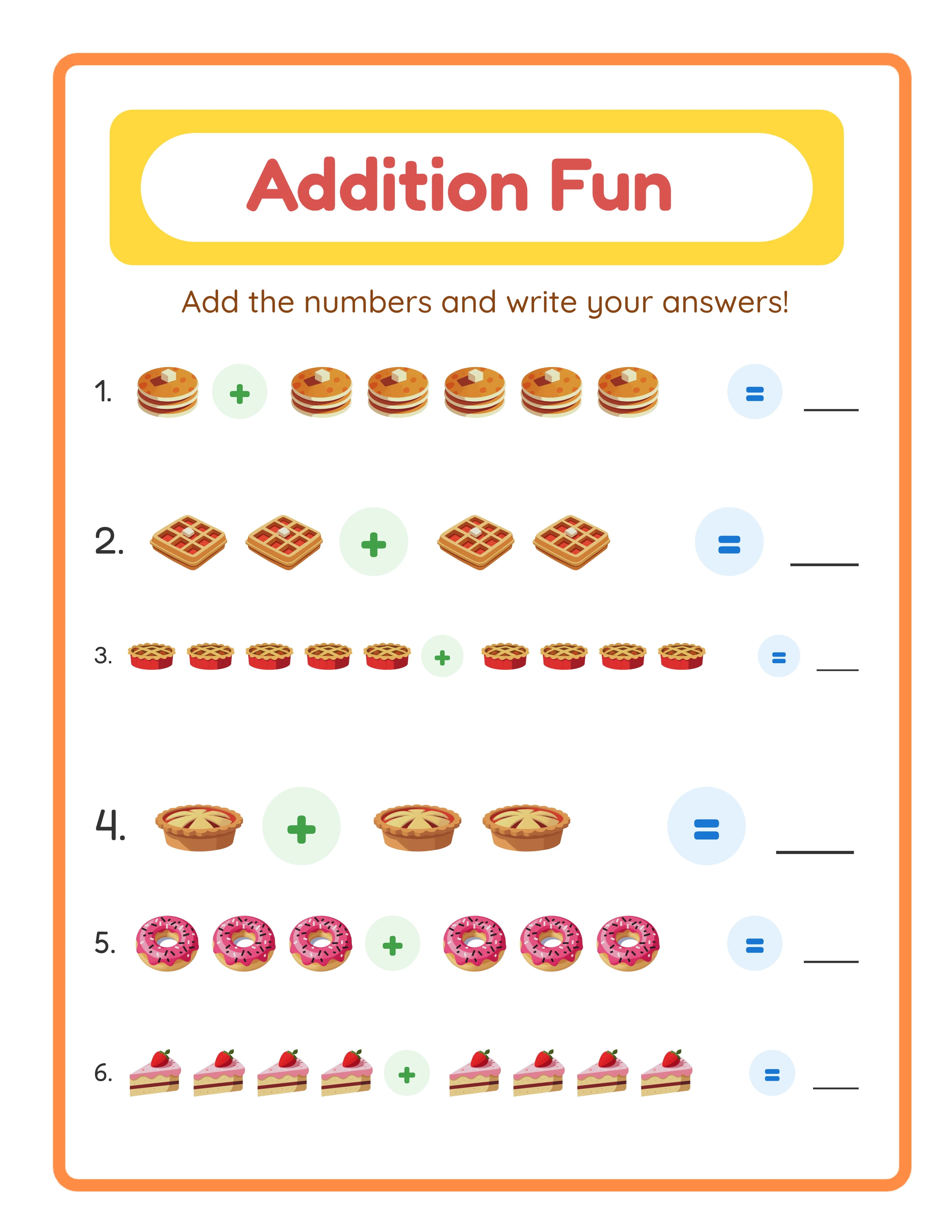
advanced level
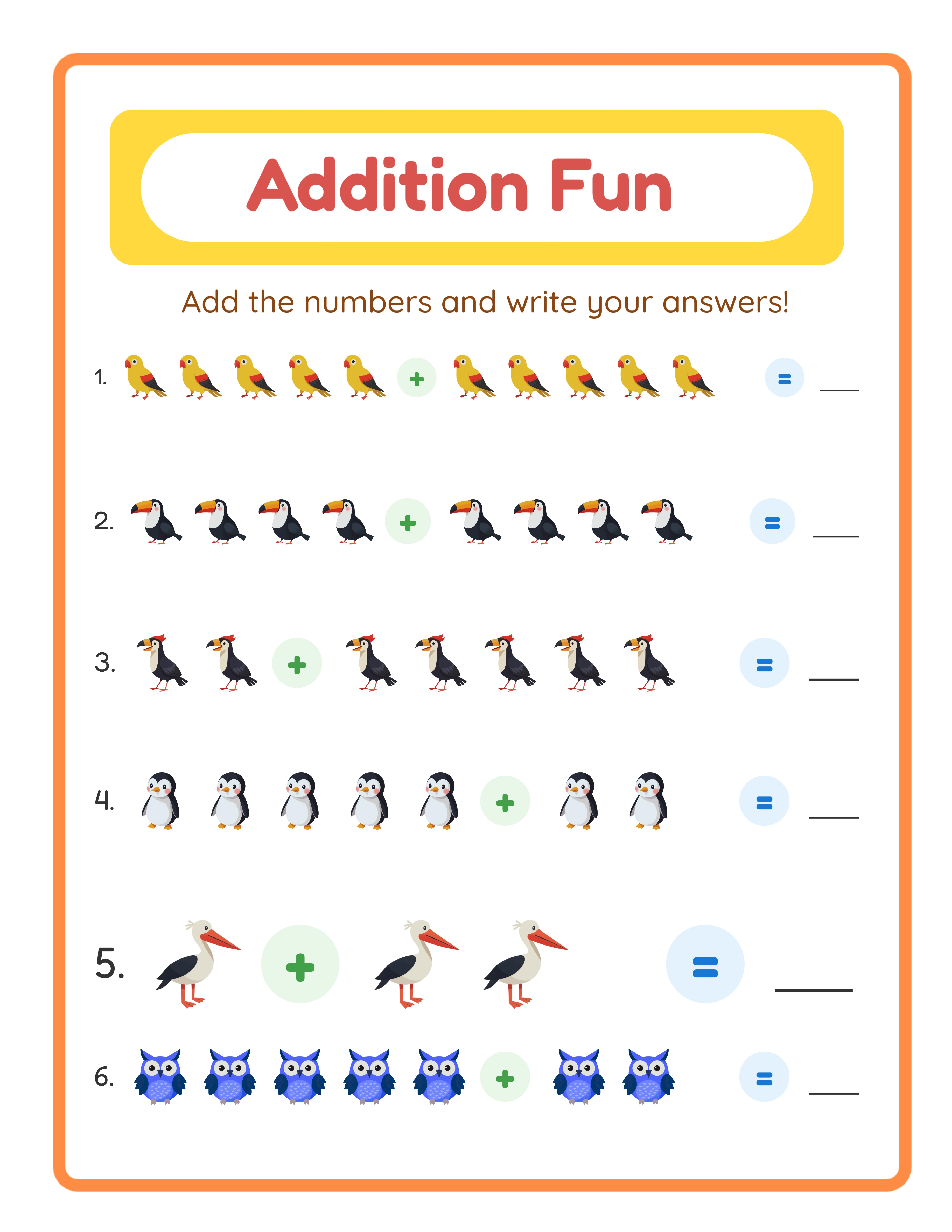
→Increasing difficulty→
Paper Sizes for KDP Books
Amazon KDP has its own paper size requirements that differ from Etsy digital downloads.
**Most popular KDP trim sizes for activity books:**
- 8.5 x 11 inches (Letter equivalent — most popular for US market)
- 8.27 x 11.69 inches (A4 equivalent — for international markets)
- 8 x 10 inches (popular compromise size, works globally)
- 6 x 9 inches (smaller activity books, lower printing costs)
**Recommended KDP strategy:**
- Publish your primary edition at 8.5 x 11 inches (highest demand)
- Consider a second edition at 8 x 10 inches (works well internationally)
- Use KDP's "expanded distribution" to sell in all global marketplaces
**KDP-specific requirements:**
- Minimum margins: 0.375 inches (KDP enforces this automatically)
- Bleed: No bleed for activity books (add bleed only for coloring books with edge-to-edge art)
- Spine width: Calculated automatically based on page count
**Important:** KDP calculates printing costs per page and size. Larger trim sizes cost more to print, reducing your royalty per sale. An 8.5 x 11 inch color book costs approximately $0.10-$0.12 more per copy to print than an 8 x 10 inch version. Factor this into your pricing.
Quick Reference: Paper Sizes by Market and Platform
**By target market:**
- Selling only to US/Canada buyers: US Letter (8.5 x 11 inches)
- Selling only to UK/EU/AU buyers: A4 (210 x 297 mm)
- Selling globally (recommended): Both sizes or safe-margin design
**By platform:**
- Etsy: Both Letter and A4 in same listing (2 file uploads)
- KDP: 8.5 x 11 inches primary, optional 8 x 10 inches second edition
- Gumroad: Both sizes in a ZIP file
- Creative Fabrica: Both sizes, labeled clearly
**By product type:**
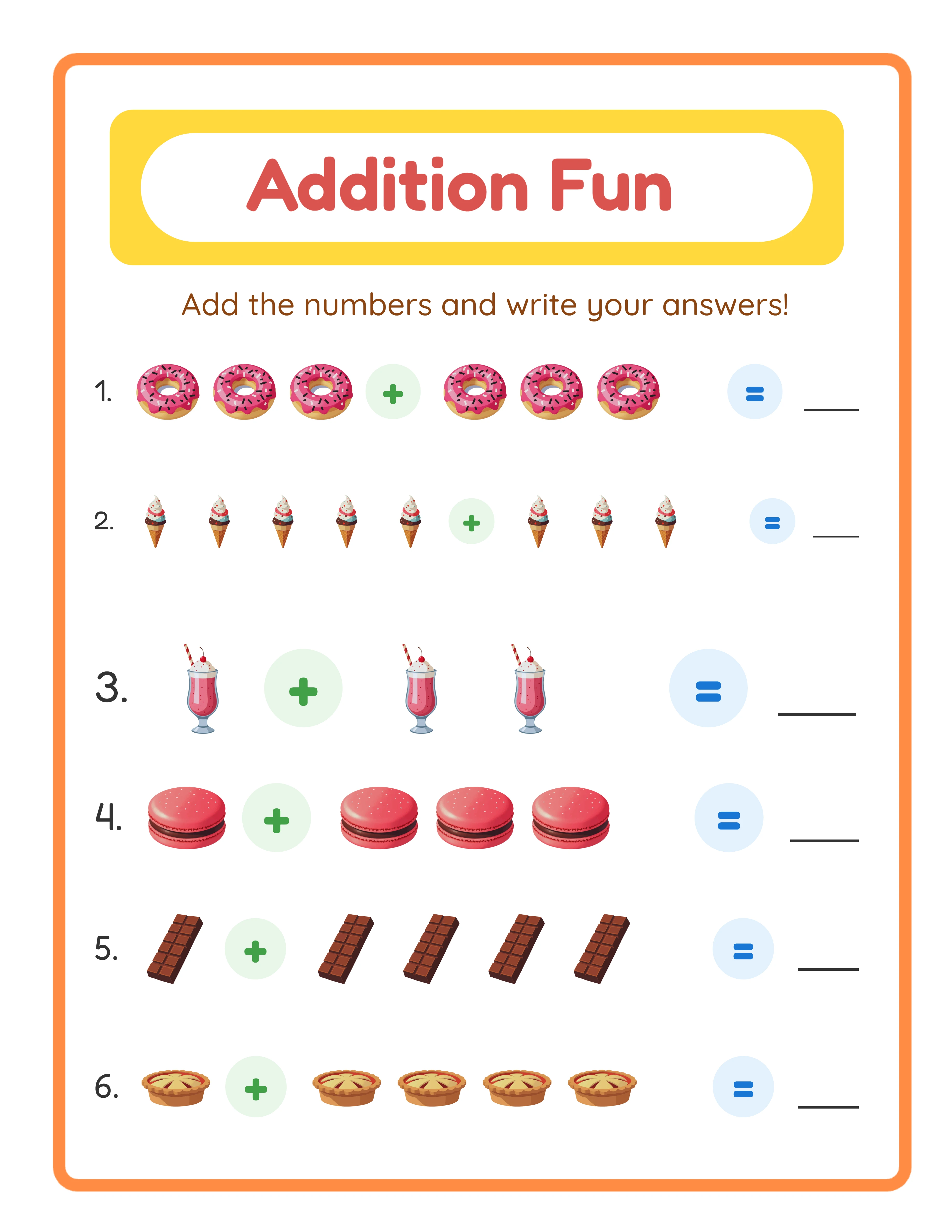
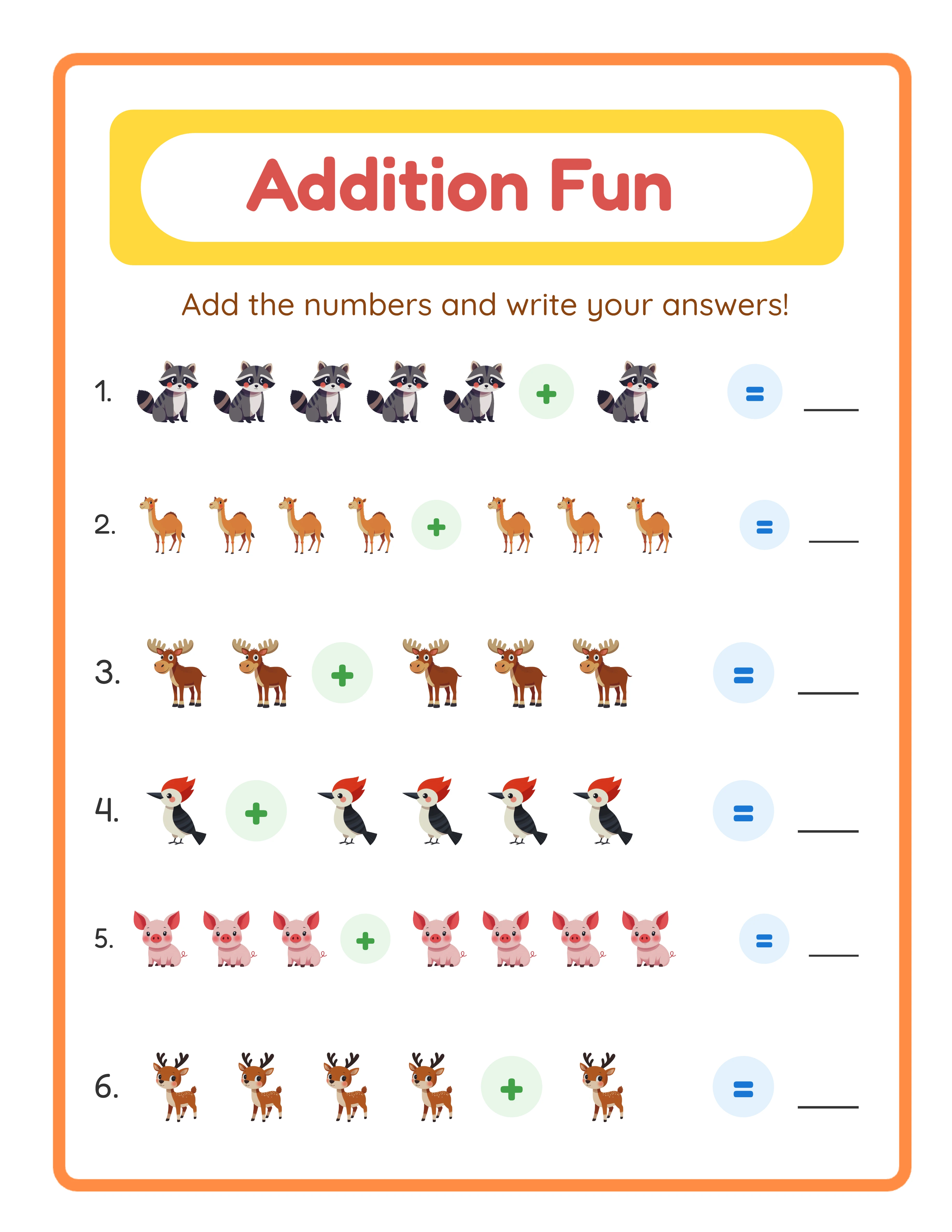
- Math worksheets: Both sizes (content near edges gets cropped)
- Coloring pages: Safe-margin single design works fine (mostly center content)
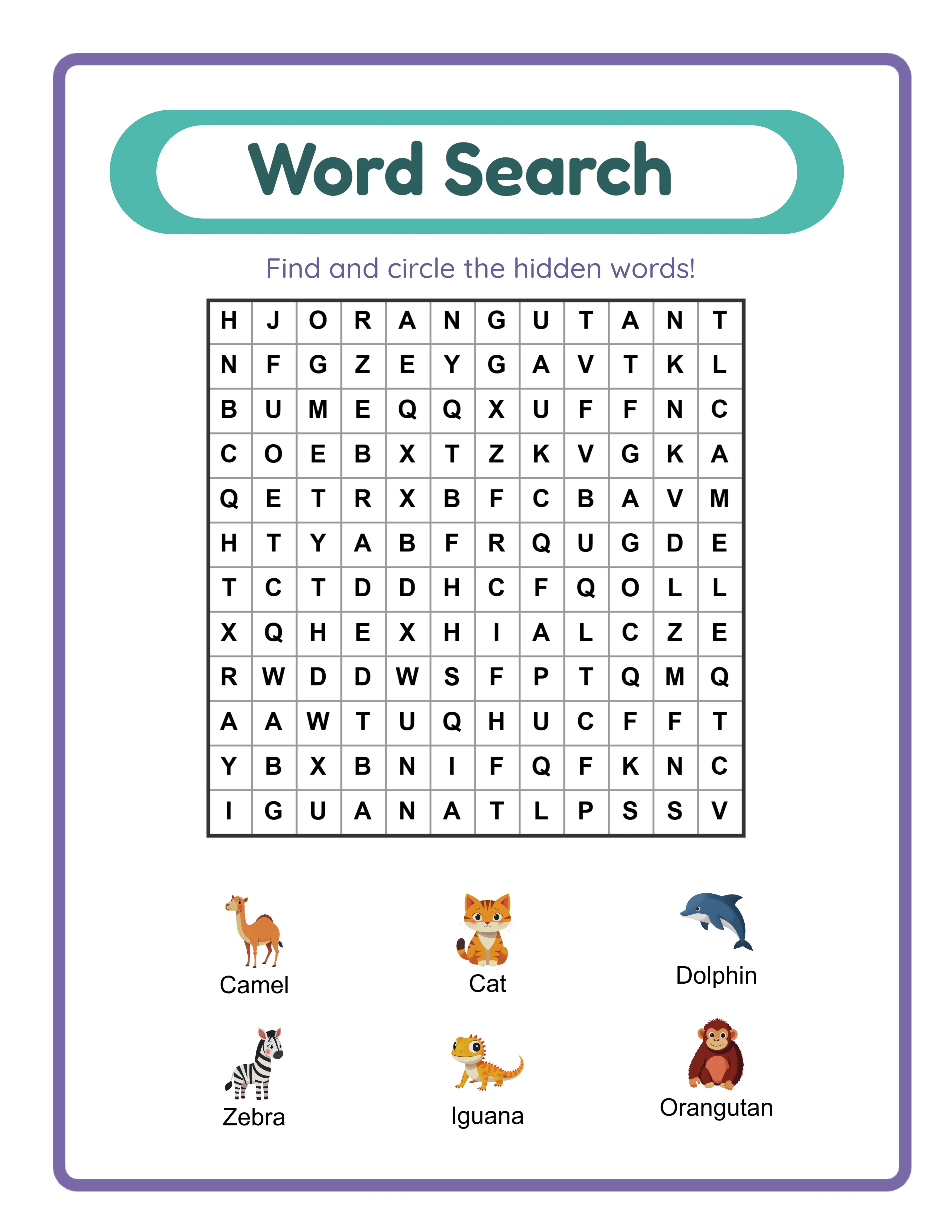
- Word searches: Both sizes (grid dimensions are size-sensitive)
- Planners/journals: Both sizes mandatory (buyers are very particular)
- Wall art: Neither — use standard art print sizes (5x7, 8x10, 11x14, 16x20)
**Implementation checklist:**
- [ ] Check your current listings — are they Letter only?
- [ ] Create A4 versions of your top 10 sellers (highest impact first)
- [ ] Update listing titles to mention "US Letter + A4"
- [ ] Add paper size info to all listing descriptions
- [ ] Set up your template/generator for dual-size output
Most sellers who add A4 versions to existing Letter-only listings report a 15-25% increase in international sales within 30 days. The effort is minimal; the return is immediate.