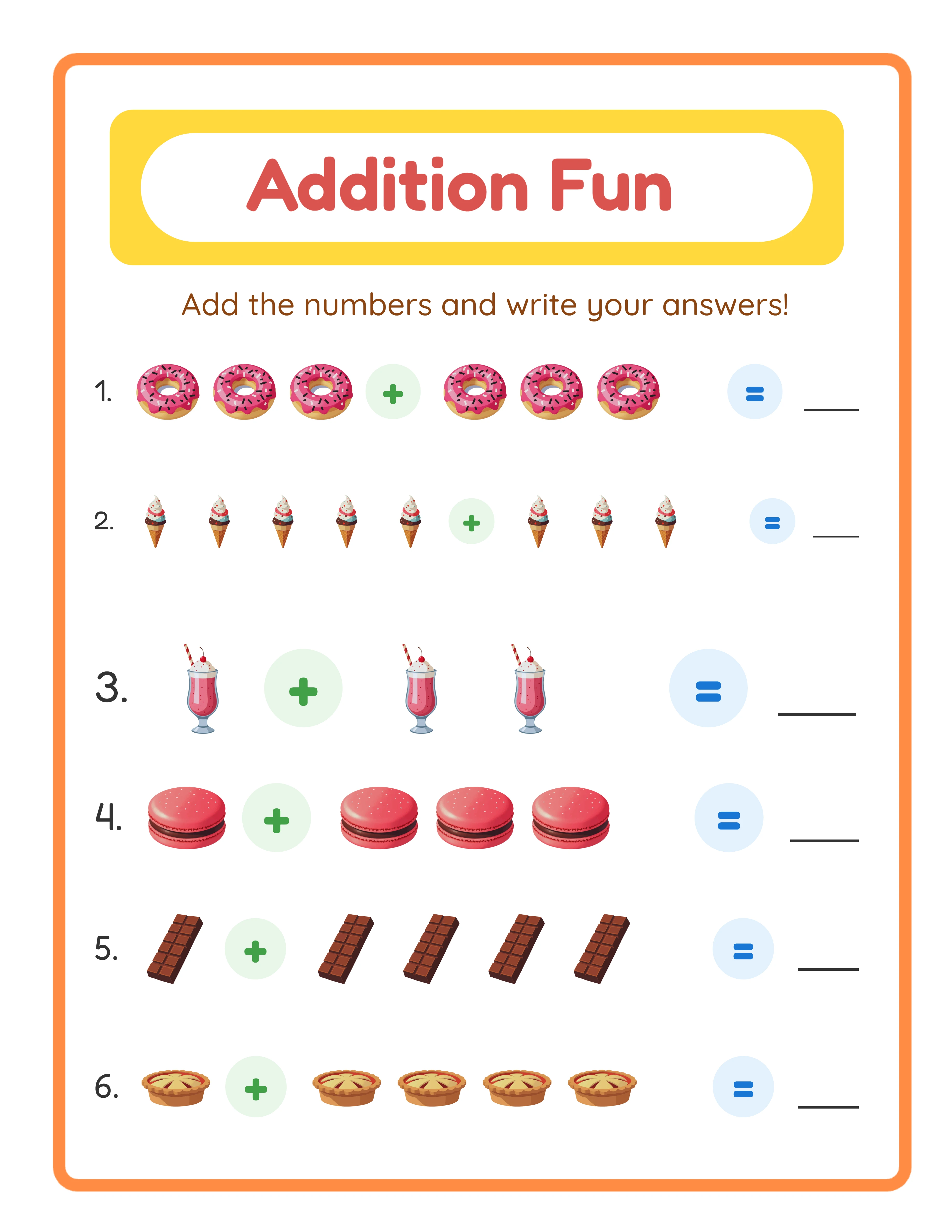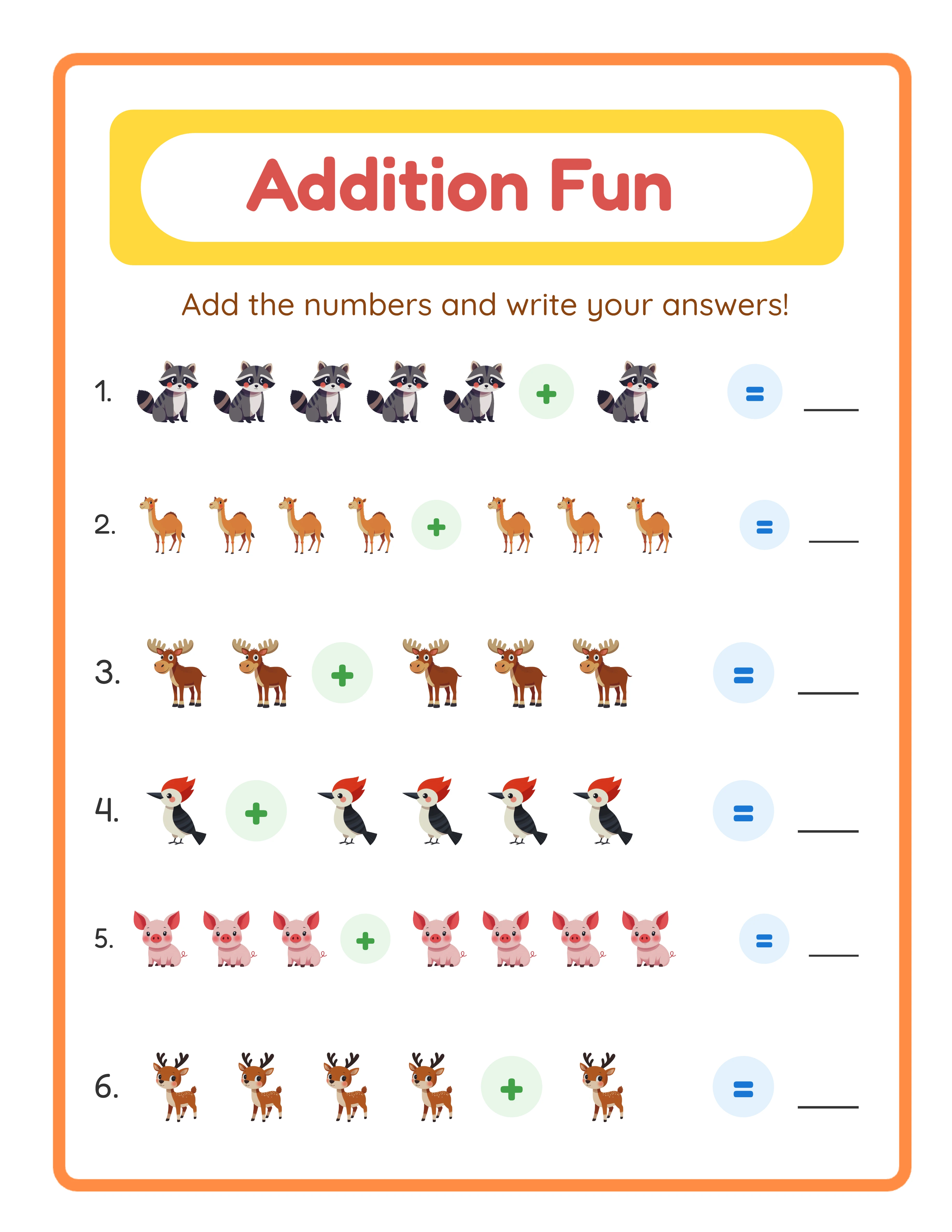
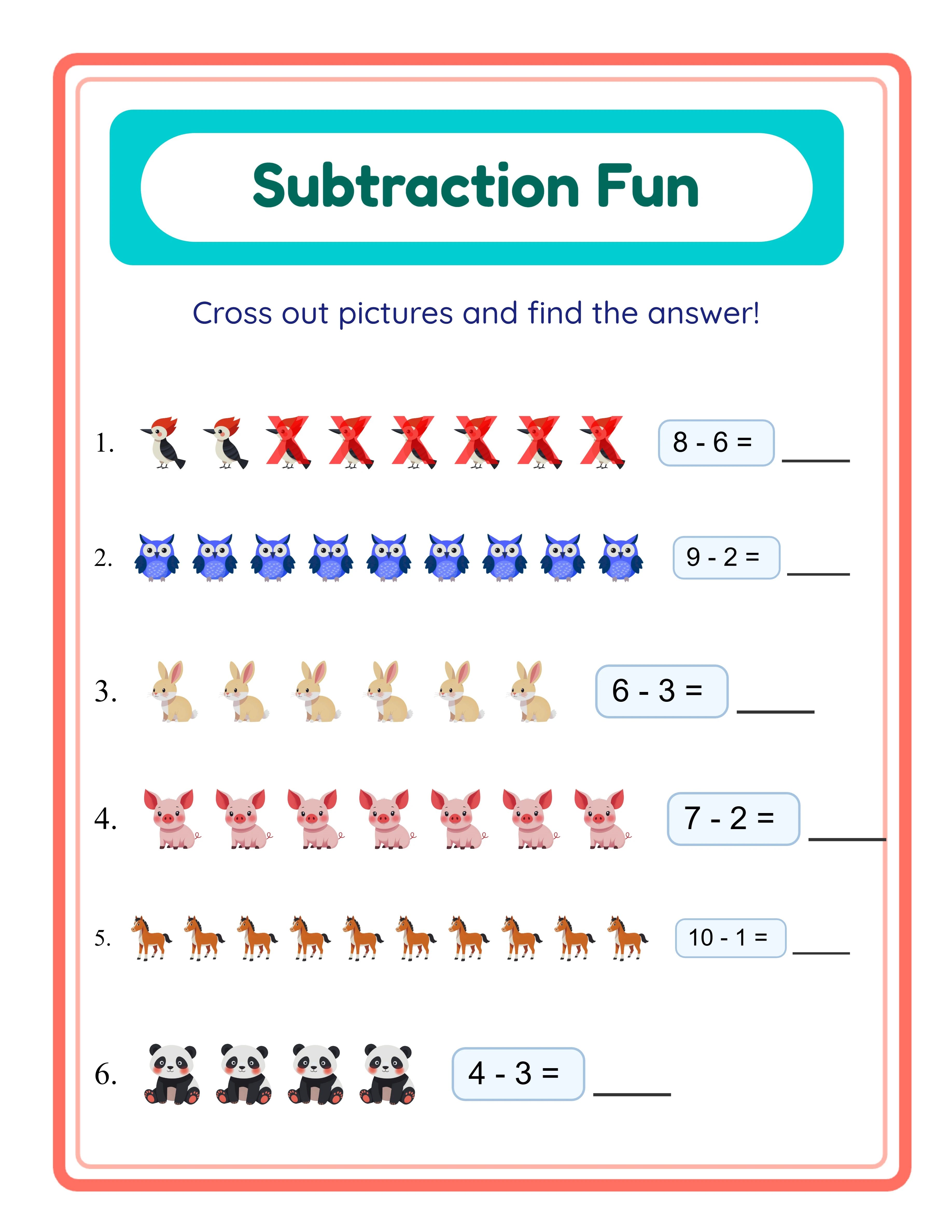
Minutes 0-5: Choose Your Theme and Plan the Bundle
Open LessonCraftStudio's worksheet generator and pick your theme. Animals, vehicles, food, and seasons are consistent sellers. For this walkthrough, we will use an animal theme targeting ages 5-7.
Decide your bundle structure before generating anything:
- 15 easy worksheets (single-digit, large images)
- 20 medium worksheets (double-digit, mixed themes)
- 15 challenging worksheets (multi-step, smaller images)
This three-tier difficulty structure is important. Parents want progression, not fifty identical pages. Write down your plan on a sticky note or text file — you will reference it for the next 30 minutes.
Also decide your file format now. PDF bundles sell better on Etsy because buyers can print immediately. For KDP activity books, you will need specific page dimensions (8.5 x 11 inches for US market).
Minutes 5-15: Generate the Easy and Medium Batches
Set the generator to easy difficulty. Select 15 worksheets with animal images, single-digit operations, and large print. Click generate. Each worksheet comes with a matching answer key — that is 30 pages produced in about two minutes.
Now switch to medium difficulty. Change to double-digit operations, select a mix of animal sub-themes (farm animals for 10, ocean animals for 10), and generate 20 worksheets. That is another 40 pages including answer keys.
At this point — 15 minutes in — you have 70 pages of content. If you were designing these in Canva, you would still be aligning the first worksheet's header.
Quick quality check: scroll through the thumbnails. Make sure image themes vary and difficulty genuinely increases between batches. Swap out any duplicates now. This takes 60-90 seconds and prevents negative reviews later.
Minutes 15-22: Generate the Challenging Batch and Compile
Switch to hard difficulty. Select multi-step problems, smaller images, and more items per page. Generate 15 worksheets with answer keys — another 30 pages.
Your raw content is now complete: 50 worksheets plus 50 answer keys equals 100 pages total. Download everything as PDF files.
Now organize the files into a logical order. Create three folders on your computer:
1. Easy (worksheets 1-15)
2. Medium (worksheets 16-35)
3. Challenging (worksheets 36-50)
Use a free PDF merger tool (PDF Merge, Smallpdf, or Adobe Acrobat) to combine all worksheets into one master PDF. Put answer keys at the end, clearly labeled. The combined file should be under 50 MB for Etsy uploads.
This compilation step takes about 5-7 minutes. You are now at minute 22 with a complete, organized product.
One Generator — Three Product Tiers
Create an entire product line from a single tool
beginner level

intermediate level
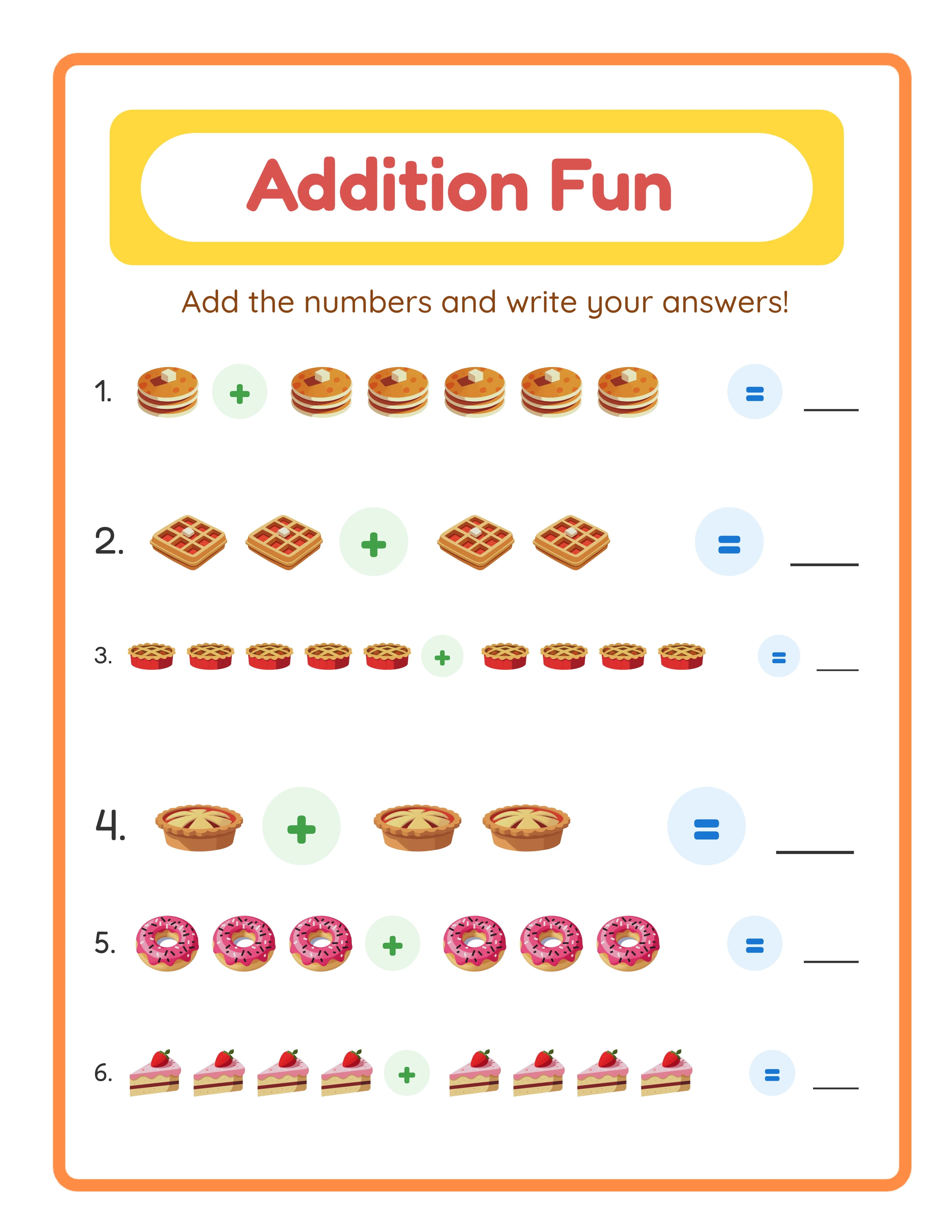
advanced level
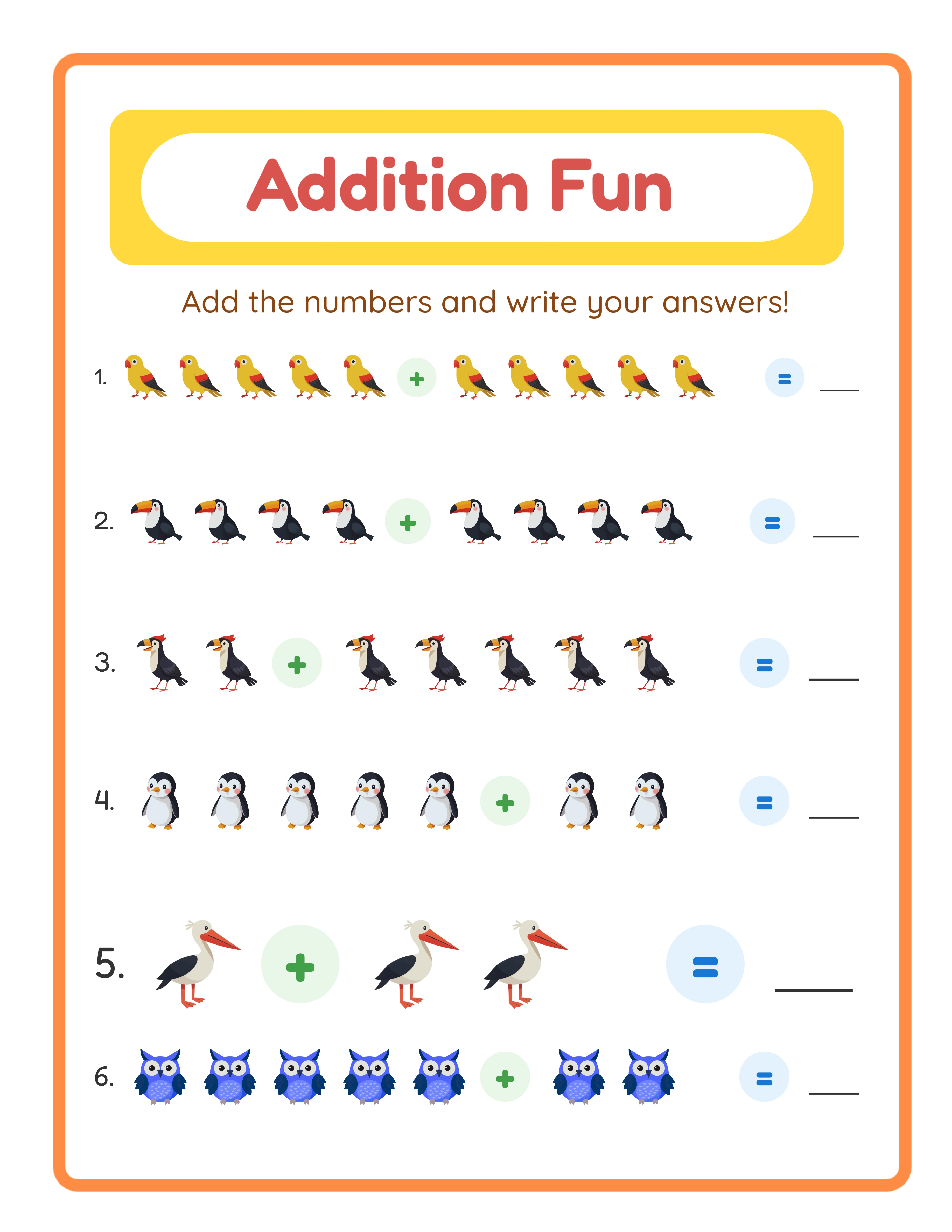
→Increasing difficulty→
Minutes 22-30: Create Your Listing Assets
Your bundle needs five things before listing:
1. **Cover image (3 minutes):** Take screenshots of 3-4 worksheets, arrange them in a fanned layout using Canva's free templates or PowerPoint. Add text: "50 Animal Math Worksheets — Ages 5-7 — With Answer Keys."
2. **Preview images (3 minutes):** Export 4-5 individual worksheet pages as JPEG screenshots. Show one easy, one medium, one hard, and one answer key. Buyers want to see what they are getting.
3. **Product description (2 minutes):** List exactly what is included — 50 worksheets, 50 answer keys, 3 difficulty levels, animal theme, ages 5-7, PDF format, instant download. Be specific about page count and content.
Skip fancy graphics for now. Clean screenshots of actual worksheets convert better than over-designed mockups for math products. Parents care about content quality, not decorative borders on your listing image.
Minutes 30-35: Upload and Optimize Your Etsy Listing
Create a new Etsy digital download listing. Upload the master PDF and your listing images.
Title format that works: "50 Animal Math Worksheets Bundle | Addition Practice Ages 5-7 | Printable PDF with Answer Keys | Homeschool Math"
Price the bundle at $9.99-$14.99. A 50-page bundle at $12.99 is the sweet spot — it is high enough to signal quality but accessible for impulse purchases. Your cost of production was 35 minutes of time, making even $9.99 highly profitable.
Fill all 13 Etsy tags with specific keywords: "animal math worksheets," "addition bundle printable," "kindergarten math PDF," "homeschool addition practice," and similar variations. Avoid single-word tags — they are too competitive.
Hit publish. Your first 50-worksheet bundle is live, and you still have 25 minutes left in the hour to start a second one.
The key to scaling is repetition. Change the theme (vehicles, food, seasons), adjust the age range, or switch the math operation. Each variation is another 35-minute bundle, and each bundle is a new entry point for Etsy search traffic.