
Why Design Skills Are No Longer the Barrier
Five years ago, creating a professional worksheet meant hours in design software. You needed to understand typography, grid layouts, image placement, and print specifications. That barrier kept most aspiring sellers on the sidelines.
Today, worksheet generators have completely eliminated that requirement. These specialized tools produce print-ready products with professional layouts, themed images from libraries of 3,000+ illustrations, properly calibrated difficulty levels, and automatically generated answer keys.
The shift is similar to what happened with website building. You no longer need to code HTML to have a professional website. Similarly, you no longer need design skills to have professional printable products. The tools have caught up to the demand.
What actually separates successful printable sellers from unsuccessful ones is business acumen: choosing the right niches, writing compelling listings, pricing strategically, and marketing effectively. These are skills anyone can learn, and none of them require knowing how to use Adobe Creative Suite.
Step 1: Choose Your Niche and Platform
Before generating a single worksheet, make two critical business decisions:
**Choose your target market.** The most profitable printable niches include activity books for children ages 3-8, educational worksheets for homeschool families, puzzle books for adults, and seasonal activity packs. Each audience has different expectations and price tolerance.
**Choose your platform.** Etsy is the easiest entry point with built-in buyer traffic. Amazon KDP offers royalty-based income with no listing fees. Gumroad gives you the most control over pricing and customer relationships. Many successful sellers use two or all three simultaneously.
**Research before you create.** Search your target platform for products similar to what you plan to sell. Note the price range, listing quality, and number of reviews. Look for niches where demand exists but competition is manageable. The Niche Research Tool can help you identify opportunities based on real marketplace data.
This research phase takes 2-3 hours and is the most important step in your entire business. A great product in the wrong niche earns nothing. A decent product in a high-demand, low-competition niche can earn consistently for months.
Generic vs Professional Worksheets
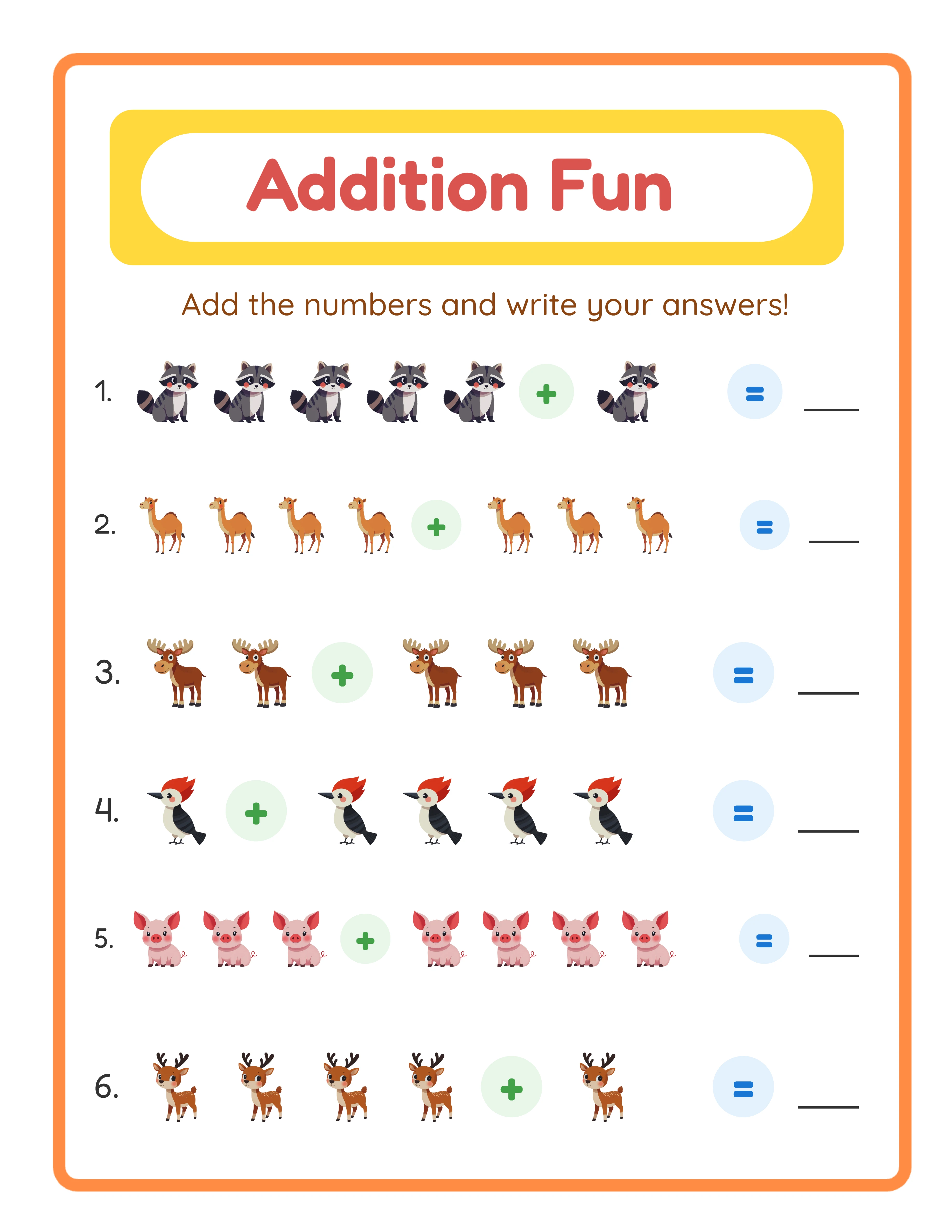
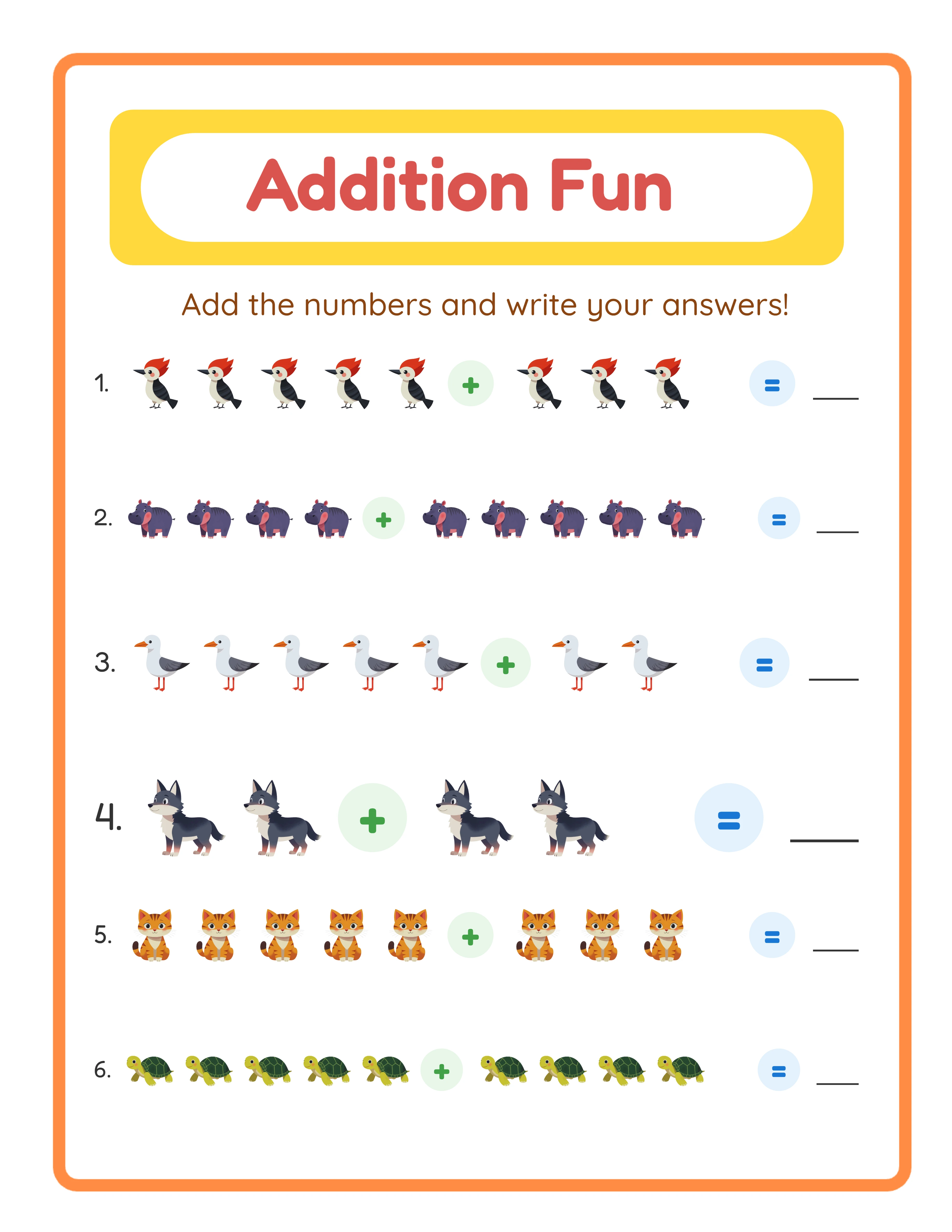
Generic
VS
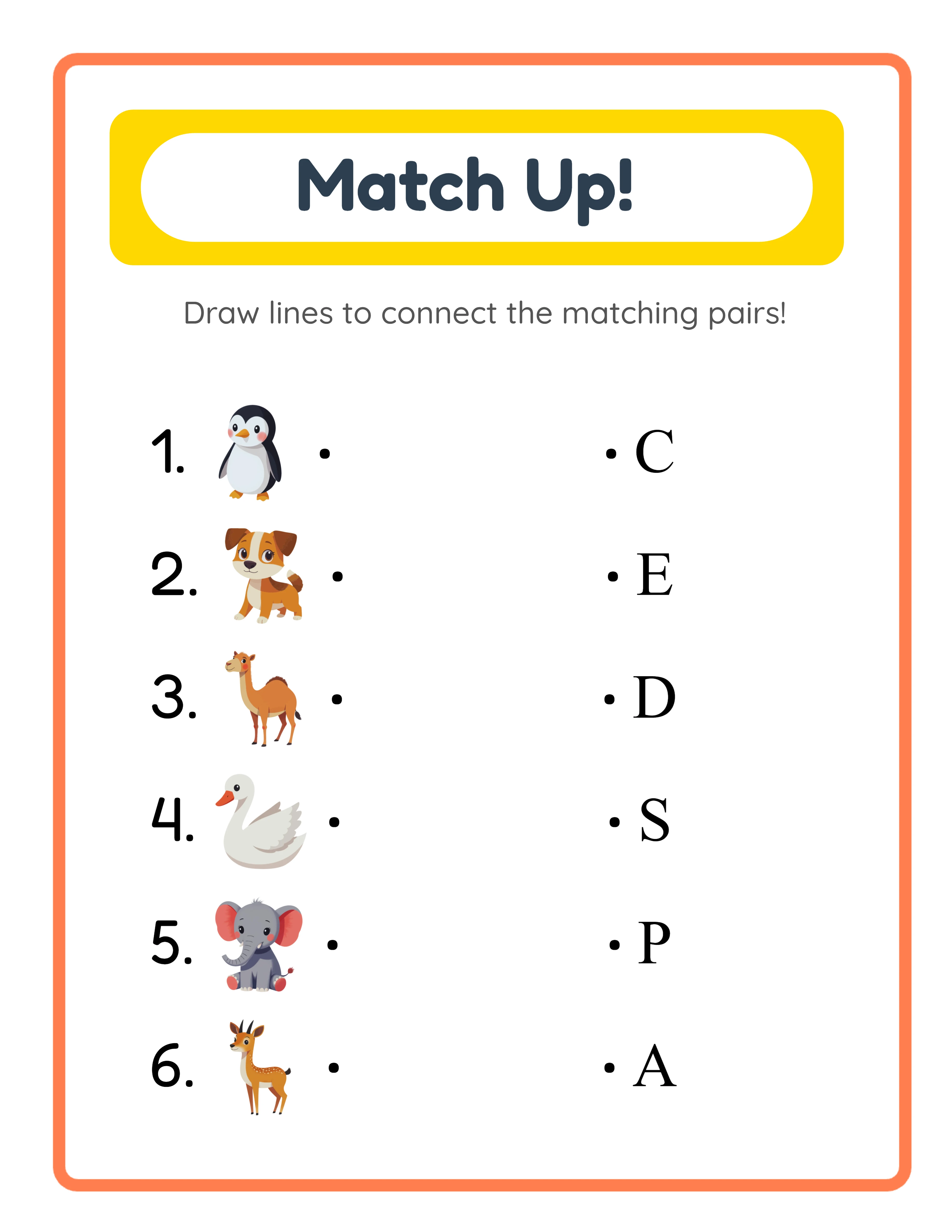
With LessonCraftStudio
Step 2: Generate Your First Product Pack
With your niche selected, it's time to create your first sellable product. Here's the process using worksheet generators:
**Select a generator** that matches your niche. There are 33 available covering math, literacy, puzzles, drawing, matching, sorting, and more.
**Choose a theme.** Themed products outsell generic ones by a wide margin. Animal themes, seasonal themes, and food themes consistently perform well. Each generator offers access to themed image libraries.
**Set difficulty parameters.** If your target audience is ages 4-6, set appropriate difficulty. If targeting older children, increase complexity. Generators automatically calibrate content to your selected level.
**Generate 10-15 pages.** A strong starter product includes 10-15 worksheets with progressive difficulty, plus answer keys. This takes roughly 10-15 minutes.
**Download as PDF.** Every generator produces print-ready PDF files with correct margins, resolution, and formatting.
Your first product pack is now complete. No design software was opened. No pixels were manually placed. The entire creative production happened through business decisions: which subject, which theme, which difficulty, how many pages.
Step 3: Create Your Listing and Mockups
A professional listing converts browsers into buyers. Here's what you need:
**Listing title:** Include your primary keyword and product details. Example: "Animal Addition Worksheets for Kids Ages 5-7 | 15 Pages + Answer Keys | Printable Math Practice."
**Product mockups:** Buyers need to see what they're getting before purchasing. You don't need photography skills for this. Free mockup generators let you place your PDF pages onto realistic tablet, paper, or book backgrounds. Spend 15-20 minutes creating 5-7 listing images.
**Product description:** Describe exactly what's included, who it's for, and how buyers will use it. Include the page count, difficulty range, theme, and any customization options. Mention that answer keys are included.
**Tags and keywords:** Research what buyers actually search for. Tools like eRank, Marmalead, or even Etsy's own search suggestions help you find high-traffic, low-competition keywords. Use all 13 tags on Etsy.
**Pricing:** For Etsy, worksheet packs of 10-15 pages typically sell at $3.99-$6.99. KDP activity books (50+ pages) sell at $5.99-$9.99. Price competitively while leaving room for profit after platform fees.
This listing creation process takes about 30-45 minutes per product once you have a system.
Step 4: Build Your Inventory to 25+ Products
One product is a listing. Twenty-five products is a business. Here's how to scale efficiently without design skills:
**Batch creation:** Instead of creating one product at a time, dedicate full sessions to generation. In a 2-hour session, you can create 6-8 complete product packs across different generators and themes.
**Theme multiplication:** Take a single generator and create the same worksheet type across 5-10 different themes. An addition worksheet pack exists as "Ocean Addition," "Space Addition," "Farm Addition," and so on. Same generator, different themes, different products.
**Cross-generator bundles:** Combine outputs from multiple generators into themed bundles. A "Farm Animals Activity Pack" might include farm-themed word searches, addition worksheets, matching activities, and coloring pages. Bundles command higher prices ($8.99-$14.99) and higher perceived value.
**Multi-platform listing:** The same PDF product can be listed on Etsy, Gumroad, and formatted as a KDP book simultaneously. One creation session, three revenue streams.
**Target timeline:** Aim for 5-8 new products per week. At that pace, you reach 25 products in 3-4 weeks and 50 products in 6-8 weeks. Sellers consistently report that the 25-50 product range is where daily sales begin.
Step 5: Market Without a Design Portfolio
Marketing printable products requires zero design skills. The most effective channels:
**Pinterest:** The #1 free traffic source for printable sellers. Create pins showing your worksheet previews (which the generators already produced). Pin consistently, 5-10 pins per day, using keyword-rich descriptions. Pinterest is a search engine, not a social network, so your pins compound over time.
**Etsy SEO:** Optimize every listing title, tag, and description for search. Etsy rewards shops that match buyer search intent. Keep updating your keywords based on what drives views and sales.
**Social proof:** As sales come in, encourage buyers to leave reviews. Products with 10+ reviews see significantly higher conversion rates. Include a thank-you note in your PDF with a gentle review request.
**Email list (optional but powerful):** Offer a free trial worksheet pack as a lead magnet. Collect email addresses. Notify subscribers when you release new products. This becomes your most reliable sales channel over time.
**Cross-linking:** Each product listing should reference your other products. "See our full collection of animal-themed worksheets" with links to related listings. Etsy rewards shops where buyers browse multiple listings.
None of these marketing activities require design skills. They require writing, research, and consistency.
33 Generators
3,000+ Images
11 Languages
300 DPI Export
Common Objections From Non-Designers (Answered)
**"Won't my products look generic?"** No. Themed image libraries with 3,000+ illustrations ensure variety. Two sellers using the same generator but different themes produce visually distinct products. Your creative direction in choosing themes, subjects, and combinations creates a unique product line.
**"Can I compete with trained designers?"** Absolutely. On platforms like Etsy, buyers search for specific products, not specific designers. A well-optimized listing for "Space Themed Word Search Kids" competes on relevance, not design pedigree. Many top-selling shops use generators exclusively.
**"What about covers and branding?"** For Etsy listings, mockup images serve as your visual branding. For KDP books, simple cover designs can be created with Canva's free templates in 10-15 minutes. Covers are the one area where basic Canva skills help, but it's drag-and-drop, not design.
**"Will buyers know I used a generator?"** Buyers care about product quality, not production methods. They don't ask whether a restaurant uses a stand mixer or kneads dough by hand. They care about the final result. Generator output is professional, themed, and well-formatted.
**"What if generators limit what I can create?"** With 33 generators covering math, literacy, puzzles, drawing, matching, sorting, patterns, and games, the product variety is enormous. Most sellers never exhaust the possibilities of even a handful of generators.
Your 30-Day Launch Plan
**Week 1: Research and Setup**
- Day 1-2: Research your niche and platform. Analyze top sellers in your target category.
- Day 3-4: Set up your shop (Etsy, Gumroad, or KDP account). Complete all profile sections.
- Day 5-7: Generate your first 5 product packs using generators. Create mockup images. Write optimized listings.
**Week 2: Launch and Expand**
- List your first 5 products. Start a Pinterest business account. Create 20-30 pins for your products.
- Generate 5 more product packs. Focus on a second theme or generator.
- Total products: 10.
**Week 3: Build Momentum**
- Generate and list 5-8 more products. Create your first bundle combining multiple worksheet types.
- Pin daily on Pinterest. Optimize any underperforming listings based on view data.
- Total products: 15-18.
**Week 4: Optimize and Scale**
- Analyze your first 3 weeks of data. Which products get the most views? Which convert best?
- Double down on what works. Create more products in your best-performing niche.
- Total products: 20-25.
By day 30, you have a real product business with 20-25 listings, established Pinterest presence, and data to guide your next moves. All without opening a design application.