How Difficulty Tiers Work for Different Worksheet Types
Every worksheet type can be tiered. Here are specific examples:
**Math Worksheets:**
- Easy: Single-digit problems, large fonts, picture aids, 10 problems per page
- Medium: Double-digit problems, standard fonts, 15-20 problems per page
- Hard: Multi-digit or multi-step, small fonts, 25+ problems per page
**Word Search Puzzles:**
- Easy: 8-10 words, large grid (10x10), no diagonal words
- Medium: 12-15 words, medium grid (15x15), includes diagonals
- Hard: 18-20 words, large grid (20x20), backwards and diagonal words
**Mazes:**
- Easy: Wide paths, few dead ends, small grid
- Medium: Narrower paths, moderate dead ends, medium grid
- Hard: Thin paths, many dead ends, large grid with overlapping routes
**Matching Worksheets:**
- Easy: 4-6 pairs, large images, obvious connections
- Medium: 8-10 pairs, medium images, requires thinking
- Hard: 12-15 pairs, small images, subtle distinctions
The key insight: each difficulty level targets a different age group and different search keywords. This means minimal cannibalization between your own listings.
Setting Up Your Product Tier Structure
Follow this structure for every concept you create:
**Tier 1 — Easy Pack:**
- 15-20 worksheets with answer keys
- Target ages: 3-5 or 4-6 (depending on subject)
- Price: $3.99-$4.99
- Keywords: "easy," "beginner," "preschool," "kindergarten"
**Tier 2 — Medium Pack:**
- 20-25 worksheets with answer keys
- Target ages: 5-7 or 6-8
- Price: $4.99-$6.99
- Keywords: "practice," "1st grade," "2nd grade"
**Tier 3 — Hard Pack:**
- 15-20 worksheets with answer keys
- Target ages: 7-10 or 8-12
- Price: $4.99-$6.99
- Keywords: "challenging," "advanced," "3rd grade," "4th grade"
**Tier 4 — Complete Bundle (all three):**
- 50-65 worksheets with all answer keys
- Target ages: full range
- Price: $9.99-$14.99 (discount vs buying all three separately)
- Keywords: "complete," "all levels," "progression," "full set"
Four listings from one concept. Apply this across 25 concepts and you have 100 listings. That is a shop with real depth and coverage.
Creating Tiers Efficiently With a Worksheet Generator
The manual way to create difficulty tiers is to redesign each worksheet three times with different parameters. This takes 30-45 minutes per tier per product.
The efficient way: use a worksheet generator with built-in difficulty controls.
**Step-by-step with LessonCraftStudio:**
1. Select your worksheet type (addition, word search, maze, etc.)
2. Choose your theme
3. Set difficulty to Easy — generate 20 worksheets (3 minutes)
4. Set difficulty to Medium — generate 25 worksheets (3 minutes)
5. Set difficulty to Hard — generate 20 worksheets (3 minutes)
6. Compile each tier into a separate PDF bundle
7. Combine all three into a Complete Bundle PDF
Total time: about 15 minutes for four products (65 worksheets + 65 answer keys). Compare that to 2-3 hours of manual design work.
The generator adjusts multiple parameters simultaneously when you change difficulty: problem complexity, number of items per page, image size, grid dimensions, and font sizes. This produces genuinely different products at each tier, not just the same worksheet with bigger numbers.
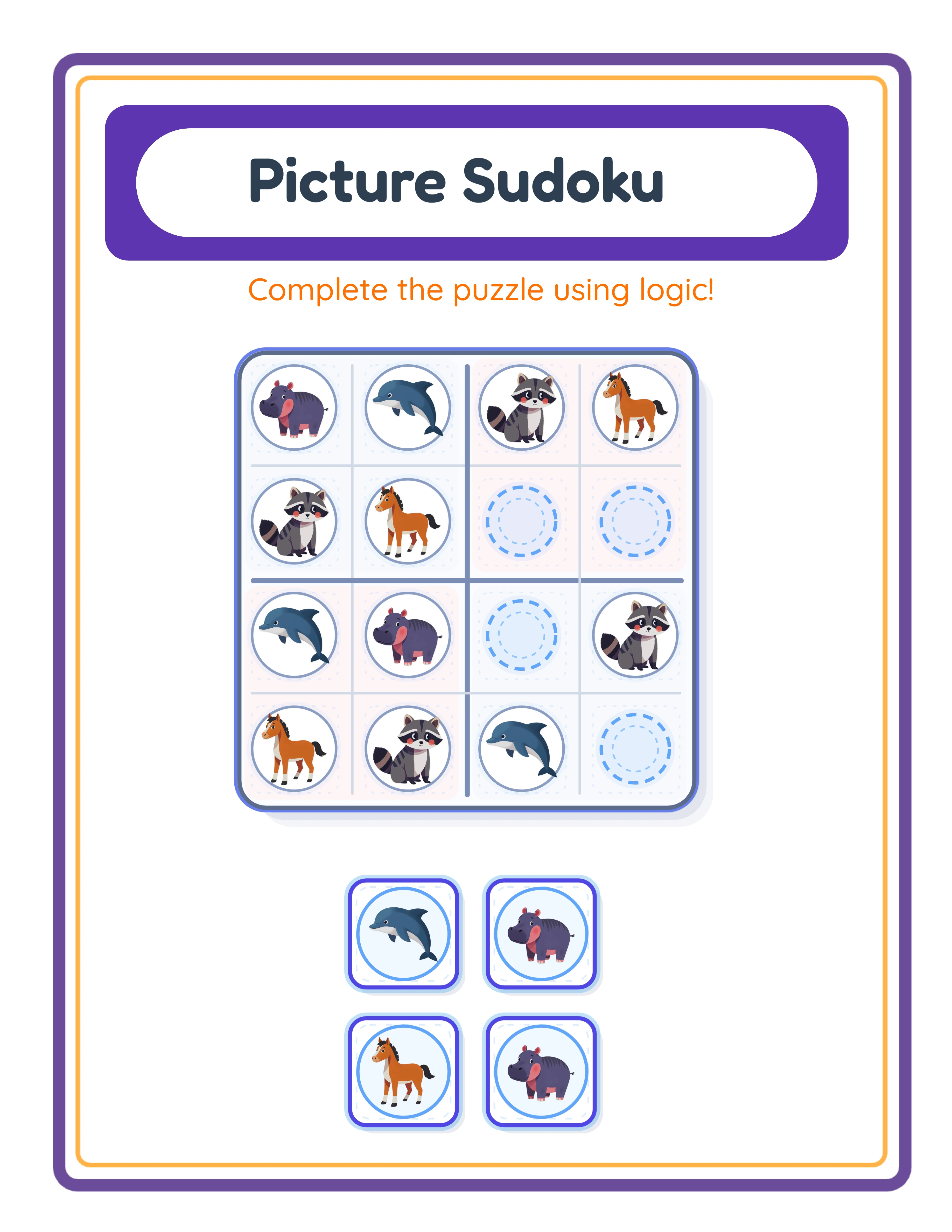
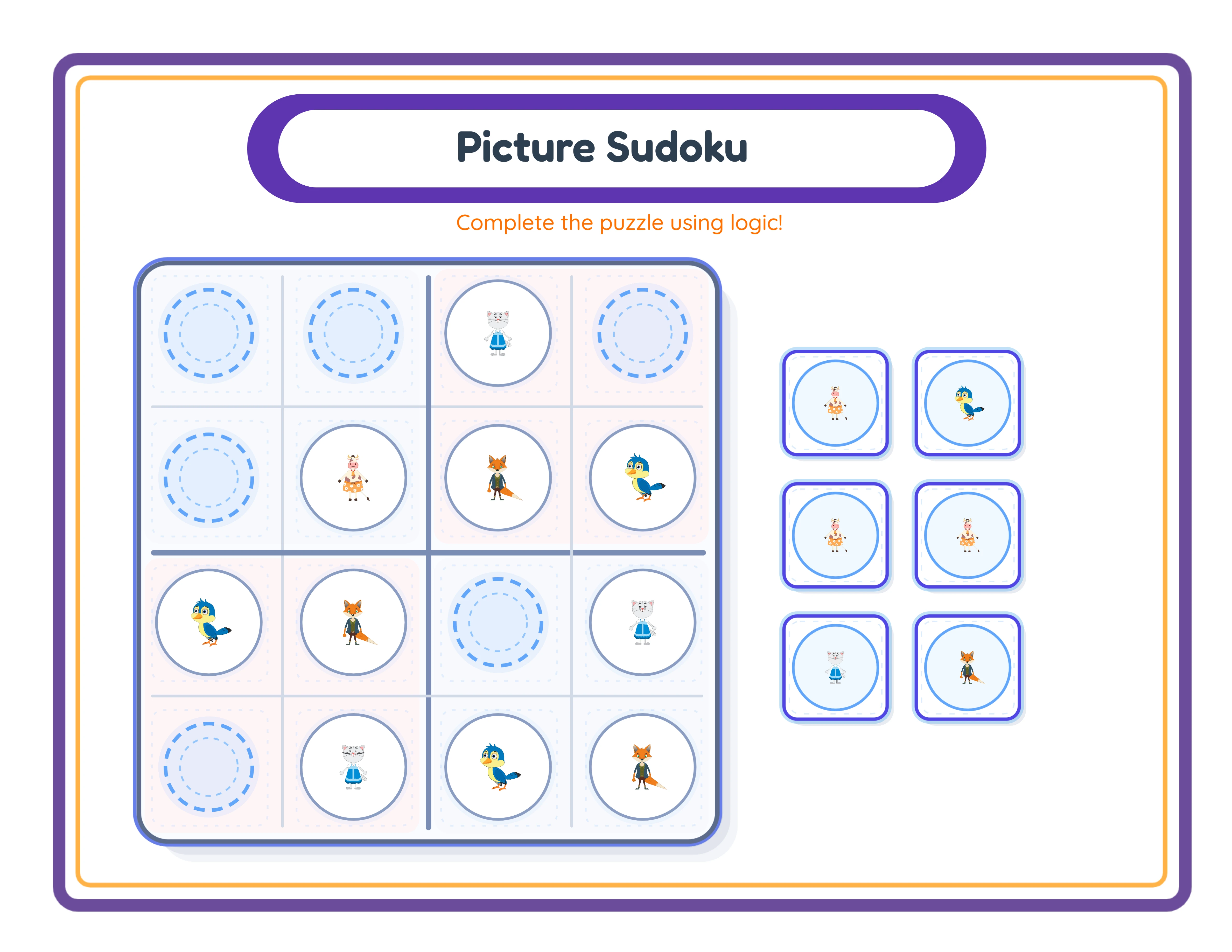
One Generator — Three Product Tiers
Create an entire product line from a single tool
beginner level
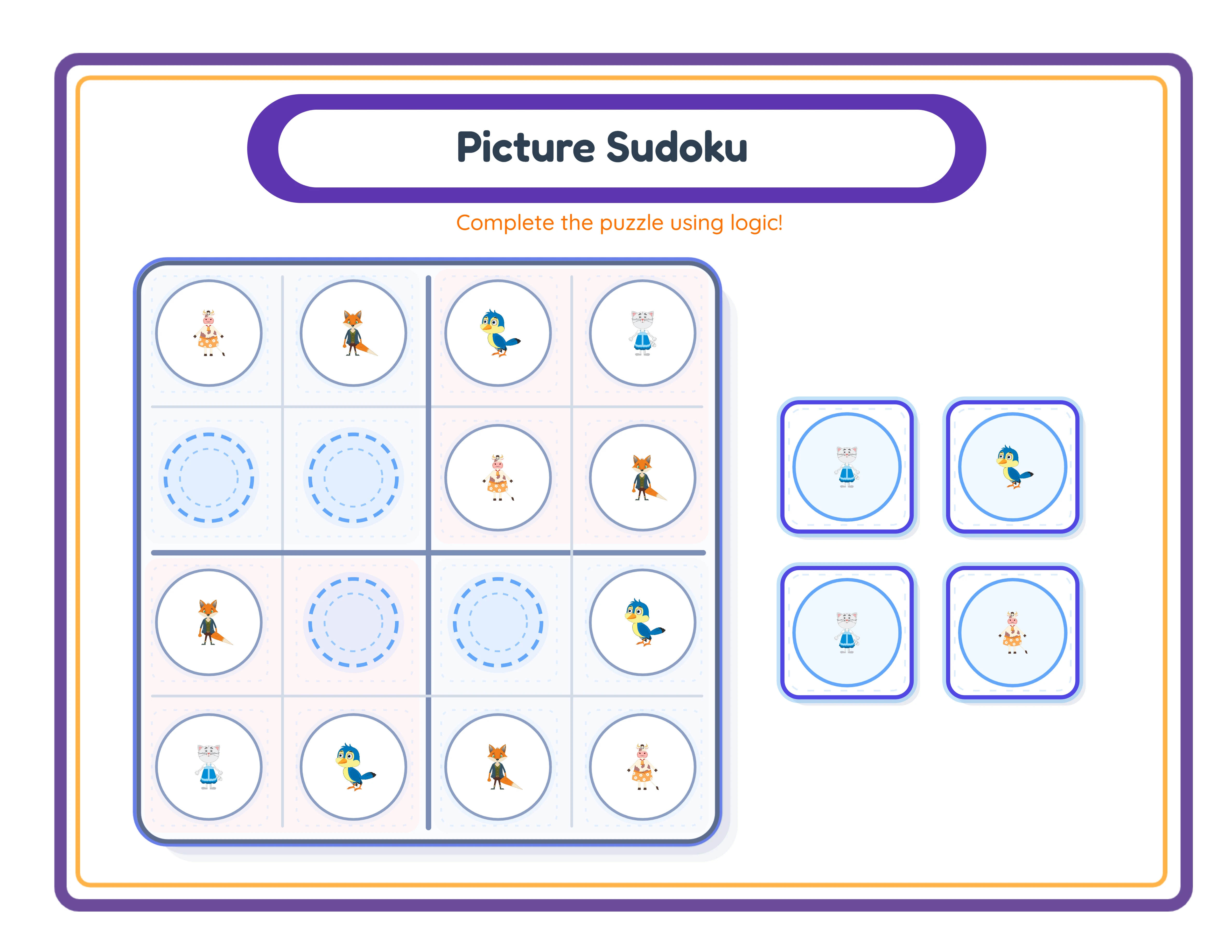
intermediate level
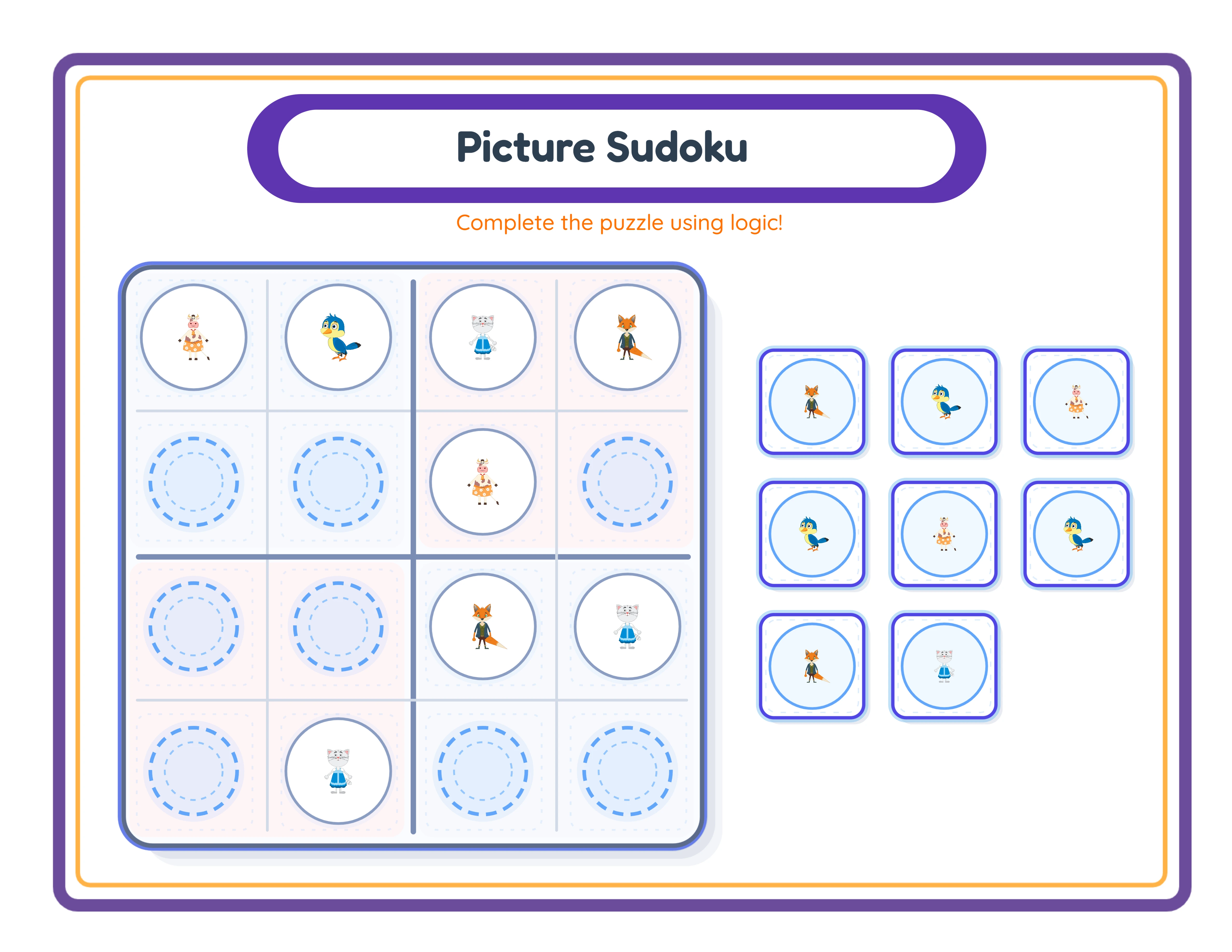
advanced level
.webp)
→Increasing difficulty→
Keyword Strategy for Each Difficulty Tier
Each tier targets distinct search terms. This is crucial — you want your own listings to rank for different queries rather than competing against each other.
**Easy tier keywords:**
- "easy [activity] worksheets"
- "beginner [activity] printable"
- "[activity] worksheets preschool"
- "[activity] worksheets kindergarten"
- "simple [activity] for kids"
**Medium tier keywords:**
- "[activity] practice worksheets"
- "[activity] worksheets 1st grade"
- "[activity] worksheets 2nd grade"
- "[activity] homework printable"
- "[activity] skills practice"
**Hard tier keywords:**
- "challenging [activity] worksheets"
- "advanced [activity] printable"
- "[activity] worksheets 3rd grade"
- "[activity] worksheets 4th grade"
- "difficult [activity] for kids"
**Bundle keywords:**
- "complete [activity] worksheet set"
- "[activity] worksheets all levels"
- "[activity] progression pack"
- "[activity] bundle easy to hard"
Notice how each tier ranks for entirely different searches. A parent looking for "easy addition worksheets kindergarten" and a parent looking for "challenging addition worksheets 3rd grade" are two different buyers finding two of your products through two different searches.
Revenue Impact: The Math Behind Difficulty Tiers
Let us calculate the revenue difference between single-tier and multi-tier approaches:
**Single-tier approach (1 product per concept):**
- 25 concepts x 1 product each = 25 listings
- Average price: $5.99
- Average monthly sales per listing: 5-8
- Monthly revenue: $750-$1,200
**Multi-tier approach (4 products per concept):**
- 25 concepts x 4 products each = 100 listings
- Average price: $5.99 (individual) / $12.99 (bundles)
- Average monthly sales per listing: 4-6 (slightly lower per listing due to spread)
- Monthly revenue: $2,400-$4,800
The multi-tier approach generates 2-4x more revenue from the same number of core concepts. And because generation time per tier is only 3-5 minutes with a tool, the extra production time is minimal.
The bundle tier is particularly powerful. Parents who discover your easy pack through search often upgrade to the complete bundle when they see the value. This "ascension" behavior means your cheapest listing serves as a gateway to your most profitable one.
Start with your best-performing existing product. Create easy and hard variants, then offer the bundle. Measure the impact over 30 days. Most sellers see a 40-60% increase in total revenue from that one concept alone.