
LessonCraftStudio — Generator Variety and Visual Editing
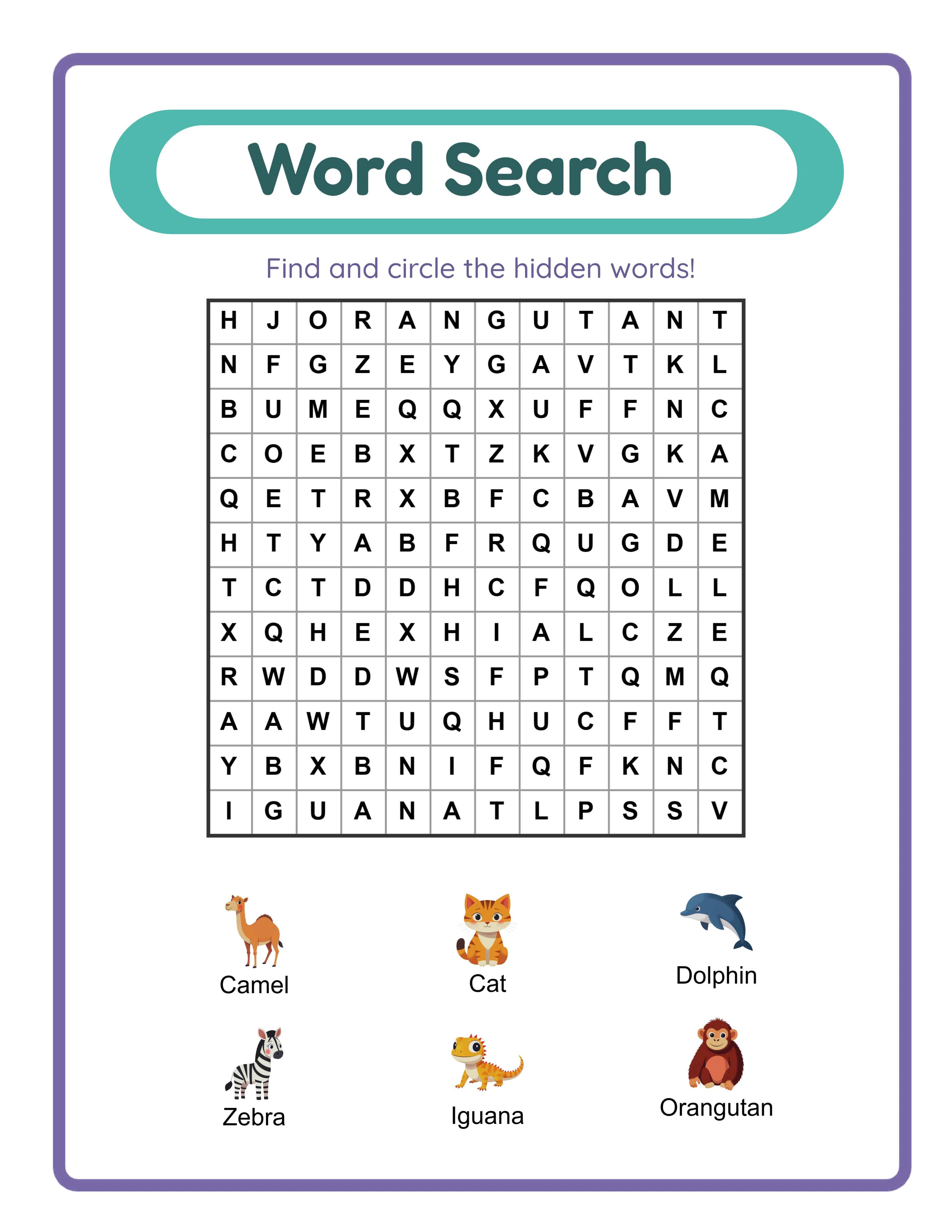
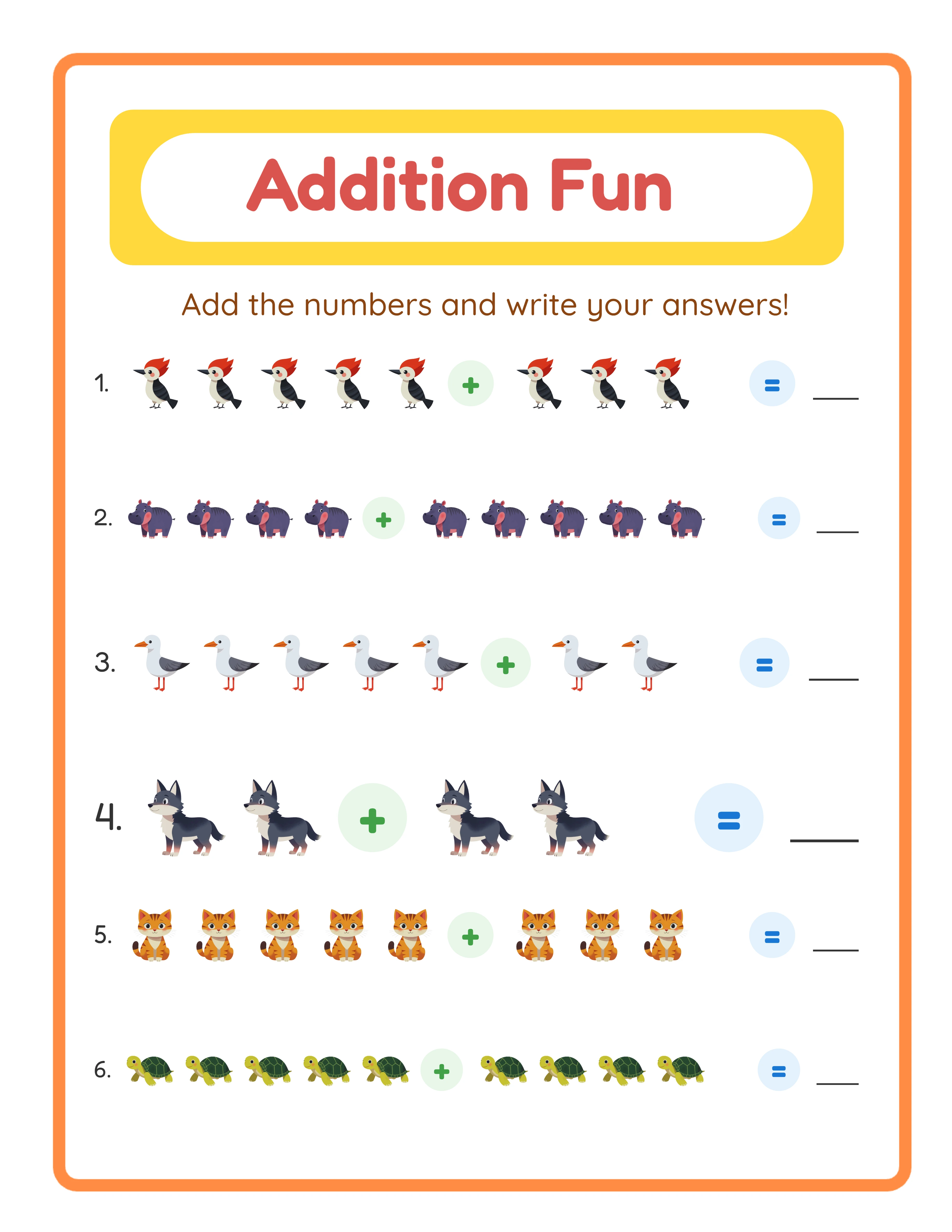
LessonCraftStudio is a browser-based platform with 33 dedicated puzzle and worksheet generators. Its core strength is variety: it covers activity types that other tools simply do not have — coloring pages, bingo cards, matching worksheets, drawing prompts, pattern recognition, shadow matching, find-and-count, odd-one-out, and more. Every generator includes a full post-generation canvas editor built on Fabric.js, which lets you drag, resize, rotate, and restyle every element after the puzzle is generated. The 3,100+ themed image library is deeply integrated into the generators, enabling picture-based math problems, visual vocabulary worksheets, and image-clue puzzles that text-only tools cannot produce. Locale-aware generation in 11 languages makes it the only option for sellers targeting non-English markets with properly formed puzzles — German word search grids actually include umlauts, French grids include accented characters, and so on. **Where it falls short:** LessonCraftStudio does not have KDP-specific features like niche research, multi-page book assembly, cover design, or trim-size presets. Each generator produces single-page output. If you publish multi-page puzzle books on Amazon, you will need a separate tool for assembly. There is also no marketplace research — you bring your own niche strategy. **Pricing:** One-time payment of $27 per individual generator or $79 per category bundle. No subscription. Every generator is available as a free trial with watermark — no signup required. **Best for:** Etsy sellers, multilingual creators, KDP publishers, and anyone who needs diverse worksheet types with visual editing control.
Book Bolt — The Complete KDP Pipeline
Book Bolt is purpose-built for Amazon KDP publishers. It wraps puzzle generation inside a complete publishing workflow: niche research with BSR tracking, keyword analysis, puzzle generation (~12 types), multi-page interior assembly, cover design with a spine calculator, and KDP-compliant export. The entire workflow happens in one platform. The niche research tools are genuinely useful. You can analyze which puzzle types and themes are selling on Amazon, track BSR trends over time, and identify gaps in the market before you invest time in creation. The interior designer lets you assemble dozens or hundreds of puzzle pages into a formatted book with page numbers and consistent styling. The cover creator handles spine width calculation automatically based on page count. **Where it falls short:** Book Bolt has fewer puzzle types than specialist generators — roughly 12 compared to 33 in LessonCraftStudio or 20+ in Puzzle Maker Pro. There is no post-generation canvas editing, so what you generate is what you get. Language support is English only, which limits you if you target international markets. The monthly subscription means ongoing costs even in months you do not use it. **Pricing:** Monthly subscription at $9.99 (Newbie), $19.99 (Pro), or $29.99 (Enterprise). No free tier. **Best for:** Dedicated KDP publishers who want a complete pipeline from research to publishing in one tool.
Canva — General Design Powerhouse (Not a Puzzle Tool)
Canva is the most popular general-purpose design tool in the world, and many printable sellers use it. It has a massive template library, an intuitive drag-and-drop editor, stock photos, illustrations, fonts, and brand kit features. For creating product covers, social media graphics, marketing materials, and simple worksheet layouts from templates, it is excellent. **The critical limitation:** Canva has zero puzzle generators. It cannot create word search grids, crossword puzzles, sudoku boards, math worksheets, or any other algorithmic content. If you want a puzzle, you must either find a template someone else made (and hundreds of other sellers are using the same template), create the puzzle manually cell by cell (impractical for anything beyond trivial sizes), or generate the puzzle in another tool and import it into Canva for styling. Canva also cannot generate automatic answer keys, does not support locale-aware alphabets for puzzles, and has no themed image library designed for educational worksheet integration. **Where it genuinely wins:** Cover design, social media marketing, brand consistency across products, and quick template-based layouts. If you need an Etsy listing image, a Pinterest pin, or an Instagram post for your printable business, Canva is hard to beat. Many sellers use Canva alongside a dedicated puzzle generator — Canva for marketing and covers, a generator tool for the actual content. **Pricing:** Free tier with limitations on assets and features. Pro plan at $12.99/month with full access to stock assets, brand kit, and premium templates. **Best for:** Marketing materials, cover design, social media assets, and simple template-based layouts. Not suitable as a primary puzzle or worksheet creation tool.
Puzzle Maker Pro — Desktop Workhorse for Puzzle Specialists
Puzzle Maker Pro is a Windows desktop application dedicated entirely to puzzle generation. It offers 20+ puzzle types and produces high-quality output. Each puzzle type is sold as a separate module, so you buy only what you need. The software runs locally on your computer, which means no internet dependency and fast generation even for large batches. The puzzle quality is generally good, and the variety of puzzle types is competitive. It supports word search, crosswords, sudoku, mazes, word scramble, number search, and several other types. Some modules include batch generation for producing multiple variations quickly. **Where it falls short:** Puzzle Maker Pro is Windows-only — Mac users are excluded entirely. The interface feels dated compared to browser-based tools, and the learning curve is steeper because each module has its own configuration panels. There is no post-generation canvas editing comparable to what browser-based tools offer. The image library integration is limited, and multilingual support is not as comprehensive as locale-aware generators. There is no KDP research or book assembly pipeline — it is strictly a generation tool. Another consideration: because it is a desktop app, you cannot access your work from multiple devices or collaborate with team members. Updates require downloading and installing new versions manually. **Pricing:** Module-based one-time pricing. Individual modules range from approximately $39.97 to $97. Full bundles can reach $497. No subscription, but updates may require additional purchases. **Best for:** Windows users who want a dedicated, offline puzzle generation tool and prefer one-time pricing over subscriptions.
Adobe InDesign — Professional Layout for Serious Publishers
Adobe InDesign is the industry standard for professional multi-page layout. If you need precise control over typography, margins, bleeds, master pages, and book formatting, nothing else comes close. It handles KDP formatting through custom document presets or third-party templates, and its multi-page capabilities are unmatched. **The fundamental limitation:** InDesign is a layout tool, not a puzzle generator. It cannot create word search grids, generate crossword puzzles, produce math worksheets, or do anything algorithmic. You must create or import all puzzle content from other tools and then lay it out in InDesign. This adds significant time to the workflow. The learning curve is steep. InDesign is a professional application designed for graphic designers and publishers. If you have never used it, expect weeks of learning before you are productive. The monthly cost is also the highest on this list. **Where it genuinely wins:** If you publish premium puzzle books with complex layouts, custom typography, and professional-grade formatting, InDesign gives you capabilities that no other tool on this list can match. Master pages, paragraph styles, automatic page numbering, tables of contents, and index generation are all built in. For high-volume publishers who care about production quality, InDesign is worth the investment. **Pricing:** $22.99/month as a single Creative Cloud app, or $59.99/month for the full Creative Cloud suite. 7-day free trial. **Best for:** Professional publishers with design experience who need advanced layout control for premium puzzle books. Not practical for beginners or casual sellers.
Best-For Recommendations — Who Should Use What
There is no single "best" tool — it depends entirely on your situation. Here are direct recommendations based on common seller profiles: **You sell individual worksheets on Etsy:** LessonCraftStudio. The 33 generator types, canvas editing, and one-time pricing are designed for this exact use case. You get maximum variety without recurring costs. **You publish puzzle books on Amazon KDP:** Book Bolt for the full pipeline, or combine LessonCraftStudio (generation) + Adobe InDesign (layout) if you want more puzzle variety and professional formatting. **You create multilingual products:** LessonCraftStudio. It is the only tool with locale-aware puzzle generation in 11 languages. No other tool on this list handles non-English alphabets in puzzle grids correctly. **You need marketing materials alongside your products:** Add Canva to whatever generator you use. Canva is unbeatable for covers, listing images, social media graphics, and brand consistency. **You are on a tight budget:** LessonCraftStudio offers a free trial with watermark for every generator — no signup required. A single $27 purchase gives you permanent access to one generator. This is the lowest entry point for commercial-quality puzzle generation. **You want everything offline on Windows:** Puzzle Maker Pro. Desktop installation, no internet required, no subscription. **You are a professional publisher with design skills:** Adobe InDesign for layout, combined with LessonCraftStudio or Puzzle Maker Pro for puzzle generation. This gives you the highest quality output but requires the most skill and setup time. **You are just starting out and not sure yet:** Start with the LessonCraftStudio free trial (watermarked downloads, no signup) to test different puzzle types. Then decide whether you need KDP-specific tools (Book Bolt) or professional layout (InDesign) based on where you plan to sell.
Pricing Comparison — 12-Month Cost Analysis
Here is the real cost of each tool over a full year, based on typical usage patterns: **LessonCraftStudio:** - Single generator: $27 (year one and every year after) - One category bundle (5–6 generators): $79 - All 6 bundles (33 generators): $474 - Year two cost: $0 — permanent license **Book Bolt:** - Newbie: $9.99/mo = $119.88/year - Pro: $19.99/mo = $239.88/year - Enterprise: $29.99/mo = $359.88/year - Year two cost: Same as year one **Canva:** - Free tier: $0 (limited assets and features) - Pro: $12.99/mo = $155.88/year - Year two cost: Same as year one **Puzzle Maker Pro:** - Single module: ~$39.97–$97 - Full bundle: ~$497 - Year two cost: $0 (though major updates may cost extra) **Adobe InDesign:** - Single app: $22.99/mo = $275.88/year - Creative Cloud (all apps): $59.99/mo = $719.88/year - Year two cost: Same as year one **Key takeaway:** The subscription tools (Book Bolt, Canva Pro, InDesign) cost the same every year, while one-time purchase tools (LessonCraftStudio, Puzzle Maker Pro) become free after the initial investment. Over 3 years, an LCS full bundle ($474 total) costs less than one year of InDesign + Canva Pro ($431.76/year). But cost alone should not drive the decision — each tool solves different problems. An Etsy seller who needs 33 generator types has different needs than a KDP publisher who needs niche research and book assembly.