Tutorial
1
Choosing the Right Trim Size for Puzzle Books
Trim size is the finished page dimension of your printed book. KDP supports dozens of trim sizes, but puzzle books work best in a handful of them. Your choice affects grid readability, printing cost, and buyer expectations.
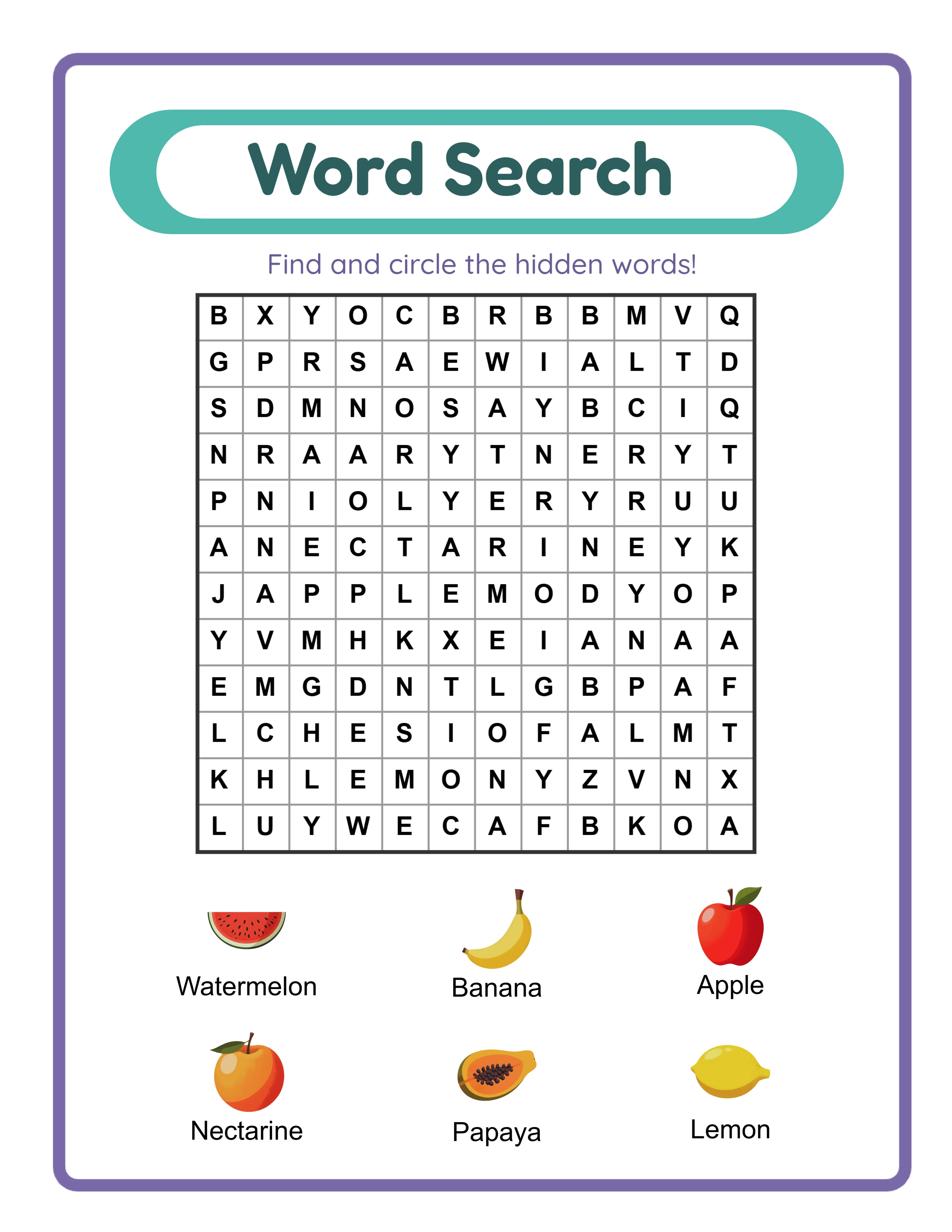
8.5 x 11 inches (US Letter): This is the default expectation for activity books and puzzle books in the US market. Buyers searching for word search books, crossword books, or sudoku books on amazon.com expect this size. It gives you maximum grid area -- a word search grid can be 7 inches wide by 8.5 inches tall with comfortable margins. This size also works well for books that combine puzzles with illustrations or instructions on the same page.
8 x 10 inches: Slightly smaller than US Letter, this trim size reduces printing costs while still providing ample grid space. It is a good choice for puzzle books with smaller grids (15x15 or under) or books targeting a slightly more premium feel. The narrower width means slightly tighter horizontal margins.
6 x 9 inches (Trade): The standard trade paperback size. For puzzle books, this works as a travel or portable format. Grids need to be smaller -- a 12x12 or 15x15 word search fits comfortably, but 20x20 grids become cramped. Printing costs are the lowest of the three sizes. This format works particularly well for "pocket" or "travel" puzzle books, which is a distinct niche on Amazon.
5.5 x 8.5 inches (Digest): A compact size that works for simple puzzles like sudoku or small word searches. Not recommended for crosswords or activity pages that need horizontal space.
For your first puzzle book, start with 8.5 x 11. It is the safest choice -- buyers expect it, grids are readable, and the format accommodates every puzzle type. Branch into 6 x 9 travel editions once you have an established catalog.
2
Interior Margins: The Numbers That Matter
KDP has minimum margin requirements that vary by trim size and page count. For puzzle books, margins are critical because puzzle grids need to be fully visible even when the book is bound.
Inside margin (gutter): This is the margin closest to the spine. For a bound book, the gutter must be wide enough that content is not swallowed by the binding. KDP's minimum inside margin depends on page count:
- 24 to 150 pages: 0.375 inches minimum
- 151 to 300 pages: 0.75 inches minimum
- 301 to 500 pages: 0.875 inches minimum
- 501+ pages: 1.0 inch minimum
For puzzle books, always add 0.125 to 0.25 inches beyond the minimum. A puzzle grid that technically fits within the minimum gutter will feel cramped when the book is open. For a 200-page puzzle book at 8.5 x 11, use a 1.0 inch inside margin even though 0.75 is the minimum.
Outside margin: 0.25 inches minimum for all trim sizes. For puzzle books, use 0.5 inches. This gives solvers room to hold the book without their thumbs covering puzzle content.
Top margin: 0.25 inches minimum. Use 0.5 to 0.75 inches for puzzle books to accommodate page headers or puzzle numbers.
Bottom margin: 0.25 inches minimum. Use 0.5 inches to leave room for page numbers.
Safe content area calculation for 8.5 x 11 with 200 pages:
- Total width: 8.5 inches
- Inside margin: 1.0 inch
- Outside margin: 0.5 inch
- Usable width: 7.0 inches
- Total height: 11.0 inches
- Top margin: 0.75 inch
- Bottom margin: 0.5 inch
- Usable height: 9.75 inches
This 7.0 x 9.75 inch content area comfortably fits a 20x20 word search grid with a word list below, or a crossword grid with clues.
3
Bleed Settings: When You Need Them and When You Do Not
Bleed refers to content that extends beyond the trim line to the edge of the paper. When a printed page is trimmed, bleed content ensures there is no white strip at the edge -- the color or image goes all the way to the edge.
For most puzzle books, you do not need bleed. Word search grids, crossword grids, sudoku grids, and text content all sit within margins and do not touch the page edge. Select "no bleed" in your KDP setup.
When bleed IS needed:
- Coloring books where the illustration extends to the page edge
- Activity books with full-page background colors or patterns
- Puzzle books with decorative borders that touch the edge
- Books with full-bleed photography or illustrations
Bleed dimensions when needed: KDP requires 0.125 inches of bleed on the outside, top, and bottom edges. The inside edge (gutter side) never has bleed. This means a "no bleed" 8.5 x 11 page is exactly 8.5 x 11 inches in your PDF. A "bleed" 8.5 x 11 page must be 8.625 x 11.25 inches in your PDF (8.5 + 0.125 outside, and 11 + 0.125 top + 0.125 bottom).
Important: If you select "bleed" in KDP setup, every page in your PDF must include the bleed area, even pages that have no edge-to-edge content. This is a common formatting error -- publishers select bleed for a few decorative pages but forget to resize all other pages. The manuscript gets rejected.
Recommendation: Unless your puzzle book specifically requires edge-to-edge design elements, always choose "no bleed." It simplifies your entire workflow and eliminates an entire category of formatting errors.
4
Page Count Rules and Optimal Book Length
KDP has strict page count requirements that affect puzzle book planning.
Minimum pages: 24 pages for paperback. This is a hard limit -- KDP will not accept manuscripts under 24 pages.
Maximum pages: 828 pages for paperback (varies slightly by trim size and paper type). This is rarely a concern for puzzle books.
Page count must be even: KDP prints on both sides of each sheet. Your total page count must be an even number. If your manuscript has an odd number of pages, add a blank page at the end.
Paper type: Choose between white paper and cream paper. For puzzle books, always use white paper. Cream paper is designed for fiction and non-fiction reading -- it reduces eye strain for long text passages but makes puzzle grids and illustrations look yellowed and muddy.
Optimal page counts for puzzle books by type:
Word search books: 100 to 200 pages (50 to 100 puzzles + answer keys). This range keeps printing costs manageable while offering substantial value to buyers.
Sudoku books: 120 to 200 pages. Sudoku grids are smaller than word search grids, so you can fit 2 to 4 puzzles per page, increasing puzzle count without proportional page increase.
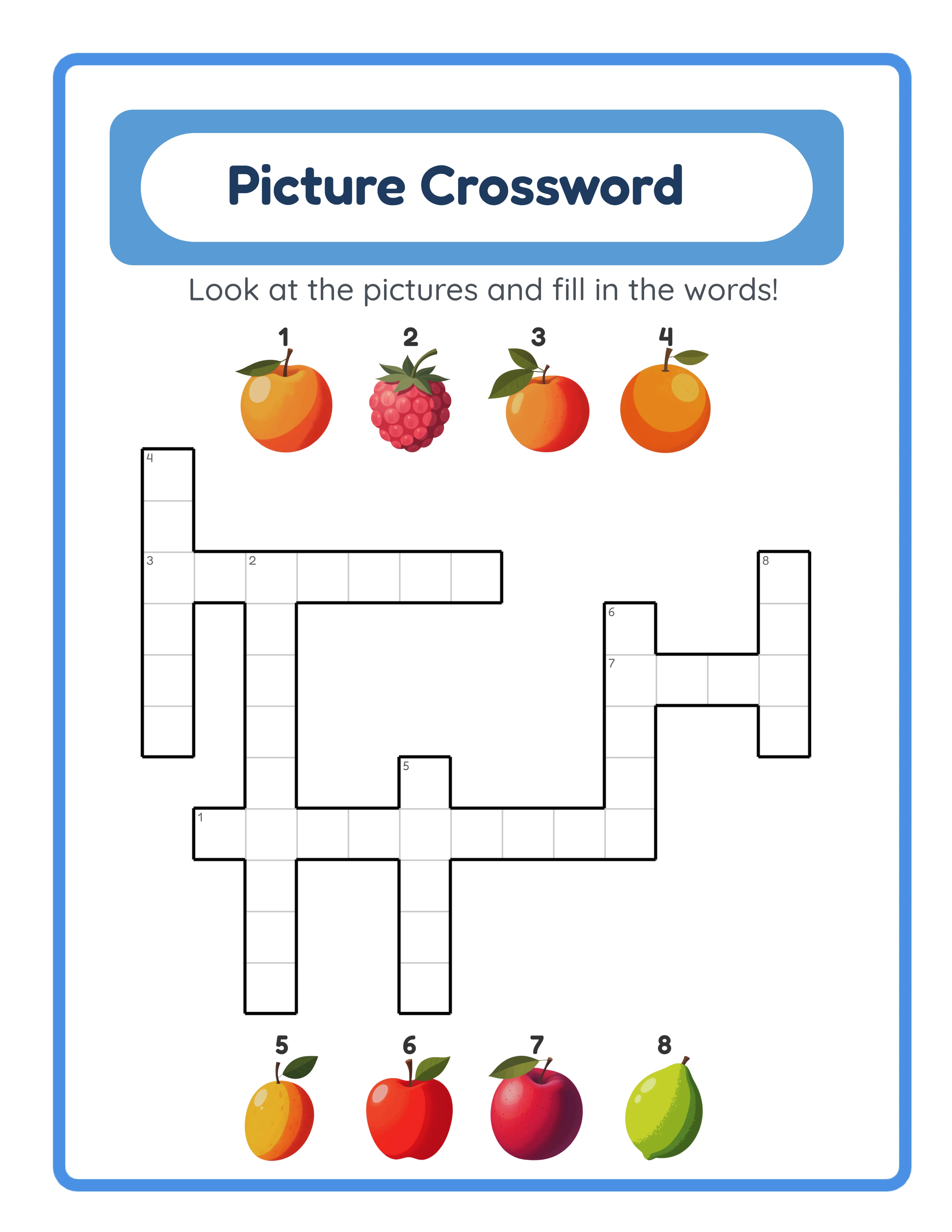
Crossword books: 80 to 160 pages. Crossword puzzles with clue sections take a full page each. A 50-crossword book with answer keys runs approximately 104 pages.
Activity books (mixed puzzles): 60 to 120 pages. Mixed formats keep the book interesting without excessive length.
Printing cost impact: Every page adds to your printing cost, which reduces your royalty. For a black and white 8.5 x 11 book, KDP charges approximately $0.012 per page plus a fixed fee of $0.85. A 100-page book costs $2.05 to print. A 200-page book costs $3.25. A 300-page book costs $4.45. Price your book accordingly.
5
Interior PDF Requirements: Resolution, Color, and Fonts
Your manuscript PDF must meet specific technical requirements to pass KDP's automated quality review.
Resolution: 300 DPI minimum for all images. This applies to puzzle grids rendered as images, illustrations, and any graphic elements. Text rendered as vector (standard for most PDF creation tools) does not have a DPI requirement -- it scales cleanly at any size. The LessonCraftStudio generators export at 300 DPI, which meets this requirement.
Color profile: For black and white interiors, ensure your PDF uses grayscale color space. Common errors include exporting "black" content in RGB or CMYK color space, which can cause unexpected color shifts in print. Pure black should be 100% K in CMYK or 0,0,0 in RGB.
Fonts: All fonts must be embedded in the PDF. If your manuscript uses a font that is not embedded, KDP will substitute a default font, which breaks puzzle layouts. Most PDF export tools embed fonts by default, but verify this in your PDF properties.
Transparency: Flatten all transparency before uploading. Transparent layers in PDF can cause rendering issues in KDP's print process. Most PDF export tools have a "flatten transparency" option.
Page size consistency: Every page in the PDF must be the exact same dimensions. KDP rejects manuscripts where some pages are 8.5 x 11 and others are 8.49 x 10.98 (a rounding error from certain PDF tools). Verify page dimensions in your PDF viewer before uploading.
File size: Maximum 650 MB for the manuscript PDF. A 200-page black and white puzzle book typically runs 5 to 20 MB, well under the limit. Color interiors with high-resolution images can approach the limit in longer books.
Single PDF file: KDP accepts one PDF for the interior. You cannot upload multiple files. Merge all pages -- front matter, puzzles, answer keys, back matter -- into a single document.
6
Cover Dimensions and Spine Width Calculation
Your book cover is a single image that wraps around the entire book: back cover, spine, and front cover in one file.
Cover dimensions formula:
Width = back cover width + spine width + front cover width + bleed
Height = trim height + bleed
For a book with bleed cover (all KDP covers have bleed regardless of interior bleed setting):
- Add 0.125 inches to the left, right, top, and bottom
Spine width calculation:
Spine width = page count x paper thickness factor
- White paper: page count x 0.002252 inches
- Cream paper: page count x 0.0025 inches
Example: 200-page book, 8.5 x 11 trim, white paper:
- Spine width: 200 x 0.002252 = 0.4504 inches
- Cover width: 8.5 + 0.4504 + 8.5 + 0.25 = 17.7004 inches
- Cover height: 11 + 0.25 = 11.25 inches
KDP provides an exact cover calculator at kdp.amazon.com/cover-calculator that generates a template with guides showing the spine area, barcode placement zone, and safe content areas. Always use this calculator for your specific page count and trim size.
Cover resolution: 300 DPI minimum. For the example above, your cover image should be at least 5,310 x 3,375 pixels.
File format: KDP accepts PDF or JPEG for covers. JPEG is simpler and avoids font embedding issues. Export your cover design as a high-quality JPEG at 300 DPI.
Barcode area: KDP automatically places a barcode on the back cover. You must leave a 2 x 1.2 inch clear area in the lower right of the back cover for this barcode. Do not place any critical content in this zone.
Spine text: KDP only allows spine text on books with 79+ pages (white paper) or 73+ pages (cream paper). If your book qualifies, keep spine text centered and sized appropriately -- thin spines require very small font sizes.
7
Pre-Upload Checklist: Verifying Your Manuscript
Before uploading to KDP, run through this verification checklist to catch formatting issues that would cause rejection.
Page dimensions: Open your PDF in a viewer and check page size. Every page must match your selected trim size exactly (e.g., 8.5 x 11.0 inches for no-bleed, or 8.625 x 11.25 for bleed).
Page count: Verify total pages. Must be even and at least 24. Count front matter, puzzle pages, answer keys, and back matter.
Margins: Check that no content (grid lines, text, page numbers) falls within the minimum margin area. Pay special attention to pages with large grids -- the grid itself might be fine, but the word list below it might encroach on the bottom margin.
Resolution: If your puzzles contain raster images (photos, illustrations), verify they are at least 300 DPI at print size. Low-resolution images appear blurry in print.
Fonts: Check that all fonts are embedded. In most PDF viewers, this is under File > Properties > Fonts.
Blank pages: Scroll through the entire manuscript and verify no unintended blank pages exist. A common error is having a blank page between puzzles and answer keys that disrupts numbering.
Answer key accuracy: Verify that answer key page references match puzzle page numbers. If you reordered puzzles during compilation, the answer key numbering might be off.
Color consistency: Print a sample page on your home printer to verify that black is truly black, lines are crisp, and there are no unexpected gray areas or color artifacts.
KDP online previewer: After uploading, use KDP's built-in previewer to scroll through every page. This previewer shows the book exactly as it will print, including gutter and trim. It catches issues your PDF viewer might miss.