Tutorial
1
Understanding the Word Scramble Puzzle Format
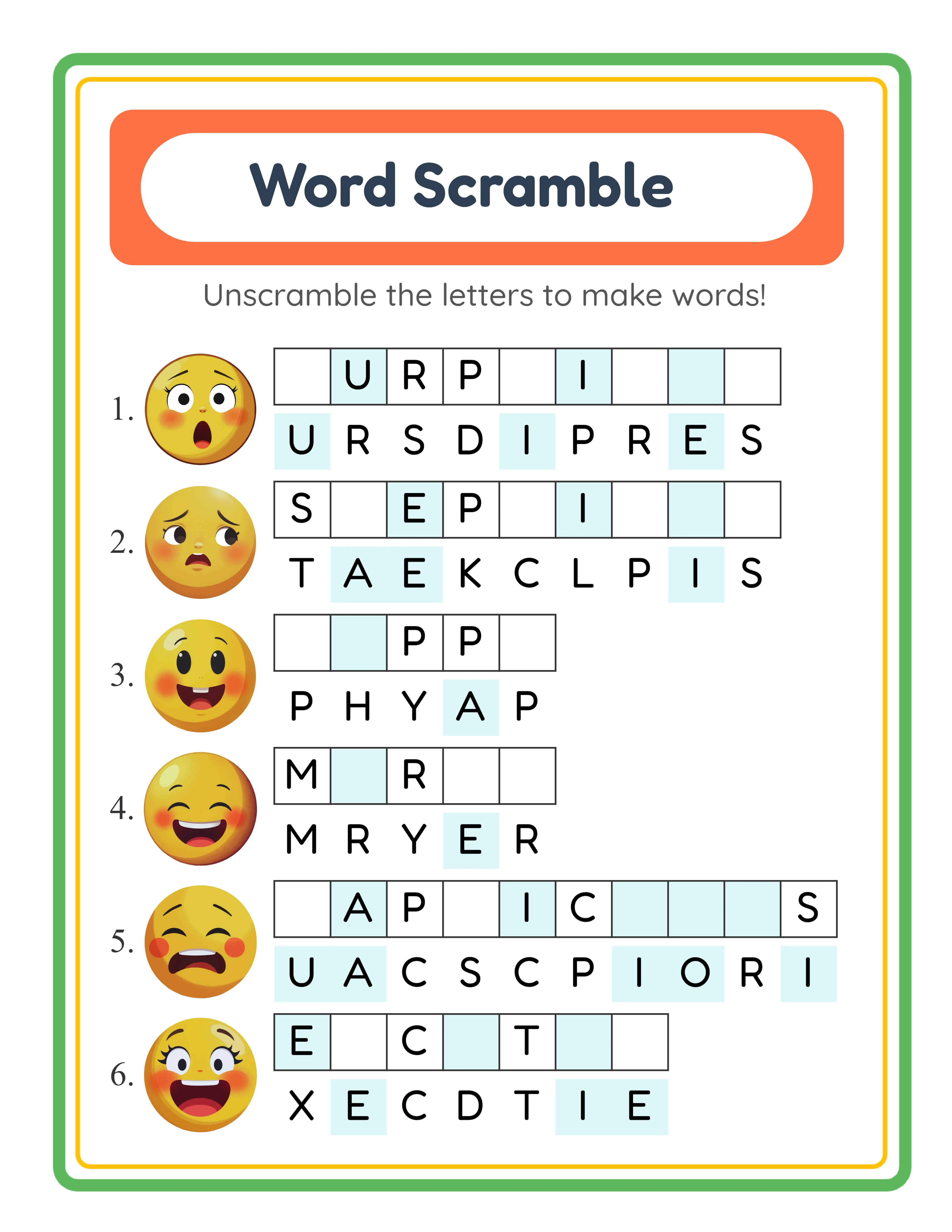
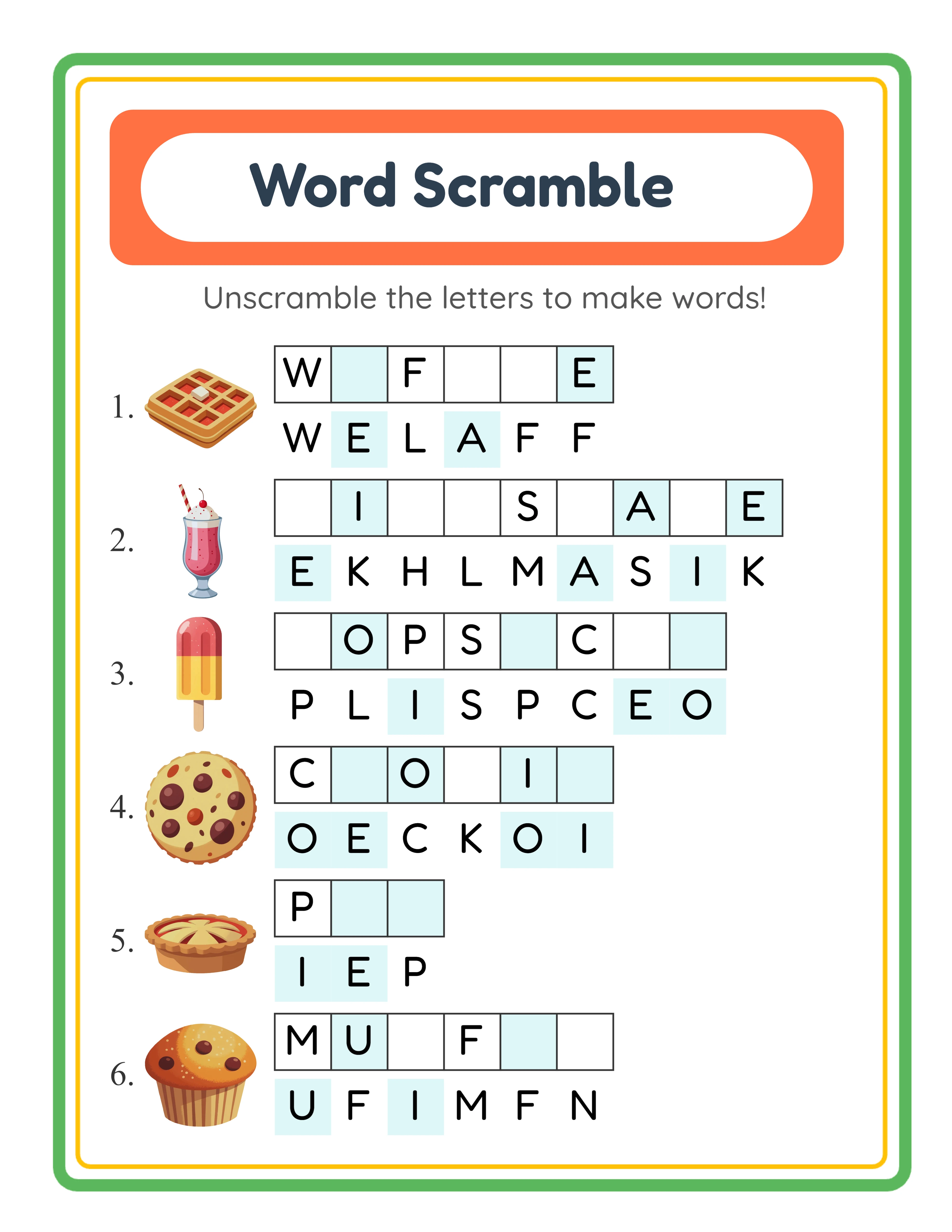
The word scramble format in LessonCraftStudio is more than just jumbled letters. Each puzzle page features a grid of word scramble challenges, where every challenge consists of three elements: a high-quality image clue, a set of shuffled letter tiles, and a blank answer area.
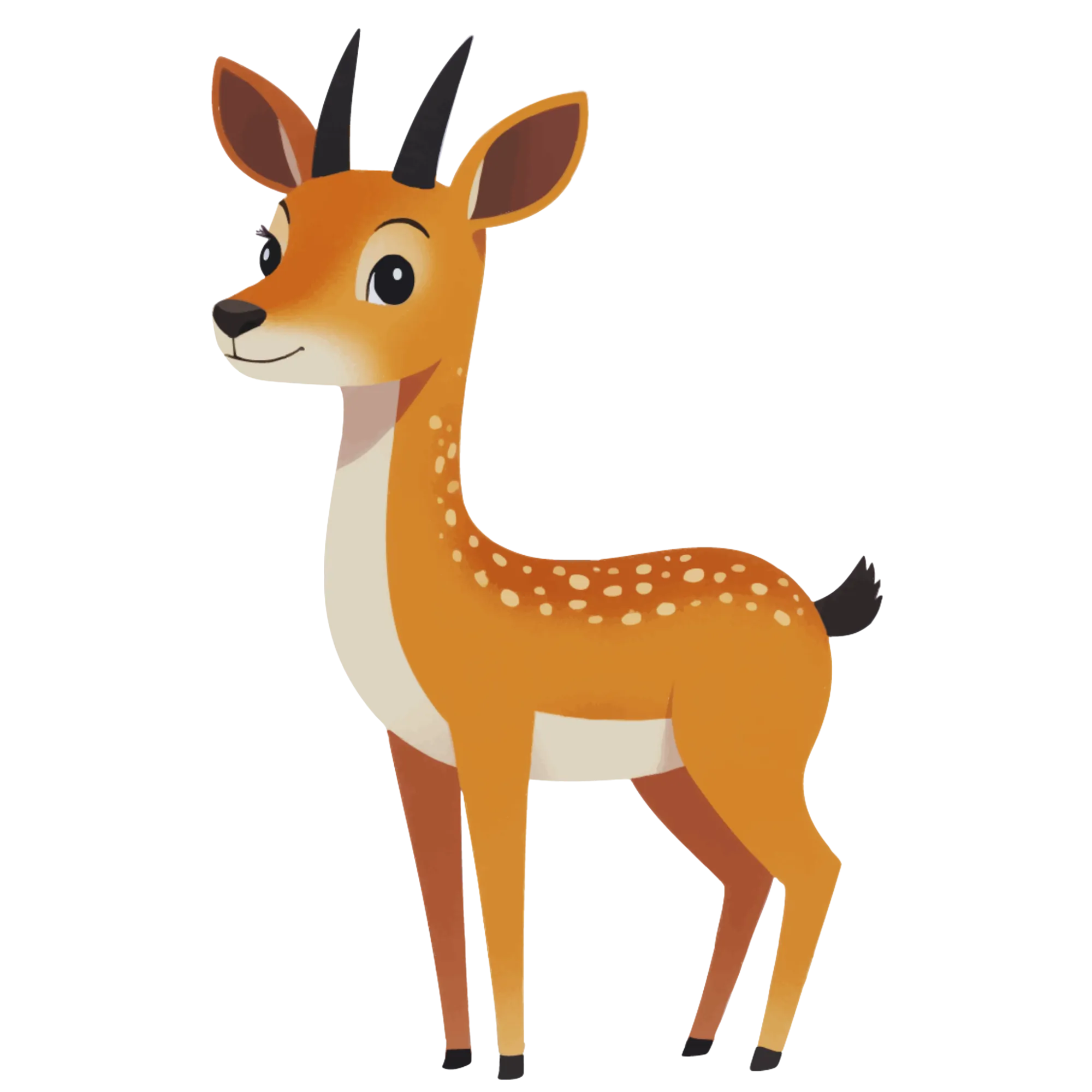
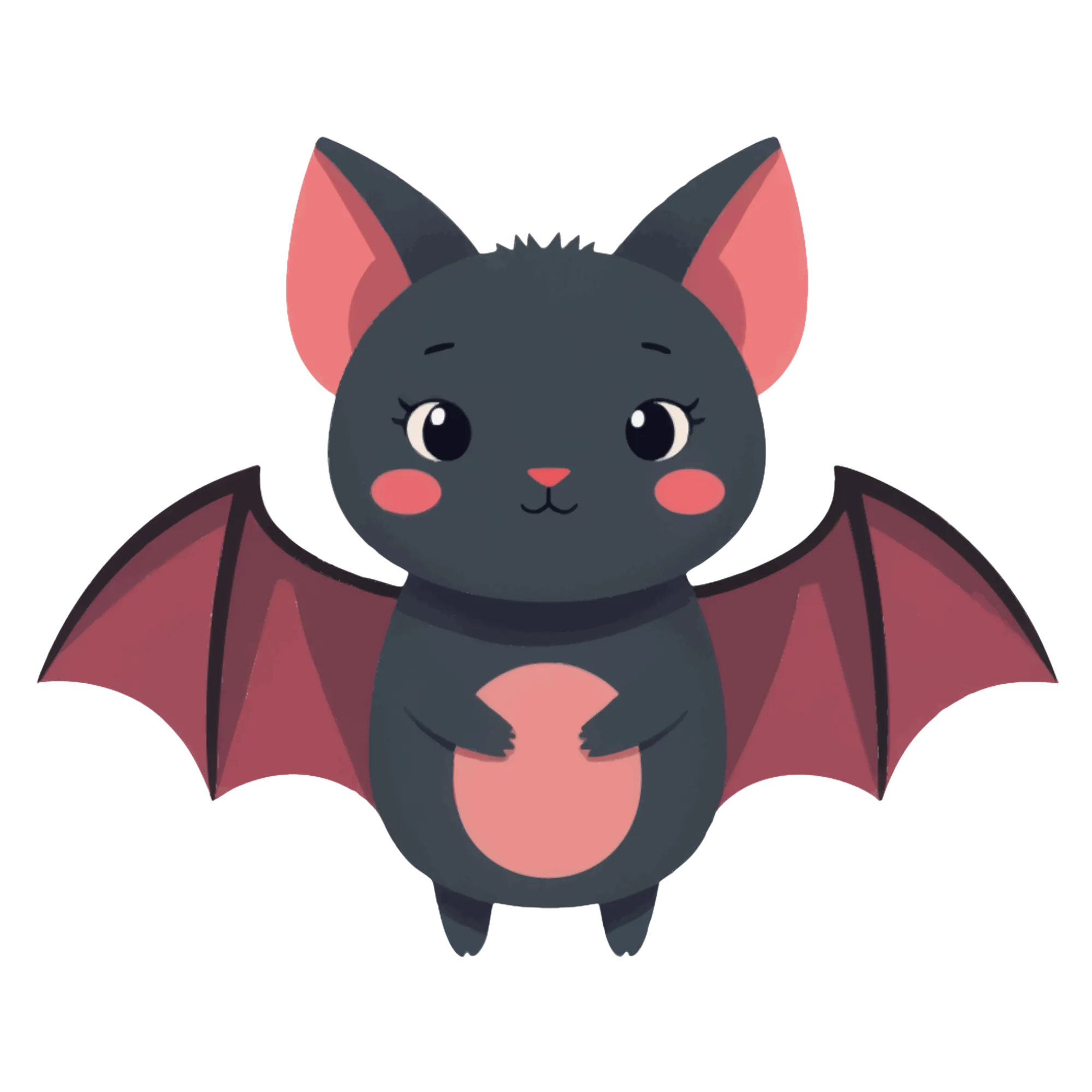
The image clue shows the solver what word they need to spell. A picture of a dog, a bicycle, or a strawberry eliminates ambiguity -- the solver knows exactly which word the scrambled letters should form. This visual element is what separates LessonCraftStudio word scramble books from text-only scramble books that rely on written hints or definitions.
The shuffled letter tiles are displayed in individual boxes, one letter per tile, arranged in a randomized order. The generator's algorithm ensures the scrambled arrangement is never identical to the correct spelling and that the shuffle is genuinely challenging. For longer words, the algorithm avoids trivial rearrangements where only two adjacent letters are swapped.
Each puzzle page contains multiple word scramble challenges arranged in a clean grid layout. The generator automatically sizes the layout to fit standard print dimensions, with consistent spacing between challenges. Answer key pages show the same image clues with the letters in correct order, making verification instant.
The 3,000+ images come from 104 themed collections -- animals, food, vehicles, sports, household items, musical instruments, clothing, nature, and dozens more. Every image is professionally illustrated at 300 DPI resolution, ensuring crisp printing on KDP's print-on-demand service. The commercial license covers all images for unlimited published products.
2
KDP Book Requirements for Word Scramble Books
Amazon KDP has specific technical requirements for paperback books. Understanding these before you generate a single puzzle prevents costly reformatting later.
Trim size: The most effective sizes for word scramble books are 8.5 x 11 inches (US Letter) and 8 x 10 inches. US Letter provides maximum space for image clues and letter tiles, making puzzles easy to read and visually appealing. The 6 x 9 size works for compact travel editions but limits how many challenges fit per page.
Page count: KDP requires a minimum of 24 pages for paperback books. For word scramble books, aim for 50 to 120 puzzle pages plus corresponding answer key pages. A book with 80 puzzle pages and 80 answer key pages gives you 164 total pages (including front matter) -- a solid product that buyers perceive as good value.
Margins: KDP enforces minimum margin requirements that vary by page count. For a 160-page book at 8.5 x 11, you need at least 0.75 inches on the inside margin (gutter) and 0.25 inches on outside, top, and bottom edges. The word scramble generator's export dimensions account for standard print margins.
Bleed settings: Word scramble books do not require bleed because content does not extend to page edges. Select "no bleed" when setting up your KDP paperback. This simplifies formatting and avoids the need for extended trim dimensions.
Interior type: Choose "premium color" if you want to preserve the vowel-consonant color coding feature on printed pages. Choose "black and white" for lower printing costs and higher per-unit royalties -- the puzzles still work perfectly in grayscale since the letter tile shapes provide sufficient visual structure.
File format: KDP accepts PDF manuscripts. The word scramble generator exports 300 DPI PDFs that meet KDP's quality threshold for both text sharpness and image clarity. The 300 DPI resolution ensures image clues print without pixelation or blurring.
3
Generating Word Scrambles with 4 Difficulty Levels
The word scramble generator offers four distinct difficulty levels, and each level is a separate product opportunity on KDP. Understanding how difficulty affects puzzle design helps you target the right audience with each book.
Level 1 -- Easy: Words contain 3 to 4 letters. The image clues depict common, everyday objects that most people recognize instantly. Scramble patterns avoid placing any letter in its correct position. This level targets young children (ages 4 to 7) and absolute beginners. Example: an image of a "cat" with tiles showing A-T-C.
Level 2 -- Medium: Words contain 4 to 6 letters. Vocabulary includes both common and moderately challenging items. The scramble algorithm creates arrangements where no more than one letter remains in its original position. This level suits children ages 6 to 10 and casual adult puzzle solvers. Example: an image of a "guitar" with tiles showing T-I-R-A-G-U.
Level 3 -- Hard: Words contain 6 to 8 letters. The vocabulary draws from specialized theme sets -- specific animal species, musical instruments, kitchen equipment, and similar detailed categories. Scramble patterns are fully randomized with no letters in original positions. This level targets older children, teens, and adults who want a genuine challenge. Example: an image of a "butterfly" with tiles showing F-T-L-R-Y-E-B-U-T.
Level 4 -- Expert: Words contain 8+ letters. Vocabulary includes the most complex items in each theme collection. The scramble algorithm maximizes letter displacement from original positions. This level is designed for adult puzzle enthusiasts and advanced vocabulary builders. Example: an image of a "helicopter" with tiles showing P-C-L-I-O-E-T-H-R-E.
To generate puzzles for a KDP book, select your target difficulty level, choose a theme, and generate a batch of puzzles. The generator produces unique scramble arrangements each time, so regenerating the same theme at the same difficulty level creates entirely new puzzle pages. This lets you produce multiple volumes in the same niche without repetition.
For maximum product variety, generate the same themed content at all four difficulty levels. One "animals" theme becomes four separate KDP books: "Easy Animal Word Scrambles," "Medium Animal Word Scrambles," "Hard Animal Word Scrambles," and "Expert Animal Word Scrambles." Four products from one content concept.
4
Vowel-Consonant Color Coding Feature
The vowel-consonant color coding feature is a distinctive visual element that makes your word scramble books stand out from every competitor on Amazon KDP. When enabled, vowel letter tiles display in one color and consonant tiles in a different color. This creates two immediate advantages for your published books.
First, it adds a built-in hint system. Solvers can see at a glance which tiles are vowels and which are consonants. This helps them mentally group letters and identify possible word patterns faster. A tile arrangement of blue-red-red-blue-red (vowel-consonant-consonant-vowel-consonant) immediately suggests a CVCCVC pattern, narrowing the possibilities. For easier difficulty levels, this color coding provides just enough assistance to prevent frustration without making puzzles trivially simple.
Second, it creates visually striking pages. When a potential buyer clicks "Look Inside" on your Amazon listing, they see colorful, professionally designed puzzle pages instead of monochrome letter grids. This visual distinction increases perceived value and conversion rates. Most competing word scramble books use plain black text on white backgrounds -- your color-coded tiles immediately signal higher production quality.
The color coding works across all 11 supported languages. The generator correctly identifies vowels and consonants in each language, including special characters. German umlauts, French accented vowels, and Scandinavian characters are all correctly classified.
To use this feature in your KDP books, you need to select "premium color" as your interior type on KDP. This increases printing costs compared to black and white (approximately $0.04 more per page), but the visual differentiation justifies a higher retail price. A color interior word scramble book at $9.99 earns a higher absolute royalty than a black and white version at $6.99, even after the increased printing cost.
If you prefer to publish in black and white, the color coding translates to a lighter shade (vowels) versus darker shade (consonants) in grayscale printing. Test this by ordering an author proof copy before committing to either interior type.
5
Compiling Your Word Scramble Manuscript for KDP
After generating all your word scramble puzzles and answer keys as individual PDFs, you need to assemble them into a single manuscript file for KDP upload.
Recommended manuscript structure for a word scramble book:
Page 1: Title page -- book title, subtitle, and publisher or author name
Page 2: Copyright page -- standard copyright notice, commercial license statement, ISBN if applicable
Page 3: How to Solve page -- a brief explanation of the word scramble format with one example (optional but adds perceived value and professionalism)
Page 4: Table of Contents -- list puzzle sections by theme if your book covers multiple themes
Pages 5-84: Puzzle pages -- one puzzle page per page, numbered sequentially
Pages 85-164: Answer key pages -- numbered to correspond with puzzle pages
Final page: About the Publisher page -- mention your other books and invite buyers to explore your catalog
To merge individual PDF exports into one manuscript, use a PDF merging tool such as PDFsam Basic, Sejda, or Adobe Acrobat. Arrange all files in the correct page order before merging. Double-check that puzzle numbering on answer key pages matches the corresponding puzzle pages.
Pre-upload quality checklist:
All pages must share the same trim size (e.g., all 8.5 x 11 inches)
Margins must meet KDP minimums on every page including title and copyright pages
Image clues must be sharp and not pixelated -- the 300 DPI exports from the generator ensure this
No watermarks on any page -- only commercially licensed exports should enter your manuscript
The merged PDF file size must be under 650 MB (KDP's upload limit)
Page count must be accurate -- KDP calculates spine width and cover dimensions from your page count
After merging, open the final PDF and scroll through every page. Verify that puzzle numbering is sequential, answer keys match their puzzles, and no pages are out of order or duplicated. This 10-minute review prevents embarrassing errors in your published product.
6
Designing Your KDP Book Cover
Your cover determines whether Amazon browsers click on your listing or scroll past it. Word scramble book covers need to communicate the puzzle format instantly at thumbnail size.
Cover specifications: Use KDP's cover calculator to generate exact dimensions. Input your trim size, page count, and paper type. For a 164-page 8.5 x 11 premium color book, the full wraparound cover (front + spine + back) is approximately 17.63 x 11.25 inches. KDP provides a downloadable template with safe zones marked.
Front cover design principles:
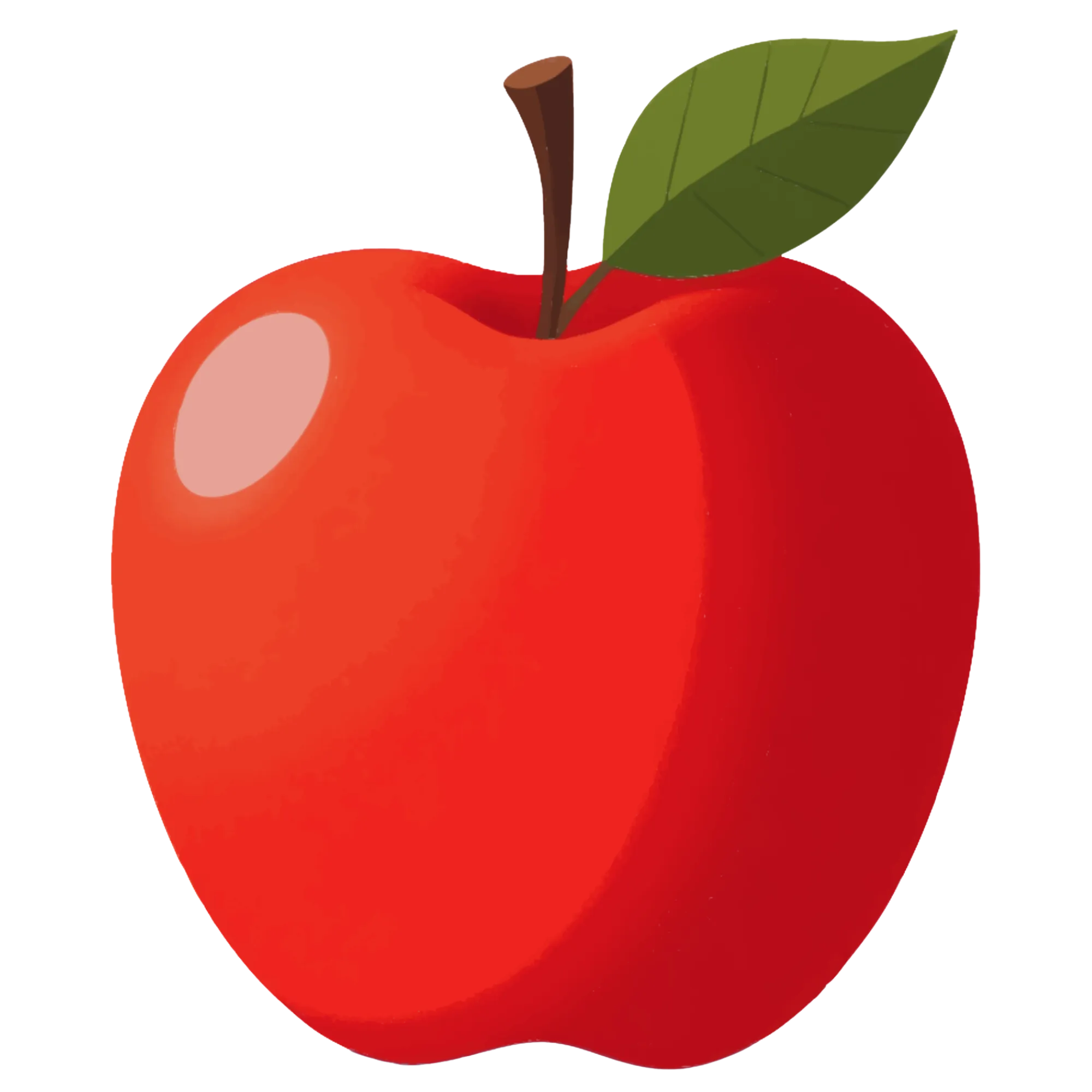
Show the format. Include a visual of actual shuffled letter tiles next to an image clue. This tells the buyer exactly what type of puzzle is inside. A small example puzzle on the cover -- an image of an apple with the tiles P-L-E-A-P visible -- communicates the concept instantly.
State the contents explicitly. "80 Word Scramble Puzzles with Picture Clues & Answer Keys" tells the buyer what they are purchasing. Include the difficulty level: "Easy," "Medium," "Hard," or "Expert."
Highlight the visual element. Your books have image clues on every page -- this is a major differentiator. "Full-Color Picture Clues on Every Page" or "Illustrated Word Scramble Puzzles" positions your book above text-only competitors.
Mention the theme. "Animal Word Scramble Book" or "Food & Kitchen Word Scramble Puzzles" targets specific keyword searches and helps buyers find exactly what they want.
Use large, readable fonts. Your title must be legible at thumbnail size -- approximately 150 x 200 pixels is how most buyers first encounter your cover in Amazon search results.
Spine design: Include the book title and author name on the spine. For books over 100 pages, the spine is wide enough for readable text.
Back cover: Feature a brief book description, 3 to 5 key selling points as bullet points (number of puzzles, answer keys included, difficulty level, image clues, print quality), a sample puzzle preview, and leave space for the ISBN barcode area.
Cover design tools: Canva provides free KDP cover templates. Book Bolt offers KDP-specific cover creators with automatic spine calculation. For maximum professionalism, a Fiverr cover designer costs $20 to $50 and produces results that justify the investment.
7
Optimizing Your KDP Listing for Maximum Visibility
A well-optimized KDP listing converts browsers into buyers. Every field in your listing affects discoverability and sales.
Title: Front-load your primary keyword. Example: "Word Scramble Puzzle Book for Adults: 80 Picture Clue Puzzles with Answer Keys -- Easy to Medium Difficulty"
Subtitle: Add details the title could not fit. Example: "Large Print Letter Tile Puzzles Featuring Animals, Food, Nature & Vehicles -- Vowel Color Hints Included"
Book description: Write 400 to 1,000 words covering the book contents in detail. Structure it with HTML formatting for readability. Include puzzle count, theme descriptions, difficulty level, the image clue and color coding features, page dimensions, and confirmation that answer keys are included. End with a call to action: "Scroll up and click Buy Now to start solving today."
Keywords: KDP provides 7 keyword fields. Use specific buyer-intent phrases:
- "word scramble puzzle book adults"
- "picture clue word puzzles"
- "unscramble words activity book"
- "large print word scramble"
- "animal word scramble kids"
- "anagram puzzle book with answers"
- "letter tile word games book"
Categories: Select two relevant categories. "Puzzle Books" and "Word Games" are the primary options. Sub-categories like "Activity Books for Adults" or "Children's Word Games" further refine your targeting.
Pricing strategy:
- Black and white interior (8.5 x 11, ~164 pages): $5.99 to $7.99
- Premium color interior (8.5 x 11, ~164 pages): $8.99 to $11.99
- Color interiors justify higher prices because buyers see the value in full-color image clues and colored letter tiles
- European marketplaces: price 15 to 20% lower to offset higher printing costs
- Start at the midpoint of your range and adjust after 2 weeks based on sales velocity
After publishing, your book typically appears on Amazon within 72 hours. Order an author proof copy to verify that image clues print clearly, color coding renders correctly (if using premium color), and margins are adequate. Fix any issues before promoting the listing.