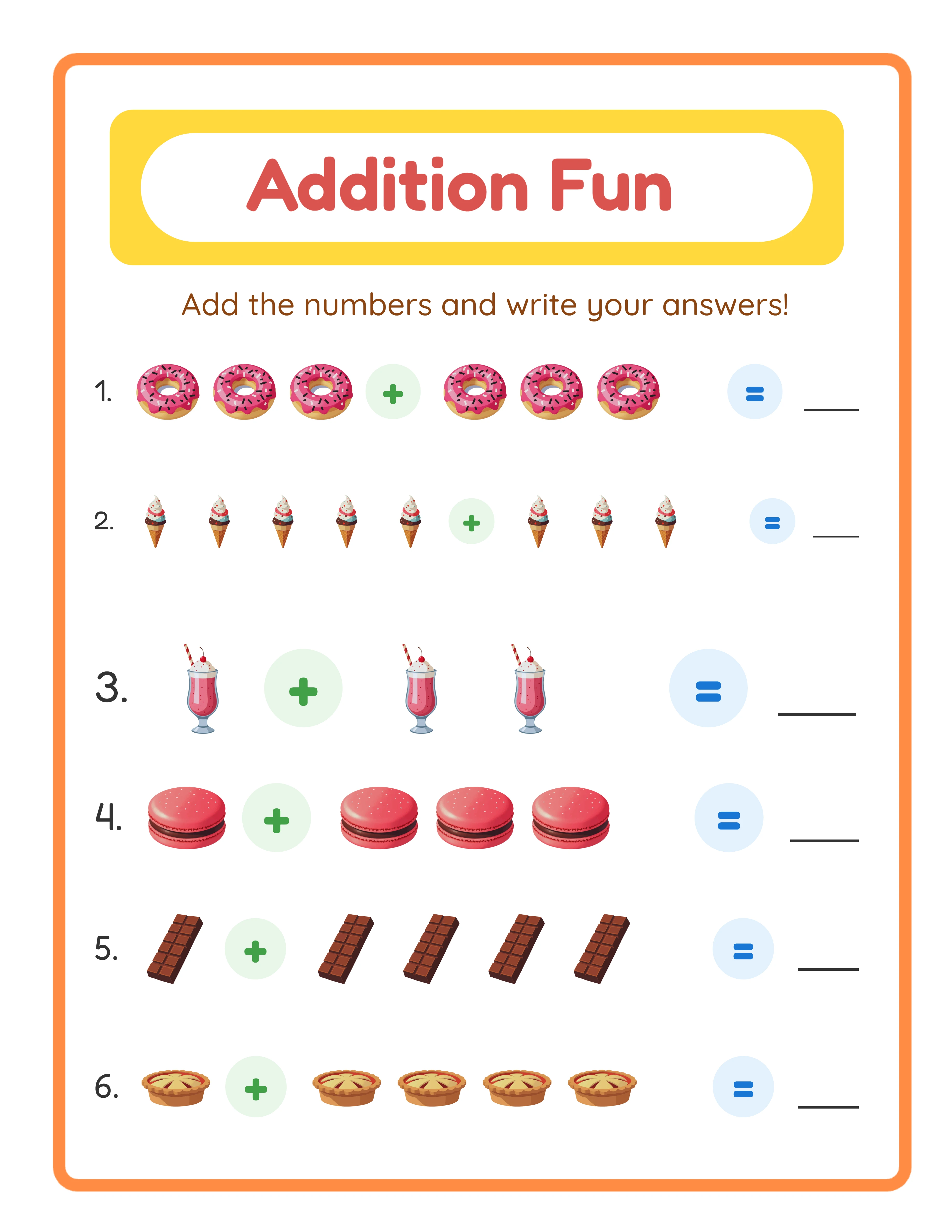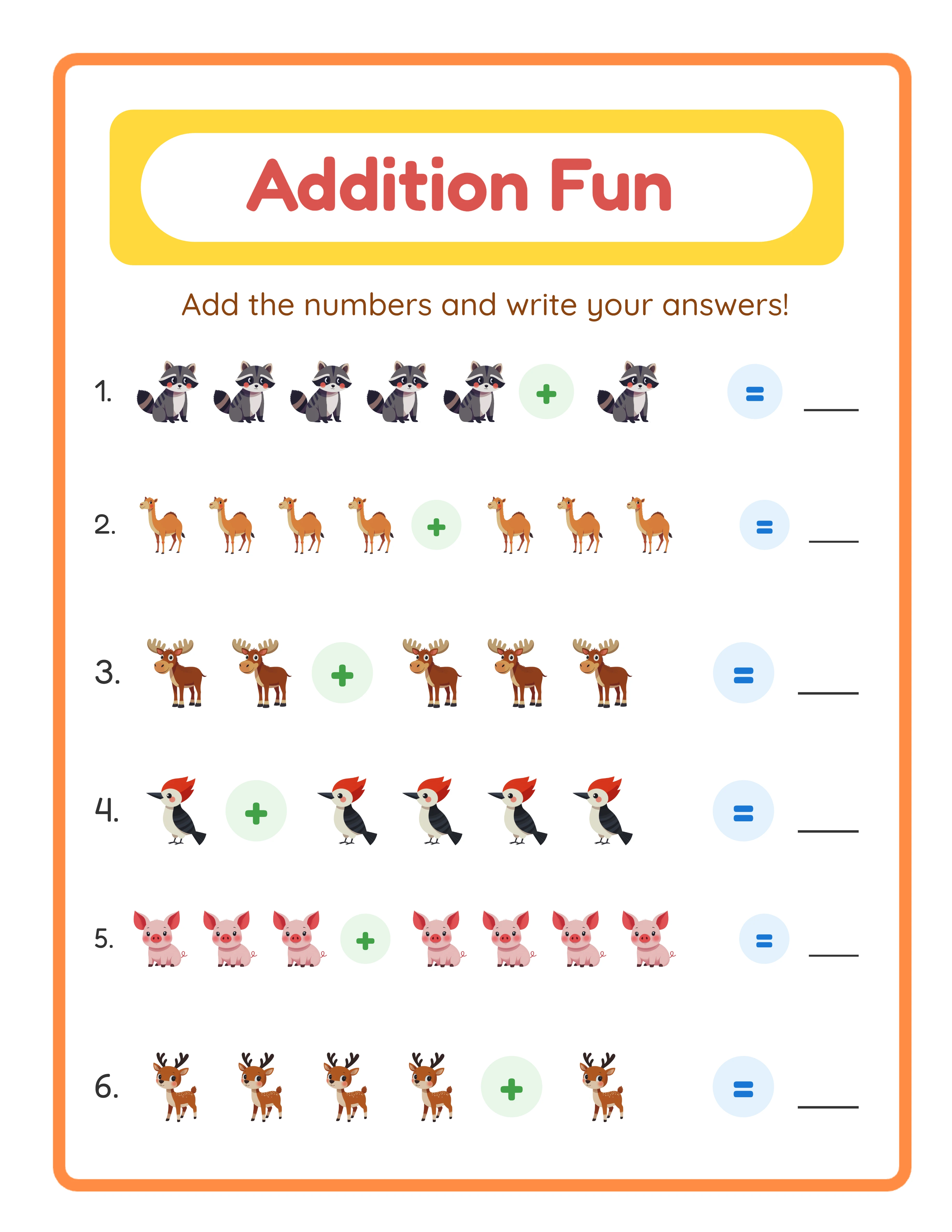
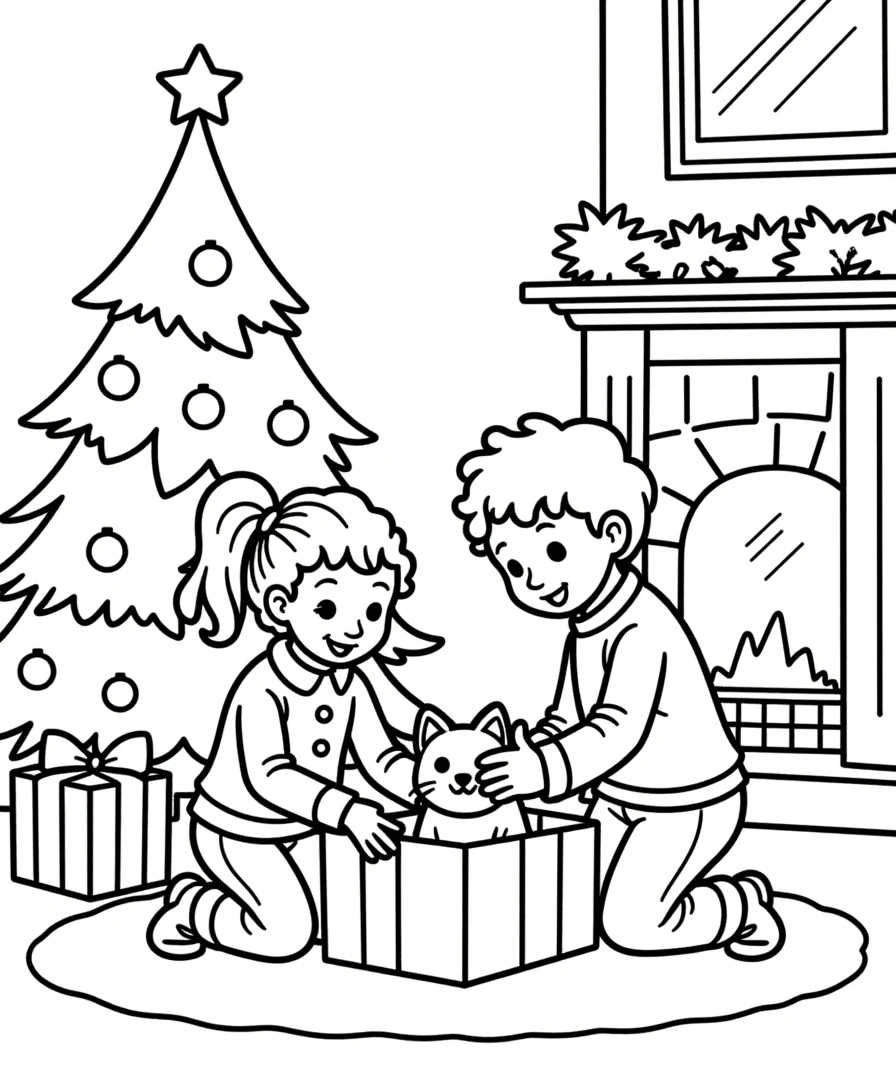
PDF: The Default Choice for Printable Products
PDF (Portable Document Format) is the industry standard for printable products. Here is why:
**Advantages:**
- Maintains exact layout across all devices and printers
- Supports multiple pages in a single file
- Preserves fonts, images, and vector graphics at any zoom level
- Universal compatibility — every computer and phone can open PDFs
- Required by KDP for book interiors and covers
**When to use PDF:**
- Multi-page worksheet bundles (always)
- Single-page worksheets sold on Etsy (recommended)
- KDP activity book interiors (required)
- KDP covers (required)
- Any product with text that needs to remain crisp
**PDF settings for printables:**
- Resolution: 300 DPI (never lower for print products)
- Color space: RGB for digital-only, CMYK for KDP print
- Compression: Medium quality (balances file size and print quality)
- Font embedding: Always embed fonts to prevent substitution
- File size target: Under 20 MB per file for Etsy uploads
PDF is your default choice. Use it unless you have a specific reason not to.
JPEG: When and Why to Use It
JPEG works best for single-page, image-heavy products. It is not ideal for text-heavy worksheets but has legitimate uses.
**Advantages:**
- Smaller file sizes than PDF (faster downloads)
- Universally viewable — opens in any image viewer, browser, or phone
- Better for products that are primarily images (coloring pages, wall art, posters)
- Required for some print-on-demand services
**When to use JPEG:**
- Single coloring pages sold individually
- Wall art and poster prints
- Product mockup images for listings
- Social media preview images
- Single-page worksheets as a bonus alongside the PDF version
**JPEG settings for printables:**
- Resolution: 300 DPI minimum (check dimensions in pixels: 8.5 x 11 inches at 300 DPI = 2550 x 3300 pixels)
- Quality: 90-95% (higher than web standard to maintain print quality)
- Color space: RGB
- Size: Typically 2-8 MB per page at print quality
**When NOT to use JPEG:**
- Multi-page bundles (use PDF — buyers do not want 50 separate image files)
- Products with small text (JPEG compression blurs fine text)
- KDP submissions (PDF required)
- Any product where text crispness is critical
PNG: The Third Option Most Sellers Overlook
PNG offers advantages that both PDF and JPEG lack, making it useful for specific product types.
**PNG advantages:**
- Lossless compression — no quality degradation
- Supports transparency (essential for overlays and stickers)
- Crisper text than JPEG at the same resolution
- Preferred format for Cricut and Silhouette cutting machines
**When to use PNG:**
- Digital stickers and planner elements
- Products designed for cutting machines
- Clip art packs sold to other sellers
- Any product requiring a transparent background
**PNG drawbacks:**
- Larger file sizes than JPEG (3-5x larger)
- No multi-page support
- Many buyers are unfamiliar with the format
**Practical strategy:** For most printable sellers, offering PDF as the primary format with JPEG or PNG as bonus files covers all buyer needs. This is especially effective for coloring pages: PDF for easy printing, PNG for digital coloring apps, JPEG for quick viewing.
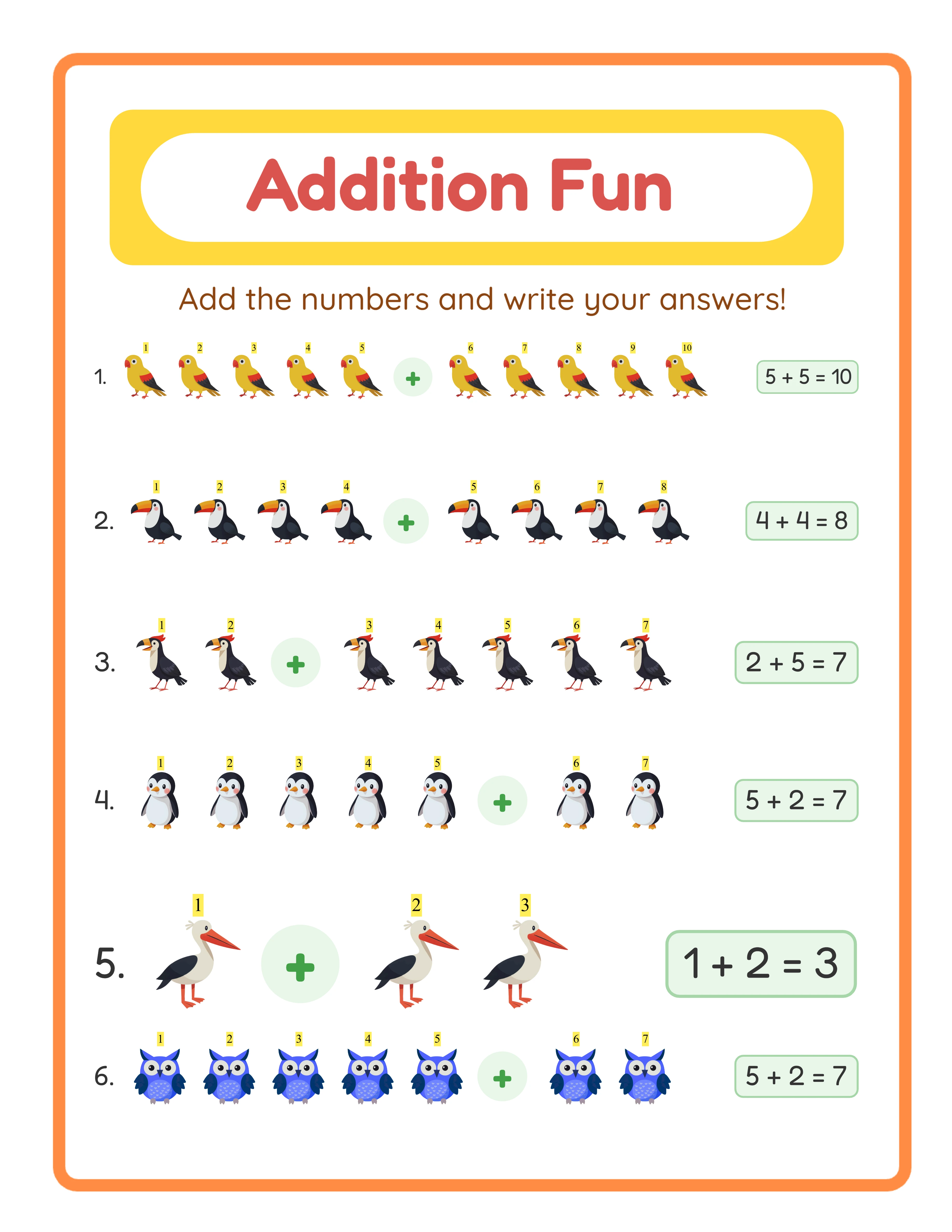
Every Worksheet Includes an Answer Key

Platform-Specific Requirements
**Etsy Digital Downloads:**
- Accepts: PDF, JPEG, PNG, ZIP
- Maximum file size: 20 MB per file, 5 files per listing
- Best practice: PDF primary file, JPEG previews as bonus files
- For large bundles: ZIP file containing organized folders
**Amazon KDP (Print Books):**
- Interior: PDF only, CMYK or RGB color space
- Cover: PDF only, specific dimensions from KDP cover calculator
- Resolution: 300 DPI minimum
- No transparency allowed
**Gumroad:**
- Accepts: Any file type
- No size limit on individual files
- Best practice: Same as Etsy — PDF primary, JPEG bonus
**Creative Fabrica / Design Bundles:**
- Accepts: PDF, JPEG, PNG, SVG
- If selling clip art or design elements: PNG with transparency
- If selling printable worksheets: PDF
**Teachers Pay Teachers:**
- Accepts: PDF, JPEG, PNG, ZIP
- Best practice: PDF is standard; include a "How to Print" page
When in doubt, provide PDF. Every platform accepts it, every buyer can open it, and it prints correctly on every printer.
How to Convert Between Formats Correctly
Sometimes you need to convert between formats. Do it right to avoid quality loss.
**PDF to JPEG:**
- Use Adobe Acrobat, Smallpdf, or GIMP
- Export at 300 DPI (not the default 72 DPI)
- Set JPEG quality to 95%
- Check pixel dimensions match your target print size
**JPEG to PDF:**
- Use any PDF creator (Acrobat, preview on Mac, online tools)
- Ensure the page size matches your target (Letter or A4)
- Do not resize the image — this reduces quality
**Common conversion mistakes to avoid:**
- Exporting at 72 DPI (web resolution) instead of 300 DPI (print resolution)
- Using online converters that add watermarks or compress heavily
- Converting PDF text to rasterized JPEG (makes text blurry)
- Not checking the output file before listing
**The best approach:** Generate your product in the correct format from the start. Worksheet generators output print-ready PDFs by default, eliminating conversion entirely. If you need a JPEG version, export directly from the source file at 300 DPI rather than converting the PDF.
For sellers using LessonCraftStudio generators, output is already optimized for print at 300 DPI in PDF format. No conversion needed for Etsy or KDP — just download and upload.