What Generators Handle For You
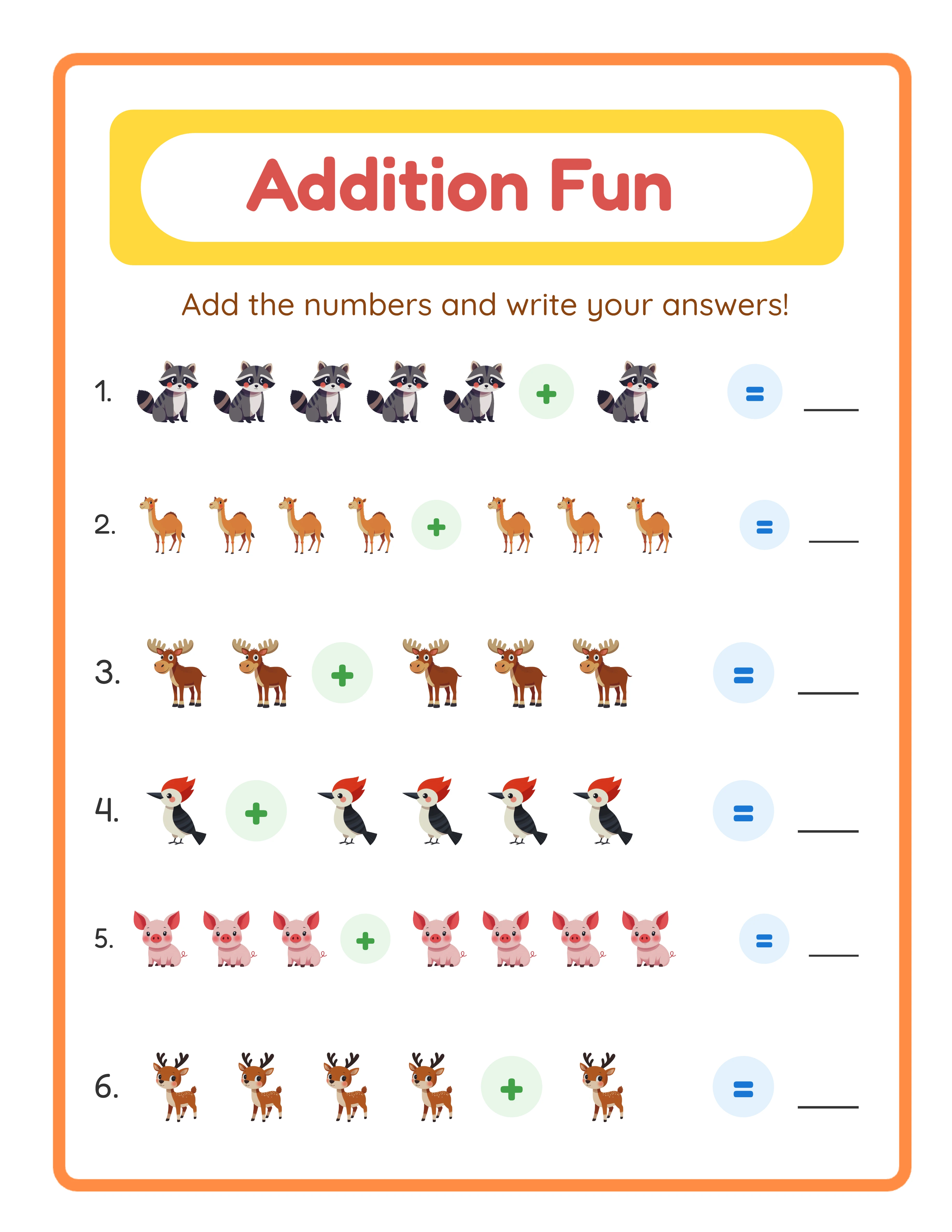
Modern worksheet generators automate every design element:
- **Layout:** Professional grid layouts, spacing, and formatting
- **Typography:** Appropriate fonts and text sizing for each age group
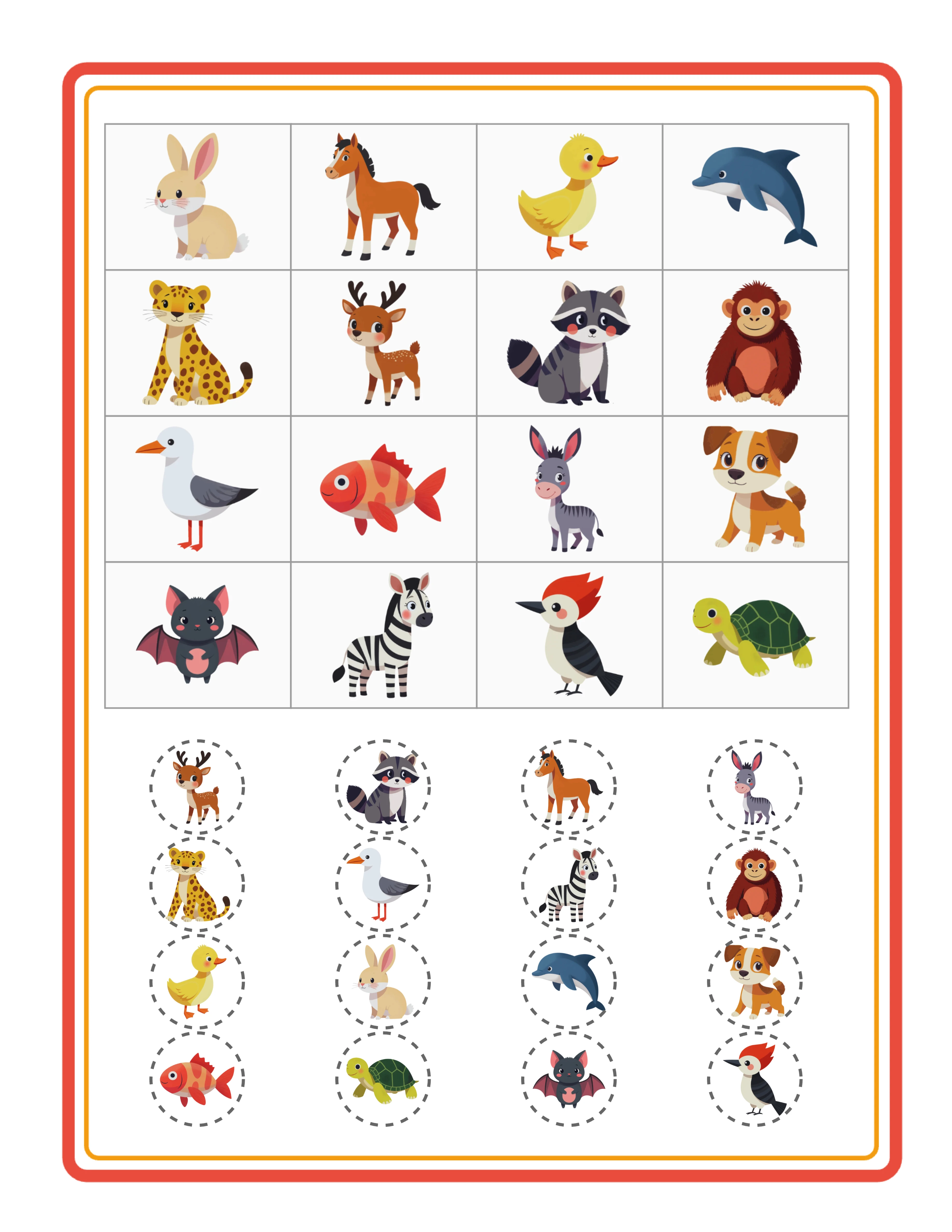
- **Images:** 100+ themed image sets (animals, vehicles, food, seasons)
- **Answer keys:** Automatically generated for every worksheet
- **Print formatting:** Correct page sizes, margins, and resolution
- **Difficulty calibration:** Age-appropriate content complexity
What you provide: the creative direction. Which subject? Which theme? Which age group? Which difficulty level? These are business decisions, not design decisions. And business decisions are what actually determine your income.
From Zero to First Product in 30 Minutes
Here's a realistic timeline for creating your first sellable product with no design experience:
**Minutes 1-5:** Choose a generator (word search, addition, matching, etc.) and a theme (animals, space, food)
**Minutes 5-15:** Generate 10-12 themed worksheets at progressive difficulty levels
**Minutes 15-20:** Download all worksheets with answer keys as a PDF bundle
**Minutes 20-25:** Create a simple listing mockup using a free online mockup generator
**Minutes 25-30:** Write your Etsy listing title, description, and tags
Result: a professional 10-page themed worksheet pack ready to sell at $4.99-$6.99. No design software opened, no pixels pushed, no layouts created manually.
With 33 generators available, repeating this process across different subjects and themes builds a 50-product inventory in about 25 hours of total work.
Generic vs Professional Worksheets
Generic
VS
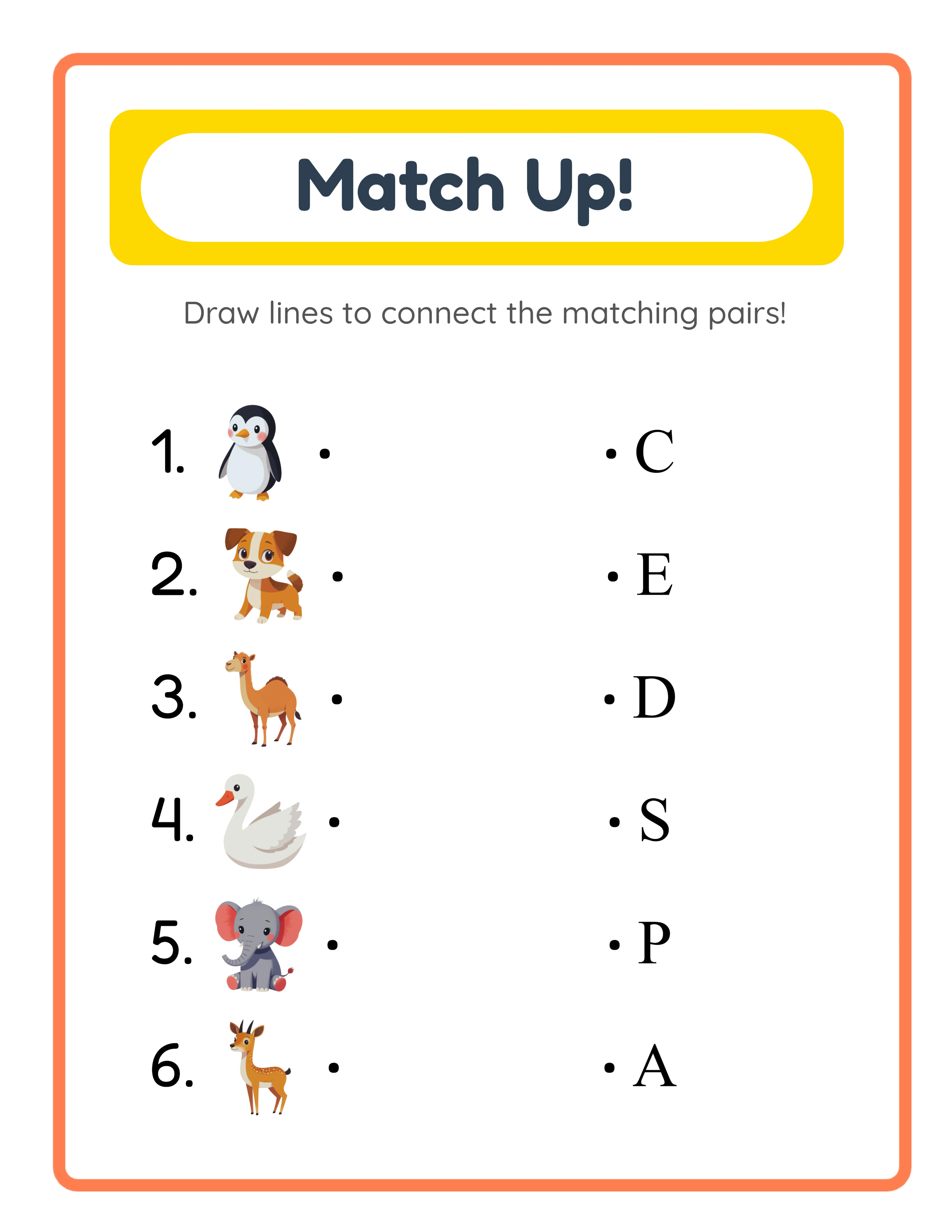
With LessonCraftStudio
Skills You DO Need (And They're Not Design)
The skills that actually determine printable business success:
**1. Product selection:** Choosing which worksheets to create based on market demand and competition. This is research, not design.
**2. SEO and listing optimization:** Writing titles and tags that match what buyers search for. This is writing, not design.
**3. Pricing strategy:** Setting prices that balance competitiveness with profit margin. This is math, not design.
**4. Market awareness:** Understanding seasonal trends, buyer segments, and platform changes. This is business sense, not design.
**5. Consistency:** Creating and listing new products regularly. This is discipline, not design.
Every successful printable seller who uses generators confirms the same thing: design was never the bottleneck. Business strategy was always the differentiator.
Generators vs. Canva vs. Custom Design
Three options exist for creating printable products. Here's an honest comparison:
**Worksheet generators (recommended for beginners):**
- Speed: 2-5 minutes per worksheet
- Design skill required: None
- Quality: Professional, consistent, themed
- Limitation: Product types limited to what generators offer
- Best for: Math, literacy, puzzles, matching, sorting worksheets
**Canva (good for supplementary products):**
- Speed: 15-30 minutes per worksheet
- Design skill required: Basic (drag-and-drop)
- Quality: Good, depends on template quality
- Limitation: Templates can look generic; limited educational formatting
- Best for: Planners, checklists, trackers, simple activity pages
**Custom design (advanced, unnecessary for most):**
- Speed: 30-60 minutes per worksheet
- Design skill required: Advanced (Adobe Suite or equivalent)
- Quality: Highest possible, but only if you're skilled
- Limitation: Time-intensive, not scalable for inventory building
- Best for: Unique niche products that generators don't cover
Most successful printable sellers use generators as their primary tool and Canva for supplementary products like covers, mockups, and simple worksheets that generators don't cover.
33 Generators
3,000+ Images
11 Languages
300 DPI Export
Your First Week Action Plan
**Day 1-2:** Explore the 33 generators. Create sample worksheets with different themes to understand what each generator produces. No listing yet — just exploration.
**Day 3-4:** Choose 3-4 generators that produce products for your target niche. Generate 3-4 themed packs of 10 pages each (about 1 hour).
**Day 5:** Set up your Etsy shop (profile, policies, payment). List your first 3-4 products with optimized titles and mockup photos.
**Day 6-7:** Create 3-4 more products. Start a Pinterest business account. Pin your first listings.
**End of week 1:** 6-8 listed products, shop live, Pinterest started. Zero design skills needed. Total time invested: approximately 8-12 hours.
By week 4 (at the same pace): 25-30 products listed. By month 3: 60-80 products. That's approaching the "traction threshold" where daily sales become consistent.