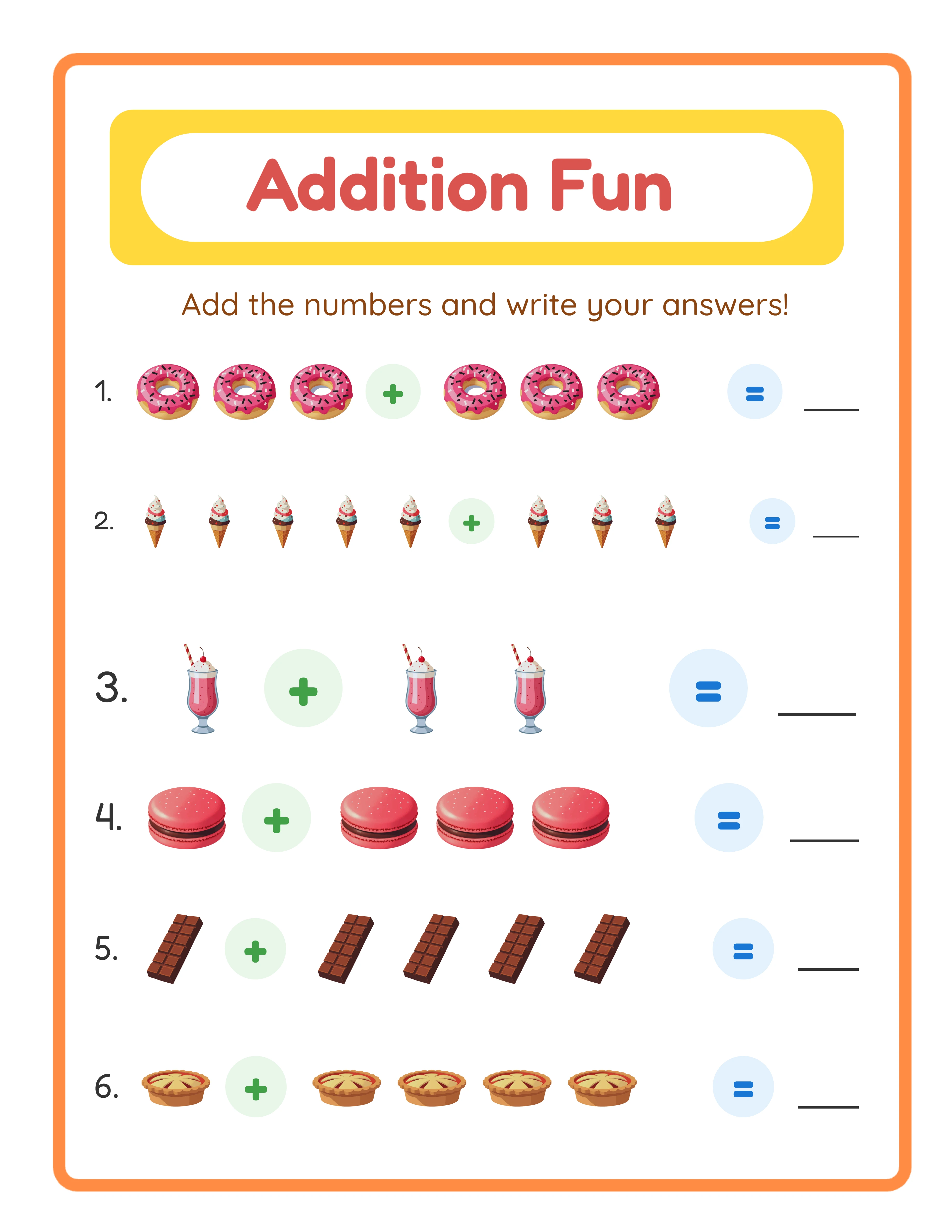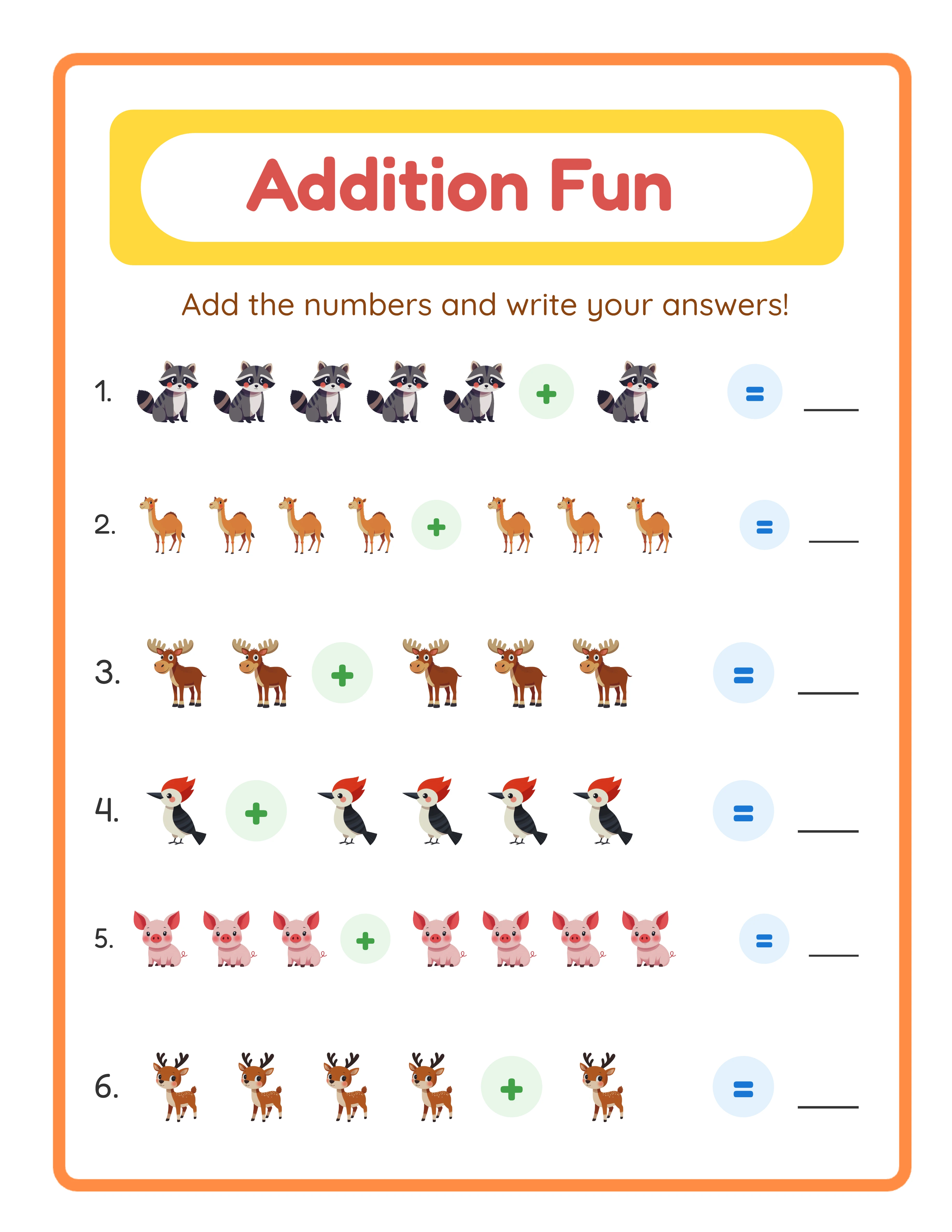
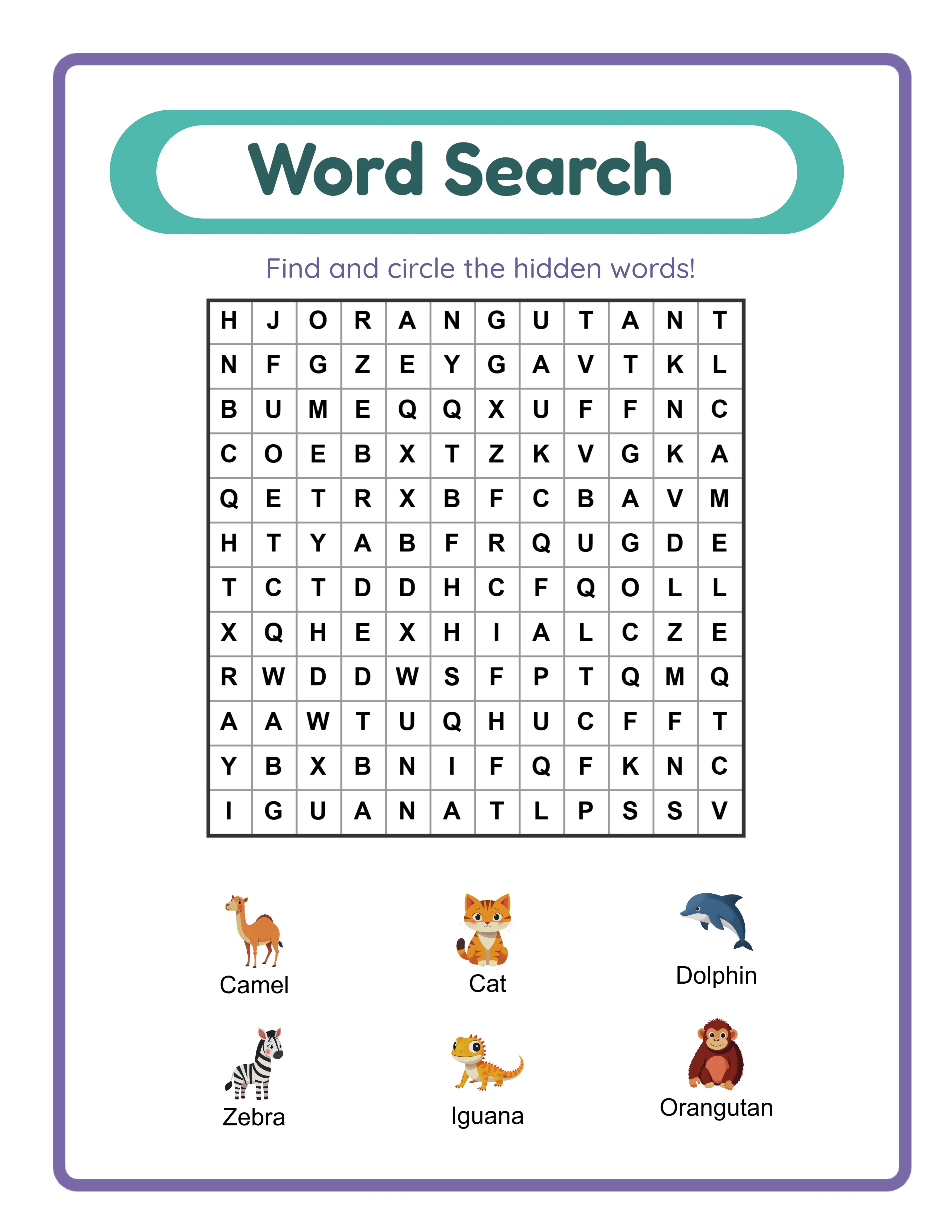
Speed: How Fast Can You Create Products?
**Worksheet Generator:**
- 50 math worksheets with answer keys: 5-10 minutes
- 20 word search puzzles: 3-5 minutes
- 30 themed coloring pages: 5-8 minutes
- Batch of 100 mixed worksheets: 15-20 minutes
**Canva:**
- 50 math worksheets with answer keys: 8-12 hours (manual problem creation + layout)
- 20 word search puzzles: 4-6 hours (manual word placement + grid design)
- 30 themed coloring pages: 3-5 hours (template customization)
- Batch of 100 mixed worksheets: 15-25 hours
**Winner: Worksheet Generator** — by a factor of 10-50x for math, puzzle, and activity worksheets. The speed difference is not marginal; it is a different category entirely.
**The math:** At $5 per bundle, earning $500/month requires 100 sales. To build a catalog that generates 100 monthly sales, you need 50-100 listings. With a generator, 100 listings takes about 2 weeks of part-time work. With Canva alone, it takes 3-6 months.
Speed matters because it determines how fast you can test niches, list products, and start earning.
Features: What Each Tool Can and Cannot Do
**Worksheet Generator exclusive features:**
- Automatic answer key generation (mathematically verified)
- Built-in difficulty levels (easy, medium, hard)
- Themed image integration (100+ themes automatically placed)
- Problem randomization (every worksheet is unique)
- Consistent formatting across all pages
- Bulk generation (50+ worksheets in one action)
**Canva exclusive features:**
- Complete design freedom (any layout, any style)
- Thousands of templates for non-worksheet products
- Photo editing and filters
- Custom illustrations and graphics
- Brand kit with custom fonts and colors
- Team collaboration
- Animation and video creation
**Both tools offer:**
- PDF export at 300 DPI
- Custom page sizes (Letter, A4)
- Color printing output
- Commercial use rights (with appropriate license/plan)
**The key difference:** A worksheet generator is specialized — it does one category of products extremely well and extremely fast. Canva is general-purpose — it does many things adequately but none as efficiently as a specialized tool. For math worksheets specifically, the generator's automatic answer keys alone justify using it. Manually creating and verifying 50 answer keys in Canva is tedious and error-prone.
Quality: Which Produces Better-Looking Products?
**Worksheet Generator quality:**
- Consistent layout across all pages (no alignment drift)
- Print-optimized resolution and margins
- Professionally spaced content (no overcrowding)
- Themed images properly sized and placed
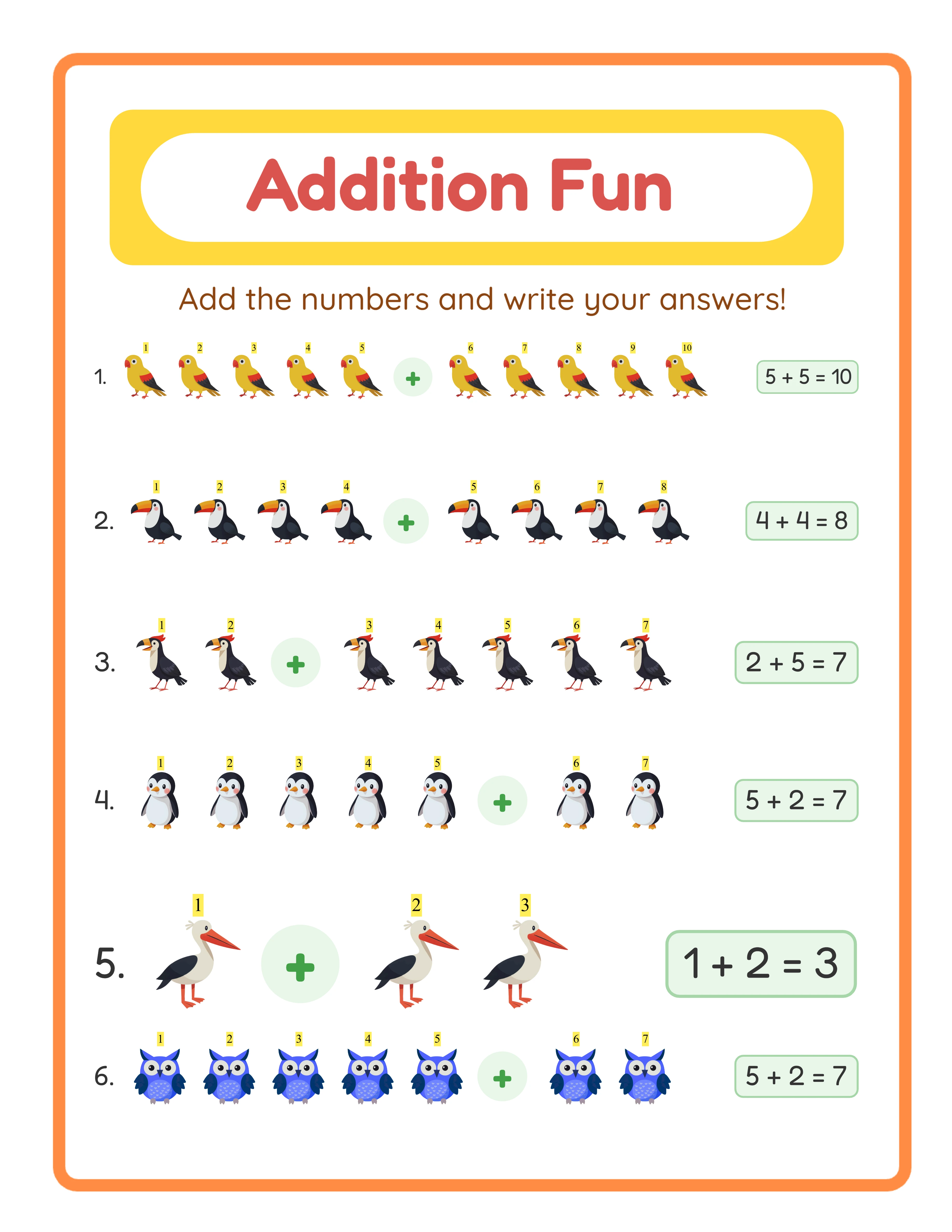
- Answer keys perfectly match worksheets (no human error)
**Canva quality:**
- Visually distinctive designs (stand out from competitor listings)
- Custom typography and decorative elements
- More creative freedom for unique layouts
- Better for products that need visual flair over content accuracy
**Honest assessment:** For worksheets that need to be functional (math, puzzles, activities), generators produce more reliable quality because the formatting is automated and tested. For products that need to be beautiful (coloring pages with decorative borders, wall art, planners), Canva produces better visual results.
The most common quality issue with Canva worksheets is inconsistency. Page 1 might have perfect spacing, but by page 40 of manual design, alignment starts drifting, font sizes vary, and the overall polish degrades. Generators maintain perfect consistency across any number of pages because the formatting rules are programmatic.
Every Worksheet Includes an Answer Key

Cost: Which Is More Affordable?
**Canva pricing:**
- Free tier: Limited templates, watermarked premium elements
- Canva Pro: $12.99/month ($155.88/year) — full template access, brand kit, background remover
- Commercial use: Included with Pro for products you design (not reselling templates)
**Worksheet Generator pricing (LessonCraftStudio):**
- Free trial with watermark: Full features, unlimited generation, watermarked output
- Commercial license: One-time purchase for watermark-free output with commercial rights
- No monthly subscription
**Cost comparison for a year of printable selling:**
- Canva Pro only: $155.88/year (ongoing)
- Generator license only: One-time purchase
- Both (recommended): One-time purchase + $155.88/year for Canva Pro
**ROI perspective:** If you sell just 3-5 bundles per month at $10 each, either tool pays for itself immediately. The real cost is your time. A tool that saves you 10 hours per week has far more value than the price difference between options.
**Recommendation:** Use the generator's free trial with watermark to test workflow and quality. If you decide to sell, get the commercial license for watermark-free output. Keep Canva for listing images, cover pages, and non-worksheet products.
When to Use Each Tool: The Decision Framework
**Use a Worksheet Generator when:**
- Creating math worksheets (addition, subtraction, multiplication)
- Creating puzzles (word search, crossword, maze, sudoku)
- Creating matching, sorting, or counting activities
- You need answer keys (always use a generator for these)
- You need 20+ pages of similar content
- Speed is a priority (tight listing deadlines)
- Content accuracy matters more than visual uniqueness
**Use Canva when:**
- Creating listing images and mockups
- Designing cover pages for your bundles
- Making wall art, planners, or invitations
- Adding decorative elements to generated worksheets
- Creating social media promotional graphics
- Designing your Etsy shop banner and brand elements
**Use both together (best approach):**
1. Generate worksheet content with the generator (5-10 minutes)
2. Create cover pages and listing images in Canva (10-15 minutes)
3. Combine into a finished product (5 minutes)
This combined workflow takes 20-30 minutes for a complete product with professional design quality. Using Canva alone for the same product would take 4-8 hours.
The bottom line: worksheet generators and Canva are complementary tools, not competitors. Use the right tool for each task and you will produce better products faster than using either tool exclusively.