Comparing Numbers Worksheet Maker
Create comparing worksheets from more-or-less picture groups to 4-digit numbers. Children use the greater than, less than and equal signs and put numbers in order.
Look around without an account. With a free account, you can make 3 worksheets a month.
- Thousands of picturesChange the theme and every picture on the page changes.
- 11 languagesWritten for each language, not translated by a machine.
- Paper or screenPrint a PDF, or let children do it on a screen.
- Easy to save and shareKeep what you make and send it by link or QR code.
All 15 worksheets you can make here
Choose one to open it in the maker. Each comes in three levels where the skill allows, with new versions as often as you need.
Kindergarten
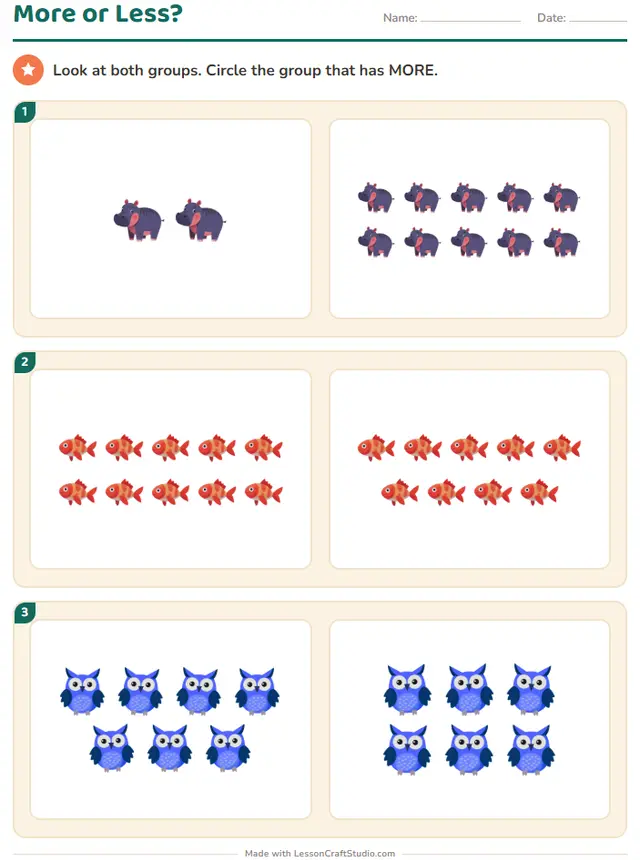
- Also on screenMore or Less?Look at both groups. Circle the group that has MORE.
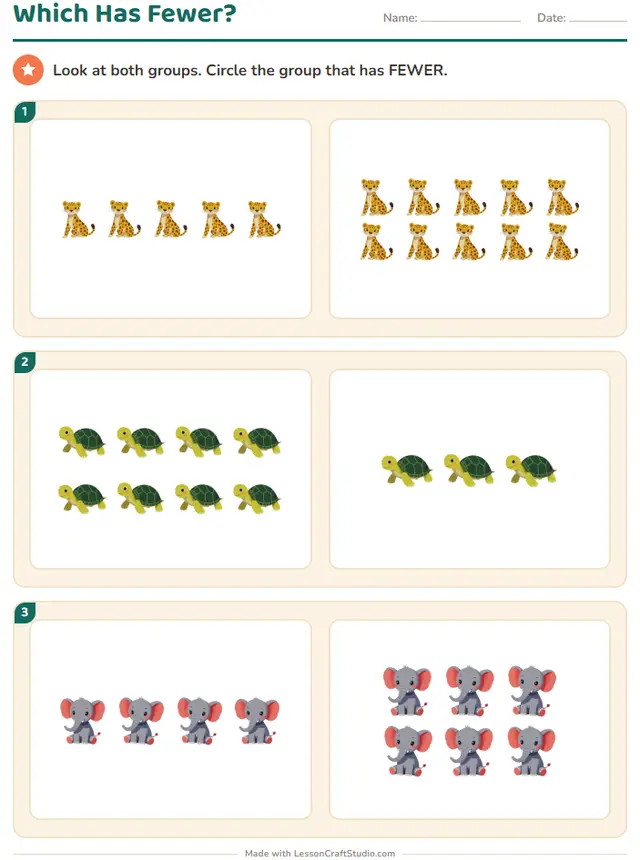 Also on screenWhich Has Fewer?Look at both groups. Circle the group that has FEWER.
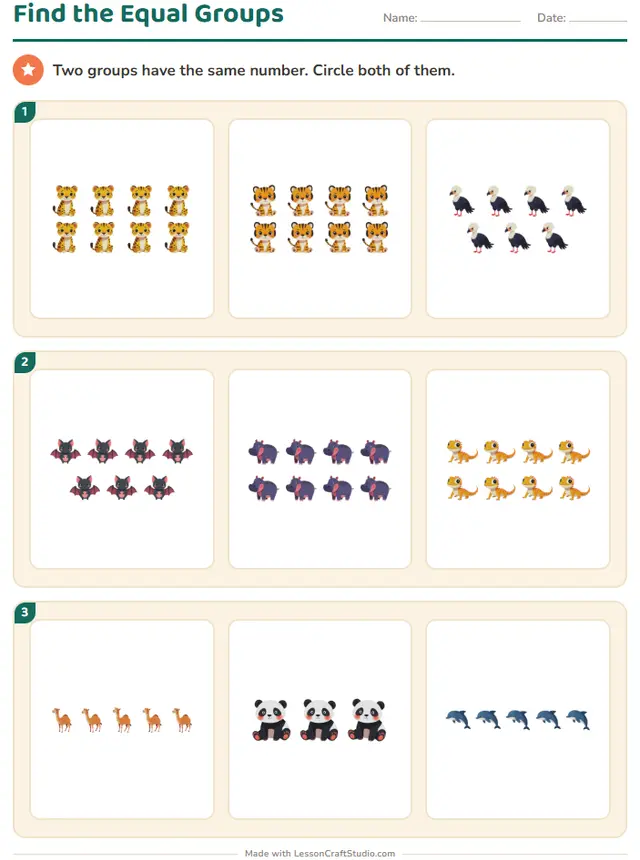 Also on screenFind the Equal GroupsTwo groups have the same number. Circle both of them.
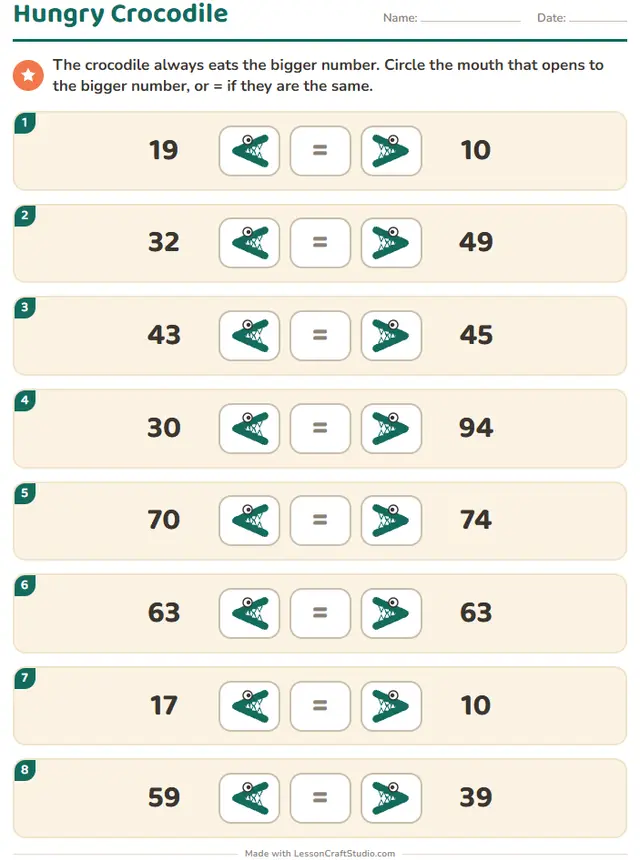
- Also on screenHungry CrocodileThe crocodile always eats the bigger number. Circle the mouth that opens to the bigger number, or = if they are the same.
Grade 1
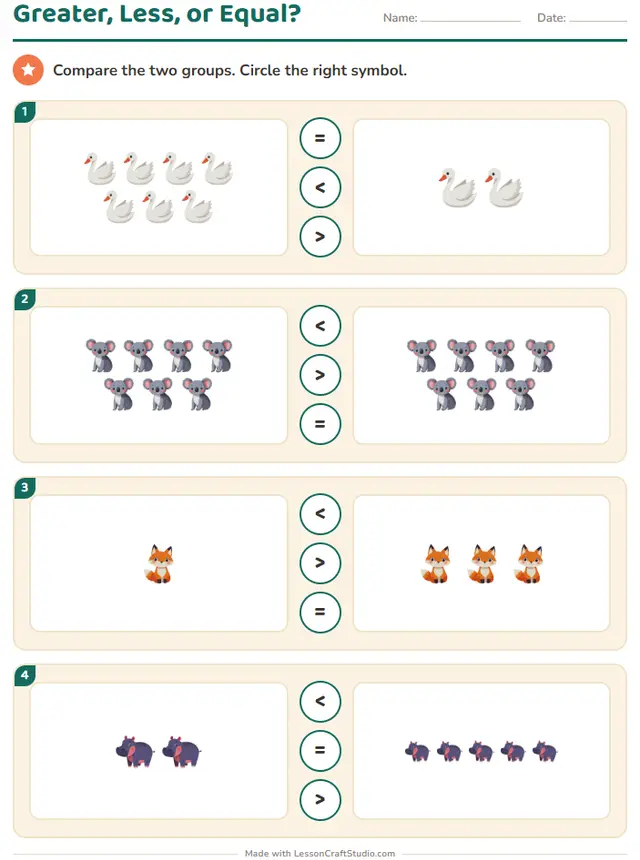 Also on screenGreater, Less, or Equal?Compare the two groups. Circle the right symbol.
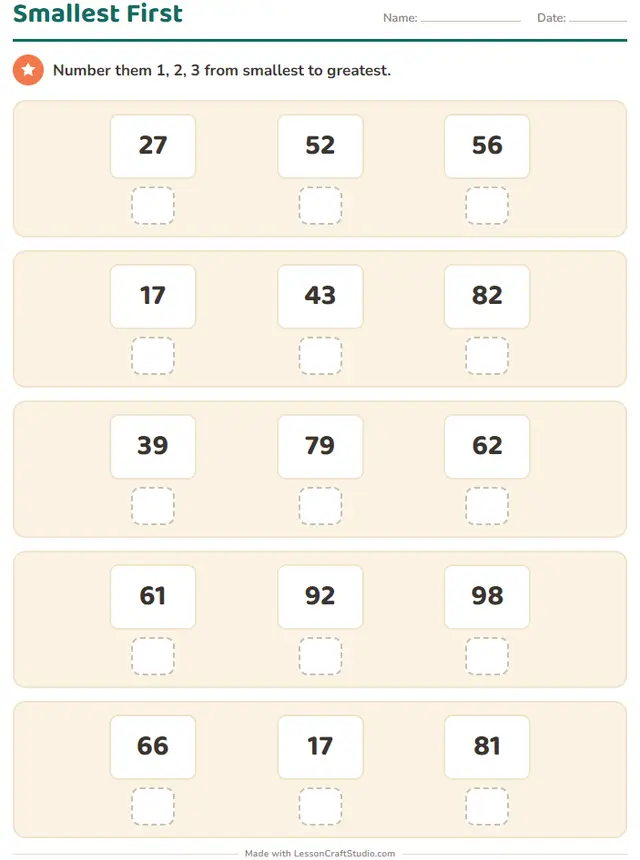 Also on screenSmallest FirstNumber them 1, 2, 3 from smallest to greatest.
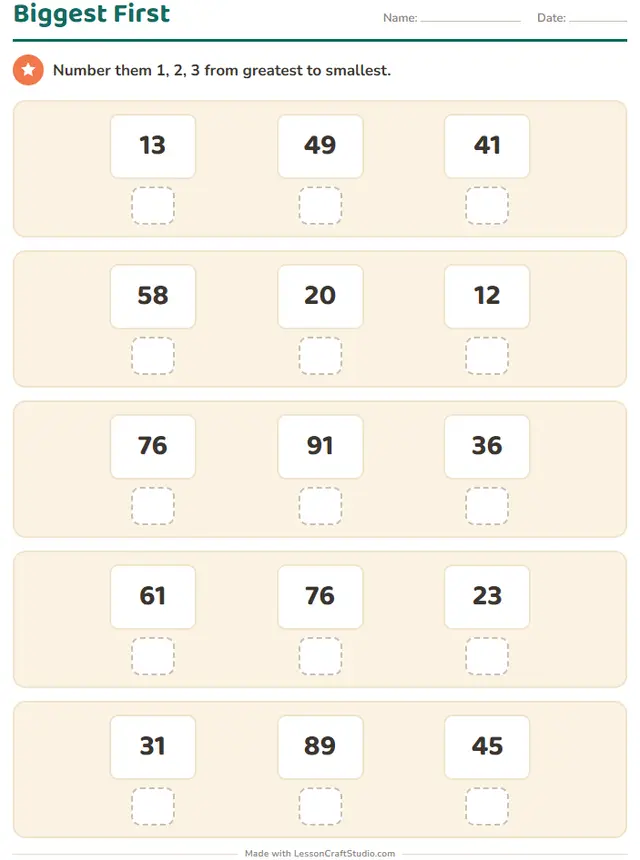 Also on screenBiggest FirstNumber them 1, 2, 3 from greatest to smallest.
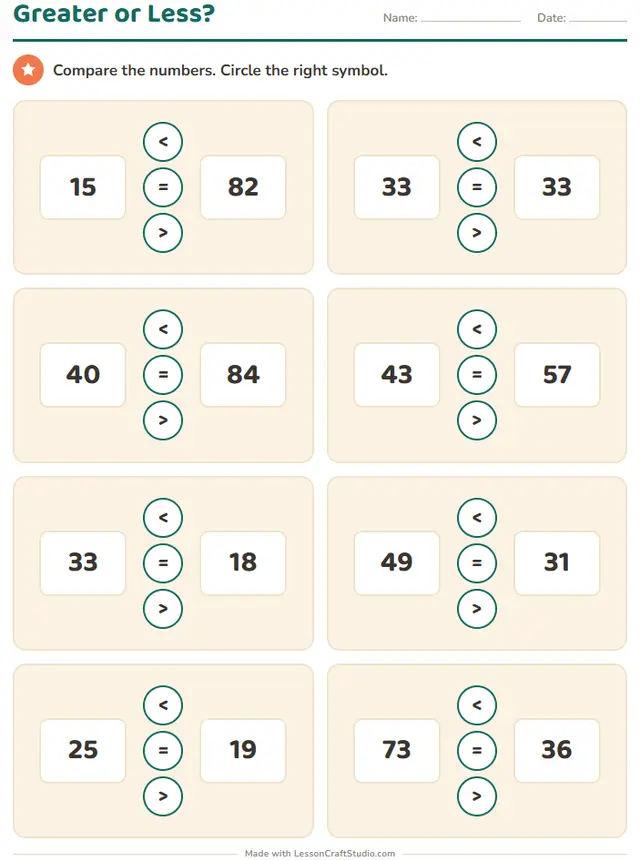 Also on screenGreater or Less?Compare the numbers. Circle the right symbol.
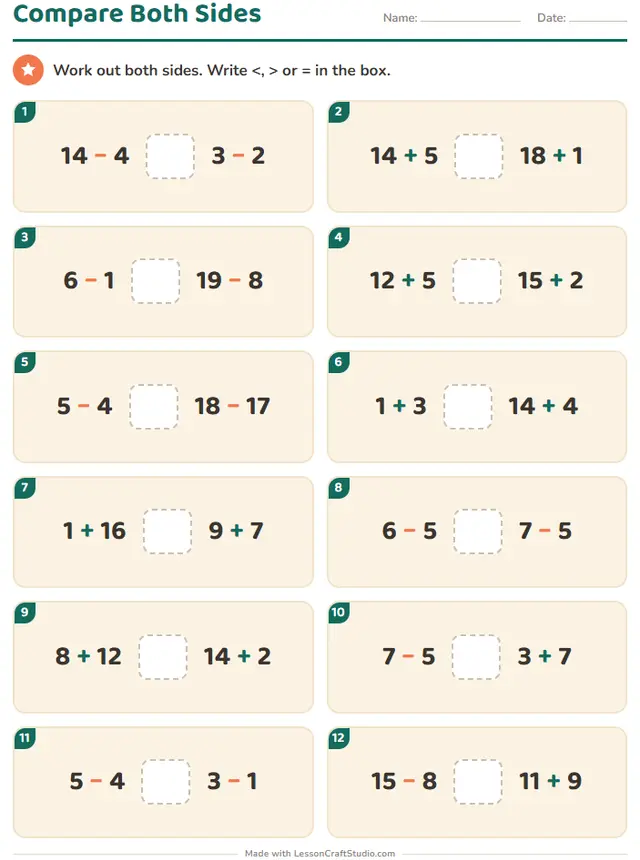 Also on screenCompare Both SidesWork out both sides. Write <, > or = in the box.
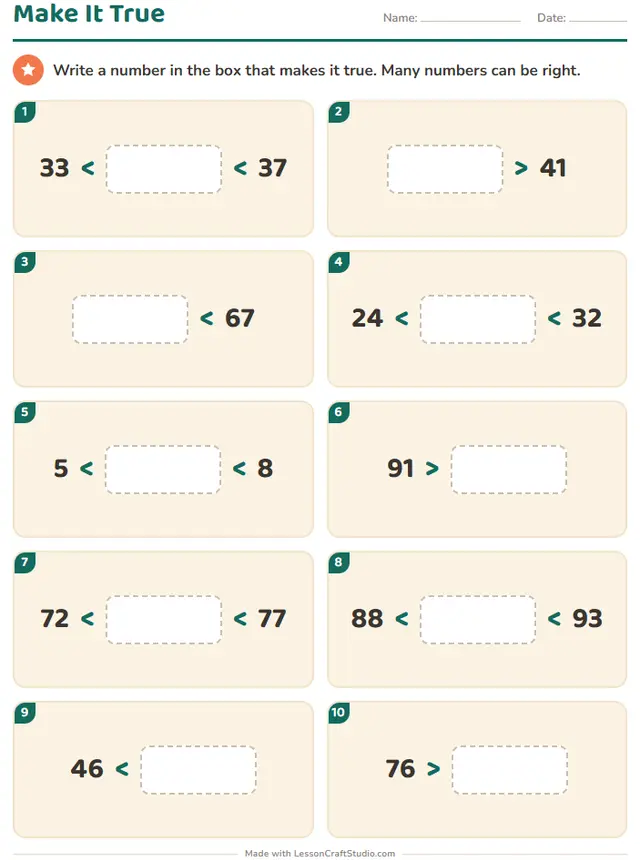 Also on screenMake It TrueWrite a number in the box that makes it true. Many numbers can be right.
Grade 2
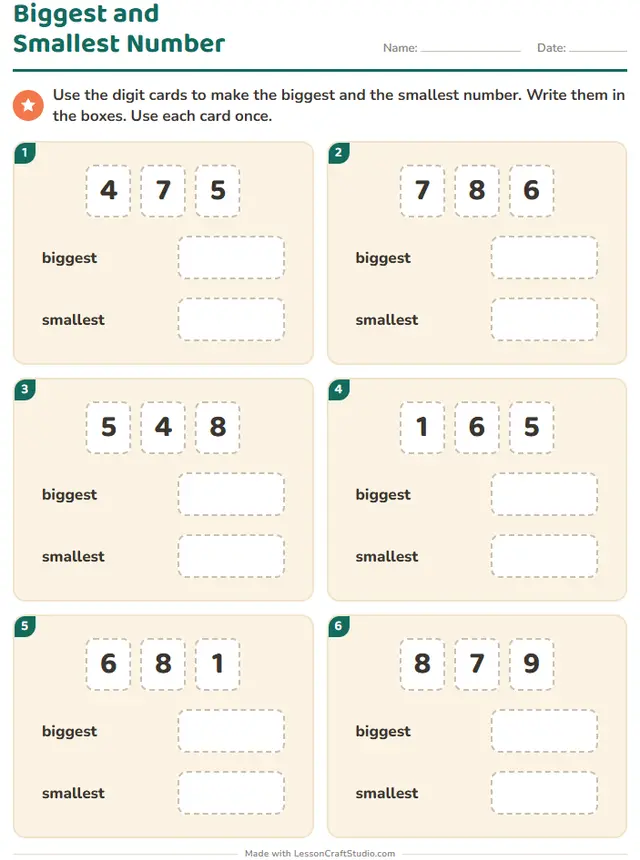
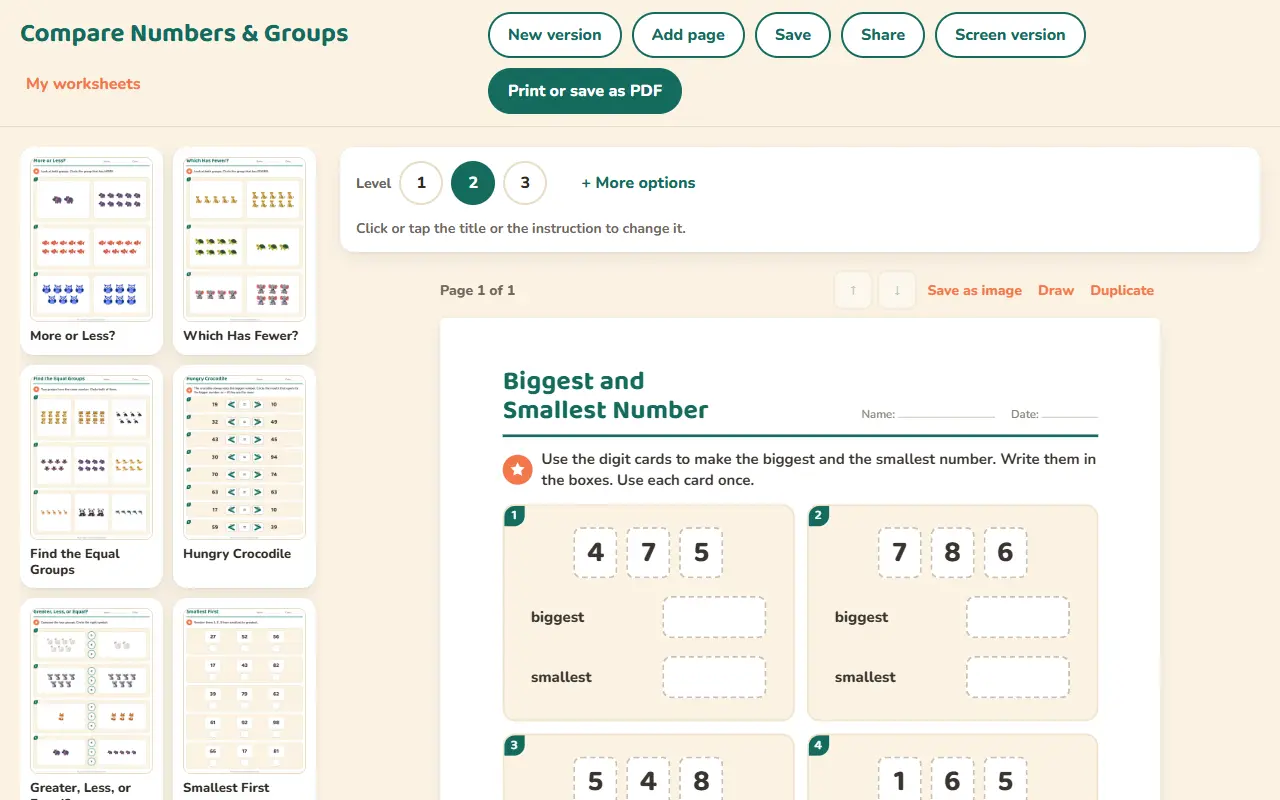
- Also on screenBiggest and Smallest NumberUse the digit cards to make the biggest and the smallest number. Write them in the boxes. Use each card once.
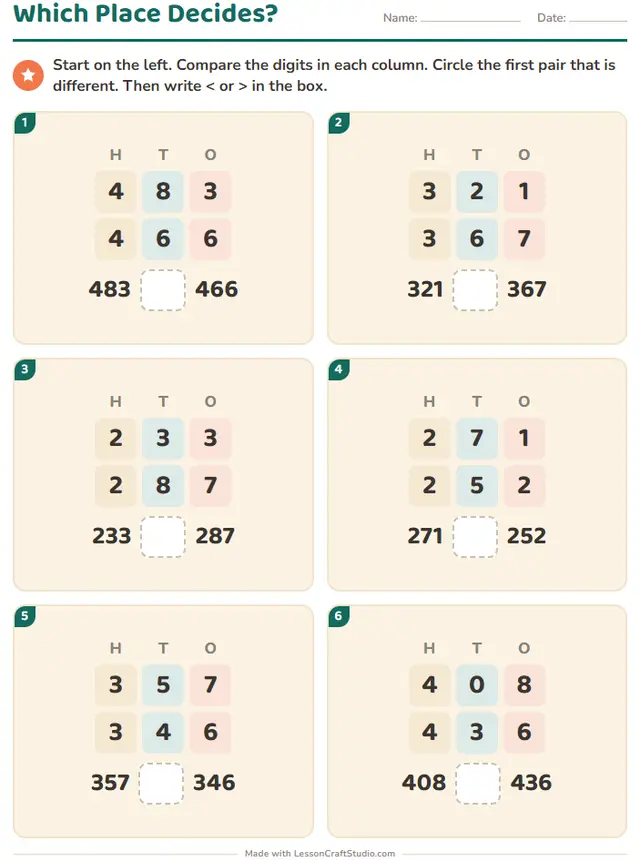 Also on screenWhich Place Decides?Start on the left. Compare the digits in each column. Circle the first pair that is different. Then write < or > in the box.
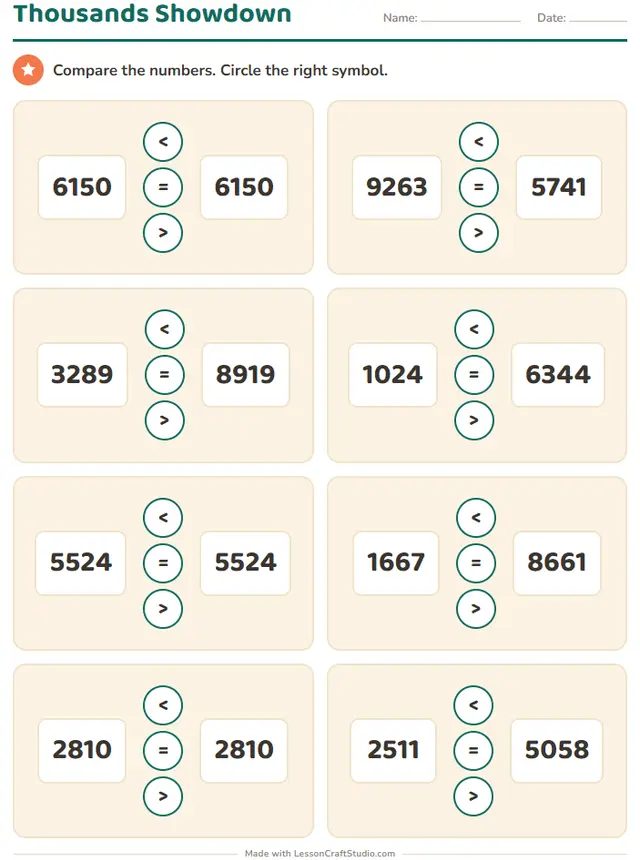
Ready to print in about a minute
- Pick a worksheetEvery worksheet in this maker is a click away, with a real sample of each.
- Make it yoursSet the level, choose a picture theme and click any picture, word or title on the page to change it.
- Print it or share itDownload the PDF with its answer key, or send children the screen version by link.
What children practice
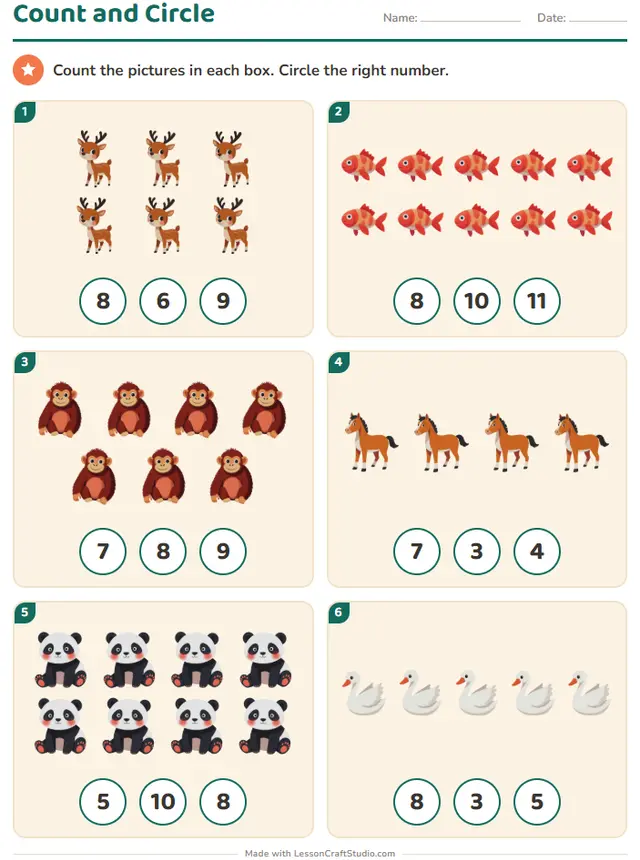
- Comparing groups of pictures
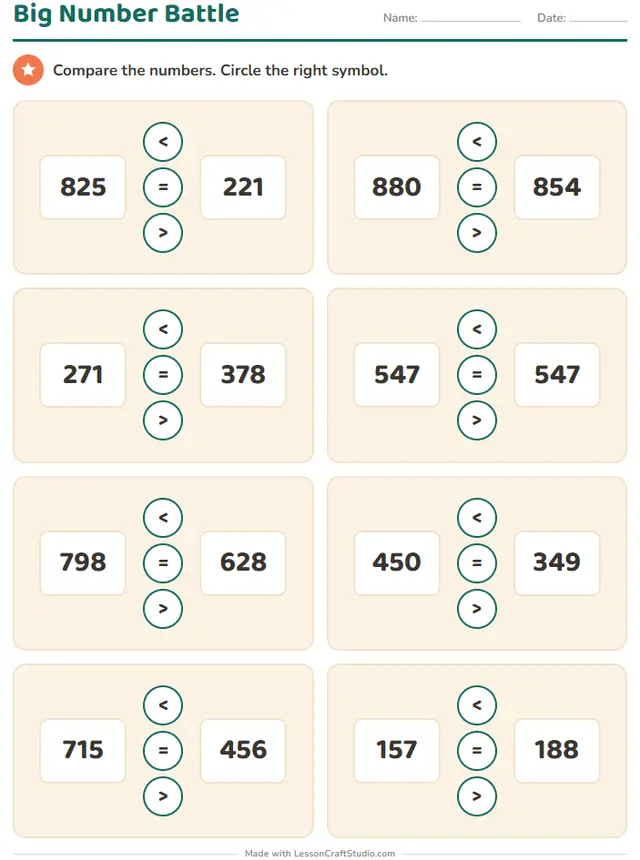
- Using the signs <, > and =
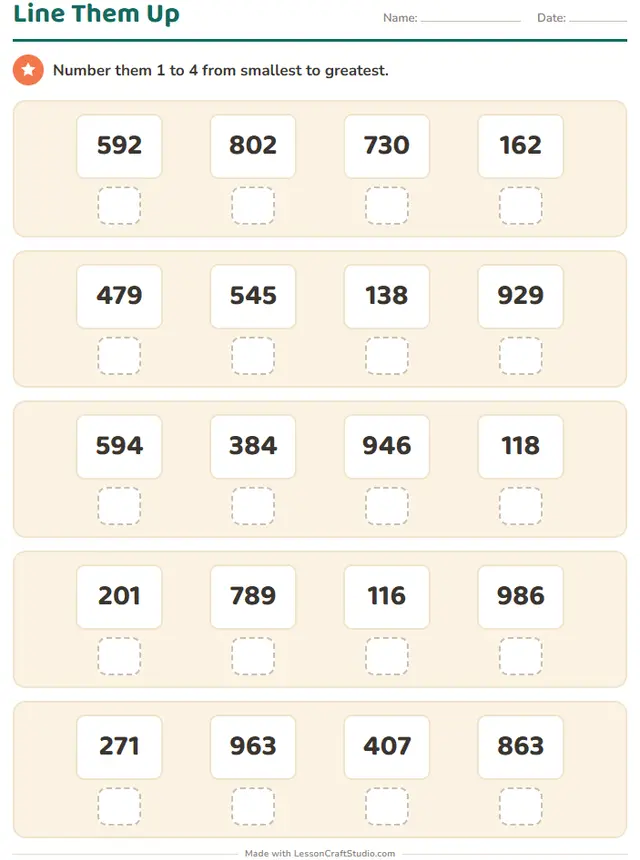
- Ordering numbers from smallest to biggest















Start with a free account
When you want to make more, one plan opens every maker and everything else on the site.
Free account
No card needed
- Make 3 new worksheets a month
- Download 3 PDFs a month
- Look at every template in every maker
Teacher plan
$69 a year, or $8.99 a month
- Make as many worksheets as you like
- Print and download without limits
- Save your worksheets and come back to them
- Share with your class by link or QR code
Questions teachers ask
Can I use this worksheet maker for free?
Yes. You can look at all 15 worksheets without an account. A free account lets you make 3 new worksheets and download 3 PDFs a month. The Teacher plan removes those limits.
Which grades is it for?
The worksheets here are made for: Kindergarten, Grade 1, Grade 2, Grade 3. Where a worksheet has levels, you can move it up or down to fit each child.
Does it make answer keys?
Yes. Every worksheet in this maker comes with an answer key.
Can children do these worksheets on a screen?
Yes. All 15 worksheets also work on screen, where children tap, drag or type and see if they are right.
Which languages can I use?
This maker works in English, Deutsch, Español, Nederlands, Italiano, Français, Português, Svenska, Dansk, Norsk, Suomi. Each language has its own words and school conventions.
Can I save my worksheets and share them?
Yes, with the Teacher plan. You keep your worksheets in your account, come back to change them, and share them with your class by link or QR code. Children need no account.