How to Draw Worksheet Maker
Make step-by-step drawing pages where every new line is shown in color. Children follow, trace, finish and then draw from memory, with word and sentence pages for writing time.
Look around without an account. With a free account, you can make 3 worksheets a month.
- Thousands of picturesChange the theme and every picture on the page changes.
- 11 languagesWritten for each language, not translated by a machine.
- Paper or screenPrint a PDF, or let children do it on a screen.
- Easy to save and shareKeep what you make and send it by link or QR code.
All 16 worksheets you can make here
Choose one to open it in the maker. Each comes in three levels where the skill allows, with new versions as often as you need.
Kindergarten
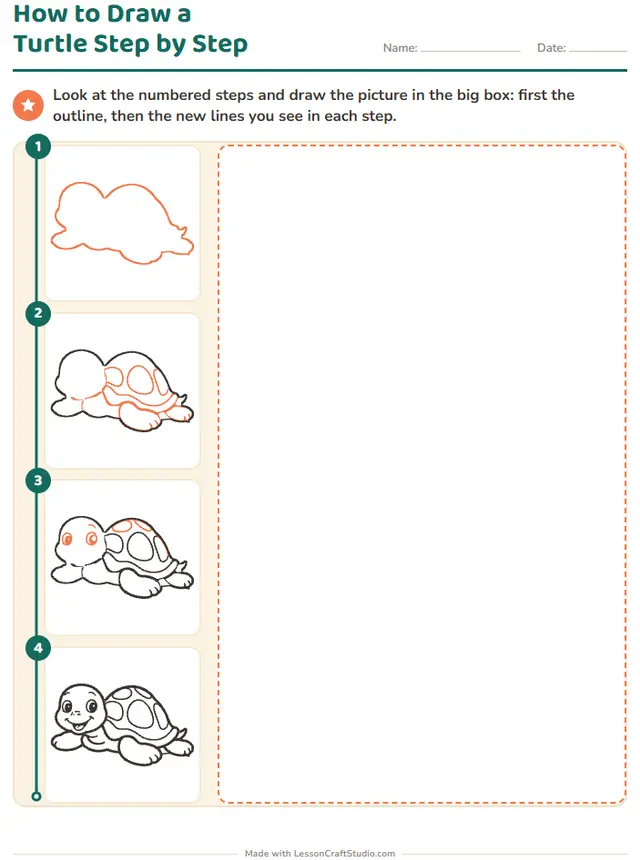 How to Draw a Turtle Step by StepLook at the numbered steps and draw the picture in the big box: first the outline, then the new lines you see in each step.
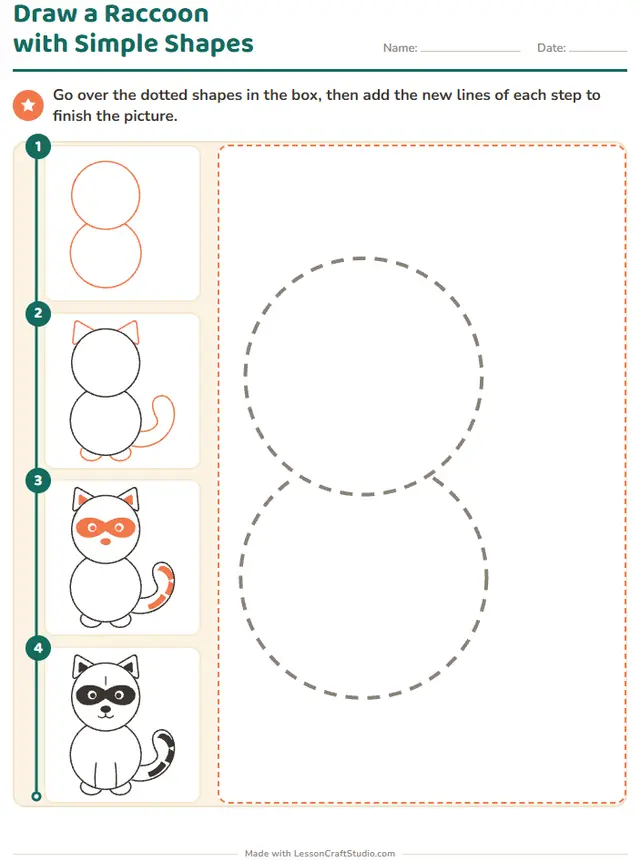 Draw a Raccoon with Simple ShapesGo over the dotted shapes in the box, then add the new lines of each step to finish the picture.
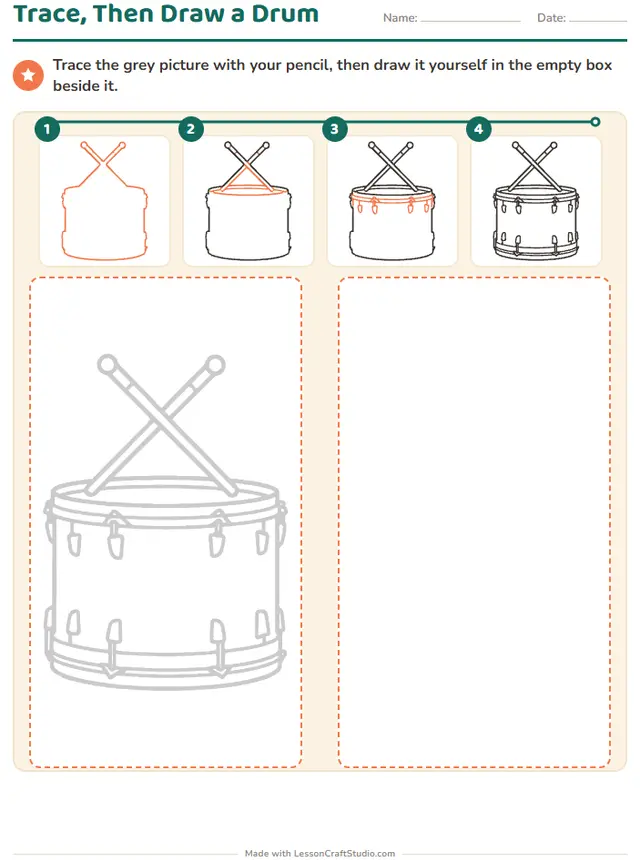
- Trace, Then Draw a DrumTrace the grey picture with your pencil, then draw it yourself in the empty box beside it.
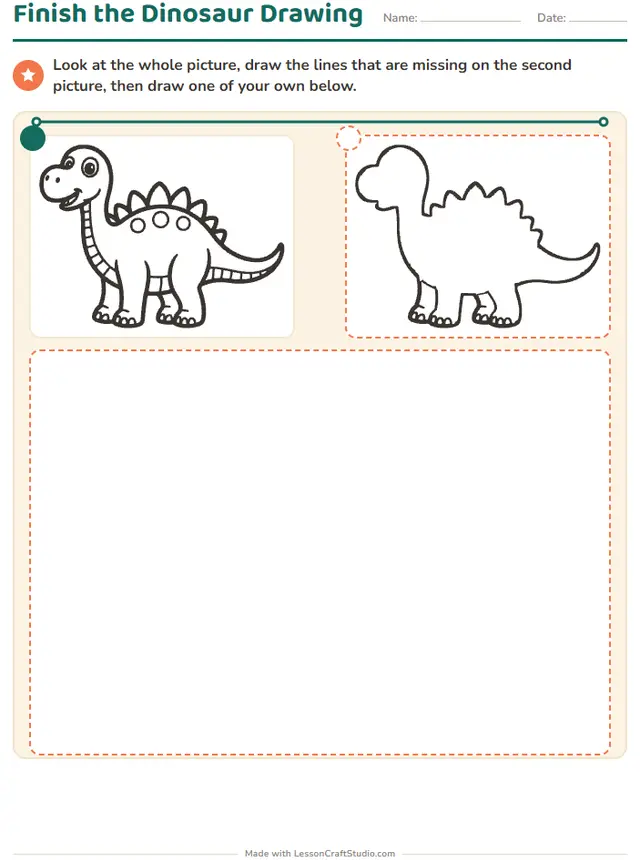 Finish the Dinosaur DrawingLook at the whole picture, draw the lines that are missing on the second picture, then draw one of your own below.
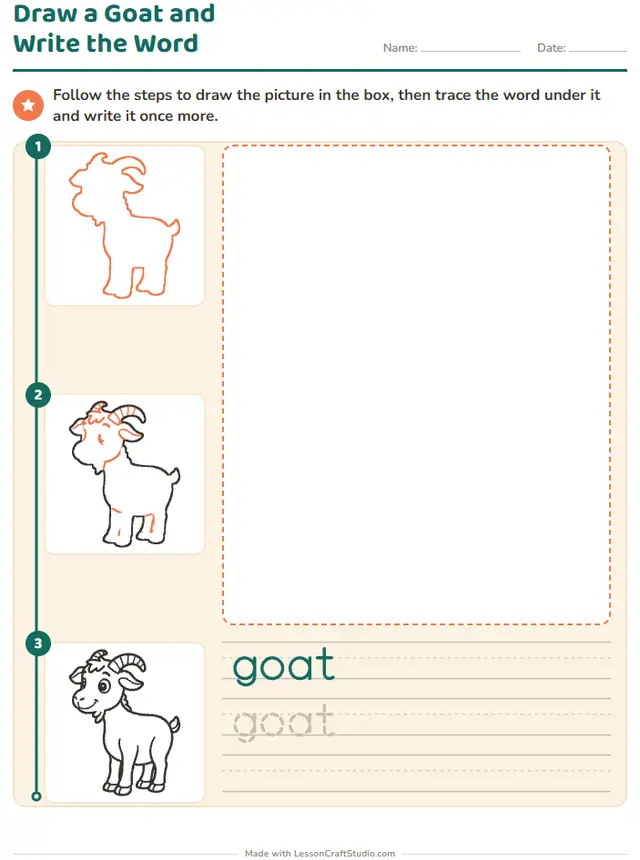 Draw a Goat and Write the WordFollow the steps to draw the picture in the box, then trace the word under it and write it once more.
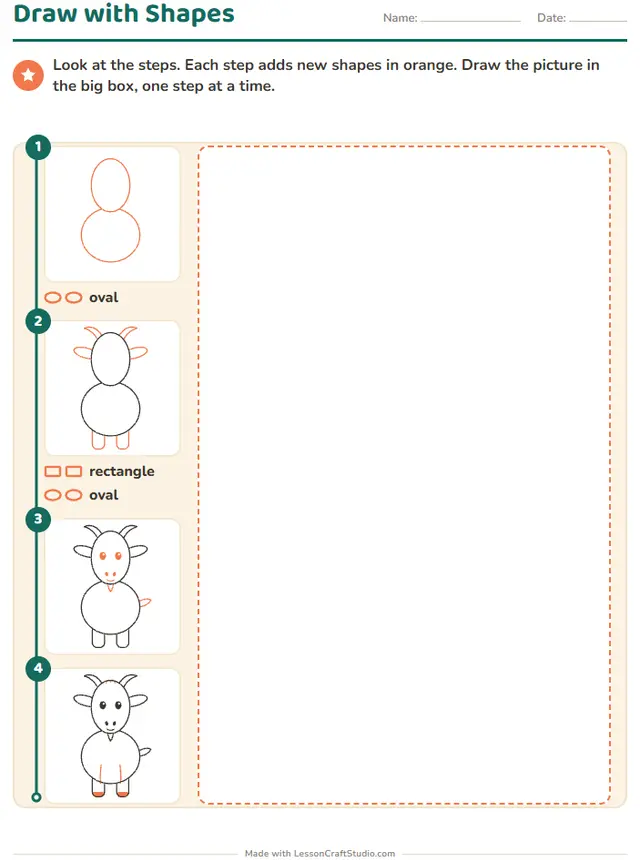 Draw with ShapesLook at the steps. Each step adds new shapes in orange. Draw the picture in the big box, one step at a time.
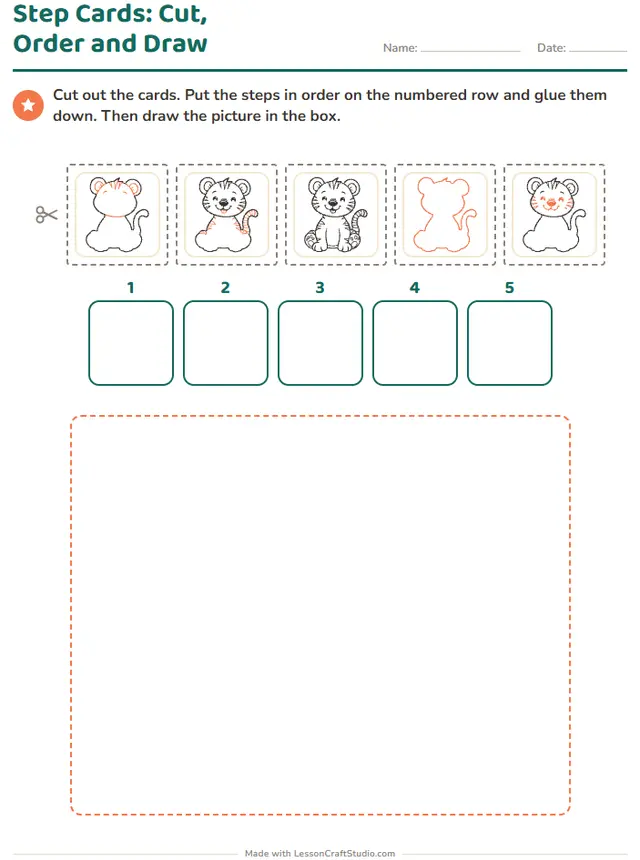 Step Cards: Cut, Order and DrawCut out the cards. Put the steps in order on the numbered row and glue them down. Then draw the picture in the box.
Grade 1
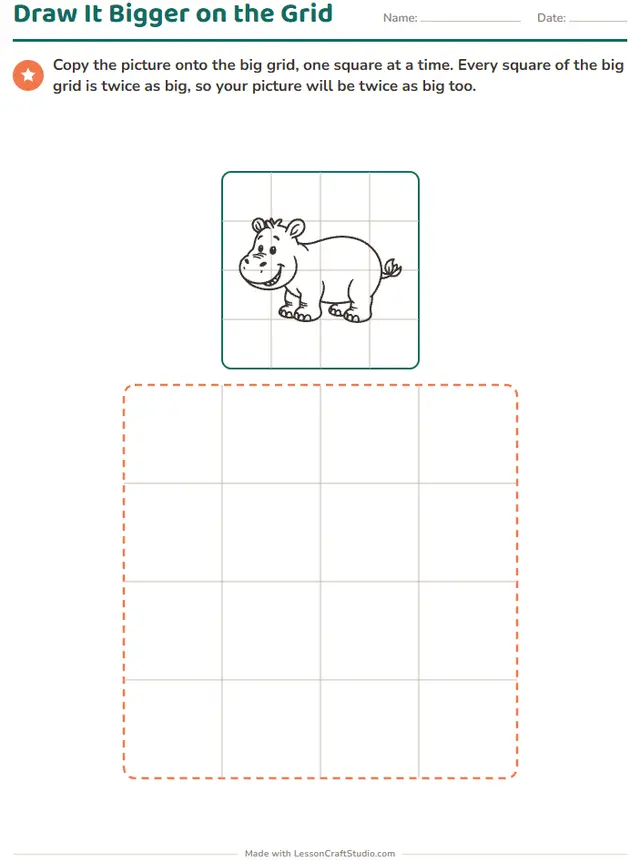 Draw It Bigger on the GridCopy the picture onto the big grid, one square at a time. Every square of the big grid is twice as big, so your picture will be twice as big too.
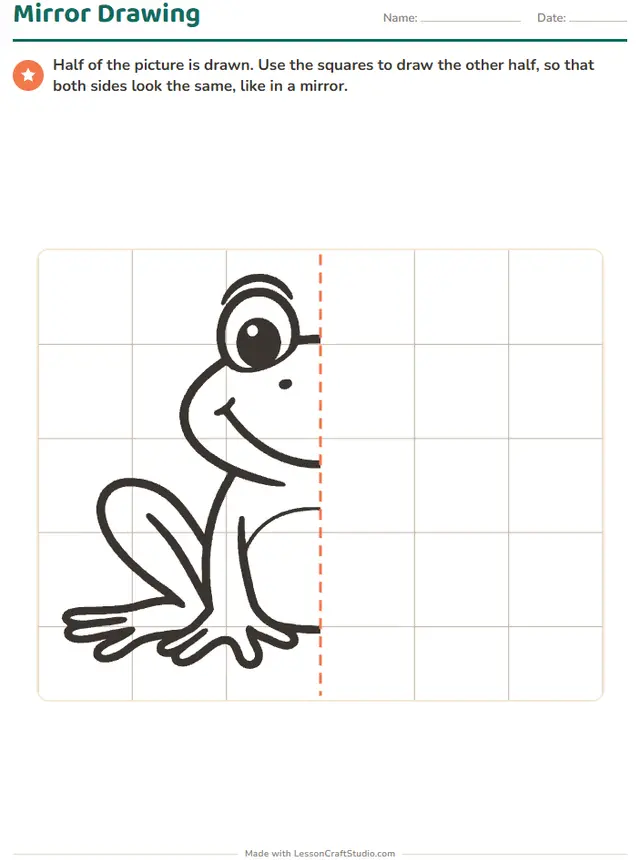 Mirror DrawingHalf of the picture is drawn. Draw the other half so that both sides look the same, like in a mirror.
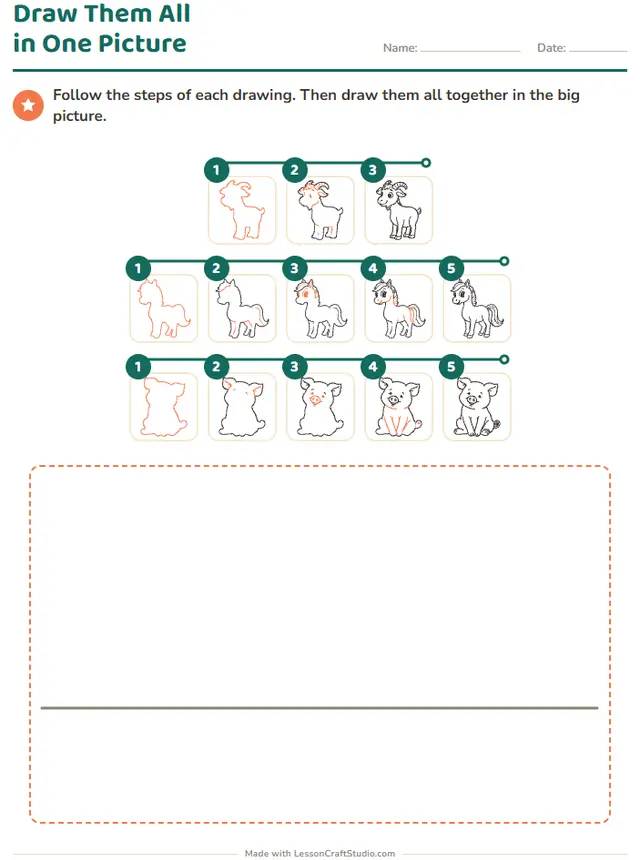 Draw Them All in One PictureFollow the steps of each drawing. Then draw them all together in the big picture.
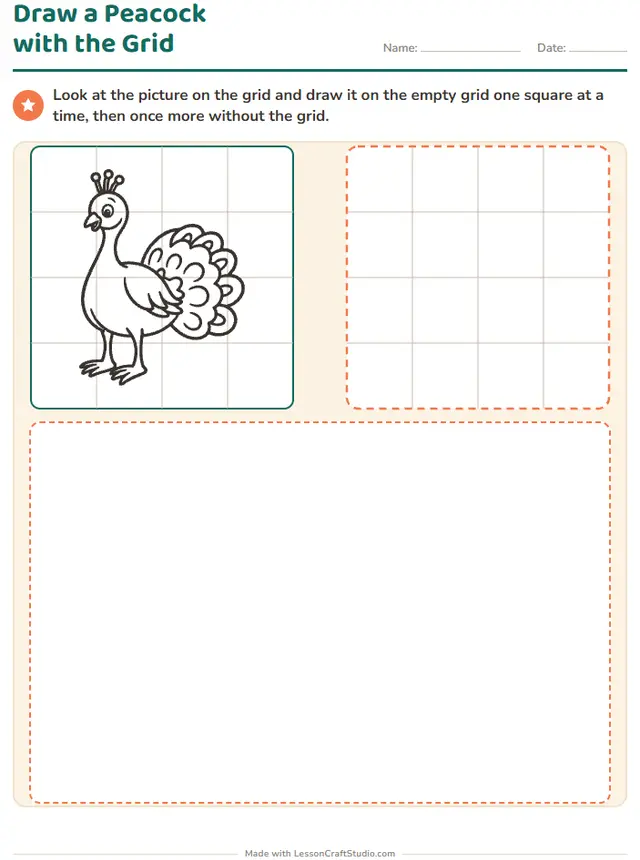 Draw a Peacock with the GridLook at the picture on the grid and draw it on the empty grid one square at a time, then once more without the grid.
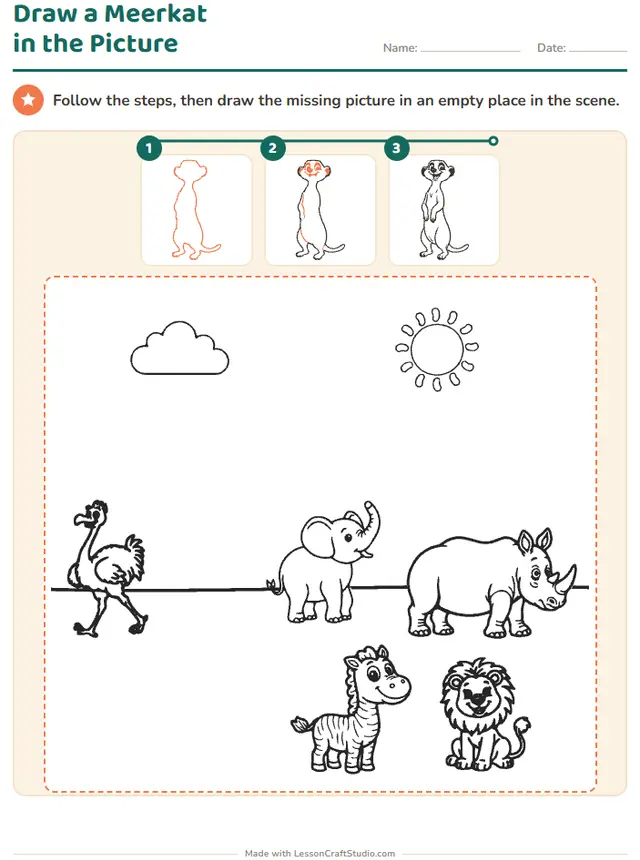
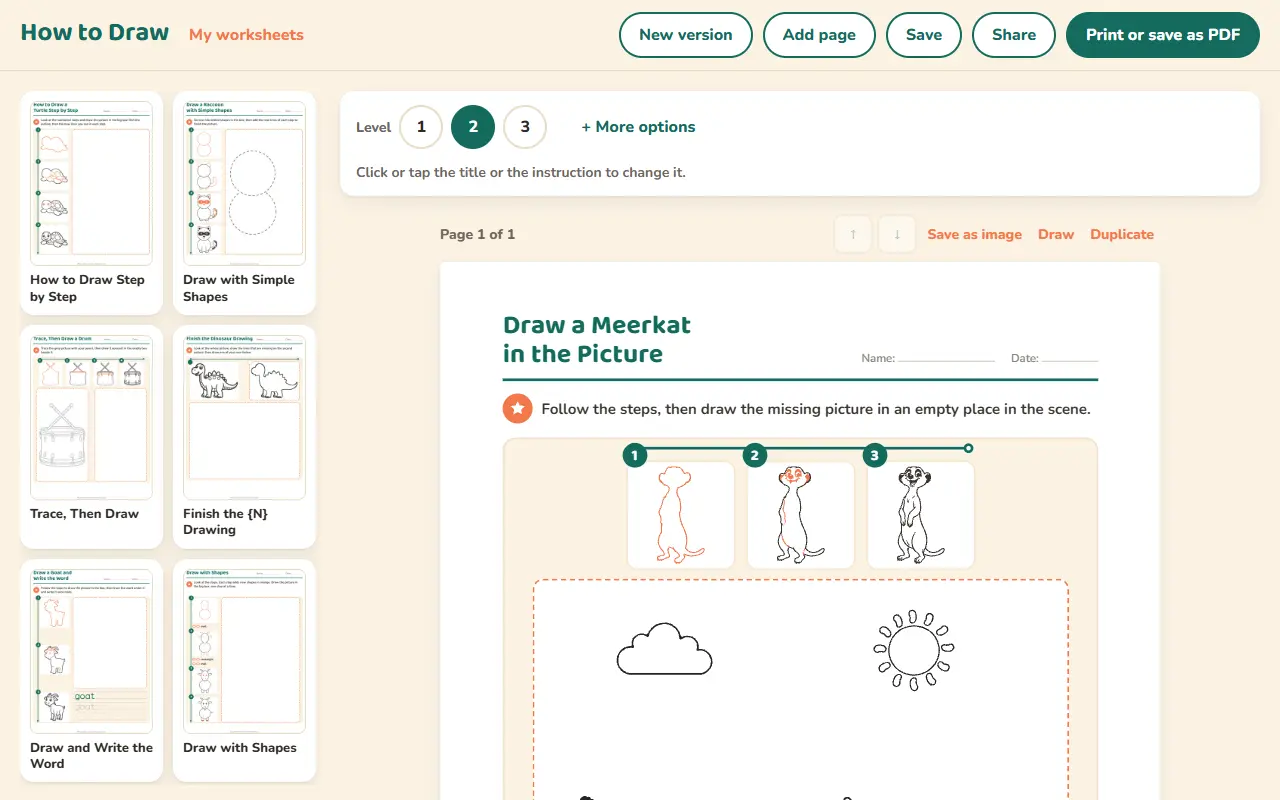
- Draw a Meerkat in the PictureFollow the steps, then draw the missing picture in an empty place in the scene.
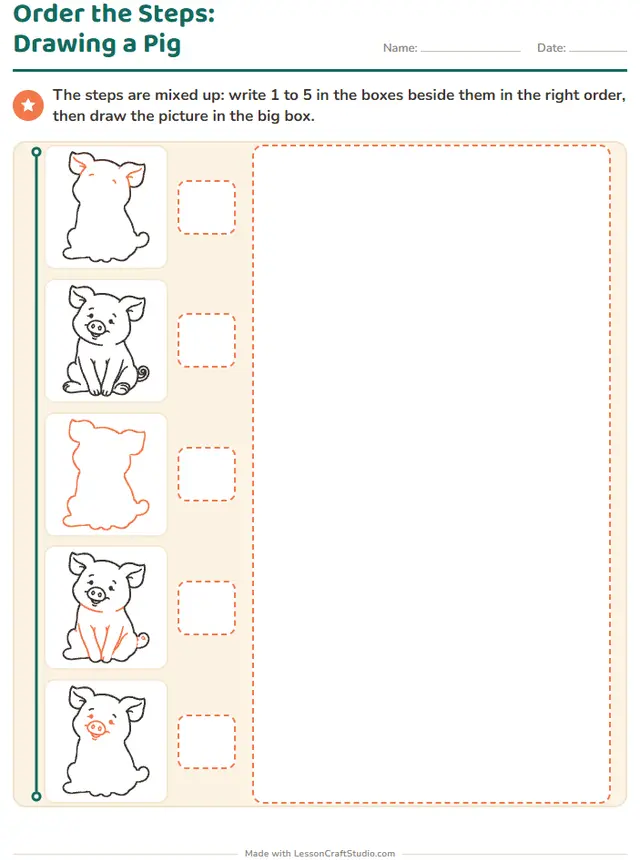 Also on screenOrder the Steps: Drawing a PigThe steps are mixed up: write 1 to 5 in the boxes beside them in the right order, then draw the picture in the big box.
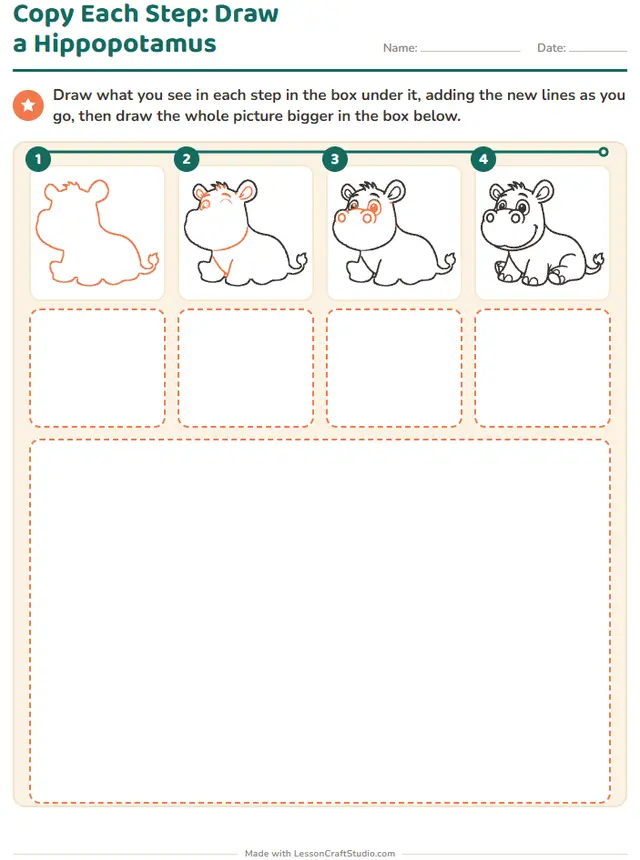
- Copy Each Step: Draw a HippopotamusDraw what you see in each step in the box under it, adding the new lines as you go, then draw the whole picture bigger in the box below.
Grade 2
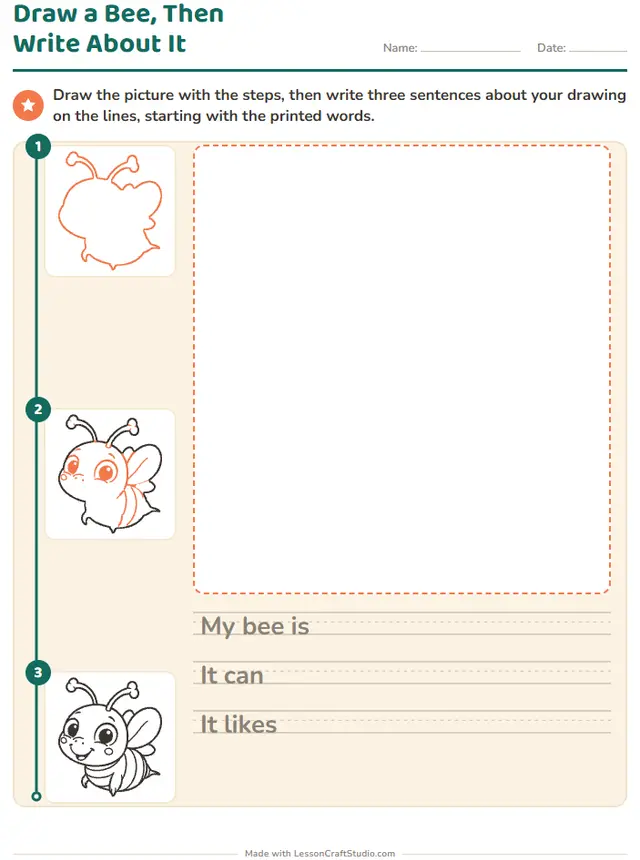 Draw a Bee, Then Write About ItDraw the picture with the steps, then write three sentences about your drawing on the lines, starting with the printed words.
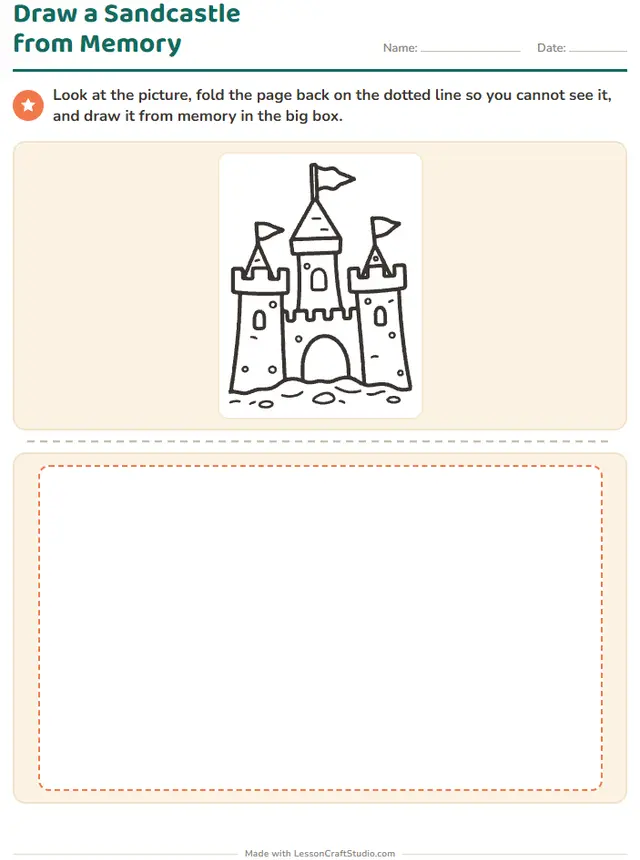 Draw a Sandcastle from MemoryLook at the picture, fold the page back on the dotted line so you cannot see it, and draw it from memory in the big box.
Ready to print in about a minute
- Pick a worksheetEvery worksheet in this maker is a click away, with a real sample of each.
- Make it yoursSet the level and click any word or title on the page to change it.
- Print it or share itDownload the PDF with its answer key, or send children the screen version by link.
What children practice
- Breaking a picture into simple shapes
- Following steps in order
- Writing about what they drew










Start with a free account
When you want to make more, one plan opens every maker and everything else on the site.
Free account
No card needed
- Make 3 new worksheets a month
- Download 3 PDFs a month
- Look at every template in every maker
Teacher plan
$69 a year, or $8.99 a month
- Make as many worksheets as you like
- Print and download without limits
- Save your worksheets and come back to them
- Share with your class by link or QR code
Questions teachers ask
Can I use this worksheet maker for free?
Yes. You can look at all 16 worksheets without an account. A free account lets you make 3 new worksheets and download 3 PDFs a month. The Teacher plan removes those limits.
Which grades is it for?
The worksheets here are made for: Kindergarten, Grade 1, Grade 2. Where a worksheet has levels, you can move it up or down to fit each child.
Does it make answer keys?
Yes. 5 of the 16 worksheets here have an answer key. The others are drawing, tracing or open tasks with no single right answer.
Can children do these worksheets on a screen?
Yes. 1 of the 16 worksheets also work on screen, where children tap, drag or type and see if they are right. They carry the mark “Also on screen” above.
Which languages can I use?
This maker works in English, Deutsch, Español, Nederlands, Italiano, Français, Português, Svenska, Dansk, Norsk, Suomi. Each language has its own words and school conventions.
Can I save my worksheets and share them?
Yes, with the Teacher plan. You keep your worksheets in your account, come back to change them, and share them with your class by link or QR code. Children need no account.