Telling Time Worksheet Maker
Create clock worksheets from o'clock and half past to five-minute times, to the minute and elapsed time. Children read clocks, draw the hands and build their own clock.
Look around without an account. With a free account, you can make 3 worksheets a month.
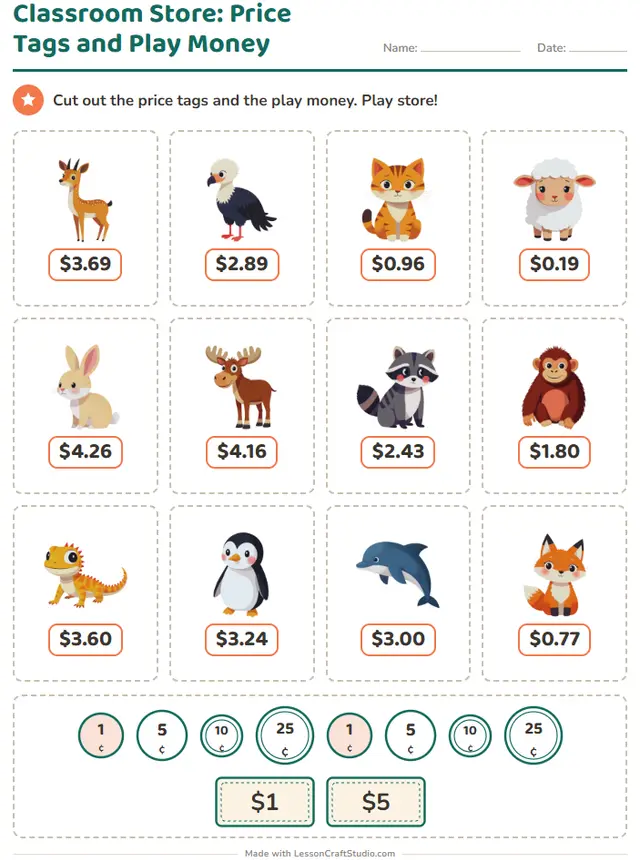
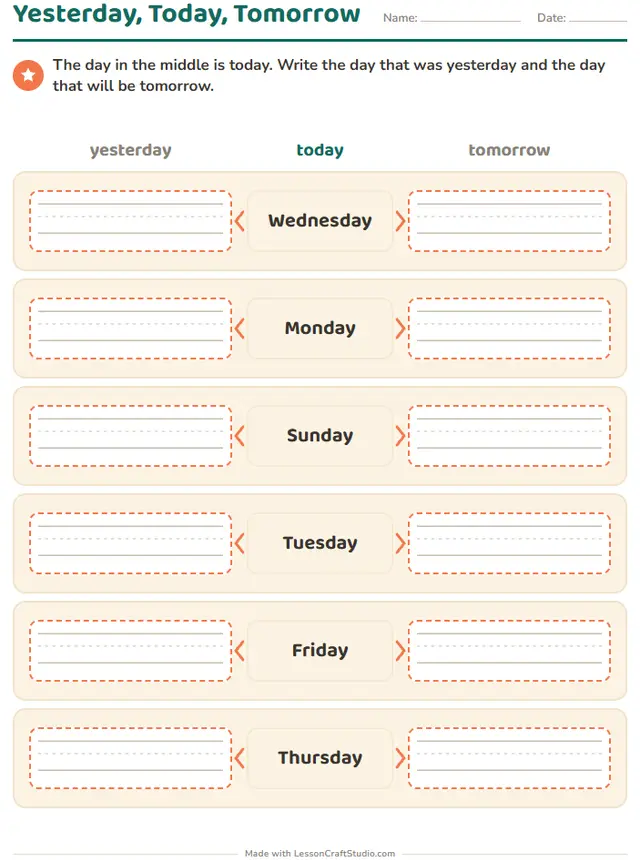
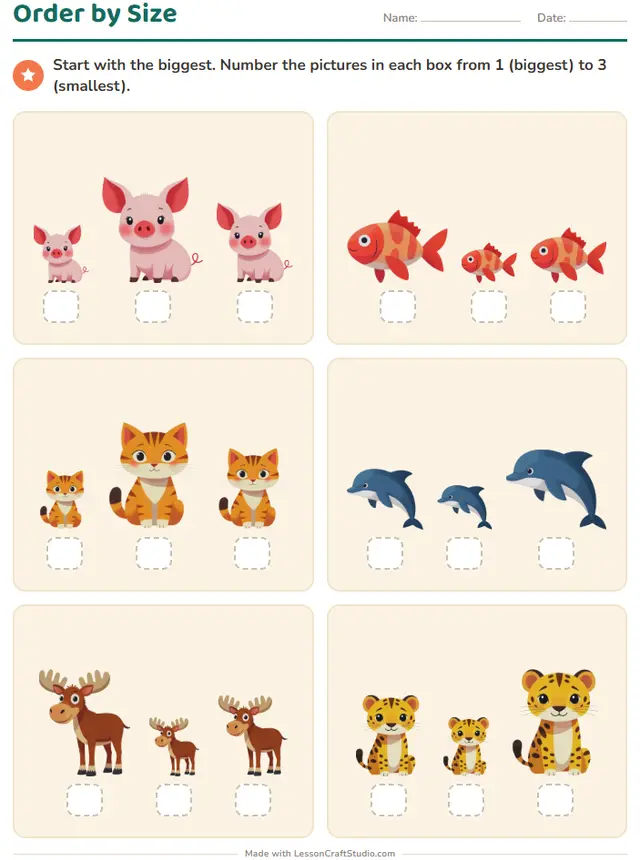
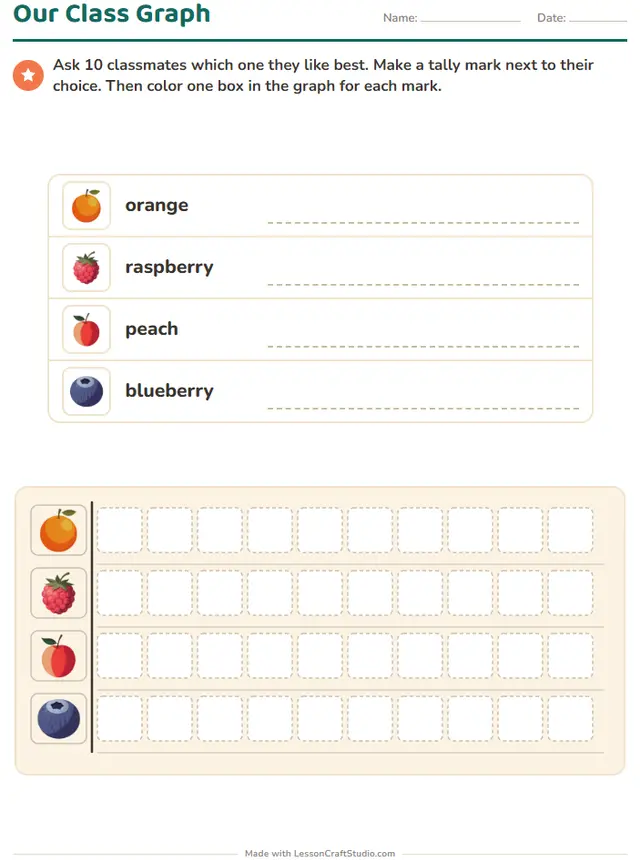
- Thousands of picturesChange the theme and every picture on the page changes.
- 11 languagesWritten for each language, not translated by a machine.
- Paper or screenPrint a PDF, or let children do it on a screen.
- Easy to save and shareKeep what you make and send it by link or QR code.
All 21 worksheets you can make here
Choose one to open it in the maker. Each comes in three levels where the skill allows, with new versions as often as you need.
Grade 1
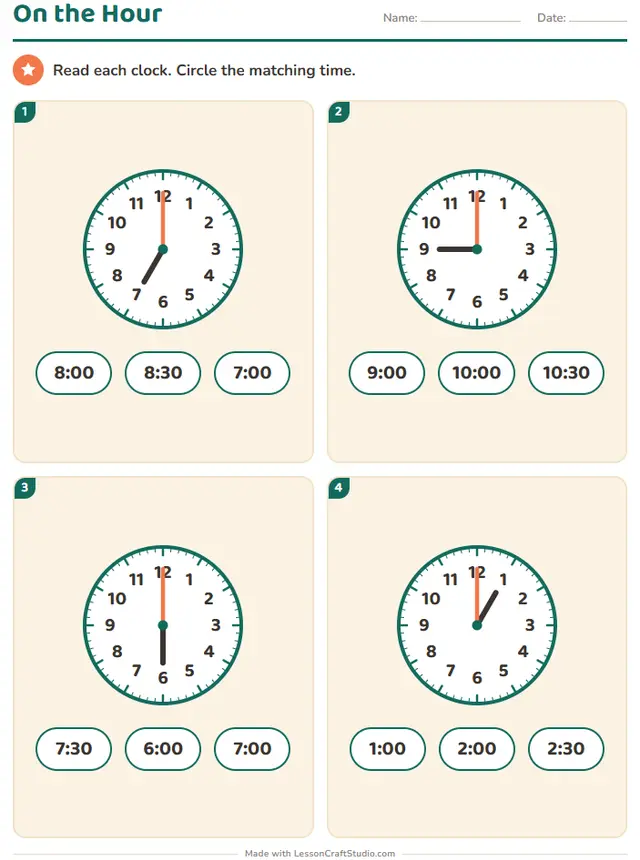 On the HourRead each clock. Circle the matching time.
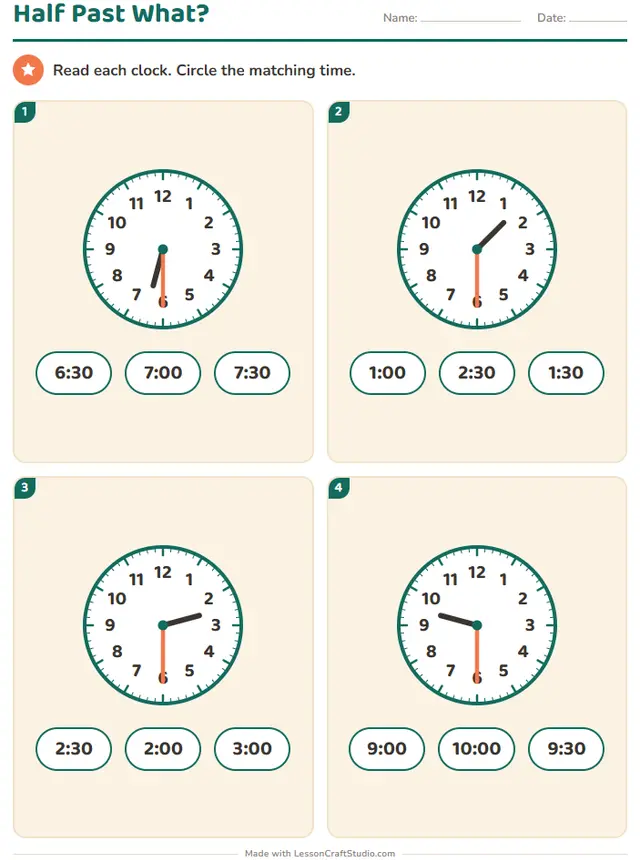 Half Past What?Read each clock. Circle the matching time.
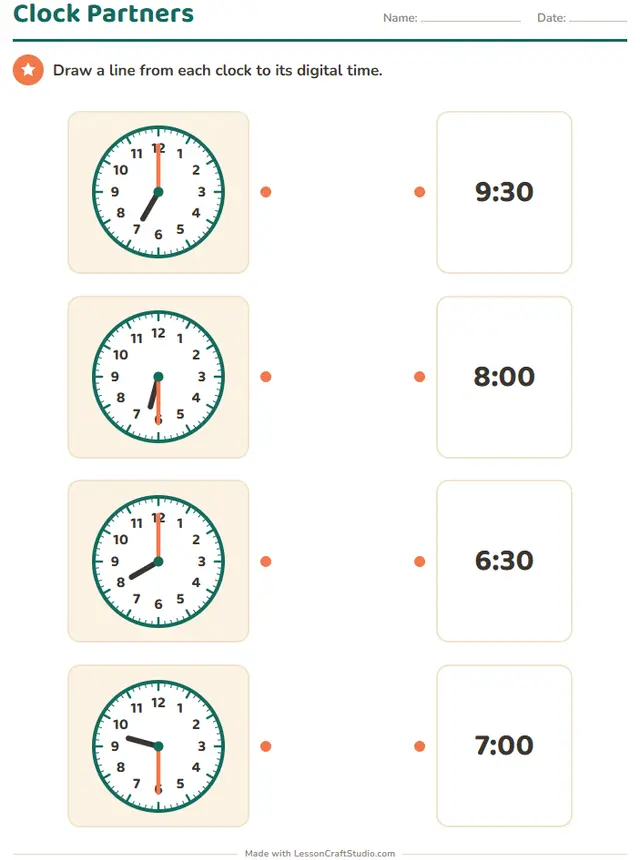 Clock PartnersDraw a line from each clock to its digital time.
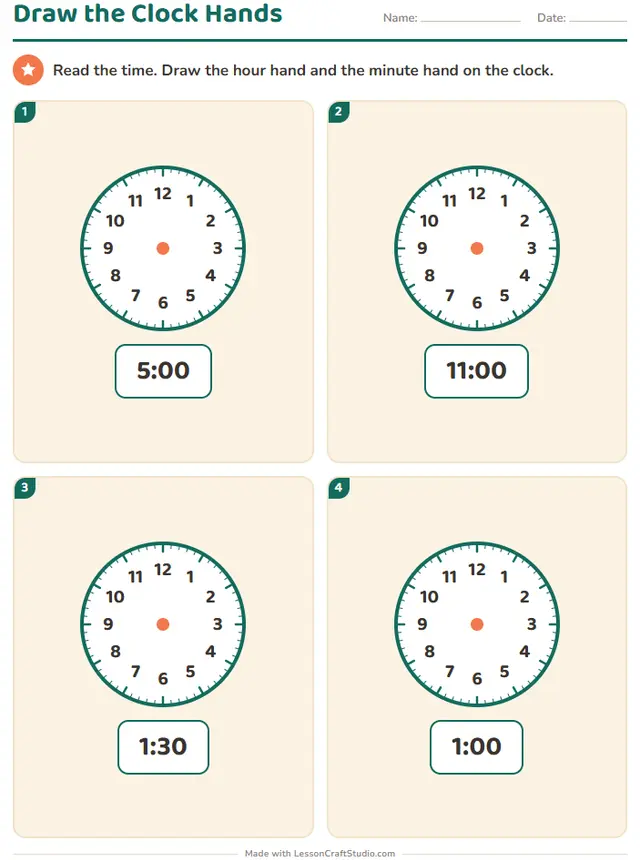 Draw the Clock HandsRead the time. Draw the hour hand and the minute hand on the clock.
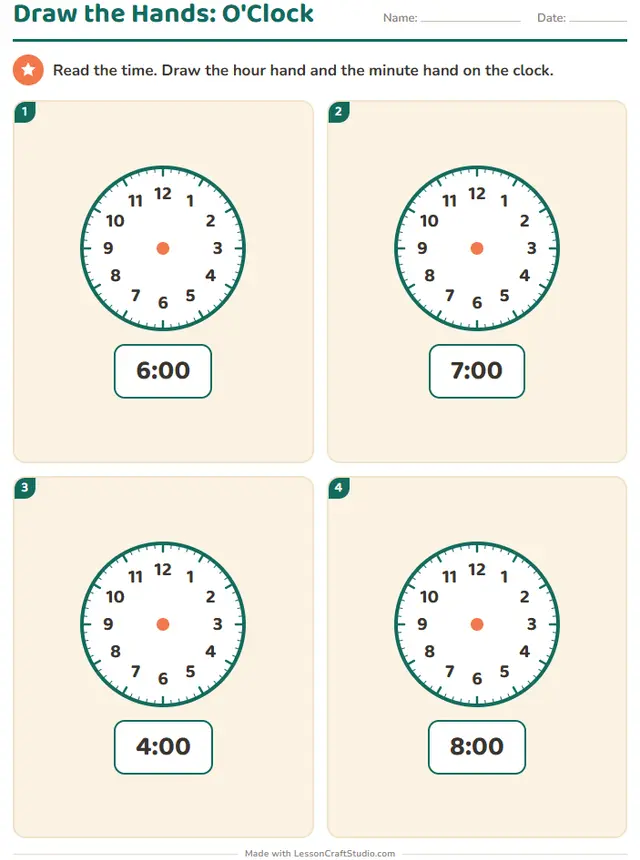 Draw the Hands: O'ClockRead the time. Draw the hour hand and the minute hand on the clock.
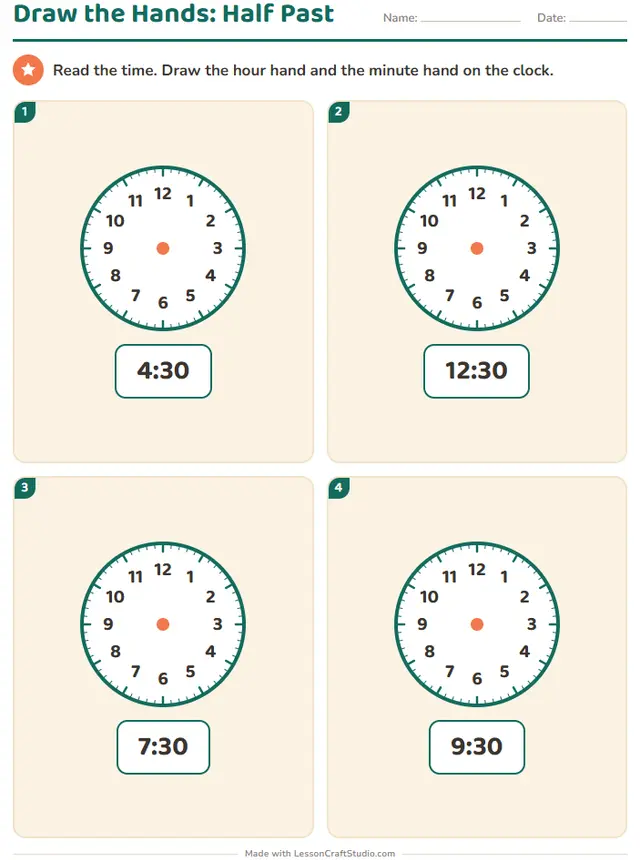 Draw the Hands: Half PastRead the time. Draw the hour hand and the minute hand on the clock.
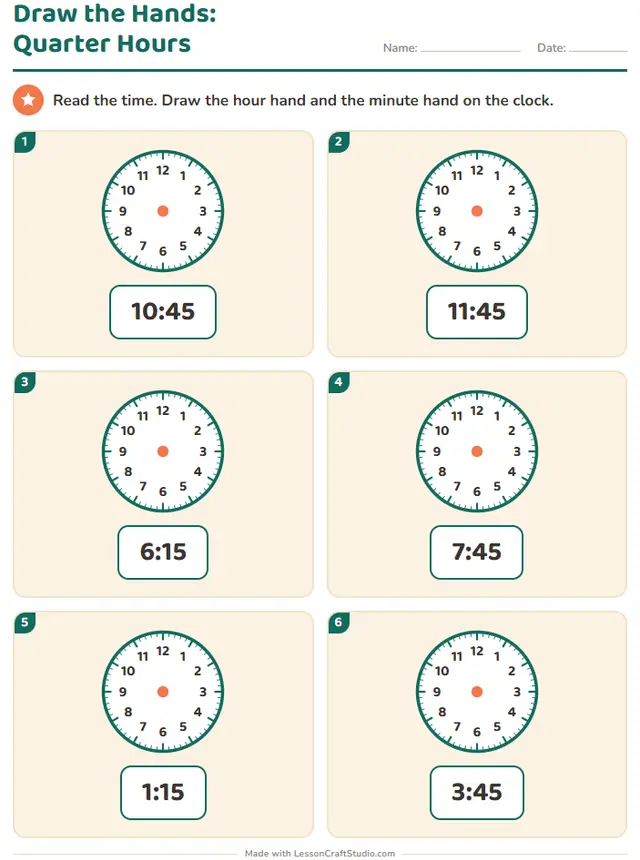 Draw the Hands: Quarter HoursRead the time. Draw the hour hand and the minute hand on the clock.
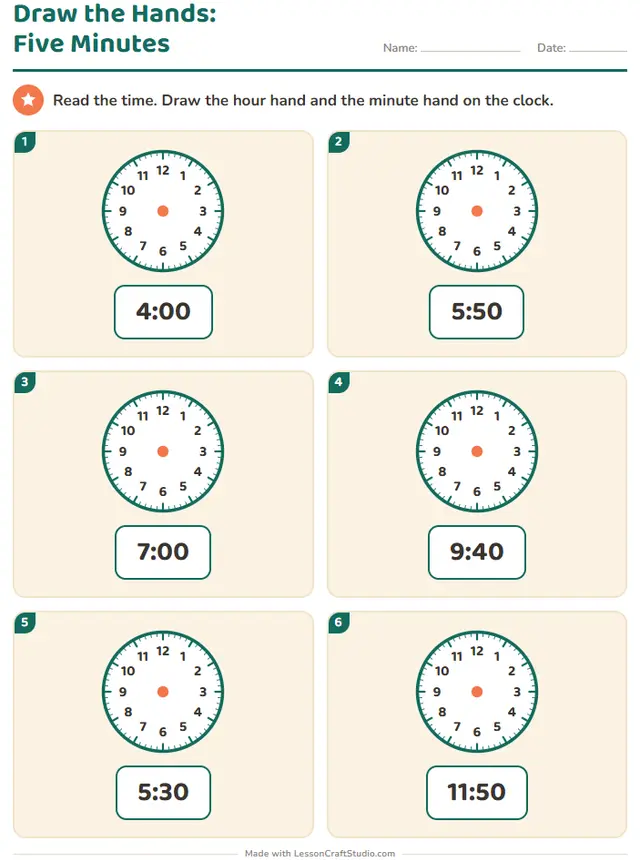 Draw the Hands: Five MinutesRead the time. Draw the hour hand and the minute hand on the clock.
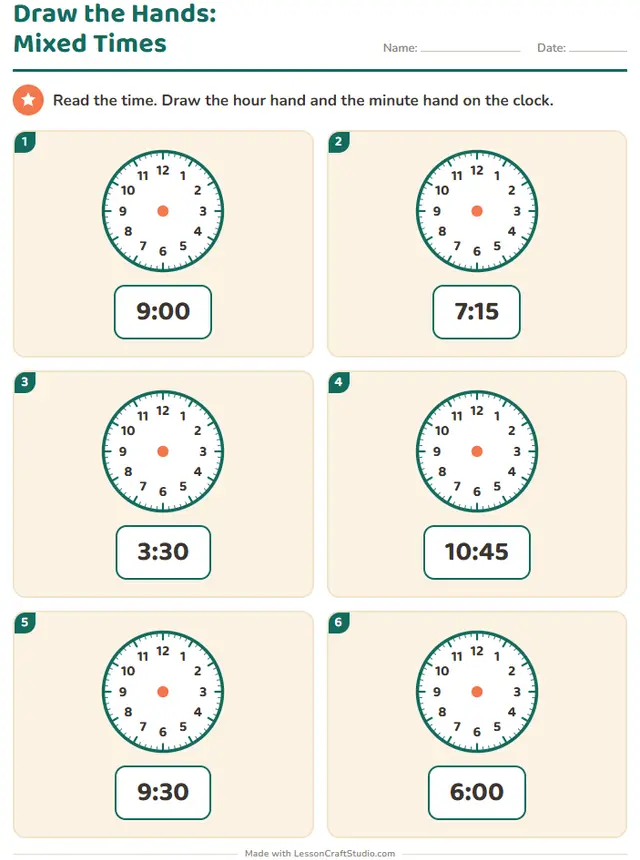 Draw the Hands: Mixed TimesRead the time. Draw the hour hand and the minute hand on the clock.
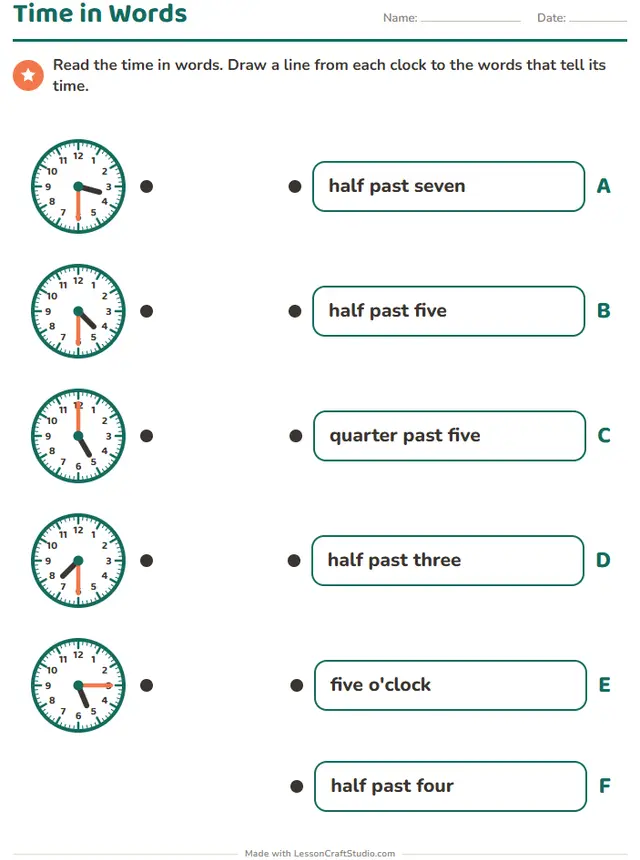 Also on screenTime in WordsRead the time in words. Draw a line from each clock to the words that tell its time.
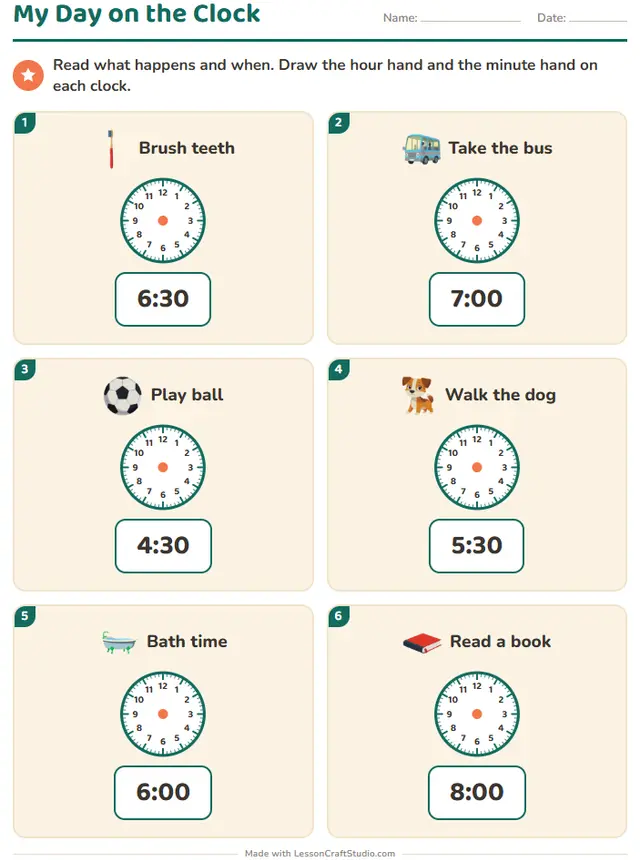
- My Day on the ClockRead what happens and when. Draw the hour hand and the minute hand on each clock.
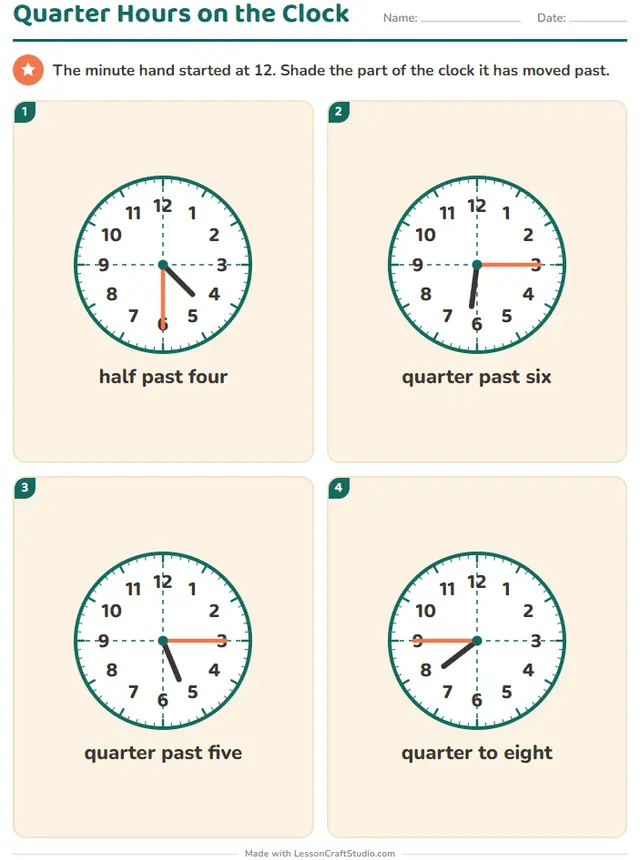 Also on screenQuarter Hours on the ClockThe minute hand started at 12. Shade the part of the clock it has moved past.
Grade 2
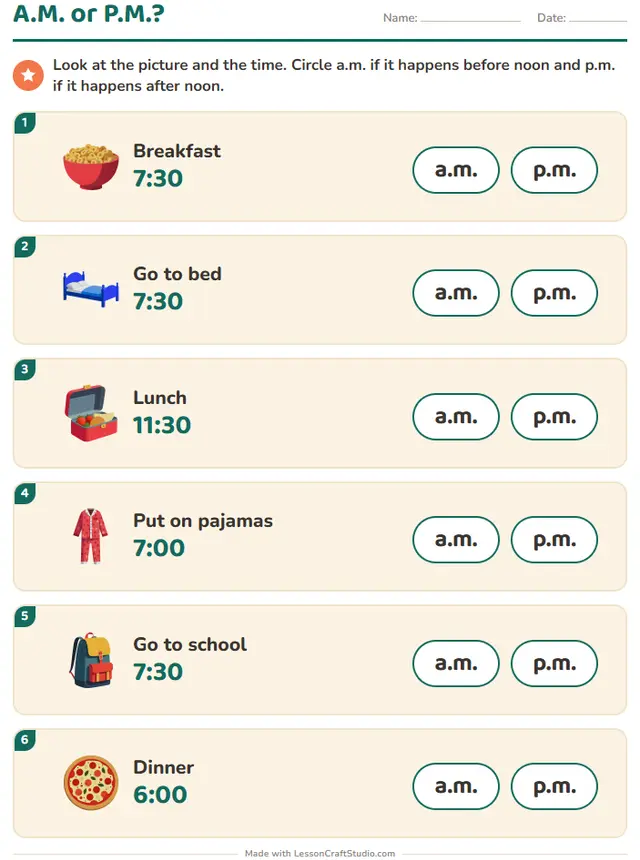
Grades 2 and 3
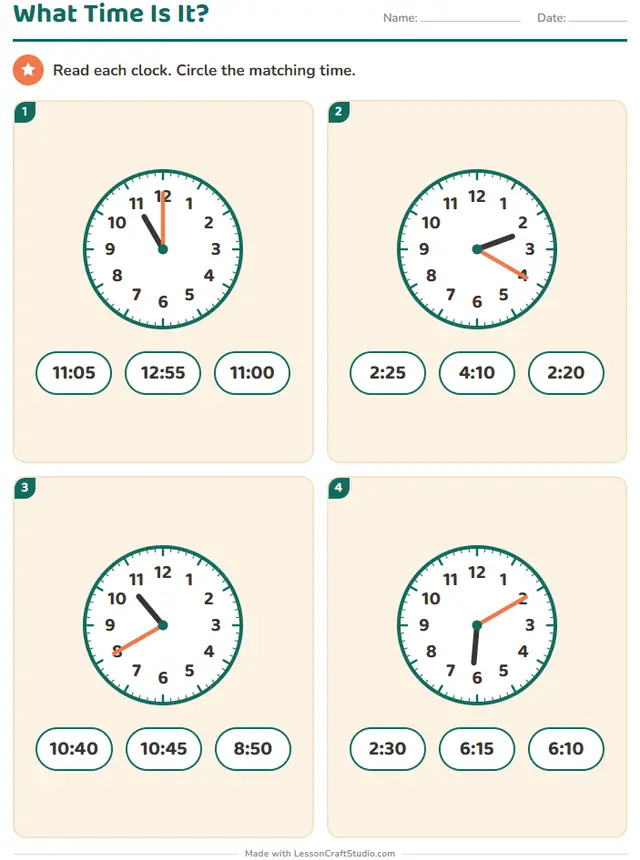
Grade 3
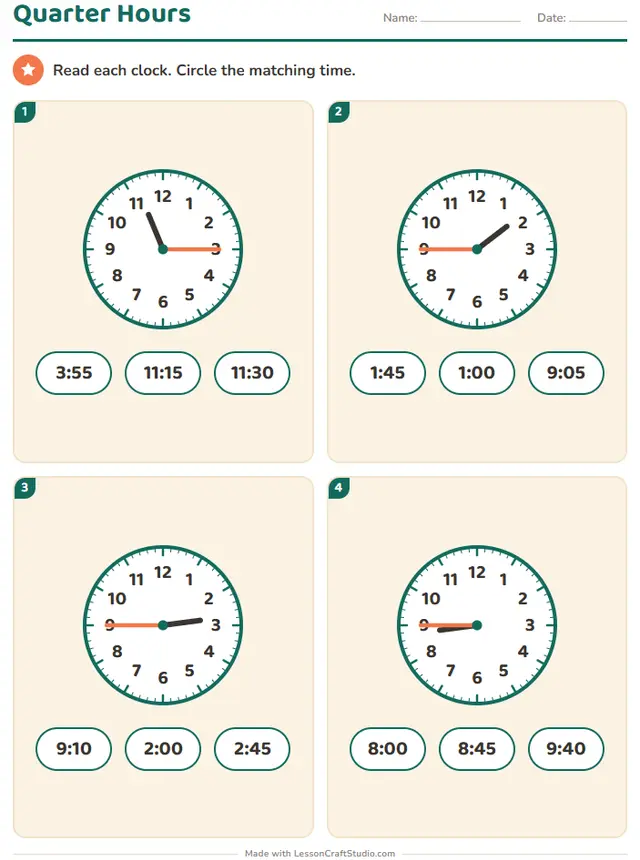
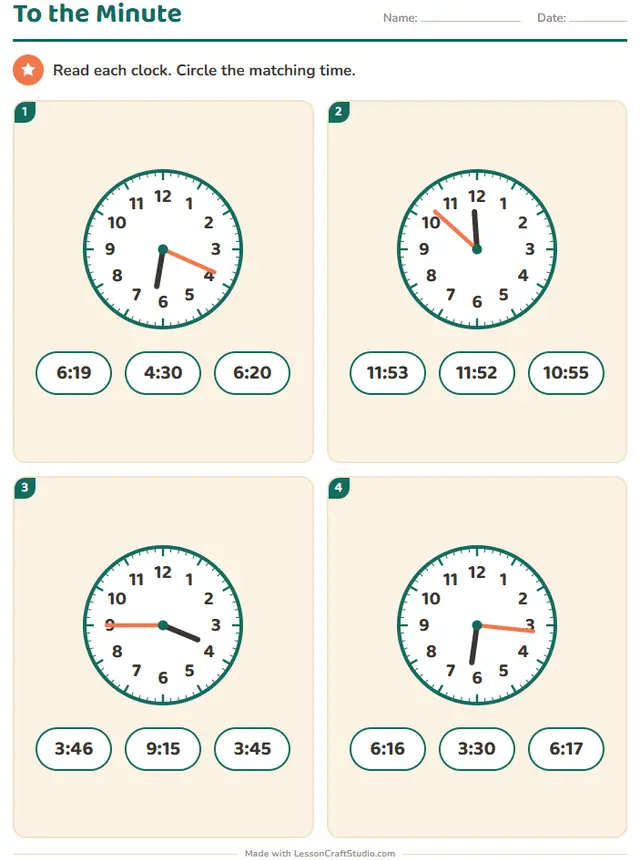 To the MinuteRead each clock. Circle the matching time.
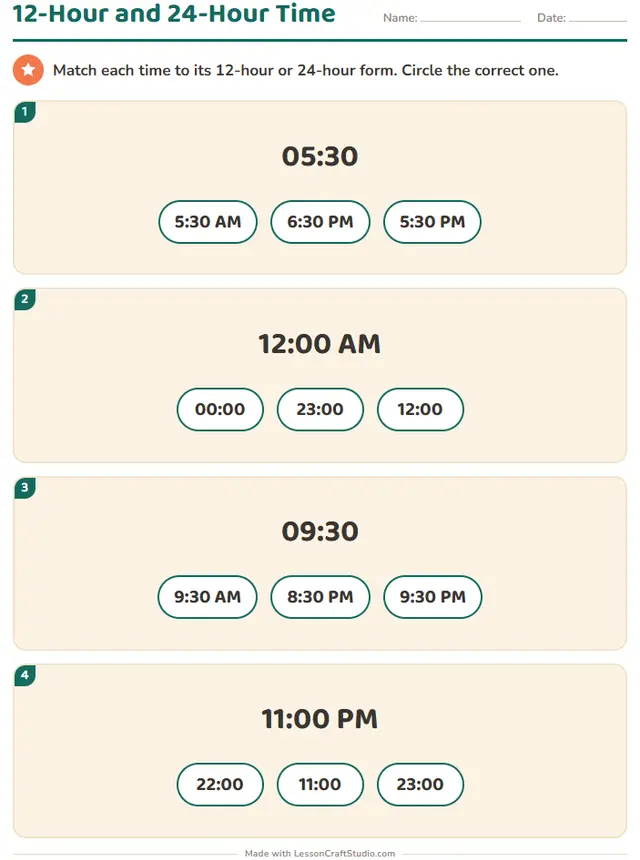 12-Hour and 24-Hour TimeMatch each time to its 12-hour or 24-hour form. Circle the correct one.
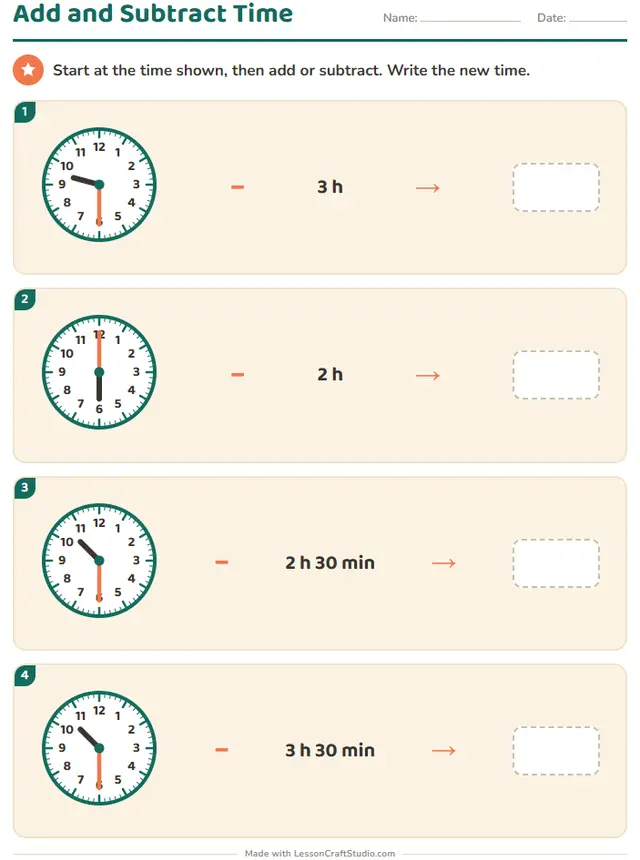 Add and Subtract TimeStart at the time shown, then add or subtract. Write the new time.
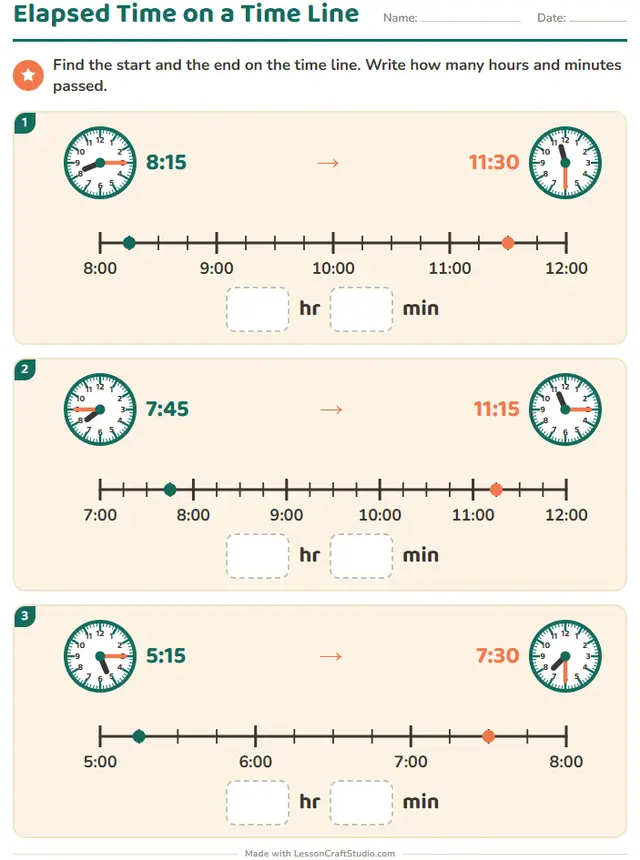
- Also on screenElapsed Time on a Time LineFind the start and the end on the time line. Write how many hours and minutes passed.
Ready to print in about a minute
- Pick a worksheetEvery worksheet in this maker is a click away, with a real sample of each.
- Make it yoursSet the level and click any word or title on the page to change it.
- Print it or share itDownload the PDF with its answer key, or send children the screen version by link.
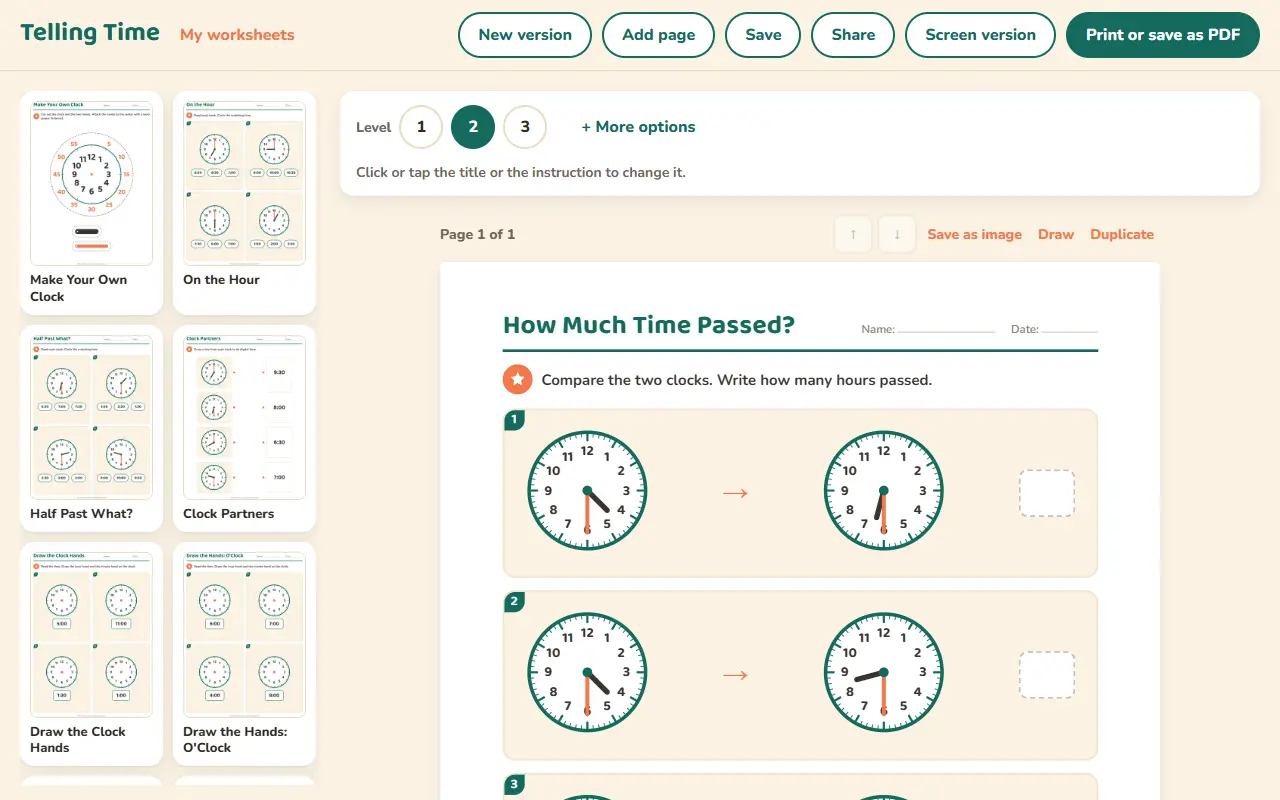
What children practice
- Reading clocks to the hour, half hour and five minutes
- Drawing clock hands for a given time
- Working out how much time has passed














Start with a free account
When you want to make more, one plan opens every maker and everything else on the site.
Free account
No card needed
- Make 3 new worksheets a month
- Download 3 PDFs a month
- Look at every template in every maker
Teacher plan
$69 a year, or $8.99 a month
- Make as many worksheets as you like
- Print and download without limits
- Save your worksheets and come back to them
- Share with your class by link or QR code
Questions teachers ask
Can I use this worksheet maker for free?
Yes. You can look at all 21 worksheets without an account. A free account lets you make 3 new worksheets and download 3 PDFs a month. The Teacher plan removes those limits.
Which grades is it for?
The worksheets here are made for: Kindergarten, Grade 1, Grade 2, Grade 3. Where a worksheet has levels, you can move it up or down to fit each child.
Does it make answer keys?
Yes. 20 of the 21 worksheets here have an answer key. The others are drawing, tracing or open tasks with no single right answer.
Can children do these worksheets on a screen?
Yes. 4 of the 21 worksheets also work on screen, where children tap, drag or type and see if they are right. They carry the mark “Also on screen” above.
Which languages can I use?
This maker works in English, Deutsch, Español, Nederlands, Italiano, Français, Português, Svenska, Dansk, Norsk, Suomi. Each language has its own words and school conventions.
Can I save my worksheets and share them?
Yes, with the Teacher plan. You keep your worksheets in your account, come back to change them, and share them with your class by link or QR code. Children need no account.