Tutorial
1
Understanding KDP Coloring Book Requirements
Before generating coloring pages, understand the specific requirements KDP imposes on coloring books and how they differ from other book types.
Interior type: Coloring books should use "black and white" interior on KDP. Even though coloring is about adding color, the printed pages are line art -- black outlines on white paper. Choosing color interior increases printing costs significantly with no benefit for outline-format pages.
Paper type: KDP offers white paper and cream paper. White paper is standard for coloring books because it provides the best contrast with black outlines and the cleanest surface for colored pencils or markers. Cream paper absorbs color differently and is better suited for text books.
Bleed vs no bleed: If your coloring page designs extend to the edge of the page, select "bleed" and ensure your designs extend 0.125 inches beyond the trim on all three outer edges. If your designs have white borders around them (the more common approach for coloring books), select "no bleed" for simpler formatting.
Single-sided printing: This is critical. Coloring books should be formatted with coloring pages on right-hand (recto) pages and blank pages on left-hand (verso) pages. This prevents bleed-through from markers and keeps completed pages clean. In your manuscript, insert a blank page between each coloring page.
Page count: KDP requires a minimum of 24 pages. A standard coloring book contains 30 to 60 coloring pages, which translates to 60 to 120 total pages (with blank back pages). More pages increase printing cost, so balance page count against your price point.
Trim size: 8.5 x 11 inches is the most popular for coloring books. It provides a large coloring area that accommodates detailed designs. The 8 x 10 size is a close alternative with slightly lower printing costs.
2
Generating Coloring Pages with the LCS Tools
The LessonCraftStudio platform includes two tools for creating coloring book content: the Coloring page generator and the Draw & Color generator.
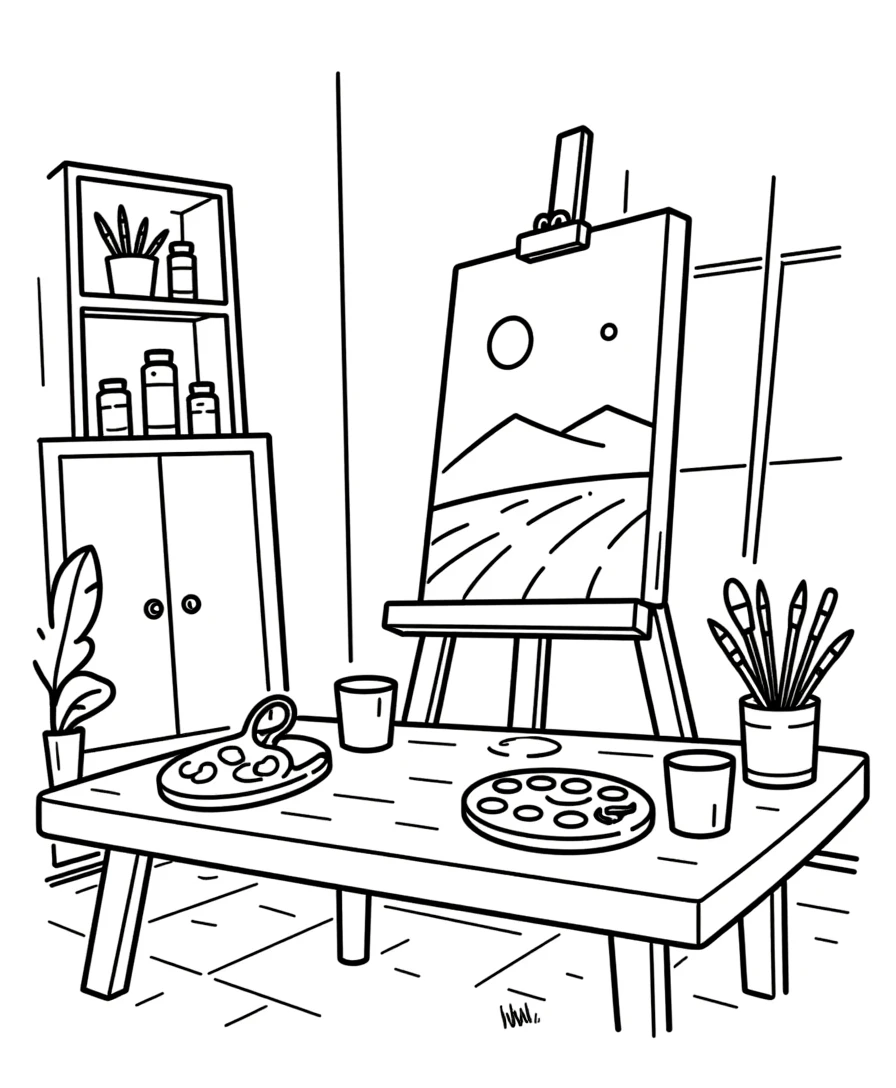
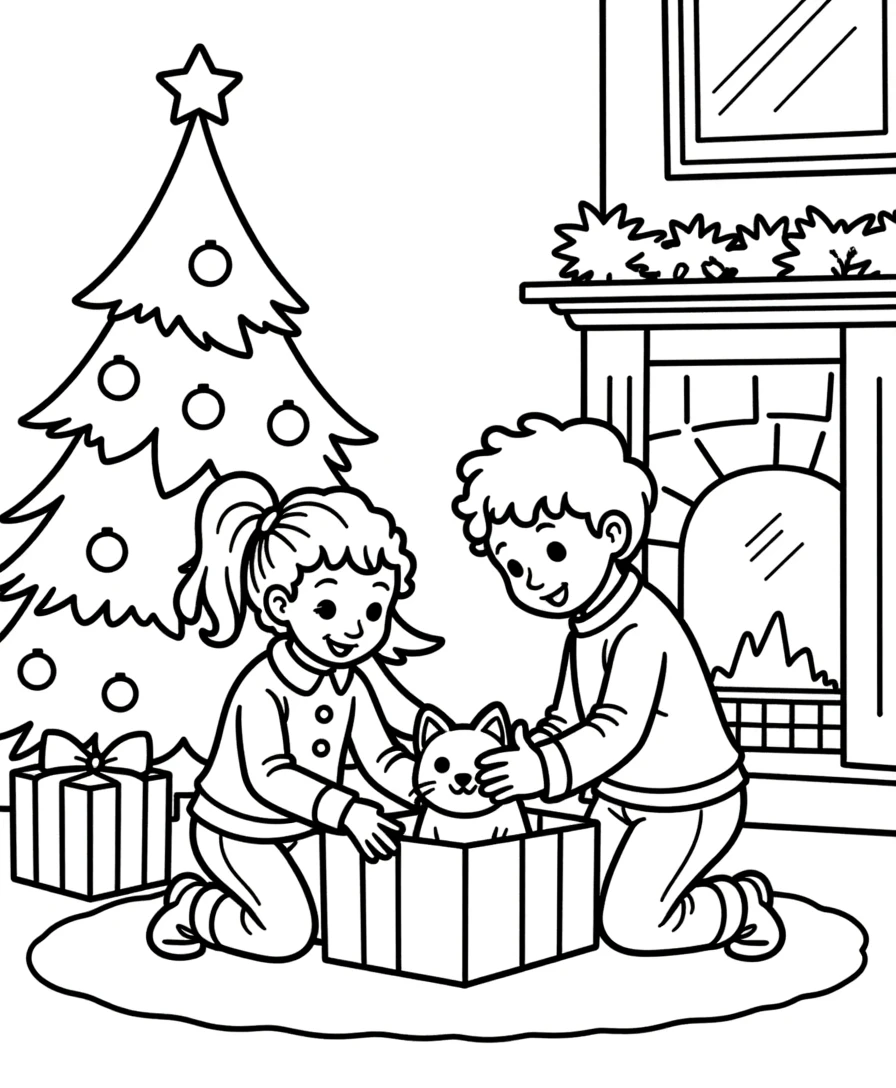
Coloring Page Generator: Converts themed images from the library into outline-format coloring pages. The generator strips colors from the source images and produces clean black-line outlines suitable for printing and coloring.
Step 1 -- Select language (affects text labels if any). Step 2 -- Choose theme from the 104 collections. Step 3 -- The generator displays available images from that theme. Step 4 -- Select images for your coloring pages. Step 5 -- Generate the outline version. Step 6 -- Preview and export as 300 DPI PDF.
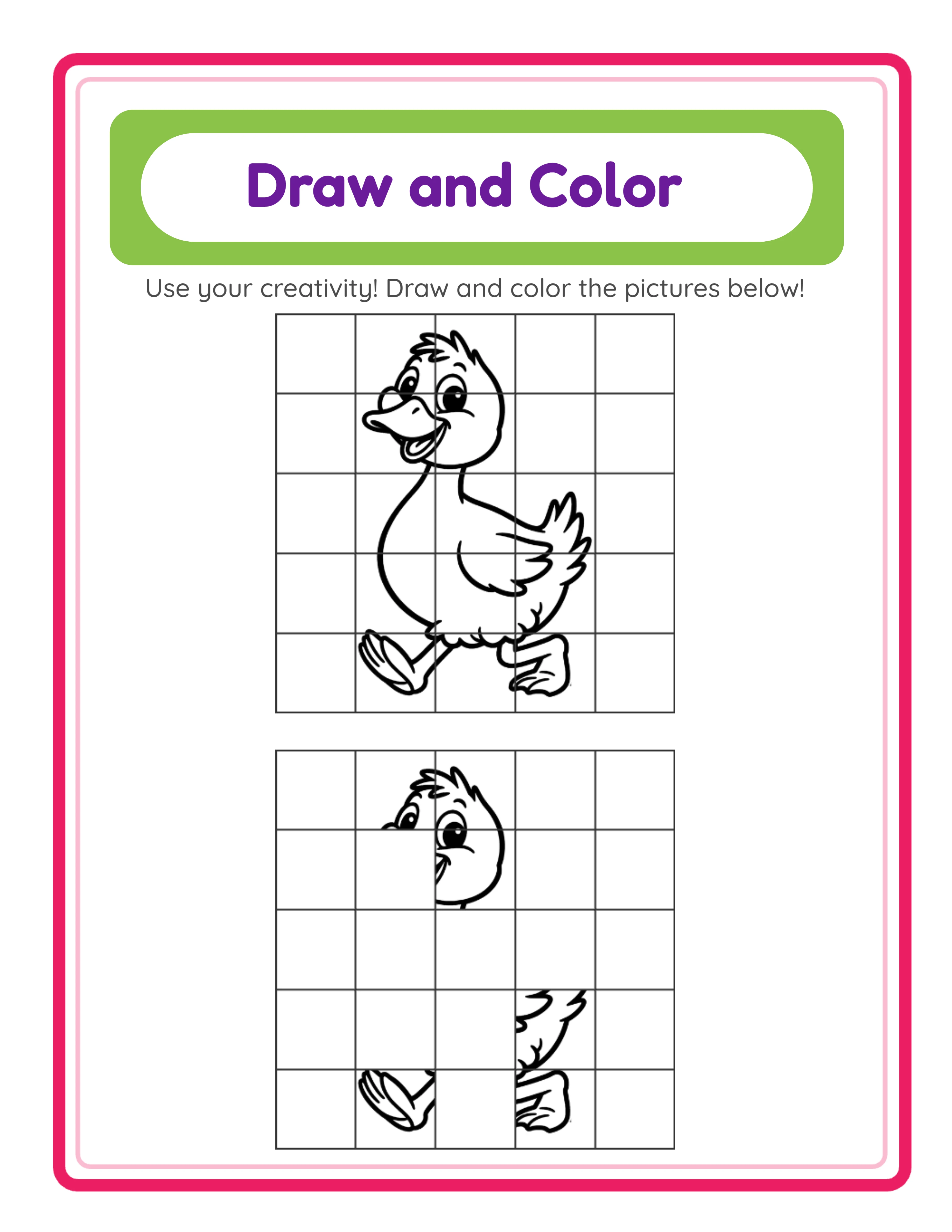
Draw & Color Generator: Creates split-page activities where one half shows the complete image and the other half provides a dotted outline for tracing. This format is especially popular for children's coloring books ages 3 to 6 because it combines drawing practice with coloring.
Step 1 -- Select theme and images. Step 2 -- The generator creates the split-page layout with reference image and tracing outline. Step 3 -- Export as PDF.
For a pure coloring book, use the Coloring generator. For an activity-focused coloring book that includes drawing practice, use Draw & Color. You can also combine both formats in a single book for variety.
Generation tips:
- Generate pages in themed batches (all animals, then all food, etc.)
- Preview each page before exporting to ensure outline quality and clarity
- Export at the highest available quality for crisp print output
- Name files systematically for easy manuscript compilation later
A 40-page coloring book takes approximately 2 hours to generate and export.
3
Building Themed Collections That Sell
Theme selection is the single most important strategic decision for coloring books. The right theme targets a specific buyer with specific search intent.
Children's coloring book themes (ages 2-8):
- Animals: The top-selling children's coloring book theme. Sub-categories include farm animals, ocean creatures, jungle animals, dinosaurs, and pets. Each is a separate product.
- Vehicles: Cars, trucks, planes, trains, construction equipment. Especially popular with boys ages 3-6.
- Food: Fruits, vegetables, desserts, meals. Appeals to early learners.
- Fantasy: Unicorns, dragons, fairies, mermaids. Strong demand for ages 4-8.
- Seasonal: Christmas, Halloween, Easter, Valentine's Day. Spike during their respective seasons.
Adult coloring book themes:
- Nature: Flowers, gardens, landscapes, forests. The original adult coloring book niche and still popular.
- Animals: Detailed animal portraits and patterns. Mandala-style animal designs.
- Relaxation: Abstract patterns, mandalas, geometric designs. Marketed for stress relief.
- Travel: Landmarks, cityscapes, cultural motifs. Appeals to travel enthusiasts.
Senior coloring book themes:
- Large print flowers and nature. Simple designs with thick outlines.
- Everyday objects. Familiar items that feel comfortable and nostalgic.
- Holiday themes with easy designs. Seasonal variety without complexity.
The LCS library's 104 themed collections map well to these categories. Animals, food, vehicles, holidays, and nature themes are directly available. Each theme provides multiple images for a cohesive collection.
Niche strategy: Do not create "coloring book" -- create "large print animal coloring book for toddlers ages 2-4." Specificity targets real searches with lower competition.
4
Formatting Your Coloring Book Manuscript for KDP
Coloring book manuscripts require specific formatting that differs from other KDP book types.
Single-sided layout (critical): Every coloring page must have a blank page behind it to prevent marker bleed-through. In your manuscript PDF, the page order is:
Page 1: Coloring page 1
Page 2: Blank
Page 3: Coloring page 2
Page 4: Blank
... and so on.
This doubles your page count. A 40-coloring-page book becomes 80 interior pages plus front and back matter.
Manuscript structure:
Page 1 -- Title page: Book title, subtitle, publisher name
Page 2 -- Copyright page: Standard copyright notice
Page 3 -- Blank (or dedication page)
Page 4 -- Blank
Pages 5-84 -- 40 coloring pages with blank backs (alternating)
Page 85-86 -- Optional: "Color Swatch" test page for testing colors
Page 87-88 -- Catalog page listing your other coloring books
Total: approximately 88 pages for a 40-page coloring book.
Formatting each coloring page:
- Center the outline design on the page
- Leave at least 0.5 inches of white space around the design (beyond the required KDP margins)
- Include the image caption or theme name at the bottom of each page in small text
- Ensure outline lines are consistently weighted -- not too thin (will not print) or too thick (looks unprofessional)
Merging: Use PDFsam Basic or Sejda to merge individual coloring page PDFs with inserted blank pages. Some PDF tools have "interleave" features that automate blank page insertion.
Pre-upload checks:
- All pages same trim size
- Blank pages are truly blank (no stray marks or artifacts)
- Outline lines are crisp at 300 DPI
- No watermarks (commercial license required)
- Page count meets KDP minimum (24 pages)
5
Designing a Coloring Book Cover That Converts
Coloring book covers compete in one of the most visually saturated categories on Amazon. Your cover must stand out at thumbnail size in a grid of colorful, attractive alternatives.
Front cover strategy:
Show a partially colored sample page. The most effective coloring book covers display one of the interior designs with some areas colored in and some left as outline. This instantly communicates "coloring book" and showcases the design style. Use vibrant, eye-catching colors in the colored portions.
Include the theme prominently: "Animal Coloring Book" or "Flower Coloring Book for Adults." Theme keywords in the cover text help with buyer recognition.
Specify the audience: "For Kids Ages 3-5," "For Adults," or "Large Print for Seniors." This filtering helps buyers self-select and reduces returns from mismatched expectations.
State the page count: "40 Coloring Pages" quantifies the value.
Use high contrast and vibrant colors. Coloring book covers compete on visual appeal more than any other KDP category. Bright backgrounds, bold fonts, and colorful preview images attract clicks.
Back cover: Show 3 to 4 thumbnail previews of interior designs. Include key features: page count, single-sided printing, themes included, and paper type. Leave space for the ISBN barcode.
Spine: Book title and publisher name if page count supports spine text.
Cover dimensions: Use KDP's cover calculator. For an 88-page 8.5 x 11 book, the full cover spread is approximately 17.3 x 11.25 inches at 300 DPI.
Design tools: Canva excels at coloring book covers -- use one of your exported coloring pages as the cover centerpiece with partially colored sections created in Canva's editor.
6
Optimizing Your KDP Coloring Book Listing
Your listing must target the specific coloring book niche your product serves. Generic listings get lost in the noise.
Title formula: [Theme] + "Coloring Book" + [Audience] + [Quantity/Differentiator]
Example: "Animal Coloring Book for Kids Ages 4-8: 40 Cute Animal Designs with Single-Sided Pages"
Subtitle: Add details.
Example: "Farm Animals, Ocean Life, Jungle & Pets -- Easy Outlines for Little Hands"
Description (400 to 800 words):
- Theme description (which animals, designs, or subjects are included)
- Target audience and age range
- Number of coloring pages
- Single-sided printing mentioned (important selling point)
- Paper quality and format (8.5 x 11, white paper)
- Difficulty/complexity level of designs
- Gift positioning ("great birthday gift," "stocking stuffer," "travel activity")
Use HTML formatting with bold headings and bullet lists.
Keyword slots (7):
- "[theme] coloring book [audience]"
- "coloring pages [theme] [age range]"
- "easy coloring book [audience]"
- "large print coloring [theme]"
- "activity book coloring [age]"
- "[theme] coloring pages for kids"
- "coloring book gift [audience]"
Categories: "Coloring Books for Adults" or "Children's Coloring Books" as primary. Add a theme-specific or age-specific subcategory.
Pricing: Coloring books are competitive on price.
- 40-page coloring book (88 total pages) at $5.99: printing ~$1.91, royalty ~$1.68
- 50-page coloring book (108 total pages) at $6.99: printing ~$2.15, royalty ~$2.04
- For adult coloring books with complex designs: $7.99 to $9.99 is acceptable
Publish, verify with KDP previewer, and order a proof copy to check outline print quality.
7
Scaling Your Coloring Book Catalog
The coloring book category rewards catalog size because themes and audiences are highly segmented.
Theme expansion: Each of the 104 LCS image collections can become a separate coloring book. Start with the highest-demand themes (animals, food, vehicles for children; flowers, nature, mandalas for adults) and expand outward.
Audience segmentation: The same animal images can produce three separate products:
- "Animal Coloring Book for Toddlers Ages 2-4" (simple outlines, larger designs)
- "Animal Coloring Book for Kids Ages 6-10" (moderate detail)
- "Animal Coloring Book for Adults" (complex, detailed outlines)
Format variations:
- Standard coloring pages (Coloring generator)
- Draw and color activity pages (Draw & Color generator)
- Combination books with both formats
- Large print editions with fewer, bigger designs per page
Seasonal products: Christmas, Halloween, Easter, and Valentine's Day coloring books spike before their respective holidays. Create and publish them at least 2 months in advance.
Bundle compilations: "Ultimate Animal Coloring Collection: 100 Pages" compiles farm, ocean, jungle, and pet themes into one mega-book at $9.99 to $11.99.
Language expansion: Coloring books are largely language-independent -- the images do not change. Only the cover, title page, and any text labels need translation. This makes coloring books the easiest LCS product type to publish multilingually. Update the cover and front matter for each language, publish on the corresponding Amazon marketplace.
Cross-promotion with puzzle books: If you also publish word search, crossword, or sudoku books with the same themes, cross-reference them in catalog pages. Parents who buy an animal coloring book for their child may also purchase an animal word search book.