Tutorial
1
Understanding Picture Sudoku for KDP Publishing
Before you generate a single puzzle, you need to understand what makes picture sudoku different from standard sudoku and why that difference matters for KDP.
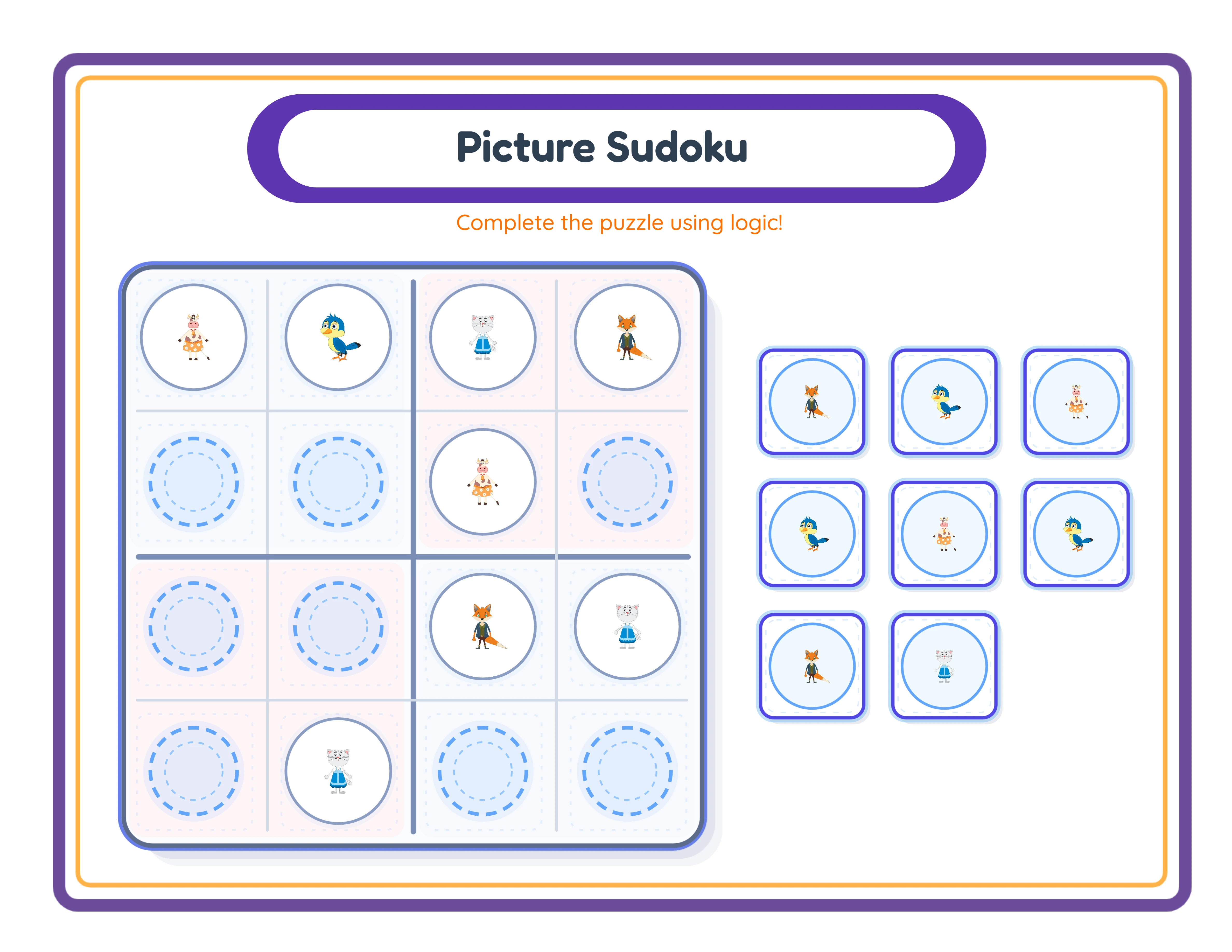
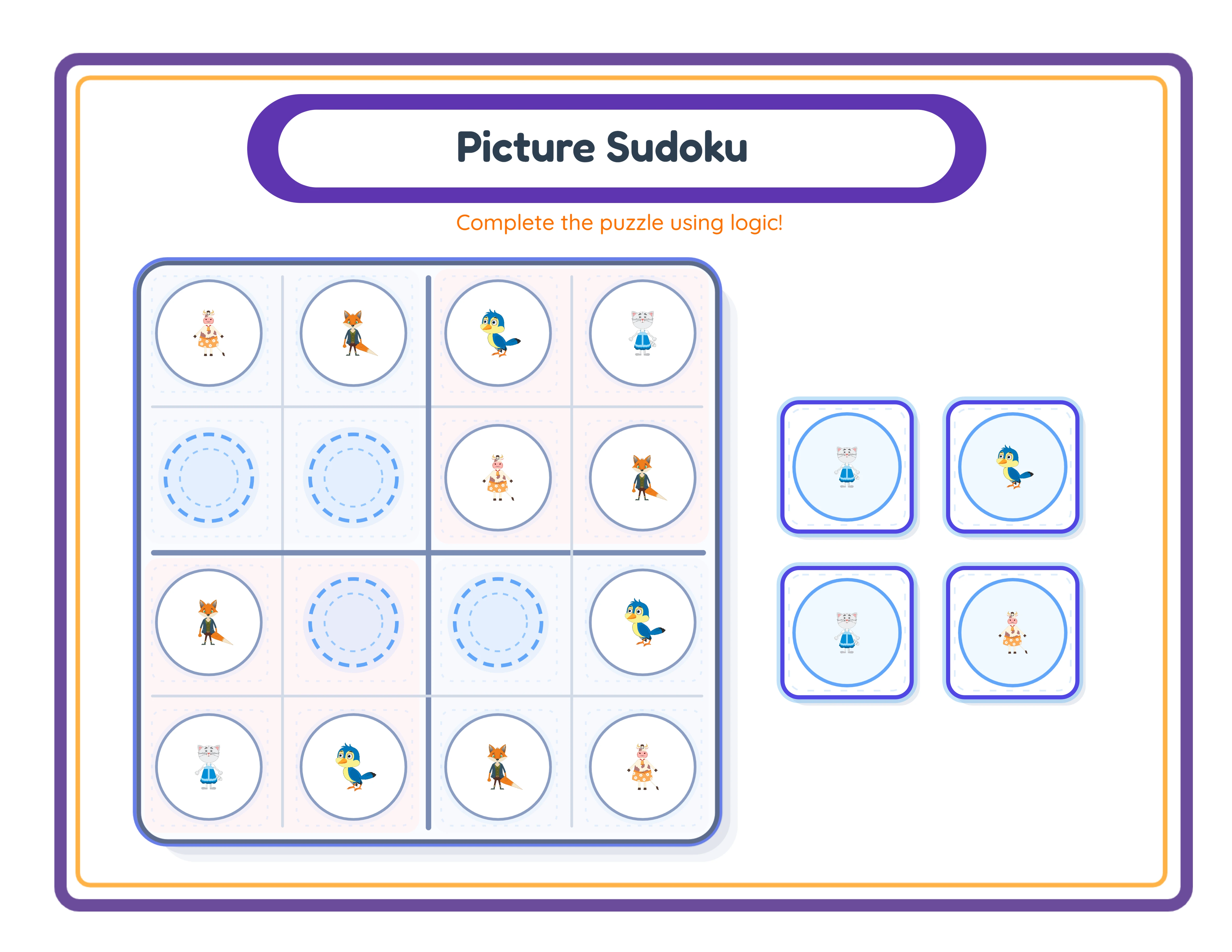
Format: Picture sudoku uses a 4x4 grid with four themed images instead of numbers. Each row must contain all four images exactly once. Each column must contain all four images exactly once. The solver fills in missing cells based on these constraints.
Difficulty control: Difficulty in picture sudoku comes from how many cells are pre-filled. A puzzle with 12 of 16 cells filled (4 blank) is easy -- each missing image can be determined by looking at one row or one column. A puzzle with 8 cells filled (8 blank) requires logical deduction across multiple rows and columns simultaneously. The generator lets you control the number of blank cells.
Target audience: Picture sudoku books primarily target children ages 4 to 8, but themed versions for adults (wine, travel, cooking) and seniors (large print, simple layouts) also sell well. Your theme selection and difficulty configuration should match your target buyer.
KDP category placement: Picture sudoku fits in "Puzzle Books," "Activity Books for Children," and "Logic Puzzles." These categories have less competition than the main "Sudoku" category, which is dominated by number sudoku publishers. This gives you a structural advantage in discoverability.
2
Configuring the LCS Sudoku Generator for KDP Output
Open the LessonCraftStudio sudoku generator and set up your first picture sudoku puzzle.
Step 1 -- Select your language. The generator supports 11 languages. For picture sudoku, the language setting affects any text labels or instructions on the puzzle page. The images themselves are language-independent, which is a major advantage for multilingual publishing.
Step 2 -- Choose your theme. Browse the 104 themed image collections. For a children's book, animals, food, and vehicles are strong choices. For adult-oriented books, select themes like nature, holidays, or everyday objects. Each theme provides a set of images from which the generator selects four for each puzzle.
Step 3 -- Set difficulty level. Control the number of pre-filled cells:
- Easy (10-12 pre-filled): Best for ages 4-6 and introductory pages
- Medium (8-9 pre-filled): Suitable for ages 6-8 and general audiences
- Hard (6-7 pre-filled): Challenging for ages 8+ and puzzle enthusiasts
Step 4 -- Generate the puzzle. The generator creates a 4x4 grid with your selected theme images, pre-fills the configured number of cells, and verifies that the puzzle has exactly one valid solution.
Step 5 -- Preview and export. Check the puzzle layout, image clarity, and difficulty. Export as a 300 DPI PDF. The generator also creates a matching answer key showing all cells filled.
Step 6 -- Repeat with variations. Generate additional puzzles using the same theme but different image arrangements and blank cell positions. Each generation creates a unique puzzle. Generate 40 to 80 puzzles for a complete book.
3
Building Difficulty Progression Into Your Book
Books with structured difficulty progression sell better than books with random difficulty distribution. Buyers -- especially parents buying for children -- want a clear learning curve.
Three-section structure:
Section 1 -- Easy (first third of puzzles): 10 to 12 pre-filled cells. These introductory puzzles build solver confidence. Each missing cell can be determined by examining a single row or column. Include a "How to Solve" instruction page before this section with a worked example.
Section 2 -- Medium (middle third): 8 to 9 pre-filled cells. These puzzles require checking both the row and column for each missing cell. Solvers who completed the easy section have the skills needed. The difficulty increase is noticeable but not overwhelming.
Section 3 -- Hard (final third): 6 to 7 pre-filled cells. These puzzles require multi-step deduction -- the solver cannot determine all missing cells by looking at individual rows or columns alone. Some cells require filling in other cells first to narrow possibilities.
Within each section, vary the themes to maintain engagement. Do not use the same four images for 20 consecutive puzzles. Rotate through 4 to 6 different image sets per section.
Label each section clearly in the book: "Easy Puzzles -- Pages 5-25," "Medium Puzzles -- Pages 26-50," "Challenging Puzzles -- Pages 51-75." This labeling helps buyers navigate to their preferred difficulty level and signals thought behind the product design.
Difficulty progression is also a catalog strategy. Publish "Easy Picture Sudoku" and "Challenging Picture Sudoku" as separate books to capture different keyword searches and buyer segments.
4
Creating Themed Collections That Target Specific Niches
Theme selection determines which Amazon searches your book appears in and which buyers click on your listing. Strategic theming is the difference between a book that earns and one that disappears.
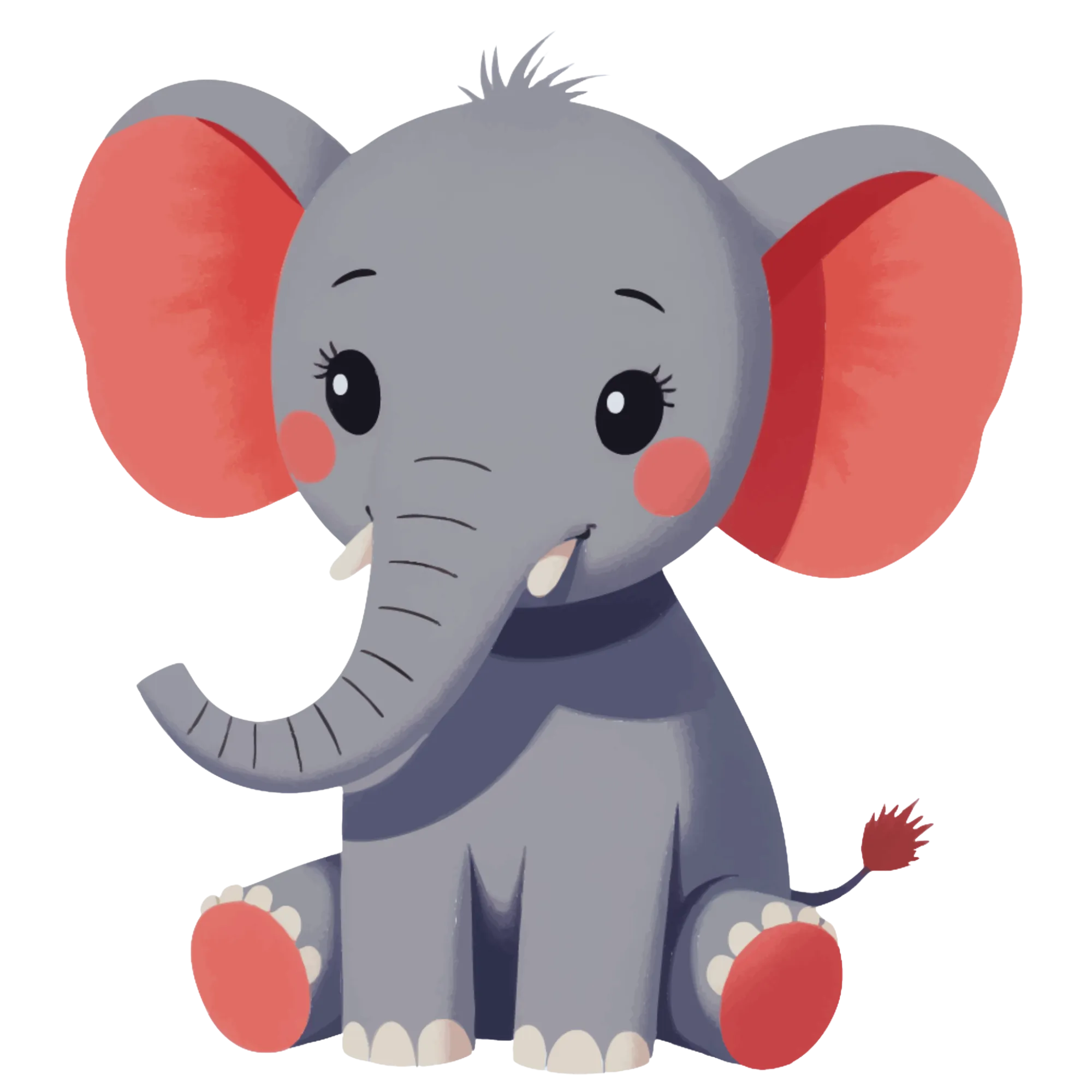
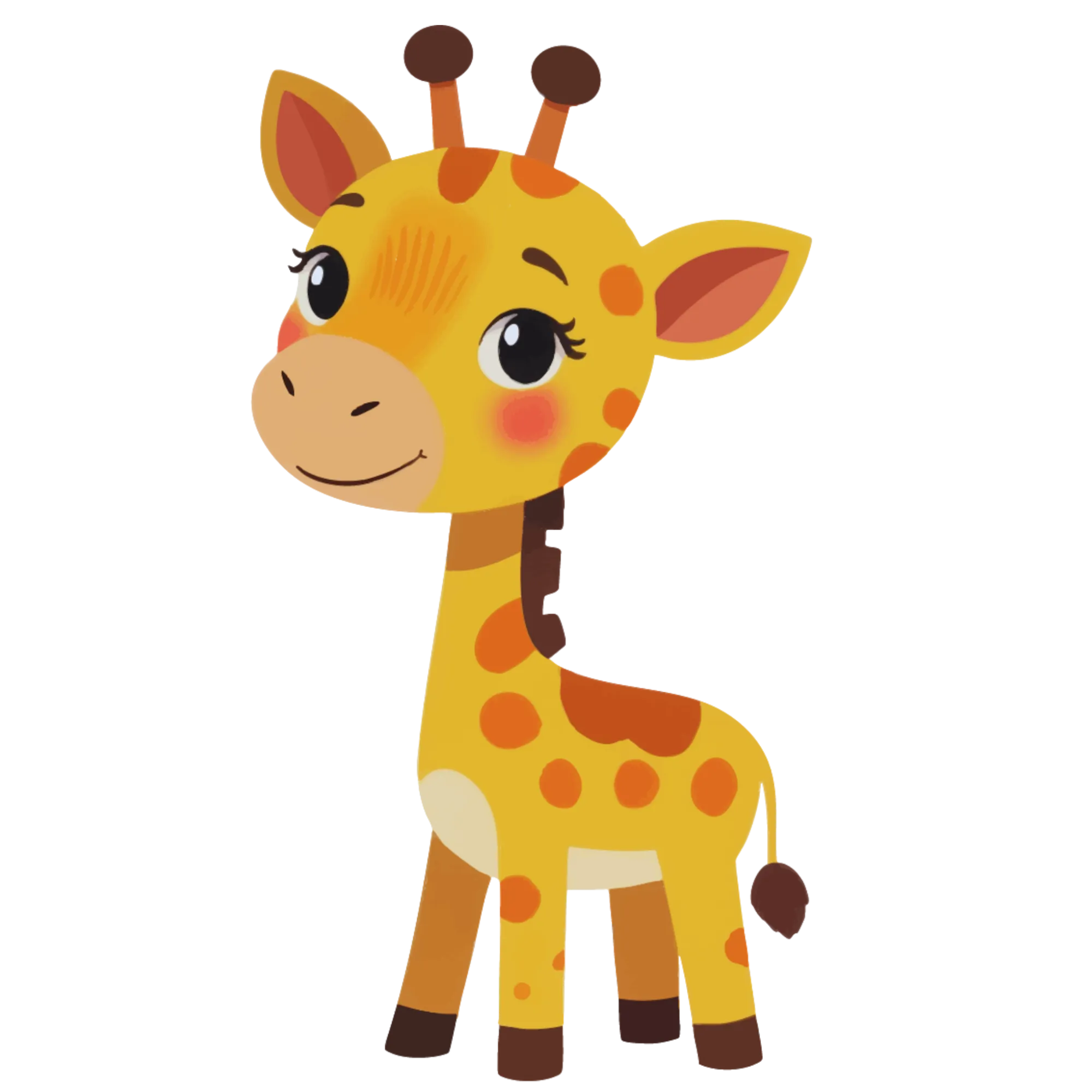
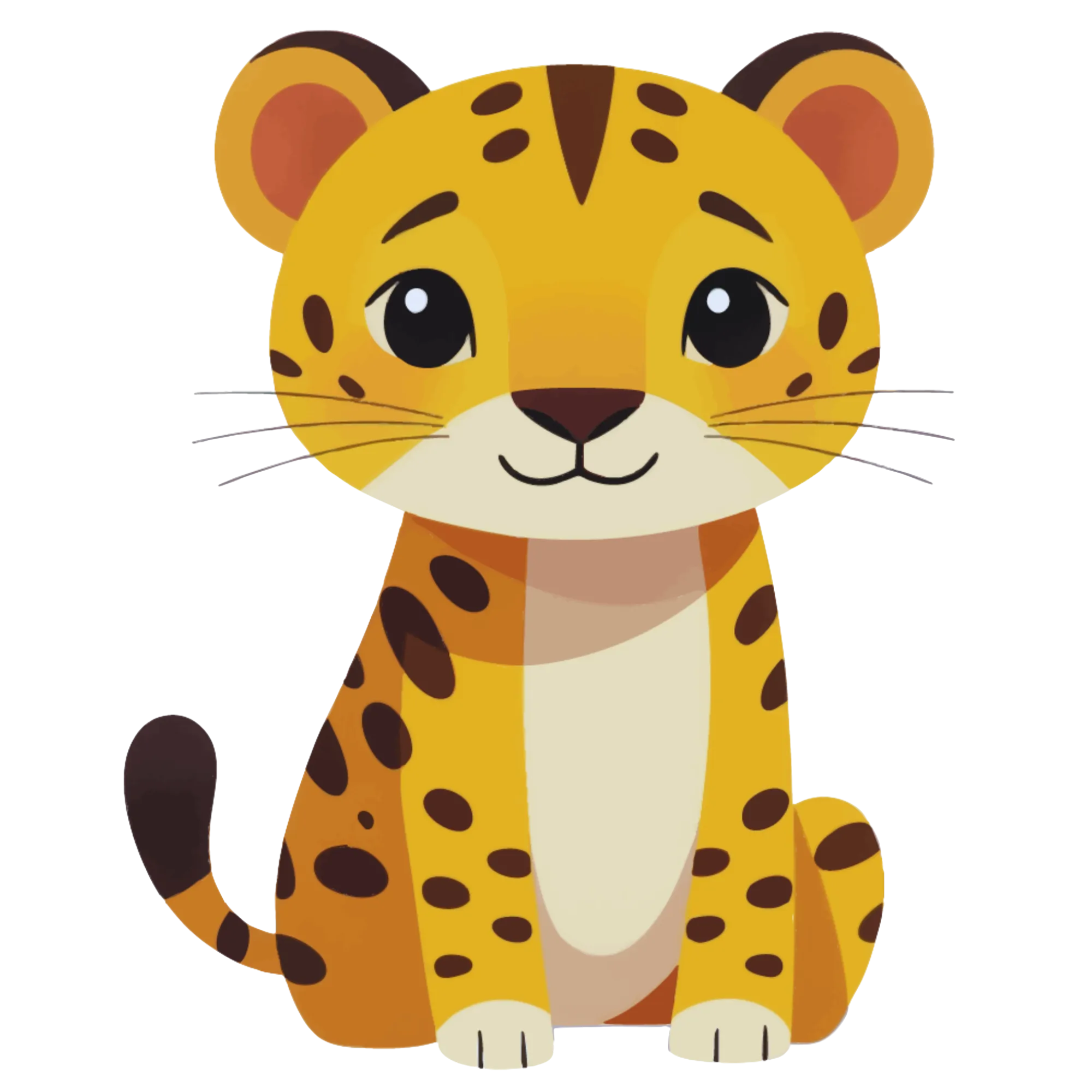
Animal themes for children: The single most popular category for children's picture sudoku. "Animal Sudoku for Kids" targets high-volume searches. Sub-themes like farm animals, ocean animals, and jungle animals let you create multiple books from the animal category alone.
Holiday and seasonal themes: Christmas, Halloween, Easter, and Valentine's Day picture sudoku books spike in demand before each holiday. Create them 2 to 3 months in advance so they are indexed in Amazon search when buying season starts. Title them explicitly: "Christmas Picture Sudoku for Kids."
Food and cooking themes: Appeal to both children and adults. "Fruit and Vegetable Sudoku" works for kids. "Cooking & Baking Sudoku" can be positioned for adults.
Vehicle and transportation themes: Strong seller for children ages 4 to 7, particularly boys. "Cars, Trucks & Planes Sudoku Puzzles" targets a specific niche with dedicated buyers.
Nature and outdoor themes: Flowers, trees, weather, and landscapes work for adult and senior markets. Position these as relaxation or mindfulness puzzles: "Relaxing Nature Sudoku -- Easy Picture Puzzles."
Sports themes: Seasonal tie-ins work well. A "Football Sudoku" book before the NFL season or a "Soccer Sudoku" before the World Cup targets timely interest.
Each themed book is a distinct product with its own keyword profile, competition level, and target demographic. The generator's 104 themed collections provide extensive options for niche exploration.
5
Formatting Your Picture Sudoku Manuscript for KDP
Picture sudoku manuscripts have specific formatting requirements because the image-based grids need adequate space for clarity.
Recommended trim size: 8.5 x 11 inches. The larger page accommodates 4x4 image grids with each cell large enough for clear image recognition. Smaller trim sizes can work for simpler image styles, but buyer expectations for children's activity books favor the US Letter format.
Page layout for puzzle pages:
- Center the 4x4 grid on the page with equal margins
- Each cell should be at least 1.5 x 1.5 inches for image clarity
- Include the puzzle number prominently (top center or top left)
- Add a theme label if puzzles are organized by theme
- Leave adequate white space around the grid for a clean, uncluttered appearance
Manuscript structure:
Page 1 -- Title page with book title, subtitle, and publisher name
Page 2 -- Copyright page with standard copyright notice
Pages 3-4 -- "How to Solve Picture Sudoku" instructions with a worked example
Pages 5-64 -- Puzzle pages (one puzzle per page, 60 puzzles)
Pages 65-124 -- Answer key pages (one per puzzle, numbered to match)
Page 125-126 -- Optional catalog page listing your other books
Merge individual puzzle PDFs into a single manuscript using PDFsam Basic, Sejda, or macOS Preview. Verify that:
- All pages are the same trim size
- Images are crisp at 300 DPI
- No watermarks appear (use commercially licensed exports)
- Margins meet KDP minimums (0.75 inch gutter for 126-page books)
- The final PDF is under 650 MB
6
Designing a Cover for Your Picture Sudoku Book
Picture sudoku covers have a natural advantage over number sudoku covers -- the colorful images create visual appeal that plain number grids cannot match.
Cover dimensions: Use KDP's cover calculator. Enter your page count, trim size, and paper type to get exact dimensions. For a 126-page 8.5 x 11 book, the full cover spread is approximately 17.5 x 11.25 inches.
Front cover design principles:
Show a completed picture sudoku grid on the cover. Use your best-looking themed images in a 4x4 arrangement. This immediately communicates what the book contains and differentiates it from number sudoku.
State the contents clearly: "60 Picture Sudoku Puzzles" or "Picture Sudoku for Kids Ages 4-8." Buyers should know exactly what they are getting.
Include the difficulty level: "Easy," "Beginner," or "With Difficulty Progression." For children's books, include the age range prominently.
Mention answer keys: "Complete Answer Keys Included" is a significant selling point, especially for parents buying for children.
Use bright, engaging colors appropriate for your target audience. Children's puzzle books benefit from vibrant primary colors. Adult-oriented books can use more muted, sophisticated palettes.
Back cover: Brief description, key features (puzzle count, themes, difficulty levels, answer keys), age recommendation, and a sample puzzle preview. Leave space for the ISBN barcode.
Spine: Book title and author name. Ensure text size meets KDP's minimum requirements for your page count.
Design tools: Canva offers free KDP cover templates. Upload your best puzzle images to create an eye-catching composition.
7
Optimizing Your KDP Listing for Picture Sudoku Books
Your listing determines whether Amazon shows your book to the right buyers and whether those buyers click "Add to Cart."
Title formula: [Format] + [Audience] + [Quantity] + [Differentiator]
Example: "Picture Sudoku for Kids Ages 4-8: 60 Animal-Themed Puzzles with Answer Keys"
Subtitle: Add details the title does not cover.
Example: "Easy to Medium Difficulty -- Colorful Image Puzzles for Beginners"
Description: Write 400 to 800 words covering:
- What picture sudoku is (many buyers are unfamiliar with the format)
- Number of puzzles and difficulty progression
- Themes included
- Age appropriateness
- That answer keys are included
- Page size and format
- Use HTML formatting for bullet points and bold text
Keyword slots (7 available):
- "picture sudoku kids"
- "image sudoku puzzle book"
- "visual sudoku for children"
- "easy sudoku preschool"
- "animal puzzle book ages 4-8"
- "activity book toddler puzzles"
- "logic puzzles kids pictures"
Categories: Select "Children's Activity Books" and "Logic Puzzles" or "Puzzle Books." Avoid the main "Sudoku" category -- it is dominated by number sudoku and your picture format will get lost.
Pricing: For a 126-page 8.5 x 11 book:
- US: $5.99 to $7.99 (printing cost ~$3.04, royalty $0.55 to $1.75)
- European markets: price 15-20% higher to offset printing costs
Publish and order an author proof copy to verify image print quality before advertising.