How to Create Cryptogram Puzzles

The Cryptogram Maker generates picture cipher puzzles built on a unique mechanic: every alphabet letter is mapped to a unique image, and your secret phrase is rendered as a sequence of images that solvers must decode back into readable text. Unlike word searches or scrambles that work with individual words, cryptogram puzzles encode entire sentences and phrases — solvers crack the cipher by deducing which image represents which letter, using contextual clues from common words like "the," "and," and "is" to accelerate their code-breaking. This phrase-level encoding creates genuine deduction excitement as each decoded letter unlocks more of the secret message, making cryptograms one of the most engaging literacy formats available. The Letters to Reveal slider (0–10) is the primary difficulty control and the natural differentiation axis for leveled products. Set it to zero for a pure code-breaking challenge with no starting information. Set it to five for a balanced challenge where roughly half the cipher is pre-decoded. Set it to ten for heavy scaffolding where many letter-to-image mappings are pre-solved as hints. This single control creates a smooth difficulty gradient that enables entire product lines organized by difficulty level. Auto-Assign pulls random images from any of 104 themed collections (3,100+ illustrations) to fill the entire cipher with one click — the fastest path to batch production. Manual Assignment lets you hand-pick which specific image represents which specific letter with a full visual overview of all current mappings. You can mix both approaches: auto-assign the bulk, then manually swap specific letters for images that better reinforce your theme. Upload custom images for complete creative control. Language sensitivity is built into the cipher itself. Switch languages and both the secret message text and the alphabet change. German cryptograms encode German phrases with ä, ö, ü, ß in the alphabet. French cryptograms use é, è, ç, à. Each language version is a genuinely different cipher product with different words, different letter mappings, and a different solving experience. One design session produces 11 distinct products across all supported languages. The Color vs B&W filter lets you create two product variants from every design: full-color illustrations for vibrant digital downloads and Etsy listings, and black-and-white line art for ink-friendly bulk printing and KDP puzzle book interiors. The answer key includes a complete letter legend showing every alphabet letter paired with its assigned image in sorted alphabetical order, plus the fully decoded phrase for definitive reference. Export print-ready PDFs and JPEGs at 400+ DPI with a 6x rendering multiplier. Choose from 5 font families, toggle grayscale for ink-friendly output, and use the full Fabric.js canvas to reposition every element with alignment tools, lock/unlock controls, and unlimited undo/redo. Every feature mentioned in this guide is available in the free trial with watermark so you can fully evaluate the tool before purchasing a commercial license.
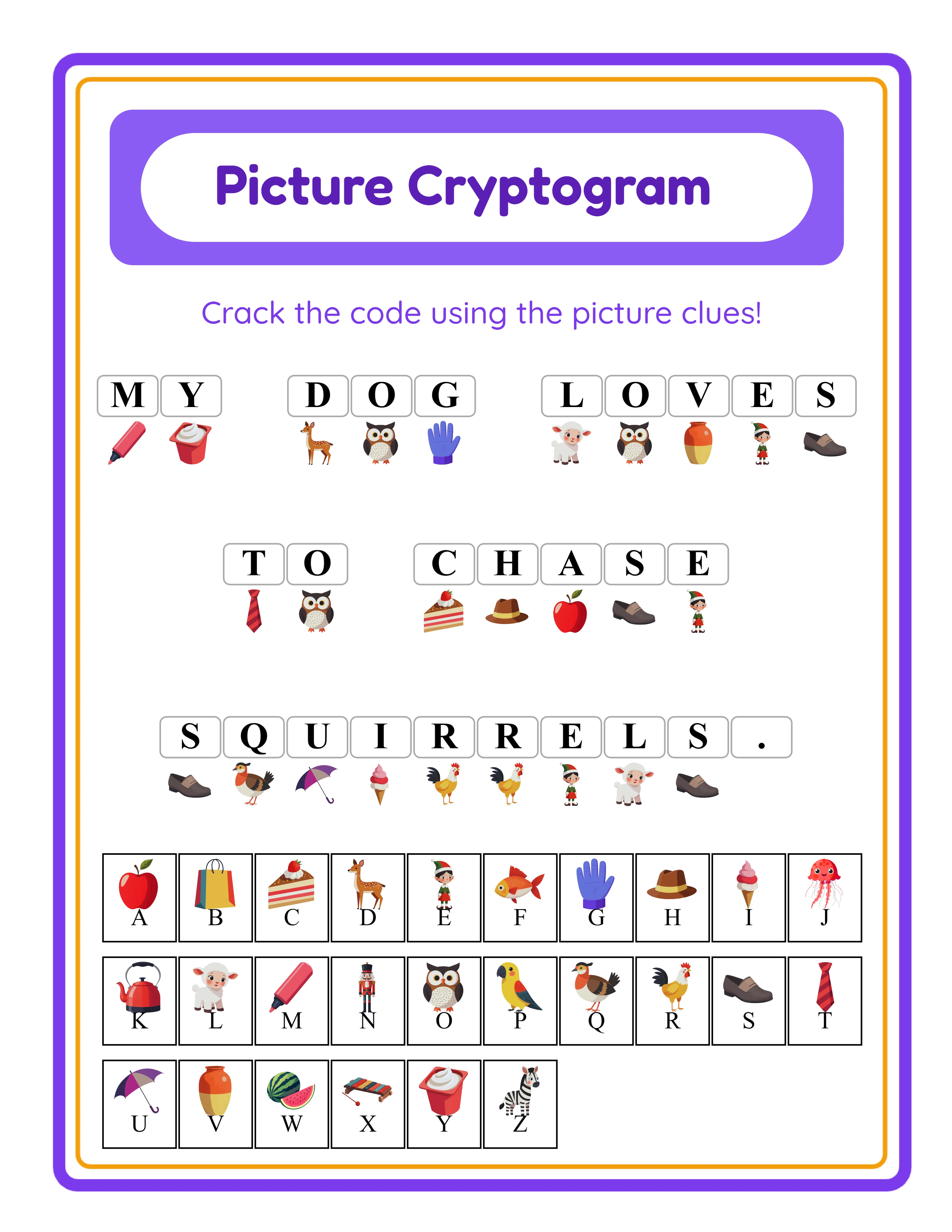
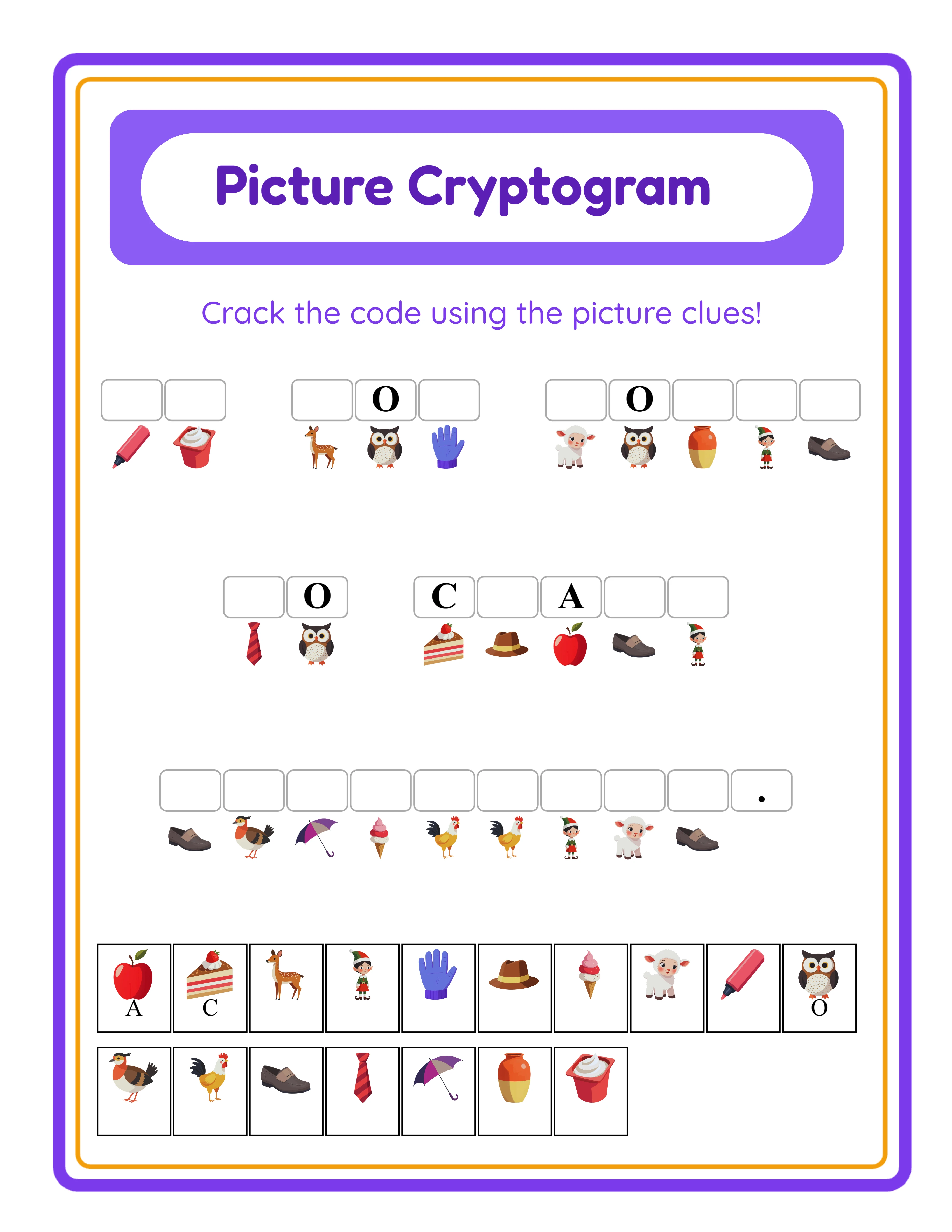
Cryptogram worksheet with picture cipher showing themed images mapped to alphabet letters encoding a secret phrase
Professional Printables

How to Create Cryptogram Puzzles

Create stunning cryptogram worksheets your customers will love

Cryptogram worksheet sample 1
Cryptogram worksheet sample 2
Cryptogram worksheet sample 3
Decode SecretsAnswer KeysPrint-ReadyFree Trial with Watermark

Introduction

Cryptogram puzzles occupy a unique position in the printable worksheet market because they combine visual engagement with genuine code-breaking logic. Where most literacy worksheets ask solvers to find, match, or rearrange words, a picture cipher puzzle presents an entirely different cognitive challenge: solvers must deduce which image represents which letter by analyzing patterns across an encoded phrase, using contextual clues from common words and letter frequency to crack the code. This deduction-based format creates the kind of sustained engagement that buyers and parents actively seek — solvers experience real puzzle-solving excitement as each decoded letter unlocks progressively more of the secret message. For printable sellers, this engagement translates directly into strong reviews, repeat purchases, and premium pricing potential. The picture cipher mechanic is what makes cryptogram puzzles fundamentally different from every other literacy format. Every alphabet letter maps to a unique image, and entire phrases and sentences are encoded as image sequences. Solvers see a row of pictures with blank spaces below and must figure out what each picture represents by studying the patterns. Spaces and punctuation are preserved, so word boundaries remain visible — this is crucial because common short words like "the," "and," and "is" provide natural starting points for cracking the cipher. A three-letter word appearing frequently is likely "the"; a single-letter word is probably "a" or "I." These contextual clues mean longer sentences are actually more accessible than short phrases, creating an intuitive difficulty lever beyond the explicit controls. The Letters to Reveal slider (0–10) is the primary difficulty control built directly into the tool. At zero, solvers face a pure code-breaking challenge with no starting information — they must deduce every single letter-to-image mapping from scratch using only pattern recognition and contextual clues. At five, roughly half the cipher is pre-decoded, providing a balanced challenge where solvers have enough information to build momentum but still need to work through the remaining mappings. At ten, many letter-to-image mappings are pre-solved as hints, creating a heavily scaffolded exercise ideal for younger or less experienced solvers. This single slider creates a smooth difficulty gradient that serves as the primary differentiation axis for leveled product bundles — beginner, intermediate, and expert packs all come from the same design with different reveal settings. Two assignment modes give you flexibility for both speed and precision. Auto-Assign maps random images from the selected theme to all unassigned alphabet letters with one click. This is the fastest path to batch production: select a theme, type your phrase, hit Auto-Assign, adjust Letters to Reveal, and generate. You can produce a complete themed cipher puzzle in under two minutes. Manual Assignment lets you hand-pick which specific image represents which specific letter, with a visual preview of every current mapping. This precision mode is ideal for premium products where specific image-to-letter pairings reinforce the theme — assigning a sun image to the letter S, a tree to T, a river to R. You can mix both approaches: auto-assign the bulk for speed, then manually swap specific letters for thematic precision. The letter legend answer key is unique to the cipher format. Every alphabet letter is paired with its assigned image in sorted alphabetical order, creating a definitive solution reference. The answer key also shows the fully decoded phrase for quick verification. Both the worksheet and answer key export as JPEG and PDF at 400+ DPI with a 6x rendering multiplier, producing 4 files per session ready for marketplace listing. The most significant competitive advantage for sellers is the locale-aware alphabet. When you switch languages, the available alphabet set automatically adjusts by locale. English uses 26 letters. German adds ä, ö, ü, ß — four additional characters that expand the cipher alphabet and create genuinely different puzzle mechanics. French adds é, è, ç, à and other accented characters. Both the secret message text and the cipher alphabet change per language, meaning a German cryptogram encodes a German phrase with a 30-character alphabet while an English cryptogram uses 26 characters. Each language version is a fundamentally different cipher product with different words, different letter counts, different mappings, and a different solving experience. One design workflow produces 11 distinct listings for 11 different buyer markets with minimal competition in non-English languages. The Color vs B&W filter doubles your product output from every design session. Every theme collection is available in full-color and black-and-white variants. Create a vibrant color edition for digital downloads and eye-catching Etsy listings, then regenerate the identical design in B&W for ink-friendly bulk printing and KDP puzzle book interiors. Two product variants from one design session with no additional content work. Every feature described in this guide is available in the free trial with watermark. You can create complete cryptogram puzzles, test both assignment modes, experiment with all difficulty levels from 0 to 10 Letters to Reveal, evaluate the letter legend answer key, preview language-sensitive alphabet changes across all 11 languages, switch between Color and B&W, and verify print output quality before purchasing a commercial license.
Try It Free with Watermark

Try any generator free with watermark. No signup required.

Tutorial

1

Open the Cryptogram Maker

Navigate to the Cryptogram Maker page and click the launch button to open the generator in your browser. The tool loads instantly with a settings sidebar on the left and a live preview canvas on the right. No account creation, no software download, no installation required — start building picture cipher puzzles immediately. The canvas shows the cryptogram worksheet preview that updates as you change settings. The settings sidebar contains all the controls: secret phrase input, language selection, image assignment panels (Auto-Assign and Manual), theme browser, Letters to Reveal slider, font and text settings, page layout options, and export controls. Take a moment to explore the sidebar to familiarize yourself with the available options before starting your first cipher puzzle. The Cryptogram Maker uses a Fabric.js canvas that provides professional layout tools including alignment options plus center-on-page, layers with lock and unlock for individual elements, zoom from 25 to 300 percent, and unlimited undo/redo. These tools give you precise control over the final puzzle layout without needing external design software.
2

Set the Page Layout and Template

In the Page Setup section, select your page size. Options include Letter Portrait, Letter Landscape, A4 Portrait, A4 Landscape, and custom dimensions. Letter is standard for North American buyers on Etsy and Gumroad. A4 is standard for European and international markets. Creating both versions doubles your addressable market with minimal additional effort. Set your page background color for the base canvas. Then add a themed background pattern from the 104-theme image library with an adjustable opacity slider. A subtle background at 15 to 25 percent opacity adds visual warmth without competing with the cipher images. Layer a decorative border frame from the border library with independent opacity control. Background and border themes work independently, so you can mix and match combinations freely. Consistent background and border pairings across a product bundle create a cohesive branded look that buyers associate with quality.
3

Enter Your Secret Phrase and Select Language

Type the phrase or sentence you want solvers to decode in the secret phrase input field. This is the message that will be encoded as a picture cipher — every letter in your phrase will be mapped to an image that solvers must decode back into text. Spaces and punctuation are preserved, so word boundaries remain visible on the finished worksheet. Select the target language from 11 supported locales. The available alphabet set automatically adjusts by locale: English uses 26 letters, German adds ä, ö, ü, ß for a 30-character alphabet, and French adds accented characters like é, è, ç, à. This locale-aware alphabet means the cipher itself changes per language — a German cryptogram has more letter-to-image mappings to decode than an English one, creating a genuinely different puzzle experience. For product creation, consider phrase length as an additional difficulty lever. Short two-word phrases maximize difficulty because solvers have fewer contextual clues. Longer sentences with common words like "the," "and," and "is" provide natural starting points for cracking the cipher. Combine phrase length with Letters to Reveal settings for precise difficulty calibration across your product line.
4

Assign Images to Letters with Auto-Assign or Manual Assignment

The Cryptogram Maker offers two image assignment modes that serve different production workflows. Auto-Assign instantly maps random images from the selected theme to all unassigned alphabet letters with one click. This is the fastest path to batch production: select your theme, type your phrase, click Auto-Assign, and the entire cipher is populated immediately. Every letter in the alphabet receives a unique image from the theme collection. Auto-Assign is ideal for rapid content creation where you need to produce multiple cipher puzzles quickly. Manual Assignment lets you hand-pick which specific image represents which specific letter. A visual overview shows all current letter-to-image mappings so you can see the entire cipher at a glance. Click any letter to browse available images and select the one you want. Manual Assignment is ideal for premium products where specific pairings reinforce the theme — assigning an apple image to A, a bear to B, a cat to C creates a mnemonic cipher that adds educational value beyond pure code-breaking. You can mix both approaches for efficient precision. Auto-Assign the bulk of the alphabet for speed, then manually swap specific letters where a thematic pairing adds value. Upload custom PNG or JPEG images and assign them to any letter for complete creative control over the cipher visuals.
5

Choose a Theme and Color or B&W Filter

Browse 104 themed image collections with over 3,100 illustrations. Categories span animals, food, vehicles, nature, holidays, professions, sports, seasons, and dozens more. Use the search bar to find specific themes quickly. Each theme provides a consistent visual style across all its images, creating cohesive cipher puzzles where every image belongs to the same visual family. The Color vs B&W filter is a powerful dual-product feature. Switch between full-color illustrations for vibrant digital downloads and eye-catching marketplace listings, and black-and-white line art for ink-friendly bulk printing and Amazon KDP puzzle book interiors. Color editions attract clicks on Etsy with vivid thumbnails. B&W editions reduce printing costs for sellers and meet KDP interior requirements for lower royalty tiers. Create both variants from every design session: generate and download the color version, toggle to B&W, and download again. Two complete product variants — color digital edition and B&W print edition — from one design session with zero additional content work. List them as separate products or bundle them together as a "Digital + Print" package for premium pricing.
6

Set Difficulty with Letters to Reveal

The Letters to Reveal slider (0–10) is the primary difficulty control and the most important setting for creating leveled products. At zero reveals, solvers face a pure code-breaking challenge. No letter-to-image mappings are pre-solved — solvers must deduce every single mapping from scratch using only pattern recognition and contextual clues from the phrase. This setting creates expert-level puzzles for advanced solvers, puzzle enthusiasts, and challenging product lines. At five reveals, roughly half the cipher is pre-decoded. Solvers have enough decoded letters to build momentum and start recognizing words, but still need to work through the remaining mappings independently. This balanced setting works well for intermediate learners and general-audience products. At ten reveals, many mappings are pre-solved as hints. The puzzle becomes a scaffolded exercise where solvers fill in the remaining gaps using the revealed letter patterns. This setting is ideal for younger learners, special education contexts, and introductory products designed to teach the cipher format before ramping up difficulty. Use this slider as the primary differentiation axis for leveled product bundles. A "Beginner Pack" at 7–10 reveals, an "Intermediate Pack" at 3–6 reveals, and an "Expert Pack" at 0–2 reveals create three distinct products from the same design. Buyers specifically search for difficulty-graded puzzle resources they can deploy across multiple ability levels in one group.
7

Customize Fonts, Text, and Canvas

Choose from 5 font families to match your product's visual style and target age group. Lexend Deca offers clean, modern readability optimized for emerging readers. Baloo 2 provides a rounded, friendly appearance popular with early childhood materials. Nunito is a balanced sans-serif that works across all age groups. Quicksand adds a geometric, modern feel suited to contemporary designs. Fredoka delivers a playful, rounded look ideal for preschool and kindergarten products. Add a worksheet title to brand your cipher puzzles — "Secret Message Challenge," "Animal Code-Breaker," or any title that matches your product theme. Toggle name and date fields on or off depending on your target market: group worksheets benefit from name/date fields for accountability, while digital download products often look cleaner without them. Add custom instructions to guide solvers through the decoding process. Use the Fabric.js canvas tools to fine-tune element placement. Alignment options plus center-on-page let you position text and cipher elements precisely. Lock individual elements to prevent accidental movement while adjusting others. The layer system controls which elements appear in front of or behind others. Zoom in for pixel-level precision, then zoom out to review the full puzzle layout. Unlimited undo and redo let you experiment freely without risk.
8

Generate Letter Legend Answer Key and Download

Switch to the Answer Key tab to generate a solved version of your cryptogram puzzle. The answer key includes a complete letter legend — every alphabet letter paired with its assigned image in sorted alphabetical order. This is the definitive solution reference: solvers or buyers can look up any image to confirm which letter it represents. The answer key also displays the fully decoded phrase for quick verification. Enable the Grayscale toggle for ink-friendly black-and-white output ideal for group bulk printing and Amazon KDP puzzle book interiors. Grayscale cryptograms maintain full functionality because the puzzles rely on image-to-letter pattern recognition, not color. Download both the worksheet and answer key as print-ready PDF or high-resolution JPEG at 400+ DPI with a 6x rendering multiplier. Supported page sizes include Letter, A4, and custom dimensions. Each generation session produces 4 files: worksheet PDF, worksheet JPEG, answer key PDF, and answer key JPEG. For marketplace listings, export both PDF (as your deliverable product) and JPEG (for listing preview images and social media promotion). The picture cipher format with colorful themed images makes scroll-stopping thumbnails that stand out against text-heavy puzzle listings on Etsy and Gumroad. Important: the free trial with watermark produces fully functional exports with a visible watermark overlay. This lets you evaluate print quality, verify formatting, and create test prints before purchasing a commercial license. The commercial license removes the watermark from all exports, producing clean files ready for sale.
Skill Levels

Worksheets for Every Level

Three difficulty tiers for differentiated content

Beginner
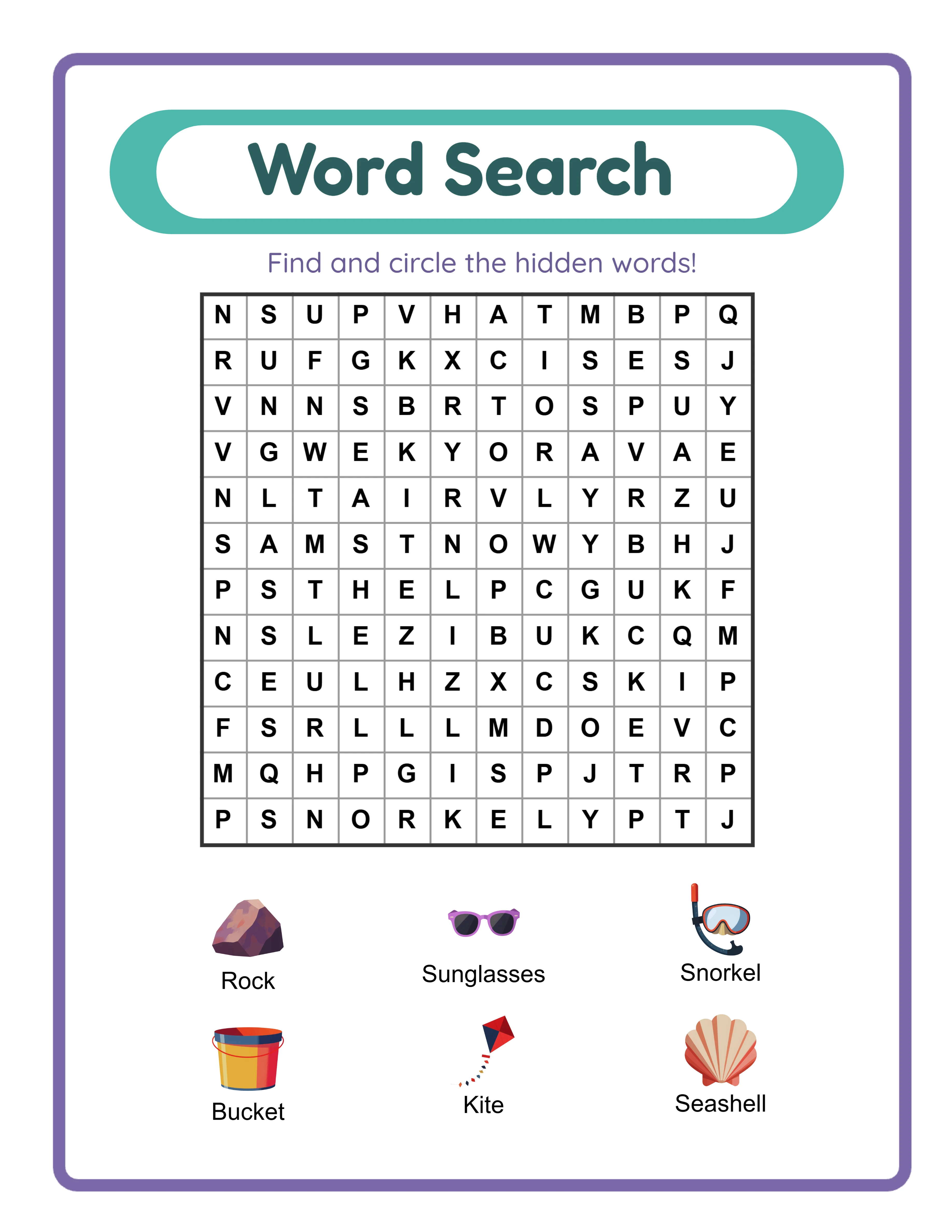
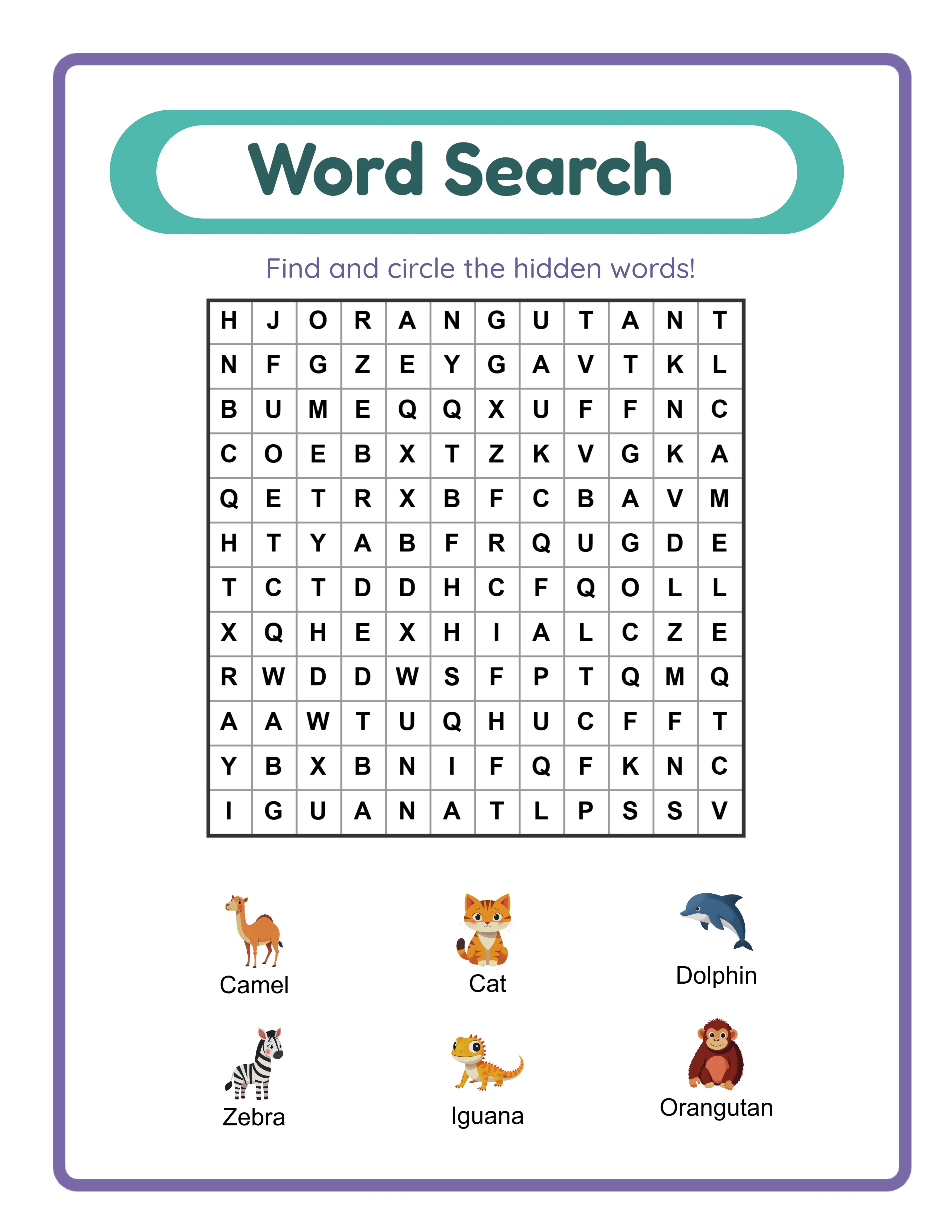
Word Search beginner worksheet

Simple 6×6 grids

Explorer
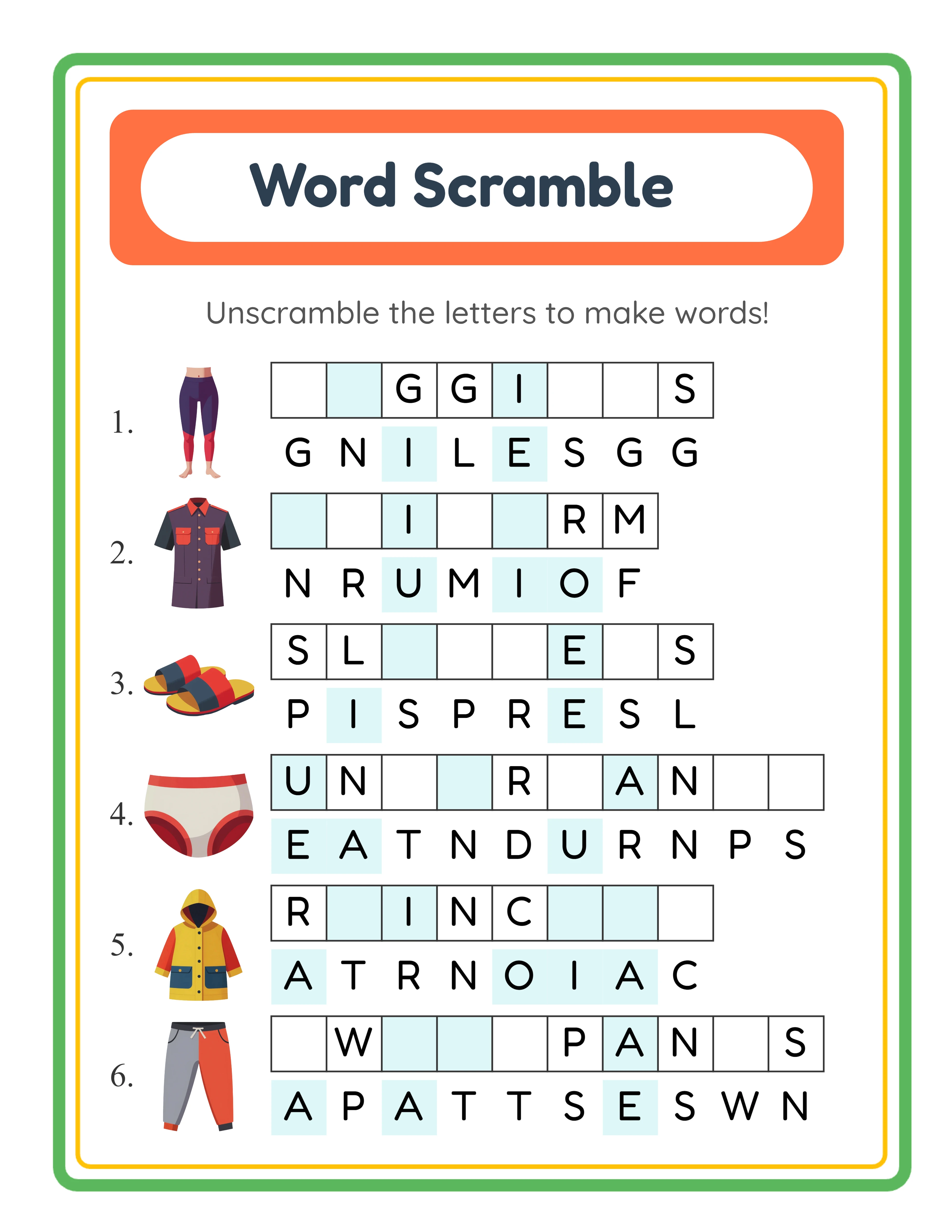
Word Scramble intermediate worksheet

5-6 letter scrambles

Expert
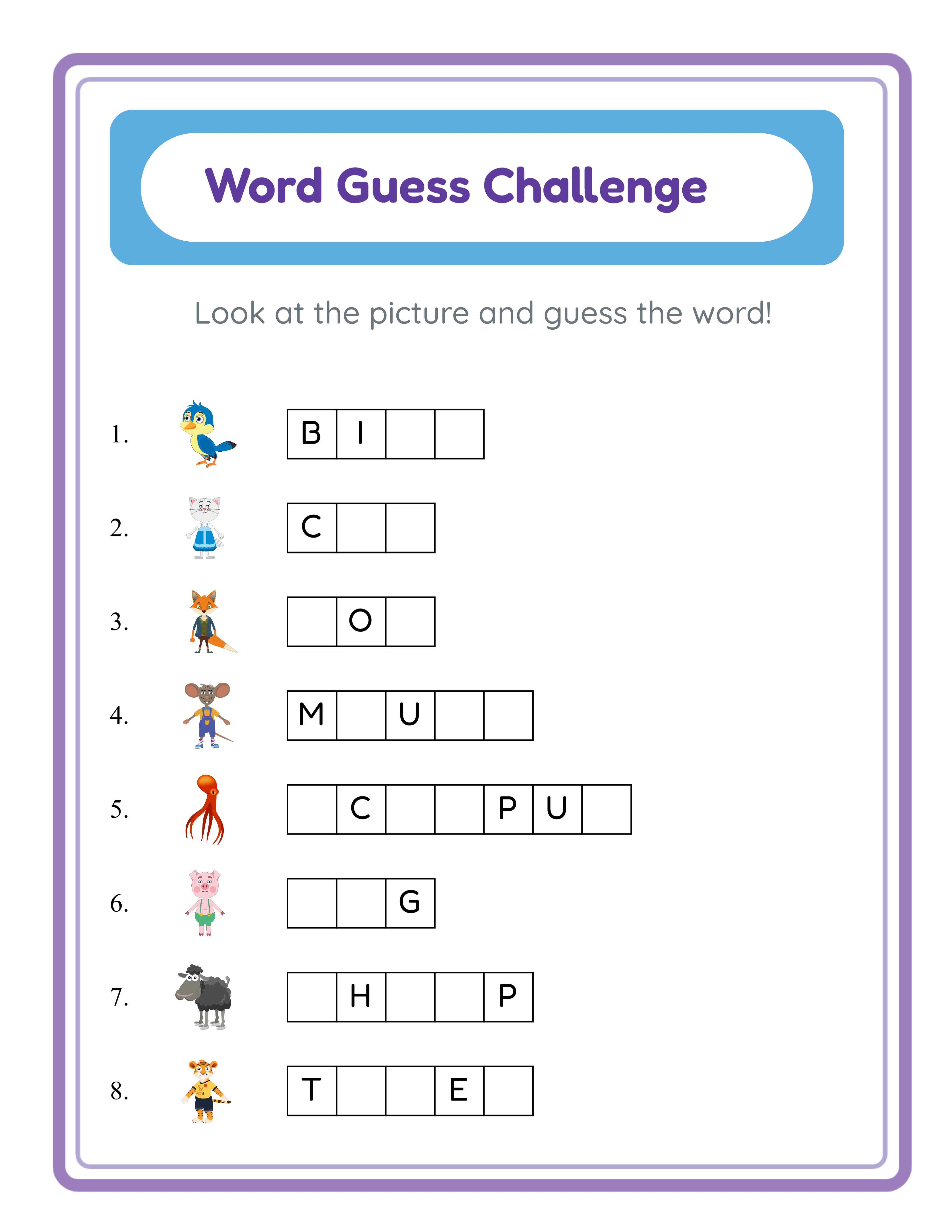
Word Guess advanced worksheet

Advanced word deduction

Professional quality at every difficulty level

Platform Tips

Selling Cryptogram Puzzles on Etsy

Etsy is an excellent marketplace for cryptogram puzzles because the picture cipher format is visually distinctive and underrepresented compared to word searches and crosswords. Titles like "Cryptogram Puzzles — Picture Cipher Code-Breaking Worksheets — With Letter Legend Answer Keys" capture targeted search traffic and describe the unique format buyers receive. Name your products using the specific theme, difficulty level, and format rather than generic titles. "Animal Cryptogram Puzzles — 20 Picture Cipher Worksheets — Beginner to Expert Difficulty — Letter Legend Answer Keys Included" outperforms "Printable Puzzles for Kids" because it matches specific buyer search queries and communicates the unique cipher mechanic. Tags: use all 13 Etsy tags. Combine broad and specific terms: "cryptogram puzzles," "picture cipher worksheets," "code-breaking activities," "cipher puzzle printables," "secret message worksheets," "decode puzzles for kids," "literacy puzzle activities," "cryptogram with answer keys," and variations matching your specific theme, difficulty level, and language. Listing images: show the full cipher puzzle with themed images clearly visible, a close-up of the image-to-letter cipher mechanic, a comparison between beginner (high reveals) and expert (zero reveals) difficulty, the letter legend answer key, and a mockup of the puzzle printed and in use. The colorful picture cipher format makes naturally eye-catching thumbnails. Pricing: themed sets of 10 to 15 cryptogram puzzles with answer keys at a single difficulty level sell at $3.99 to $6.99. Difficulty-graded sets with beginner, intermediate, and expert puzzles from the same theme sell at $7.99 to $12.99. Complete themed collections across multiple difficulty levels, Color and B&W variants, and multiple languages sell at $14.99 to $24.99.

Selling Cryptogram Puzzle Books on Amazon KDP

Amazon KDP serves the puzzle book market, and picture cryptogram books occupy a dramatically underserved niche compared to word search and crossword books. This lower competition means stronger visibility with less advertising spend. Structure your puzzle book with progressive difficulty using Letters to Reveal as the organizing principle. Opening chapters use 8 to 10 reveals for warm-up puzzles that teach the cipher format. Middle chapters progress to 3 to 5 reveals for balanced challenges. Final chapters use 0 to 2 reveals for expert-level code-breaking. Group chapters by theme for browsable variety and include letter legend answer keys at the back of each chapter. Title and subtitle: example title: "Picture Cryptogram Puzzle Book for Kids." Example subtitle: "80 Secret Message Code-Breaking Puzzles with Letter Legend Answer Keys — Beginner to Expert Difficulty — Ages 6–12." Keywords: KDP provides 7 keyword slots. Use specific phrases: "cryptogram puzzles for kids," "picture cipher puzzle book," "code-breaking activity book," "secret message puzzles with answers," "decode puzzles for children," "literacy puzzle activities," "cryptogram worksheets with answer keys." Use grayscale mode for B&W interiors that keep KDP printing costs low. Picture cipher puzzles render cleanly in grayscale because the solving mechanic depends on image shape recognition, not color. A 100-page cryptogram book with progressive difficulty and themed chapters creates a compelling product that stands apart from the saturated word search category.

Selling Cryptogram Puzzles on Gumroad

Gumroad is ideal for cryptogram puzzles because the code-breaking format serves multiple curriculum objectives: pattern recognition, logical deduction, spelling reinforcement, and vocabulary building. Buyers search for "code breaking activities" and "cipher worksheets" and find very few quality options, giving you a competitive opening. Product descriptions on Gumroad should include: target age and grade level, specific skills practiced (pattern recognition, logical deduction, letter-sound correspondence, spelling, vocabulary in context), number of puzzles at each difficulty level, whether letter legend answer keys are included, themes used, and language availability. Explain the Letters to Reveal difficulty system so buyers understand they can assign different difficulty levels to different solvers. Preview files: Gumroad allows preview uploads. Include 2 to 3 sample cryptogram puzzles at different difficulty levels (one at 8 reveals, one at 3 reveals, one at 0 reveals), one letter legend answer key, and a visual explanation of the difficulty levels. Buyers want to see the difficulty progression before purchasing. Bundling on Gumroad: buyers purchase bundles for extended activity units. A "Complete Cryptogram Bundle" with puzzles across multiple themes at four difficulty levels gives buyers resources for weeks of engaging code-breaking practice. Create theme-grouped sets that match seasonal curriculum calendars for time-sensitive purchasing patterns. Gumroad-specific keywords: "cryptogram puzzles," "code breaking activities," "cipher worksheets," "secret message puzzles," "decode activities for kids," "pattern recognition puzzles," "differentiated literacy puzzles," "picture cipher worksheets." These terms match how buyers search for engaging puzzle-format literacy resources.

Cryptogram Showcase

See What You Can Create!
Featured cryptogram worksheet
Crack the Code!Letter SubstitutionWith Answer Keys

Monetization Strategies

Pricing Your Cryptogram Puzzle Products

Cryptogram puzzle pricing benefits from the format's novelty — picture cipher puzzles are dramatically less common than word searches or crosswords, which means less price pressure from competing listings. Here are ranges that perform well across marketplaces. Single-theme sets with 10 to 15 cryptogram puzzles and letter legend answer keys at one difficulty level: $3.99 to $6.99. These serve as entry-point products that introduce buyers to the cipher format. Each set focuses on one theme and one difficulty range, like beginner animal cryptograms at 7 to 10 reveals or expert nature cryptograms at 0 to 2 reveals. Difficulty-graded sets with beginner, intermediate, and expert puzzles from the same theme: $7.99 to $12.99. Buyers perceive strong value because they get leveled content that serves solvers across multiple ability levels. The Letters to Reveal slider makes difficulty grading effortless — the same design at different reveal settings produces genuinely different solving experiences. Complete collections with 40 to 60 puzzles across multiple themes, multiple difficulty levels, Color and B&W variants, and letter legend answer keys: $14.99 to $24.99. Position these as comprehensive code-breaking activity libraries for extended structured use or complete Etsy shop inventory. Do not undercut the market. Cryptogram puzzles with picture cipher encoding, a Letters to Reveal difficulty gradient, Auto-Assign and Manual Assignment modes, letter legend answer keys, locale-aware alphabets across 11 languages, Color and B&W filter for dual products, and 400+ DPI exports are a premium product. The cipher format alone differentiates your listings from the crowded word search and crossword categories. Price accordingly.

Bundling Strategies by Difficulty and Theme

Bundles are where revenue scales for cryptogram products. The Letters to Reveal difficulty slider, 104 themed image collections, Color/B&W filter, and 11 supported languages create natural bundling opportunities that multiply your product variety from minimal design effort. Difficulty-graded bundles: group puzzles by Letters to Reveal level. A "Beginner Cryptograms" pack (7–10 reveals) targets younger solvers and introduces the cipher format. An "Intermediate Cryptograms" pack (3–6 reveals) serves developing decoders. An "Expert Cryptograms" pack (0–2 reveals) delivers pure code-breaking challenges. Each difficulty tier targets a distinct buyer segment with clear product positioning. Theme bundles: create sets of 15 to 20 cryptogram puzzles within a single theme — animals, food, vehicles, holidays, professions. Themed bundles appeal to buyers looking for cohesive visual sets they can use across multiple sessions. Use Auto-Assign to populate the cipher quickly and vary the secret phrases and Letters to Reveal settings across each set for built-in variety. Color + B&W dual packs: bundle the color edition and B&W edition of the same cryptogram set together. Buyers get vibrant digital versions for screen use and ink-friendly versions for printing. This dual-format approach commands 30 to 50 percent more than either variant alone. Multilingual bundles: the locale-aware alphabet enables multilingual packs with genuinely different cipher content. Create a themed set in English, then regenerate in German, French, Spanish, and other languages. Because the alphabet itself changes per locale (German has 30 characters versus English's 26), each version is a fundamentally different cipher puzzle. A "Multilingual Cryptograms" bundle with 5 or more languages serves ESL buyers, bilingual families, and international schools at premium pricing. Cross-format literacy bundles: combine cryptograms with word search, word scramble, and word guess worksheets using the same vocabulary themes. Each format exercises a different cognitive skill: cryptogram builds deduction, word search exercises scanning, word scramble practices rearrangement, word guess tests recall. Multi-format bundles justify premium pricing and give solvers varied practice.

Multilingual Product Strategy with Locale-Aware Alphabets

The locale-aware alphabet system creates a competitive advantage that nearly all cipher puzzle sellers overlook. When you switch languages, both the secret message and the available alphabet change. This is not just a translated phrase in an English-letter cipher — the cipher alphabet itself expands or contracts based on the language. Concrete examples illustrate the power of this system. An English cryptogram uses 26 letter-to-image mappings to encode an English phrase. A German cryptogram adds ä, ö, ü, ß for 30 mappings encoding a German phrase — four additional cipher symbols that make the puzzle mechanically different. A French cryptogram adds é, è, ç, à and other accented characters. The solving experience is fundamentally different in each language because the number of symbols, the letter frequencies, the common words providing contextual clues, and the phrase structure all change. This means one design session produces 11 sellable language versions with genuinely different cipher mechanics. Create a themed cryptogram set in English, then switch languages and regenerate the same themes in German, French, Spanish, Portuguese, Italian, Dutch, Swedish, Danish, Norwegian, and Finnish. The visual themes remain consistent, but the cipher content changes completely. To capitalize on this advantage: list language-specific cryptogram products targeting different country markets. Use localized listing titles and descriptions matching local search terms. Publish language-specific KDP puzzle book interiors for each international Amazon marketplace. List on Gumroad for ESL and EFL buyers who need code-breaking activities in target languages. The multilingual approach is especially powerful for cryptogram puzzles because the expanded alphabets in languages like German create tangibly different puzzles — not just translated content, but mechanically distinct cipher experiences. Most puzzle sellers only serve English, leaving non-English markets dramatically underserved.

Examples

Product Variations by Difficulty Level and Assignment Mode

Here are concrete product examples you can create with the Cryptogram Maker, organized by difficulty level and assignment mode. Beginner picture cipher starter pack — 8 to 10 Letters to Reveal with Auto-Assign: use Auto-Assign to quickly populate themed ciphers with random images, set Letters to Reveal at 8 to 10 for heavy scaffolding, and use short familiar phrases as secret messages. The many pre-solved mappings give young solvers enough decoded letters to recognize words and fill in remaining gaps with confidence. Generate 10 to 15 puzzles per theme using different phrases and Auto-Assign randomization for visual variety. Package with letter legend answer keys and sell as "Easy Secret Message Puzzles for Beginners" at $3.99 to $5.99. Intermediate balanced challenge set — 3 to 6 reveals with mixed assignment: auto-assign the bulk of the alphabet for speed, then manually swap 3 to 5 key letter assignments for thematic precision. Set Letters to Reveal at 3 to 6 for a balanced challenge where solvers have enough decoded information to build momentum but must work through significant portions independently. Use medium-length sentences with a mix of common and uncommon words. A pack of 20 puzzles across 2 to 3 themes with answer keys sells as a premium differentiated product at $7.99 to $9.99. Expert code-breaking challenge pack — 0 to 2 reveals with Manual Assignment: use Manual Assignment to carefully pair images with letters for thematic coherence, set Letters to Reveal at 0 to 2 for near-zero scaffolding, and use longer phrases with varied vocabulary. Zero reveals forces pure pattern-based deduction that challenges even experienced puzzle enthusiasts. Package 15 puzzles with letter legend answer keys at $5.99 to $8.99, positioned as "Advanced Cryptogram Challenges." Premium themed cipher collection — full Manual Assignment with thematic pairings: hand-pick every image-to-letter assignment so the cipher visuals reinforce the theme (apple for A, butterfly for B, caterpillar for C in a nature theme). Create 10 puzzles at varying difficulty levels within the theme. The curated image assignments add educational value and visual coherence that auto-assigned puzzles cannot match. Price at $8.99 to $12.99 for the premium curation.

Progressive KDP Puzzle Book Design with Difficulty Gradient

The Letters to Reveal slider, themed image collections, and Color/B&W filter enable progressive puzzle book designs that command premium pricing because they serve multiple skill levels within a single product. Design pattern one — difficulty progression: start the book with 15 to 20 pages at 8 to 10 Letters to Reveal using familiar animal or food themes for scaffolded warm-up that teaches the cipher format. Middle chapters progress to 4 to 6 reveals with varied themes for growing independence. Final chapters use 0 to 2 reveals for expert-level code-breaking challenges. This structure mirrors the natural learning trajectory from guided decoding to independent cipher-cracking. A 80-page book following this progression creates a complete code-breaking journey from introduction through mastery. Design pattern two — theme progression with consistent difficulty: organize chapters by theme rather than difficulty. Chapter one covers animals. Chapter two covers food and kitchen. Chapter three covers vehicles. Chapter four covers nature. Chapter five covers holidays. Use a consistent difficulty level (5 to 6 reveals) throughout so the challenge comes from varied vocabulary and different image sets rather than scaffolding changes. This format works well for general-audience puzzle books where buyers want visual variety and themed enjoyment. Design pattern three — phrase length as secondary difficulty: combine Letters to Reveal with phrase length for nuanced difficulty control. Early chapters use short two to three word phrases at high reveals. Middle chapters use medium four to six word sentences at moderate reveals. Late chapters use long eight to twelve word sentences at low reveals. Longer phrases provide more contextual clues but require tracking more symbols simultaneously, creating a dual-axis difficulty progression. Design pattern four — multilingual edition series: publish the same book structure in 3 to 5 languages as separate KDP listings. Because the locale-aware alphabet produces different character counts per language (German's 30-character cipher versus English's 26), each edition offers a mechanically distinct puzzle experience. An English edition, German edition, and French edition of the same "80-Page Cryptogram Puzzle Book" triple your KDP catalog from one design effort. Each edition targets its local Amazon marketplace with native-language content and authentic cipher mechanics.

Sample Worksheets

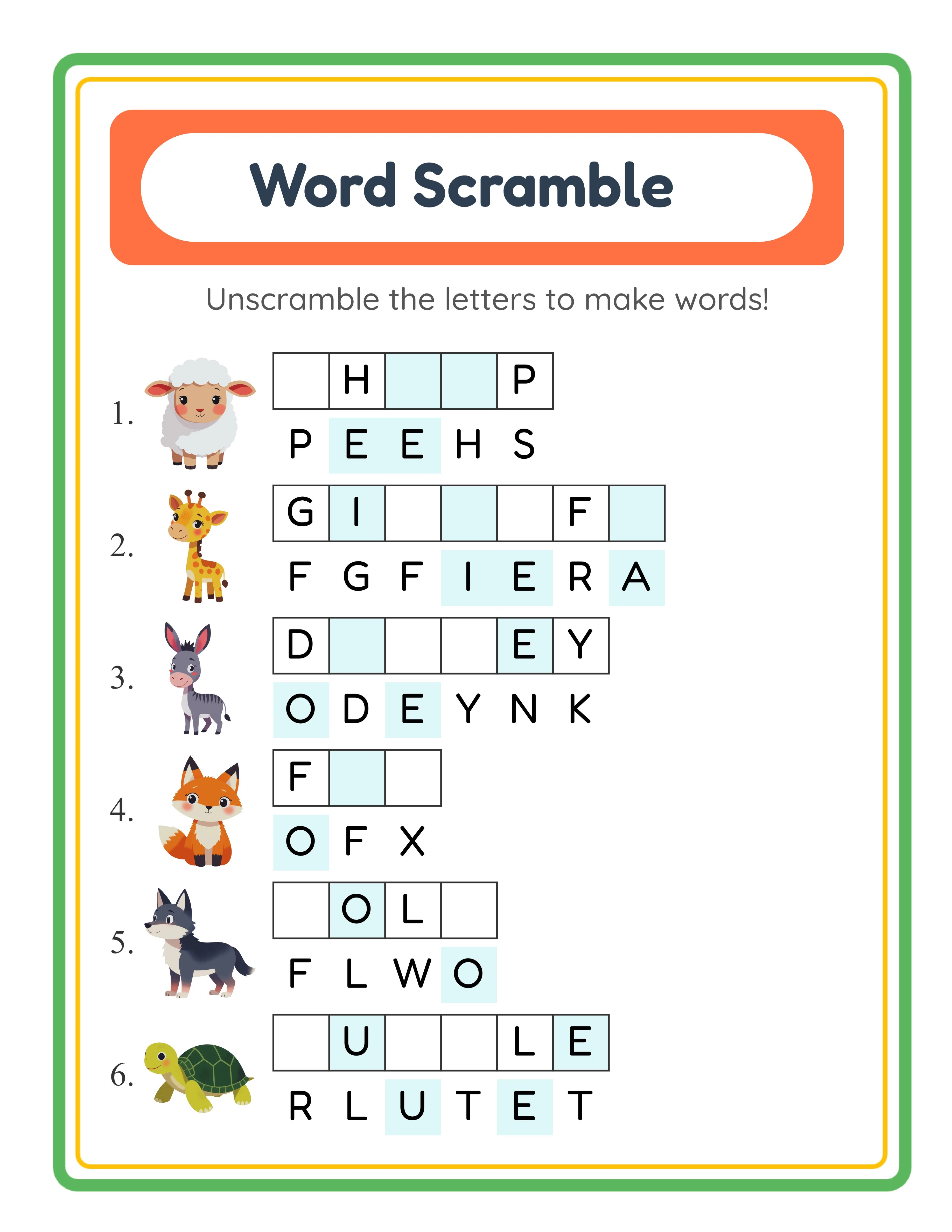
Cryptogram worksheet with themed images replacing letters in an encoded secret phrase
Picture cipher puzzle — decode the secret message by identifying which image represents which letter
Cryptogram worksheet with themed images and Letters to Reveal hints for scaffolded difficulty
Themed cipher with Letters to Reveal — pre-solved mappings provide scaffolding for beginners
Cryptogram answer key with complete letter legend showing all alphabet-to-image mappings in sorted order
Letter legend answer key — every alphabet letter paired with its assigned image for definitive solution reference

Theme Images

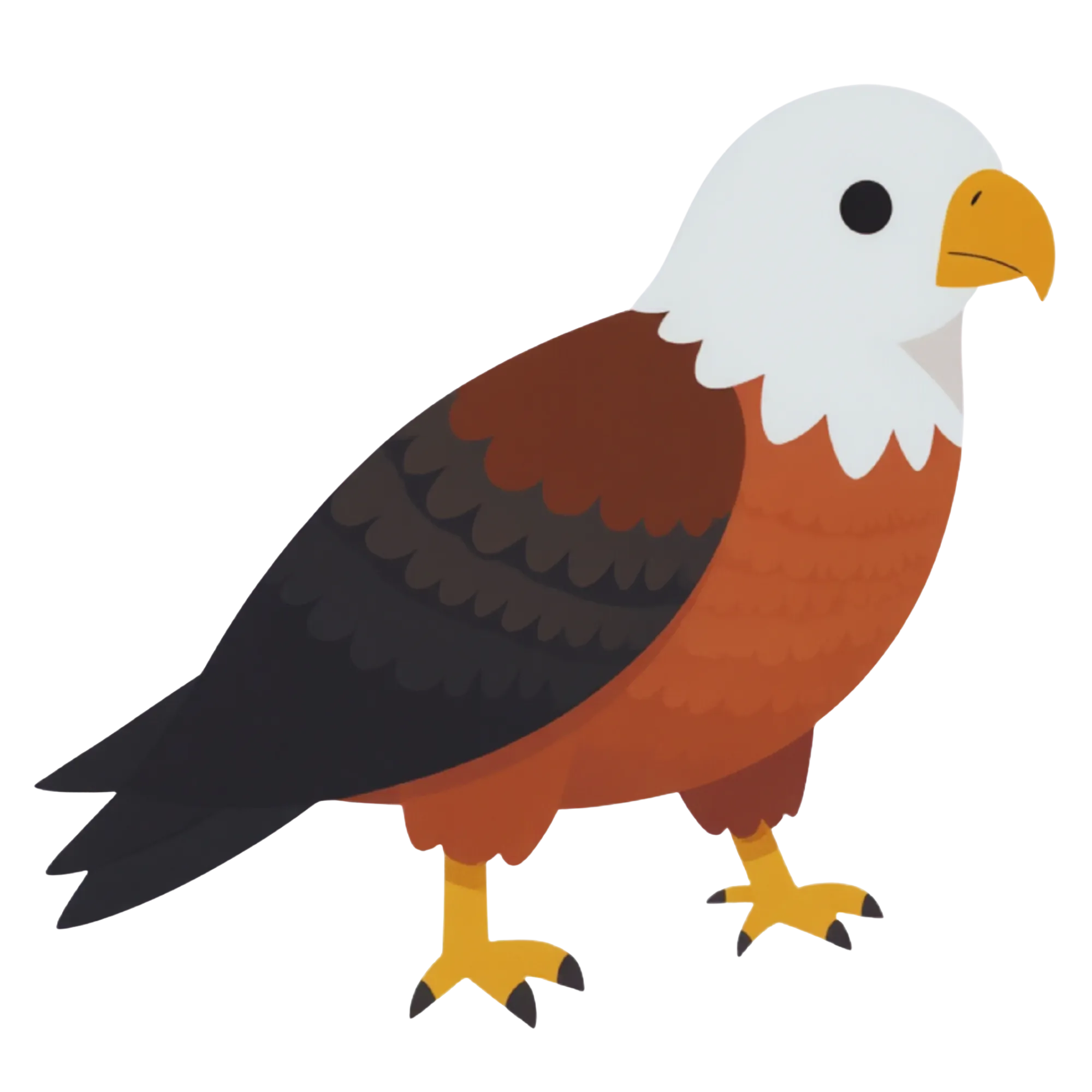
Eagle — themed educational image
Eagle
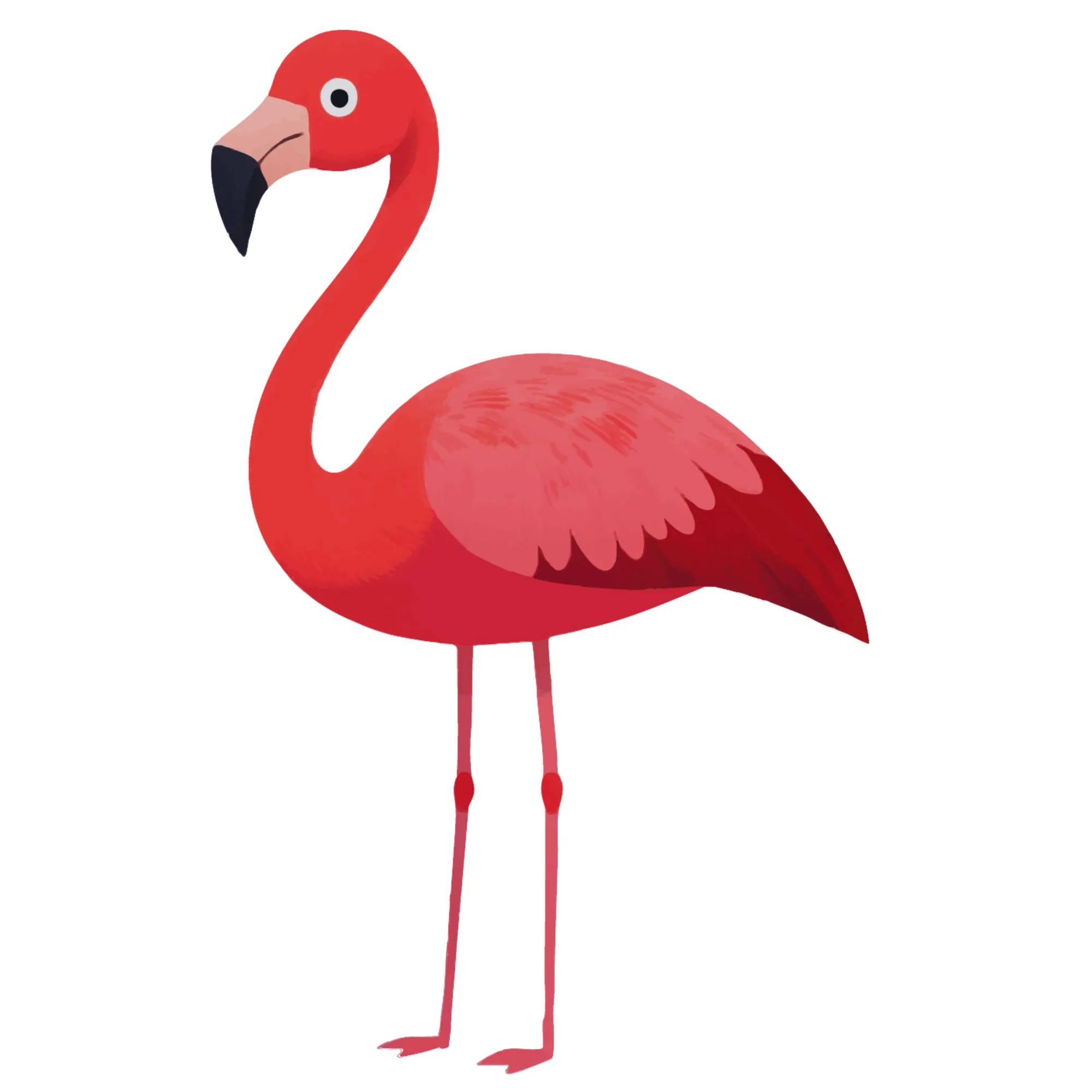
Flamingo — themed educational image
Flamingo
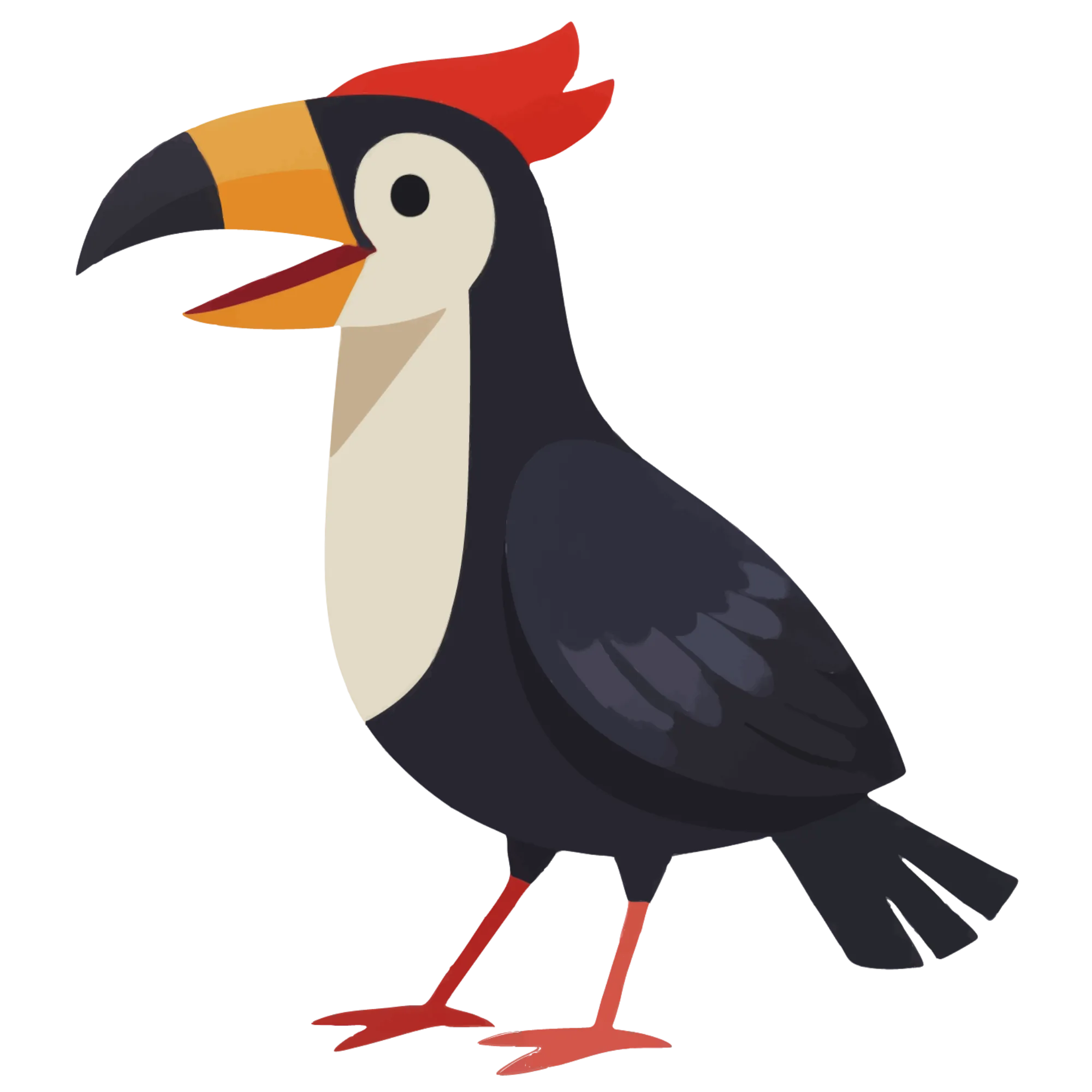
Hornbill — themed educational image
Hornbill
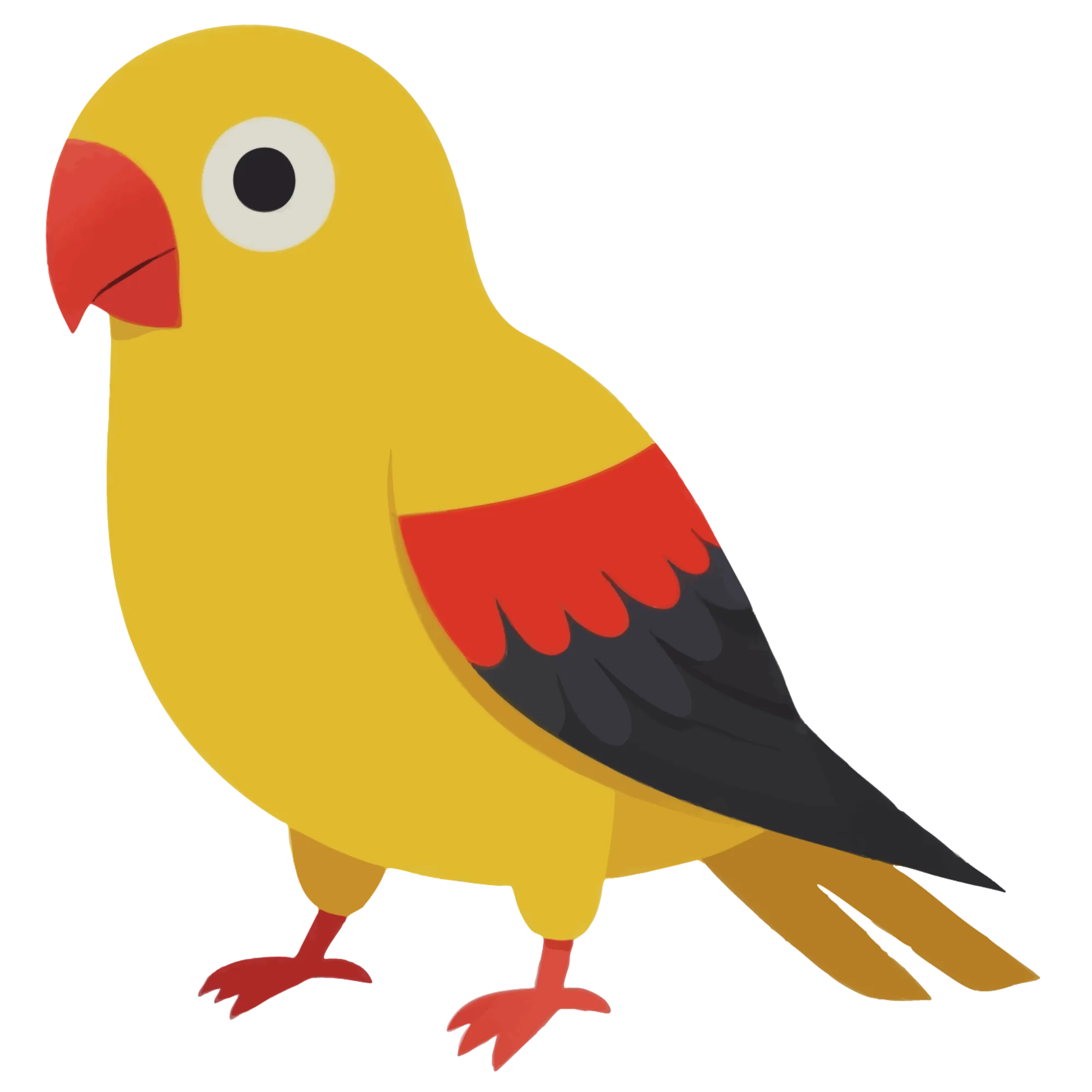
Macaw — themed educational image
Macaw
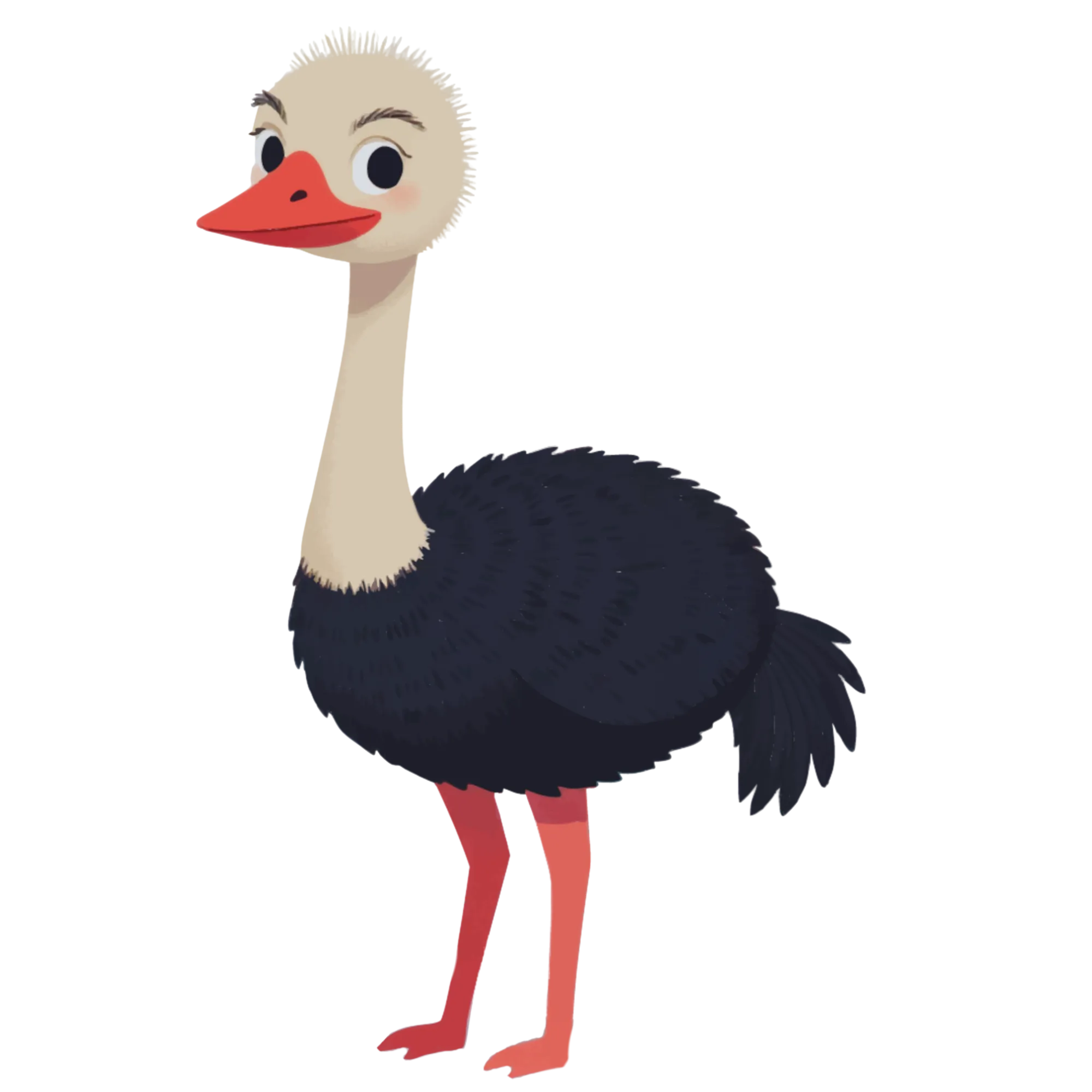
Ostrich — themed educational image
Ostrich

Professional Worksheet Gallery

Clean, polished layouts ready for your business

Word Search professional worksheet
Word Search
Word Scramble professional worksheet
Word Scramble
Word Guess professional worksheet
Word Guess
Print-ReadyProfessional QualityMultiple FormatsAnswer Keys

Frequently Asked Questions

How does the picture cryptogram cipher work?
Every alphabet letter is mapped to a unique image. Your secret phrase is rendered as a sequence of images replacing each letter. Solvers study the image sequence, deduce which image represents which letter using pattern recognition and contextual clues from common words, and write the decoded letters to reveal the original message. Spaces and punctuation are preserved, so word boundaries remain visible. This phrase-level encoding makes cryptograms fundamentally different from word searches or scrambles that work with individual words.
What does the Letters to Reveal slider (0–10) control?
Letters to Reveal controls how many letter-to-image mappings are pre-solved as hints on the worksheet. At 0, solvers start with no decoded letters and must crack the entire cipher from scratch. At 5, roughly half the mappings are revealed for a balanced challenge. At 10, many mappings are pre-solved, providing heavy scaffolding for beginners. This setting is the primary difficulty control and the natural differentiation axis for creating leveled product bundles.
What is the difference between Auto-Assign and Manual Assignment?
Auto-Assign instantly maps random images from the selected theme to all unassigned alphabet letters with one click — the fastest method for batch production. Manual Assignment lets you hand-pick which specific image represents which specific letter, with a visual overview of all current mappings. You can mix both: auto-assign the bulk, then manually swap specific letters for images that better fit your theme or add educational value.
How does the locale-aware alphabet work?
When you select a language, the available alphabet set automatically adjusts. English uses 26 letters. German adds ä, ö, ü, ß for a 30-character cipher alphabet. French adds é, è, ç, à and other accented characters. Both the secret message text and the cipher alphabet change by locale, so each language version is a genuinely different cipher product with different words, different letter counts, and a different solving experience.
What does the letter legend answer key show?
The answer key includes a complete letter legend displaying every alphabet letter paired with its assigned image in sorted alphabetical order. This is the definitive reference for checking solutions — solvers or buyers can look up any image to confirm which letter it represents. The answer key also shows the fully decoded phrase for quick verification.
Can I sell cryptogram puzzles I create on Etsy and Amazon KDP?
Yes. A commercial license gives you full rights to sell generated cryptogram puzzles on any platform including Etsy, Amazon KDP, Gumroad, Gumroad, and your own website. The picture cipher mechanic, Letters to Reveal difficulty system, Auto-Assign and Manual Assignment, letter legend answer keys, locale-aware alphabets across 11 languages, Color and B&W filter, 104 themed collections with over 3,100 illustrations, custom image uploads, and 400+ DPI exports give you everything needed to create professional cipher puzzle products. There are no royalty fees or per-sale charges. You keep 100 percent of your sales revenue after marketplace fees.
What is the refund policy for commercial licenses?
Every generator offers a free trial with watermark so you can test all features, create sample cryptogram puzzles with both assignment modes, experiment with all difficulty levels from 0 to 10 Letters to Reveal, evaluate the letter legend answer key, preview locale-aware alphabet changes across all 11 supported languages, switch between Color and B&W, and verify output quality before purchasing. Because you can fully evaluate the product before buying, all commercial license sales are final. This is standard practice for digital product tools where the full product can be previewed before purchase.

Ready to Start Creating?

Try any generator free with watermark. No signup required.

Browse All Generators