.webp)
.webp)
.webp)
Tutorial
1
Open the Draw & Color Worksheet Maker
Click the button below to launch the Draw & Color Worksheet Maker in your browser. The tool opens with a settings sidebar on the left and a live preview canvas on the right. No account creation, no software installation, and no download required — the generator runs entirely in your browser and is ready to use immediately.
The settings sidebar organizes all controls into logical sections: Page Setup for layout and backgrounds, Grid Configuration for dimensions and clue settings, Symmetry Mode for mirror options, Theme Selection for B&W outline images, and Text Tools for titles and labels. The canvas on the right updates in real time as you adjust settings, so you see exactly how your worksheet will look before exporting.
Take a moment to explore the interface. Each section expands and collapses for a clean workspace. The canvas supports full Fabric.js editing — drag, resize, rotate, and reposition any element directly on the preview. This gives you complete control over every aspect of your worksheet layout.
2
Set the Page Layout and Background
Start in the Page Setup section to define the physical dimensions and visual style of your worksheet.
Page Size options include Letter Portrait (standard for North American buyers), Letter Landscape, A4 Portrait (standard for European and international markets), A4 Landscape, Square (1200×1200 pixels, useful for social media and digital use), and Custom dimensions for specialized formats. Creating both Letter and A4 versions of each worksheet doubles your marketplace reach with minimal additional effort.
Page Color sets the background. White is standard for printed worksheets and Amazon KDP interiors. Light pastels can add visual warmth to digital download products sold on Etsy.
Background Theme lets you select a decorative background pattern from the image library. Use the opacity slider to keep it subtle — the grid and drawing content should remain the clear visual focus. A faint background pattern adds a professional touch without distracting from the exercise.
Border Theme adds a decorative frame around the page edges. Border opacity is controlled independently from the background. Themed borders (stars, flowers, geometric shapes) give your worksheets a polished, branded look that differentiates them from plain worksheet designs.
3
Configure Grid Dimensions
Grid dimensions control the number of cells in your drawing grid and act as one of two independent difficulty axes. Rows and columns are adjusted independently, supporting both square and non-square grids.
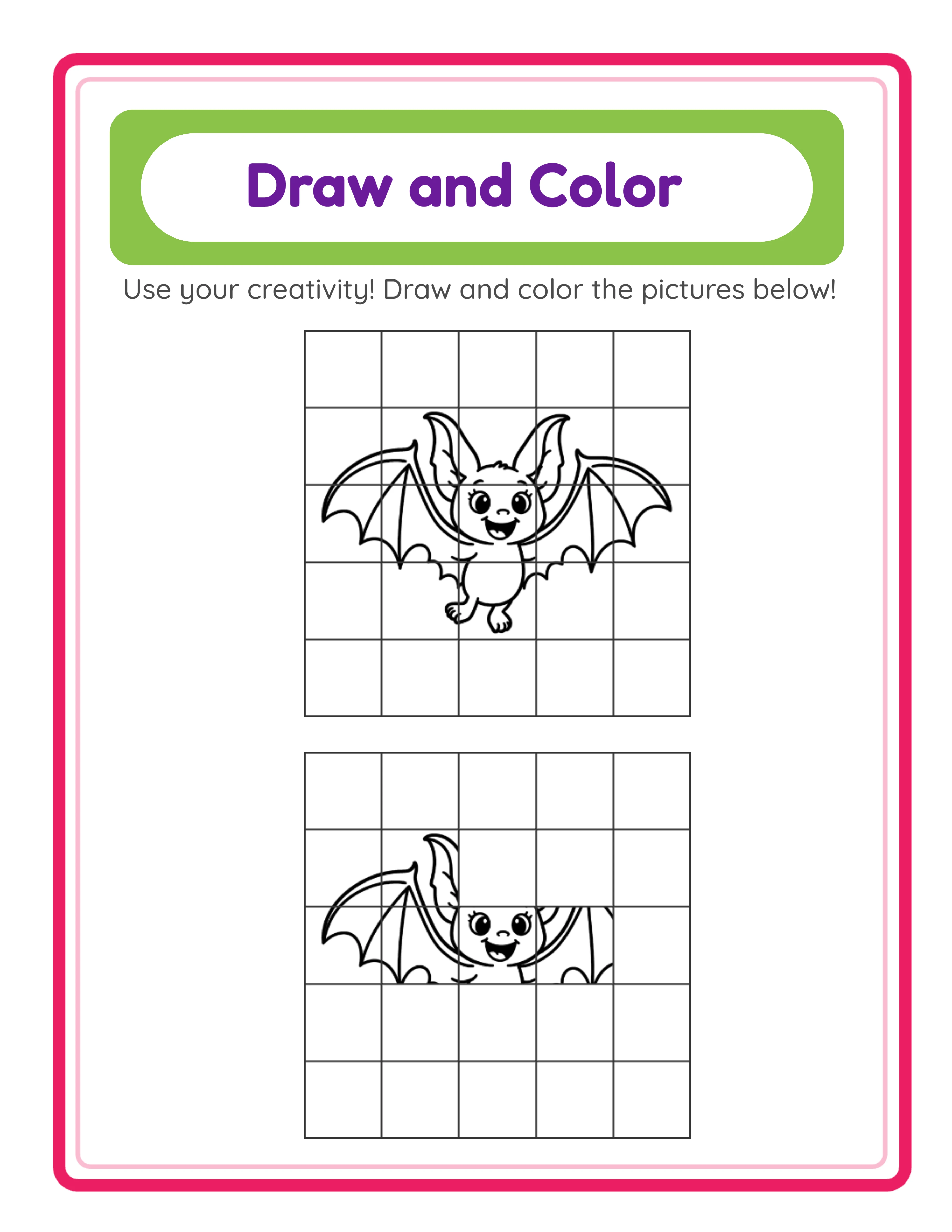
A 3×3 grid creates 9 large cells — the easiest level, ideal for preschool and early kindergarten children who are developing basic spatial awareness. Large cells are forgiving and give the younger audience plenty of room to draw.
A 5×5 grid creates 25 cells — a moderate challenge suitable for kindergarten through first grade. Cells are smaller, requiring more precise observation and drawing.
A 7×7 grid creates 49 cells — a significant challenge for first and second graders. Solvers must carefully observe each reference cell and reproduce fine details in smaller spaces.
A 10×10 grid creates 100 cells — expert-level difficulty demanding precise reproduction of very small image sections. This level works for older solvers and adults who enjoy detailed drawing challenges.
Non-square grids (4×6, 8×5, 3×10) accommodate different image aspect ratios and create additional product variety. A tall 3×8 grid works well for portrait images like full-body characters, while a wide 8×3 grid suits landscape scenes.
For product creation, each grid size at a given clue percentage creates a genuinely different difficulty experience. A 5×5 grid at 50% clues and a 10×10 grid at 50% clues both show half the reference, but the smaller cells in the larger grid make reproduction significantly harder.
4
Set the Clue Percentage
The clue percentage slider (10% to 75%) controls how much of the reference image is revealed in the clue grid. This is the second independent difficulty axis, working alongside grid size to create dozens of distinct difficulty combinations.
At 75%, three-quarters of the cells show the reference image and solvers fill in only the remaining quarter. This is the easiest setting, perfect for beginners and young children who are building confidence with grid reproduction. Most of the image is already visible, so solvers focus on completing the picture rather than deciphering it.
At 50%, half the cells are visible. This is a moderate challenge where solvers have enough reference to understand the overall image but must fill in substantial gaps. This mid-range setting works well for kindergarten through second grade.
At 25%, only a quarter of cells show the reference. Solvers work from scattered fragments, needing strong observation skills to reconstruct the full image. This level suits confident first and second graders and creates engaging puzzle-like exercises.
At 10%, barely any reference is visible. Solvers reconstruct the image almost from scratch with minimal hints — a genuine challenge even for adults. This expert setting creates premium products for advanced drawing practice and adult activity books.
The smooth difficulty curve from 75% down to 10% means you can create progressive workbooks where each chapter or section reduces the clue percentage. This difficulty-by-chapter structure is highly valued by buyers who want organized skill progression.
5
Choose a Symmetry Mode
The symmetry mode selector adds a spatial reasoning dimension to grid drawing exercises. Three modes control how clue cells are positioned within the grid, each serving a different learning objective.
Random mode scatters clue cells in arbitrary positions across the grid. This is the default mode for general drawing practice. Solvers observe whichever cells happen to be revealed and use them as reference points to complete the full image. Random placement creates organic-looking exercises where the difficulty depends purely on clue percentage and grid size.
Horizontal mirror mode distributes clue cells symmetrically from left to right. Solvers see reference cells on one half of the grid and must construct the mirror image on the other half. This teaches bilateral symmetry — a fundamental concept in geometry, biology, and art. When Horizontal mode is selected, a part-to-reveal selector lets you choose whether clues appear on the left half or the right half of the grid.
Vertical mirror mode distributes clue cells symmetrically from top to bottom. Solvers see reference cells on the top or bottom half and reconstruct the mirror image on the opposite side. This teaches vertical symmetry and develops spatial orientation skills. The part-to-reveal selector lets you choose which half to show as clues.
Symmetry modes transform grid drawing from purely an art activity into a cross-curricular exercise bridging art and math. Products tagged with both "drawing worksheets" and "symmetry activities" appear in two separate category searches on marketplaces, doubling your visibility. A "Complete Symmetry Drawing Bundle" combining Horizontal and Vertical exercises at multiple difficulty levels is a strong standalone product for Gumroad.
6
Select a B&W Theme Image
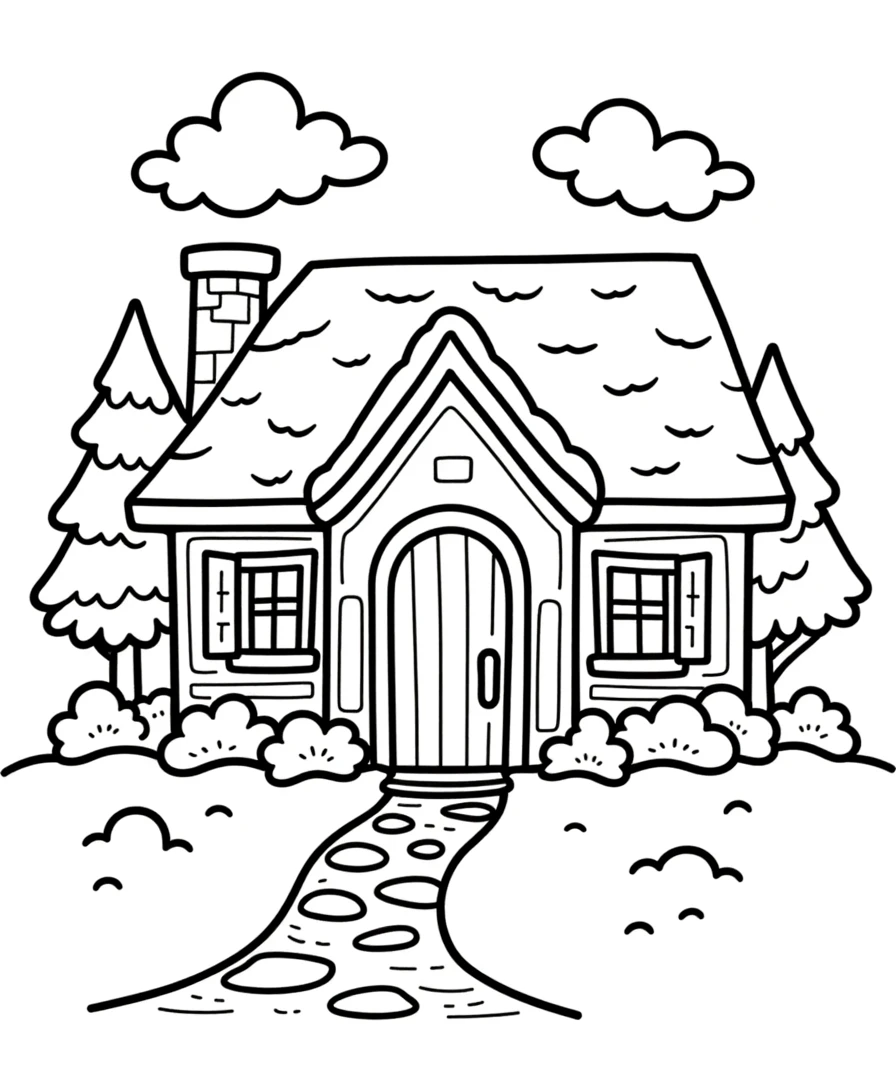
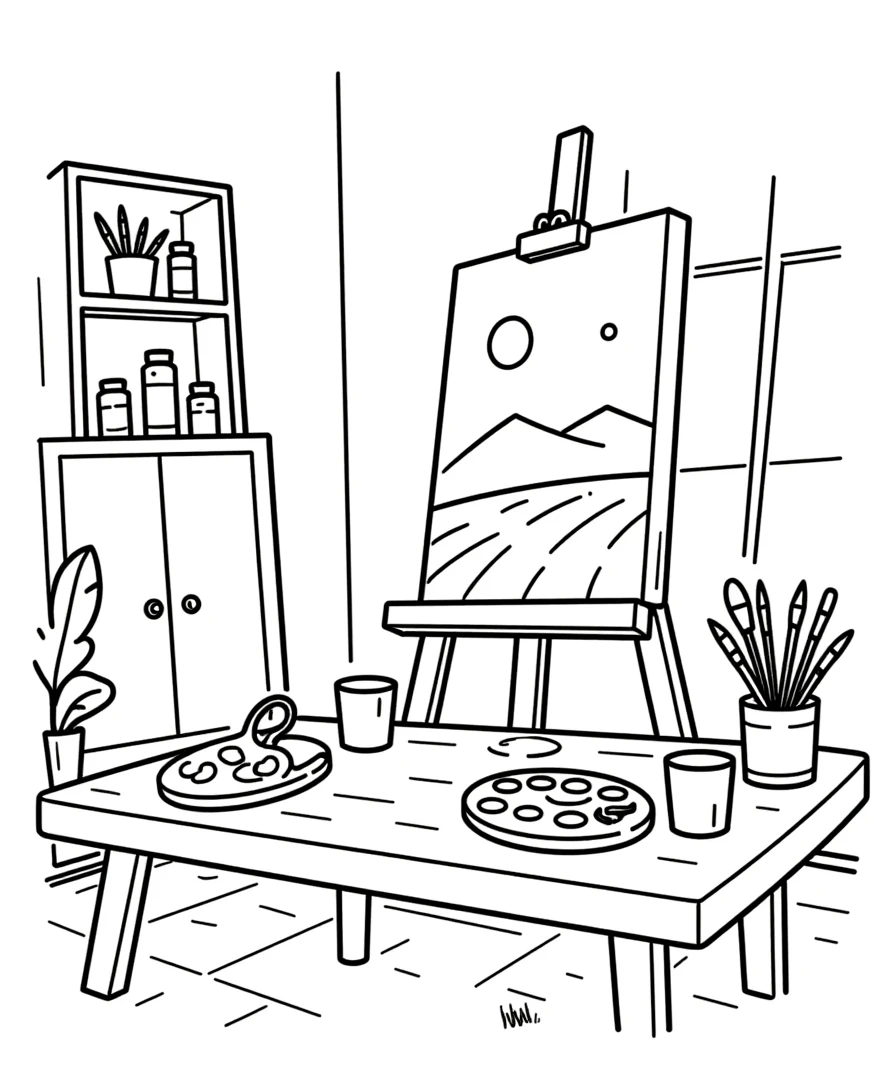
The theme selector provides access to 100+ B&W outline theme collections containing 3,000+ black & white illustrations organized by category: animals, vehicles, food, nature, professions, holidays, sports, and dozens more.
These are specifically B&W outline drawings — clean, clear lines designed for two purposes. First, they are ideal for cell-by-cell reproduction because solvers can clearly see the outlines they need to copy. Second, after completing the drawing, solvers can color in their reproduction as a bonus creative activity. This draw-then-color workflow delivers two activities per page, increasing the perceived value of every worksheet.
Browse themes by scrolling through the collection or use the search function to find specific images across all themes. Each theme contains multiple related images, so a single "farm animals" theme provides cows, horses, pigs, chickens, sheep, and more — enough variety for an entire product pack from one theme alone.
Custom image upload accepts PNG, JPG, and GIF files, letting you create grid exercises from any source image. This is valuable for creating specialized products beyond the built-in library: plant diagrams for science, architectural drawings for design classes, or geometric shapes for math integration.
Theme selection is a strategic product decision. Each theme creates a distinct product listing with unique search keywords. "Dinosaur grid drawing worksheets" and "ocean animal drawing worksheets" serve different buyer segments and appear in different search results. Ten themes at a single difficulty level give you ten unique products from the same generator session.
7
Add Text and Customize the Canvas
The Text Tools panel lets you add titles, instructions, branding, and other text elements to your worksheet. While the grid exercise itself contains zero text (which is what makes it universally sellable), you can optionally add text elements for context.
Five font families are available: Lexend Deca (clean and modern), Baloo 2 (friendly and rounded), Nunito (balanced and readable), Quicksand (light and geometric), and Fredoka (playful and bold). Each font supports multiple sizes and colors. Choose fonts that match your brand aesthetic and maintain consistency across your product line.
Name and Date fields add solver identification areas at the top of the worksheet. Buyers strongly prefer worksheets with these fields for group management — always enable them for products targeting sellers.
The auto-generated header localizes across all 11 supported languages (English, German, French, Spanish, Portuguese, Italian, Dutch, Swedish, Danish, Norwegian, Finnish). However, since the grid exercise output itself contains zero text, the header is optional and removing it creates a completely language-neutral product.
The Fabric.js canvas gives you full creative control. Drag elements to reposition them, resize by pulling handles, rotate for angled text, and use alignment tools to snap elements into precise positions. Lock finished elements to protect them while editing others. Unlimited undo and redo let you experiment freely without risk.
8
Toggle Grayscale and Download
With your worksheet configured and customized, the final step is export. The generator offers two output formats at 300 DPI for professional print quality.
JPEG export creates a high-resolution image file. JPEGs are universally compatible, easy for buyers to print, and ideal for creating product listing preview images and social media marketing materials.
PDF export creates the professional standard for printable product sales. PDF files maintain exact formatting across all devices and printers. This is the format most marketplace buyers expect for downloadable worksheets and the required format for Amazon KDP interiors.
The grayscale toggle converts your worksheet to black-and-white output. Since Draw & Color uses B&W outline themes by design, grayscale mode ensures absolutely clean black-and-white output perfect for Amazon KDP interiors (where black-and-white printing keeps production costs low) and group bulk printing (where buyers need economical single-color output).
No separate answer key is needed. The clue grid itself serves as the reference solution — solvers compare their practice grid against the clue grid at any time. This streamlines your product creation workflow because you export a single page with both grids rather than managing separate worksheet and answer key files. Every export includes both the practice grid (blank cells for drawing) and the clue grid (partial reference image) together.
The free trial with watermark produces fully functional exports with a visible watermark overlay. This lets you evaluate print quality, verify formatting, and create test prints before purchasing a commercial license. The commercial license removes the watermark from all exports, producing clean files ready for sale.
.webp)