Tutorial
1
Choose Your Target Age Group and Set the Max Minuend
The Max Minuend control is the primary difficulty setting for subtraction worksheets. The minuend is the number you subtract from — in "7 – 3 = 4," the minuend is 7. Setting the Max Minuend determines the hardest problem that can appear on the worksheet.
Here is how Max Minuend maps to age groups for subtraction worksheets:
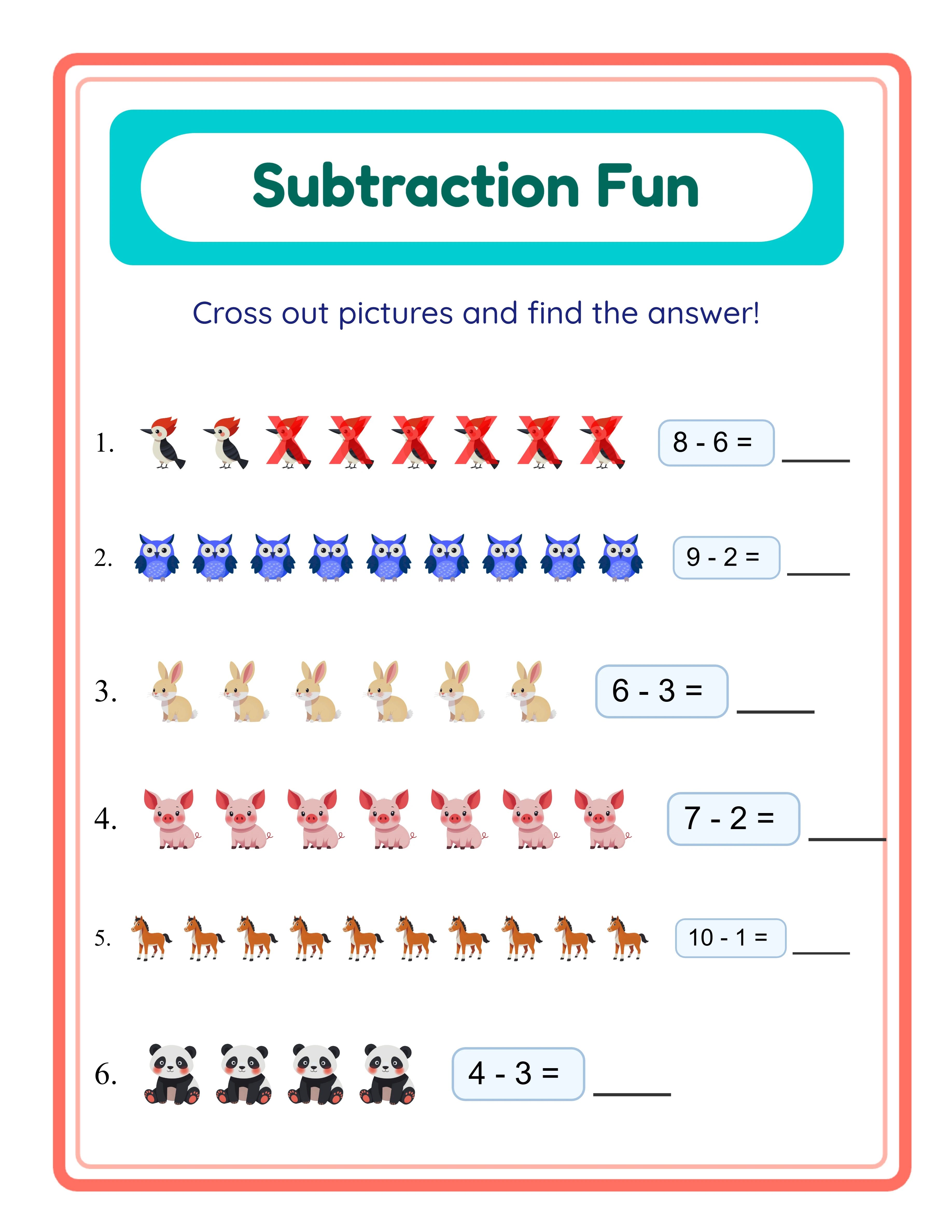
Preschool (ages 4–5): Max Minuend of 5. Problems like "3 – 1 = 2" or "5 – 2 = 3." Children at this stage are just learning that taking away reduces a quantity. Use the Cross Out exercise mode exclusively so they can see pictures being removed. Subtraction typically starts slightly later than addition at this level, so worksheets should be heavily visual with large images.
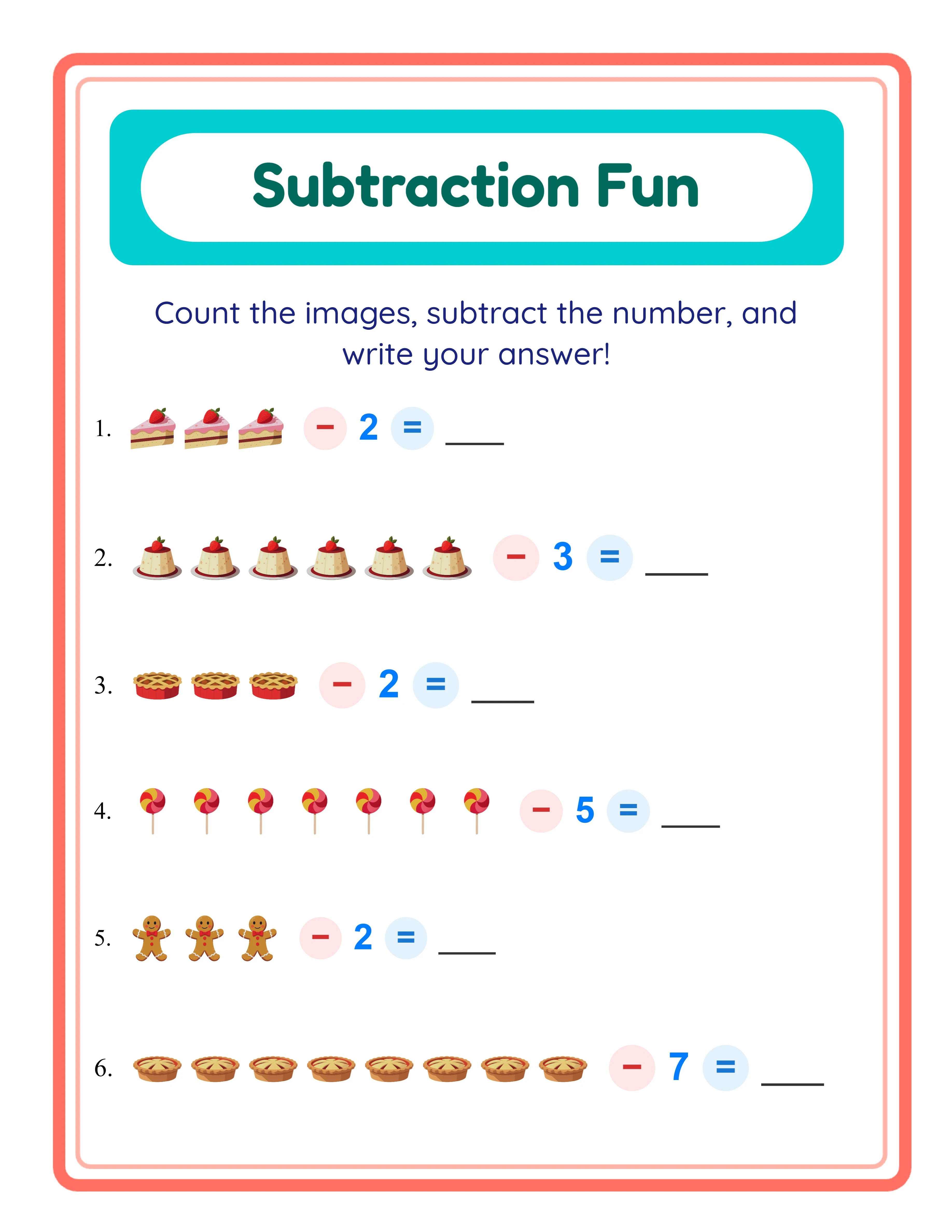
Kindergarten (ages 5–6): Max Minuend of 10. Problems up to "10 – 4 = 6." Children are developing number sense and can handle slightly more complex removal scenarios. Mix Cross Out and Image – Number modes to begin connecting visuals with numerals.
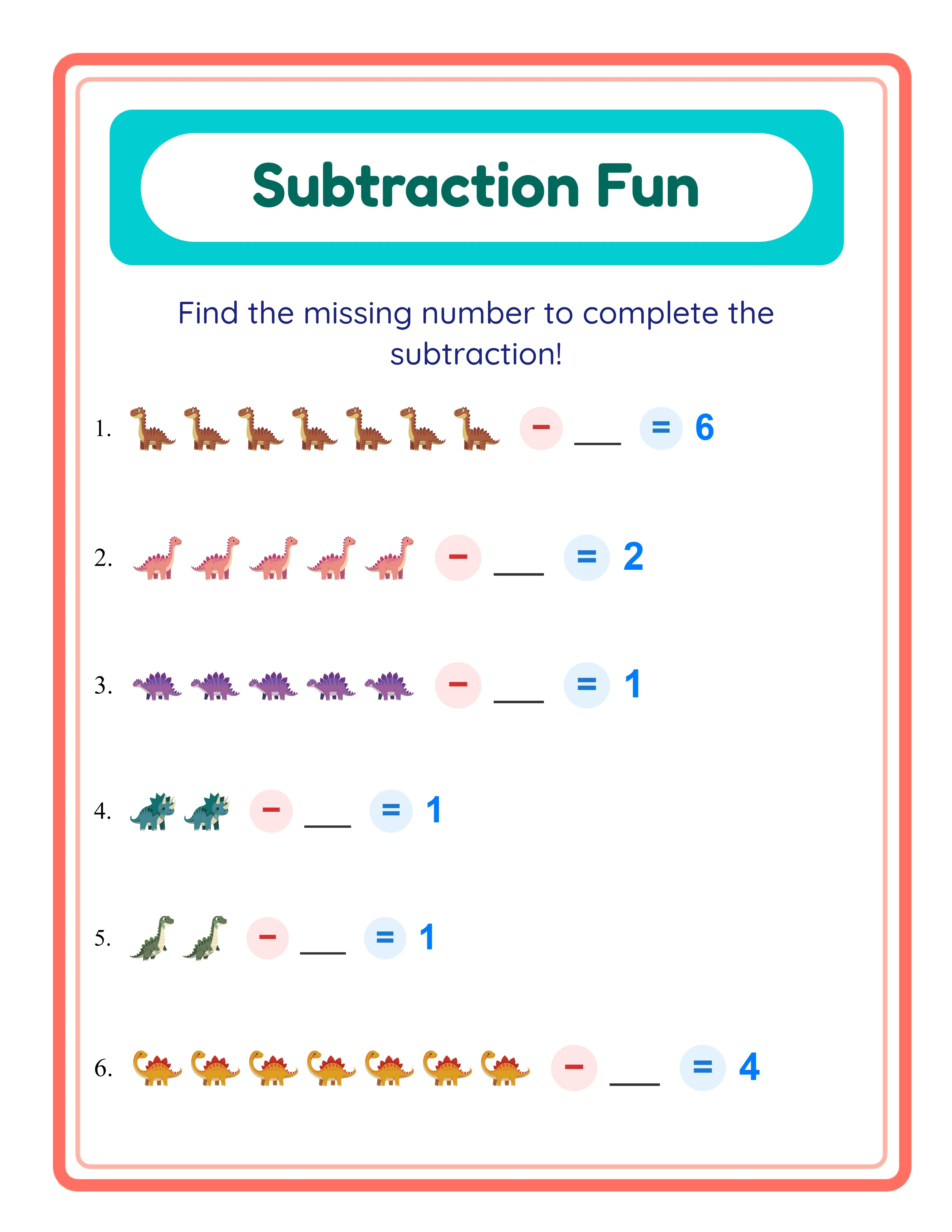
First grade (ages 6–7): Max Minuend of 15. Problems up to "15 – 8 = 7." The Find Subtrahend mode becomes valuable here, where children see "9 – ? = 4" and must determine what was taken away. This develops early algebraic reasoning.
Second grade (ages 7–8): Max Minuend of 20. The full range of subtraction problems. Mixed mode combines all exercise types for comprehensive assessment. Children at this level handle abstract subtraction but still benefit from visual reinforcement.
In the generator, locate the Max Minuend slider and set it to match your target age group. This single control ensures every generated problem stays within the appropriate difficulty range.
2
Select a Visual Theme for Your Worksheets
Themed subtraction worksheets dramatically outsell plain number-only worksheets. The crossed-out images that define subtraction worksheets are inherently visual, so the theme choice matters even more than it does for addition products. A worksheet showing crossed-out dinosaurs or fading farm animals creates an immediately compelling thumbnail image.
The Subtraction Worksheet Generator includes a theme selector with image sets organized by category. With a commercial license, you get access to 10 themed image sets. The Full Access license unlocks over 100 themed image sets covering animals, food, vehicles, nature, holidays, occupations, and dozens more categories.
To select a theme, use the Select Theme dropdown in the Exercise Configuration section. The generator uses images from your chosen theme for all subtraction problems. A "sea creatures" theme shows fish, dolphins, starfish, and seahorses with some crossed out. A "desserts" theme shows cupcakes, donuts, cookies, and ice cream being taken away.
Theme selection is a strategic product decision. Each theme creates a distinct product listing with unique search keywords. "Dinosaur subtraction worksheets" and "Farm animal subtraction worksheets" target completely different search queries and attract different buyers. A single difficulty level across 10 themes gives you 10 unique products.
You can also configure background and border themes independently using the Page Setup section. Subtle decorative borders and light background patterns add professional polish that distinguishes your worksheets from competitors using plain white layouts.
3
Choose Your Exercise Mode
The Subtraction Worksheet Generator offers four exercise modes, each designed for a different learning stage. Understanding these modes helps you create targeted products for specific buyer segments.
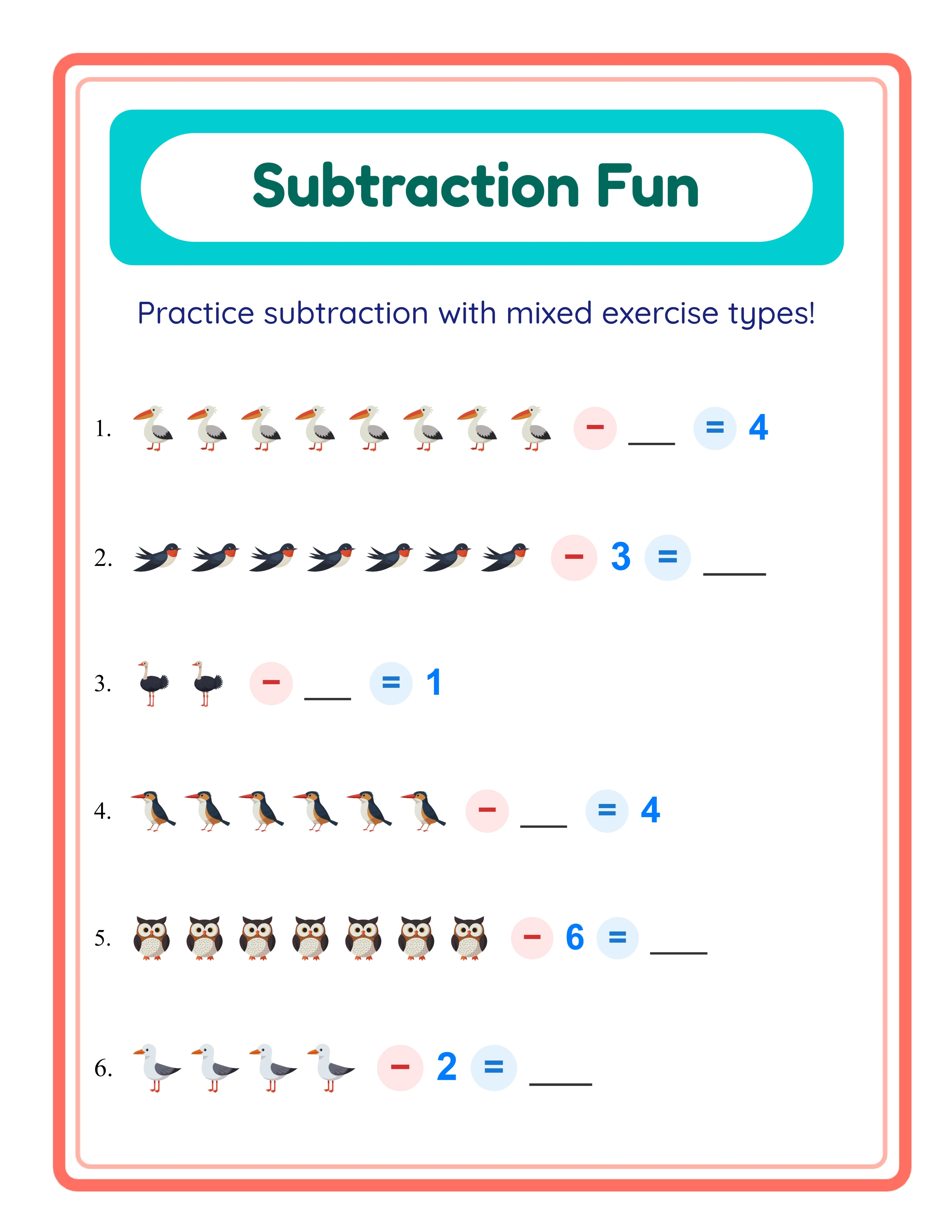
Cross Out mode is the signature subtraction exercise. The worksheet shows a group of themed images with some visually crossed out using an X mark. Children count the remaining images and write the answer. This is the most intuitive subtraction format for the younger audience because it directly represents "taking away." Cross Out mode works best for preschool and kindergarten. Example: seven butterflies with three crossed out — how many are left?
Image – Number mode shows a group of images minus a numeral. This bridges the gap between visual and abstract subtraction, helping children transition from counting crossed-out pictures to working with numbers. It works well for kindergarten and early first grade. Example: a group of six cars minus the numeral 2 equals how many?
Find Subtrahend mode presents an equation with the subtracted number missing. Children must figure out how many were taken away. This is the most challenging mode and develops algebraic thinking. It works best for first and second grade. Example: 8 – ? = 5.
Mixed Mode combines all three exercise types on a single worksheet. This is ideal for assessment worksheets, review sheets, and products targeting children who need varied practice. Buyers particularly value mixed-mode worksheets for evaluating solver understanding across multiple subtraction concepts.
Select your exercise mode from the Exercise Mode dropdown. For product creation, consider creating separate products for each mode at each difficulty level to maximize your catalog.
4
Configure the Worksheet Layout
Layout configuration determines how your subtraction worksheet looks when printed and how many problems fit on each page.
Number of Exercises controls the problem count per worksheet, from 1 to 10. For preschool subtraction worksheets with large crossed-out images, 4–6 problems per page works best — the crossed-out marks need enough space to be clearly visible. For older children, 8–10 problems per page is standard.
Page Size options include US Letter Portrait, US Letter Landscape, A4 Portrait, A4 Landscape, Square, and Custom dimensions. US Letter is standard for North American buyers. A4 is standard for European and international markets. Offering both versions broadens your customer base with minimal additional effort.
Additional layout options include:
Name and Date Fields: Adds name and date lines at the top of the worksheet. Buyers strongly prefer worksheets with these fields — always enable them for products targeting practical use.
Exercise Numbers: Numbers each problem sequentially. Keep this enabled for most products so children and buyers can reference specific problems.
Engaging Answer Box: Uses a rounded, visually distinct box for writing answers. This makes the worksheet look more engaging and helps young children find where to write their answer.
Page Color lets you set the background color. White is standard for printed worksheets. Light pastels can add warmth to digital-use products or themed collections.
5
Generate and Preview Your Worksheet
With your settings configured, click the Generate button to create your subtraction worksheet. The generator places themed images on the canvas, applies the crossed-out marks according to your exercise mode, and arranges everything according to your layout preferences.
The preview appears on the main canvas area. Review it carefully before exporting:
Check the crossed-out images: In Cross Out mode, verify that the X marks over crossed-out images are clear and distinct. Children must be able to easily tell which images are "taken away" and which remain. If the cross marks are hard to see, try a different theme with higher-contrast images.
Check image placement: Are images clearly arranged? Is there enough spacing between problems? Does the layout feel crowded or too sparse?
Check difficulty accuracy: Count the total images and crossed-out images in several problems to verify they match your Max Minuend setting. A kindergarten worksheet with Max Minuend of 10 should not show problems requiring subtraction from 15.
Check the minus sign visibility: Ensure the subtraction symbol is clearly visible between image groups or between images and numbers.
If anything needs adjustment, change your settings and regenerate. The canvas updates instantly, allowing rapid iteration. Try different exercise counts per page to find the optimal density for your target age group.
You can also use the text tools to add custom titles like "Subtraction Practice — Take Away From 10" or instructions like "Count how many are left and write the number."
6
Review the Automatic Answer Key
Every subtraction worksheet generated includes an automatic answer key. Click the Answer Key tab to view it.
The answer key mirrors the worksheet layout but displays the correct answers filled in. This serves two critical buyer segments:
Buyers use answer keys for efficient grading. Subtraction problems with crossed-out images can be time-consuming to verify manually, especially when grading 20–30 solver worksheets. An answer key eliminates that burden.
Parents use answer keys to check their child's work. Homeschool parents managing multiple subjects particularly value answer keys because they reduce the cognitive load of verifying subtraction results while teaching other subjects.
The answer key is calculated automatically based on the mathematical operations in each exercise. Every problem's answer is computed by the generator — you never need to calculate or verify answers manually.
Always include answer keys in your products. On every marketplace, "with answer key" is a frequently searched qualifier for math worksheets. Include it in your product title and description. Your listing can highlight "Automatic answer key included for every worksheet" as a prominent selling point.
7
Export as Print-Ready PDF and JPEG
The export section provides download options for both the worksheet and its answer key.
Worksheet JPEG: A high-resolution image file useful for listing preview thumbnails, social media marketing, and digital delivery. JPEG files are universally compatible and easy to print.
Worksheet PDF: The professional standard for printable products. PDF files maintain exact formatting across all devices and printers. Most marketplace buyers expect downloadable worksheets in PDF format.
Answer Key JPEG and Answer Key PDF: Separate export files for the answer key in both formats.
For marketplace listings, export the PDF as your deliverable product and a JPEG for listing preview images. Buyers need to see the crossed-out image format before purchasing — it is the visual signature of a subtraction worksheet and immediately communicates what the product is.
Important: the free trial with watermark produces fully functional exports with a visible watermark overlay. This lets you evaluate print quality, verify that crossed-out marks render clearly, and create test prints before purchasing a commercial license. The commercial license removes the watermark from all exports, producing clean files ready for sale.
8
Create Variations for a Complete Product Line
The most successful printable sellers build systematic product lines from a single generator. Subtraction worksheets lend themselves to extensive variation because the exercise modes, difficulty levels, and themes combine multiplicatively.
Difficulty variations: Create the same themed worksheet at four difficulty levels — Max Minuend 5, 10, 15, and 20. A "Farm Animals Subtraction" set with four difficulty tiers gives you four products or one progressive bundle.
Theme variations: Keep the same difficulty but switch themes. Ten themes at kindergarten difficulty (Max Minuend 10) gives you ten unique products, each targeting different search terms on marketplaces.
Exercise mode variations: Create one worksheet set in Cross Out mode and another in Find Subtrahend mode for the same theme and difficulty. Different modes serve different learning objectives and attract different buyers.
Page size variations: Create US Letter and A4 versions of every worksheet. This doubles your international market reach with minimal effort. List them separately or bundle both sizes together.
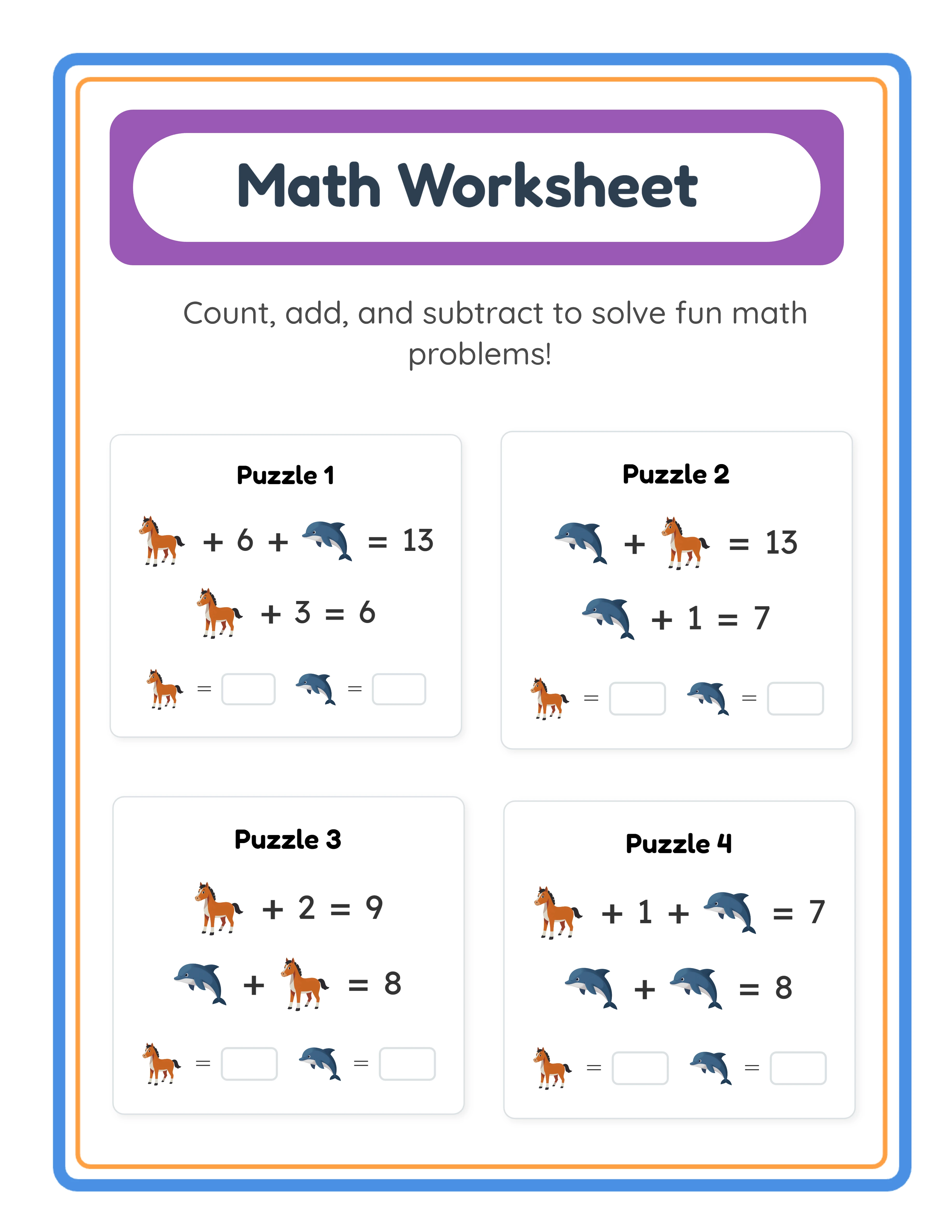
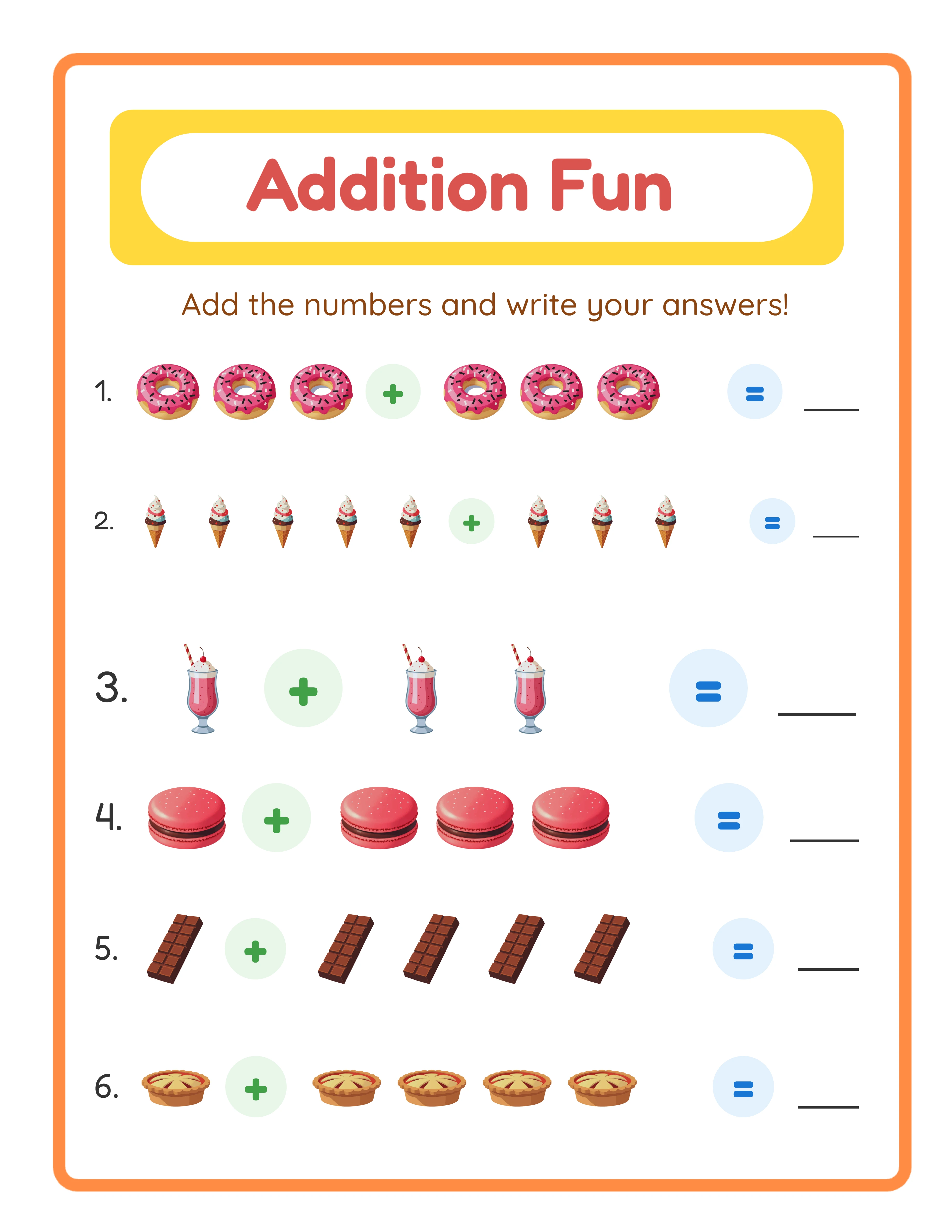
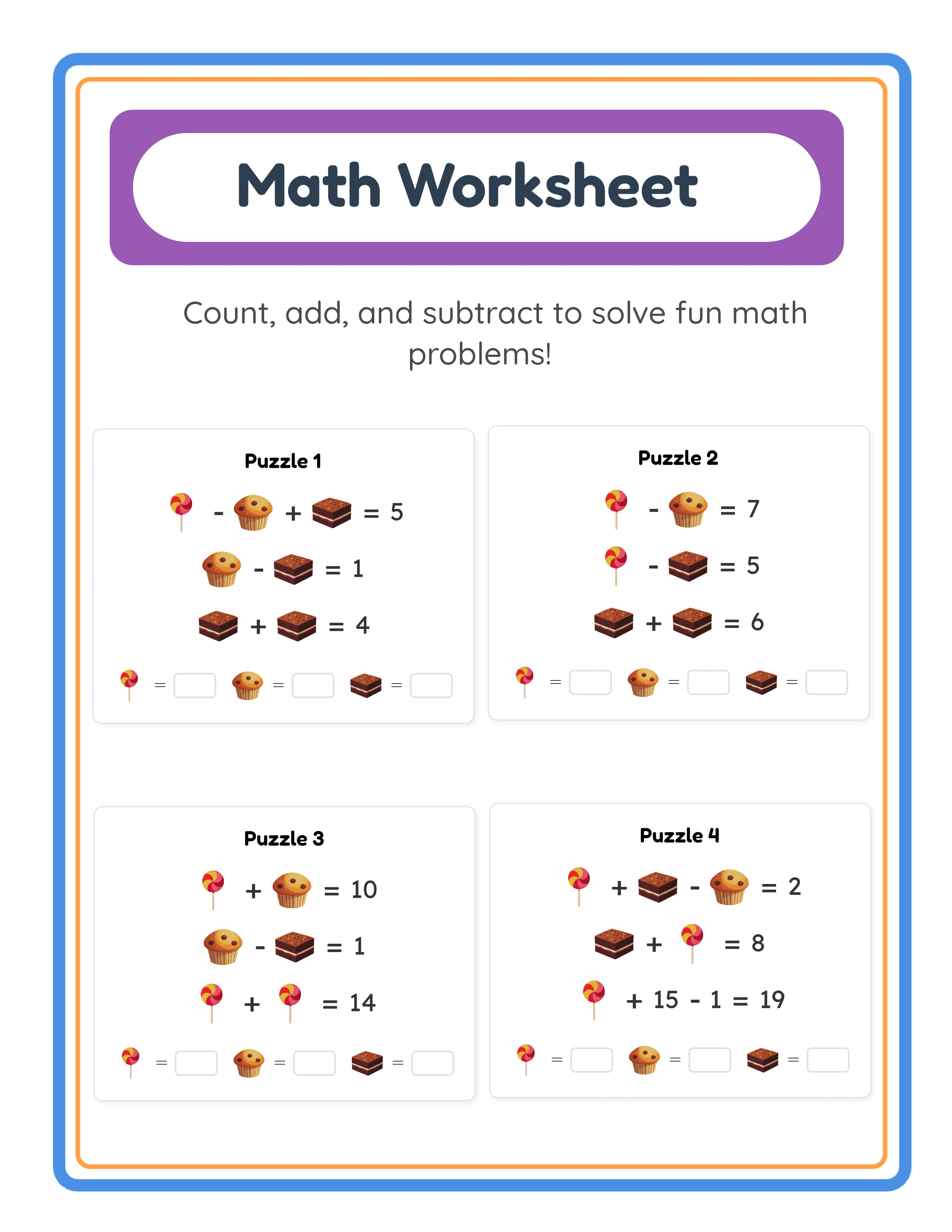
Addition-subtraction bundles: This is subtraction's strongest bundling advantage. Pair your subtraction worksheets with matching addition worksheets from the Addition Worksheet Generator. A "Farm Animals Math Bundle — Addition and Subtraction" at $9.99–$14.99 is a high-value product targeting buyers who want comprehensive math practice. Every addition product you already sell has a natural subtraction companion.
Seasonal collections: Create holiday-themed subtraction worksheets and list them 4–6 weeks before each holiday. Halloween, Christmas, Valentine's Day, and Easter themes all create predictable demand spikes.