
Tutorial
1
Understand the KDP Math Activity Book Market
Math activity books occupy a stable, evergreen niche on Amazon. Unlike novelty or trend-driven categories, demand for math practice workbooks remains consistent year-round with predictable peaks during back-to-school season in August and September, and again in January when New Year resolutions drive educational purchases.
The most successful math activity books on KDP target specific grade levels or skill areas rather than trying to cover everything. A focused book titled "Addition Practice for Kindergarten" outperforms a generic "Math Activities for Kids" because buyers search for specific skills at specific levels. This specificity also reduces competition — you compete against fewer titles when targeting "first grade subtraction workbook" than "math book for kids."
The print-on-demand model eliminates the traditional publishing risks. There are no minimum print runs, no warehouse costs, and no unsold inventory. Amazon prints each copy when a customer orders, ships it directly, and deposits your royalty. This means you can publish multiple focused math books targeting different skills and grade levels without financial risk — if a particular title does not sell well, it costs you nothing to keep it listed.
Before creating your book, research the top sellers in your target category. Look at their page counts (most successful math activity books have 40 to 80 interior pages), price points (typically 5.99 to 9.99 for standard activity books), and how they structure content. Note how they use their title, subtitle, and cover to communicate the specific skill level and target audience.
2
Plan Your Book Content and Structure
A well-structured math activity book needs careful planning before you generate a single worksheet page. Start by choosing your specific focus: a single operation (addition only, subtraction only), a combination of related operations (addition and subtraction), or a grade-specific mixed review. Single-operation books let you create deep content with progressive difficulty, while mixed-operation books appeal to buyers wanting comprehensive practice.
Page count directly affects printing costs, pricing, and perceived value. For math activity books, 40 to 80 interior pages hits the sweet spot. Below 40 pages, buyers feel the book is too thin and not worth the price. Above 80 pages, printing costs eat into your royalties significantly. A 50-page addition workbook or a 60-page mixed math activity book provides substantial content while keeping printing costs manageable.
Organize your content with clear difficulty progression. Start with easier problems that build confidence, then gradually increase complexity. For an addition activity book, you might structure it as: pages 1 through 15 with single-digit addition using image-based problems, pages 16 through 30 with double-digit addition, pages 31 through 45 with mixed difficulty and themed puzzles, and pages 46 through 50 as a comprehensive review section.
Plan your front matter and back matter. Include a title page, a short introduction explaining how to use the book, and a table of contents. Place answer keys at the back of the book — this is what buyers expect and it prevents solvers from accidentally seeing answers while working through activities. A copyright page with your publishing information completes the professional presentation.
Consider variety within your chosen focus. A pure addition book should not contain 50 identical-looking pages. Mix image-based addition problems with number-only drills, math puzzles, and comparison activities. This variety keeps solvers engaged and gives buyers the perception of a richer, more thoughtfully designed product.
3
Create Math Worksheets for Book Pages
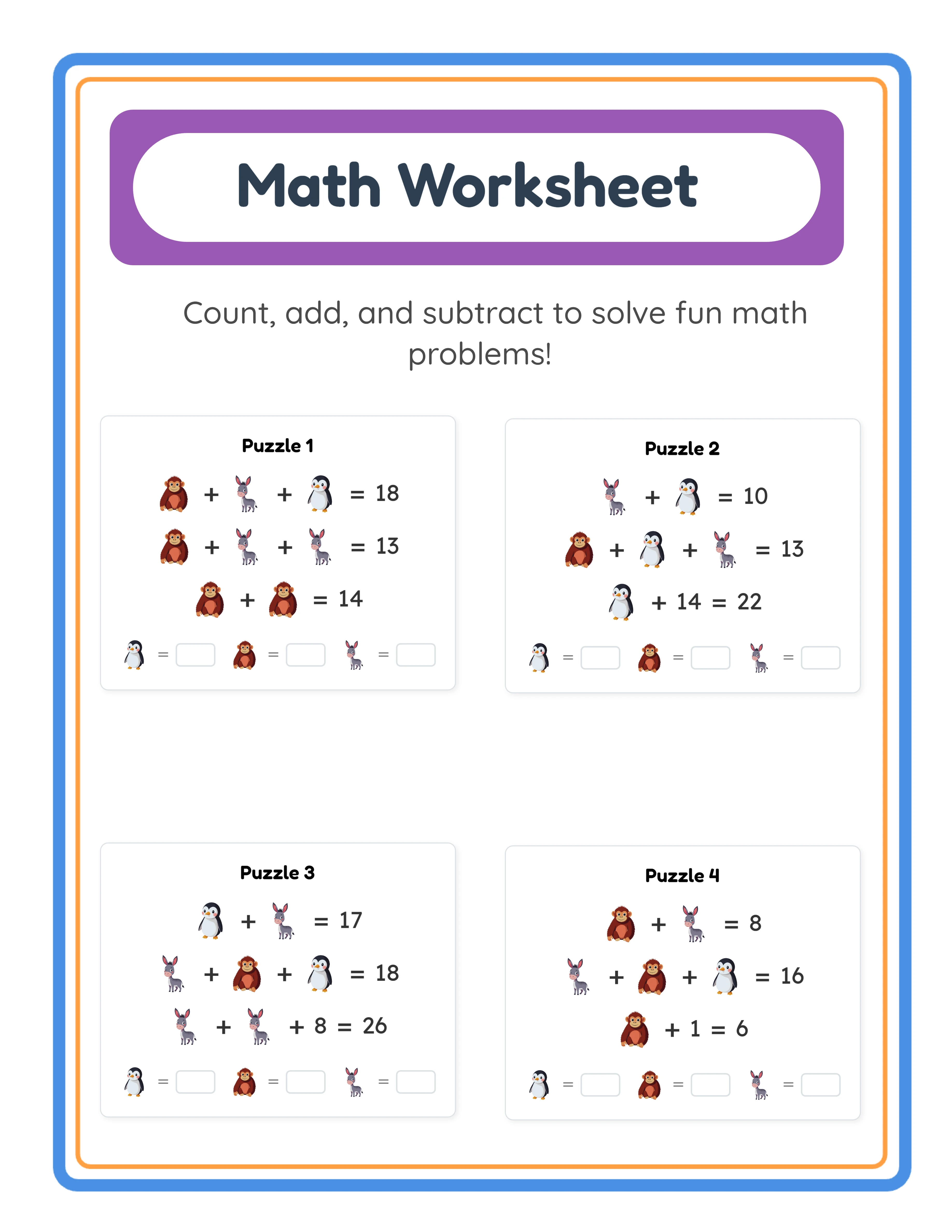
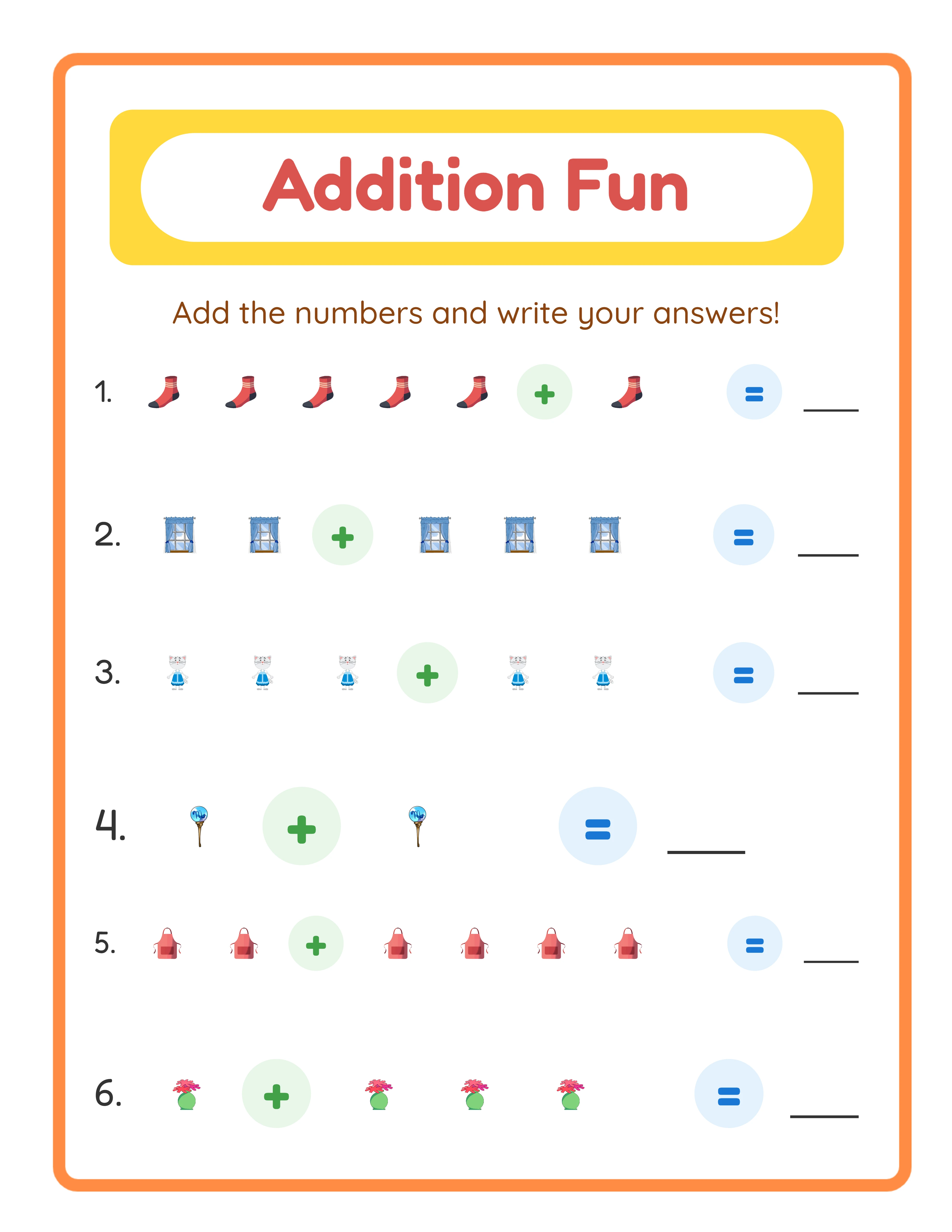
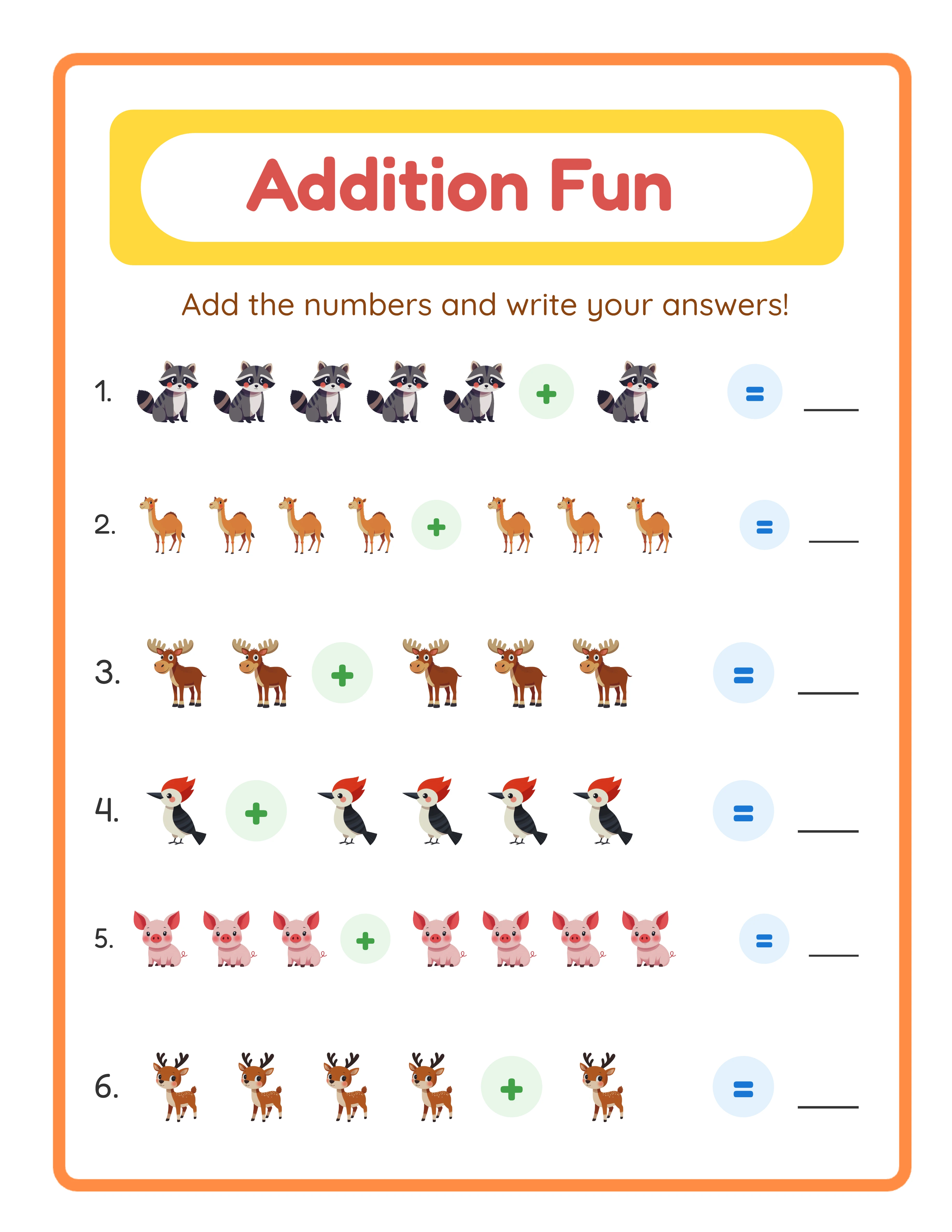
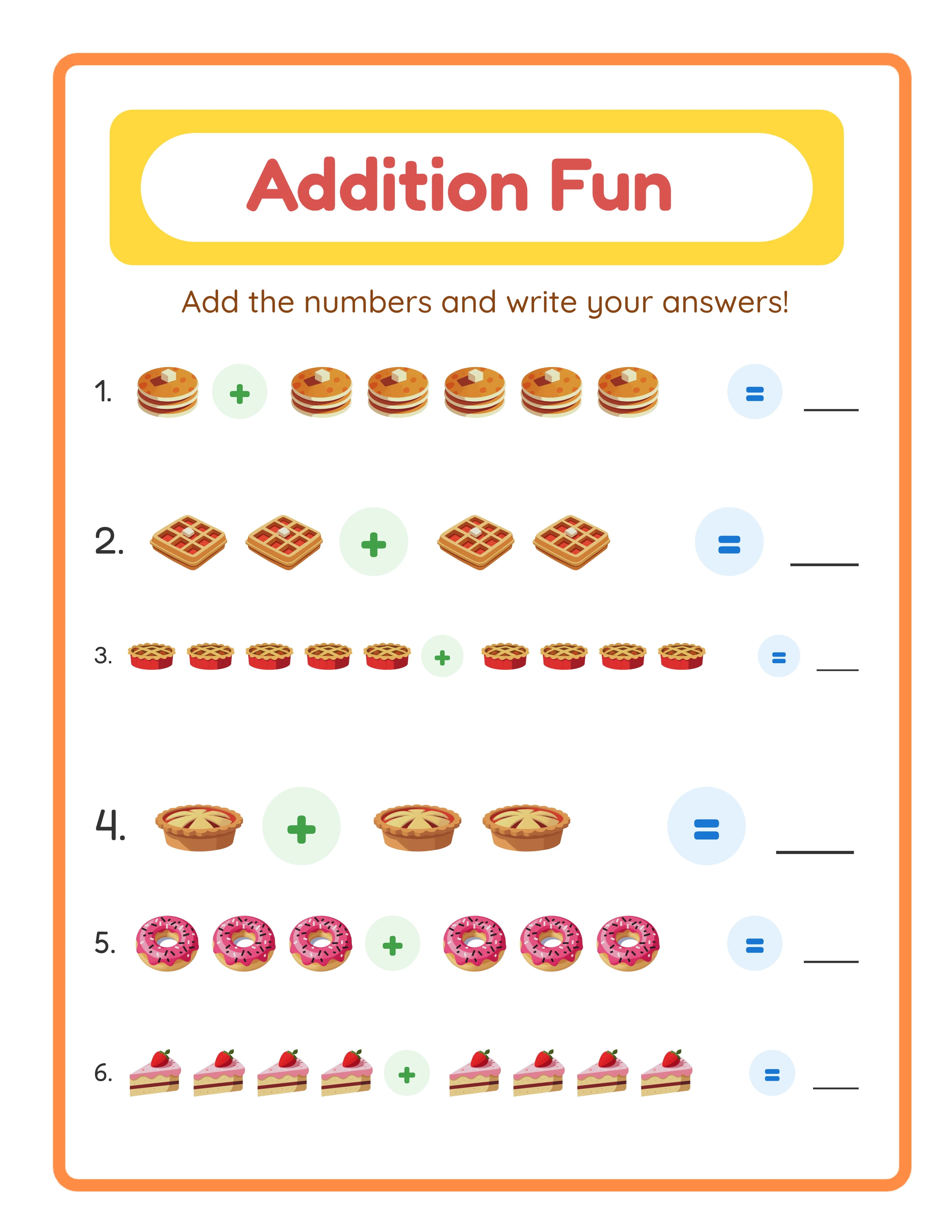
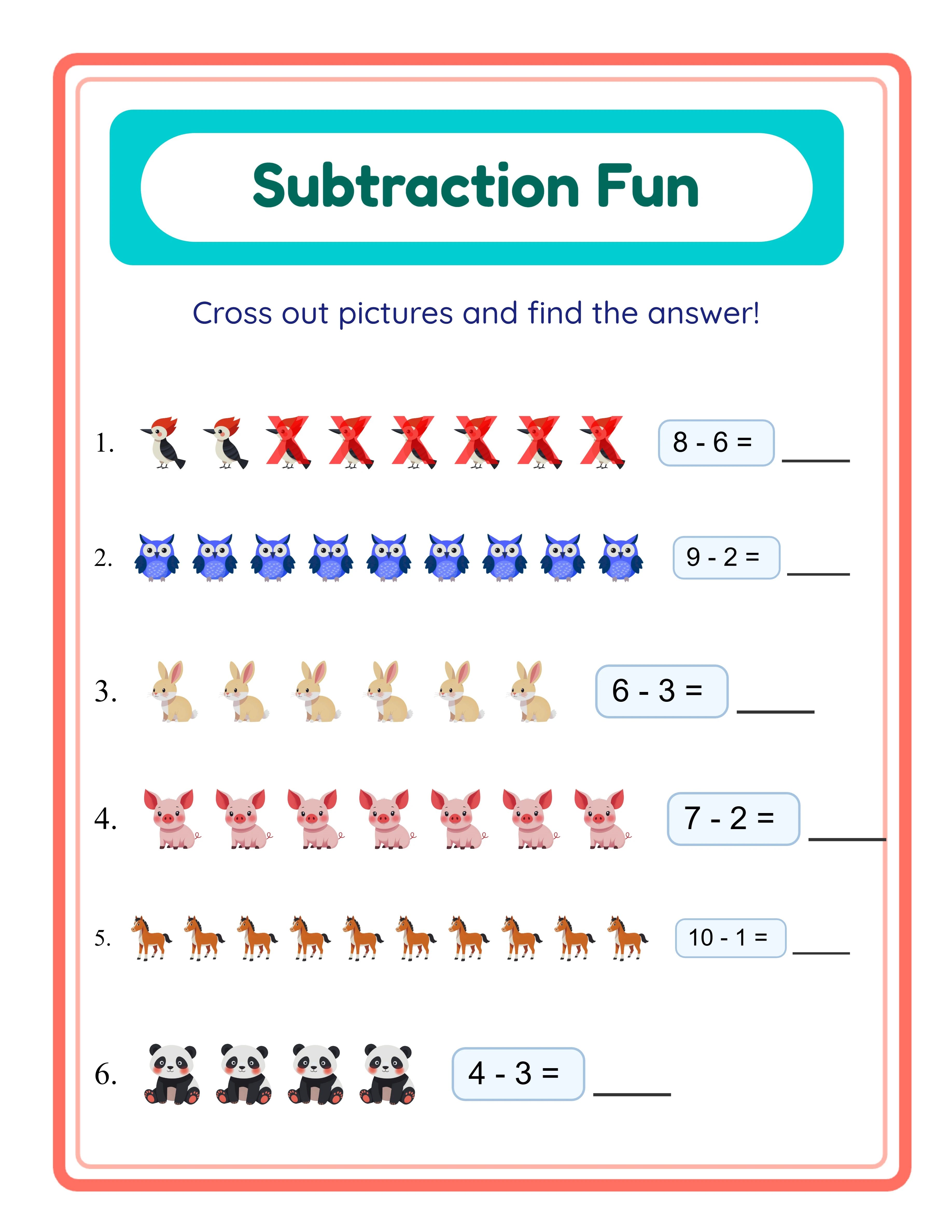
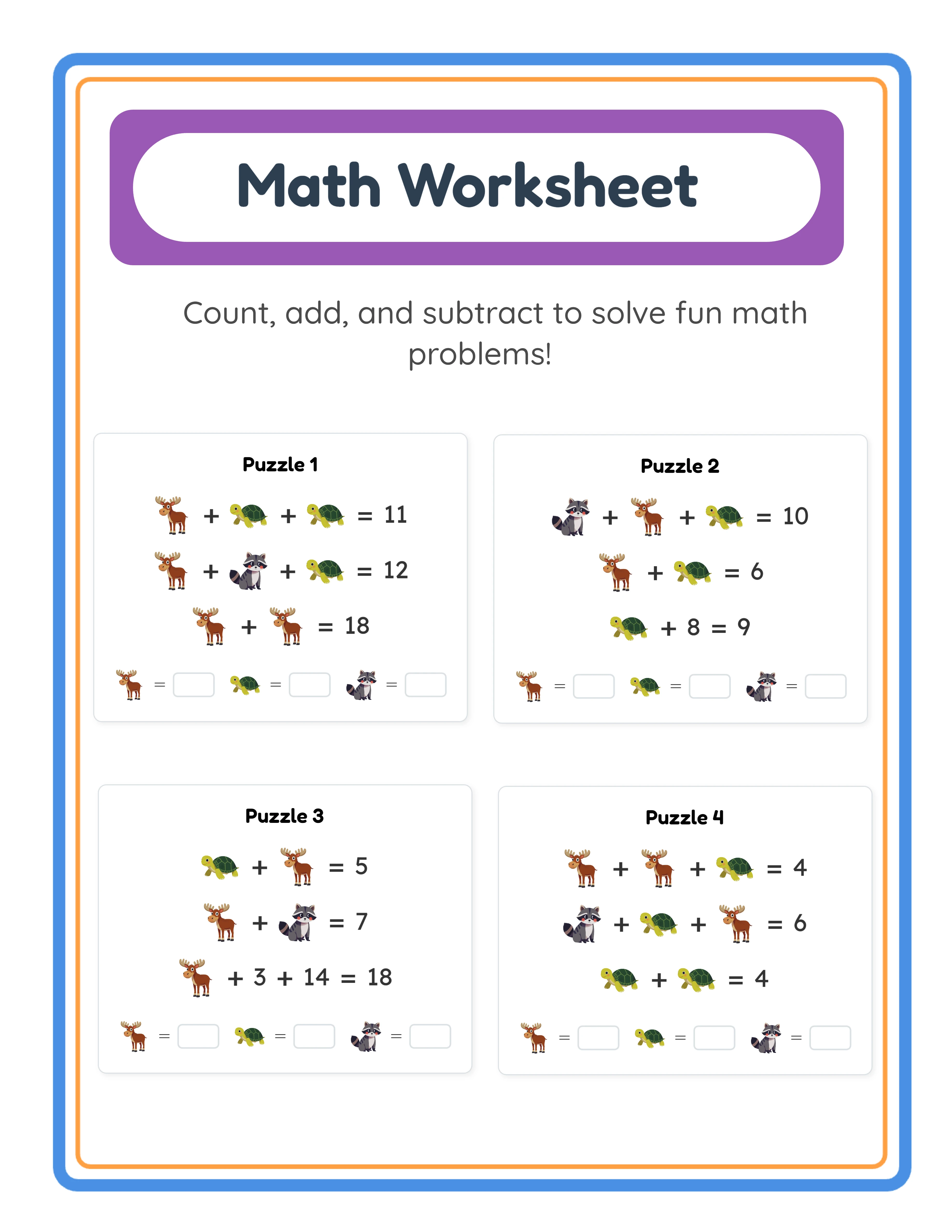
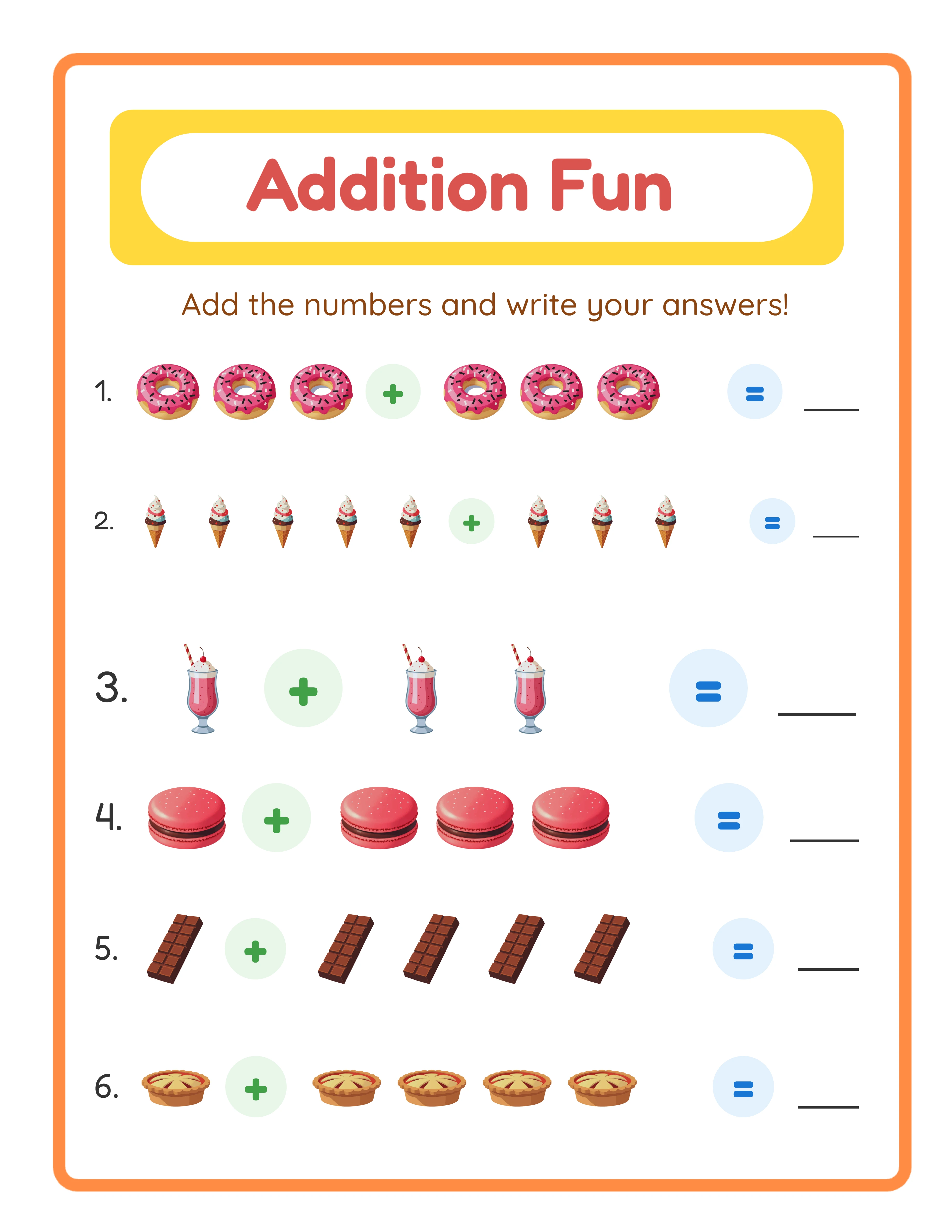
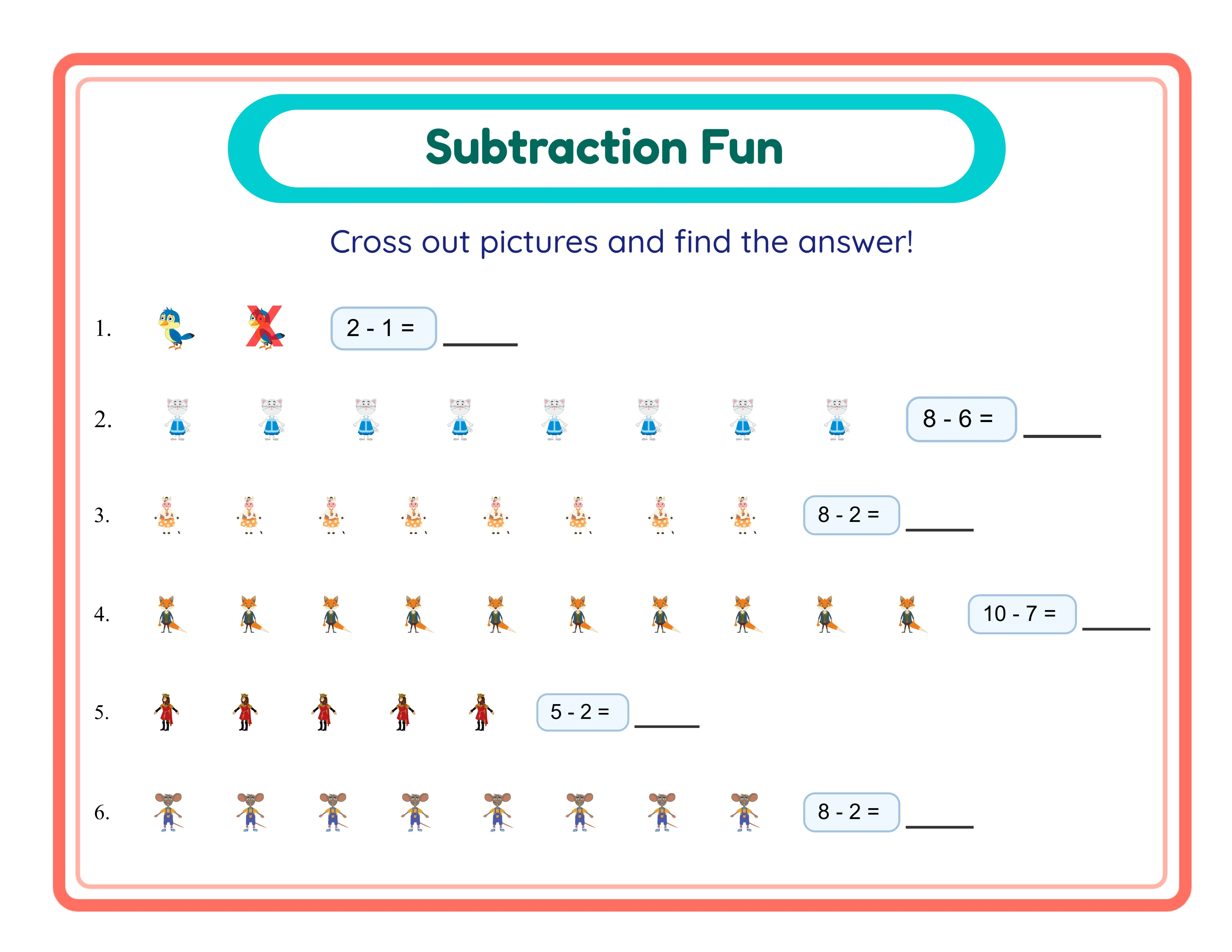
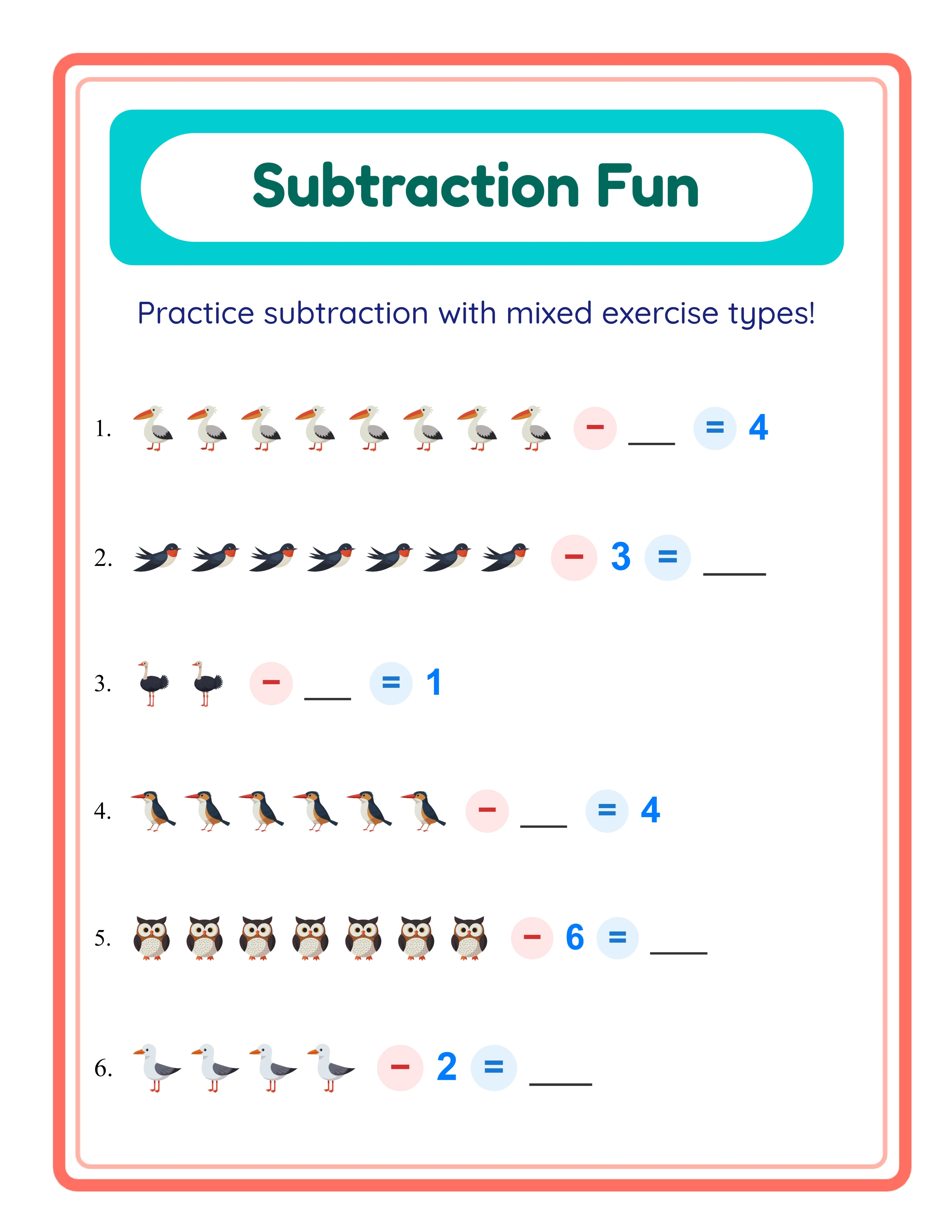
With your content plan ready, use the worksheet generators to create diverse math activities for your book pages. Five generators produce content well-suited to the bound book format: Addition for image-based addition problems, Subtraction for image-based subtraction, Math Puzzle for grid-based math puzzles, Math Worksheet for clean number-only drills, and More or Less for comparison activities.
For each generator, work through your difficulty progression systematically. In the Addition generator, start with number ranges of 1 to 5 for early pages, increase to 1 to 10 for middle sections, and use 1 to 20 or higher for advanced pages. Select themes that create visual variety across pages — animals for one section, food for another, vehicles for a third. This visual variety makes the book more engaging without changing the underlying math difficulty.
Generate answer keys for every activity page. Buyers consistently cite answer keys as a deciding factor in purchase reviews. Each generator produces matching answer keys that you can compile into the back matter section of your book. Label each answer key with its corresponding page number so users can quickly find the solutions they need.
When creating content for print, consider how worksheets appear on a physical page. Use high-contrast settings so problems remain clear after printing. Avoid extremely light colors or fine details that might not reproduce well in black-and-white printing (KDP prints interior pages in black and white by default for the lowest printing cost). Test your generated worksheets by printing them on a standard printer to verify readability.
Create more pages than you need. If your target is 50 activity pages, generate 60 to 70 options. This gives you flexibility to select the best pages and maintain consistent quality throughout the book. You can save unused pages for a follow-up volume, which costs you nothing extra to produce.
4
Format Your Manuscript for KDP Print
KDP has specific formatting requirements that differ from creating individual worksheet PDFs. The most common trim size for math activity books is 8.5 by 11 inches, which matches standard US letter size and provides maximum workspace for math problems. Other viable options include 8 by 10 inches for a slightly smaller format or 7 by 10 inches for a more compact workbook.
Margins are critical for bound books. KDP requires specific minimum margins that vary by page count. For an 8.5 by 11 inch book with 50 to 80 pages, you need at minimum 0.25 inches on the outside, top, and bottom edges, plus a larger inside (gutter) margin of at least 0.375 inches. The gutter margin accounts for the binding — without adequate gutter space, content near the spine becomes difficult to read or use. For activity books where children write answers, use even larger margins (0.5 to 0.75 inches all around) so content sits comfortably within the writable area.
Choose no-bleed formatting unless your pages have design elements that extend to the edge. Most math activity books use white backgrounds with content centered in the safe area, which means no-bleed is the appropriate setting. No-bleed is also simpler to format because you do not need to extend background elements beyond the trim line.
Export your manuscript as a single PDF file. Every page of your book — including the title page, copyright page, table of contents, all activity pages, and answer keys — must be in one PDF in the correct page order. The PDF should be at minimum 300 DPI resolution for crisp printing. Ensure all fonts are embedded in the PDF so they render correctly regardless of the system printing the book.
Page count must be even for KDP paperbacks. If your content results in an odd number of pages, add a blank page or a notes page at the end. KDP accepts manuscripts between 24 and 828 pages for paperbacks, but remember that printing costs increase with page count, directly reducing your per-sale royalty.
5
Design a Professional Book Cover
Your cover is the single most important factor in whether a browsing Amazon customer clicks on your book. KDP requires a complete wraparound cover that includes the front, spine, and back — all in one image file. Use the KDP Cover Calculator tool on the KDP website to generate a template with exact dimensions based on your trim size, page count, and paper type.
The front cover must communicate three things instantly: what the book teaches (math skill), who it is for (grade level or age range), and that it looks professional. Include a clear title with large readable text, a subtitle specifying the target audience, and a visually appealing but not cluttered design. Remember that most customers first see your cover as a small thumbnail in search results, so test readability at thumbnail size. Bold text, high contrast colors, and a clean layout perform best at small sizes.
Spine width depends on your page count and paper type. The KDP Cover Calculator provides the exact spine width. For a typical 50-page activity book on white paper, the spine is approximately 0.13 inches — quite narrow. For books under about 80 pages, keep spine text minimal or omit it entirely because text becomes unreadable at very narrow spine widths. For books with 100 or more pages, include the title and author name on the spine.
The back cover should include a compelling book description, 3 to 5 bullet points highlighting what the book contains, the target age or grade level, and space for the Amazon barcode. KDP places the barcode automatically, but you need to leave a designated area (approximately 2 by 1.2 inches) in the lower right portion of the back cover. Do not place important text or design elements in this barcode zone.
Submit your cover as a PDF or high-resolution image file. The minimum resolution is 300 DPI, and the color space should be RGB for best results. KDP converts to CMYK for printing, so avoid extremely vibrant neon colors that may shift during conversion. Test your design against the KDP cover template to ensure all elements fall within the safe zones.
6
Write a KDP Listing That Ranks on Amazon
Amazon search works differently from Etsy. On KDP, you have 7 keyword fields, each allowing up to 50 characters. These keyword fields are not visible to customers but directly influence which searches your book appears in. Use all 7 fields with specific, relevant phrases that buyers actually type into Amazon. For a kindergarten addition activity book, your keyword fields might include: "kindergarten math workbook addition practice", "math activity book ages 4 5 6", "addition worksheets for kids preschool", "math practice book homeschool kindergarten", "educational activity book number sense", "math skills workbook early learners", and "printable math activities counting addition."
Your title and subtitle carry significant search weight on Amazon. The title should include your primary keyword naturally: "Addition Practice for Kindergarten: A Math Activity Workbook with Picture-Based Problems, Puzzles, and Answer Keys." The subtitle expands on features and includes secondary keywords. Amazon allows up to 200 characters for the title, but keep it readable — keyword stuffing hurts click-through rates even if it helps search visibility.
The book description supports basic HTML-like formatting. Use heading tags to structure your description and bold tags to emphasize key selling points. Lead with the main benefit (what the child will learn), follow with content details (page count, activity types, difficulty range), and close with what makes your book different from competitors. Mention that answer keys are included — this is a frequent filter criterion for parents.
Choose up to two browse categories during the publishing process. The most relevant categories for math activity books include Children's Arithmetic Books, Children's Math Activity Books, and Education and Teaching Mathematics. Selecting accurate categories ensures your book appears in the right browse sections and qualifies for relevant category rankings. You can request additional category placements through KDP Support after publication if the initial options do not include your ideal categories.
7
Set Pricing for Maximum KDP Royalties
KDP pricing directly determines your per-sale profit, and the math is straightforward but has important thresholds. Amazon offers two royalty options for paperbacks: a 60 percent royalty rate for books sold on the Amazon marketplace where the book is published, and a lower rate for expanded distribution sales. The actual royalty formula is: (List Price times Royalty Rate) minus Printing Cost equals Your Royalty.
Printing costs depend on page count, trim size, ink type, and marketplace. For an 8.5 by 11 inch black-and-white interior book with 50 pages sold on Amazon US, the printing cost is approximately 3.15 dollars. If you price this book at 6.99 dollars, your royalty calculation is: (6.99 times 0.60) minus 3.15, which equals approximately 1.04 dollars per sale. Raising the price to 7.99 increases your royalty to approximately 1.64 dollars — a 58 percent royalty increase from just a 1 dollar price change.
The minimum list price must cover the printing cost divided by the royalty rate. For a book with a 3.15 dollar printing cost at the 60 percent royalty rate, the minimum price is approximately 5.25 dollars. However, pricing at the minimum leaves you with essentially zero royalty. Target a list price where your royalty is at least 1.50 to 3.00 dollars per sale for sustainable publishing economics.
Research competitor pricing in your specific category before setting your price. Most math activity books for children are priced between 5.99 and 9.99 dollars on Amazon. Pricing too low signals low quality and earns minimal royalties. Pricing too high reduces sales volume. For a first book, pricing between 6.99 and 8.99 typically balances competitiveness with adequate royalties. As you build reviews and sales history, you can test higher prices.
Set pricing for international Amazon marketplaces separately. KDP lets you publish on Amazon UK, Germany, France, Italy, Spain, and other marketplaces. Convert your US price to the local currency and round to a psychologically appealing number (4.99 GBP, 7.99 EUR). International marketplaces have different printing costs, so check the royalty calculator for each marketplace.
8
Publish, Proof, and Promote Your Book
After uploading your manuscript and cover, KDP reviews your book before making it available for sale. The review process typically takes 24 to 72 hours, though it can occasionally take longer for first-time publishers. During review, Amazon checks for content quality, formatting issues, and policy compliance. Ensure your book does not contain blank pages unintentionally, that all text is readable, and that your cover matches the content described.
Order author proof copies before widely promoting your book. Proofs are printed copies shipped to you at printing cost (no royalty added), so you can verify print quality, check margins, confirm readability, and catch any formatting issues that might not be visible in the digital preview. For math activity books, verify that problem numbers, operation symbols, and answer lines print clearly. Check that the binding does not cut into content in the gutter area. If you find issues, update your manuscript and order another proof — the small cost is worthwhile for ensuring quality.
After publication, you can update your manuscript, cover, description, and keywords at any time without removing the book from sale. Updates to the manuscript and cover go through another review cycle, but metadata changes (description, keywords, categories) usually take effect within a few hours. Use this flexibility to refine your listing based on actual search performance data.
Build a series of related math books to maximize the Amazon algorithm's cross-promotion features. If your first book covers addition for kindergarten, follow it with subtraction for kindergarten, then mixed operations for kindergarten. Amazon displays "Books in this series" and "Customers also bought" prominently on each book's page. Creating a linked series where each book references the others in its description creates a catalog effect where every new title boosts sales of existing titles.
Cross-promote between Amazon KDP and other platforms. If you also sell individual worksheets on Etsy, mention your Amazon books in your Etsy shop announcement and link to your Etsy shop in your Amazon author page. Each platform reaches a different buyer segment — Etsy buyers want customizable digital downloads while Amazon buyers want ready-made physical books. Selling on both platforms maximizes your reach from the same core content.
.webp)

.webp)