The Printable Business Toolkit: What You Actually Need
Printable business owners need tools in three categories, and understanding these categories prevents the most common mistake new sellers make: buying tools in the wrong order.
Category one is content creation. This is your core production tool — the software that generates the actual worksheets, puzzles, coloring pages, and activity sheets you sell. Content creation tools determine your output quality, production speed, and product variety. Without a reliable content creation tool, you have no products. Everything else is irrelevant until this category is solved.
Category two is design and formatting. These tools handle the packaging around your content: cover designs for Amazon KDP books, product mockup images for Etsy listings, and PDF formatting for combining worksheets into bundles. Design tools are important but secondary — they make your products more attractive to buyers, but they do not create the products themselves.
Category three is platform management. These tools help you optimize your presence on selling platforms: keyword research tools for Etsy SEO, royalty calculators for KDP pricing, analytics dashboards for tracking performance. Platform tools are valuable for optimization but meaningless without products to optimize.
The mistake most new sellers make is investing in categories two and three before solving category one. They buy Canva Pro subscriptions, purchase keyword research tools, and invest in mockup generators before they have a single worksheet to sell. The correct order is always: content creation first, design tools second, platform tools third. Worksheet generators that produce complete, print-ready 300 DPI PDFs with answer keys solve category one entirely. Once your content creation tool is in place, the other categories fall into place naturally.
Worksheet Generators: The Core Production Tool
A worksheet generator is the single most important tool in a printable seller's toolkit. It replaces the manual process of designing individual worksheets from scratch — a process that typically takes two to four hours per worksheet in traditional design software — with an automated workflow that produces complete, print-ready output in minutes.
What makes a worksheet generator essential is the combination of speed, quality, and variety it delivers. Speed: instead of manually laying out each element, you select parameters (theme, difficulty, page count) and the generator produces the finished worksheet. Quality: the output is a 300 DPI PDF ready for printing or digital delivery, with professional layouts, consistent formatting, and accurate content. Variety: each generator produces dozens or hundreds of unique variations through different theme, difficulty, and configuration combinations.
The most critical feature to evaluate in any worksheet generator is answer key generation. Math worksheets, word searches, crosswords, and other puzzle types all require accurate answer keys. Manually creating answer keys is tedious and error-prone. Generators that produce answer keys automatically save hours of verification work and eliminate the risk of shipping incorrect answers to buyers — a guaranteed source of negative reviews.
Theme libraries are the second most important feature. Themed worksheets (animals, food, vehicles, seasons) enable niche targeting on marketplaces. A generator with 10 themes produces 10 potential product niches. One with 100+ themes produces 100+ niches. The breadth of your theme library directly determines the breadth of your product catalog.
The free trial with watermark lets you evaluate every aspect — output quality, generation speed, theme variety, answer key accuracy — before purchasing any license. Use it to time your actual production workflow and calculate how many products you can realistically create per hour.
Six Categories of Worksheet Generators
Worksheet generators span six categories, each targeting different buyer segments and marketplace niches. Understanding what each category produces helps you match your tool selection to your target market.
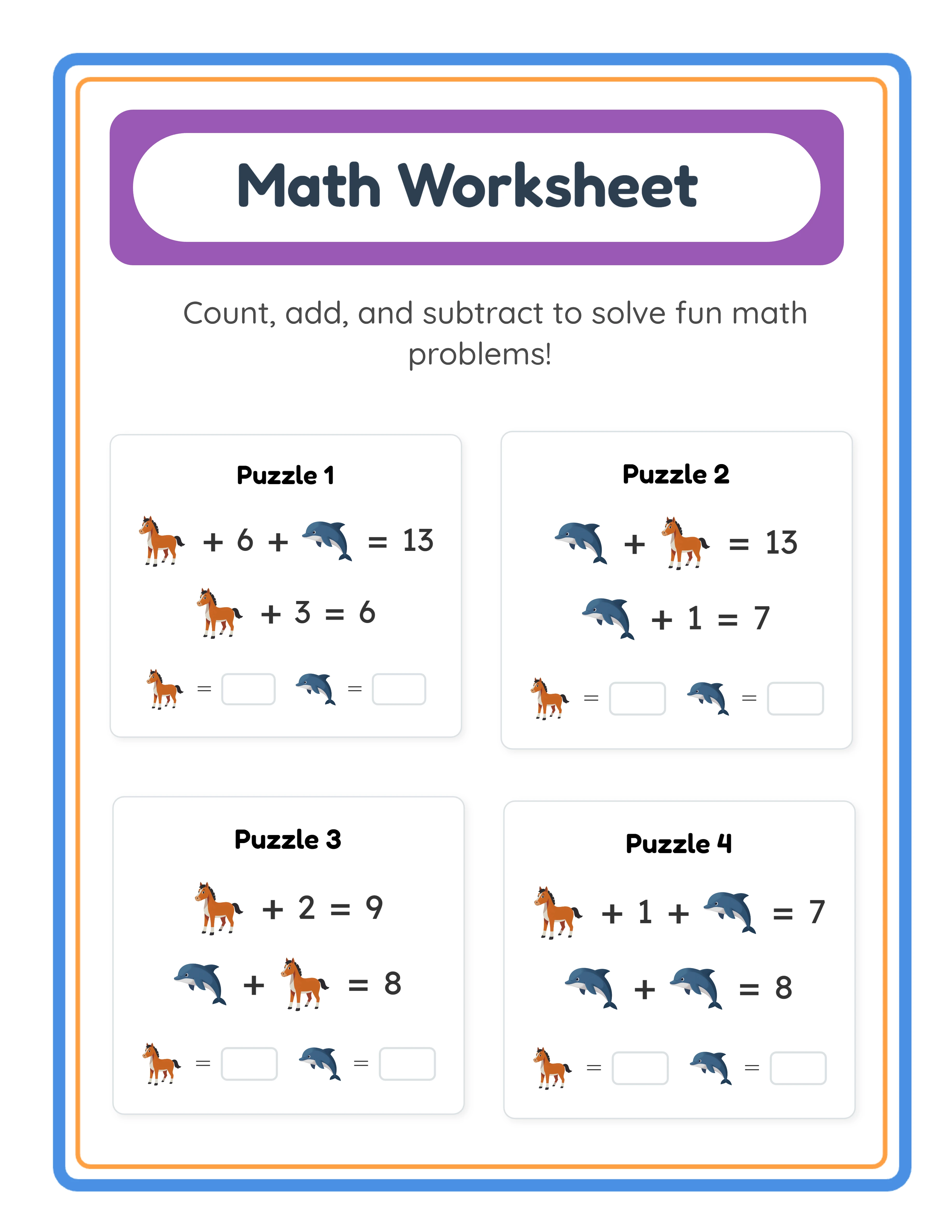
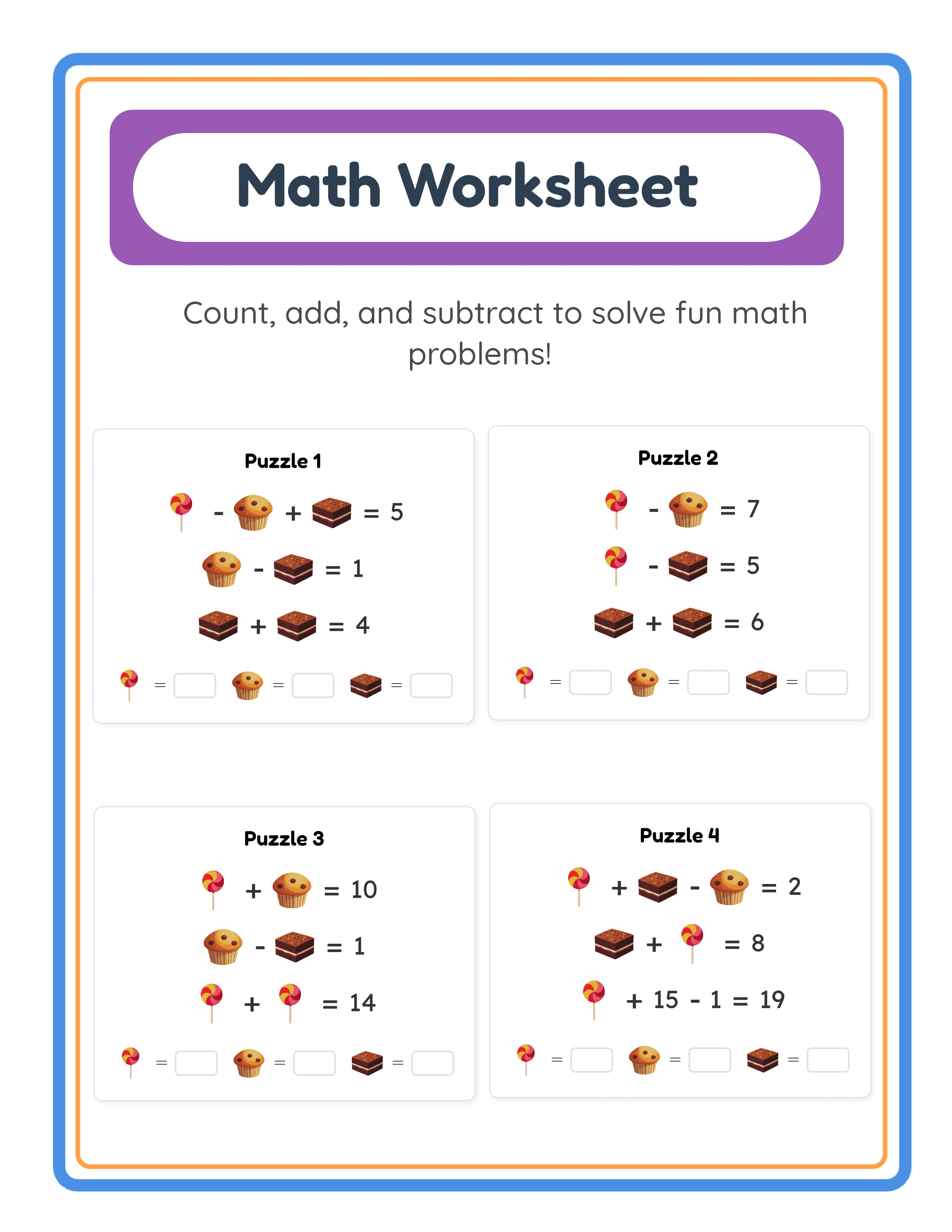
Math & Number generators produce arithmetic worksheets, number puzzles, and mathematical practice sheets. This category includes addition, subtraction, multiplication, division, and mixed-operation generators, plus specialized tools like sudoku. Math content sells year-round to parents seeking supplemental practice and buyers building product collections. It is language-independent, meaning the same worksheets work in any market worldwide.
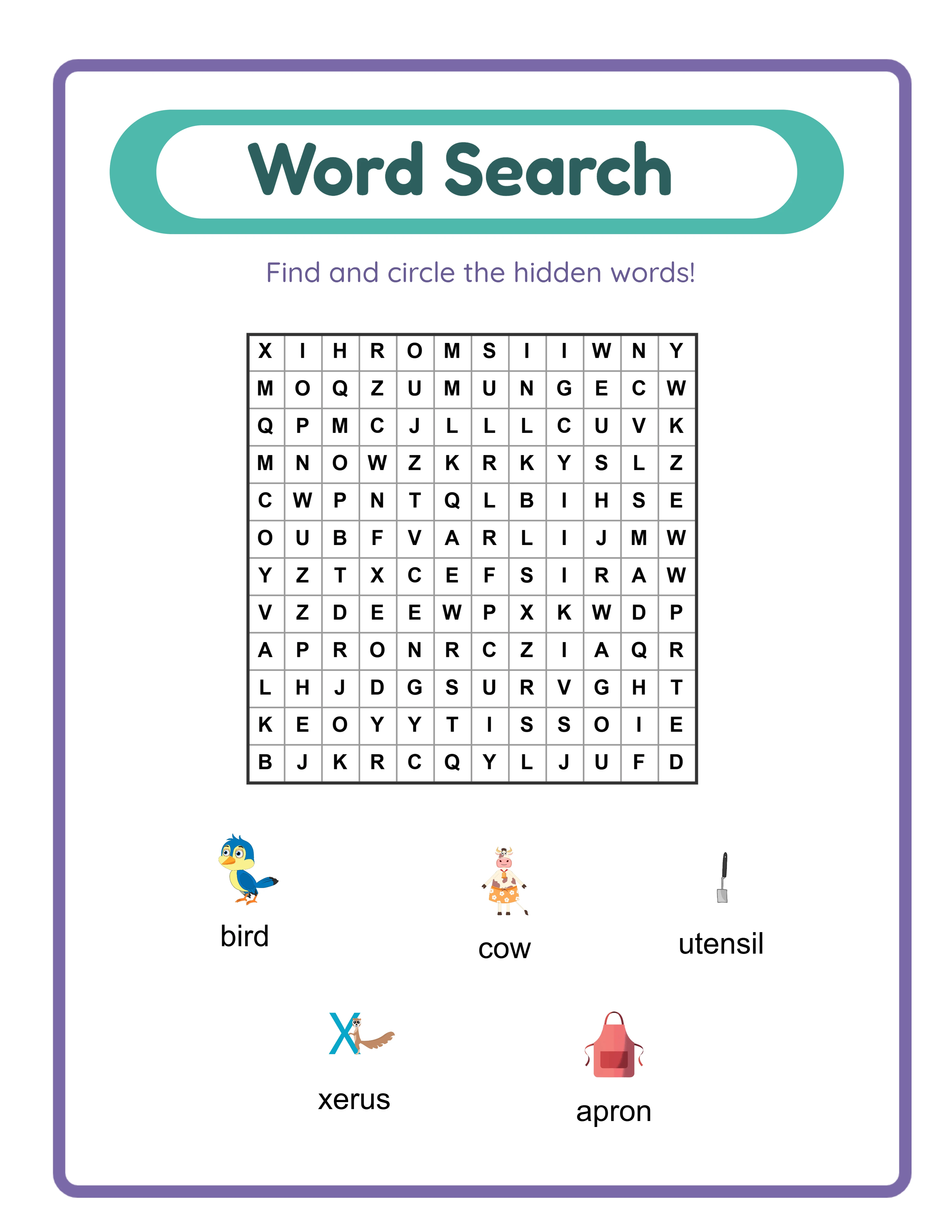
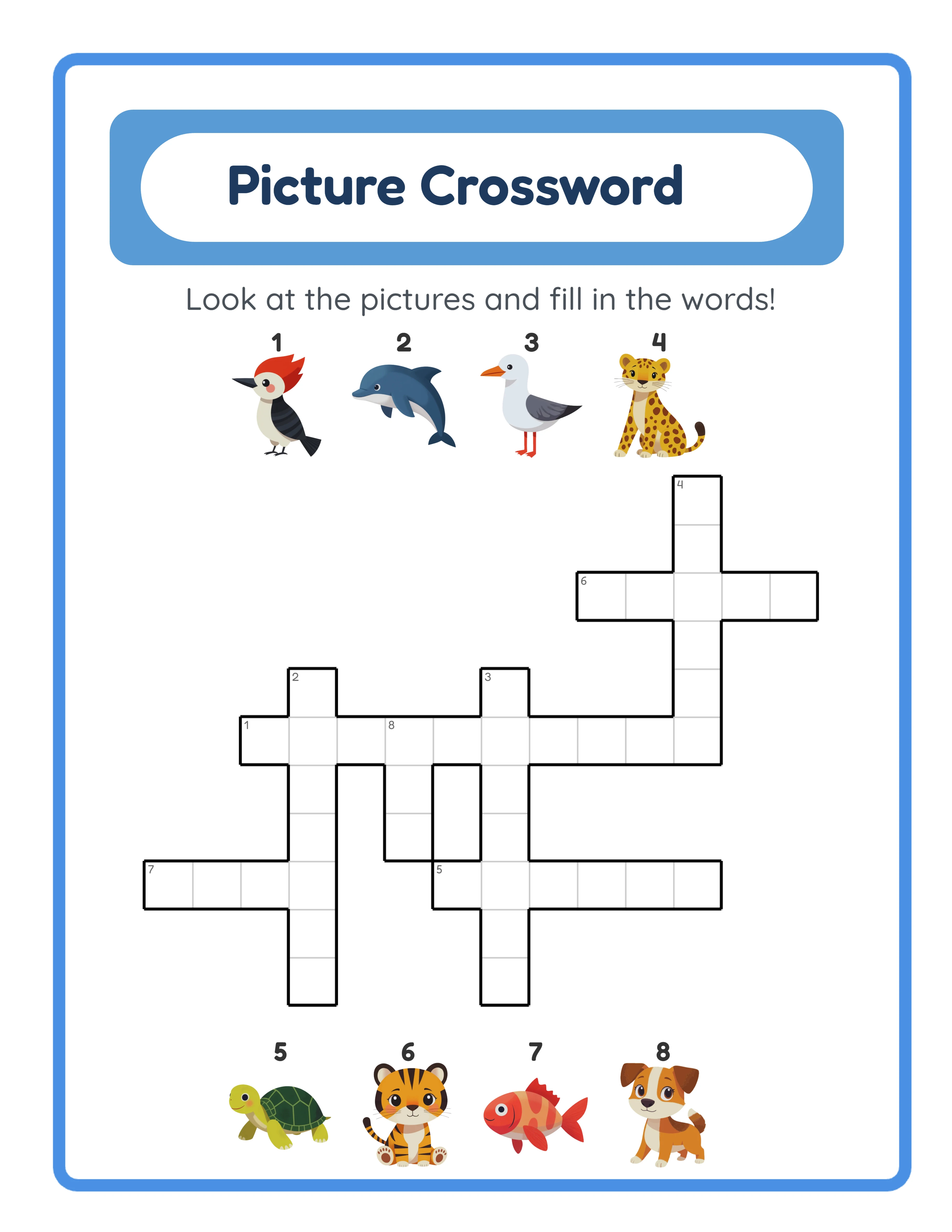
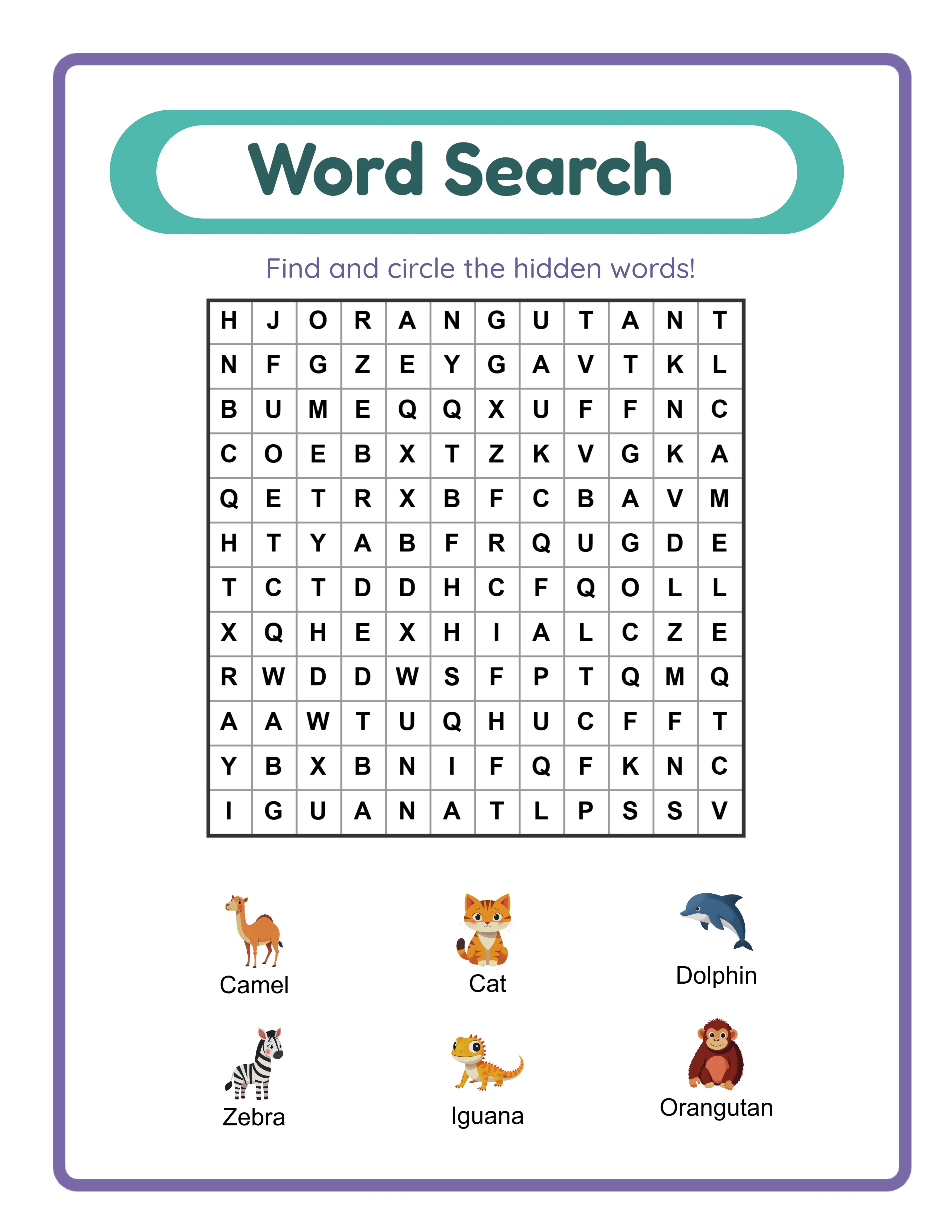
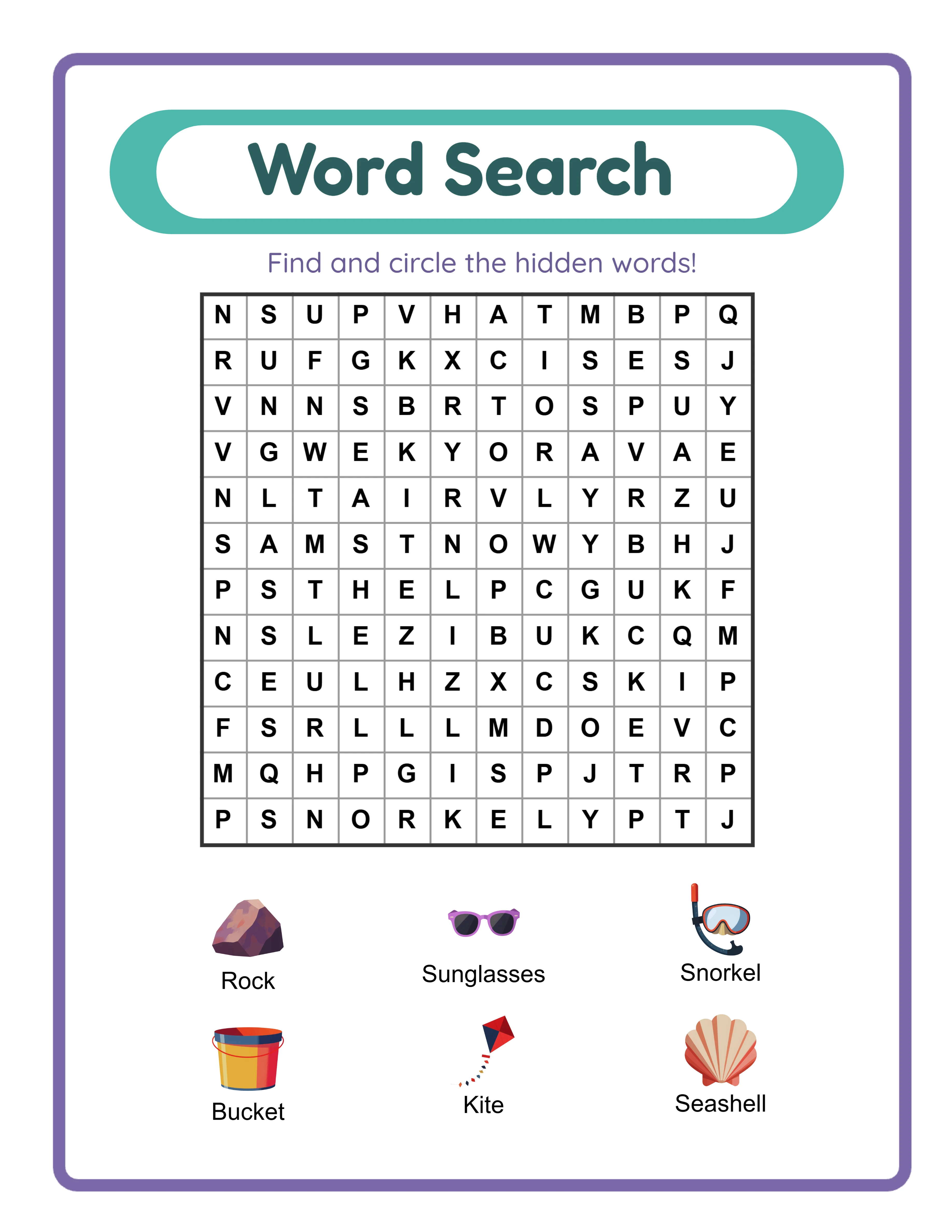
Letters & Words generators produce language-based content: word searches, crosswords, word scrambles, spelling worksheets, and vocabulary activities. This category is language-sensitive — generators that support multiple languages let you create content for international markets. Word search and crossword puzzle books are among the top-selling activity book categories on Amazon KDP.
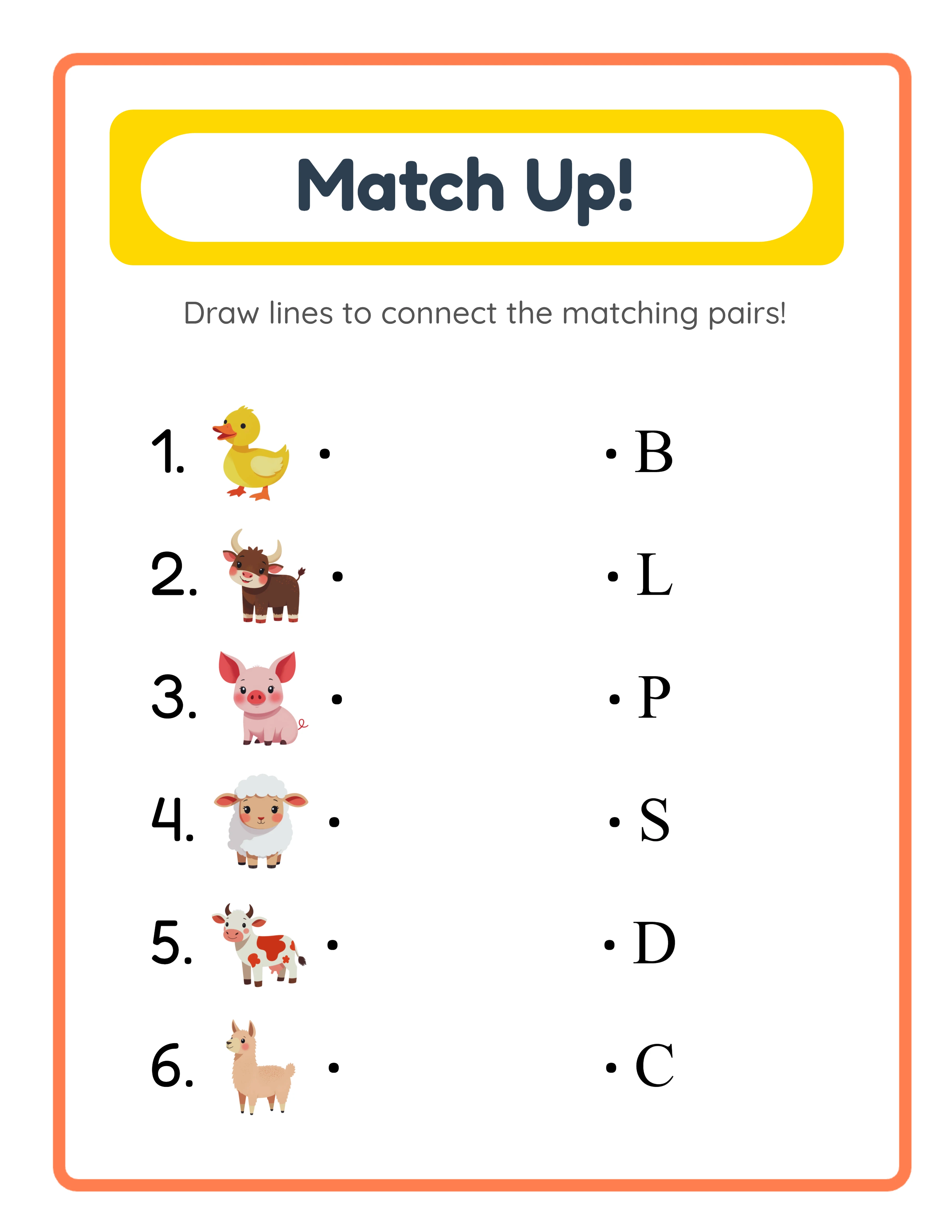
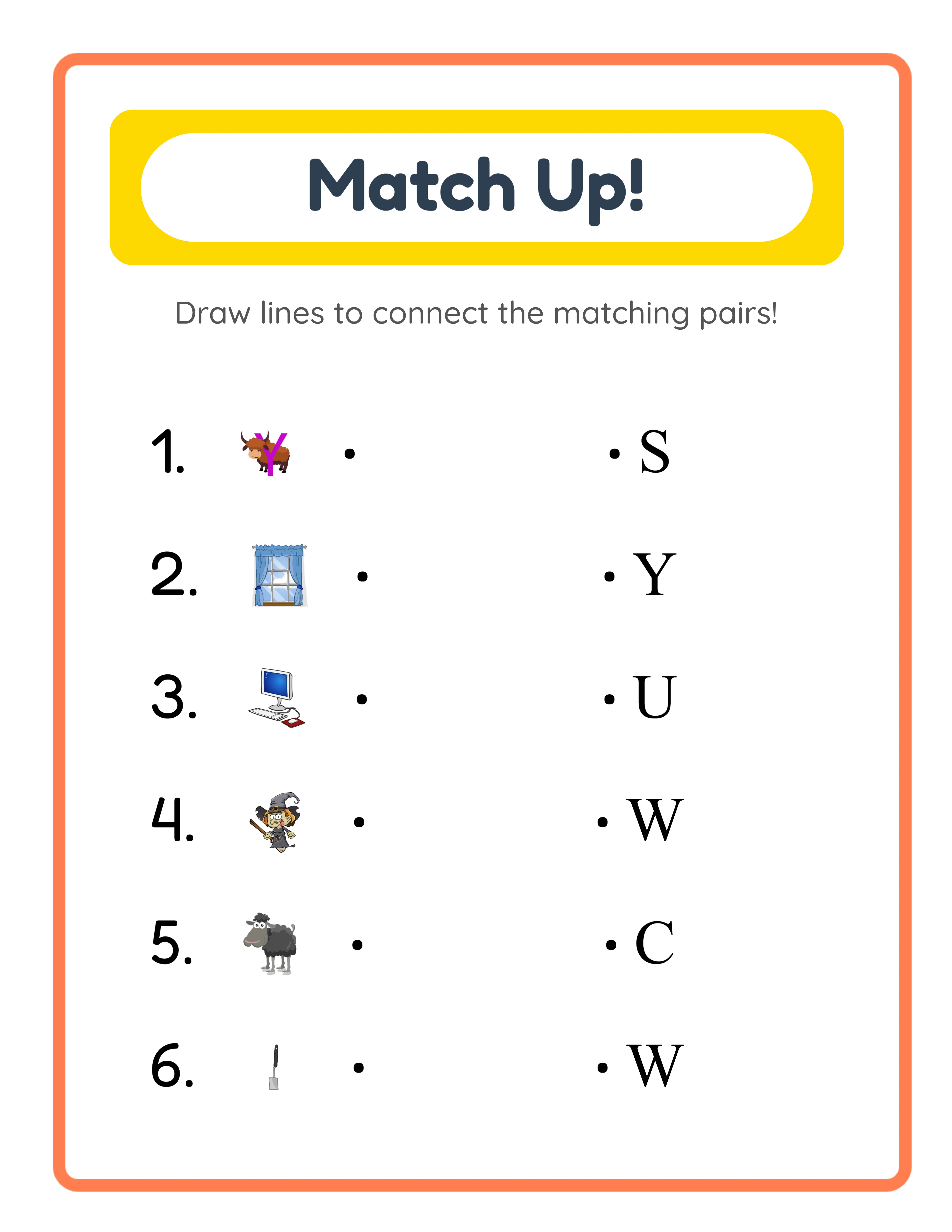
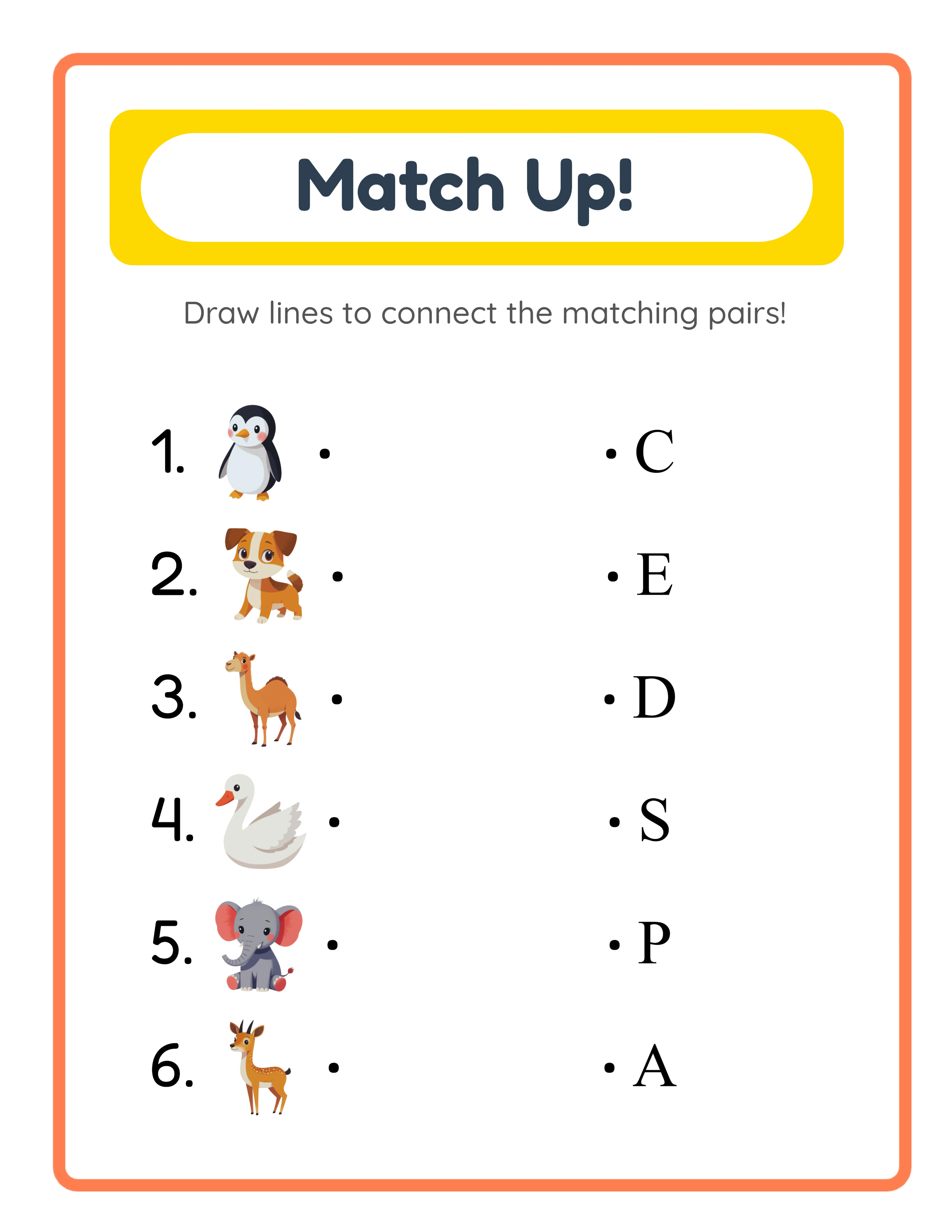
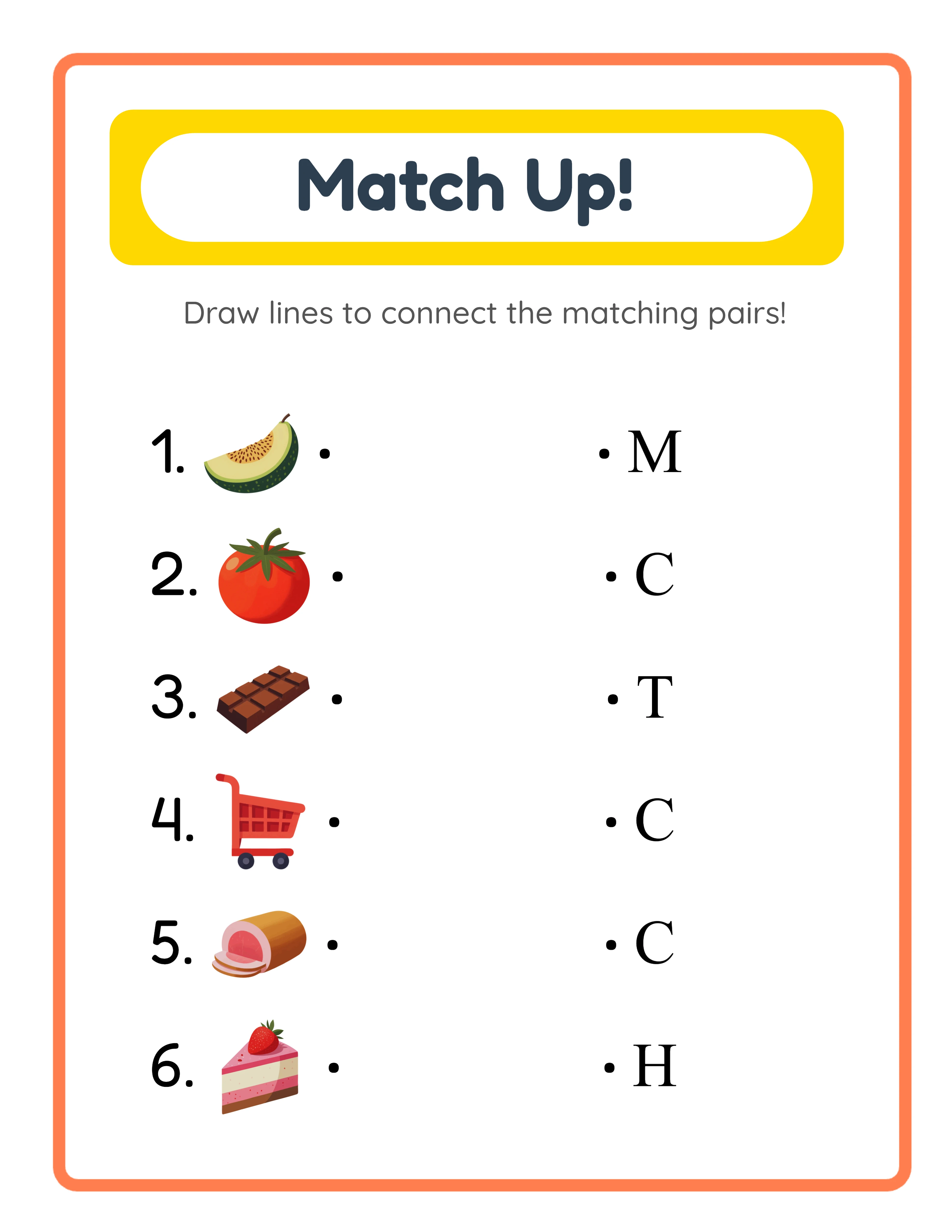
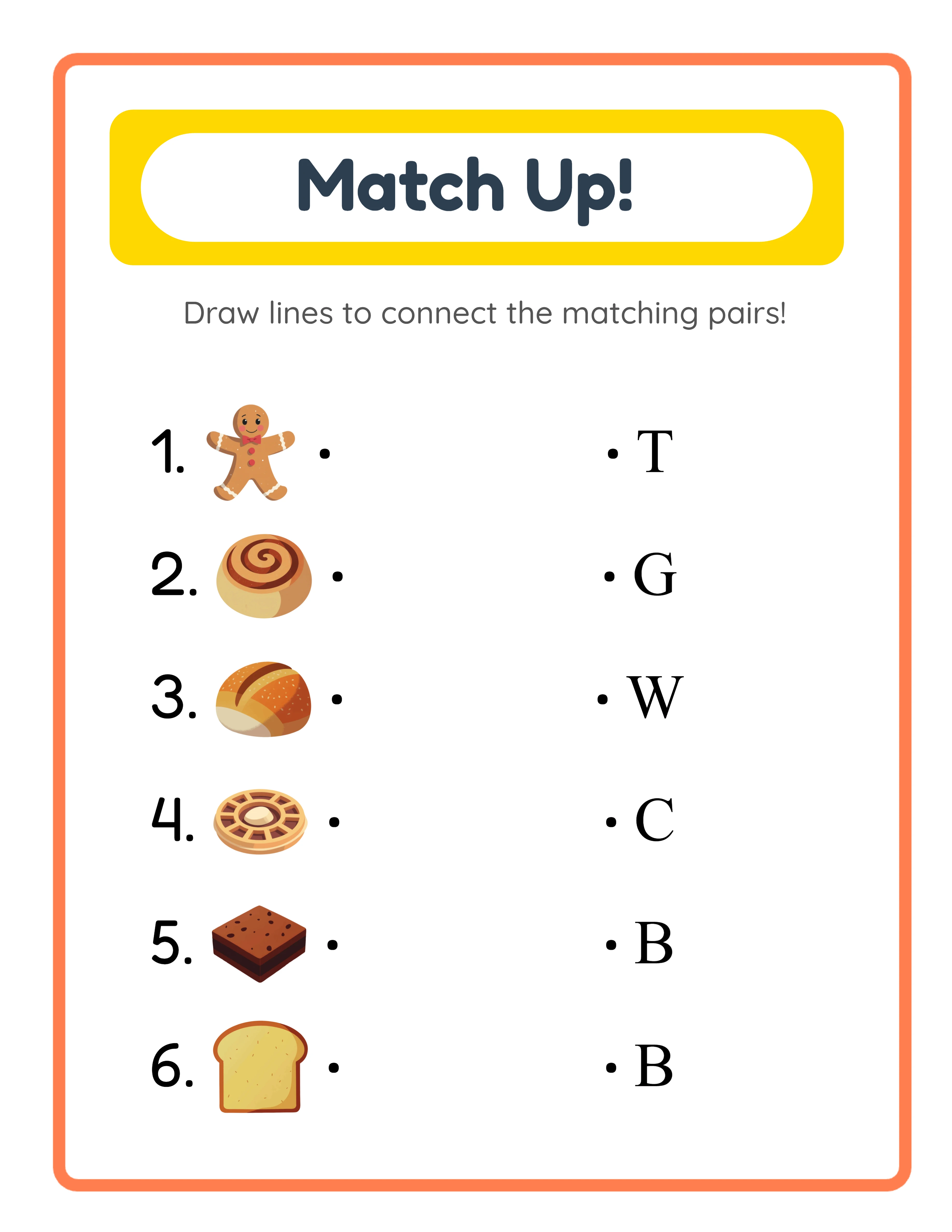
Activity Worksheets generators produce structured educational activities: matching exercises, image identification tasks, tracing worksheets, and categorization activities. These target the early childhood education market — parents and preschool/kindergarten buyers who need developmentally appropriate content.
Drawing & Art generators produce coloring pages, drawing prompts, and visual creativity worksheets. Coloring books are one of the highest-volume categories on Amazon KDP. Because the content is purely visual, it requires no translation and works identically in every language market — making it the most internationally portable product type.
Puzzles & Games generators produce mazes, sudoku, logic puzzles, and similar challenge-based content. Puzzle books have a dedicated buyer audience on Amazon and sell consistently year-round. Number-based puzzles like sudoku require zero language localization.
Pattern & Logic generators produce pattern recognition, sequencing, and logical thinking worksheets. These target the educational market with content that develops critical thinking skills — a growing category as parents seek non-screen learning activities for children.
Design and Formatting Tools
Once your content creation tool is in place, design and formatting tools handle the packaging that makes your products market-ready. These tools are complementary to worksheet generators, not replacements for them.
Cover design is essential for Amazon KDP books. Every paperback requires a front cover, spine, and back cover that meets KDP's specific dimension requirements. Canva offers KDP cover templates in its no-cost tier. Adobe Express provides similar functionality. Book Bolt is a specialized tool that includes KDP cover templates with accurate spine calculations based on page count. The worksheet generators handle interior content; cover design tools handle the exterior packaging.
Product mockup images are critical for Etsy listings. Buyers cannot physically inspect digital downloads, so your listing images serve as the primary quality signal. Mockup generators place your worksheet pages into realistic scenes — on a desk, in a child's hands, next to crayons — that help buyers visualize the product. Canva, Placeit, and similar tools offer mockup templates specifically for printable products.
PDF formatting tools become relevant when you bundle multiple worksheets into larger packages. Combining individual PDF worksheets into a single multi-page document, adding a table of contents, or inserting a cover page requires PDF manipulation. No-cost tools like PDF Merger, iLovePDF, and similar web-based services handle this. For sellers creating large bundles regularly, desktop PDF editors offer more control.
The key insight about design tools: the worksheet generators produce complete, print-ready PDFs. You do not need design software to create the worksheets themselves. Design tools are exclusively for covers, listing images, and bundle packaging. This distinction saves new sellers significant money — a Canva no-cost account plus no-cost PDF tools is sufficient for most sellers starting out.
Platform-Specific Tools and Resources
Each selling platform has its own ecosystem of tools for listing optimization, keyword research, and performance tracking. These are category-three tools — valuable for optimization but only useful after you have products to sell.
Etsy sellers benefit from keyword research tools like eRank and Marmalead. These tools analyze Etsy search volume, competition levels, and trending keywords to help you write titles and tags that match what buyers actually search for. The Etsy Seller app provides mobile access to shop analytics, order management, and customer messaging. Etsy's built-in analytics dashboard shows views, favorites, and conversion rates for each listing — essential data for identifying which products to expand and which to improve.
Amazon KDP publishers use the KDP dashboard for book management, sales tracking, and royalty monitoring. The KDP royalty calculator lets you model revenue at different price points and page counts before publishing. Keyword research for KDP differs from Etsy — tools like Publisher Rocket analyze Amazon search volume and competition for book-specific keywords. Amazon's Author Central provides additional analytics and author page management.
Gumroad has its own seller dashboard with analytics, earnings tracking, and product management. Gumroad Seller Tools offers performance insights and buyer behavior data. The Gumroad marketplace has a distinct search algorithm that rewards complete product descriptions, detailed previews, and consistent uploads.
The critical insight about platform tools is this: production tools (your worksheet generators) are platform-agnostic. The same generator produces content suitable for Etsy, KDP, Gumroad, Gumroad, or your own website. But listing optimization tools are platform-specific. An Etsy keyword strategy does not transfer to KDP, and KDP pricing analysis does not apply to Gumroad. Budget your platform tool investments according to which platforms you actively sell on, not which platforms you might someday use.
How Worksheet Generators Accelerate Production
The production speed difference between manual worksheet creation and generator-based production is the single biggest factor in printable business scalability. Understanding this difference in concrete terms helps you evaluate the return on investment for any generator license.
Manual worksheet creation in traditional design software follows a multi-step process: source or create illustrations, design the page layout, write and format the content, ensure accuracy (math problems, word placement, puzzle solvability), generate an answer key by solving every problem yourself, export to print-ready PDF, and quality-check the output. For a single worksheet page, this process takes one to four hours depending on complexity. A 20-page word search book created manually can consume 20 to 40 hours of production time.
Generator-based production compresses this to minutes. Select your parameters — theme, difficulty level, grid size, word count — and the generator produces the complete worksheet with answer key included. The output is an immediately print-ready 300 DPI PDF with professional formatting. A 20-page word search book takes minutes instead of days.
Multiply this difference by your target catalog size to understand the business impact. A seller aiming for 100 product listings on Etsy faces 200 to 400 hours of manual production time — roughly 5 to 10 weeks of full-time work. With generators, the same 100 products require a fraction of that time, freeing hours for listing optimization, marketing, and platform expansion.
The free trial with watermark lets you benchmark your own production speed. Open any generator, set your parameters, and time the process from start to finished PDF. That concrete measurement tells you exactly how many products you can produce per hour — the most important operational metric in a printable business. Faster production means faster catalog growth, which means faster access to marketplace discovery algorithms that favor larger catalogs.
The Image Library: Why Theme Variety Matters
Themed image libraries are the force multiplier that turns a single worksheet generator into a catalog-building engine. Without theme variety, each generator produces one type of product. With a broad theme library, each generator produces dozens of distinct product lines targeting different niches and buyer segments.
Consider a matching worksheet generator. Without themed images, it produces generic matching exercises — one product type, one niche, one set of search keywords. Add an animal theme and you can create "Animal Matching Worksheets for Preschool." Add a food theme and you have "Food Matching Activities for Kindergarten." Add vehicles, seasons, holidays, ocean life, farm animals, and 90+ additional themes, and each theme becomes a distinct product targeting different buyer searches.
This matters because marketplace search algorithms match products to buyer queries. A parent searching "animal worksheets for kids" will not find your food-themed worksheets. A buyer searching "holiday matching activities" will not find your vehicle-themed products. Each theme creates a new entry point in marketplace search results — effectively multiplying your visibility without multiplying your production effort.
The Commercial Pack includes 10 themes with approximately 300 images, providing enough variety for a focused product catalog. The Full Access Pack includes 100+ themes with 3,000+ images, enabling comprehensive niche coverage across virtually every category buyers search for.
Theme variety also enables bundling strategies. A "Complete Animal Activity Pack" combining animal-themed word searches, crosswords, coloring pages, and matching worksheets from four different generators commands a premium price because it offers variety that single-theme products cannot match. The theme library is what makes cross-generator bundling possible — consistent themes across different activity types create cohesive, high-value product bundles.
Multilingual Tools for International Markets
Language-sensitive worksheet generators that produce content in multiple languages are not just a convenience feature — they are a market expansion tool that replaces the need for separate language-specific production tools entirely.
Consider what multilingual content creation looks like without a multilingual generator. To produce German word search puzzles, you need German vocabulary lists, a generator that handles German character sets (umlauts, eszett), and verification from a German speaker. For French crosswords, you need French word databases, accent-aware grid generation, and French language quality control. Each language requires its own tool, its own word lists, and its own verification process.
With a multilingual worksheet generator, this complexity collapses. The generator includes vocabulary in 11 languages — English, German, French, Spanish, Portuguese, Italian, Dutch, Swedish, Danish, Norwegian, and Finnish. The actual worksheet content (words, clues, vocabulary items) changes with the language selection, not just the user interface labels. A word search generated in German contains German words with proper diacritical marks. A crossword generated in French uses French vocabulary with correct accents.
The business impact is direct: one generator replaces 11 separate language-specific tools. A single word search generator license with Full Access tier lets you create word search puzzle books in 11 languages, each targeting a distinct Amazon marketplace or Etsy buyer demographic. German word search books target Amazon.de. French word search books target Amazon.fr. Spanish word search books target Amazon.es and the broader Spanish-speaking world.
International markets are less competitive than English markets for most printable categories. While English-language word search books face thousands of competitors on Amazon.com, Swedish or Finnish word search books face a fraction of that competition. The free trial with watermark lets you generate sample worksheets in any supported language to verify quality before committing to an international market expansion strategy.
Choosing Between Individual Tools and Category Bundles
The tool investment decision comes down to a straightforward question: how many generators from the same category do you need? The answer determines whether individual licenses or category bundles deliver better value.
Individual generator licenses are priced at $27 for a Commercial Pack and $47 for a Full Access Pack. The Commercial Pack includes the generator with 10 themes and approximately 300 images. The Full Access Pack includes 100+ themes, 3,000+ images, and all 11 languages. Individual licenses make sense when you are focused on one specific product type — for example, a seller who specializes exclusively in word search puzzle books needs only the word search generator.
Category bundles are priced at $79 for Commercial and $119 for Full Access. Each bundle includes all generators within one of the six categories (Math & Number, Letters & Words, Activity Worksheets, Drawing & Art, Puzzles & Games, Pattern & Logic). The bundle price equals roughly three individual licenses — so if you need three or more generators from the same category, the bundle saves money.
The math is simple. Three individual Commercial Pack licenses cost $81. One Commercial category bundle costs $79. Three individual Full Access licenses cost $141. One Full Access category bundle costs $119. Beyond three generators in a single category, the bundle always wins financially.
Match your tool investment to your product strategy. If you plan to sell word searches, crosswords, and word scrambles — all from the Letters & Words category — the category bundle is the clear choice. If you plan to sell word searches and coloring pages — from different categories — individual licenses make more sense.
The free trial with watermark removes the guesswork from this decision. Test generators across categories during the trial period. Identify which generators produce the products that best fit your target market, then purchase accordingly — individual licenses for focused strategies, bundles for category-wide approaches.
Building Your Complete Toolkit: A Practical Roadmap
Assembling your printable business toolkit should follow a deliberate sequence. Buying everything at once wastes money on tools you may not need. Building too slowly delays your first products. This roadmap balances speed with strategic investment.
Phase one is evaluation. Use the free trial with watermark to test three to five worksheet generators across different categories. Generate sample worksheets, evaluate the output quality, time your production speed, and identify which generators produce products that match your target market. This phase costs nothing and gives you concrete data about which tools to invest in. Duration: one to two weeks.
Phase two is first production. Purchase one generator license for your primary product type — the generator that produced the best output for your target niche during the trial phase. Set up your first selling platform account (Etsy, KDP, or Gumroad). Create and list your first 15 to 20 products using that single generator. This phase establishes your production workflow and gets products in front of buyers. Your only tool investments: one generator license ($27 or $47) and a platform account (no cost or minimal cost).
Phase three is expansion. Based on your first sales data and platform analytics, add a second generator or upgrade to a category bundle if you need broader coverage within the same category. Add a second selling platform to reach different buyer segments. Introduce design tools as needed — a Canva account for KDP covers, a mockup tool for Etsy listing images. Your toolkit grows in response to actual business needs, not hypothetical ones.
Phase four is optimization. Add platform-specific tools: keyword research for your primary platform, analytics tools to track performance, PDF bundling tools for creating value packs. Consider category bundles or additional individual generators based on which product types show traction in your sales data.
The principle throughout: never buy tools speculatively. Let your product strategy and sales data drive every tool purchase. The free trial with watermark exists specifically to prevent speculative spending — use it to make informed decisions about every tool investment.